
I spent a good amount of time using the Samsung Galaxy Z Fold7 after its launch. Since it was a review unit, I didn’t have to spend any money on it, which, honestly, changes how you look at the experience. While I enjoyed using the phone with two screens, I still can’t see myself paying that much for one. It was great, but largely because it cost nothing.
That said, after years of using slab phones, I’m always curious to try new things and experiment with different workflows. That curiosity is what led me to this launcher. I never expected a foldable-style launcher to make sense on a regular slab phone, but it surprised me. It works remarkably well, opens up a new way to multitask on Android, and that’s exactly why it’s worth giving a shot.
OS
Android
Price model
Free
Octopi Launcher is built with foldable phones in mind, but it works just as well on regular slab phones, letting you fully customize and theme your device. You can add pages, widgets, and shortcuts to your home screen, making it more interactive and tailored to your workflow.
A foldable launcher on a slab phone?
Turns out, you don’t need a folding display to enjoy it
Credit: Shimul Sood / MakeUseOf
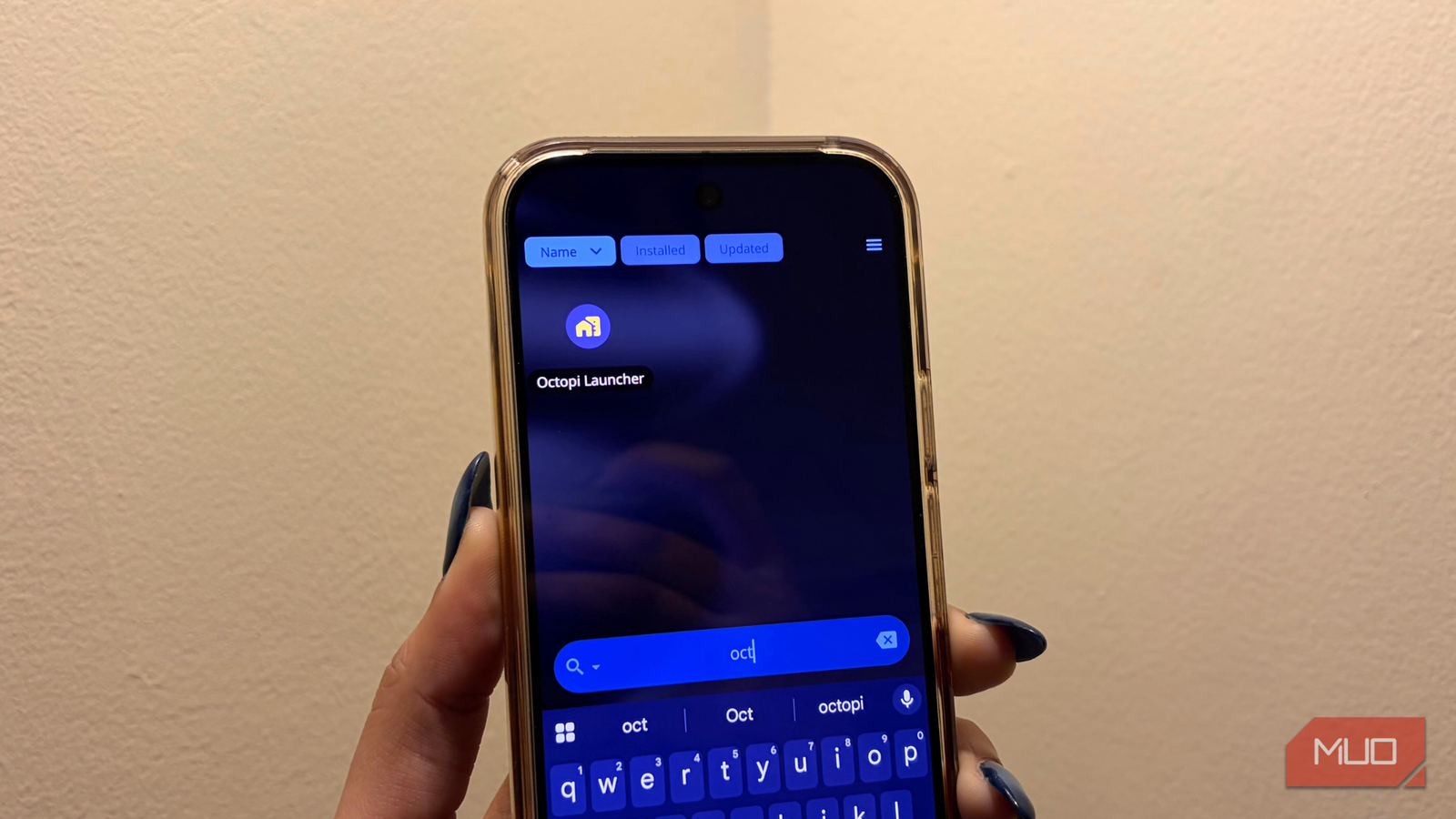
I know what you’re probably thinking: why use a launcher made for foldables when there’s no shortage of great launchers built specifically for slab phones? After all, even free options handle multitasking well enough. That’s exactly why my expectations were low going in. But trying a foldable-focused launcher on a regular phone turned out to be a surprisingly refreshing experience. It felt intuitive, flexible, and far more customizable than I expected, to the point where I kept coming back to it whenever I wanted to redesign my home screen or change how I use my phone on a daily basis.
What surprised me most was how naturally its split layout and app handling adapted to a single screen. Instead of feeling cramped or gimmicky, the UI was thoughtfully scaled, making everything flow around more quickly without overwhelming the display.
Why this launcher grew on me
The kind of simplicity that sneaks up on you
Credit: Shimul Sood / MakeUseOf
Everything about this launcher is incredibly easy to grasp. In fact, it passed my ultimate usability test: my mum. She isn’t someone who enjoys digging through complex smartphone settings, yet all I had to do was hand her the phone. Within minutes, she was swiping around, exploring features, and figuring things out on her own. And that’s when it really clicked for me. Ease of use matters a lot in a launcher. If you have to read a guide just to understand how to use your home screen, something’s already gone wrong.
That simplicity is also what slowly turned the launcher into my favorite home screen setup. It lets me do a lot without feeling overwhelmed. I can add pages, drop in widgets, create shortcuts, rearrange layouts, and even change my system wallpaper exactly the way I want. Everything on the home screen is customizable, and that level of control is what made it feel like a productivity upgrade rather than just a visual tweak.

Related
I Finally Found an Android Launcher Worth Switching To
Stock feels outdated next to this launcher.
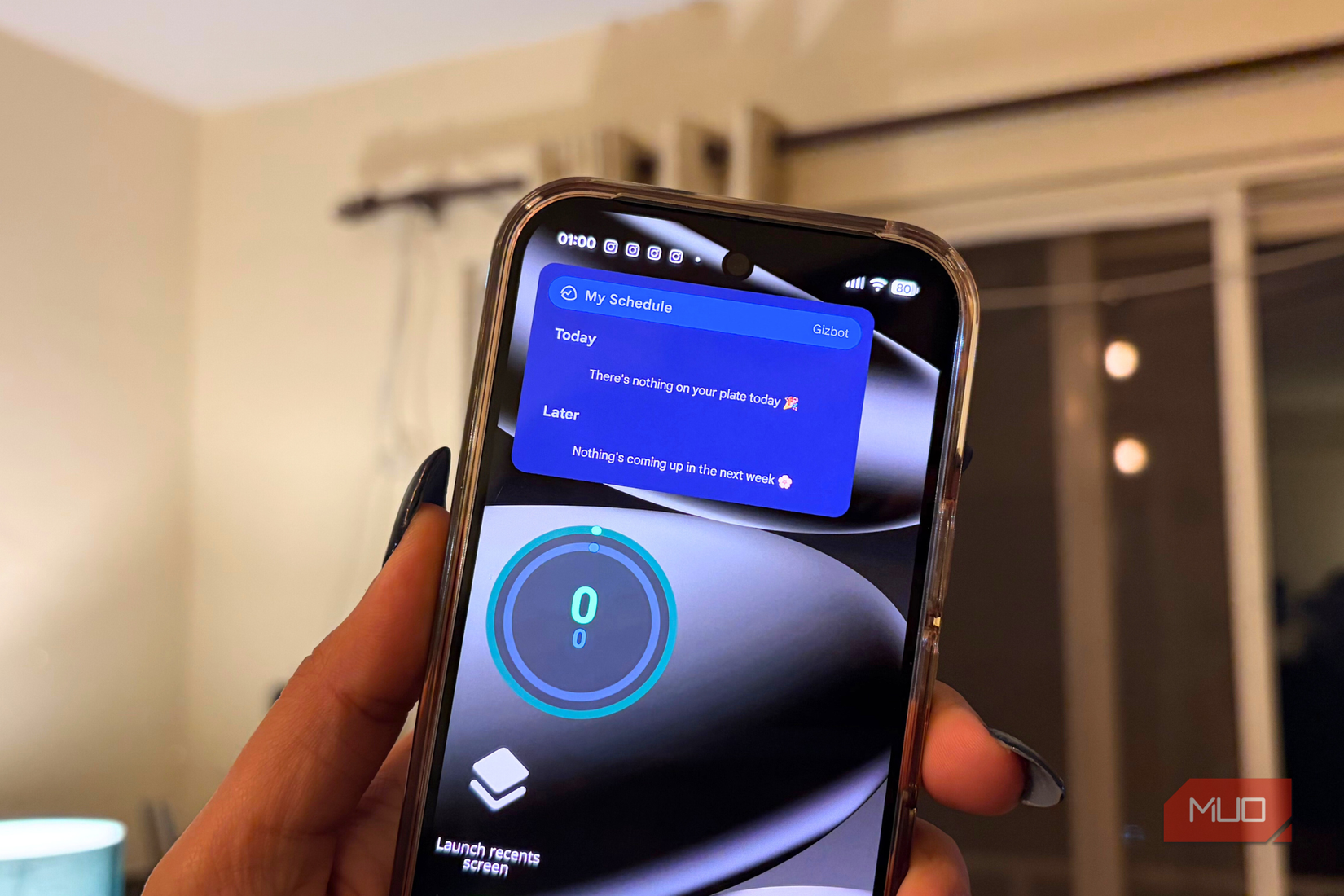
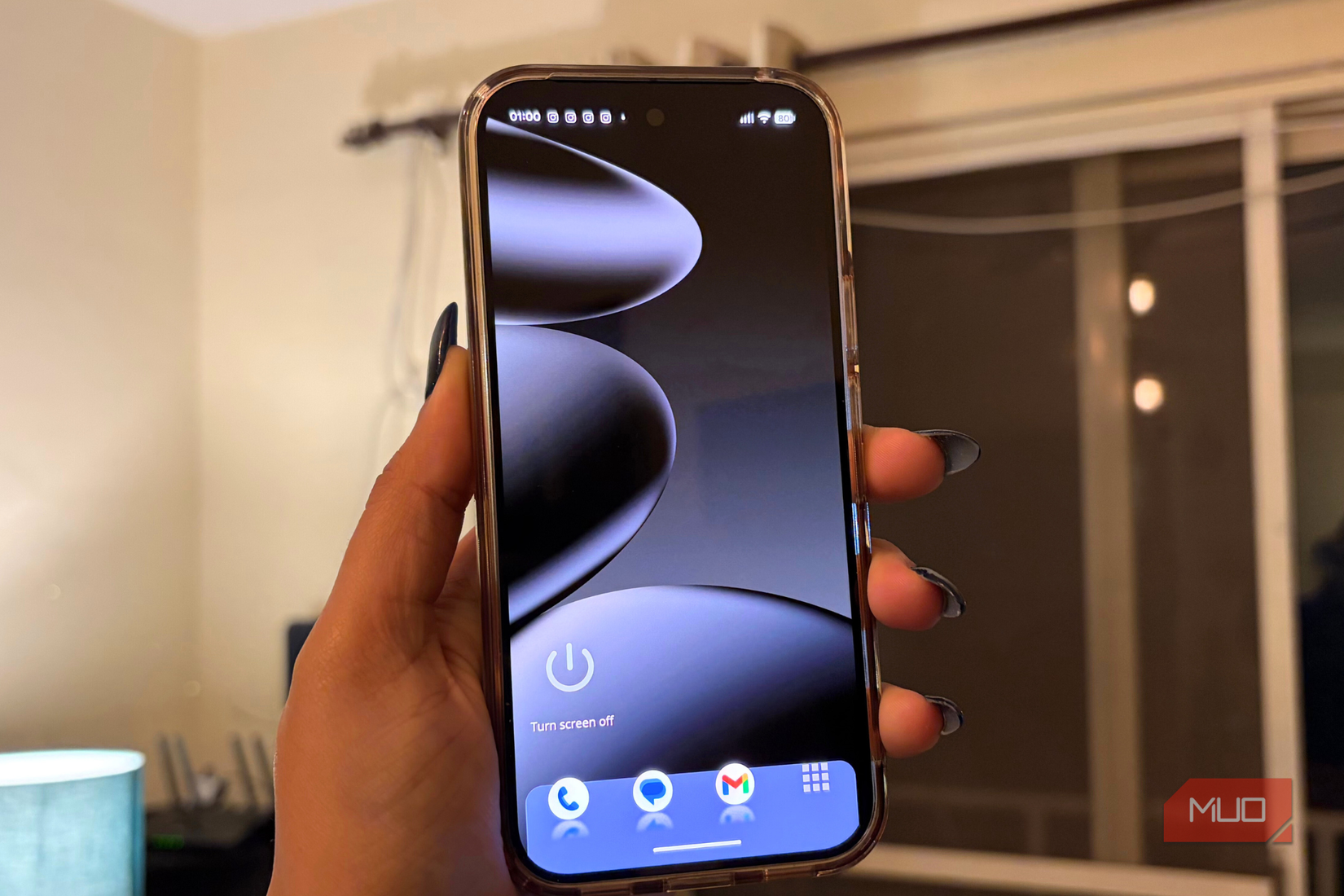
I set Basecamp and other work apps as widgets so they’re always visible and easy to access, instead of getting buried in the app drawer. Since I’m fairly active, I also keep the Fit app front and center to track my daily goals at a glance. In short, everything important sits right on the home screen, sized and placed exactly the way I like it. Even shortcuts feel genuinely useful here. Turning off the screen or jumping straight to the Recents menu is as simple as tapping a shortcut. So, the launcher makes everything easier to access and more flexible.
Credit: Shimul Sood / MakeUseOf
To top it all off, Octopi also lets me hide the status bar, which is easily the most cluttered part of any screen. That one small feature made a big difference, and my inner neat freak was more than satisfied.
I’ve barely covered everything that it can do
It’s the details that make you stay
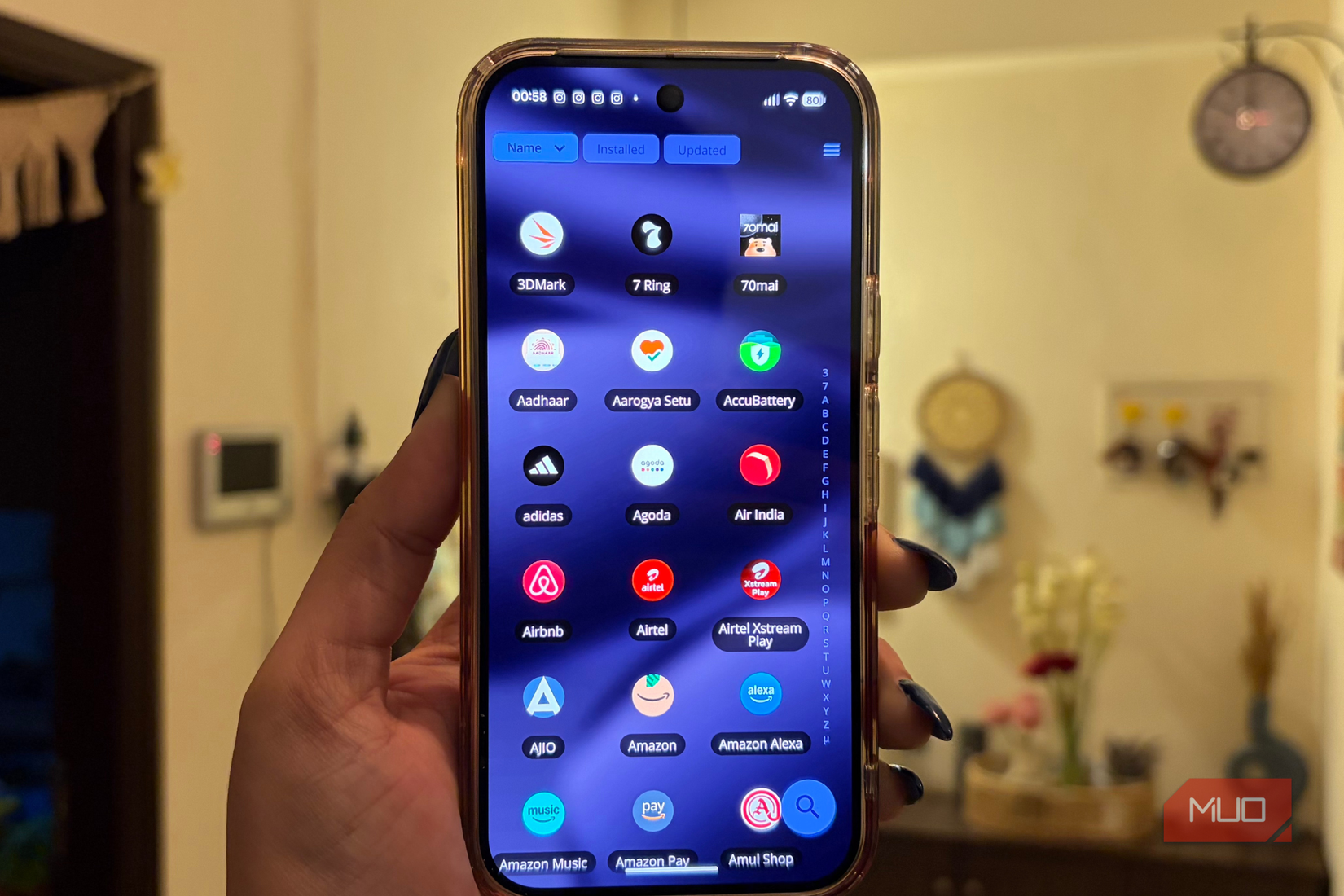
Beyond everything I can do on the home screen, Octopi also gives me surprising control over the app drawer and themes. That’s where it really shines. My app drawer is packed with apps, so many that I’ve honestly lost count. Normally, that’s a recipe for constant scrolling and hunting. But a small feature like “Remember Drawer Position” makes a huge difference. It doesn’t reset my scroll every time I exit the drawer, so I can pick up exactly where I left off. It sounds minor, but in daily use, it saves a lot of time and frustration.
What I appreciate even more is that the drawer bends to my preferences. I get to decide how many icons appear in a row, adjust the background opacity, adjust label sizes, and even scale the icons. Nothing is forced. Everything you see, both on the home screen and the app drawer, is shaped by how you want it to look and feel. The launcher feels like a key to full customization, opening the door to setting up your phone exactly the way you like it.
Themes add another layer to that control. Since I lean toward a minimalist setup to stay productive, I like things clean, organized, and never flashy. If you’re someone who prefers a minimalist launcher, this is the one to go for. Octopi lets me fine-tune the font, wallpaper, and icons until everything feels cohesive. In the end, it’s these small, thoughtful features that make the overall experience much better. Individually, they seem minor, but together, they make using the launcher feel more refined and personal.
Credit: Shimul Sood / MakeUseOf
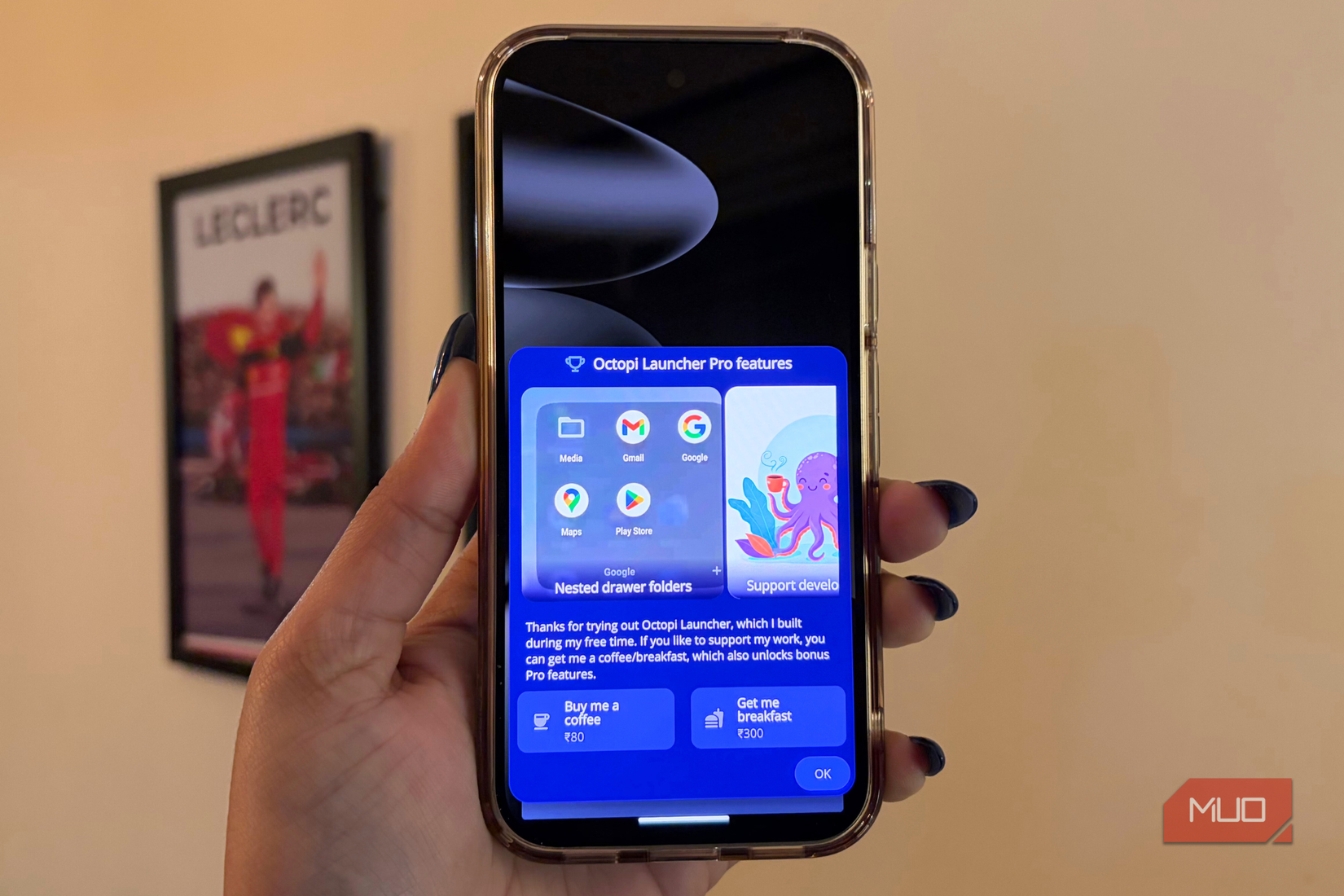
Even though this launcher is completely free, you can unlock a few extra Pro features with a small gesture of support for the developer. For just $0.89 or $3.34, you can buy them a cup of coffee or treat them to breakfast. Honestly, I think that’s such a charming and fun way to give back — practically a feel-good way to upgrade your experience.
Doesn’t fold, yet it reshapes your home screen
When I first tried this launcher, I wasn’t sure how it would even work on a regular slab phone. That uncertainty disappeared the moment I installed it. Octopi is one of those rare launchers that doesn’t impress immediately at first glance, but it quickly grows on you. It’s highly customizable, full of thoughtful touches, and keeps you discovering new ways to tweak your home screen. A productivity enthusiast like me will definitely have a field day with it. And if you’re still curious about other options, these are a few great launchers worth exploring as well.