
Although the marquee apps in Apple’s new Creator Studio bundle are Final Cut Pro, Logic Pro, and Pixelmator Pro, the company also tossed in Pages, Keynote, and Numbers—the apps previously known as iWork—along with the FreeForm collaborative whiteboard app (see “Apple Bundles Pro Apps into New Creator Studio Subscription,” 15 January 2026).
The addition of the iWork apps complicated the situation because Final Cut Pro, Logic Pro, and Pixelmator Pro are paid apps and remain available for purchase (at least the Mac versions; the iPad versions are available only to Creator Studio subscribers). In contrast, Pages, Keynote, and Numbers are free, as is Freeform, so why would anyone bother subscribing to get them again?
What Subscribers Get
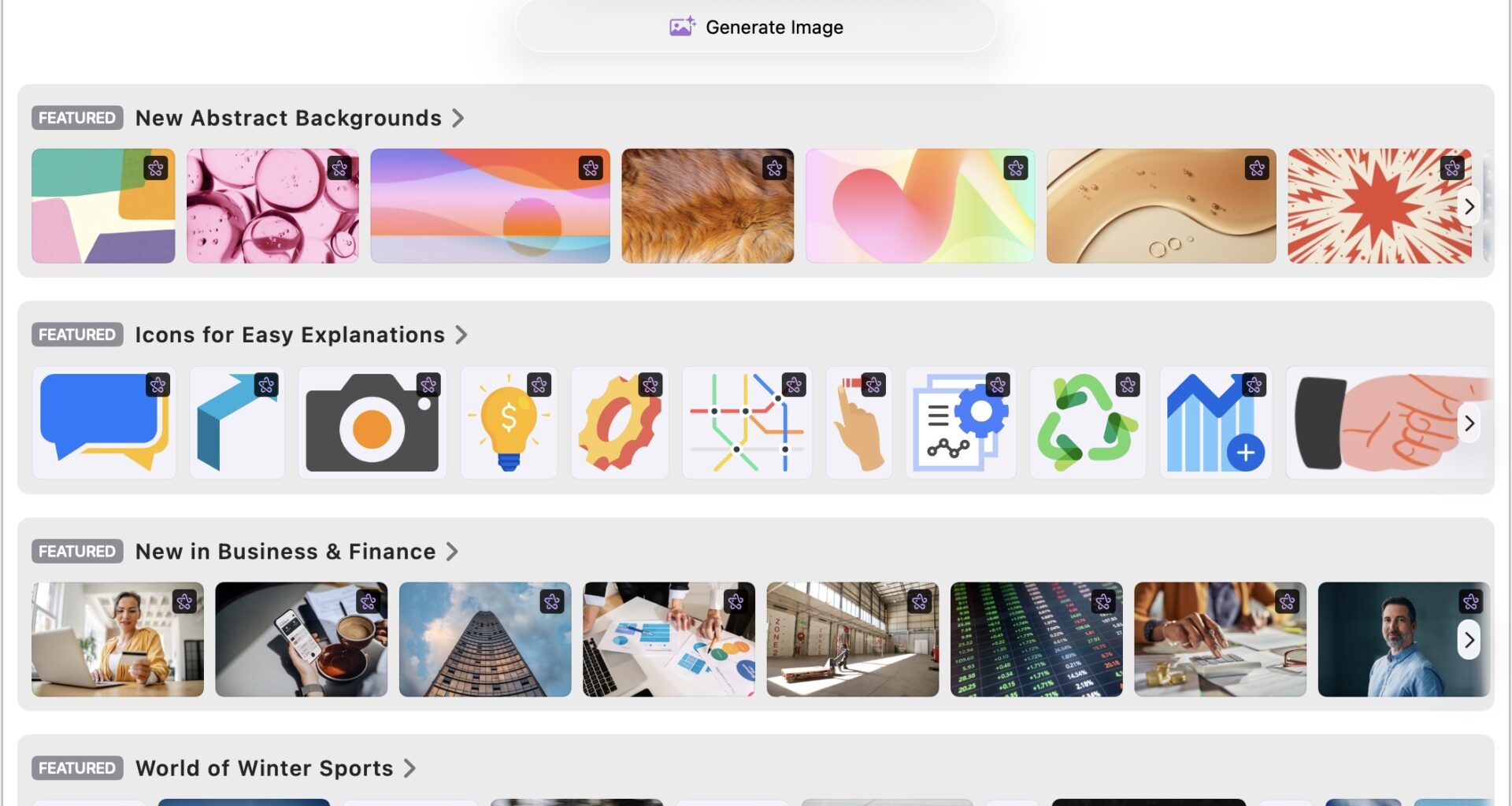
To sweeten the Creator Studio deal, Apple integrated the Content Hub—a curated clip art library of photos, illustrations, and graphics—into the iWork apps, plus added new templates and OpenAI-powered image generation, editing, upscaling, and cropping. Sure, Apple has good taste, but I can’t help feeling that the product managers of any mature app that adds a clip art library are suffering from a distinct lack of vision and creativity.
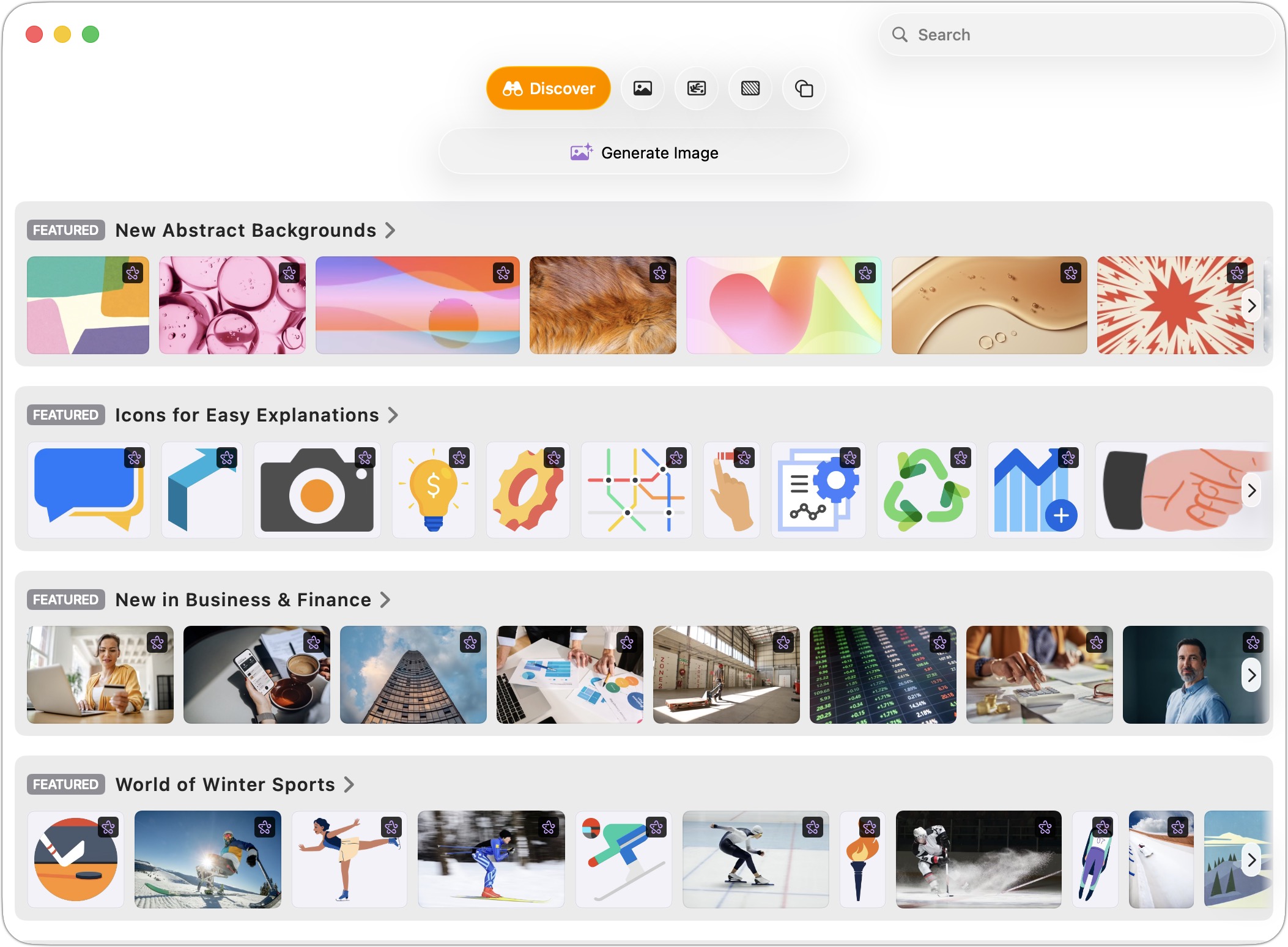
In addition:
In addition, all three have received interface updates to Liquid Glass, which some view as a bug rather than a feature.
A Bumpy Upgrade
The transition from version 14.4 of Pages, Keynote, and Numbers to version 15.1 has been confusing, to say the least. In late January, Apple released version 14.5 of all three apps, with the App Store claiming “This update contains bug fixes and performance improvements” for all three. I wonder if even that is true, given that 14.5 doesn’t appear in the version history for any of them.
The actual change in 14.5 is a dialog that appears at launch, informing the user that 14.5 will no longer receive updates and directing them to download version 15 from the App Store. Oddly, Jason Snell saw an even more brusque dialog that said, “Numbers 14.5 is out of date and can be deleted.”
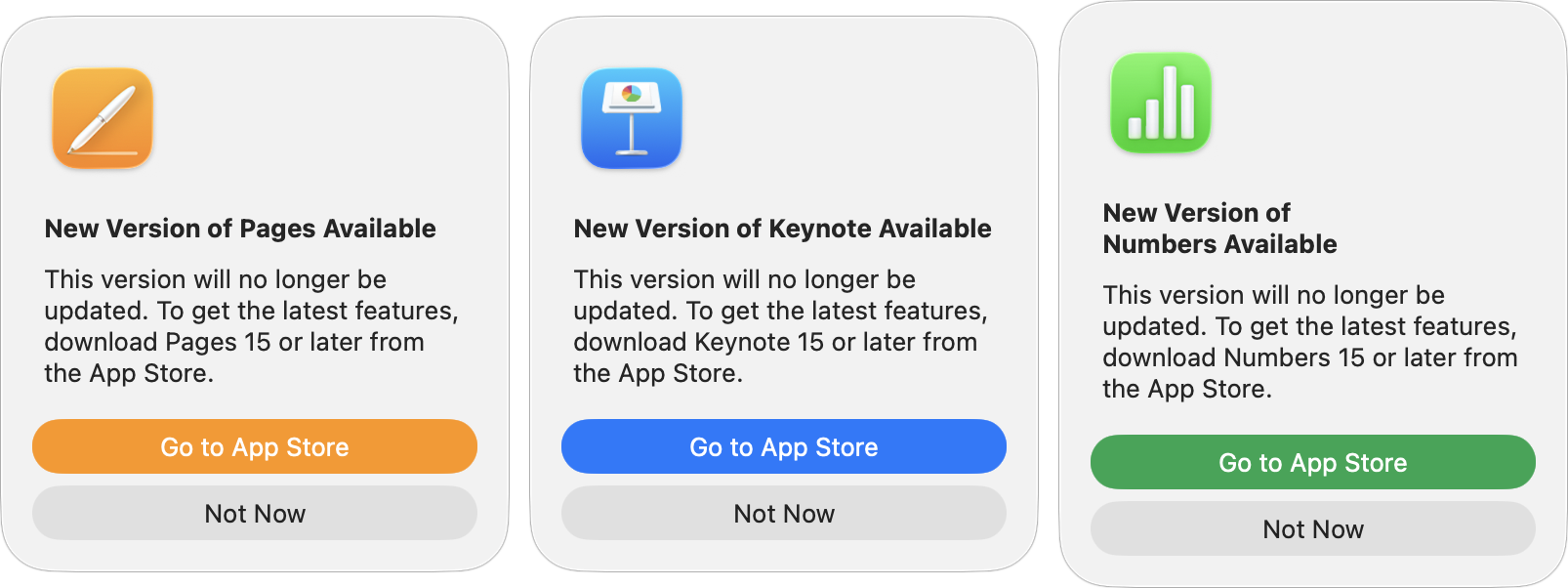
When you click the Go to App Store link in each of these dialogs, you’re taken to the appropriate page to download version 15.1. (There’s no indication of what happened to 15.0.) Although people have complained about having to search the App Store manually for these apps, the links do work properly. You’ll also notice that Apple has stuffed marketing keywords into the app names—“Pages: Create Documents,” “Numbers: Make Spreadsheets,” “Keynote: Create Presentations”—a practice the company has long tolerated from other developers but now appears to be embracing.
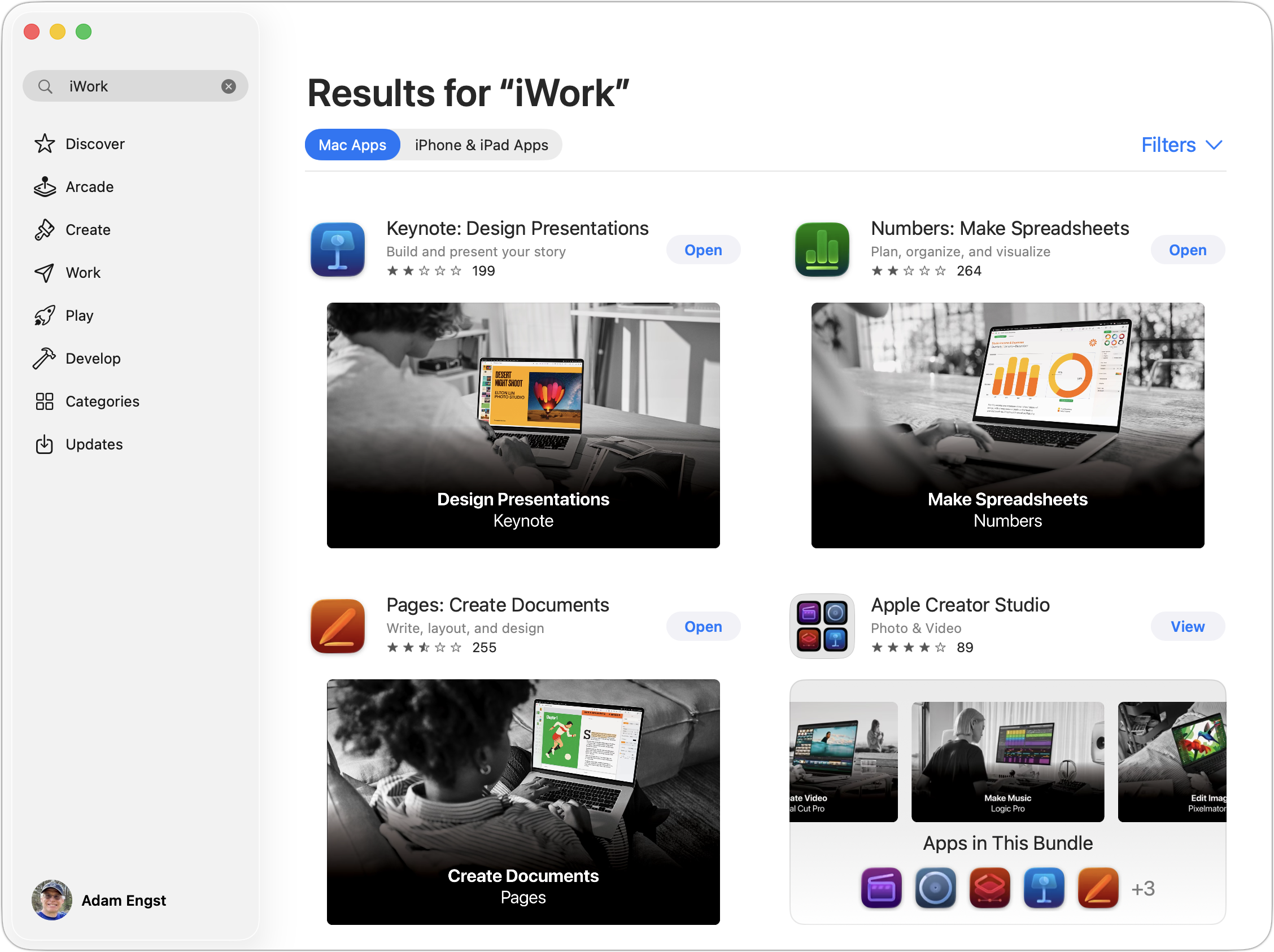
I presume Apple couldn’t upgrade the version 14 apps in place because they also needed to build them into the Creator Studio subscription, as the App Store isn’t known for providing developers much flexibility in their marketing and distribution. There’s a little schadenfreude in seeing Apple suffering from this as well.
Because the version 15 apps are entirely new, they coexist in the Applications folder with the version 14.5 apps. You might wonder how that’s possible, since they appear to have the same name in the Finder. I can’t explain how Apple accomplishes this, but the Get Info window shows that the new version of Pages is actually called “Pages Creator Studio.app.”
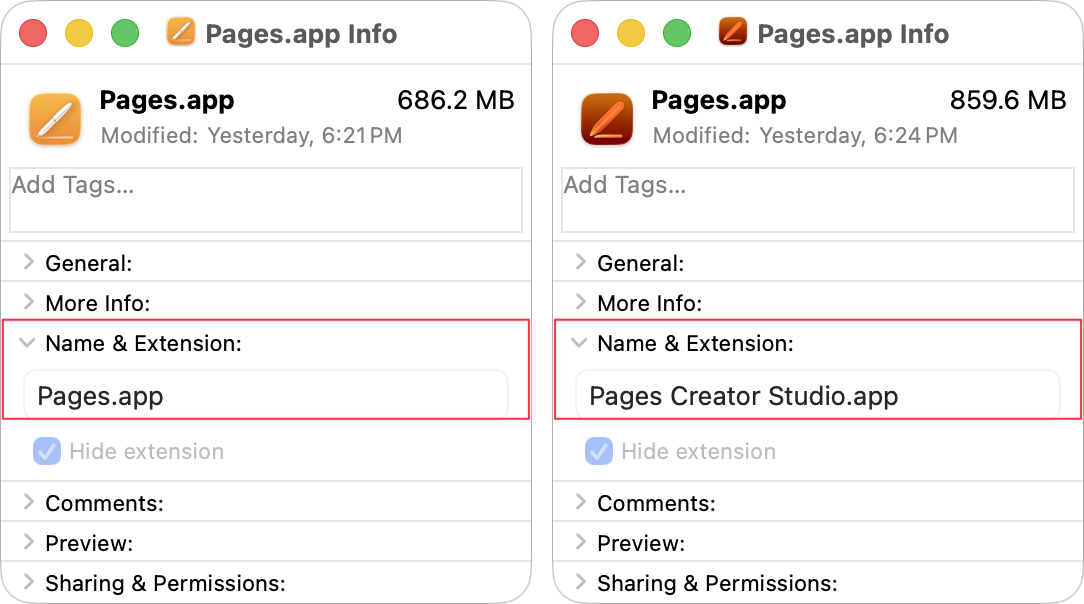
The practical upshot of all this is that you can continue to use the 14.5 versions, presumably indefinitely. They won’t receive updates, and Apple has already fixed security vulnerabilities in Pages and Keynote, where processing a maliciously crafted document could cause a crash or disclose process memory.
Note that version 15.1 requires macOS 15.6 Sequoia or later, while version 14.5 supports macOS 14.0 Sonoma and later. If you’re running an older system, 14.5 may be your only option—download it now while it’s still available in the App Store. On the plus side, files created in version 15.1 can be opened by version 14.x and vice versa, so there’s no compatibility concern if you’re collaborating with someone on a different version.
A Rocky Reception
Although Apple doesn’t appear to have removed any features, so no one who upgraded is functionally worse off than before, there have been numerous complaints, as reflected in the App Store ratings. Pages dropped from 4.6 stars to 2.5, Keynote from 4.7 to 2.1, and Numbers from 4.6 to 2.1. And these are presumably Apple’s most involved users, since they’ve downloaded the upgrade so quickly.
Complaints have focused on:
Confusion about whether the apps are still free: Some users have seen the Creator Studio branding and subscription prompts and assumed they now had to pay for apps that were previously free. It’s not the case, but Apple has little incentive to make that crystal clear. In the App Store descriptions, after emphasizing that each app is part of Creator Studio, a single sentence states that “creating, viewing, and editing” and “collaborating in real time” do not require a subscription. That reads a lot like the mealy-mouthed way the limited features of freemium apps are often described, and is a far cry from “all existing features remain available for free.”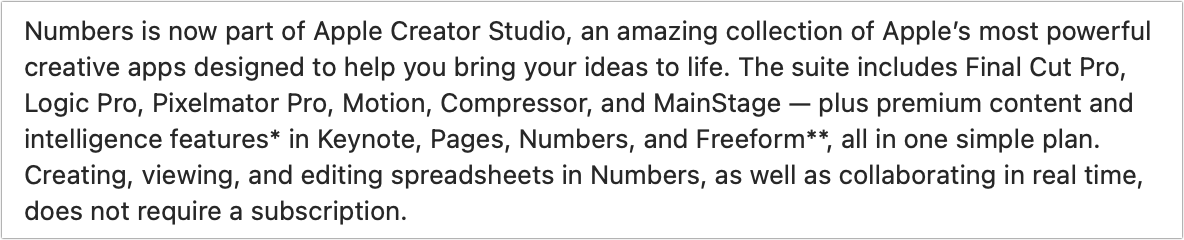
In-app upselling: The new versions include toolbar buttons, menu items, and a first-launch screen promoting Creator Studio. Premium templates are mixed in with free ones in the Template Chooser (and shown first), and if you try Content Hub items without subscribing, they’re watermarked.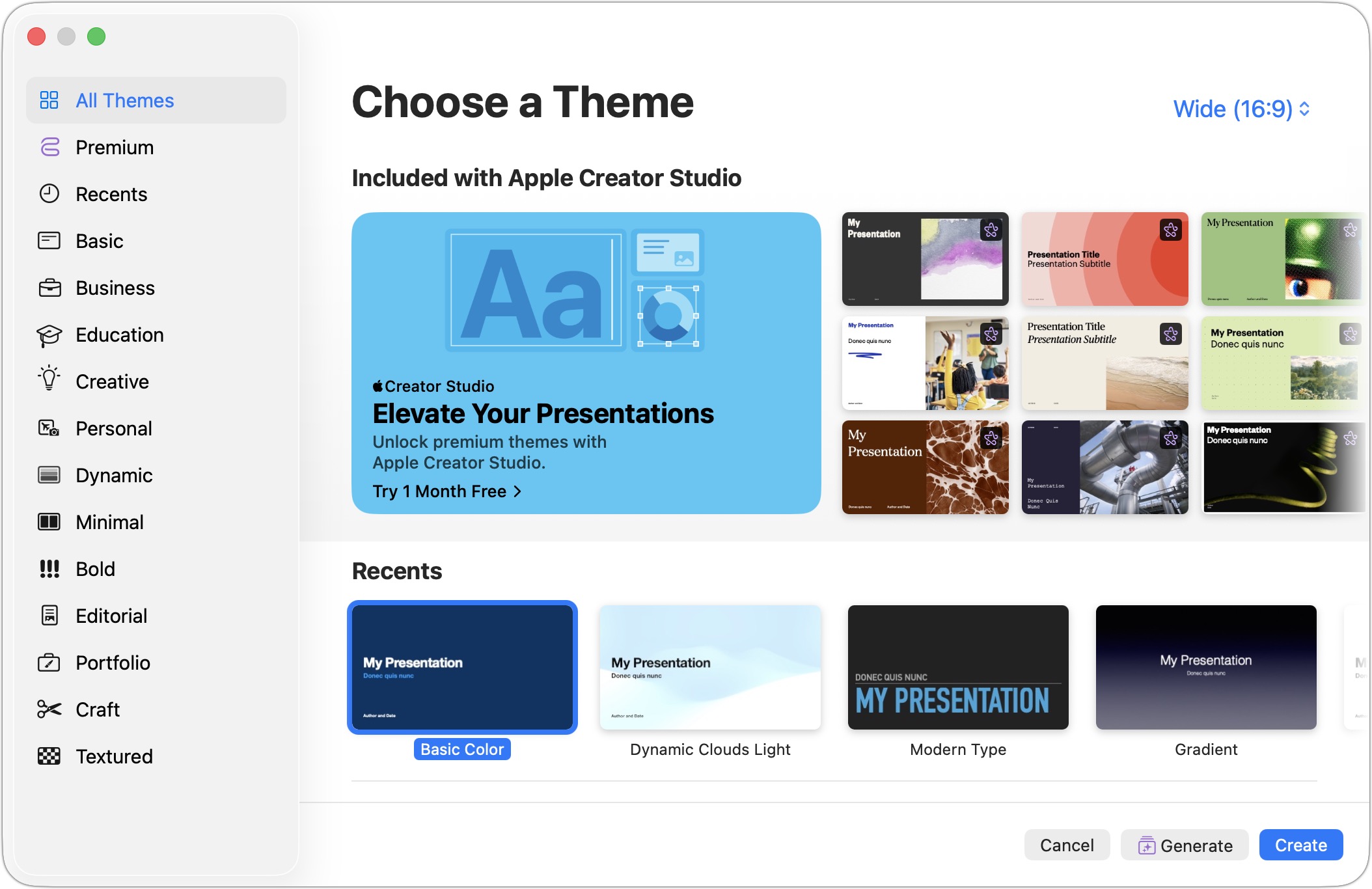
No way to hide premium content: Users can’t filter out Creator Studio templates from the Template Chooser, so they must scroll past subscription-only items to find the free ones every time they want to create a new document.
Liquid Glass interface changes: Apple continues to claim that Liquid Glass is an improvement, and although opinions vary, the majority of those I’ve heard dislike it. Speaking as someone who hates icon-only interfaces, I will note that you can still choose View > Customize Toolbar and choose Icons and Text from the pop-up menu at the bottom of the dialog to return text labels to the otherwise incomprehensible toolbar icons. If you don’t subscribe to Creator Studio, you might also remove all its purple toolbar icons.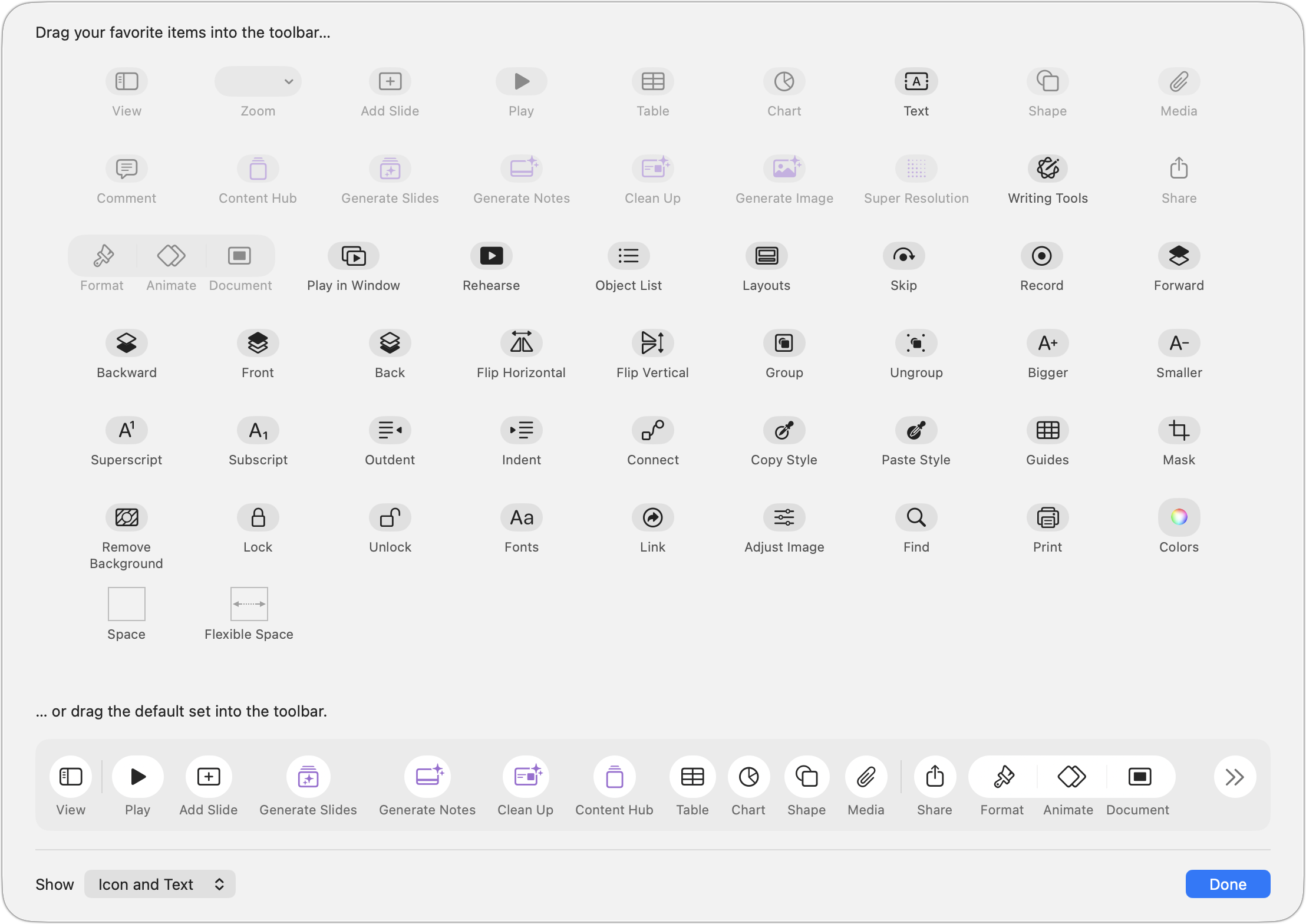
The new icons: Many people are unhappy about the abstract, “neon” icons replacing the more photorealistic ones. While I’m sympathetic, they aren’t nearly as bad as some of Apple’s other Liquid Glass-driven icon redesigns. I have to wonder whether the Numbers icon expresses the designer’s disdain for Liquid Glass or the community’s criticism of it.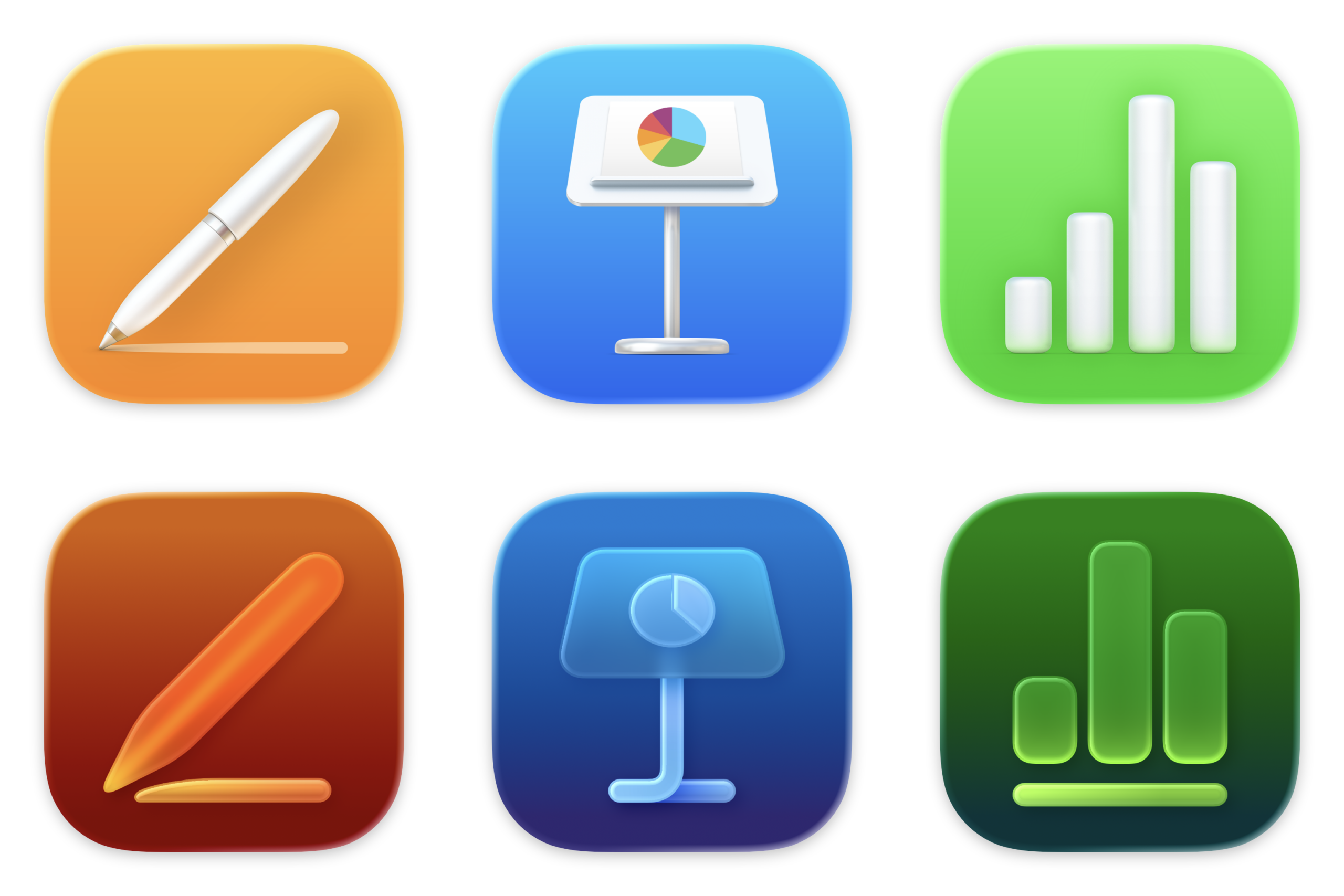
Freemium freakout: Users are legitimately concerned that these few AI-powered features are merely the beginning, and that all future enhancements will be locked behind the Creator Studio paywall. Owners of the other Creator Studio apps can at least choose whether to purchase the standalone versions or subscribe, but iWork users have no such option. To be fair, the AI features incur ongoing costs because they don’t use local models, so Apple has reason to want ongoing revenue from them.
Content restrictions: I haven’t actually seen anyone complain about this yet, but if you read the Apple Creator Studio License Agreement, which you agree to by clicking Continue on the first-launch splash screen, you cannot use anything from the Content Hub as standalone files outside of Creator Studio apps; incorporate content into logo, corporate ID, trademark, or service mark; use it in a pornographic, defamatory, or otherwise unlawful manner; or use it for training, testing, or evaluating, any machine learning or artificial intelligence models. I imagine such limitations are common with clip art, but they’re worth keeping in mind.
Ultimately, adding Pages, Keynote, and Numbers to Creator Studio feels off. Yes, it will likely encourage (or mislead) more people into subscribing to Creator Studio and thus boost Services revenue. But it smacks of squeezing incremental revenue from existing products rather than creating compelling new value. Of course, that raises a question: if users aren’t clamoring for new features in these mature apps, perhaps monetizing the margins is all that’s left.
As for what you should do, it’s hard to see a significant risk in continuing to use the iWork 14.4 or 14.5 apps. If you were concerned about receiving potentially malicious Pages or Keynote documents, you could open them using the iWork 15.1 versions. Simultaneously, it’s easy enough to download the iWork 15.1 apps, so you can see if you are perturbed by Liquid Glass and the Creator Studio upsells. And if you find the Content Hub and AI-powered features genuinely useful, the subscription might even be worthwhile.