
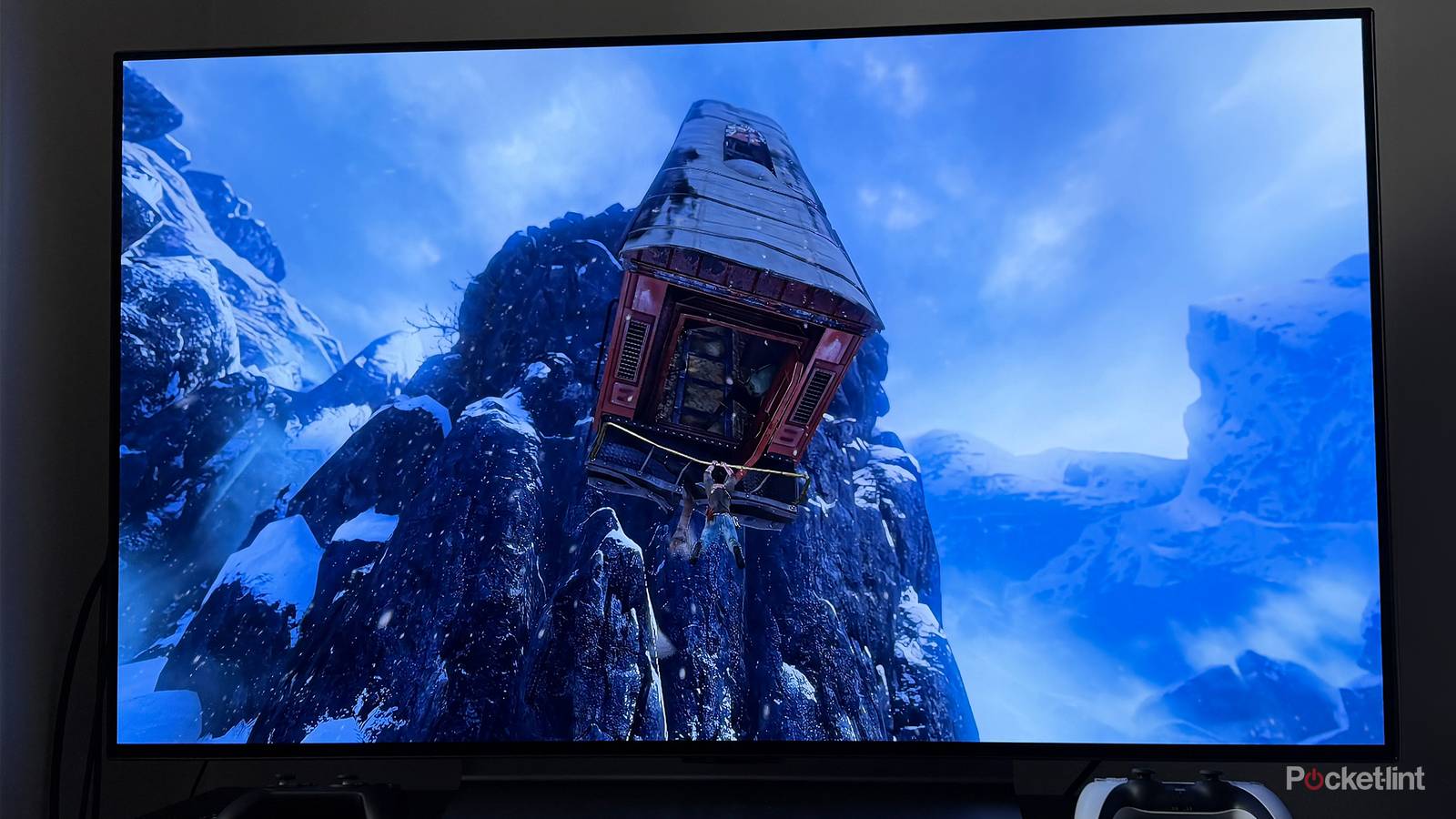
For most of us, OLED TVs are the crème de la crème. It’s not just about luxury. Because every pixel is self-illuminated rather than lit up by a backlight, OLED is capable of perfect contrast, including deep, inky blacks. By extension, this tends to produce better color accuracy. Technologies like MicroLED and RGB mini-LED may be better still — but because they’re so new, prices can be absurd, no matter if you drive a Porsche to work.
OLED sets can also last longer than LCDs, but there’s a catch. If they’re not treated well, their practical lifespan may be much shorter, maybe even just a few years in a worst-case scenario. Whether it’s a few years from now or a decade, here’s how to tell when a replacement TV is around the corner.
Permanent burn-in
Not to be confused with lesser symptoms
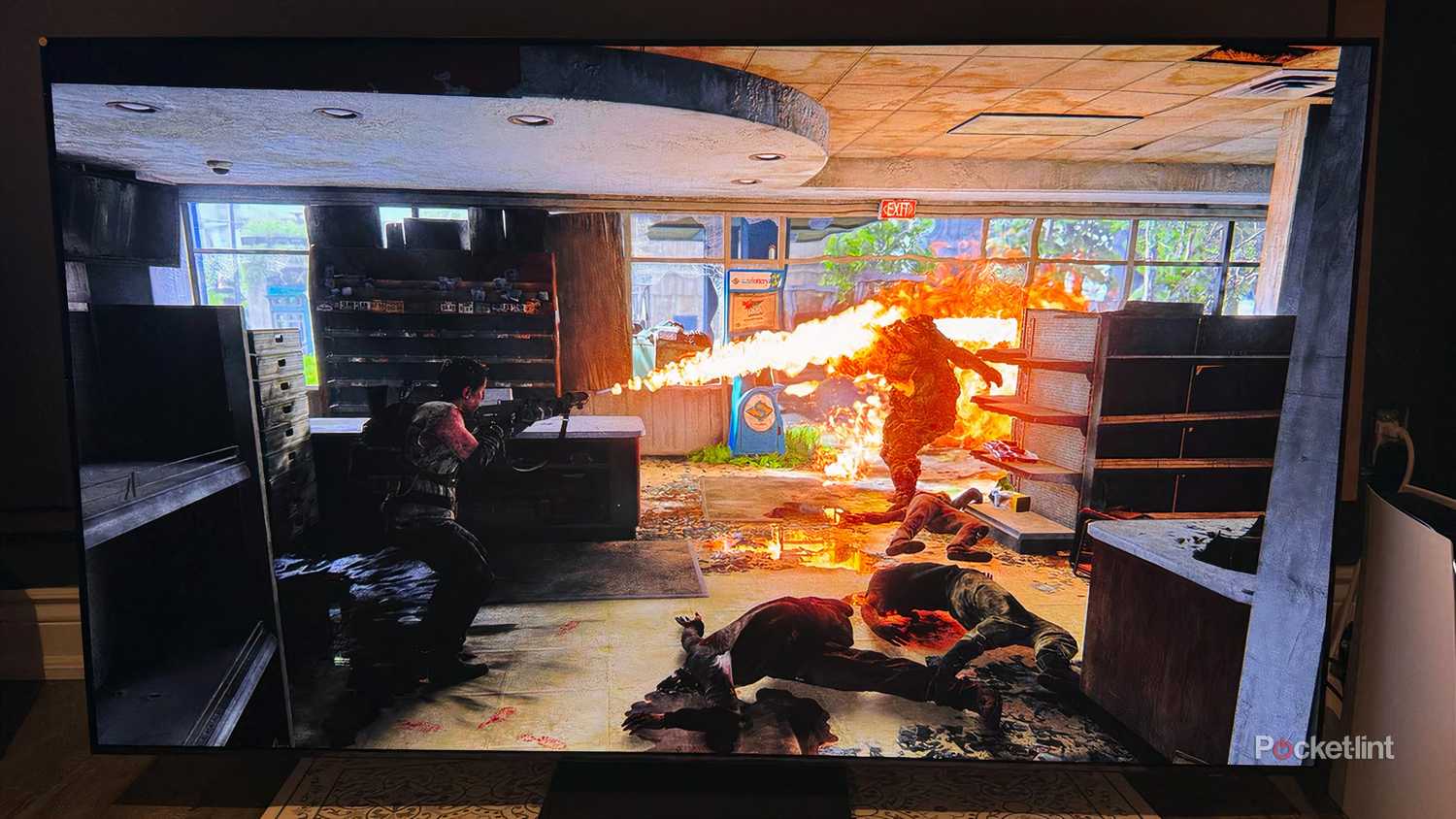
If you’ve heard of any risk with OLED TVs, it’s probably this one. For some background, OLED panels are more volatile due to the “O” part of the acronym: organic materials. These degrade faster than synthetic ones, which can lead to a variety of problems.
Burn-in refers to “ghost” images being left onscreen as a result of uneven degradation, usually caused by static images appearing in the same place for long stretches of time, such as 24-hour news channel logos, or the heads-up displays in some games. This is one reason why you won’t see many OLEDs at bars, workstations, or waiting rooms.
So you don’t panic, burn-in shouldn’t be confused with image retention. The latter can be caused by temporary heat or charge issues, but goes away within a few moments. Burn-in is persistent, identifiable by dark marks, which may be visible even when your TV is off. It’s up to you to decide when this becomes severe enough to be a distraction.
Some good news here is that TV makers have implemented tech to combat burn-in. These include screensavers, better materials, pixel refresh cycles, and most directly, logo brightness adjustment. If a TV detects a static object onscreen, it can drop the brightness of those pixels, reducing wear.
Ultimately, the best prevention may come from your own actions. Try to avoid gaming for more than an hour or two at a time, and don’t leave a channel or stream on just for the sake of background noise. When you’re done watching, you shouldn’t even leave a screensaver going — turn the TV off.
Color shifting or washed-out images
Difficult to predict
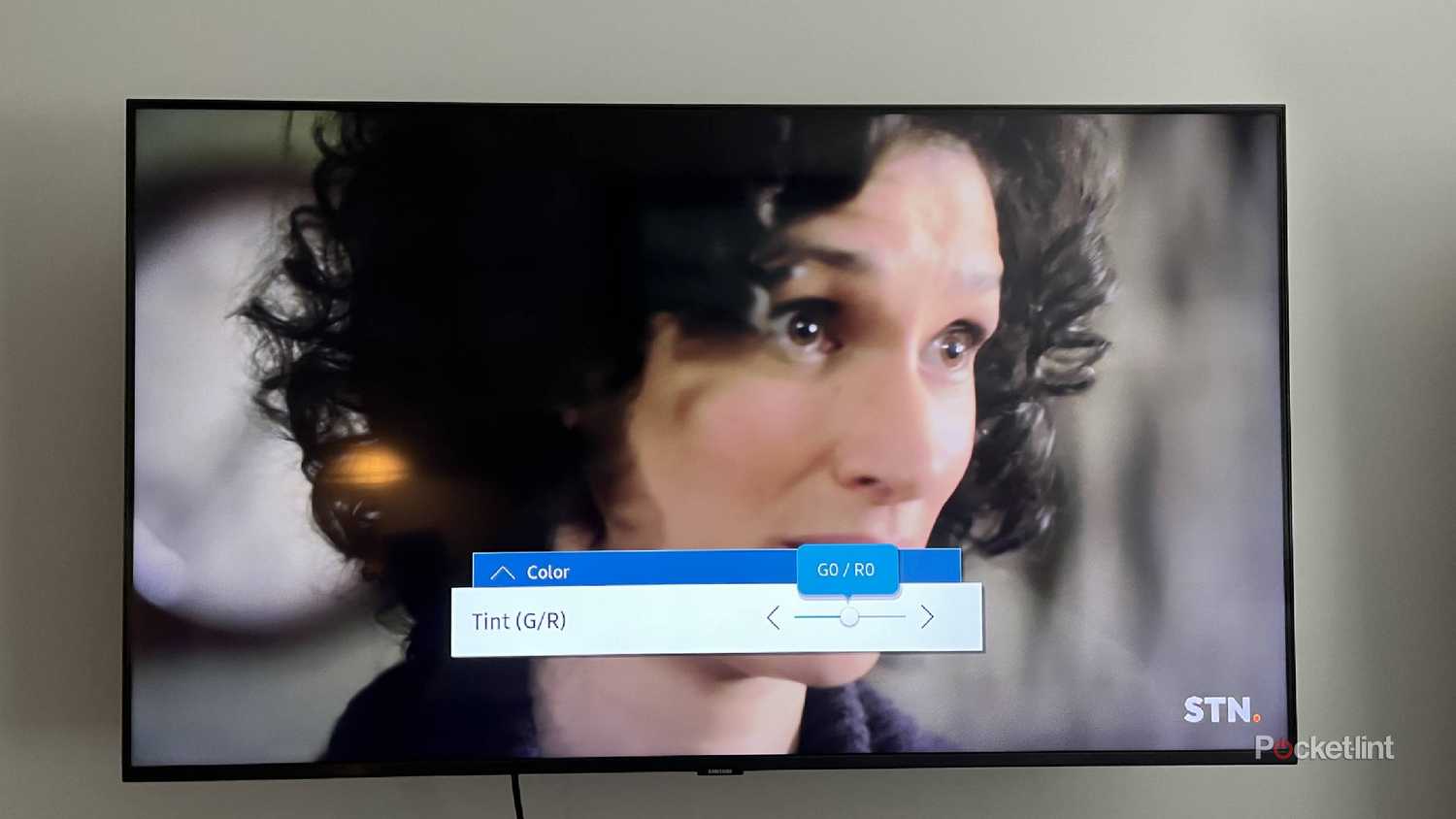
Though software features and usage habits can deter burn-in, something tougher to dodge is color shifting, also known as tinting or color degradation. The issue stems from the fact that OLED panels incorporate different-colored subpixels. If a particular color starts degrading faster than the others, it can tint large swaths of your screen, if not the whole thing.
Blue subpixels tend to be the most vulnerable, and over many years, this can lead to a yellowish tint. Other color casts are possible, such as green or pink. Green specifically can be a (potential) problem with some TVs based on LG Display panels — aside from LG itself, a few affected brands include Sony, Vizio, and Panasonic.
There’s no easy way to know if shifting will happen, since it’s going to depend on how often certain colors appear and where. A rule of thumb, though, is that your TV should only be set as bright as you need to make out shadow detail. The brighter your TV, the faster the degradation, whether it’s for one color or all of them.
On some older TVs, colors may become washed out, i.e. less vibrant. It’s probably worth replacing a set like this anyway, since you may be missing out on major improvements.
Diminished brightness
Likely ages away
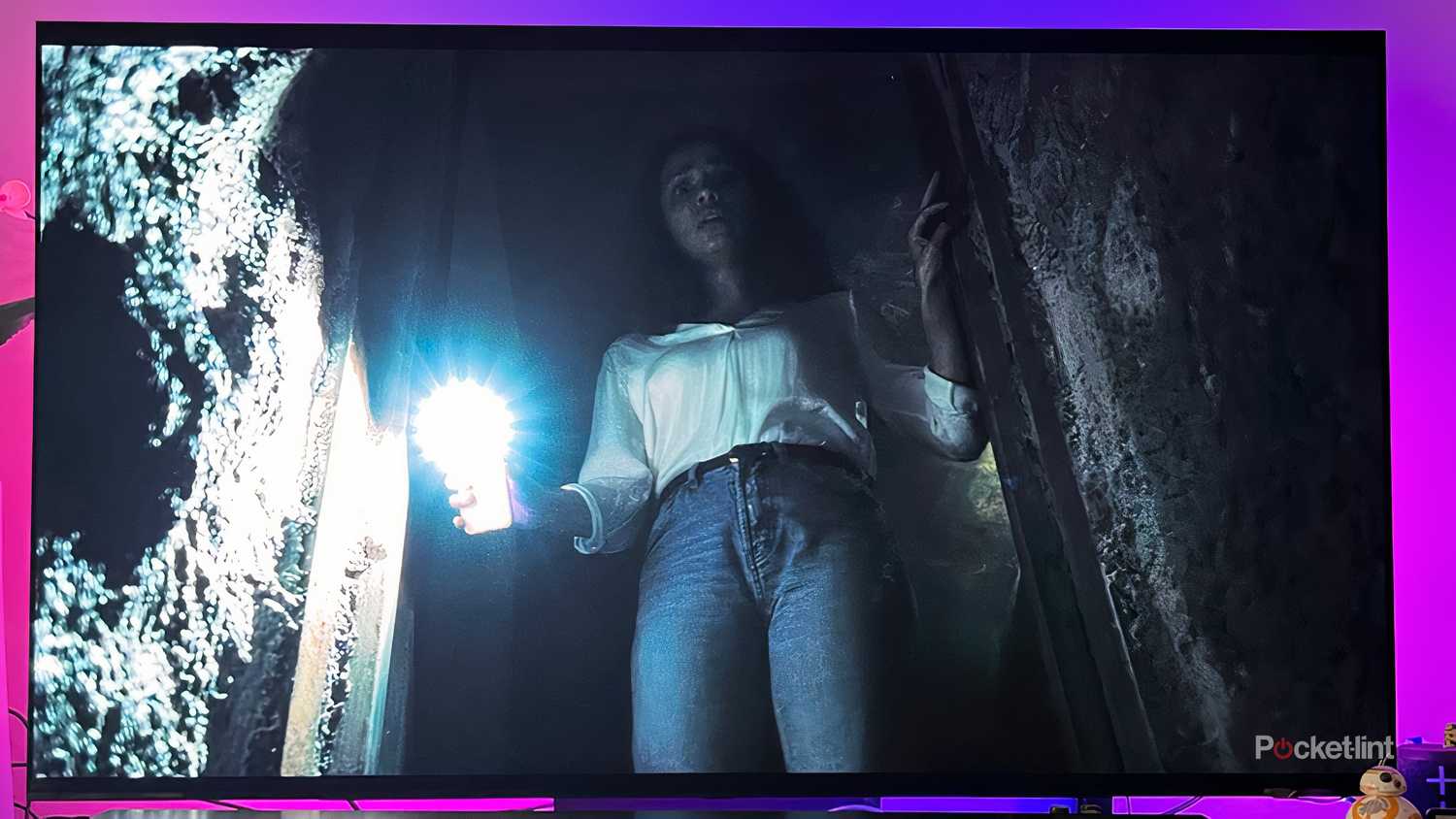
This issue is inevitable. Even if your screen never displays the image twice, it will still gradually lose brightness, once again owing to the decay of its organic materials. You probably won’t notice for a while, since your TV can compensate by increasing voltage — at some point, though, this will no longer help, and your TV will be noticeably dimmer than when you first bought it.
Reaching that threshold should take a decade or longer under normal circumstances. You’ll probably be upgrading for other reasons by the time it becomes a concern. That said, the problem could crop up earlier if you run your TV for more than a few hours every day, and/or if you leave brightness levels cranked close to maximum. More power means more heat, which accelerates the degradation process, as I mentioned in the last section. Think of it like driving at 100mph instead of 80 — it’s a lot less fuel-efficient.
There are a few other ways TV makers try to slow things down. One is by implementing automatic brightness limits. They may also use heatsinks, which help cool a TV when it’s under load.
Dead pixels and lines
A matter of degrees

Playdead
All TVs are at risk of dead pixels, which in the case of OLED technology are liable to appear totally black. On a 4K set, one or two dead pixels may be almost unnoticeable, given that the screen has nearly 8.3 million pixels in total. If the damage spreads much beyond that, however, it can become difficult or impossible to ignore.
Black or oddly-colored lines are even more conspicuous problems. Unfortunately, what they share in common with dead pixels is that usually, nothing can be done about them. They’re probably signs of defects or an impact, and the only way to repair them is by replacing the OLED panel, at which point you might as well replace the entire TV, considering the cost in parts and labor.
I say “usually” because in rare instances, what looks like a dead pixel may just be stuck. You can tell if it retains some color. On an OLED TV, you can attempt to fix stuck pixels by running a pixel refresh/cleaning cycle via your TV’s Settings app. If that doesn’t help, you might try leaving your TV off for an extended period of time, possibly as much as 12 to 24 hours. One remedy to avoid is “massaging” the affected pixel(s) with a cloth. There’s actually a chance of causing damage to surrounding pixels, with no guarantee of success.
Flickering images or interrupted power
Knocking on heaven’s door

Black Panther in Filmmaker Mode
I’ve left this sign for last, simply because you probably don’t need me to tell you about it. If the whole image flickers, or your TV randomly turns off, that strongly suggests power components are failing. You might be able to get them repaired. If it requires swapping out the entire power board, though, that could cost you several hundred dollars. I’d think twice about paying up if your TV is already several years old.
There are some symptoms that can be mistaken for power problems, such as a faulty HDMI cable if video is coming from a game console or media streamer. If the cable is passive and longer than about 10 feet, the solution may be swapping in an active cable or adding a signal booster. Lastly, there could be flaws with your power cable, power strip, or the associated wall outlet. If you see any signs of frayed wires or browning, turn everything off and replace that gear immediately.