
Summary
Microsoft stopped publishing new legacy v3/v4 printer drivers to Windows Update on Jan 15, 2026.
Starting July 1, 2027, non-security third-party printer driver updates won’t be available through Windows Update.
Don’t panic! Your printers will keep working, and you can grab future updates from the manufacturer.
Having to change printers can be really annoying. Sometimes you find “the one” that doesn’t jam, throw error messages, or fail to register with your OS, so you basically stick with it until it breaks. As such, there are lots of printers out there that have a few years on them, yet are still trucking on and doing what they do best.
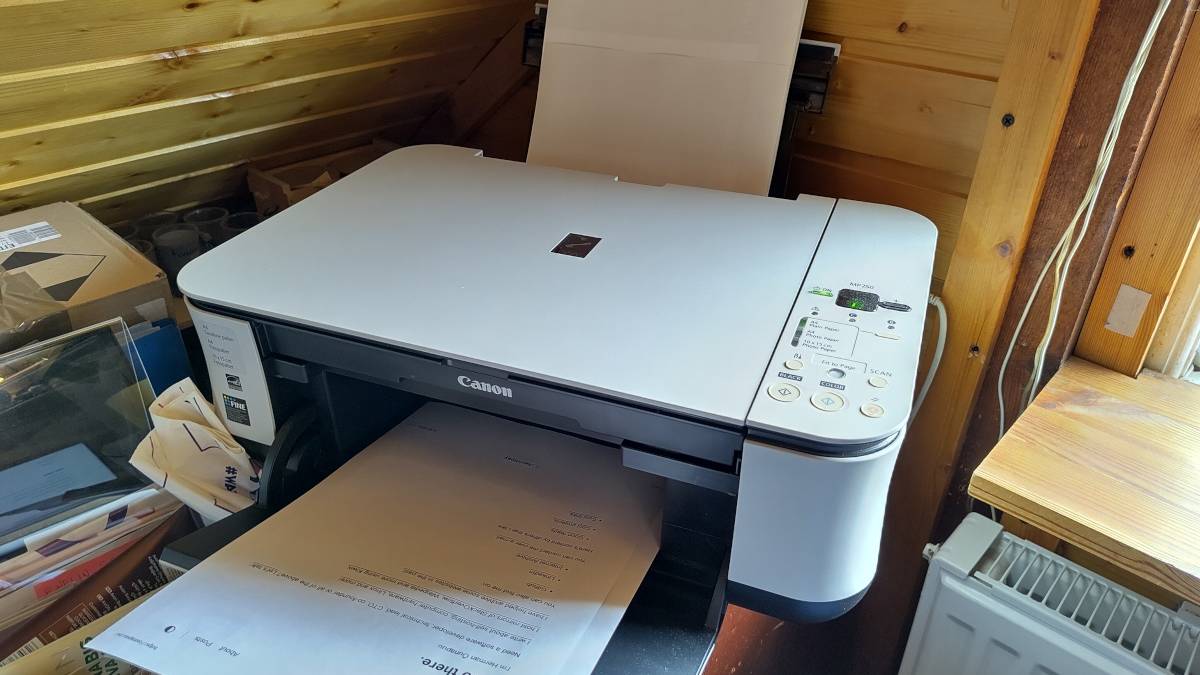
Well, there’s some bad news for owners of printers that are around 10+ years old, as Microsoft is planning to stop publishing new drivers for legacy v3 and v4 printers via Windows Update. However, there’s no need to panic just yet; not only will your printer still work after Microsoft’s set deadline, but it’s easy to work around it.
Related
This open-source printer you can repair yourself is powered by a Raspberry Pi Zero W
You can help fund it real soon.
Microsoft is stopping support for older printers on Windows 11
But there’s no need to throw yours out
Source: HP
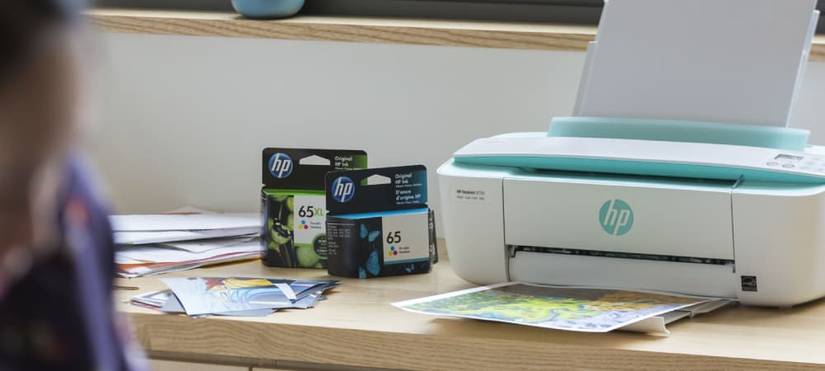
As spotted by Tom’s Hardware, Microsoft has announced that it’s no longer going to continue supporting some older printers. In a post titled “End of servicing plan for third-party printer drivers on Windows,” the company explains that Windows’ handling of printer drivers has come a long way since v3 and v4 printers were first released. It states that recent advancements with Mopria printer devices “remove the need for print device manufacturers to provide their own installers, drivers, utilities, and so on.” As such, the company is now cutting support for older models of printers:
With these advancements in the Windows print platform, we are announcing the end of servicing of the legacy v3 and v4 Windows printer drivers. As this is an impactful change, end of servicing will be staged over multiple years. See the following Timeline and FAQ sections for guidance on the end of servicing roadmap.
Here’s the timeline Microsoft mentioned:
Timeline
Plan
September 2023
Announced legacy third-party printer driver for Windows end of servicing plan.
January 15, 2026
For Windows 11+ and Windows Server 2025+, no new printer drivers will be published to Windows Update.
Existing printer drivers on Windows Update can still be updated but only approved on a case-by-case basis.
July 1, 2026
Printer driver ranking order modified to always prefer Windows IPP inbox class driver.
July 1, 2027
Except for security-related fixes, third-party printer driver updates will no longer be allowed.
Existing third-party printer drivers can be installed from Windows Update or users can install printer drivers by using an installation package provided by the print device manufacturer.
As we can see, Microsoft has already moved printer drivers on Windows Update to a case-by-case basis. On July 1st, 2027, printer manufacturers can no longer use Windows Update to distribute drivers. Fortunately, that doesn’t mean your printer will suddenly become useless; all it means is that you won’t get new drivers via the service. You can still download the older versions with Windows Update, and if your manufacturer does publish a non-security patch, you can download it from their service instead of Microsoft’s. So, don’t panic.