
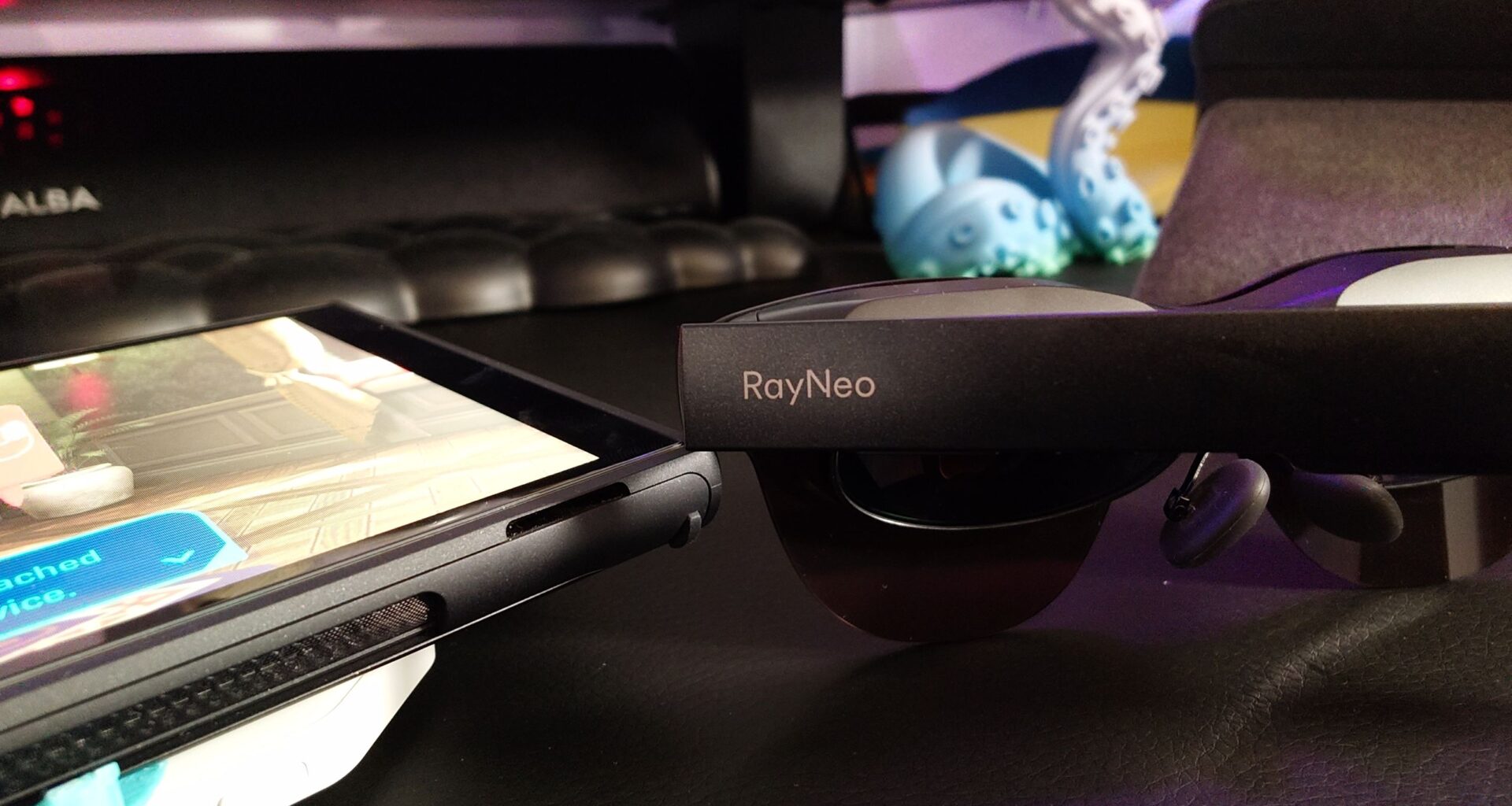
If you own a Nintendo Switch 2 console, one of the best accessories you can get for it right now is a pair of smart gaming glasses. These essentially allow you to have a monitor with you at all times for gaming on the go, and I think XR/AR gaming glasses could be one of the best travel hacks I never knew I needed.
One company leading this space is RayNeo, and I’ve been testing out its Air 3s Pro AR glasses for gaming and casual use. The glasses are beautifully designed, sleek, comfortable to wear, and I would say relatively affordable too at $299 / £250 (compared with rivals at $500+).
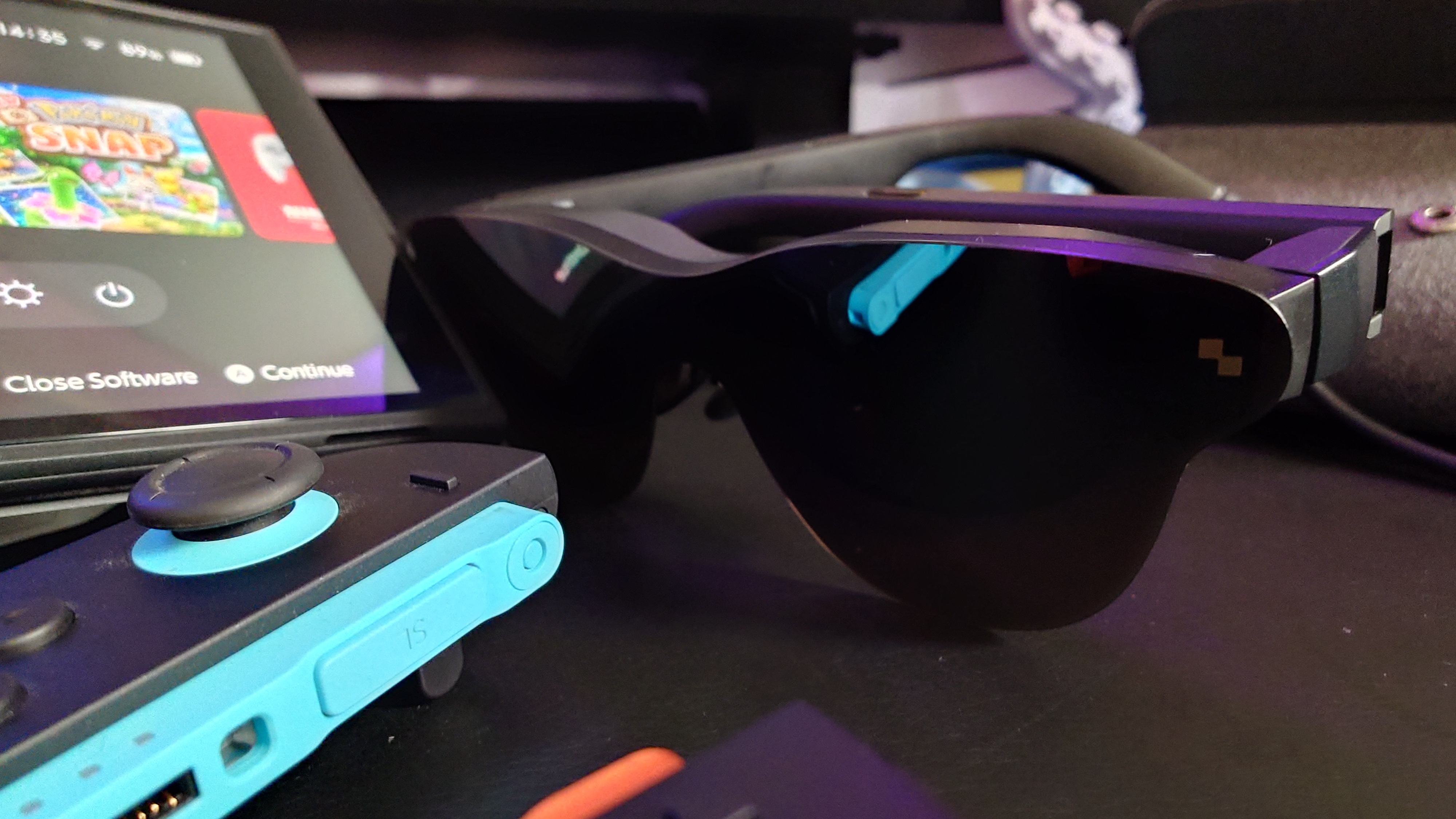
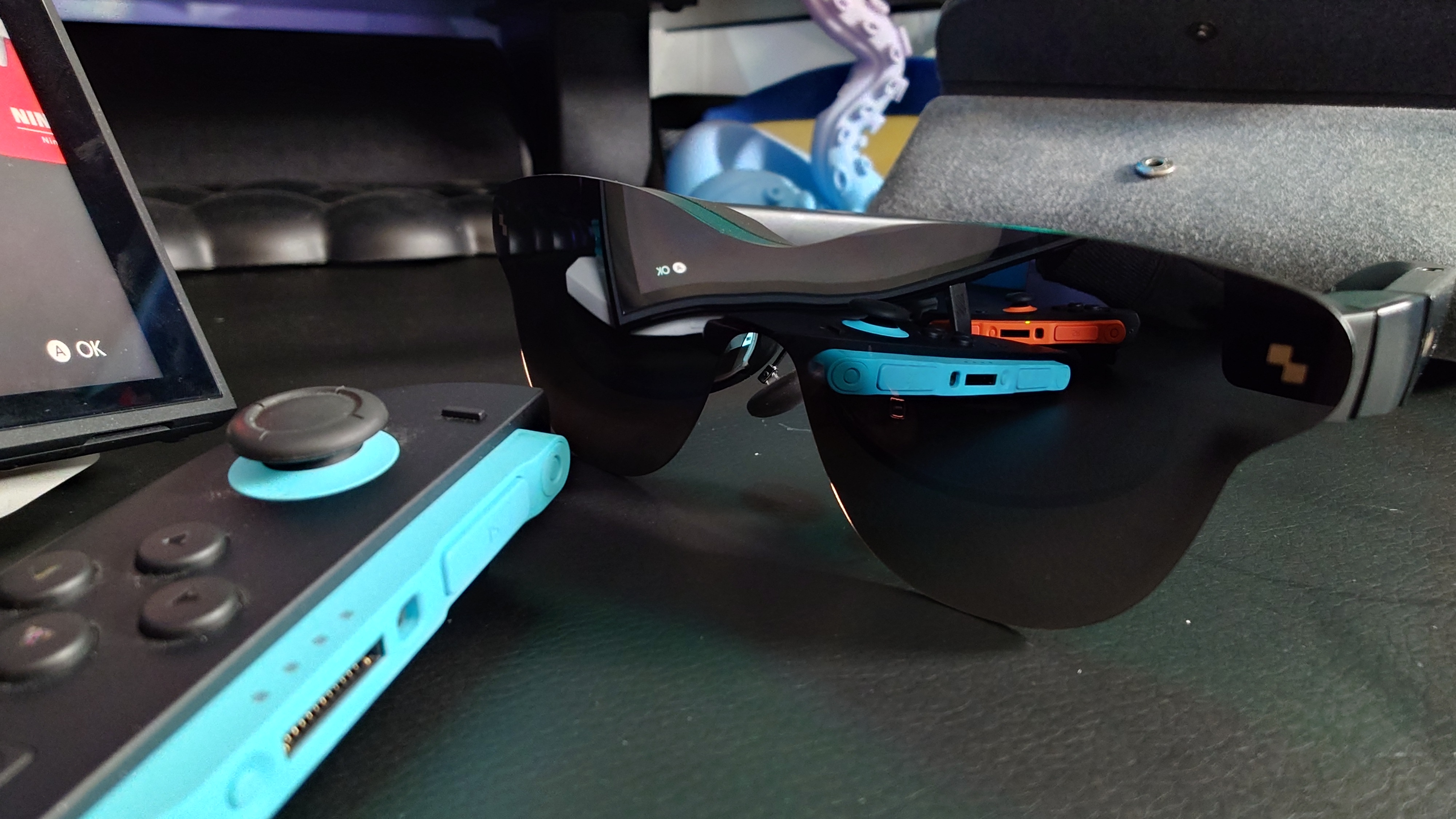
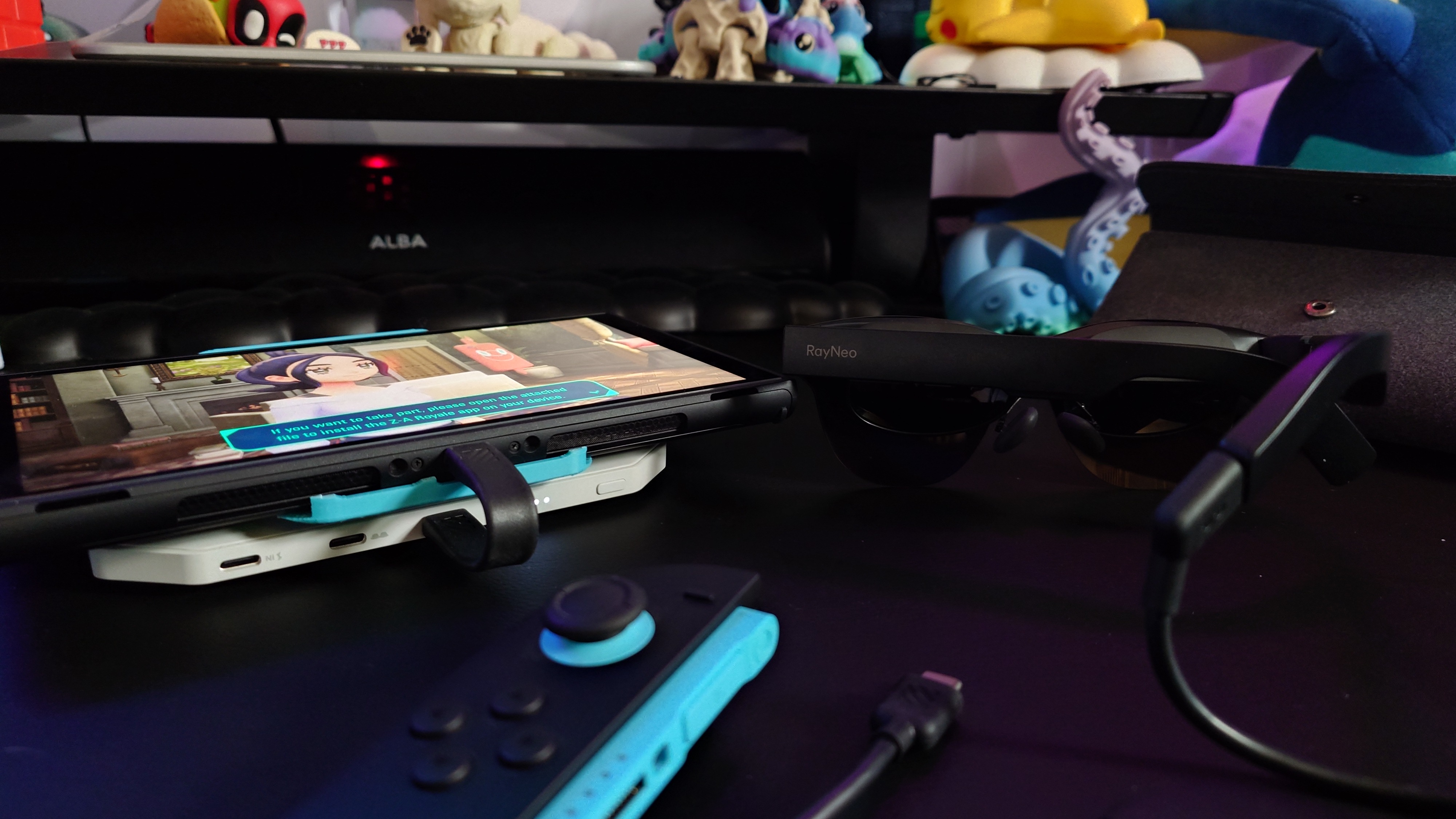
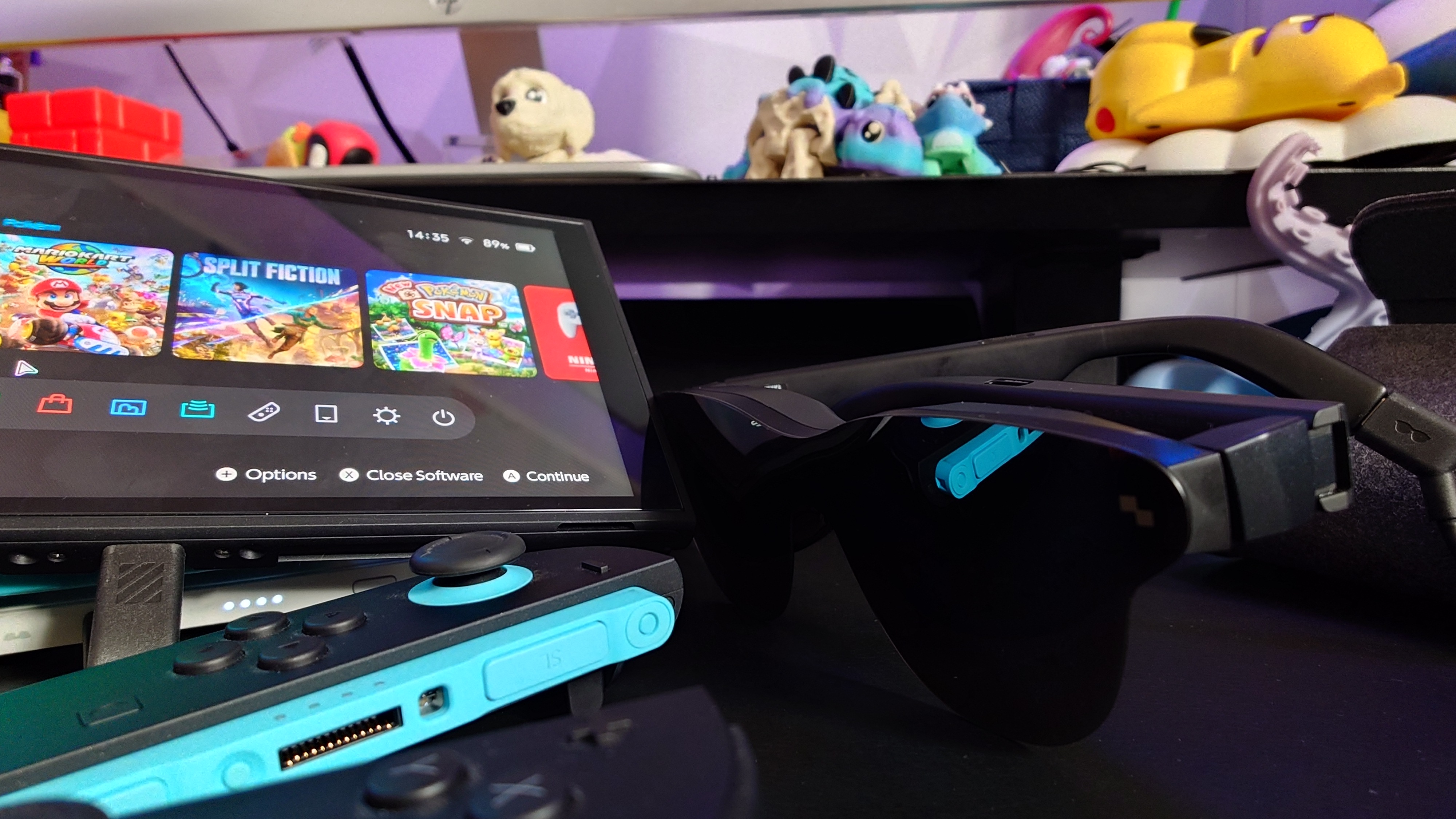
The only issue was that I couldn’t seem to get the specs to work with my Nintendo Switch 2, despite RayNeo insisting that the glasses are 100% compatible with the console when using the RayNeo JoyDock accessory (sold separately).
You may like
After researching articles and scouring reviews to find a possible fix, it turns out the solution is a simple firmware update that takes less than 10 minutes. If you’re in a similar situation, then I have a step-by-step video tutorial below to help you connect RayNeo AR glasses to a Nintendo Switch 2 console.
How to pair RayNeo glasses to the Switch 2
Hopefully the video above explains all, but if you have any questions, leave a comment down below and I’ll do my best to help.
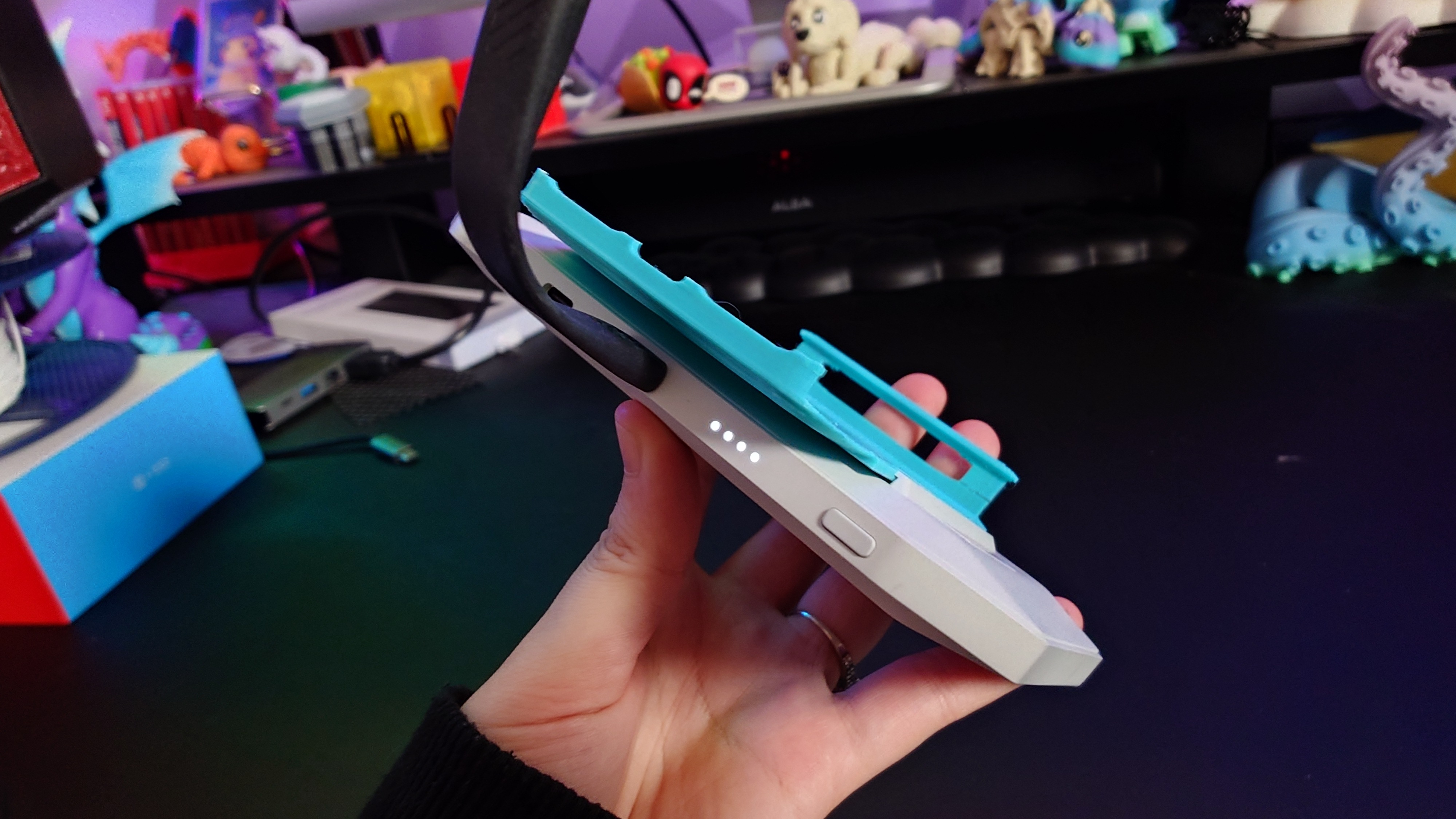
Side note: the section on 3D printing a new adapter for the JoyDock is entirely optional, although it does help to keep your console and the dock attached firmly together while you’re gaming.
I used basic PLA on my Bambu Lab X1 Carbon to print the adapter (file by chupathingyy via MakerWorld), but I strongly suggest using PETG or ABS instead if you want a more reliable part that won’t snap.
Are gaming glasses worth it?
Image 1 of 5
 (Image credit: Future)
 (Image credit: Future)
 (Image credit: Future)
 (Image credit: Future)
 (Image credit: Future)
I’d say so, yes. It depends on how often you use your Nintendo Switch 2, and where. If you like playing on a larger screen as opposed to in handheld mode, then AR gaming glasses (like the options available from RayNeo) unlock possibilities for you to game on the go and play virtually anywhere without being tied to a desk, monitor, or sofa.
But the Nintendo Switch 2 is already very portable, I hear you say. Yes, handheld gaming consoles are great because you can play them anywhere and don’t need an external display. With the Nintendo Switch 2, you get the best of both because you can connect it to a TV using the docking station for a large-screen experience.
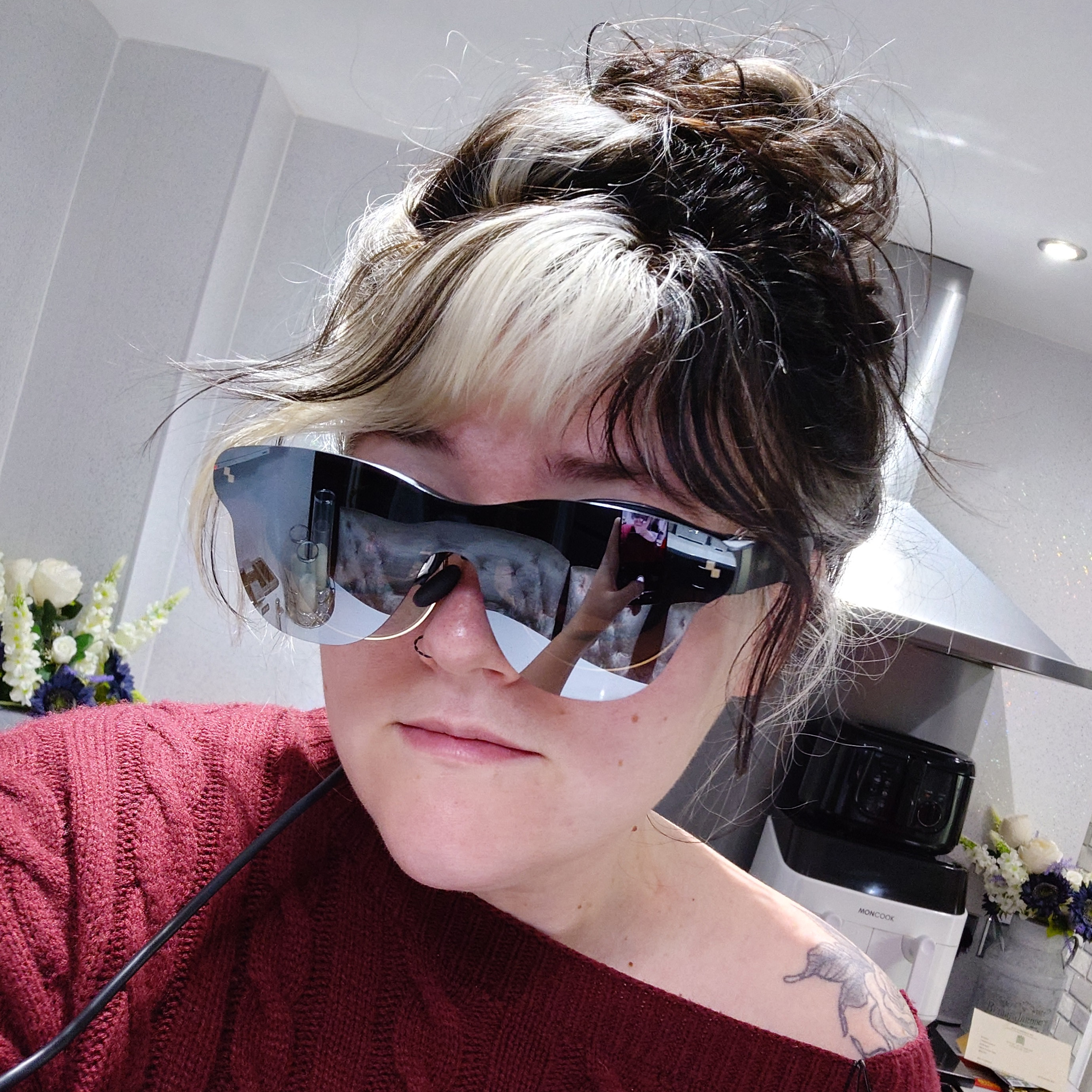
Wearing the RayNeo Air 3s Pro smart gaming glasses for the first time. (Image credit: Future)
But let’s say that you’re on a plane, for example, and have a long 8-hour flight. I bet you can already feel the neck strain caused by staring down at your phone or console screen, can’t you? The same goes for gaming on a train. Sure, you can use the built-in kickstand on the Switch 2 and detach the Joy-Cons to sit back, relax, and game in tabletop mode. But you’ll still have a small screen to game on.
Third scenario: you want to game from the comfort of your couch, but your roommate has dibs on the TV. No stress. With options like the RayNeo Air 3S Pro, you can simply put on your gaming glasses, and the sound emitted is near silent to anyone else in the room, but you get true immersion.
Today’s best deals on the Nintendo Switch 2 console and accessories