
Summary
Vim 9.2 adds experimental Wayland UI and clipboard support, plus XDG config in $HOME/.config/vim.
Inter-mode completion now uses fuzzy matching by default, with new completeopt flags ‘nosort’ and ‘nearest’.
UI tweaks include a vertical tabpanel, Windows dark mode, fullscreen, nicer icons, and a :Tutor interactive guide.
It has been an incredible year for Wayland fans already. We’ve already seen a few teams, from desktop environment developers to operating system maintainers, put Wayland in the spotlight in some manner. Some teams are making Wayland the default option, while others are scrapping X11 altogether.
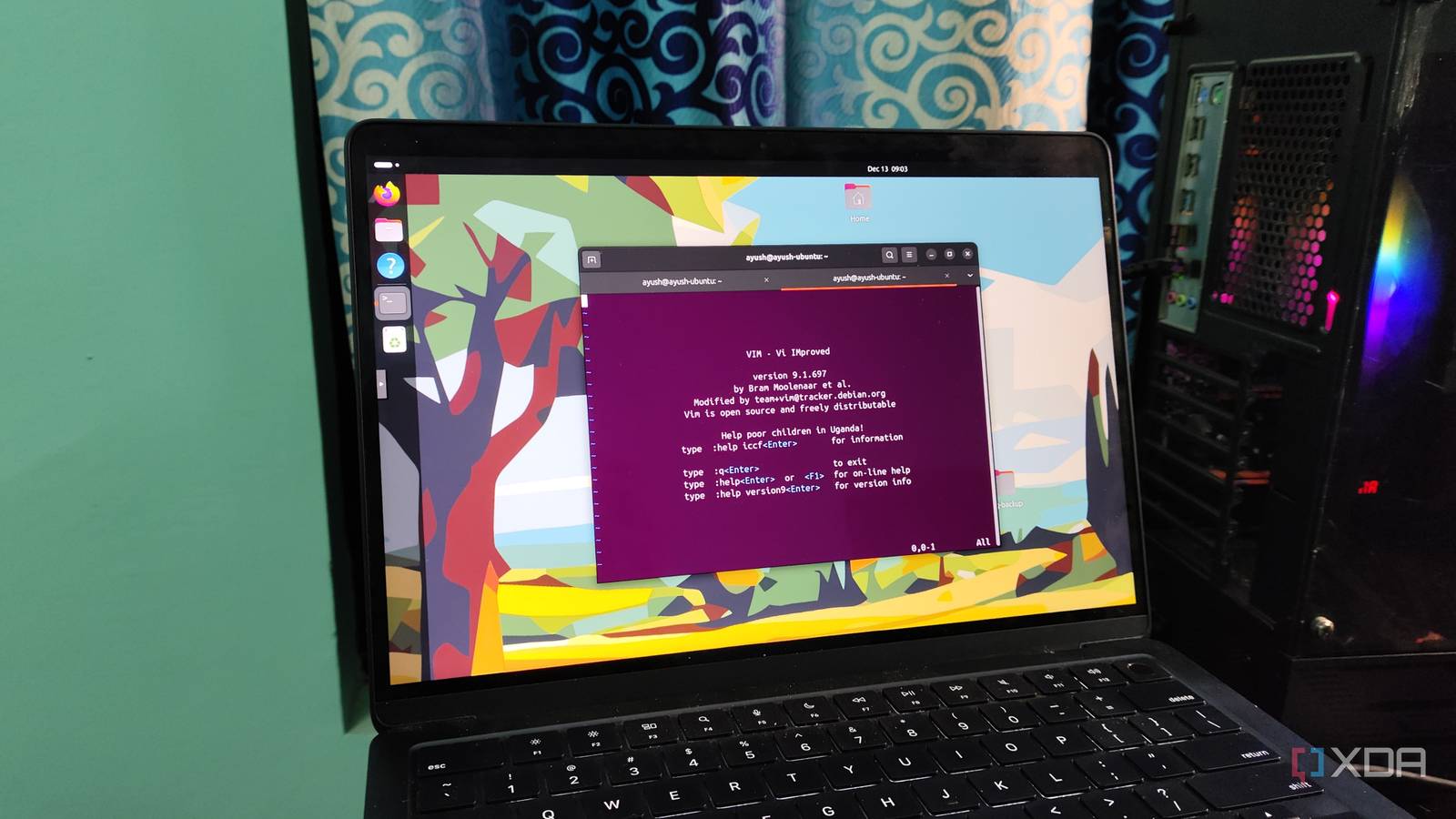
Well, it seems that the legendary text editor Vim is the newest software to give Wayland a shot. The dev team has released Vim version 9.2, and while it’s still in an experimental phase right now, it’s still a full implementation of Wayland.
Related
Linux 7.0 may receive a self-repairing feature that automatically fixes your XFS filesystem
No more disk checks. Hopefully.
Vim 9.2 adds full support for Wayland
Albeit it still needs some time to test things out
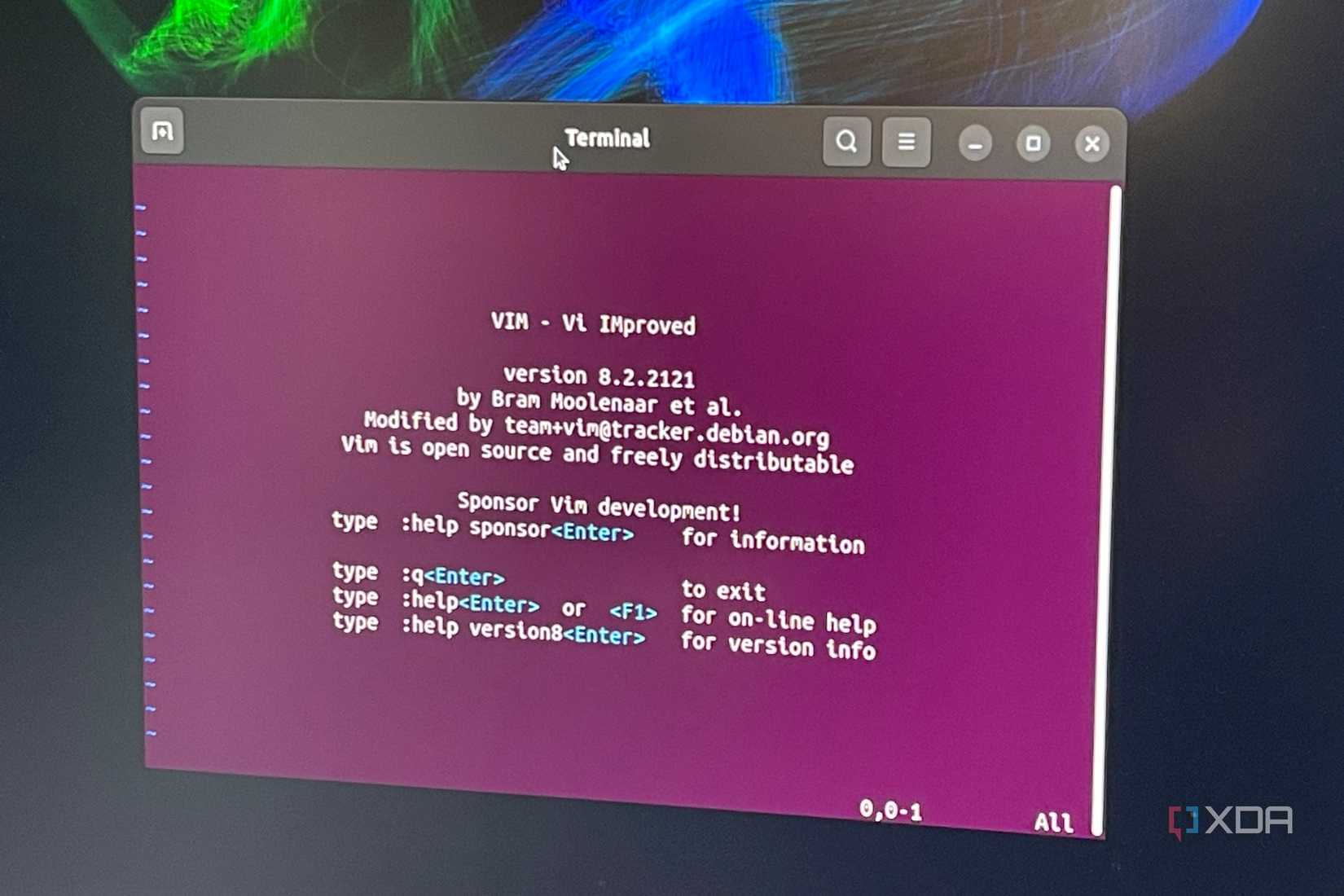
As spotted by Linuxiac, the Vim development team is the latest to declare that it’s taking Wayland seriously. With version 9.2, the text editor will support both the Wayland UI and its clipboard, and add support for the XDG Base Directory Specification. It’ll also begin using $HOME/.config/vim as the user config folder to keep everything tidy. It’s not quite complete just yet, and it’s still an experimental feature, but it’s still a huge move toward Wayland and well worth a look if you’re interested.
That’s not the only killer feature with Vim 9.2. Intert-mode completion now has fuzzy matching installed by default. This means you no longer need to install additional addons for the feature; you’ve got it right out of the box. The update also introduces new ‘completeopt’ flags like ‘nosort’ and ‘nearest’ so you can arrange the results just how you like them.
There have been tweaks to the UI, too. There’s a vertical tabpanel for people who like things on the Y-axis (I’m more of a horizontal kind of guy, but you do you), and if you’re using the MS-Windows GUI, you now have a dark mode, fullscreen support, and some better-looking icons. And if you’re just starting out with Vim, there’s an interactive tutor plugin you can activate with :Tutor to get the ball rolling. Sounds great to me.