
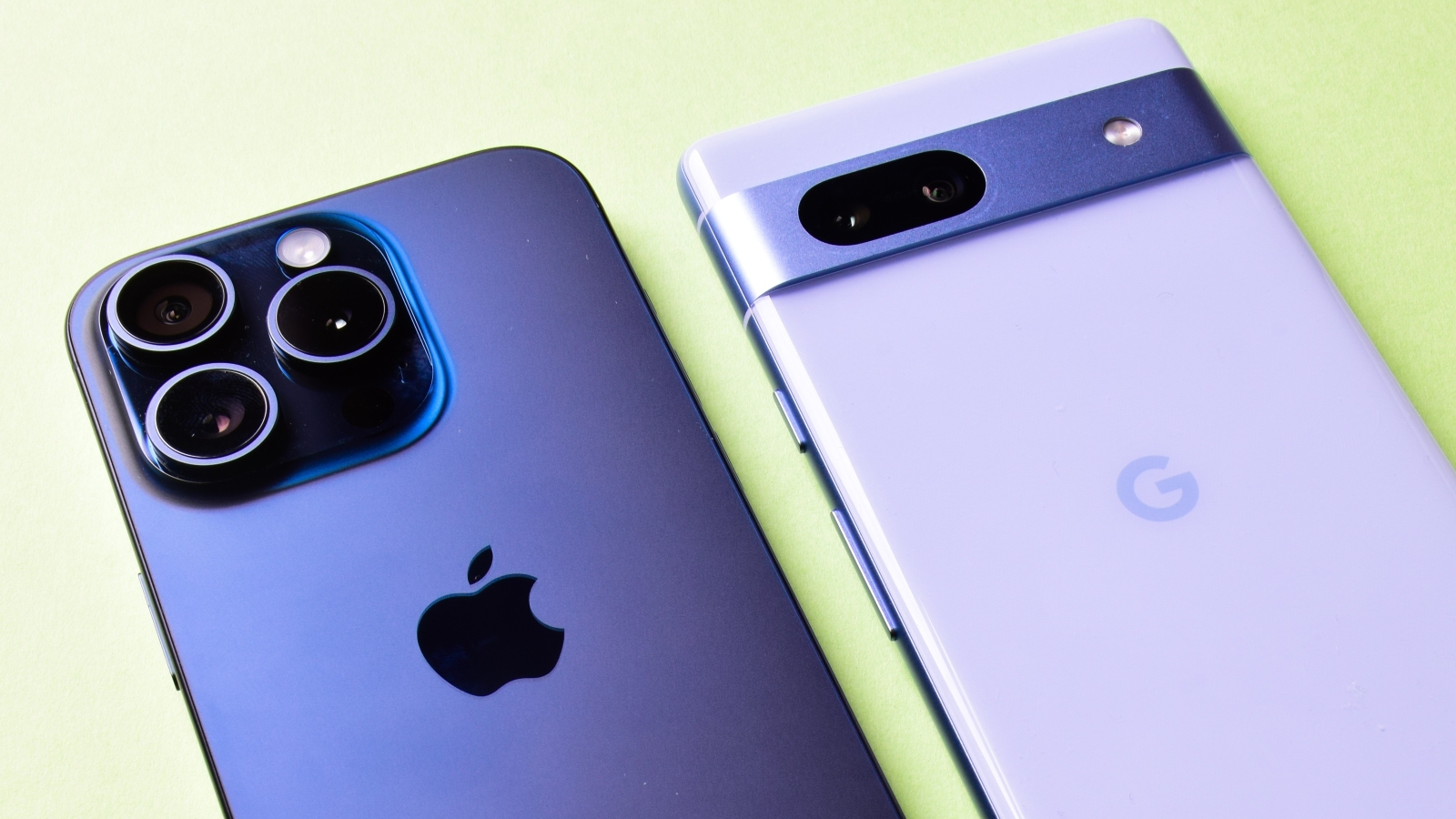
Apple and Google’s mobile operating systems are playing a little nicer, amid regulatory pressure. Image: Shutterstock
Consumers can now more easily transfer their data from an iPhone or iPad to a device running Google’s Android operating system after Apple released a new tool worldwide for moving from iOS and iPadOS, amid pressure from European regulators.
Apple’s release of iOS 26.3 and iPadOS 26.3 on Thursday included a new ‘Transfer to Android’ tool integrated into each mobile operating system, allowing users to switch to Google’s platform without needing a separate app.
The new system allows for the transfer of data such as messages, contacts, call history, photos, some apps, accessibility settings, wallpaper, home screen layout, and phone numbers.
However, it will not transfer a user’s health data, details of devices that have connected through Bluetooth, or protected items such as locked documents.
Why are Apple and Google working together on this?
Apple and Google announced their rare collaboration on data transfers in December 2025, before the European Commission claimed its Digital Markets Act (DMA) regulations had resulted in a victory for consumers and developers.
At the time, the commission told 9to5Mac the new data transfer tools and previous eSIM transfer tools were both “the direct result of the DMA, which requires designated services (including iOS and Android) to ensure effective data portability”.
“These solutions were possible thanks to extensive engineering work and collaboration between Apple and Google, as well as intensive discussions with the commission for the past two years,” the commission reportedly said.
Apple had previously flagged it was “developing a device switching solution” in its March 2025 DMA compliance report, in collaboration with Google.
Aside from regulatory pressure, creating such a solution may have also been inspired by concerns about the security or capability of Google’s Android Switch app — which many consumers previously used to leave iOS — according to what Apple said at the time.
“This is a complex undertaking that Apple will seek to ensure is as user friendly and secure as possible,” the company wrote in its DMA report.
“The solution cannot be implemented at the cost of security.”
While Google is yet to natively integrate a data transfer feature into Android for those moving to iOS, the company is expected to do so in a future software update.
How do I transfer my data from iPhone to Android?
Here are the main steps involved in using Apple’s ‘Transfer to Android’ feature:
After beginning the transfer process on a new Android device, users switching from an iPhone or iPad can use their Apple device to scan a QR code displayed on their Android’s screen, which will allow the devices to connect over Wi-Fi and Bluetooth, Apple says on its website.
If the two devices are next to each other, the process can also be triggered in an iPhone or iPad’s Settings app, under ‘General’ and ‘Transfer or Reset iPhone’, where the ‘Transfer to Android’ option now appears in iOS 26.3.
Users will still need to scan a QR code on the Android device’s screen, or manually input a session ID and a pairing code from the Android device if the iPhone or iPad cannot scan the code.
A user can select which sets of data they wish to transfer, before the transfer takes place.
If their iPhone or iPad has an eSIM with a supported carrier, the user may also be asked whether they want to begin an eSIM transfer to move over their mobile plan and number.
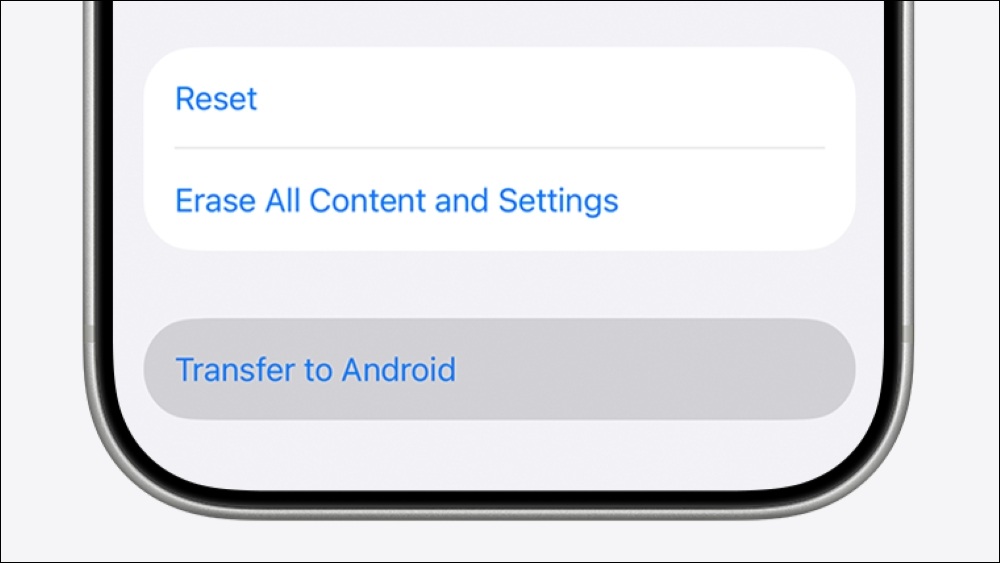
A new ‘Transfer to Android’ feature appears in iOS and iPadOS 26.3. Image: Apple
Apple’s iOS 26.3 is compatible with iPhone 11 and newer, as well as the second and third generations of iPhone SE.
Transferring from iPhone to Android can also be done using a cable between the two devices like in the video below, or by using Google’s own solution the Android Switch app — which has more limited capability and requires more setup.
How do I transfer my data from Android to iPhone?
Apple still promotes its own Move to iOS app, available on Google Play, for consumers wanting to transfer their data from an Android device to an iPhone or iPad.
Here are the main steps involved in the process:
When setting up an iOS or iPadOS device for the first time, users can choose to transfer apps and data from Android during the setup process.
Launching the Move to iOS app on the Android device they are moving data from begins the transfer process either wirelessly or via a cable between the two devices.
The Apple device will display a code of six or 10 digits, which is entered into the Move to iOS app on the Android device.
If the transfer is being carried out wirelessly, the iOS device will create its own temporary Wi-Fi network, which the Android device can connect to for the transfer.
The user can select which information to transfer, which can include “contacts, message history, SMS messages, camera photos and videos, photo albums, files and folders, accessibility settings, display settings, web bookmarks, email accounts, WhatsApp messages and media, voice memos, call history, and calendars”, according to Apple.
Some free apps may also transfer automatically, and some users may also be prompted to set up or transfer their SIM or eSIM.
Google’s integration of a data transfer feature into Android for those moving to iOS — if it occurs as expected in a future software update —would likely remove the need to rely on Apple’s Move to iOS app when switching from an Android device to an iPhone or iPad, and may allow more data to be moved between the different operating systems.