
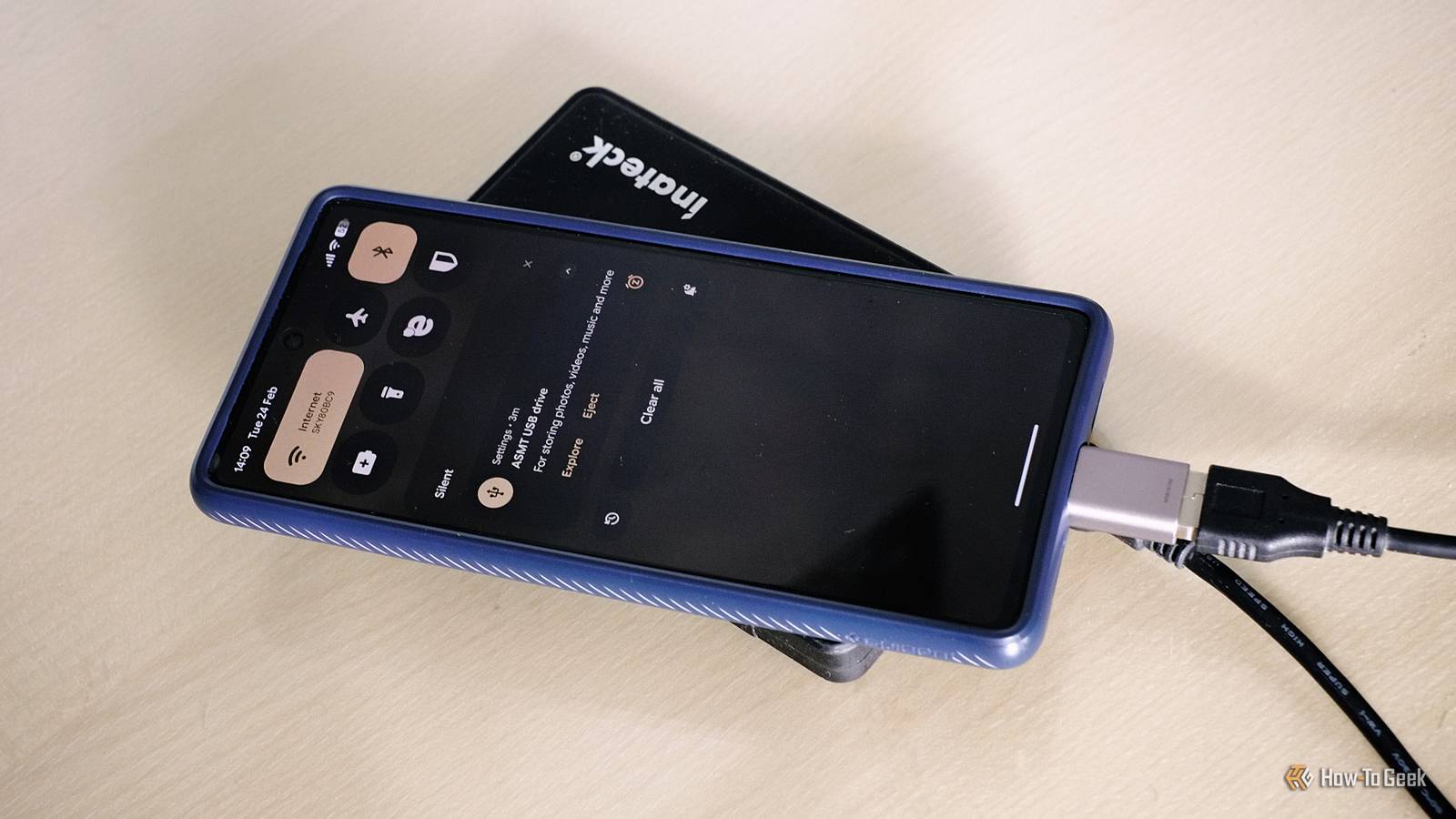
Memory card slots on flagship phones are a thing of the past and are unlikely to return. So if you want extra storage on your phone, your main option is to choose a higher capacity when you first buy it. But I go a different way. I still buy the base model, and then expand the storage by plugging in an external SSD. It might sound strange, but it actually works pretty well.
Why adding an SSD to your phone makes sense
It looks weird, but it works
Attaching an SSD to a phone is a much cheaper way of expanding your storage than the alternatives. Buying a device with a higher built-in storage capacity can get pretty expensive, with the danger that you end up paying for more than you actually need. It’s better than a flash drive, too, in pretty much every way. It’s cheaper, available in much higher capacities, and is likely to be faster and more reliable.
It does add a little bulk and can get warm with heavy use. But on the whole, it’s actually a lot less cumbersome than you might imagine.
My setup, a 2.5-inch SSD in an external enclosure, is pretty comfortable to hold, since it isn’t overly different in either size or shape from my smartphone. I don’t bother fixing it in place; I just hold it against the back of the phone, and it fits in the hand nicely. It’s better than having a rigid flash drive jutting out the bottom, or even a smaller but less conveniently shaped M.2 drive.
External storage comes with benefits over internal storage. First, you can decide how much you need, and change and adapt over the years that you own your phone (and continue using it even after you buy a new phone). And you can share it with other devices.
I’m an Android user with a Mac, which isn’t the easiest combination, but my external drive makes it work well. I’ve partitioned the SSD so that some of it is formatted with APFS for Mac-specific functions, and the rest is set up for general use and works on Mac, Android, and pretty much everything else. It would work on an iPhone as well.
How I use an SSD with my smartphone
Download files once; access them anywhere
Credit: Nick Lewis / How-To Geek
I use my SSD on my phone for accessing large files that I wouldn’t want to keep on the device anyway, and in some cases couldn’t keep in cloud storage.
The main part of this is my movie and TV library. The drive holds all my media, which I use both directly via USB on my TV and through Plex when I’m at home. But I can also plug it into my Android phone and have full access to a huge content library. It’s especially useful when traveling, when my Plex server might be offline.
On my phone, I’ve got the NOVA Video Player installed. This organizes the content, downloads metadata, poster art, and the like, and makes for a very powerful and usable setup.
The other use I’ve got for big files is for retro gaming. I use emulators on both my phone and laptop, and since game ROMs can be fairly big, I wouldn’t want them clogging up my phone’s storage or to have to download them more than once. Keeping them all saved on a single drive that I can access on many devices is much more convenient, although one of the best emulators, RetroArch, doesn’t support external storage on Android.
Getting the most out of a phone’s SSD
What to buy and how to set it up
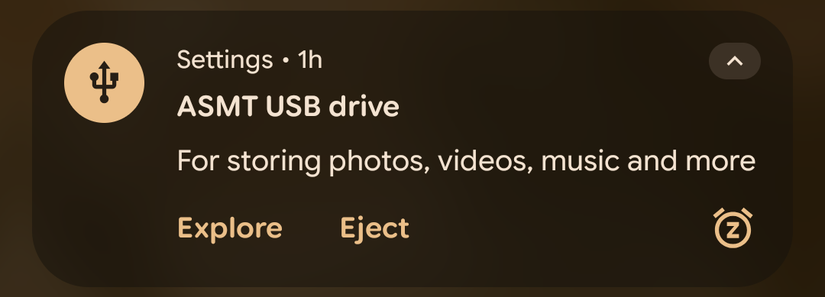
It’s easy to use an SSD with a phone. It needs no extra power to run, so you can simply plug it into the USB-C port like any other accessory.
You need to format it with the right file system. exFAT is the one I chose. It has very wide compatibility and few limitations on things like file sizes. FAT32 works on even more devices, but restricts you to files of 4GB or smaller. You could choose APFS if you’re only going to use the drive on Apple products, and it’s best to avoid Microsoft’s NTFS altogether, as it’s read-only on Android. You’d have to reformat the drive if you change your mind later.
As I mentioned, I’ve got two partitions on my drive, one for Mac use and the other formatted with exFAT for everything else.
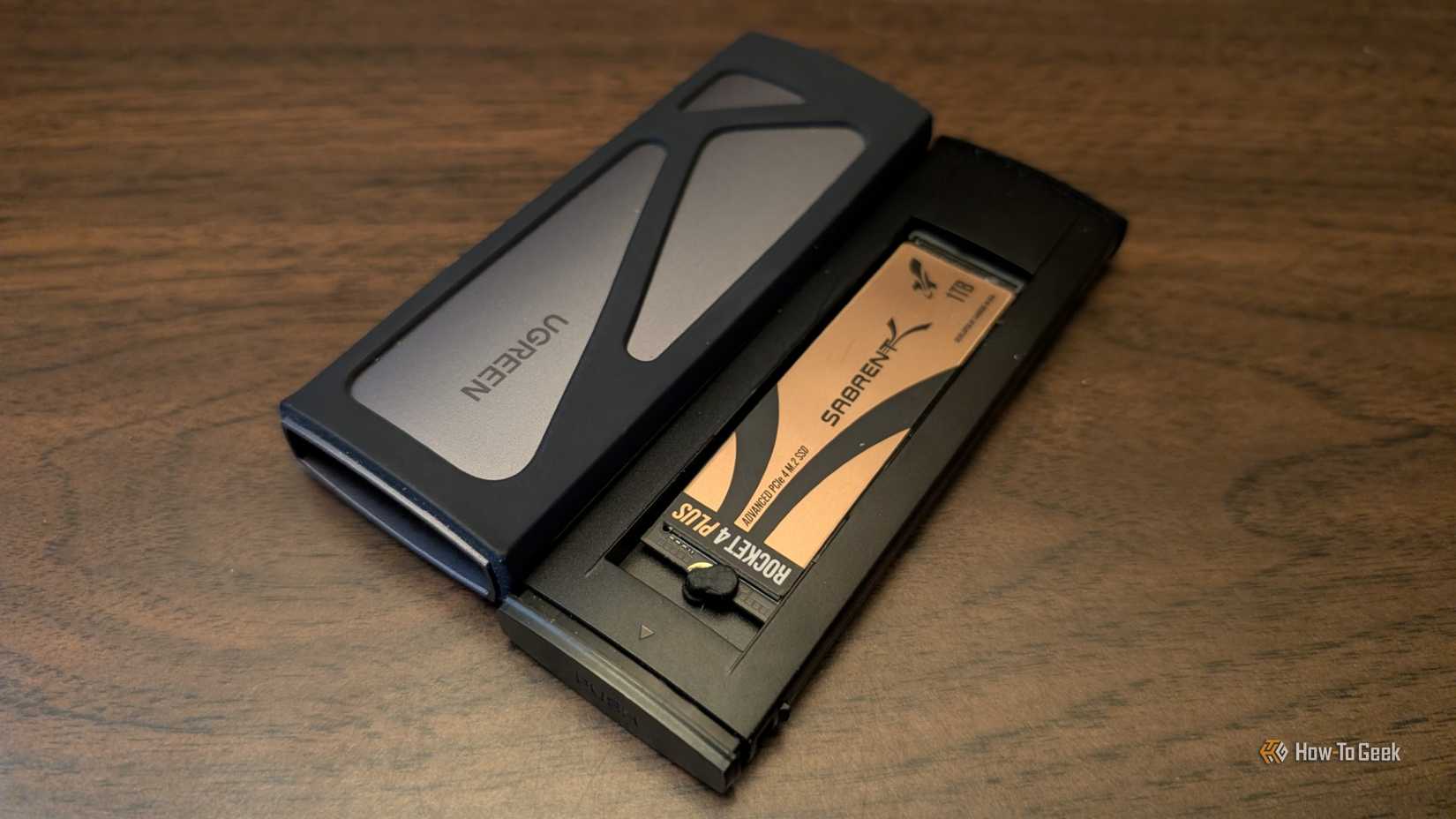
For the drive size, most modern phones can handle up to 2TB without issue, but you should check your phone’s specs to be sure. I prefer to build my own external SSDs, using an internal drive with an enclosure. It works out a little cheaper, especially when upgrading later on, and you can even juggle several drives between a single enclosure.
Once you connect the SSD, it will work without any further setup. Whether you’re using Android or iPhone, you can access the drive through the Files app, or you can open files directly through individual apps.
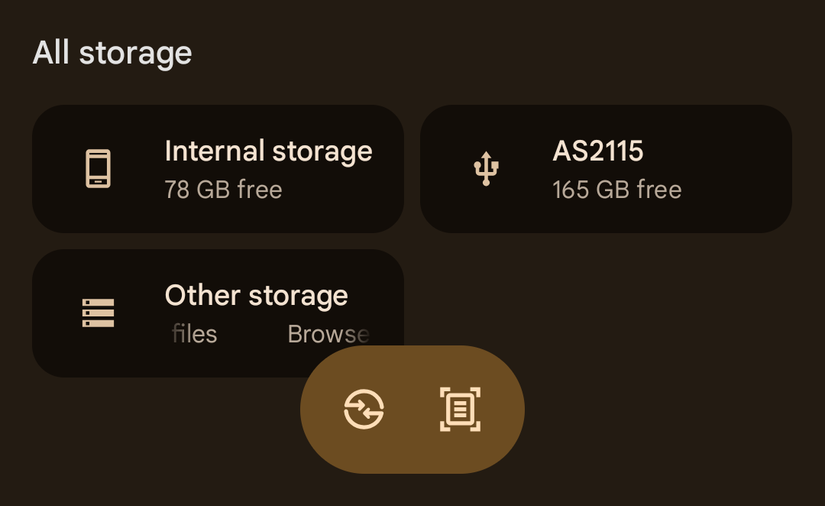
SSDs are an easy way to get more storage
Stop paying the storage tax
Although using an SSD with a phone sounds odd, it works surprisingly well. Instead of paying a premium for an extra 128GB up front, you can buy at least a 512TB external SSD for similar money and use it across multiple devices for years. You’re no longer locked into whatever storage tier you picked on day one.
I still buy the base model phone, and I’ve stopped worrying about space altogether. For me, that flexibility alone makes carrying a small SSD completely worthwhile.