
Lightroom’s lens blur filter got a bad reputation fast. When it launched, some people predicted it would make fast glass obsolete, and then it didn’t, because on most real-world photos, cranking it up just looks fake.
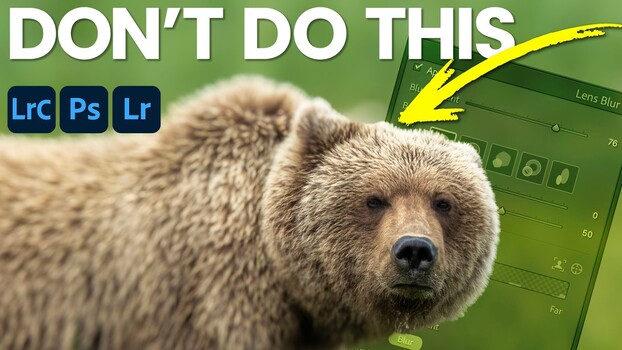
Coming to you from Matt Kloskowski, this practical video makes a case for using Lightroom’s lens blur filter in a way most people haven’t tried. Kloskowski starts with a bear photo submitted by a member of his portfolio group. The original image is sharp throughout, and rather than blurring the background, he notices the foreground could use some softening to pull the viewer’s eye toward the bear. That’s the core idea here: instead of using lens blur to fake a shallow depth of field across the whole frame, you use it surgically, just enough to redirect attention without making the edit obvious.
To do it, Kloskowski works inside the Focus Range controls rather than just dragging the main blur slider up. He sets the focus point toward the distance so the near ground softens, then uses the Brush Refinement tool with a large brush set to 100% feather. Painting focus back into the background and using the soft edge of the brush along the foreground lets the effect taper naturally instead of creating a hard line across the frame. The key move is keeping the blur amount low. He cranks it up early just to show how bad a heavy-handed application looks, then brings it way down to something subtle. The result doesn’t scream “AI blur;” it just quietly moves your eye where it’s supposed to go.
The second example adds another wrinkle. Kloskowski shot the scene low to the ground to capture a puddle reflection in the foreground, which means there’s a legitimate creative argument for blurring either end of the frame. He walks through both options. Neither is obviously “right,” which is exactly the kind of real-world ambiguity that makes this more useful than a tutorial built around a photo that was hand-picked to make the tool look perfect. Kloskowski is upfront about that too: he says he used to spend an hour hunting for a photo that would make lens blur demo well, because it simply doesn’t work on most images.
Check out the video above for the full breakdown, including the travel photo example and how Kloskowski handles the brush refinement.