
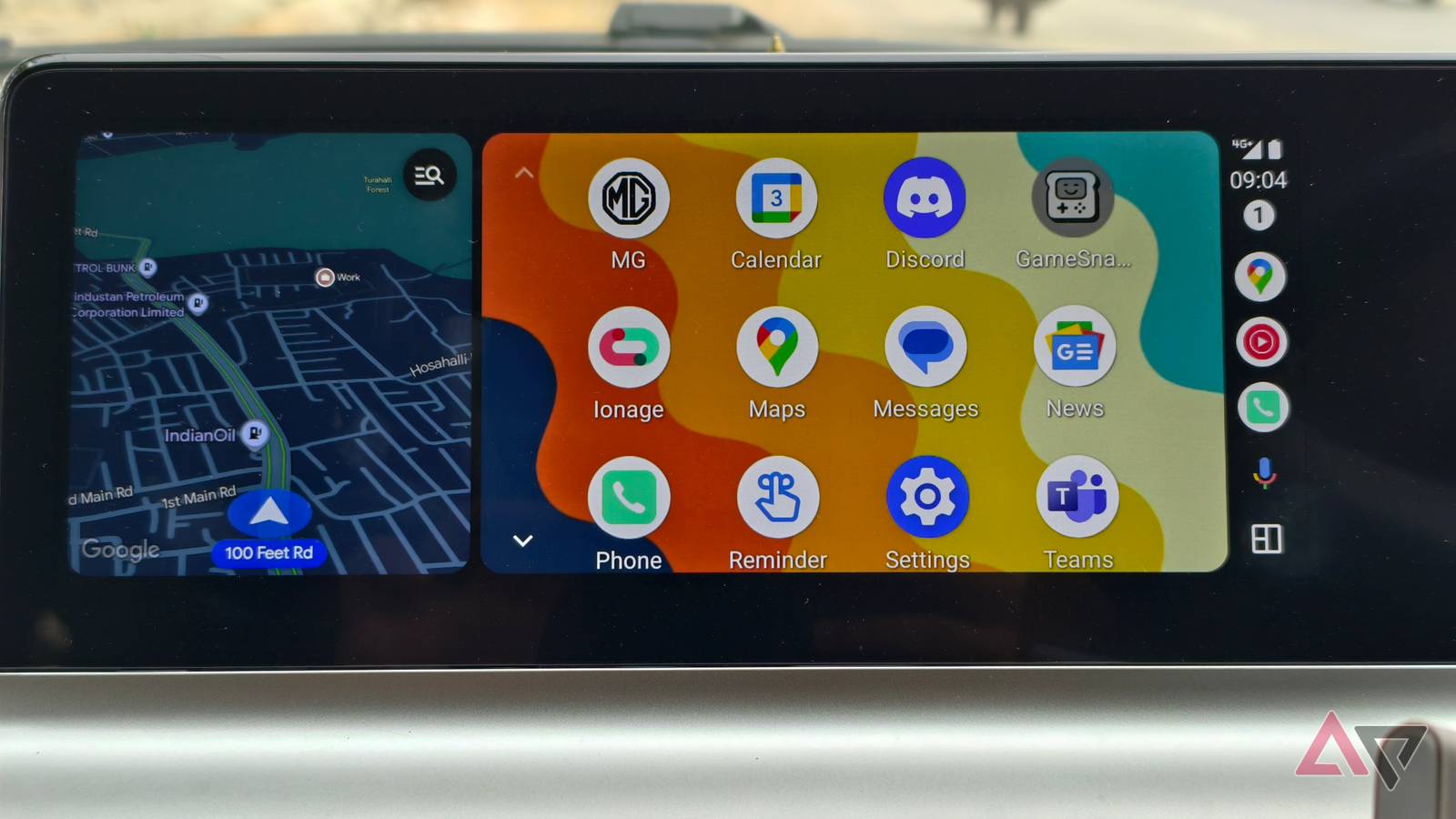
Android Auto comes with a couple of media-friendly features built in, such as the ability to autoplay music when you return to your automobile. While this behavior can be disabled in Settings, it appears that few users are aware of this toggle.
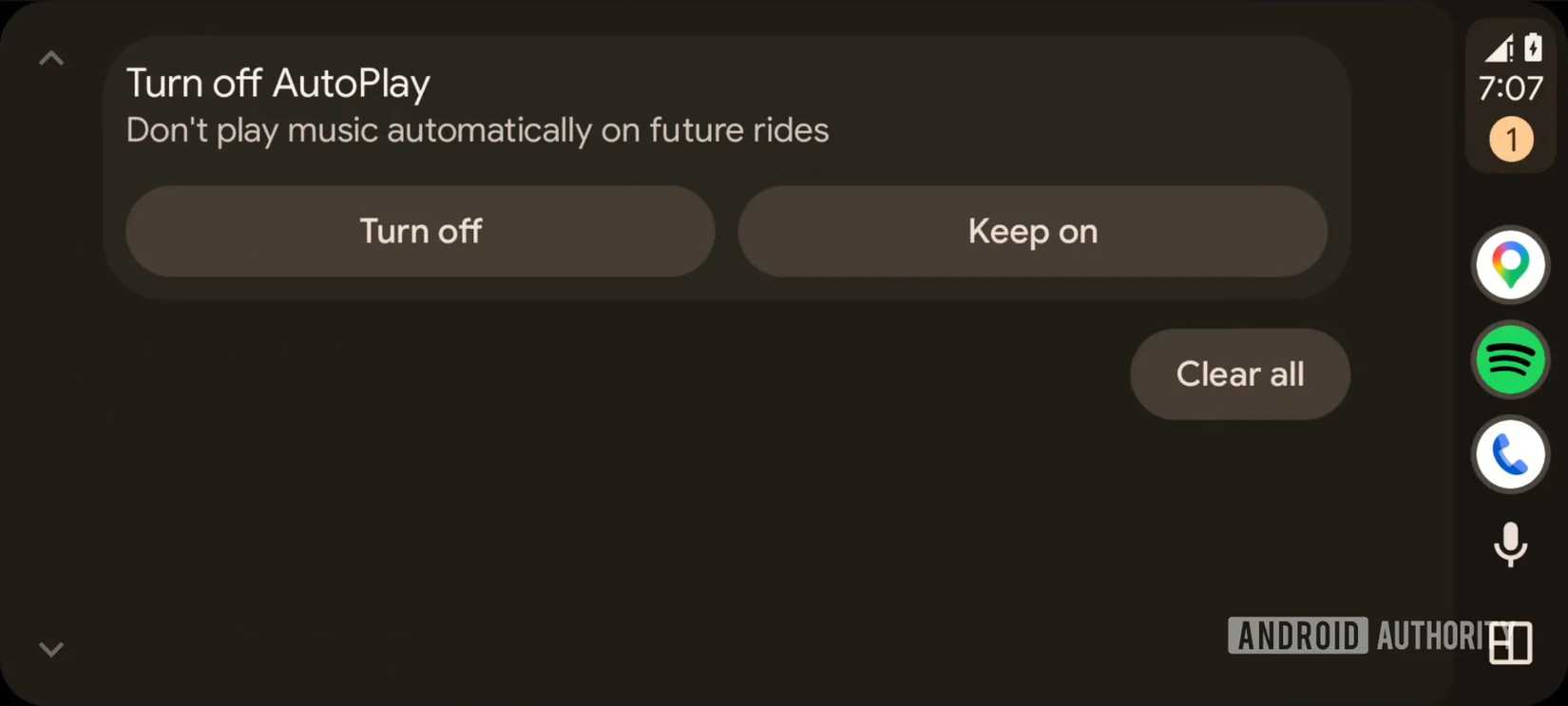
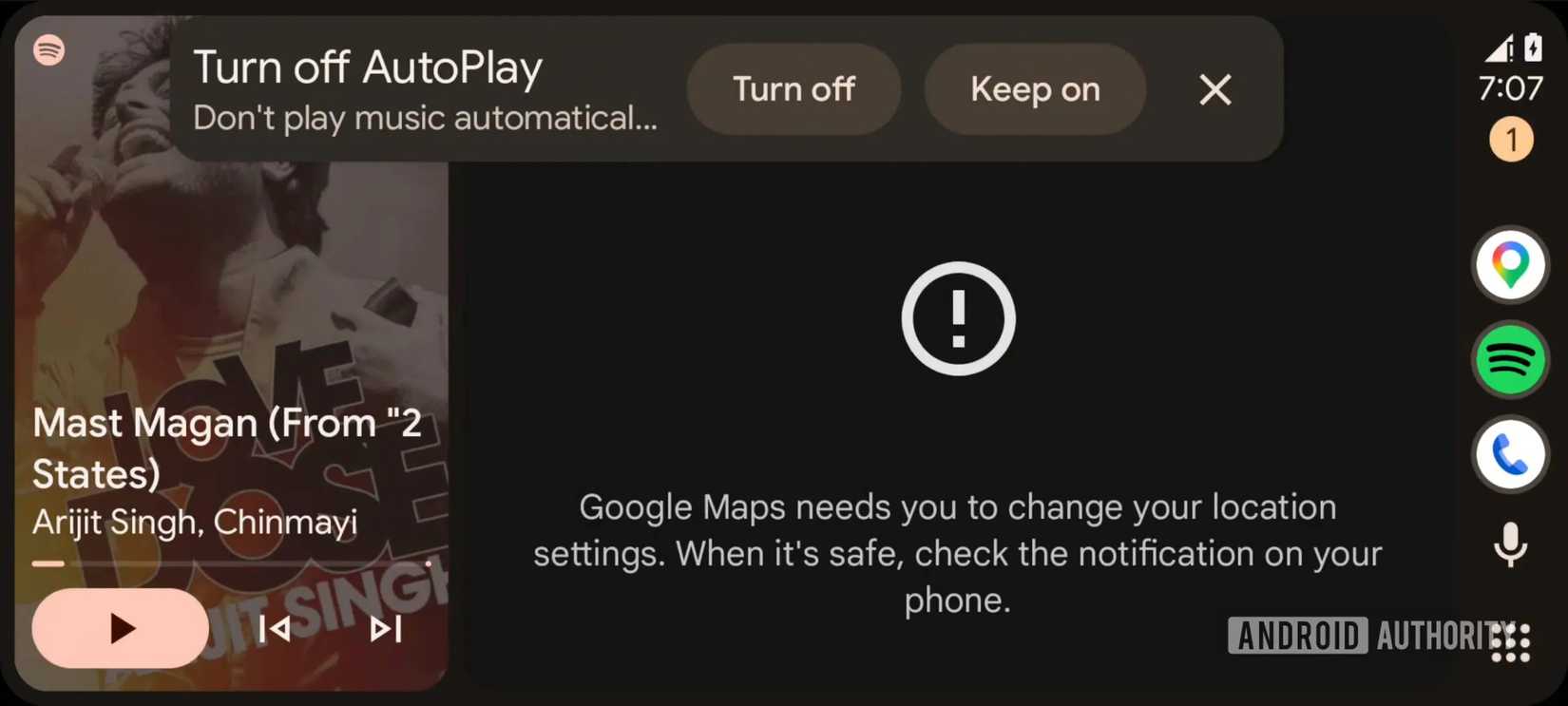
Keeping this in mind, Google is developing a way to let users swiftly disable AutoPlay without ever navigating to the Settings page. Looking into version 16.6.161344 of the Android Auto app, the folks at Android Authority have managed to activate a handy notification that lets you instantly disable AutoPlay.
Credit: Android Authority
Credit: Android Authority
We can see the “Turn off AutoPlay” notification in both the smaller and expanded forms above, along with the “Turn off” and “Keep on” buttons. The large buttons should do a better job of grabbing your attention compared to the rest of the pending notifications.
When will this notification appear?
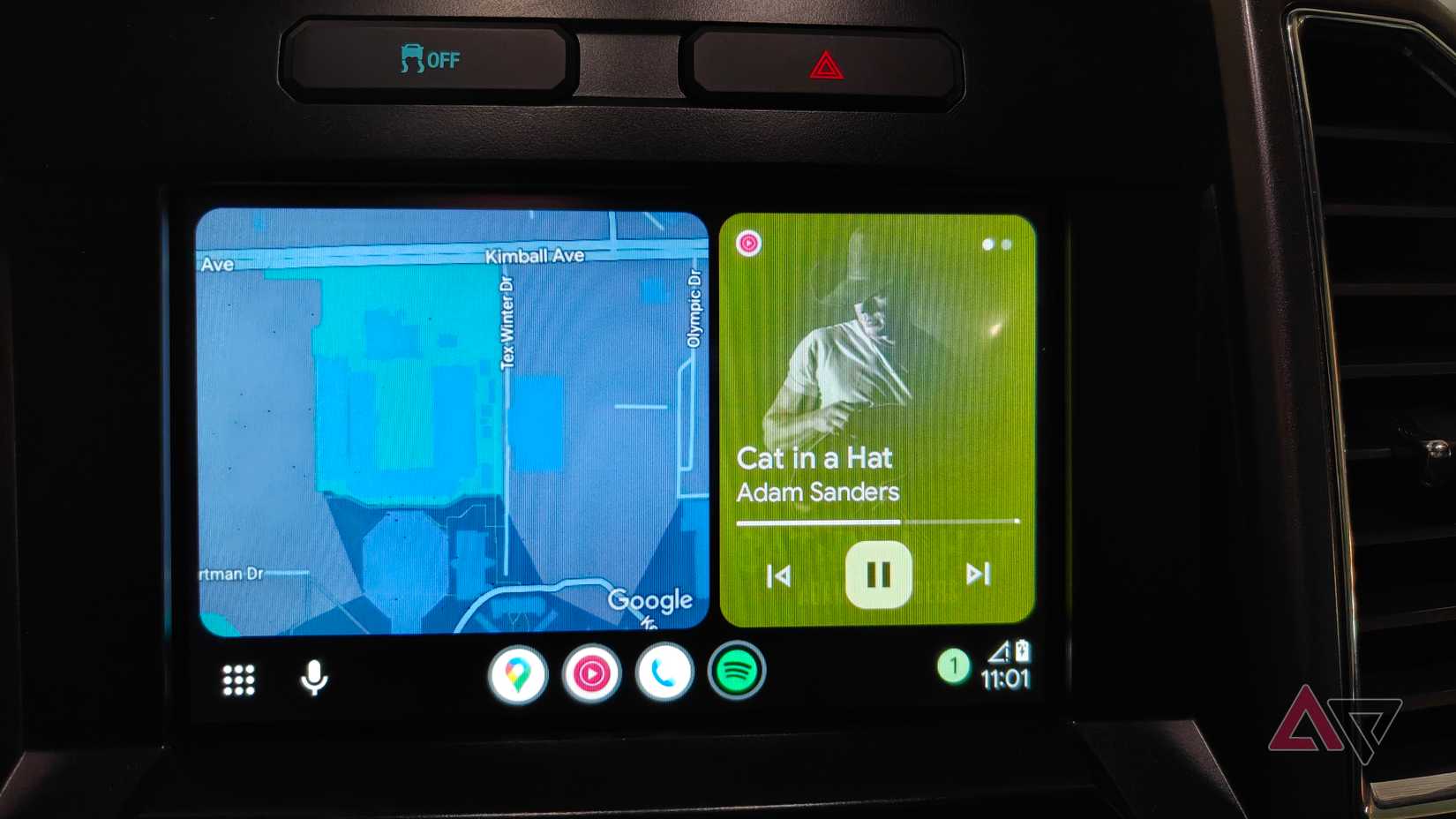
This notification will be triggered when a couple of conditions are met. The user will need to pause the audio within 10 seconds of AutoPlay activation, and do so at least three times to trigger its appearance, per the publication. As you would expect, any pauses beyond the 10-second interval won’t count against the limit.
Overall, this serves as a much better workaround than asking users to do it manually via the “Start music automatically” toggle (Connected devices > Connection preferences > Android Auto). Furthermore, a notification like this also makes it easier for people who may be unaware of the toggle hidden deep within the Settings page.
As this particular notification had to be manually activated, it’s hard to tell when (or if) Google plans to roll it out in the near future. But if you’ve always found yourself pausing the audio each time your phone is connected (except when a song/podcast you really like is playing), this nudge should come in handy.
Related
8 Android Auto settings you didn’t know you needed to change
Get more control over Android Auto with these setting changes
It has been a busy few weeks for Android Auto. After rolling out the redesigned media controls last week, the platform is gradually introducing support for YouTube, albeit with a significant limitation.
We’ve seen our fair share of Android Auto issues over the past few weeks, too, so it hasn’t exactly been smooth sailing. It’s also worth noting that Android Auto hasn’t yet rolled out support for Gemini, although it was expected to land several months ago.