
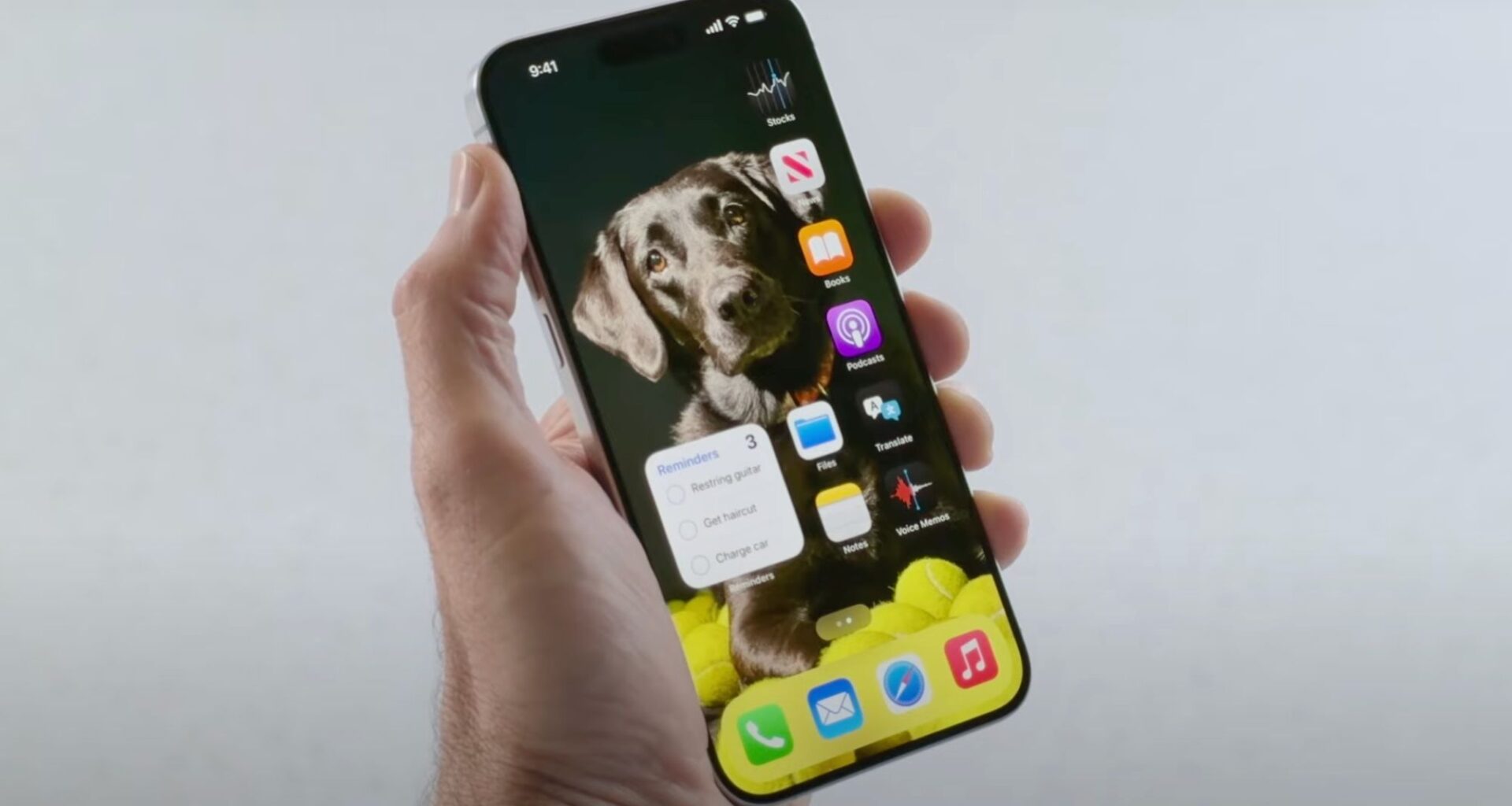
My ancient iPhone XS has a new lease on life thanks to ChatGPT’s suggestion about reviving it with a new battery.
Now that my baby is renewed and full of renewed vigor, I wanted to update my home screen. With three pages full of apps I use every day and a few I forgot I even downloaded, I realized it was time for me to engage in some digital decluttering. With a simple prompt (“How can I make my iPhone screen home screen look and feel better?”), ChatGPT advised me on how to make my home screen look less like a jumbled mess and more like a highly organized app epicenter.
I didn’t just rearrange my apps — I created new widgets and adopted a fitting wallpaper that made finding everything a simple task and looking at my home screen easier on the eyes.
Article continues below
You may like
Decluttering and improved app organization

(Image credit: Shutterstock)
The first thing ChatGPT told me to do was simple: only keep what I use every day on my home screen. So I rebuilt it from scratch.
I moved my most-used apps — Messages, Mail, Discord, Slack, Chrome, Notes, YouTube and Twitch — to the bottom of the screen, right where my thumb naturally lands. No more stretching, no more hunting.
Everything else got pushed up (or cut entirely).
I cleared out apps I hadn’t touched in months — random restaurant apps, old social accounts, even a few dating apps buried three screens deep. If I didn’t recognize the last time I used it, it was gone.
The results were immediate. My phone feels faster and cleaner. Finally, I’m not scrolling past clutter just to get to what I actually need.
It’s a small change, but it completely reset how I use my iPhone.

(Image credit: Tom’s Guide / John Velasco)
Confession: I barely use my widgets. Whenever I accidentally swipe to the left of my home screen, I think, “Oh! Widgets! I forgot they go here.”
What to read next
ChatGPT helped me rethink my approach to using widgets by pushing me to delete the ones that don’t benefit me and keep/add the ones that aid me the most. With a newfound focus on actually utilizing my widgets, I asked ChatGPT “What widgets should I use daily?”
Afterward, I followed the chatbot’s lead to rebuild my widget page to include the following:
A Calendar widget for daily remindersA Weather widget for quick check-ins on the daily forecastA Wallet widget to keep track of my connected card accounts and balance detailsA Maps widget to track my ETA and quickly look up directionsA Battery widget to get a glance at my iPhone’s current charge statusA Sleep widget to track my sleeping habits and review my sleep scheduleA widget that tracks my app usage across the categories of Social, Productivity & Finance, and Other
ChatGPT also introduced me to “Smart Stack,” which I somehow didn’t even know existed (a pretty humbling moment for a tech guy). Now my widgets are stacked by relevance and shift throughout the day, so the ones I need are always easier to access.
To wrap up the refresh, ChatGPT suggested choosing a wallpaper that’s not too bright or too dark — I went with beige. It also recommended keeping widget colors neutral for a more cohesive look (yes, also beige).
Its advice to “pick a theme, not a gimmick” really stuck with me — and ended up guiding the entire redesign of my home screen.
The takeaway
Even though my iPhone XS feels like a relic compared to today’s newer models, I still love it — and I’ve found ways to make it feel fresh again.
Instead of relying on widgets, I focused on reworking my home screen layout. Rethinking where my apps live made a bigger difference than I expected.
Using prompts like “Design a minimalist iPhone screen for productivity” or “Create a home screen layout that reduces distractions,” I was able to get clear, practical ideas from ChatGPT — and actually put them to use.

Follow Tom’s Guide on Google News and add us as a preferred source to get our up-to-date news, analysis, and reviews in your feeds.
More from Tom’s Guide
Back to Mobile Cell Phones
SORT BYPrice (low to high)Price (high to low)Product Name (A to Z)Product Name (Z to A)Retailer name (A to Z)Retailer name (Z to A)
Show more