
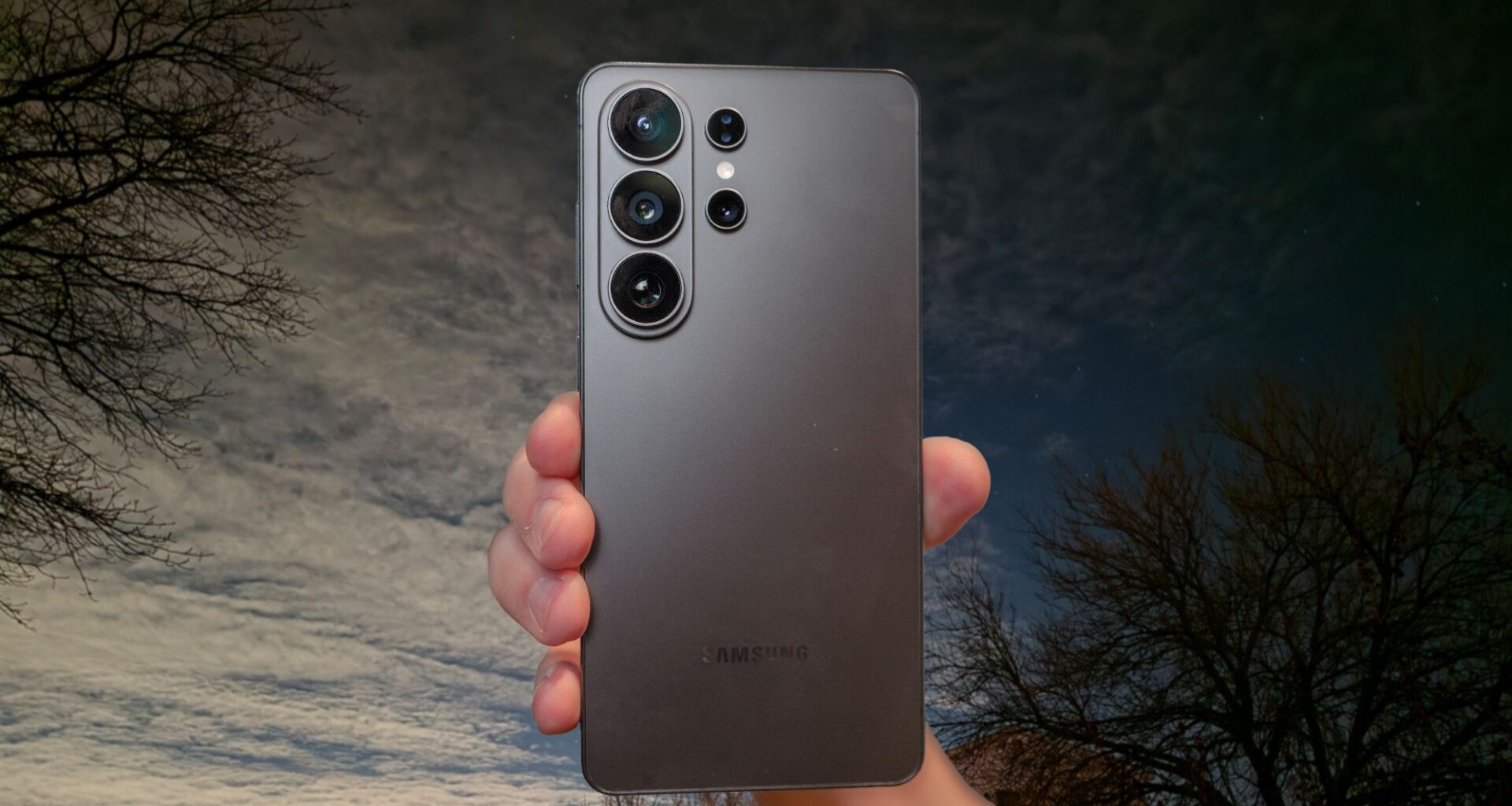
The Galaxy S26 Ultra is the best camera phone around, thanks in part to its quadruple camera setup that covers every range: near, far, and really far. However, after spending several nights with it over the past few weeks, I noticed the dedicated night mode is now absent. Instead, Samsung now bakes night mode directly into the main photo mode.
While it delivers outstanding results when it’s dark out all on its own, there’s actually a better way to capture low-light photography. Switching to Expert RAW mode unlocks new capabilities that transform nighttime shots. And you know what? It makes a massive difference.
Article continues below
You may like
Galaxy S26 Ultra Expert RAW mode: What you need to know
(Image credit: Future)
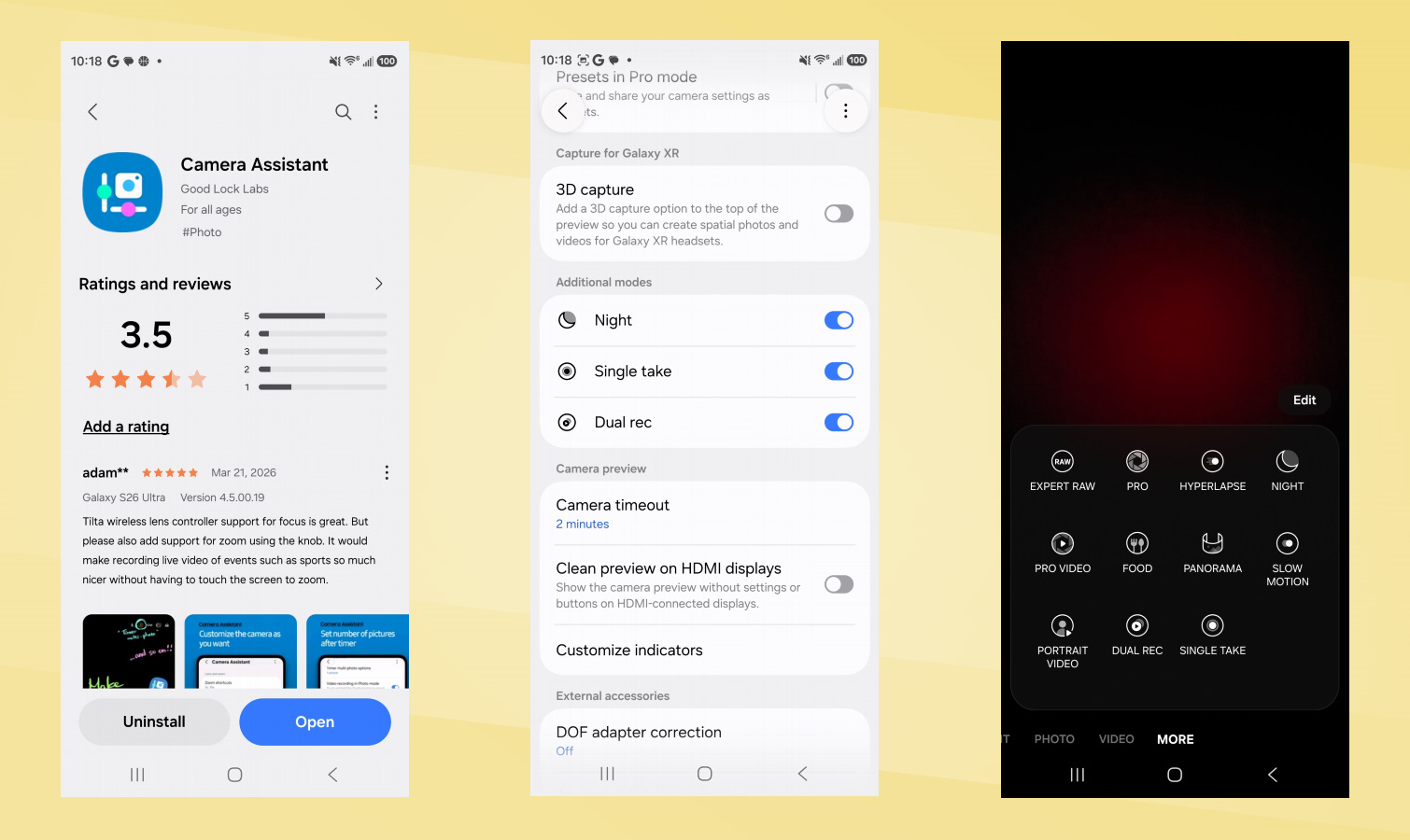
First, you should know that you can actually reinstall the dedicated night mode on the Galaxy S26 Ultra. You can bring it back by downloading the Camera Assistant app from the Galaxy Store, which surprisingly also restores Dual Rec and Single Take modes. I honestly don’t know why Samsung forces you to install a separate app just to access these features, but that’s the reality.
Likewise, Expert RAW isn’t installed by default, so you’ll need to grab that from the Galaxy Store as well. Once installed, I was able to access all the specialty modes I previously tested on my Galaxy Z Flip 7 a few months back. This includes the same dedicated astrophotography mode as before, plus the virtual aperture and ND (neutral density) filter modes.
New to the mix is Ocean Mode, which specifically tunes the camera for underwater captures (requiring a waterproof case), and Virtual Reflector, which simulates a photographer’s reflector to bounce light for softer portrait lighting.
For this test, I used the astrophotography mode to capture the night sky. To use this advanced mode effectively, you’ll need to keep the Galaxy S26 Ultra perfectly still; a tripod is necessary, or at the very least, you’ll need to lean the phone against something stable. This is essential because exposure times can range from 30 seconds to 12 minutes depending on the conditions. Yes, you read that right — it can really take that long!
Galaxy S26 Ultra: Night Mode performance
Image 1 of 18
 Standard mode(Image credit: Tom’s Guide / John Velasco)
 Night mode(Image credit: Tom’s Guide / John Velasco)
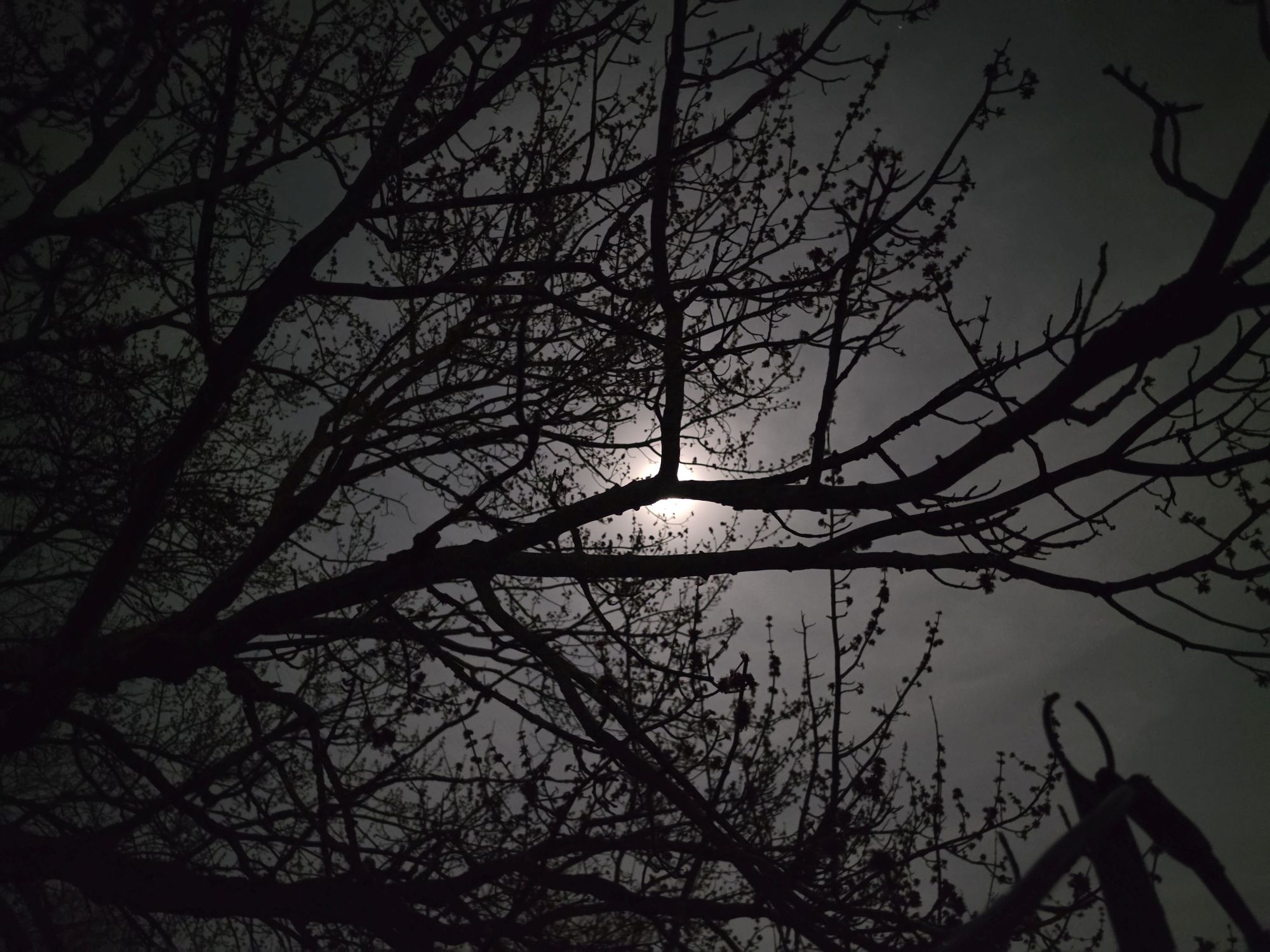 Standard mode(Image credit: Tom’s Guide / John Velasco)
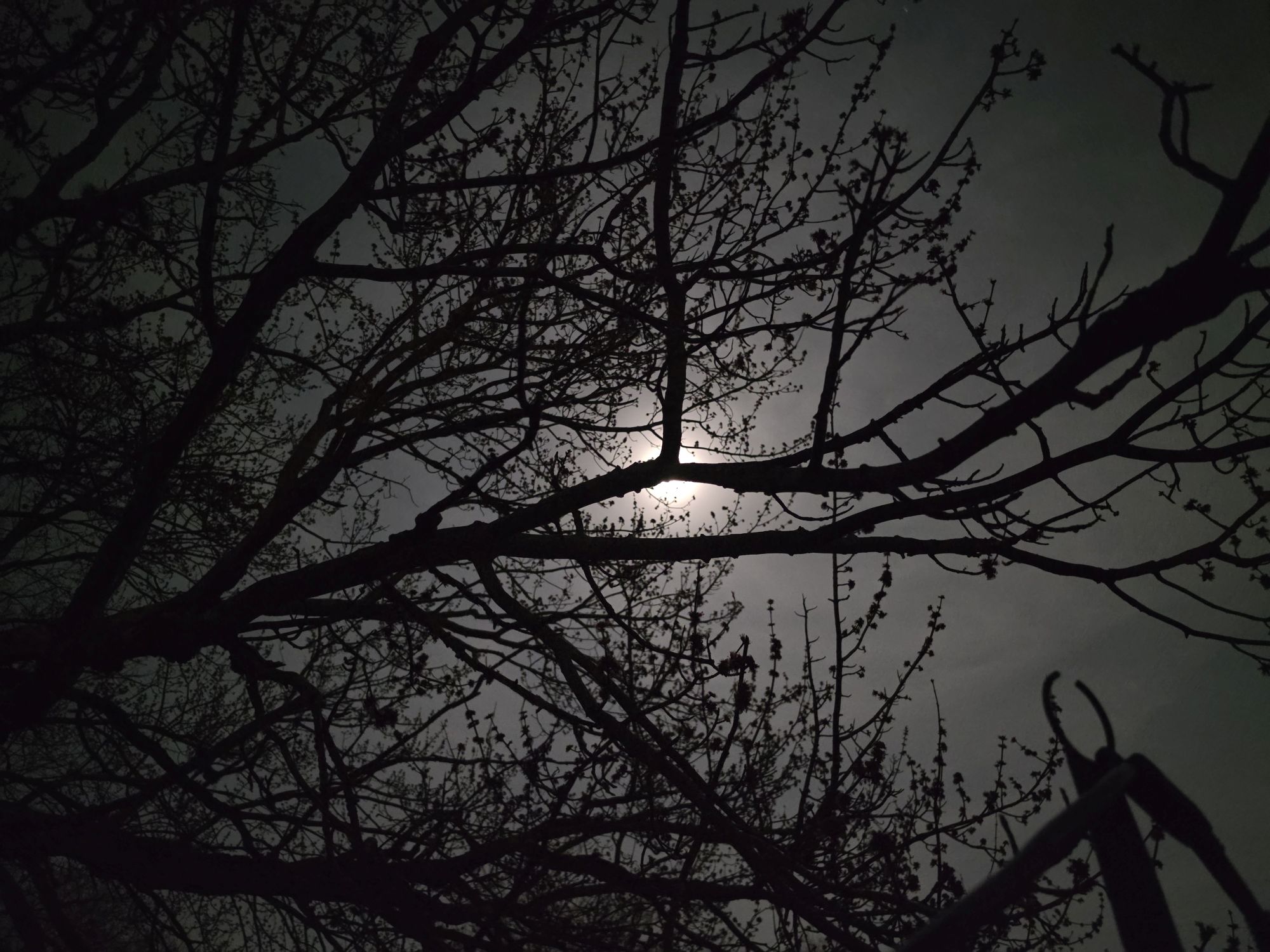 Night mode(Image credit: Tom’s Guide / John Velasco)
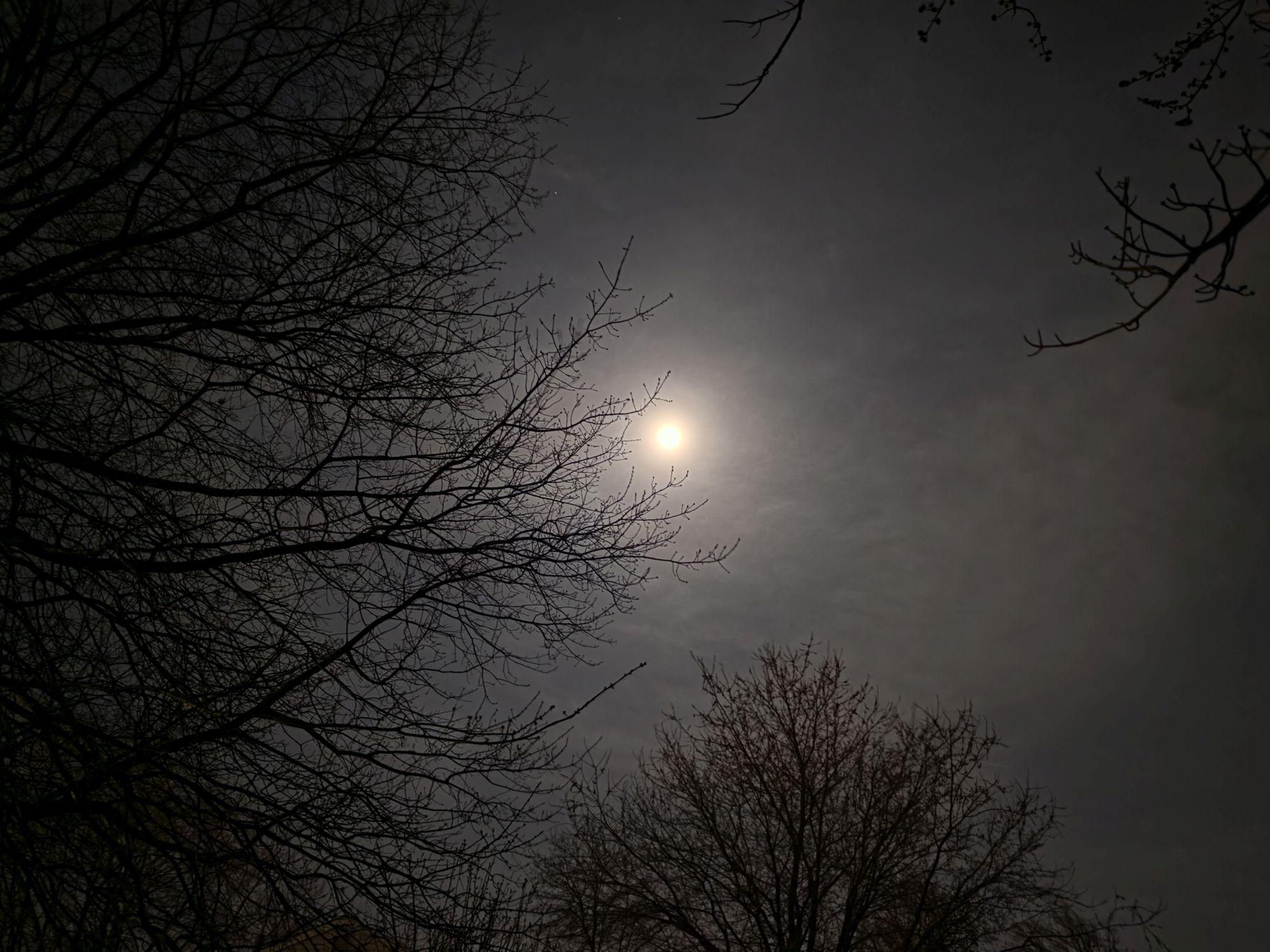 Standard mode(Image credit: Tom’s Guide / John Velasco)
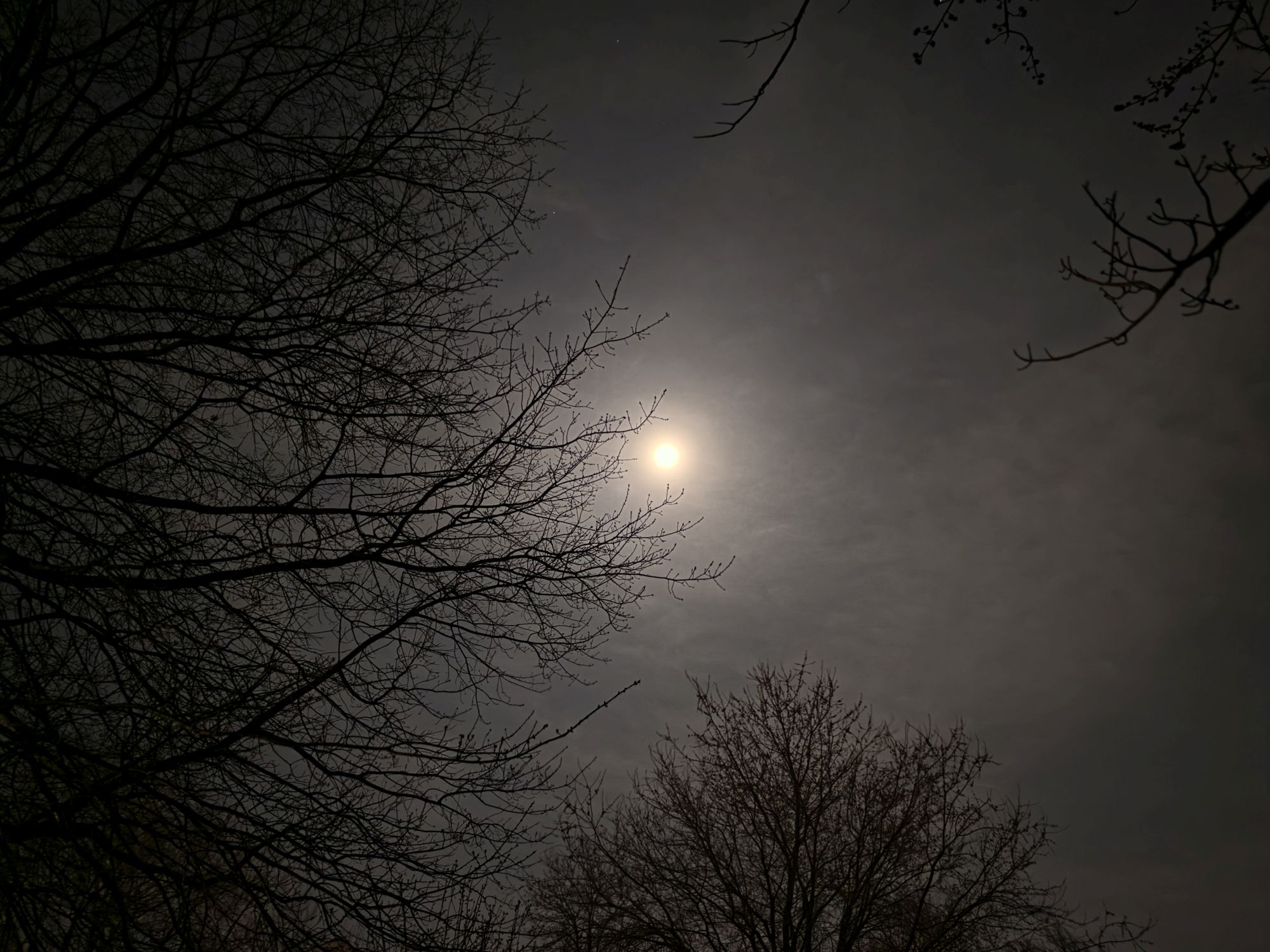 Night mode(Image credit: Tom’s Guide / John Velasco)
 Standard mode(Image credit: Tom’s Guide / John Velasco)
 Night mode(Image credit: Tom’s Guide / John Velasco)
 Standard mode(Image credit: Tom’s Guide / John Velasco)
 Night mode(Image credit: Tom’s Guide / John Velasco)
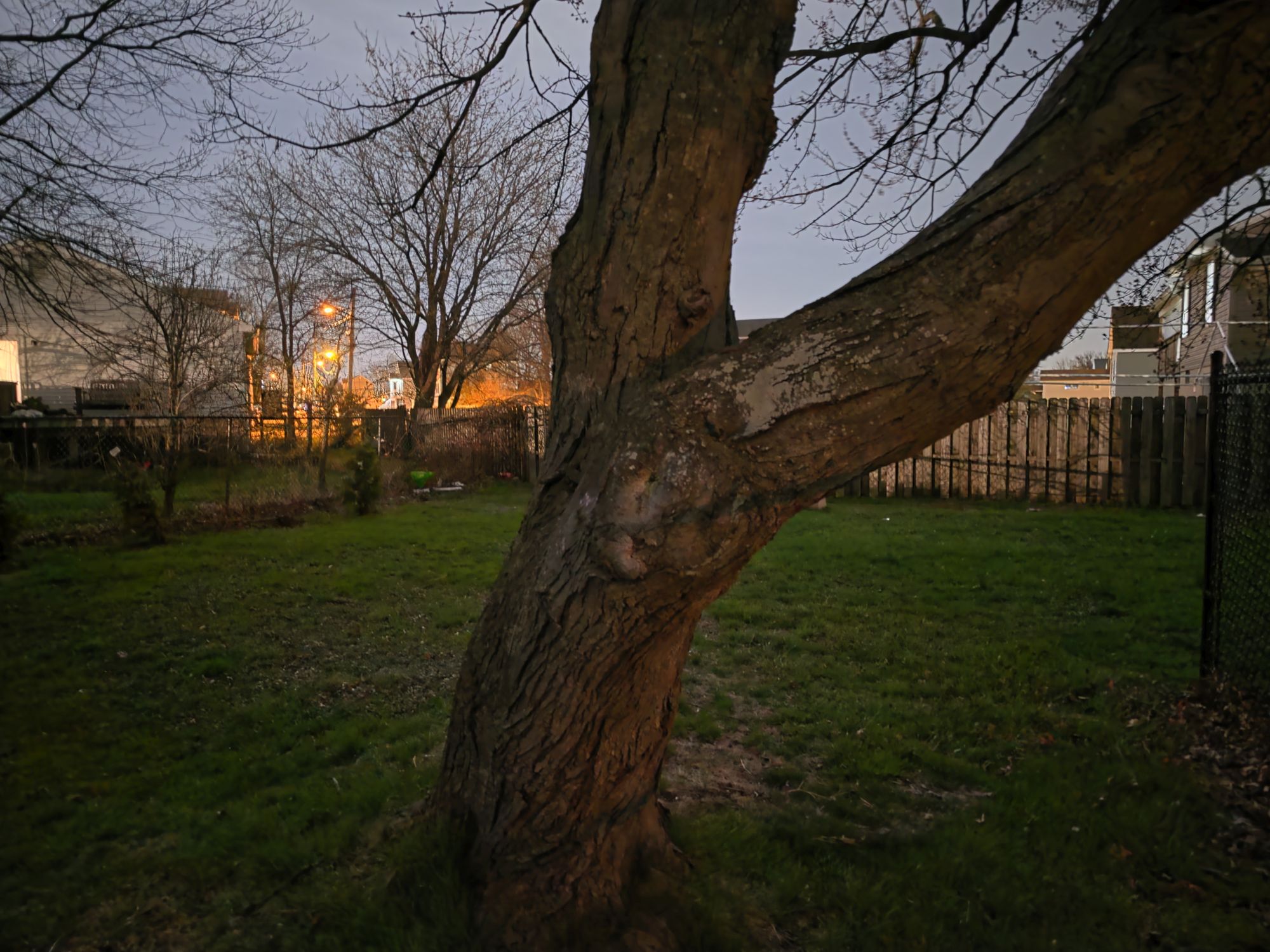 Standard mode(Image credit: Tom’s Guide / John Velasco)
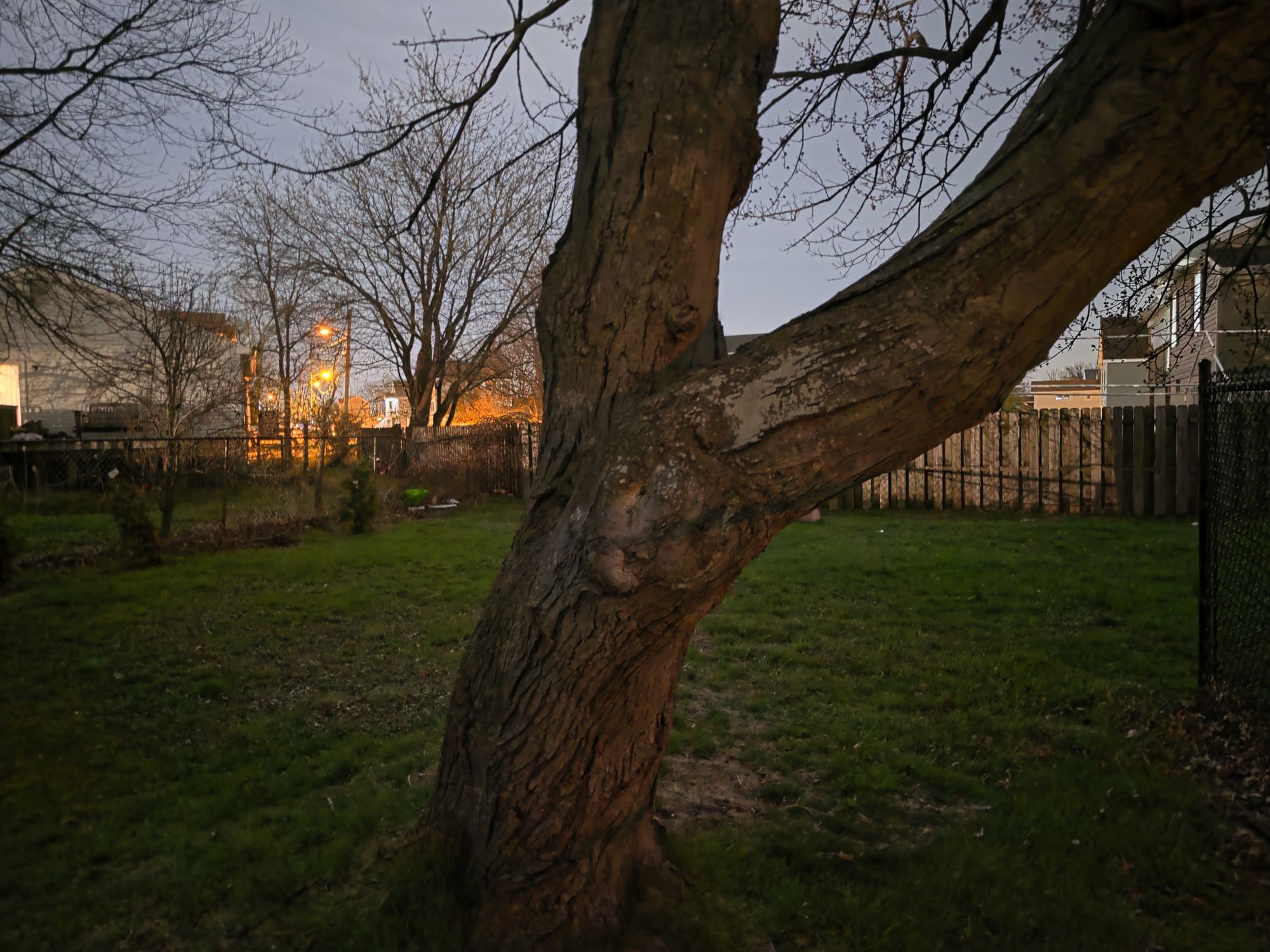 Night mode(Image credit: Tom’s Guide / John Velasco)
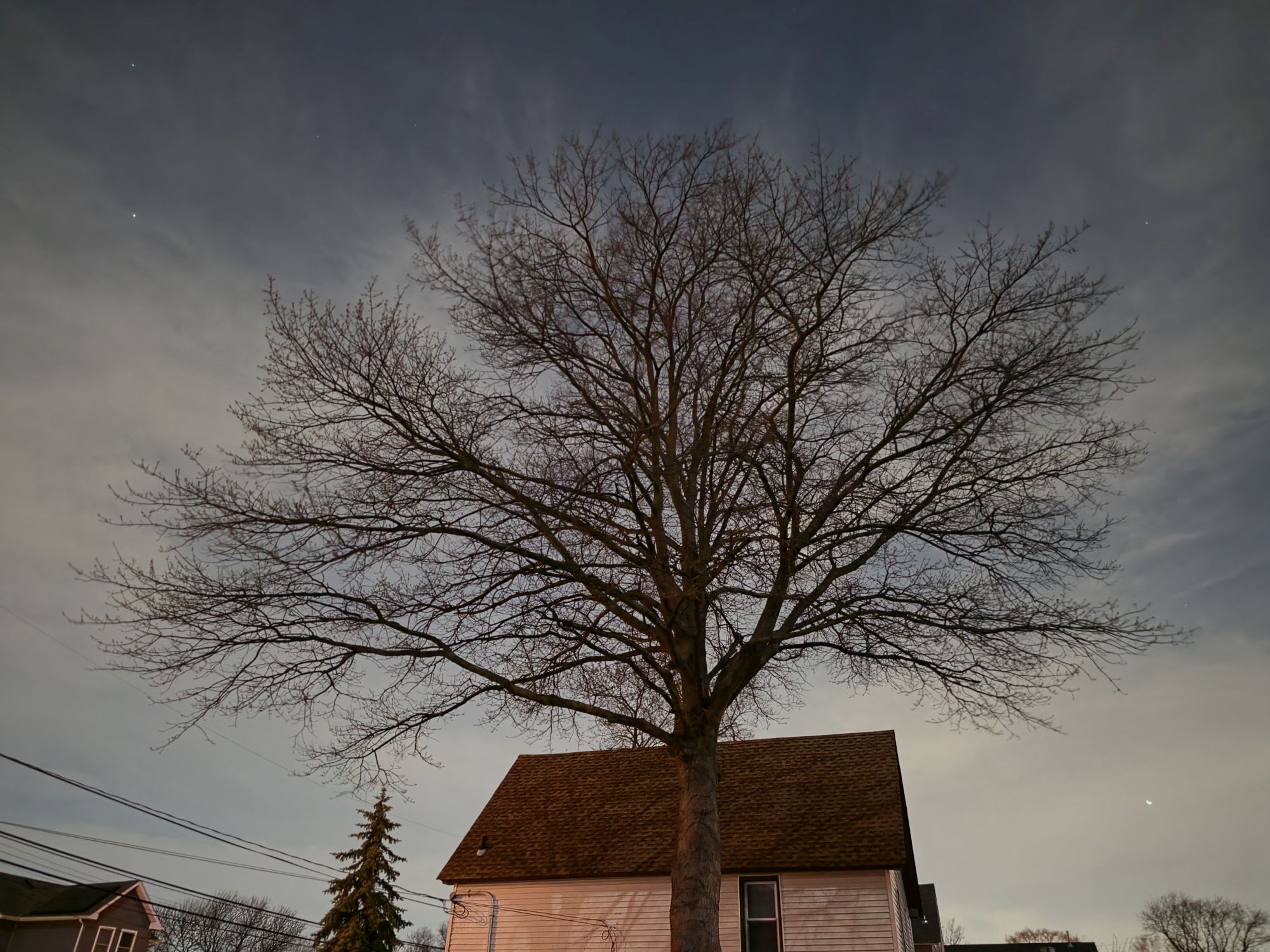 Standard mode(Image credit: Tom’s Guide / John Velasco)
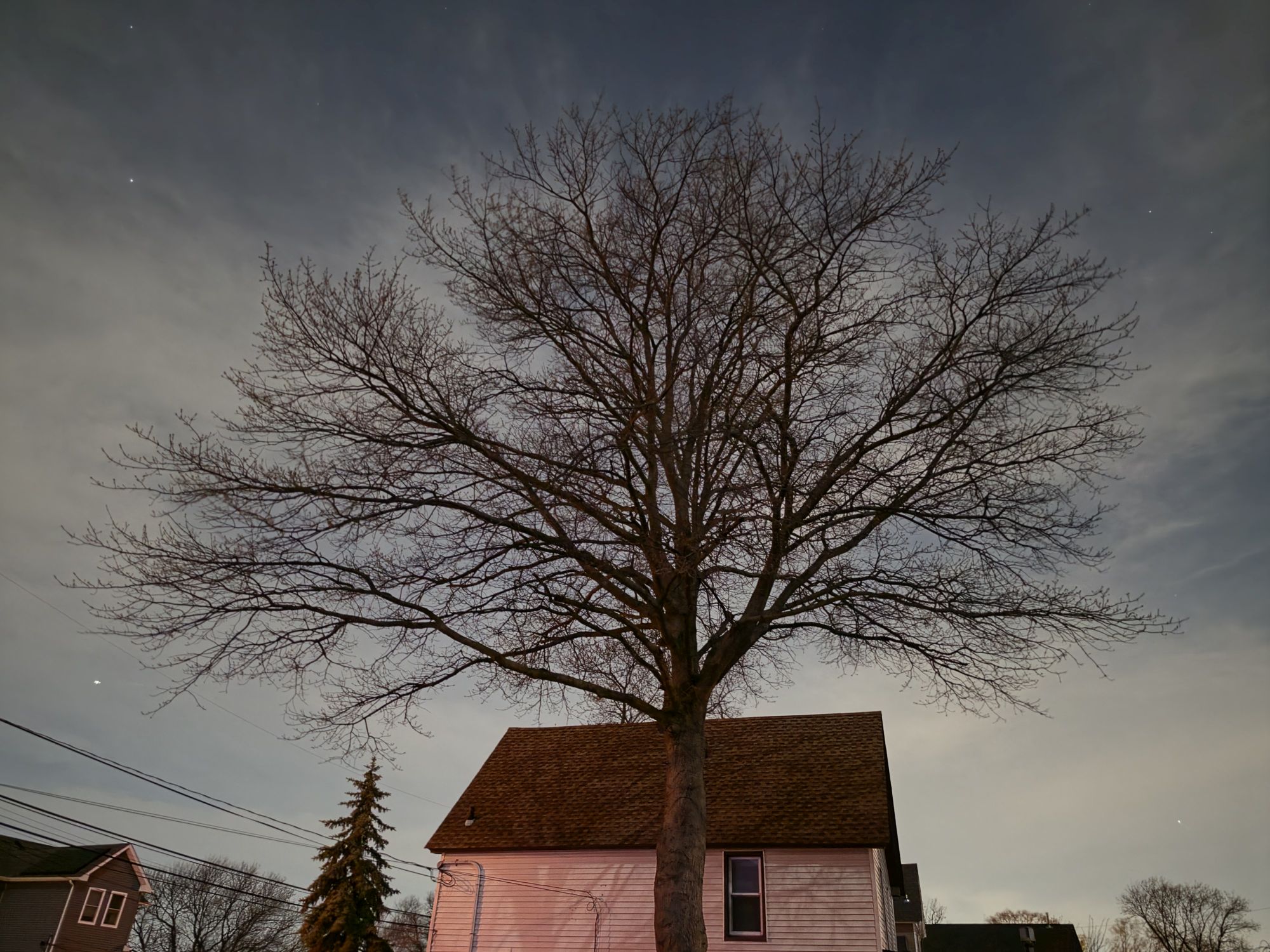 Night mode(Image credit: Tom’s Guide / John Velasco)
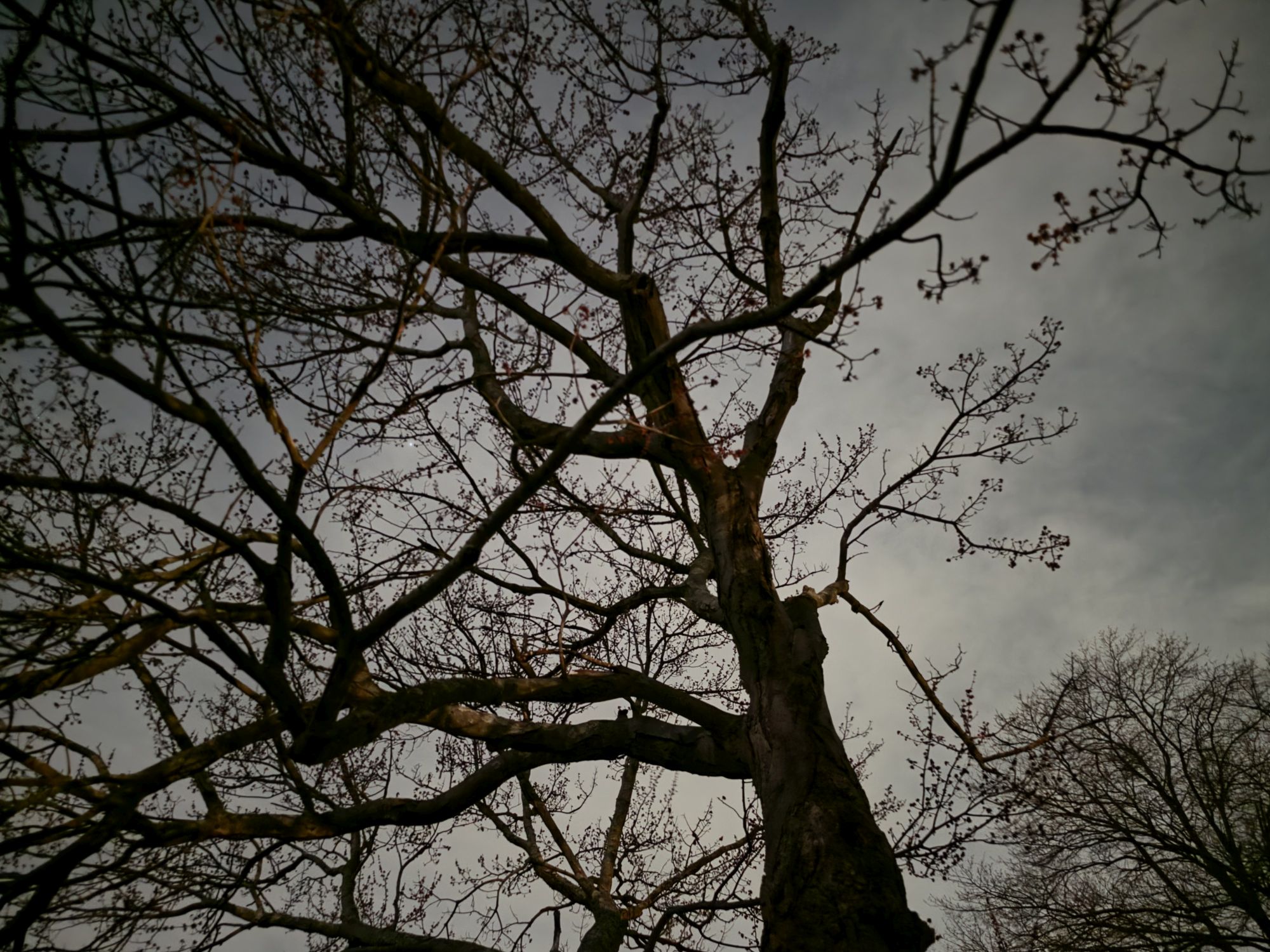 Standard mode(Image credit: Tom’s Guide / John Velasco)
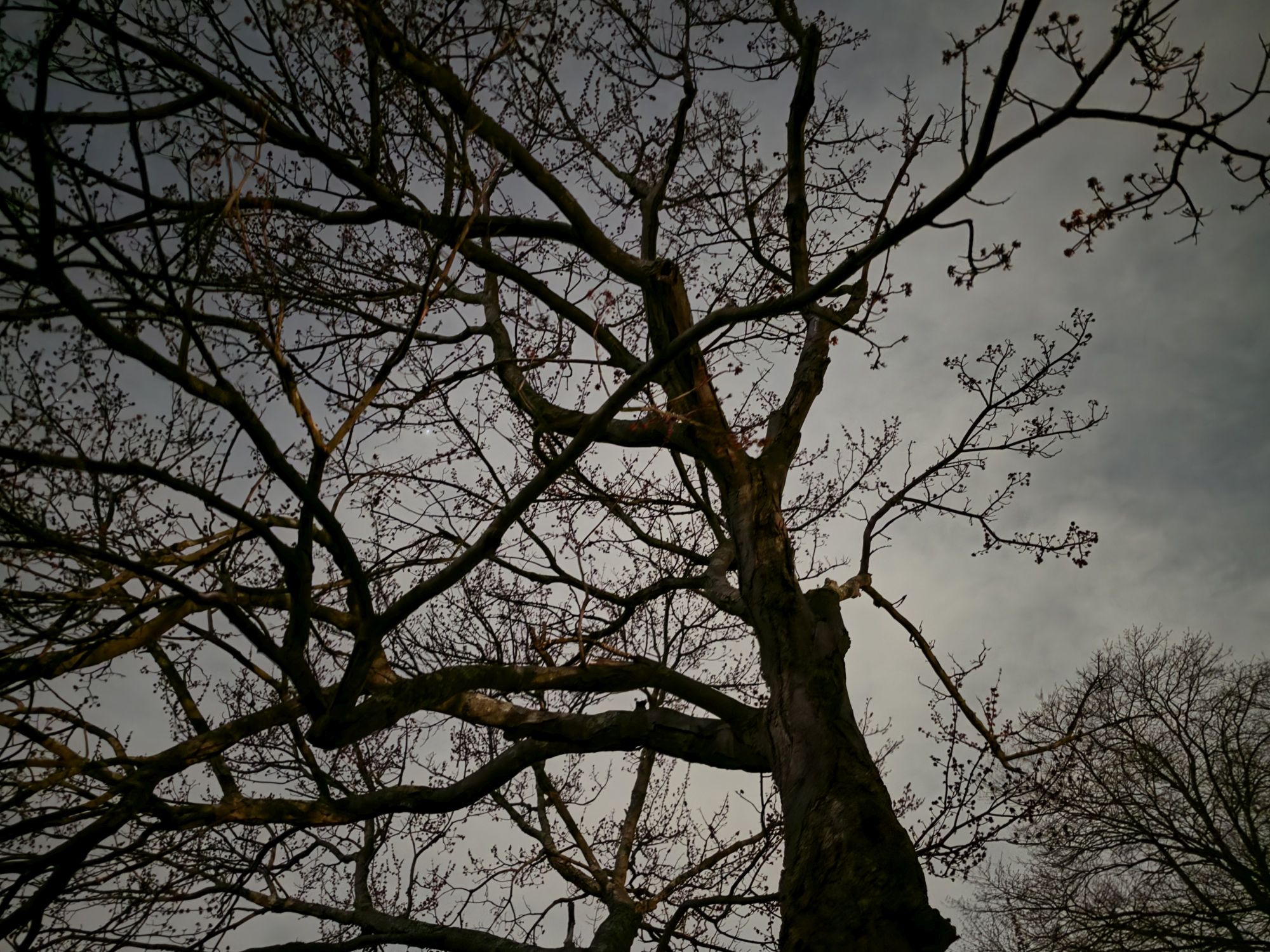 Night mode(Image credit: Tom’s Guide / John Velasco)
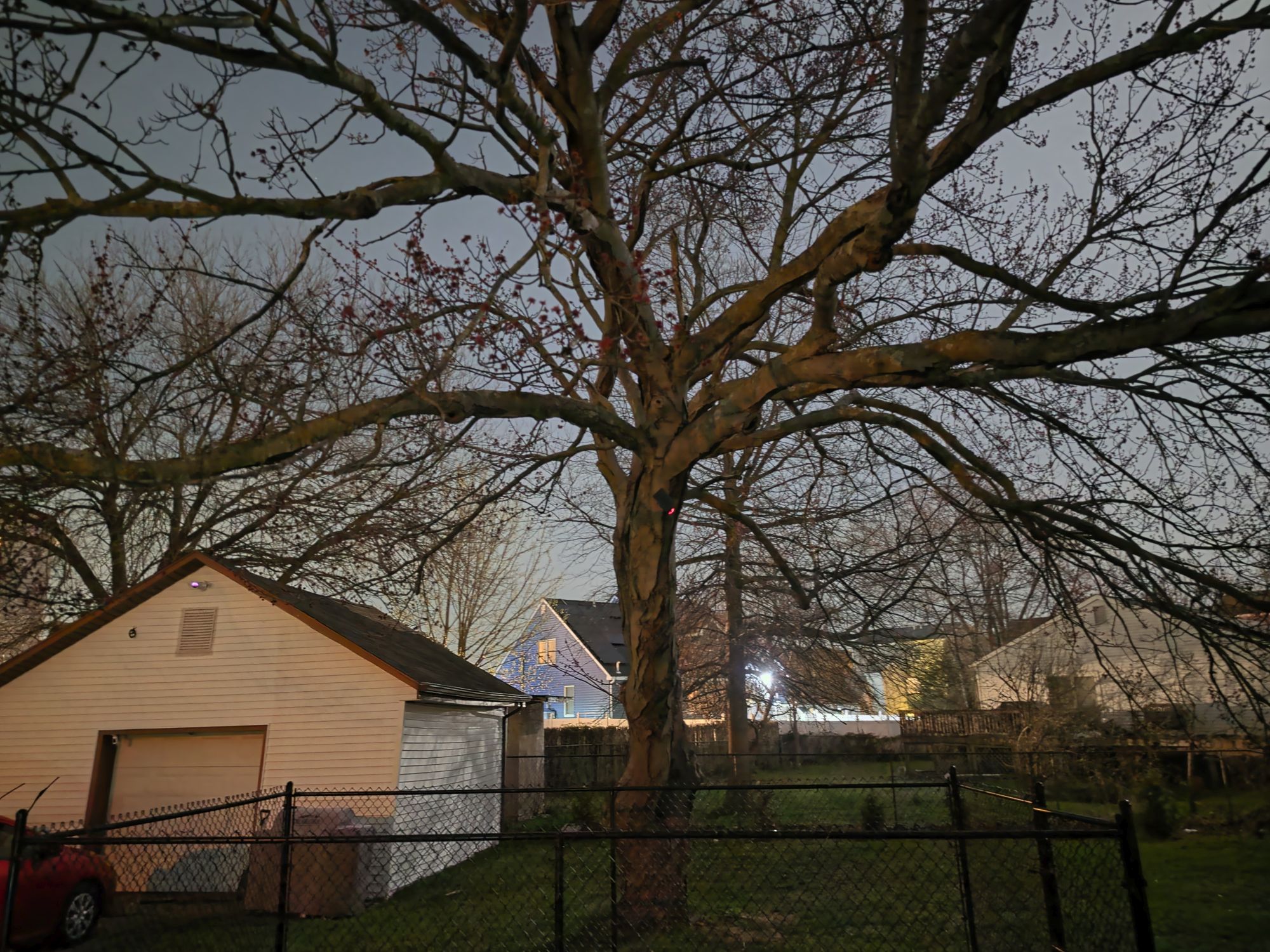 Standard mode(Image credit: Tom’s Guide / John Velasco)
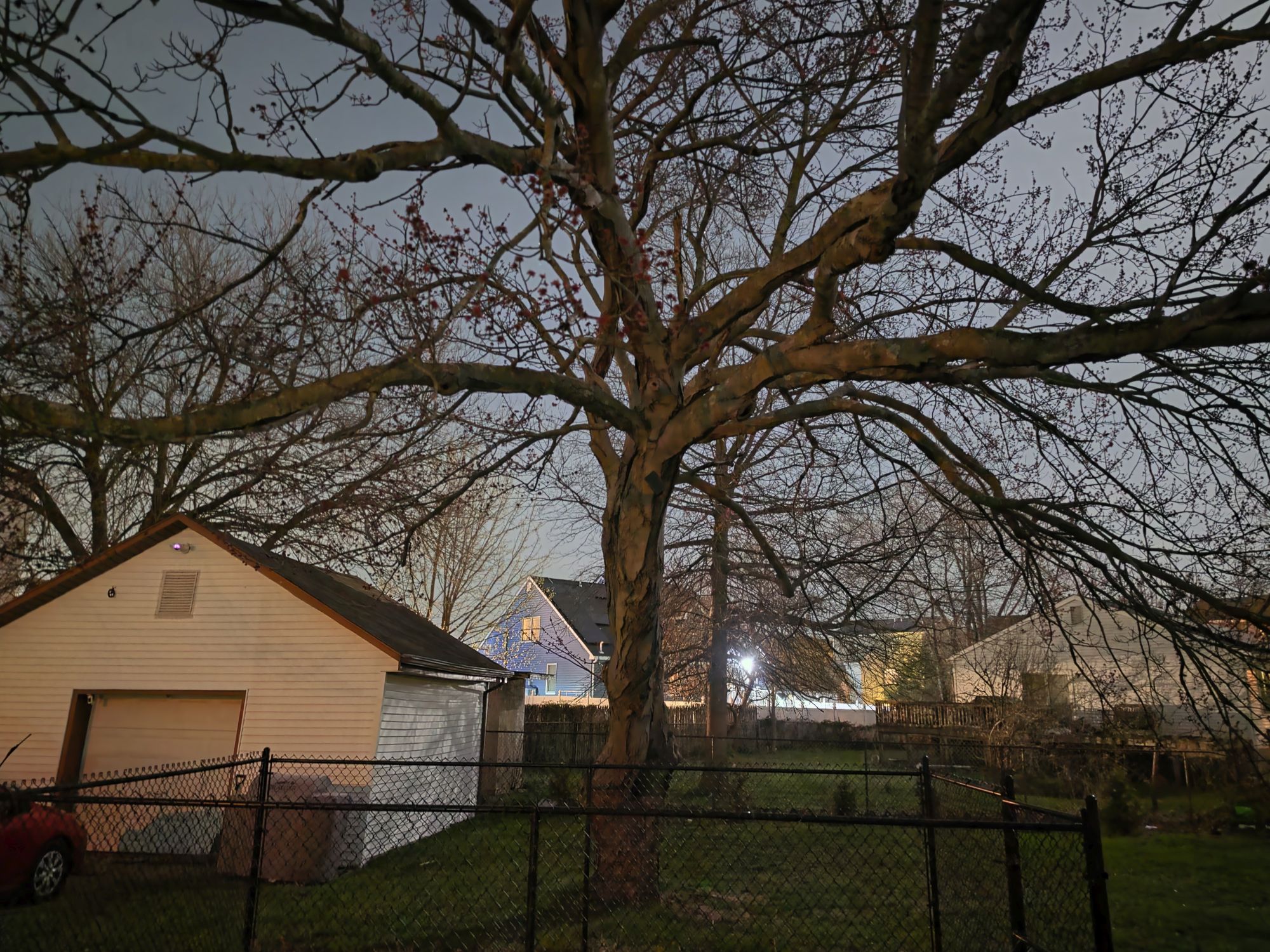 Night mode(Image credit: Tom’s Guide / John Velasco)
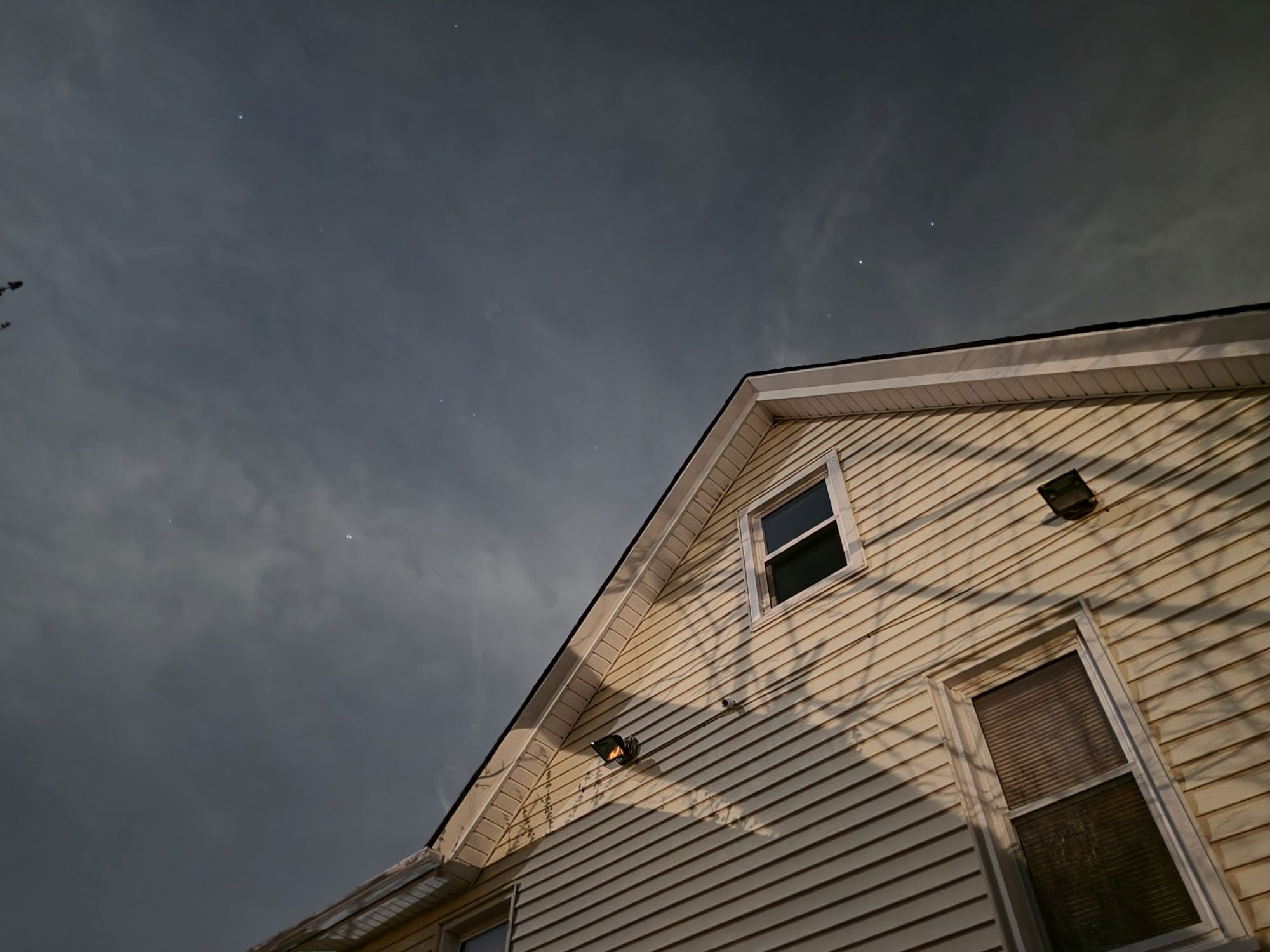
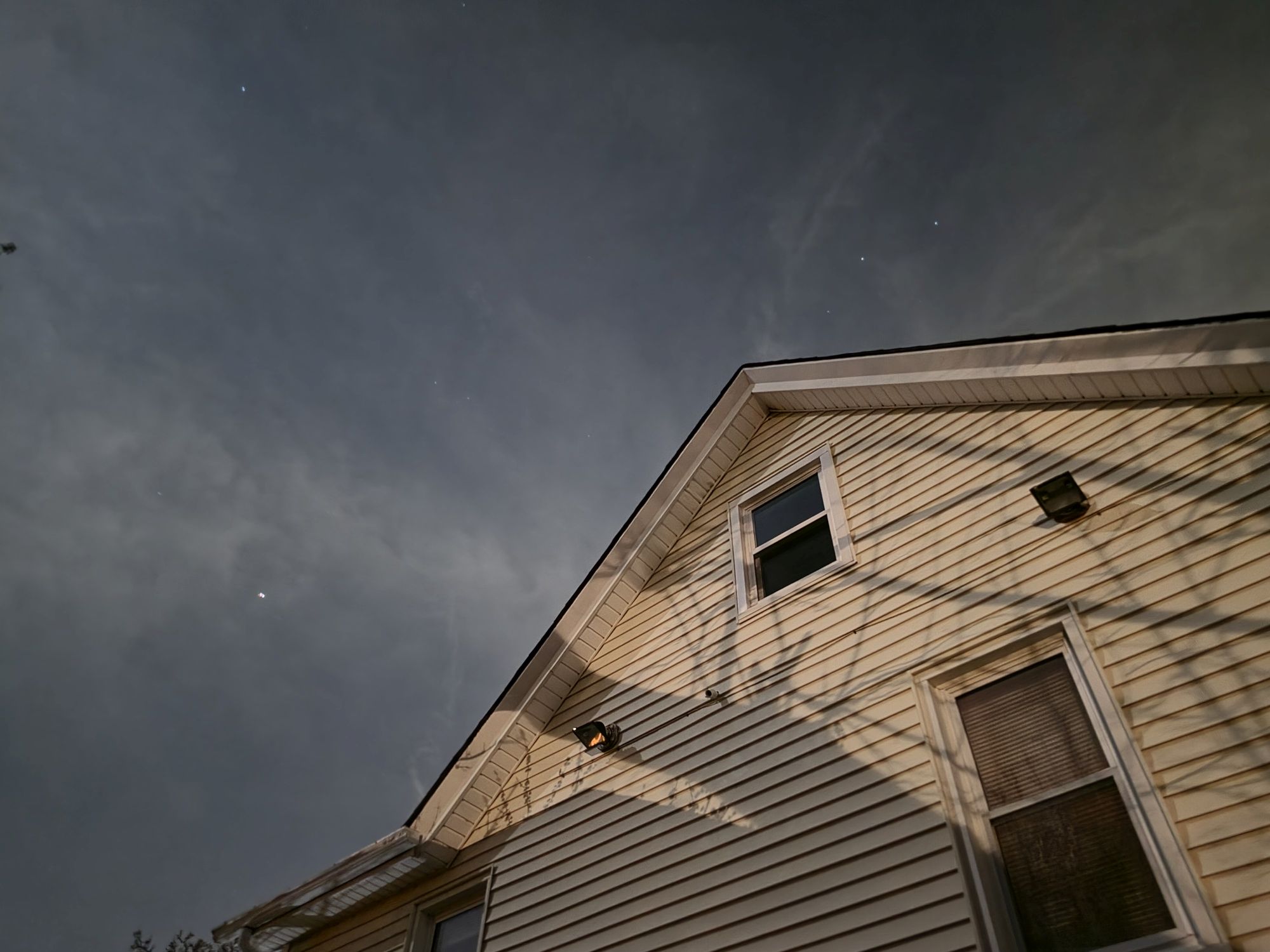
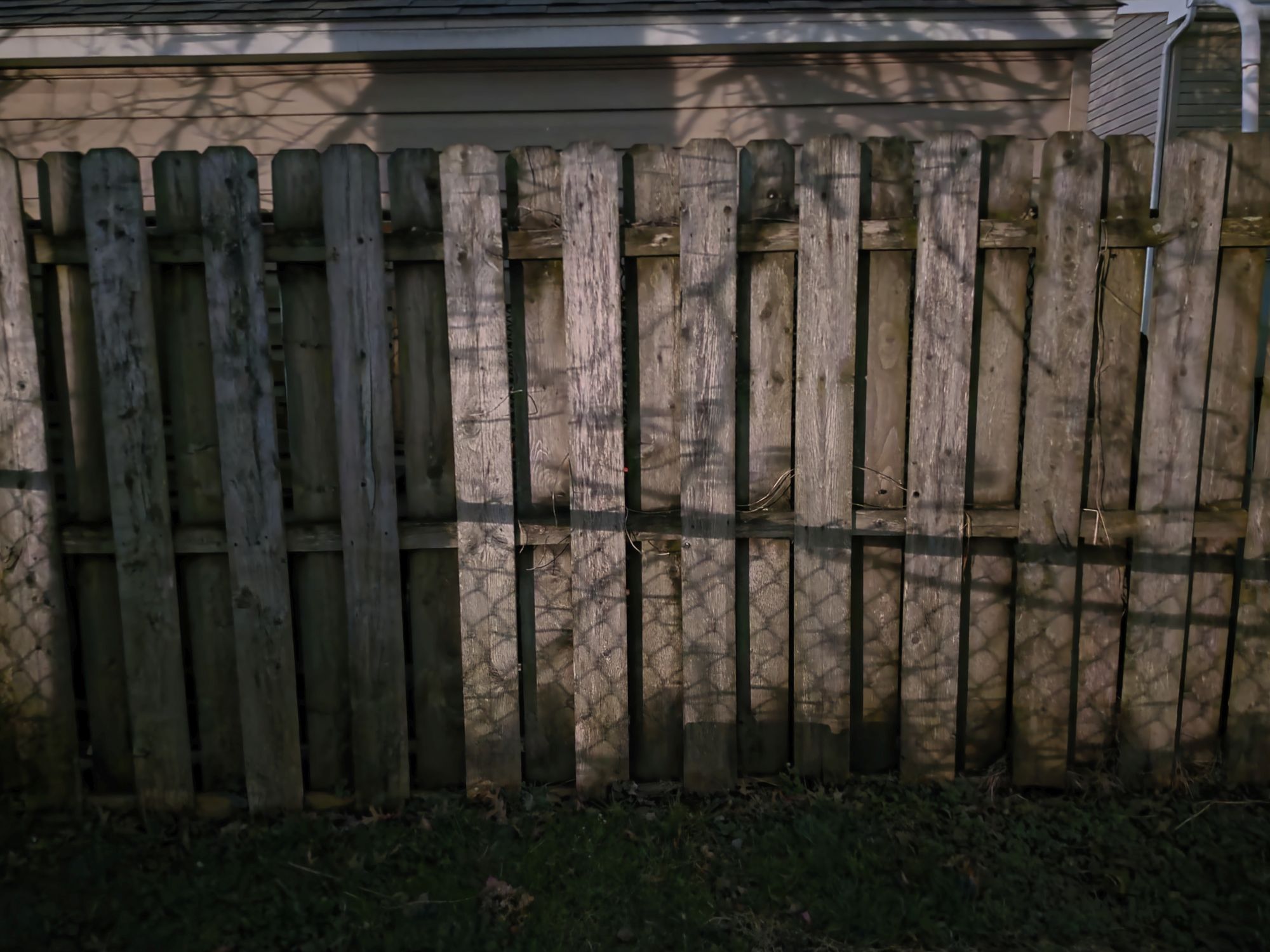
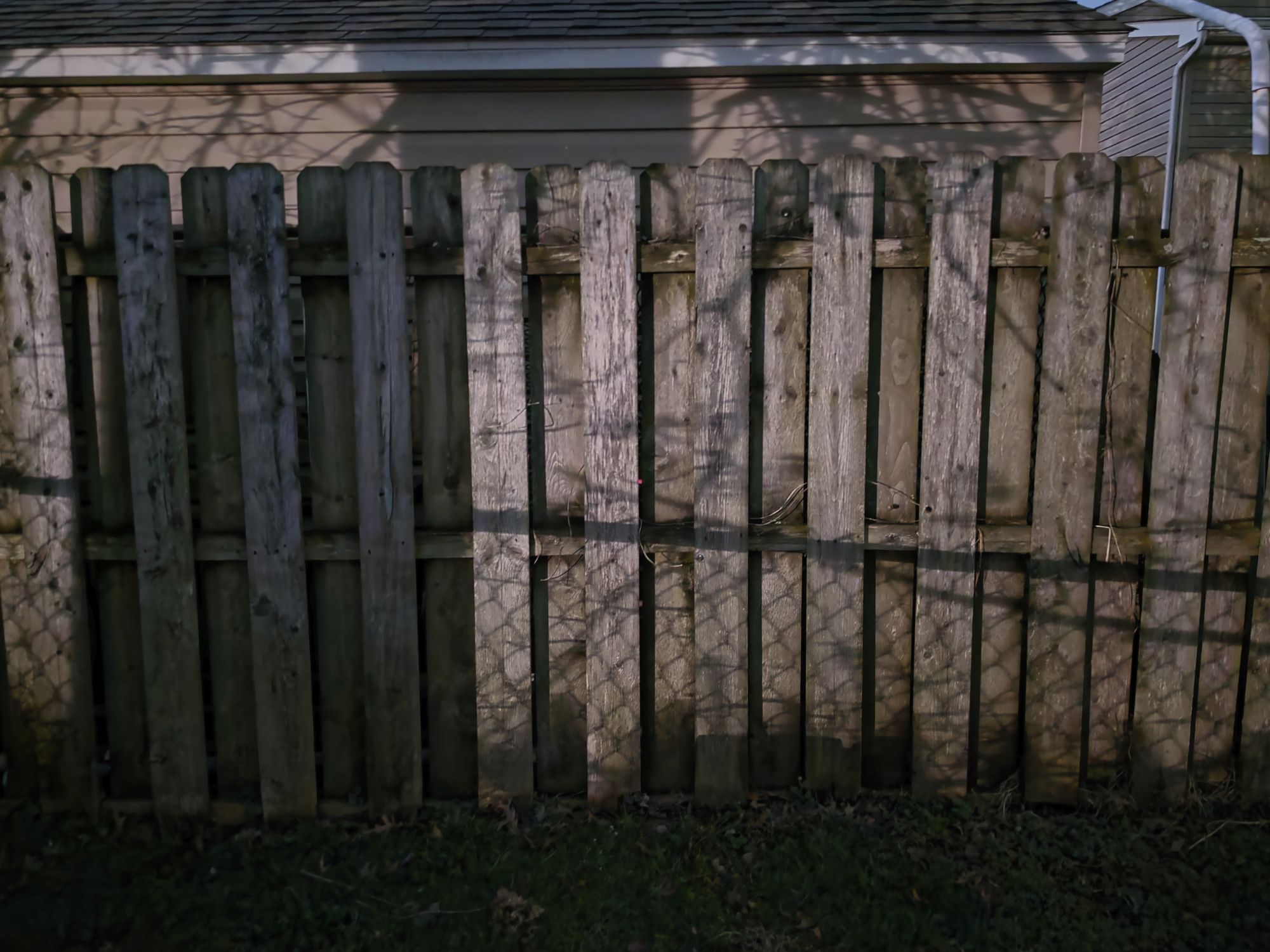
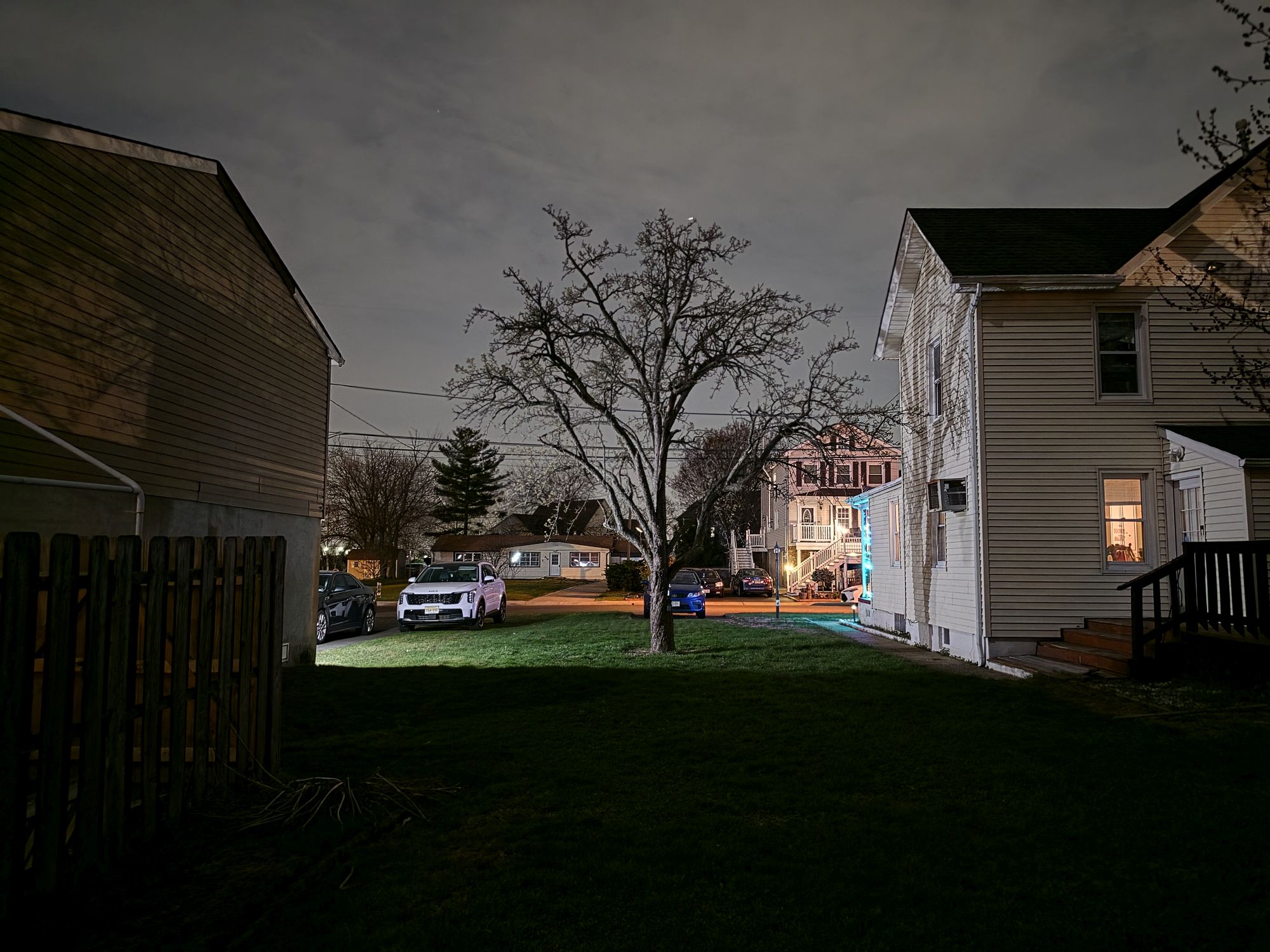
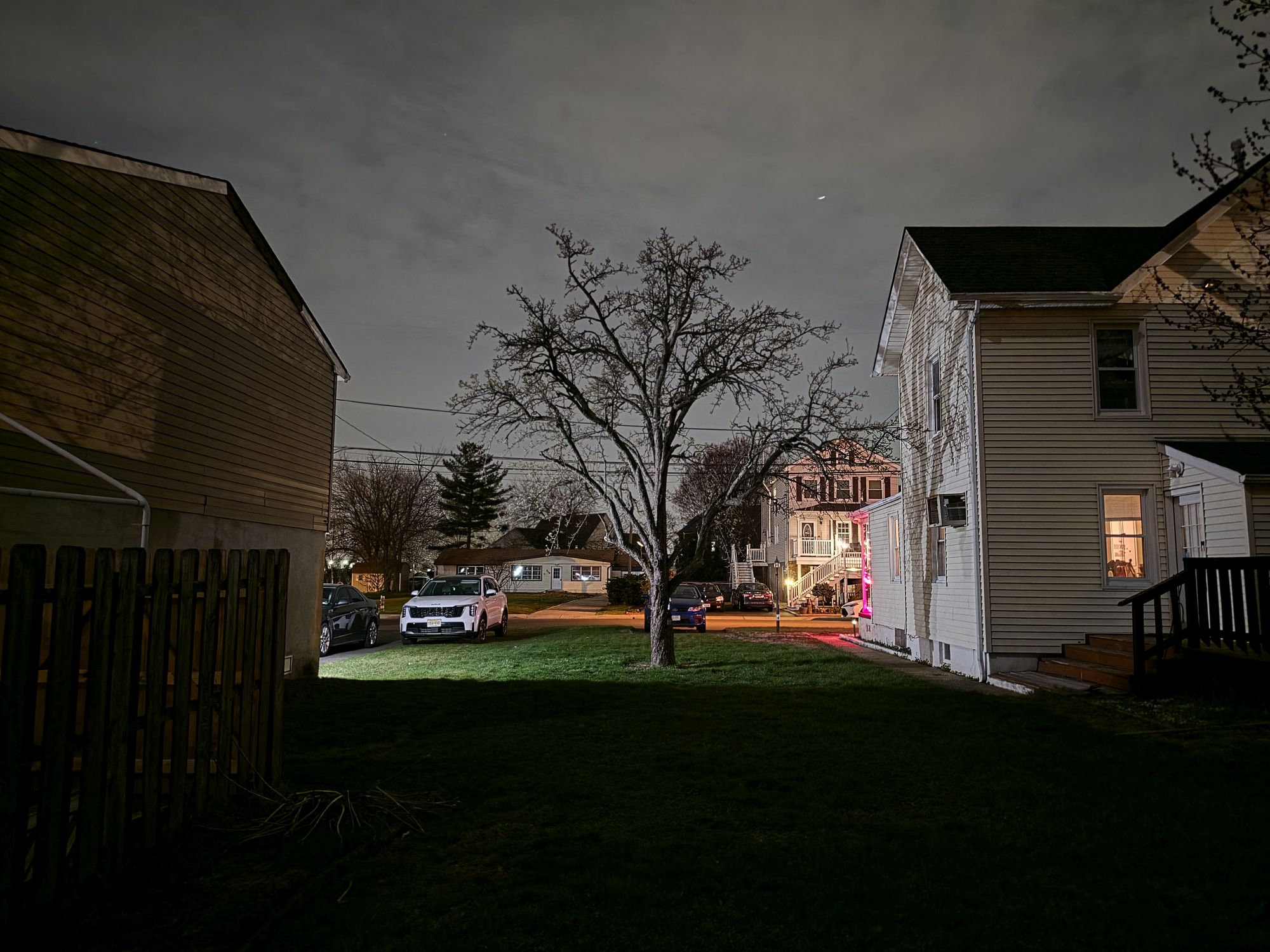
To evaluate the Galaxy S26 Ultra’s low-light performance, I compared images taken with the automatic mode (where Night Mode is integrated into the main camera app) against those from the dedicated Night Mode. I captured these side-by-side shots hand-held to see how each mode performed in real-world conditions.
My testing revealed that both modes deliver virtually identical results — which isn’t surprising, as both utilized the same exposure times (roughly four seconds). As you can see, the quality is indistinguishable between the two. This confirms why Samsung chose to phase out the dedicated Night Mode in favor of baking the functionality directly into the primary camera experience.
What I will say about the low-light shots I captured is that they’re impressively bright, transforming dim scenery to look as if there’s a light source hitting it. As shown in the side-by-side shot above from my 200-photo shootout between the Galaxy S26 Ultra and Pixel 10 Pro XL, Samsung adjusts the exposure just right—while still capturing more definition in the trees.
What to read next
Galaxy S26 Ultra Expert RAW mode: Low-light performance
Image 1 of 5
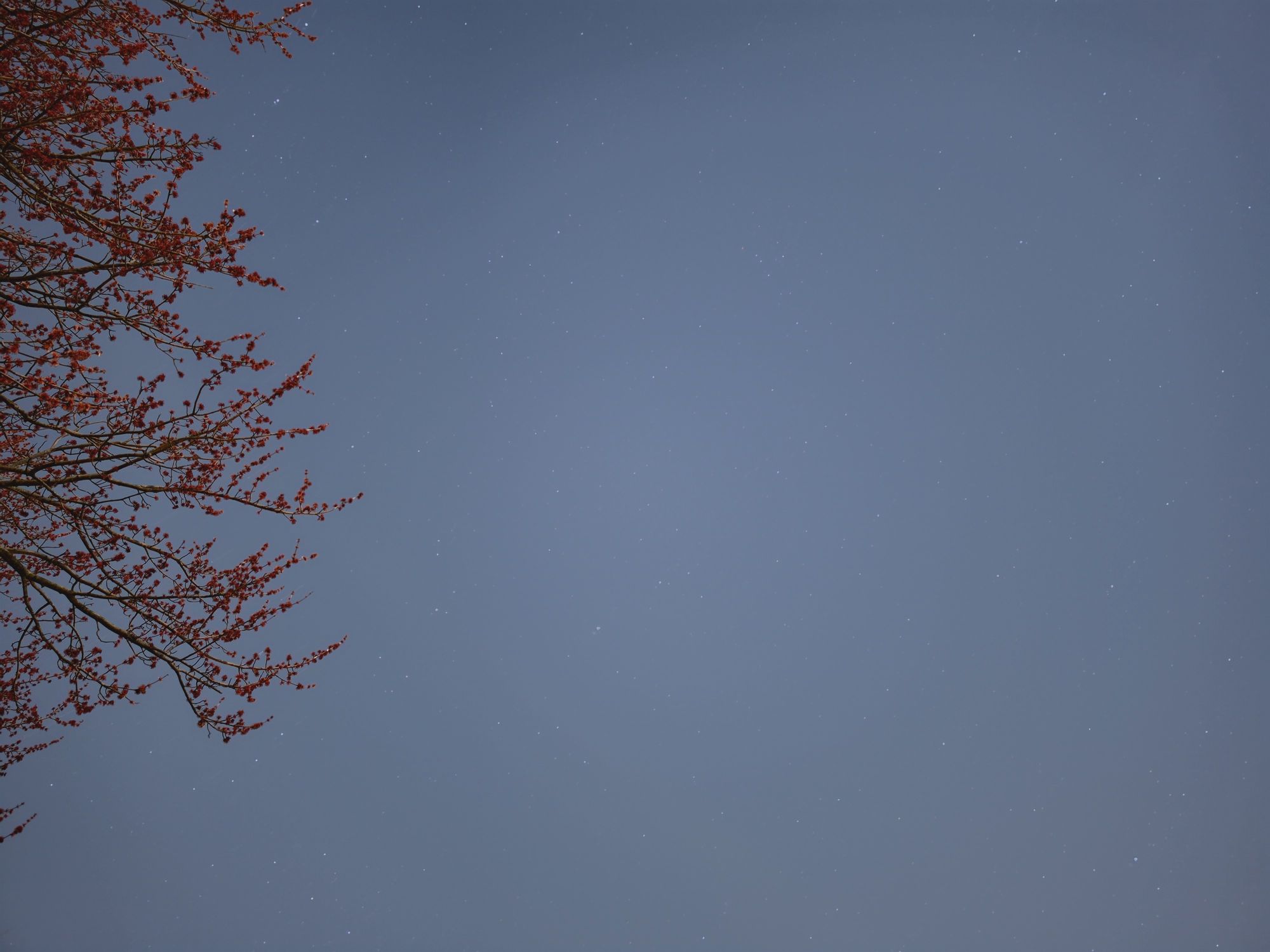 (Image credit: Tom’s Guide / John Velasco)
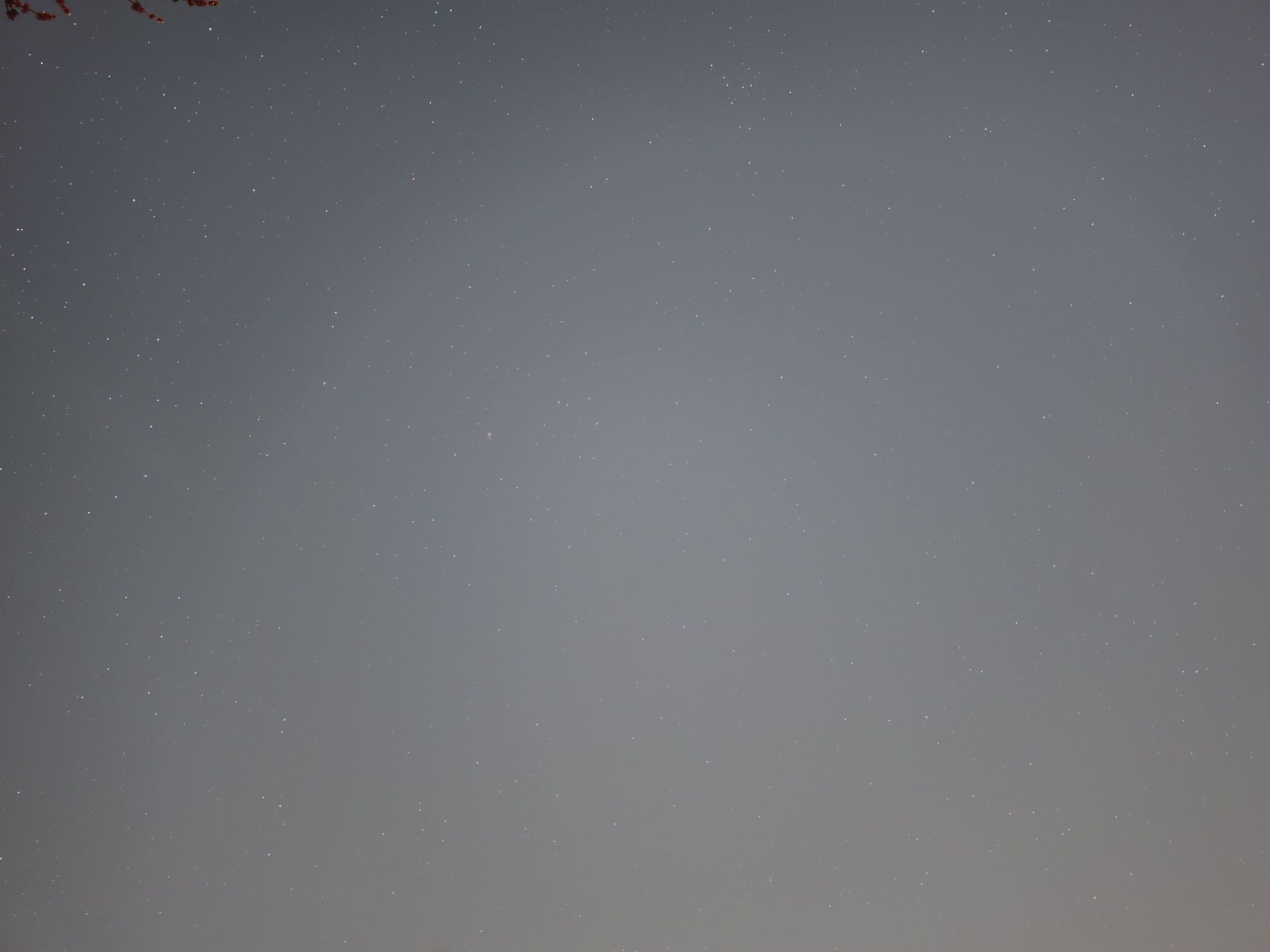 (Image credit: Tom’s Guide / John Velasco)
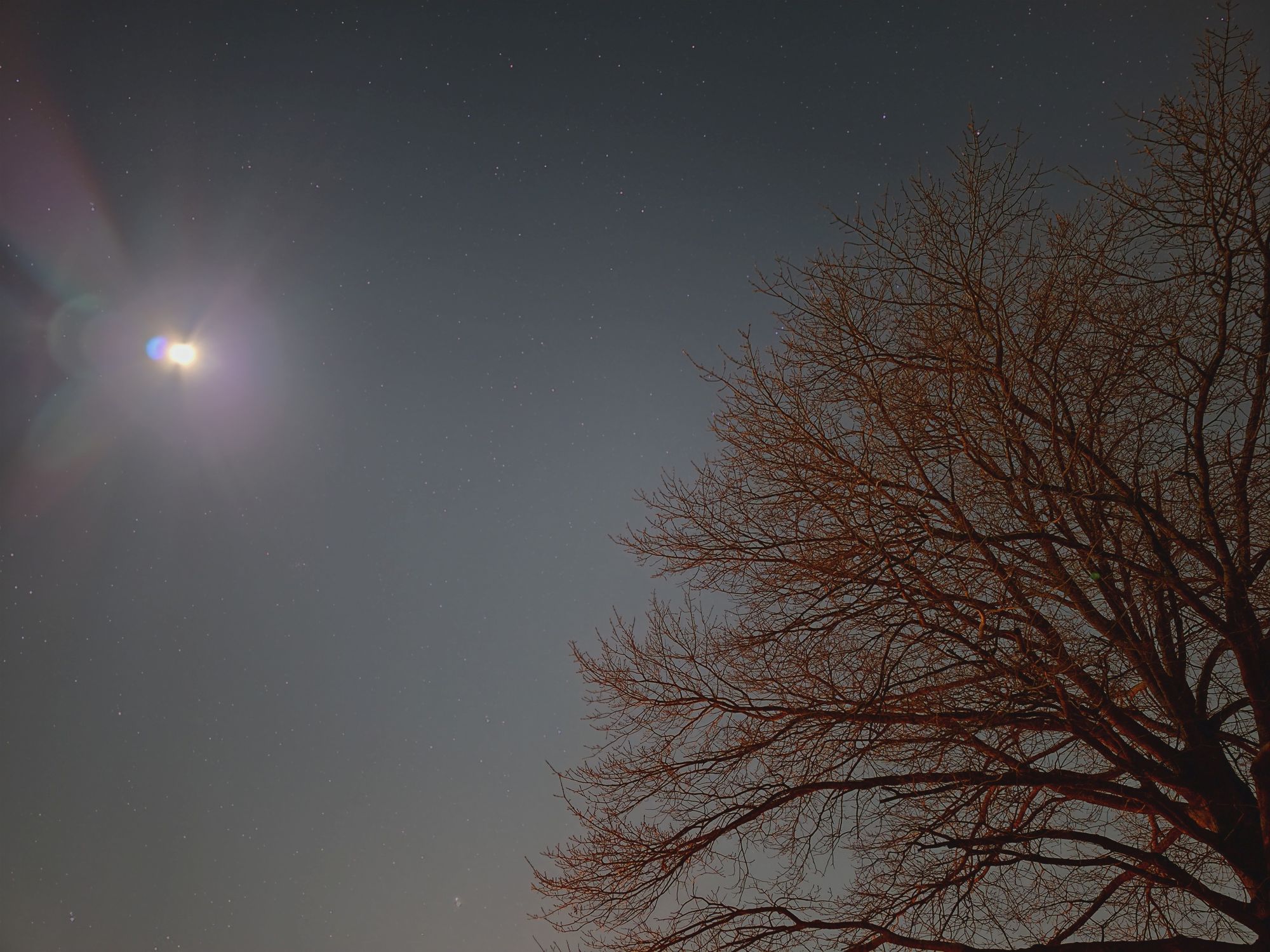 (Image credit: Tom’s Guide / John Velasco)
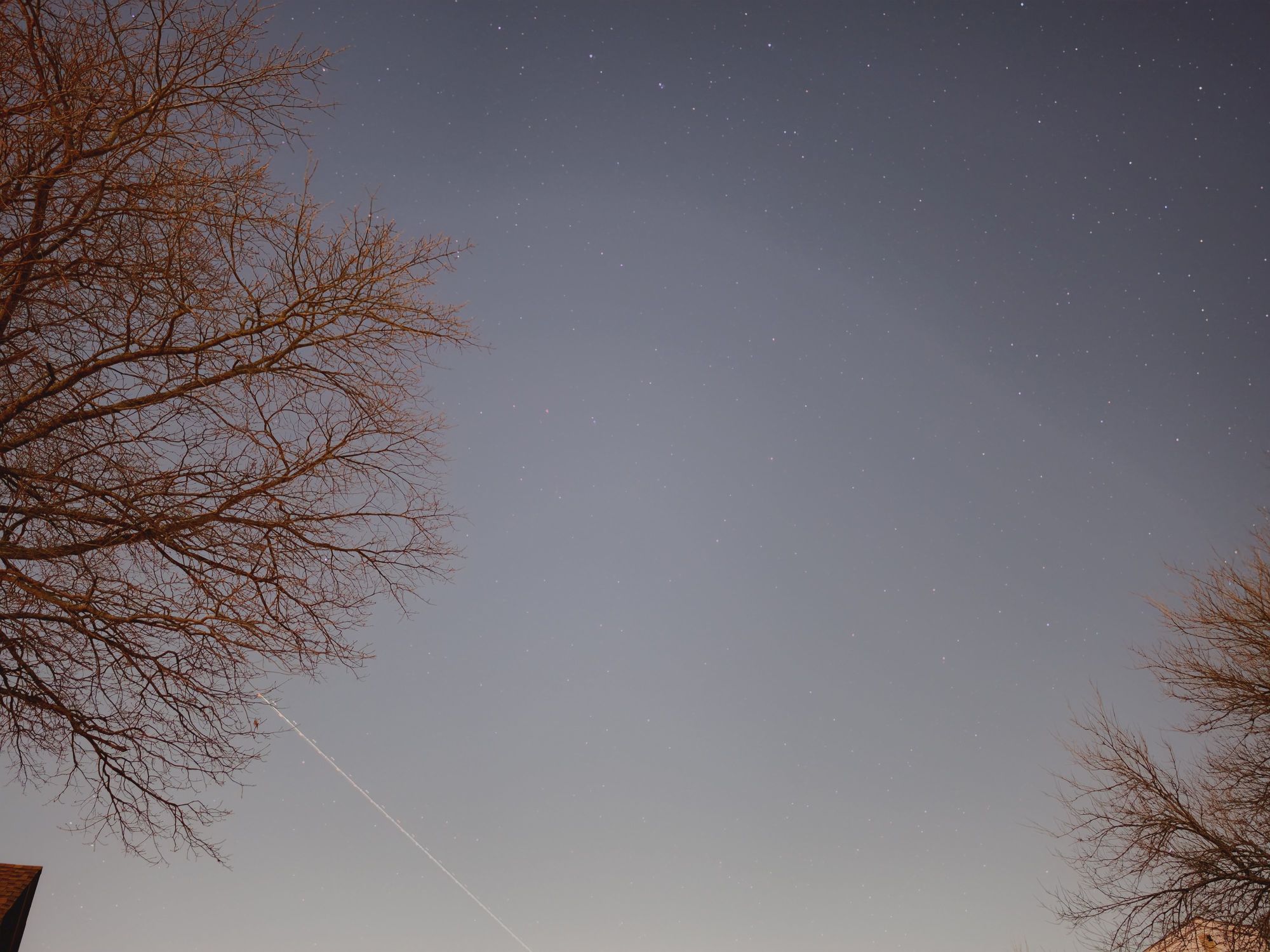 (Image credit: Tom’s Guide / John Velasco)
 (Image credit: Tom’s Guide / John Velasco)
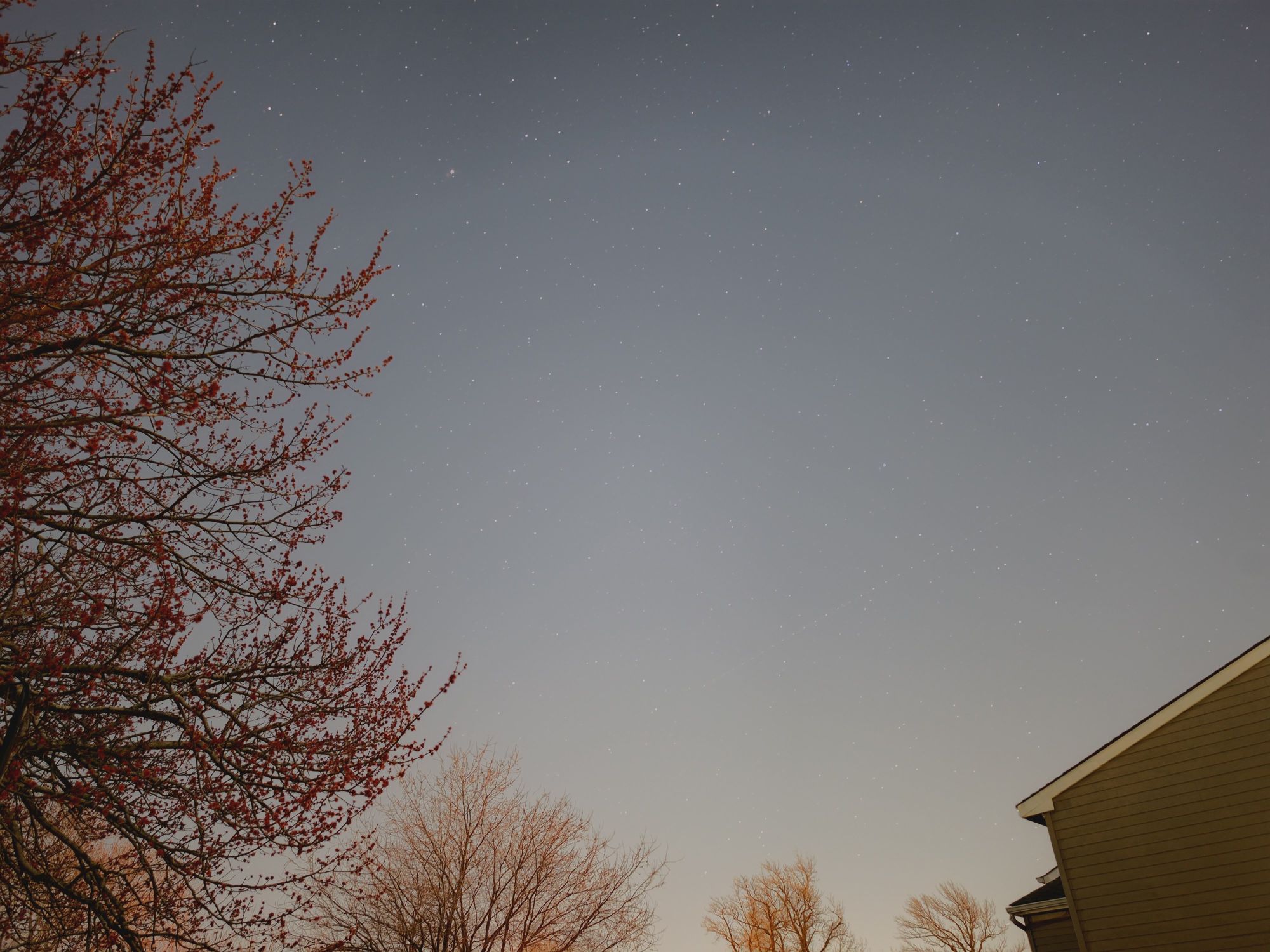
If you want the absolute best low-light performance from the Galaxy S26 Ultra, I suggest using the astrophotography mode within Expert RAW. While primarily designed to capture stars, its extended exposure times allow the camera sensor to absorb significantly more light.
The only drawback to this mode is that it limits your subjects to static landscape scenes. Any action or movement results in motion blur or light trails. You can see this in one of the photos above. As a plane crossed the frame, the long exposure caused its lights to streak across the sky.
Despite that limitation, the mode produces superior nighttime shots. I’m impressed not only by how clearly defined the tree branches are but also by how the sensor captures faint stars invisible to the naked eye. Naturally, the best results come from the primary camera.
(Image credit: Tom’s Guide / John Velasco)
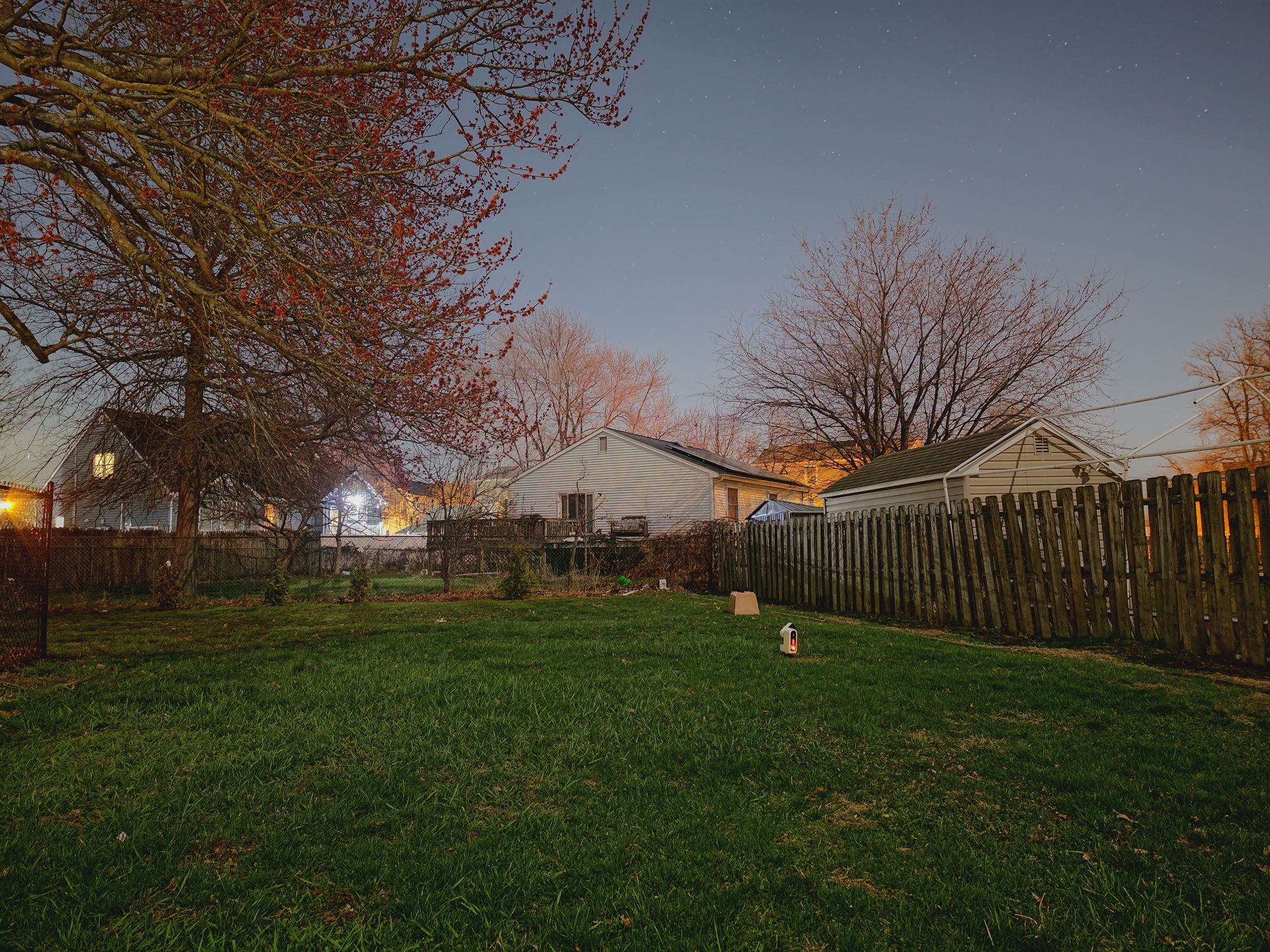
Another notable shot is of my backyard above, with my Seestar S50 smart telescope centered in the frame. The sheer amount of detail, sharpness, and clarity is staggering. In reality, the foreground and middle ground were draped in darkness, with the only light source coming from a neighbor’s house in the background. Not only does Expert RAW bring out the rich green of the grass, but it also renders fine details like the individual shingles on the shed’s roof.
My only complaint is the time required to capture these stunning images, but the results speak for themselves. If you’re after the best low-light performance possible, this is the mode to use.

Follow Tom’s Guide on Google News and add us as a preferred source to get our up-to-date news, analysis, and reviews in your feeds.
More from Tom’s Guide