
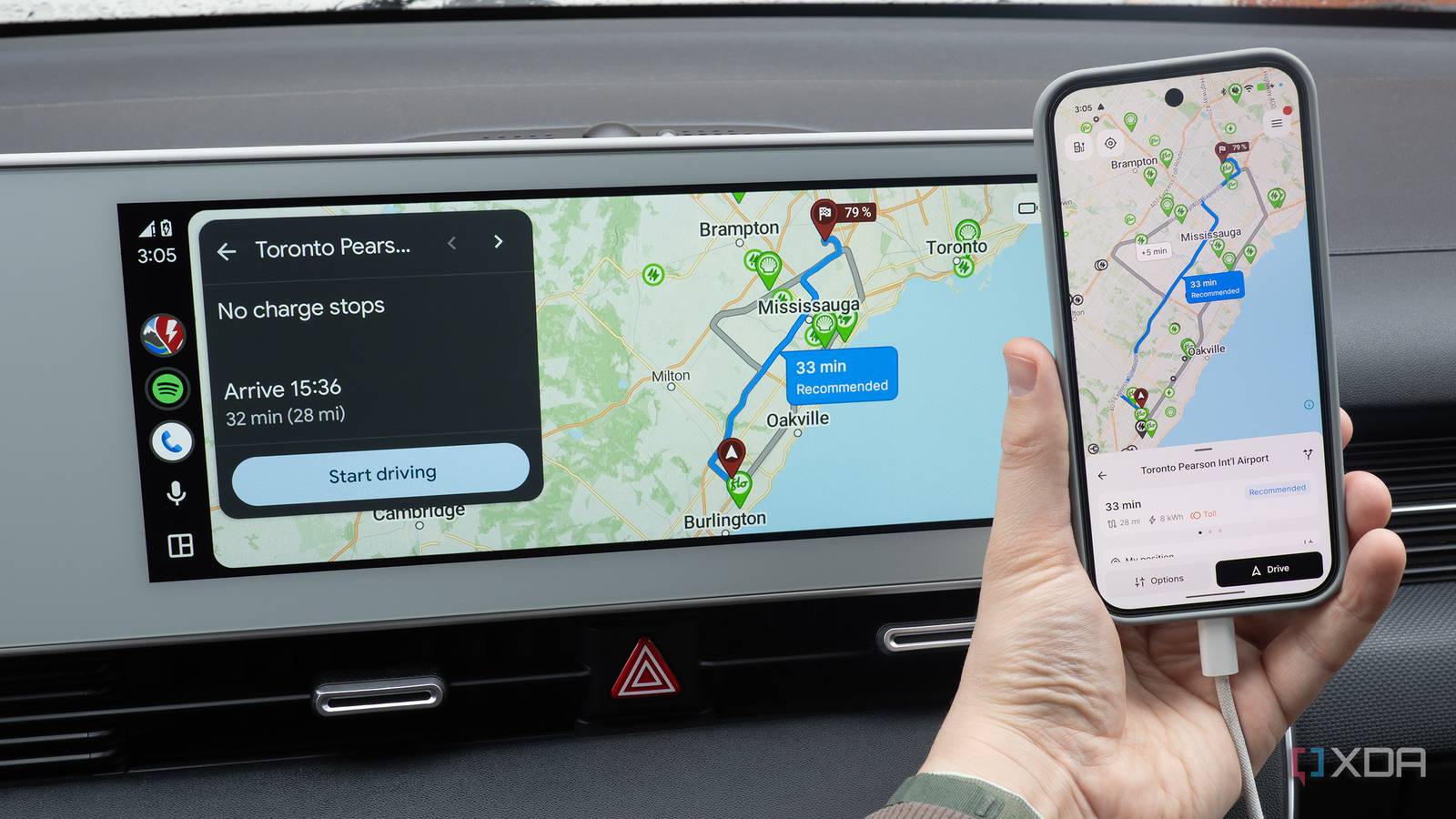
I’ve been using Android Auto a lot over the past few weeks. While the platform is solid and generally comparable to CarPlay, I’ve encountered a key issue somewhat frequently regardless of the smartphone I’m using, whether it’s my Pixel 10 Pro or Galaxy S26 Ultra: random disconnections.
It doesn’t happen every time I’m driving, but it’s still annoying, and not something I want to deal with while I’m behind the wheel, especially when I’m relying on Waze and Android Auto to tell me where to go. The entire screen goes black, the music disconnects, and I’m left with a useless blank screen.
Sometimes my phone reconnects automatically, but in other situations, I need to unplug the device and reconnect it to my car to get Android Auto working again (sometimes I even need to unplug the cable from my vehicle’s USB port and then plug it back in again). At first, I thought it was my USB-C cable, and then I assumed it was related to my Ioniq 5’s USB port, especially since I encountered this issue a few years ago with both CarPlay and Android Auto. However, after some experimentation, changing my phone’s default USB configuration solved the issue.
Related
4 Android Auto settings I changed to make it feel truly mine
Night Mode, setting a custom wallpaper, shifting media controls, and more.
Why is my phone disconnecting from Android Auto?
It’s exactly what I suspected
After troubleshooting my car’s USB port and my USB-C cable, I started searching online for a fix. Unsurprisingly, there are a lot of people out there running into similar problems. Suggested fixes include restarting your device, restarting your vehicle’s infotainment system, clearing your phone’s cache, and more. None of these solutions solved the issue for me, unfortunately.
This is when I landed on Android’s default USB configuration options. Before I get to how to change these settings, here’s why I think the problem is happening. When you connect your phone to your car via USB, there’s a handshake process where both devices establish the connection.
Is your phone just being charged by your car? Should your vehicle use your phone as a USB car? Or, does Android Auto need to boot up? As far as I can tell, Android’s battery management and security protocols are messing with this USB handshake process, causing my phone to switch to charging only in the middle of a drive and resulting in what seems to be random disconnections.
All you need to do is change the default USB configuration
It’s time to dive into Developer Options
To change this setting, you need to access a hidden Android menu under Developer Options. To unlock Developer options, follow the following steps:
Open the Settings app on your Android device.
Tap About Phone.
Open Software Information (with my Pixel 10 Pro, this option is on the main About Phone screen).
Find your phone’s Build Number, and tap it seven times in a row.
If you’ve done this correctly, you’ll see a message stating Developer Mode Enabled.
After you’ve enabled Developer Mode, it’s time to change your phone’s USB settings:
Dive back into the Settings page. You’ll now see Developer Options (tap on it) (with my Pixel 10 Pro, I needed to search for Developer Options for it to appear).
Under Networking, tap Default USB Configuration.
You’ll likely see No Data Transfer turned on — change this setting to File Transfer (you also might see an Android Auto option).
After you’ve changed this setting, your phone should always default to Android Auto when you connect it to your car. This prevents your device from switching to charging mode while you’re driving, eliminating those pesky Android Auto connection issues. At least so far, this seems to have fixed my Android Auto disconnection problem (I’ll update this story if that changes).
If you’re still running into disconnection issues, there are a few other things you can try, like clearing your Android Auto cache by going to Settings > App > Android Auto > Storage > Clear Cache. You could also turn off Adaptive Battery by navigating to Settings > Battery > Battery Saver > then turn off Adaptive Battery.
Related
6 useful Android Auto apps that really improve my driving experience
I’ve never really enjoyed being behind the wheel, but these apps make the experience less painful and help pass the time.