
We’ve reached a point where every company is releasing AI models so incredibly fast that they’ve started blurring together. New name, bigger benchmark numbers, the same “our most capable model yet” marketing language. OpenAI drops something new, then Google responds, then Anthropic fires back, and we go on and go on.
I test AI tools for a living, and while the numbers might matter to me, I know far too well that the average person doesn’t care whether a model scored 3% higher on some reasoning benchmark. Local LLMs are something I don’t talk about all that much, because it admittedly took me embarrassingly long to actually see their potential. The ones I tested initially were slow and clunky, and as someone who has always had a first-impression problem, I wrote them off mentally. That said, Google finally launched a model that pulled me back in and it’s actually worth running.
Google launched four new open-source models
You don’t need a home lab to use these models
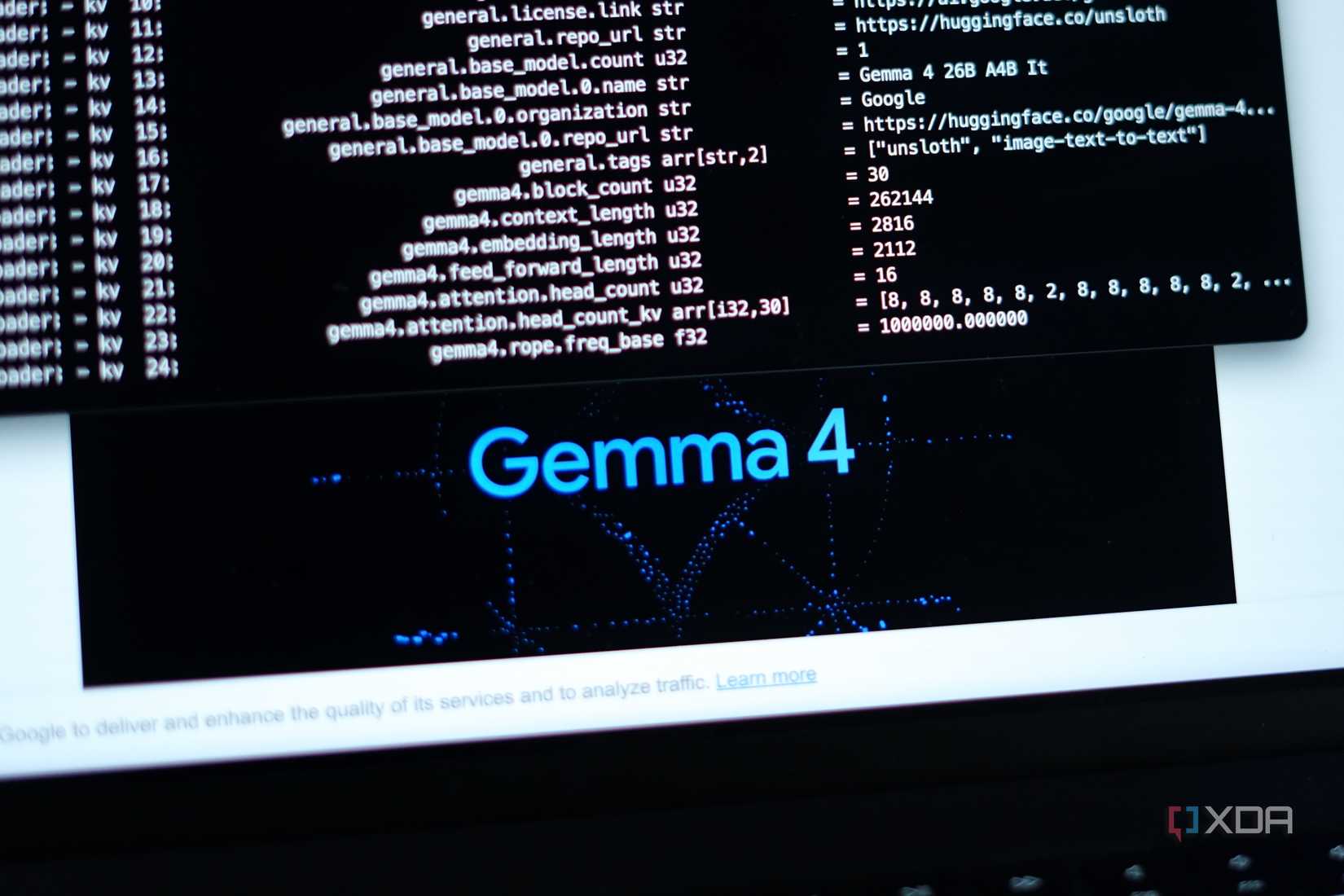
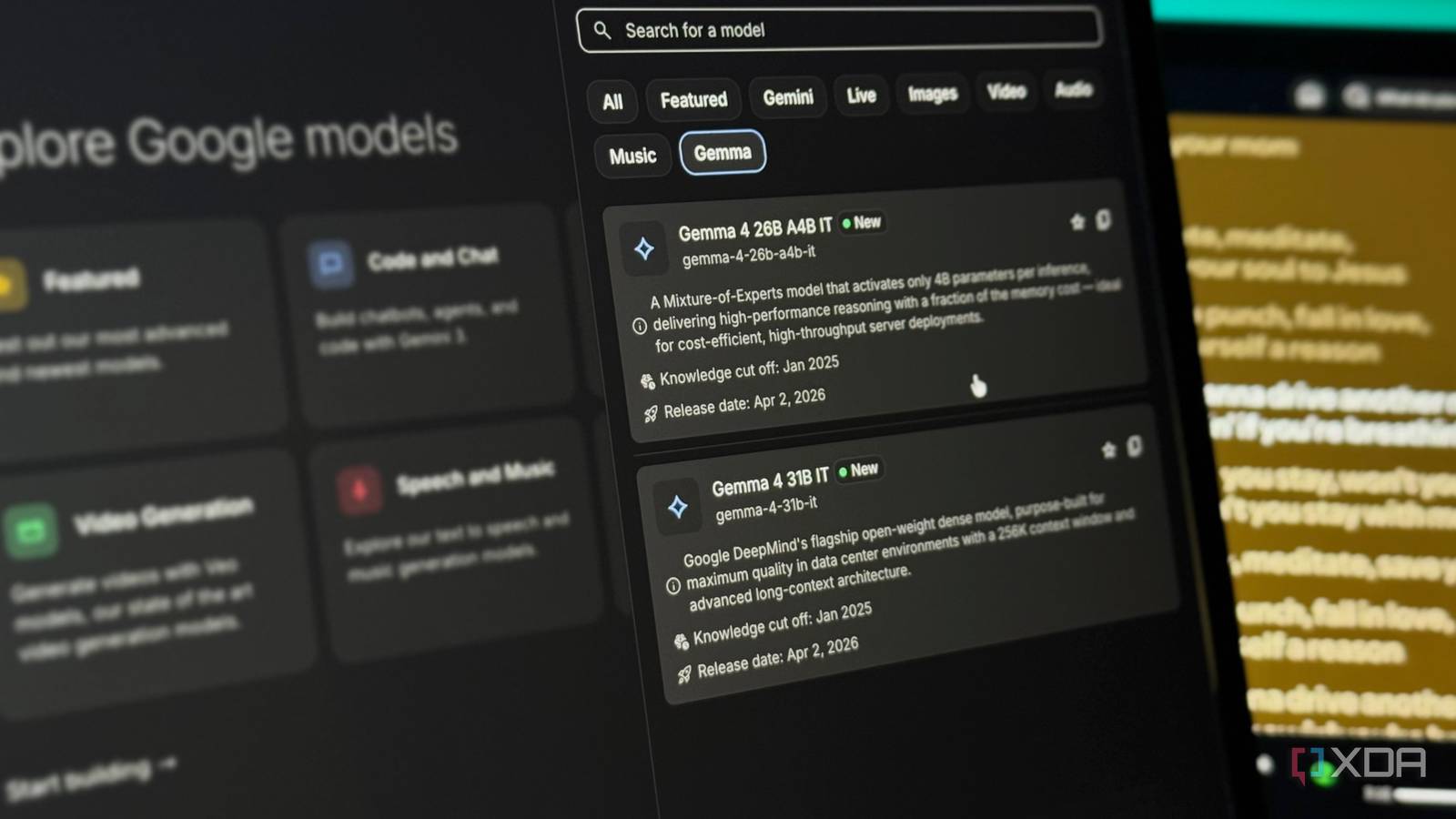
A few weeks ago, Google launched its newest family of open-source AI models: Gemma 4. The family consists of models in four different sizes: E2B and E4B for phones and edge devices, a 26B mixture-of-experts model, and a full 31B dense model. These models are built on the same research and architecture as Gemini 3, but the difference is that they’re completely free, open-weight, and designed to run on your own hardware.
Want to stay in the loop with the latest in AI? The XDA AI Insider newsletter drops weekly with deep dives, tool recommendations, and hands-on coverage you won’t find anywhere else on the site. Subscribe by modifying your newsletter preferences!
Now, I don’t really want to go into the technical weeds too much in this article. Our local LLM expert, Adam Conway, talked all about the nitty-gritty details in a separate article. But I do want to briefly explain how local LLMs actually work, because it makes everything else in this piece make a lot more sense. You essentially download all of a model’s trained weights, which are the files that contain everything the model has learned, onto your own machine. Once they’re there, the model runs entirely on your hardware.
But what I really want to focus on here is the fact that Gemma 4 matters even if you’re not running a home lab (which I don’t), and how you can try it right now without any powerful hardware at all. The biggest update that the Gemma 4 models got is something called intelligence-per-parameter. This means getting smarter results out of fewer resources.
Google has engineered these models to squeeze more intelligence out of each parameter, which effectively means you’re getting responses that feel like they’re coming from a much larger and more expensive model without needing the hardware to run one. The smaller E2B and E4B models, for example, are built for devices like your phone or laptop. They use an embedding model alongside the standard parameters, which gives you the equivalent of a larger model running in a much smaller memory footprint.
You can run Gemma 4 models on your phone or laptop for free
It’s easier than you think
As I just mentioned above, Gemma 4 models have been intentionally engineered to get the most out of every parameter. This means that you can run them with ease on your everyday devices like your laptop and phone. When it comes to actually running a local LLM, the process isn’t all that technical either. You can use a tool like Ollama, which is completely free and takes minutes to set up. You install it, pick a model, and run a single command. That’s it! There’s no complicated configuration, but the only hassle with Ollama that some people might find is that it’s designed to work within a terminal, which can feel intimidating if you’ve never used one.
If that’s you, LM Studio is a great alternative. It gives you a clean desktop app with a visual interface where you can browse, download, and chat with models without even needing to type a single command. Once your model is downloaded and ready to go, LM Studio gives you a traditional AI chatbot-like interface where you can start prompting right away. If you’re using Ollama, you can pair it with something like Open WebUI to get that same familiar chat experience. Either way, it ends up feeling just like using ChatGPT, Gemini, or Claude, except everything runs locally and nothing ever leaves your machine.
Similarly, you have a few options to run Gemma 4 on your phone. I’d personally recommend using Google’s AI Edge Gallery, which is a free app available on both iOS and Android that lets you download and run Gemma 4’s E2B and E4B models directly on your phone. Once downloaded, the model runs completely offline. You don’t need to be connected to the internet, tinker around with API keys, nothing. I’ve been using Gemma-4-E2B on my iPhone 15 Pro Max, and it was just a 2.54 GB download. It’s incredibly fast, and downloading it took a couple of minutes.
For lightweight tasks, Gemma 4 gets the job done surprisingly well
Now, it’d be simply unfair to expect a model that runs entirely on your own hardware to match (or even come close to) the kind of output you’d get from cloud-based models like ChatGPT, Claude, or even Gemini. Those models run on massive server infrastructure for a reason. However, for everyday, lightweight tasks, I’ve found that Gemma 4 handles them surprisingly well. By lightweight tasks, I mean the surface-level tasks the majority of people still seem to be using AI for. This includes things like summarizing articles (please don’t summarize this one), drafting quick emails, cleaning up text you’ve written, or just asking questions you’d normally Google.
As a student majoring in computer science, I use AI a lot to help me study. I ask it to explain concepts I’ve studied already to reinforce my understanding, quiz me on topics before exams, or break down a piece of code I’m struggling with. These aren’t tasks that need GPT-5.4 or Claude Opus 4.7. They just need a model that’s good enough to be helpful, and Gemma 4 clears that bar comfortably.
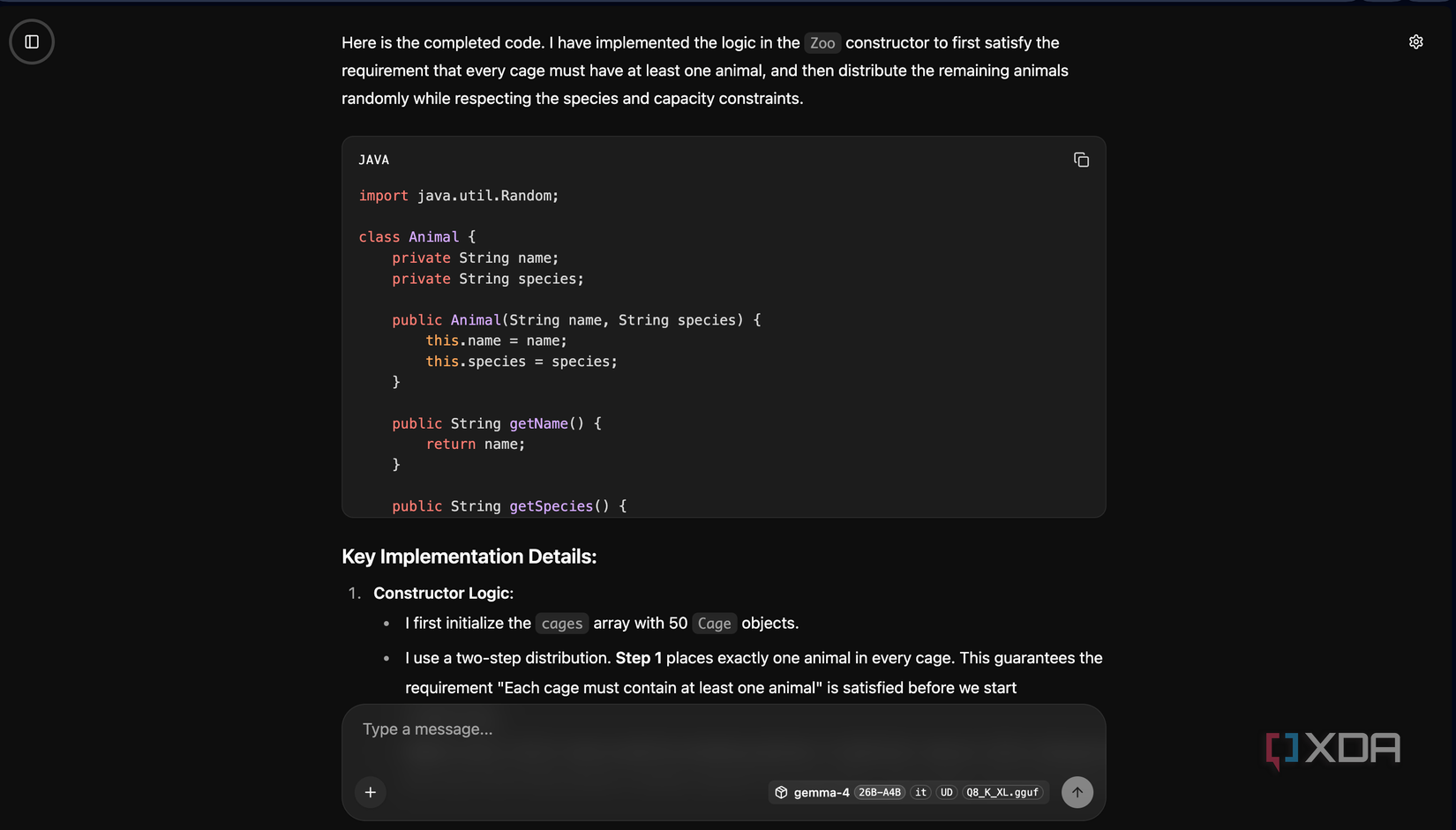
For instance, there was this one coding assignment I had already completed manually. It had a mix of easy and tough questions, so I decided to run the same questions through Gemma 4 just to see how it’d hold up. It nailed the easier ones without any issues, and even on the trickier questions, it got most of the logic right. It occasionally needed a nudge in the right direction, but nothing that felt like a dealbreaker. Would Claude or ChatGPT have done it better? Yes. But the fact that a model running locally on my phone gave me genuinely useful answers, with no internet and no subscription, is kind of the whole point.
I even uploaded a few PDFs and asked it specific questions about them, and it handled that well too. It also handles brainstorming fairly well, and generating stuff like pseudocode. Because it’s all local, I can throw in sensitive stuff without worrying about data leaving my device. The offline fallback is something I personally find really helpful too!
For a free model, this is as good as it gets
No limits, no privacy concerns, extremely fast responses. For all of these benefits, using Gemma 4 is a no-brainer. I want to be very clear: it is not going to replace Claude or any of the other models I use for my heavy-duty work anytime soon. But also, it doesn’t need to. For everyday stuff, it’s more than enough.