
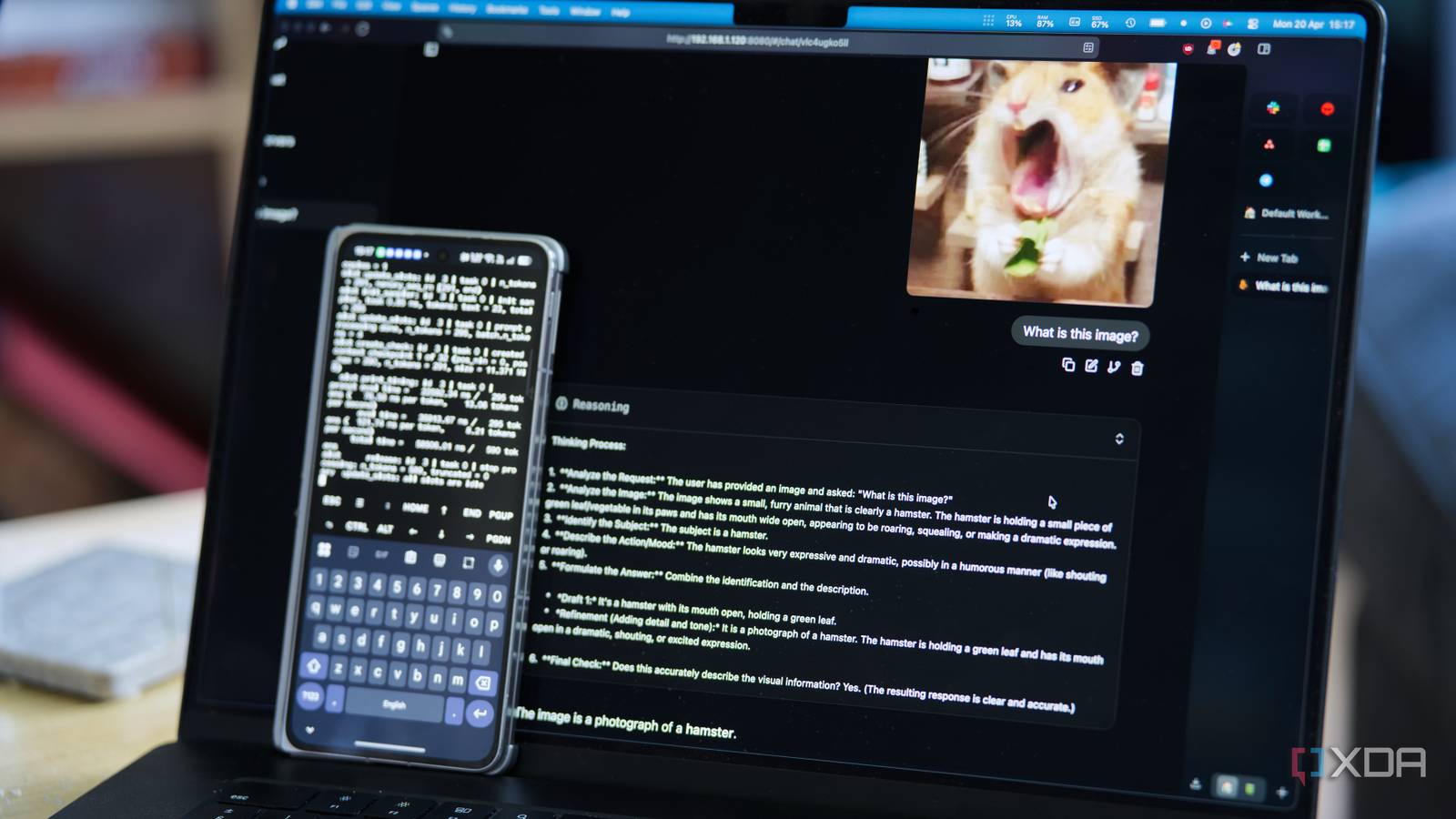
Running a local LLM has typically required you to either have some pretty beefy hardware, or to buy dedicated hardware if you didn’t have it already. A decent GPU has typically been a minimum requirement, or at least a mini PC like a Mac Studio, Mac Mini, or one of those 128GB DGX-adjacent workstations. What it didn’t mean, until pretty recently, was pulling the phone out of your pocket and asking it to do the thinking for your entire smart home.
That’s changed with Gemma 4. Google’s newest open-weights model family has two mobile-tier variants, E2B and E4B, designed specifically for on-device inference. They’ve got multimodal input (text, image, and audio), a 128K context window, and a hybrid attention design that keeps memory use low. On a modern phone with enough RAM and a modern chipset, both of these models can run at surprising speed, complete with tool calling. I tested out E4B on my Oppo Find N5, which has 16GB of LPDDR5X memory and a Snapdragon 8 Elite doing the inference.
It can be a bit rough around the edges, and some of the multimodal stack is still bleeding-edge, but it works. Gemma 4 E4B can handle basic prompts and tool calling, image identification, and even voice transcription, and that last one is something that the two larger models can’t do. It’s a surprisingly capable model, and getting it running on your phone is easier than you think.
The phone is doing all the thinking
All local using Termux
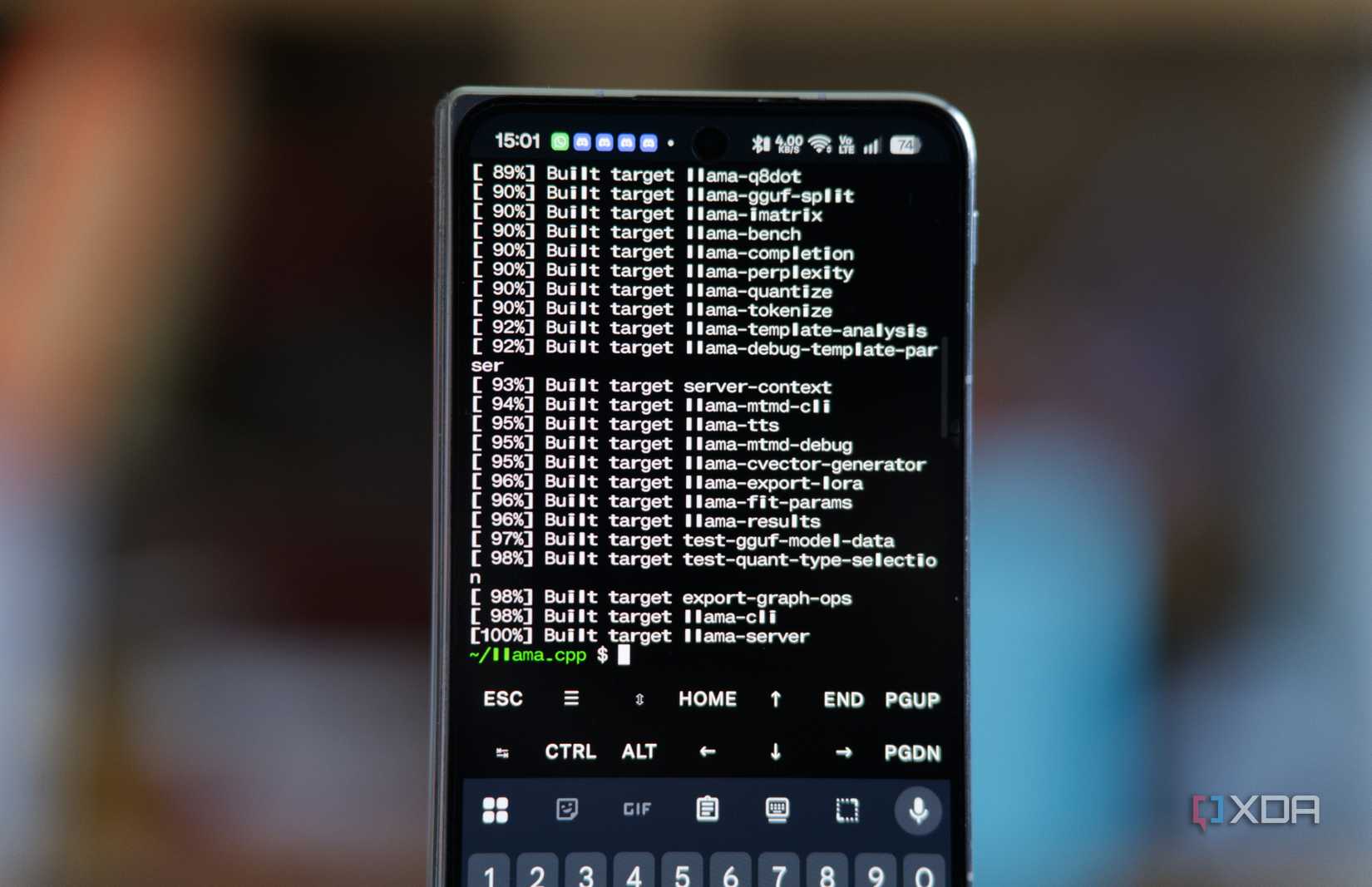
Setup on the phone itself is surprisingly straightforward once you know what you’re doing. I installed Termux from F-Droid (don’t install the Google Play Store version), updated packages, and I installed cmake. I don’t remember if git came as part of my pkg upgrade, or if I installed it sometime in the past, but you may need to install it too. Then, I cloned llama.cpp from master and built it on my phone. It takes a few minutes, but when it’s done, you’ll have a llama-server binary that you can execute. You do need to compile from master and not a tagged release, though, as support for Gemma 4 E4B’s audio is pretty recent.
Gemma 4 E4B itself takes a bit more work to get running, and it’s not just the main model GGUF that you have to download. It has roughly 4 billion “effective” parameters thanks to per-layer embeddings, but to get vision and audio working, you need to download the multimodal projector that handles image and audio encoding for the main model. I pulled the Q4_K_M Unsloth quant of the main model, which comes in at around 4.3GB, and a BF16 mmproj, which is roughly 900MB. The BF16 part is important, because the mmproj is sensitive to quantization in a way that the main model isn’t. If you try to run a Q4 or Q8 mmproj, it produces garbage output for both images and audio. BF16 costs you more memory, but on a phone with 16GB, it doesn’t really matter. I run it with the following command:
./build/bin/llama-server \
-m /path/to/gemma-4-E4B-Q8_0.gguf \
–mmproj /path/to/mmproj-gemma-4-E4B-BF16.gguf \
–host 0.0.0.0 \
–port 8080 \
-c 8192
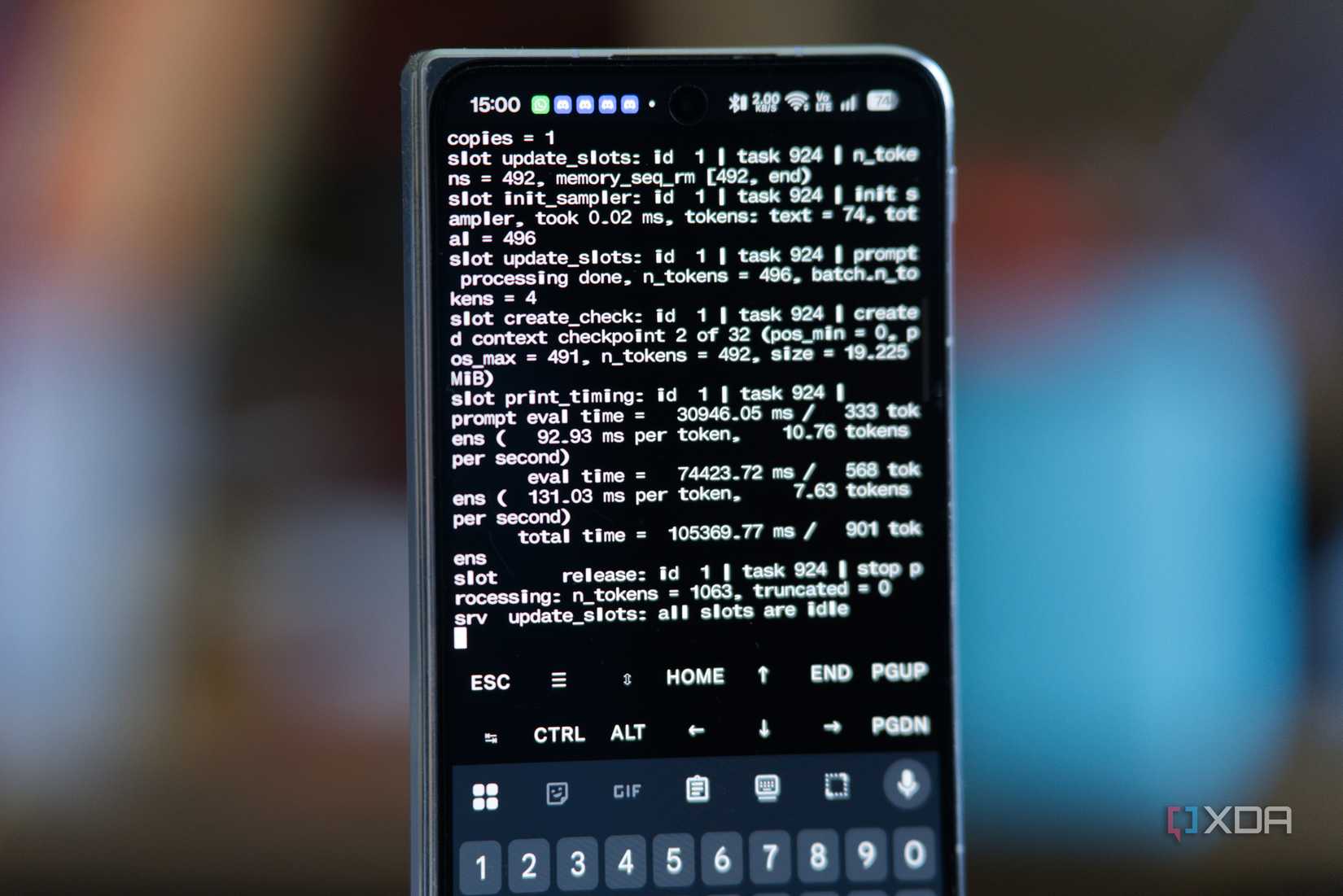
Once the model is loaded, llama-server exposes an OpenAI-compatible endpoint on port 8080. I bind it to 0.0.0.0 so the rest of my home network can reach it, and anything on my LAN that can speak the OpenAI API, which at this point is basically everything, can now use my phone as its reasoning backend.
Token speeds were the part that surprised me. On the Find N5 I’m getting about 7 or 8 tokens per second for short generations, with first-token latency sitting under a second. That’s not desktop-fast, but it’s fast enough to be useful enough for basic functions. As well, while the way I compiled it works, there are more efficient ways you can play around with to get faster token generation speeds that better utilize the hardware.
What’s weird is that I kept the model loaded in Termux overnight, went out for a walk the next morning, opened Termux, and it was still loaded with the model accessible over my network. I had disabled battery optimizations for Termux in the past, but that’s not the point: it uses about 6 GB of RAM in the background, so I expected the OOM killer to take care of it at some point… but it didn’t.
Vision is even better than transcription
But both work very well
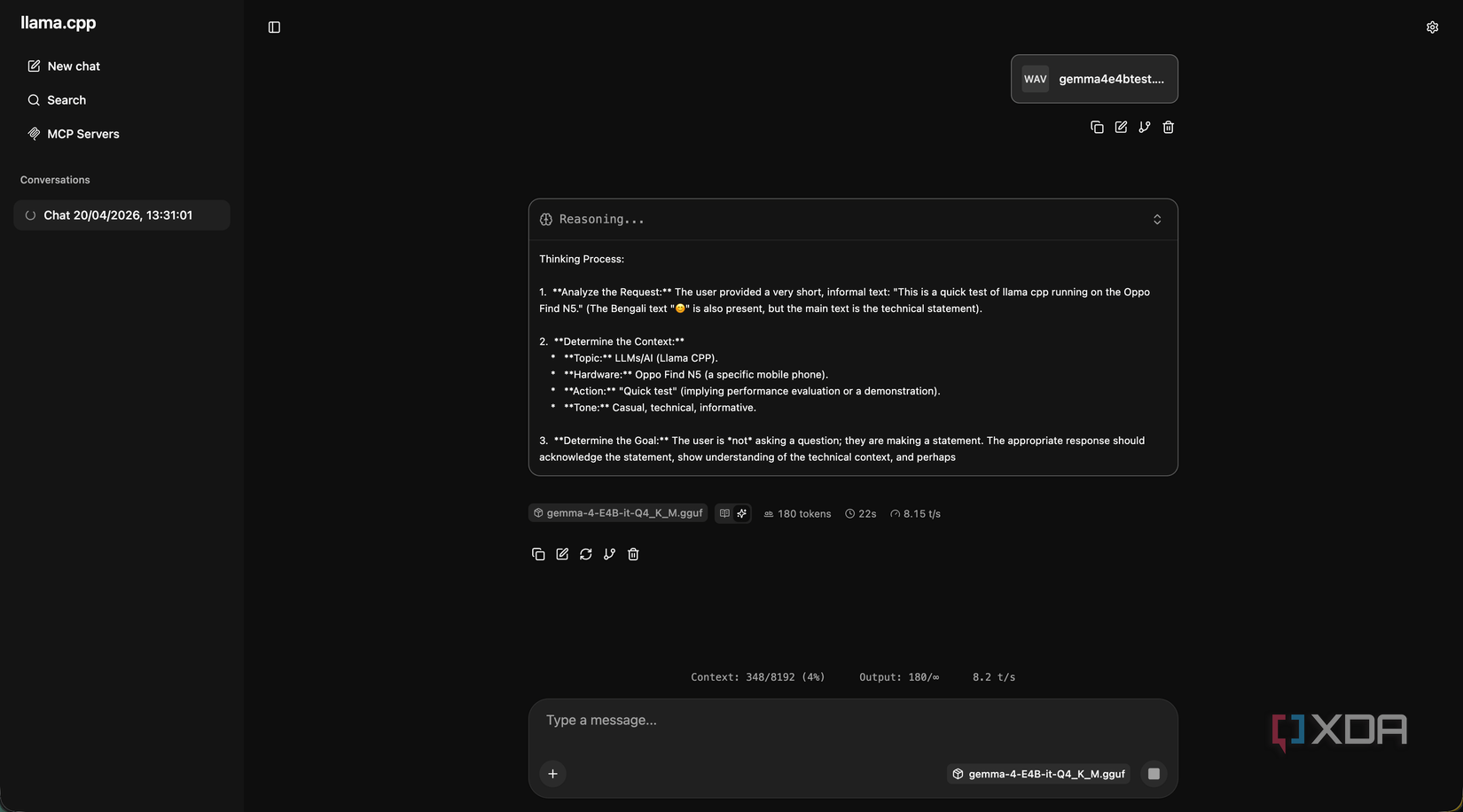
For transcription, I’ve talked a lot about Whisper and how powerful it is, and I still use it in my home. It’s still more powerful and faster than Gemma E4B, but the fact it works at all here is impressive. It’s still bleeding edge; while Gemma 4 E4B has a native audio conformer encoder, the support is very new. For example, when support first arrived, longer clips that exceeded the batch size would cause it to fail, and users would need to manually raise the batch size. This has now been fixed, and it all works quite well in my testing.
Still, vision is the bigger deal for most people, as it means that your phone can play an intelligent role in ingesting camera feeds, screenshots, or anything else that you feel like would be useful to have processed by a language model.
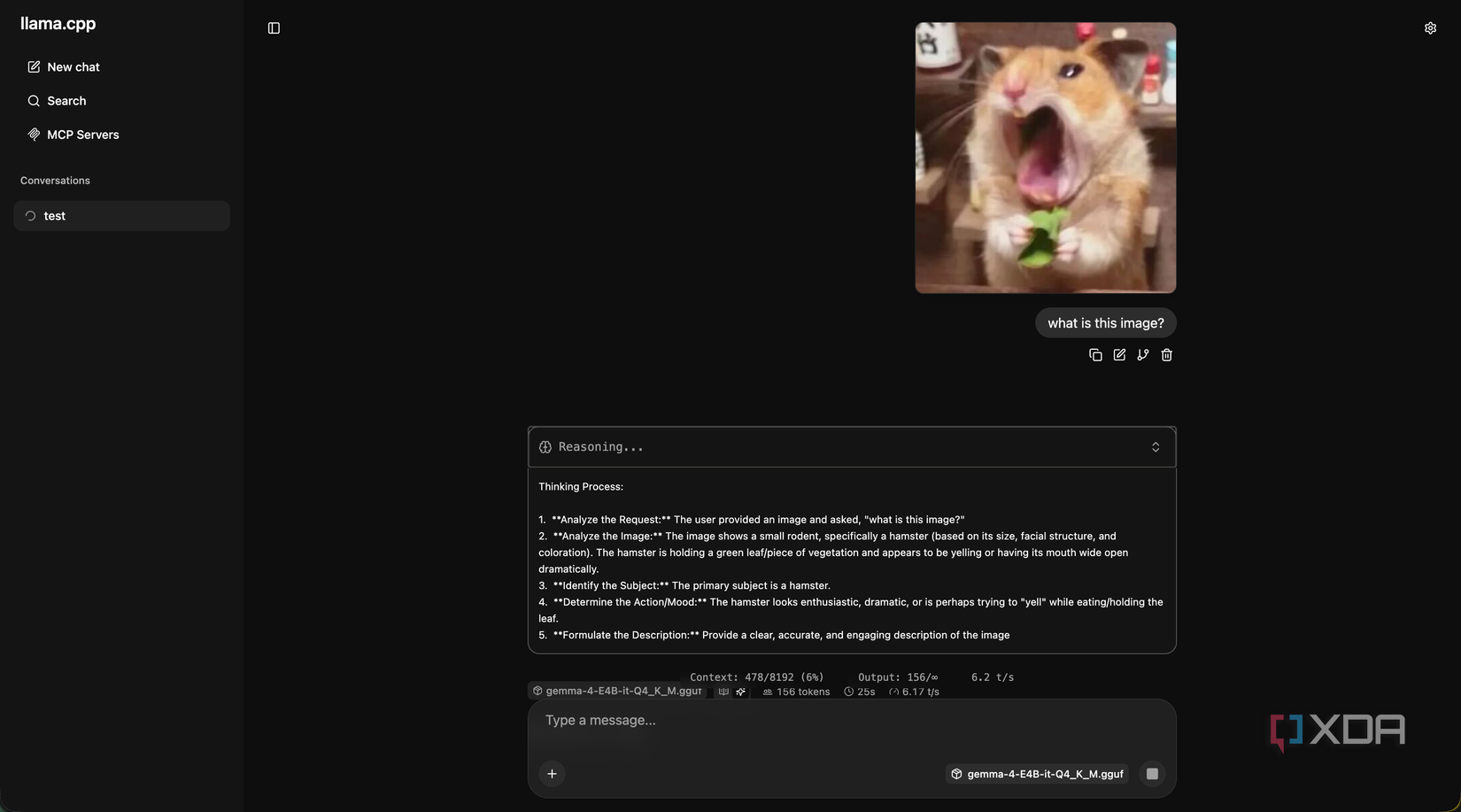
All you need to do is have an image sent over with an attachment prompt that says something like “describe what you see in this image in one sentence,” and wait for the response. For example, using Home Assistant, it could grab a snapshot, send it to the phone, and ask for a description. If the response contains words like “package” or “delivery,” it pushes a notification to your phone with the description included, letting you know that a package is being delivered.
Inference on an image is slower than on text. A small image takes roughly upwards of 10 seconds to encode before the language model even starts generating, and another ten to twenty seconds to write a short description. For automations where latency doesn’t matter all that much, that’s fine. Admittedly, for things where you want near-instant responses, it’s far too long.
You can use its vision capabilities for ad-hoc requests, though. Want an alt text generator? Write a script that pings the image over to your llama.cpp server and copies the response to your clipboard. Want to classify images? It’ll be slow, but it’ll work. And all of this is running on a phone, in a configuration that can definitely be optimized.
It’s not replacing my local LLM
Qwen3 Coder Next is still my go-to
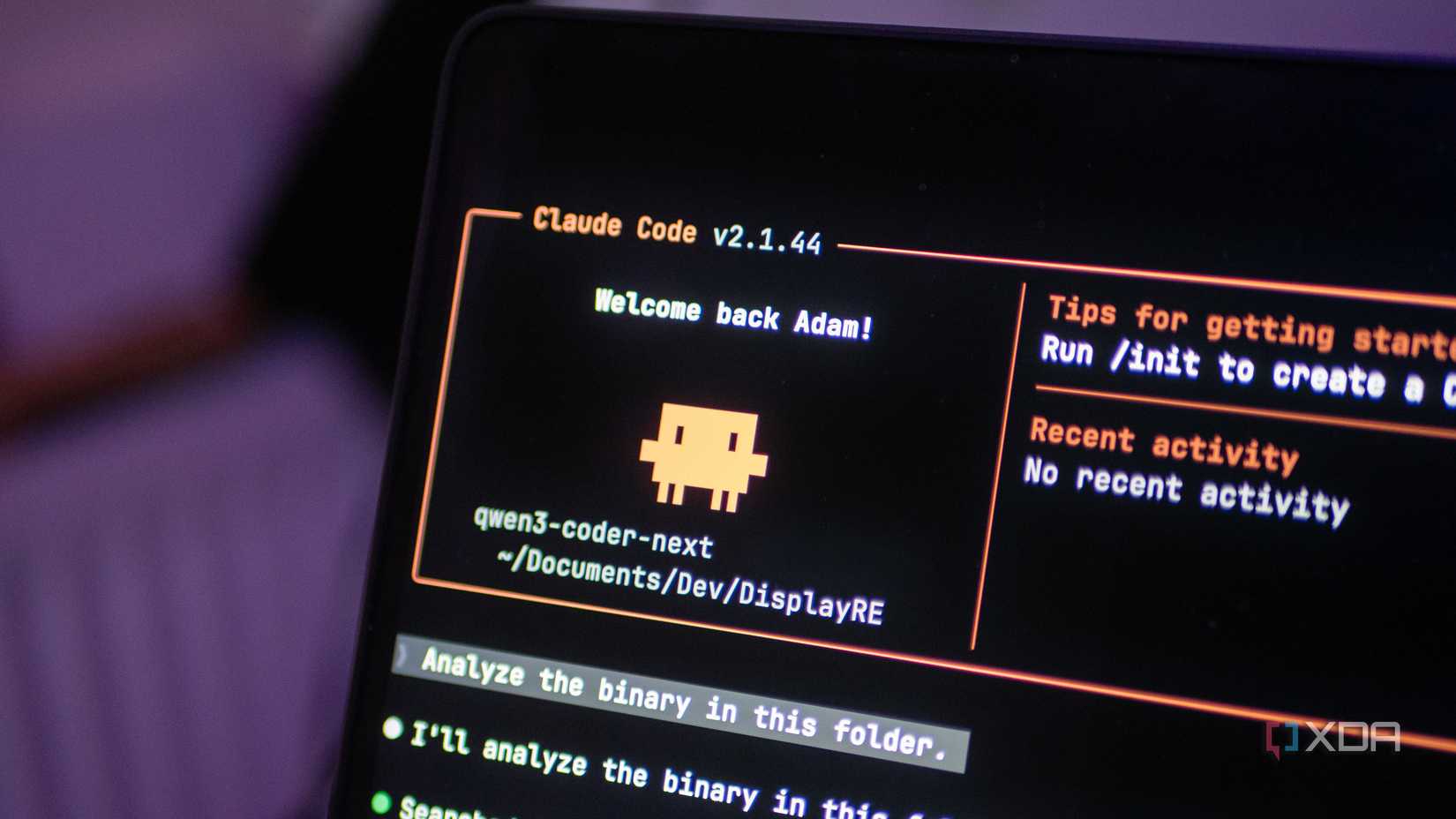
I should be clear about what my phone isn’t. It isn’t replacing the Proxmox host that runs my local LLM. It isn’t doing anything that involves serious context lengths or deep reasoning. It isn’t going to fine-tune anything, isn’t going to beat a proper coding model at agentic workflows, and isn’t going to be my primary AI endpoint when I’m sitting at my desk with a GPU nearby.
However, it’s crazy to think what a phone is actually capable of, and it’s even more jarring when you can put that to the test and see it deliver results that regular computers from just a few years ago would struggle with. If you have an older phone lying around with a decent enough chipset, you could have it power an automation or two and see it for yourself.
I can’t wait to see what more will be possible in another couple of years. Qwen3 Coder Next is still my favorite local model, but Gemma 4’s entire array of options is really giving my preferences a run for their money.