
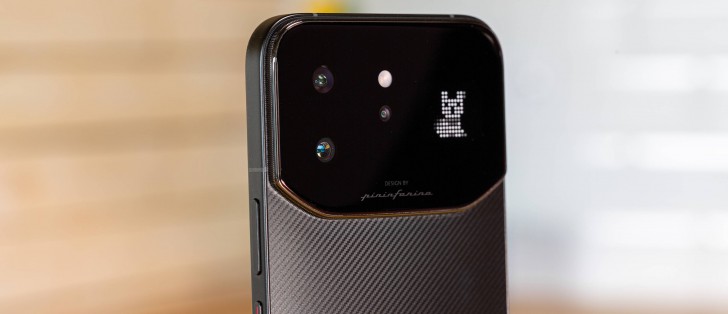
The Infinix Note 60 Ultra packs a 6.78-inch AMOLED screen with 1,208 x 2,644 pixels, 144Hz refresh rate, and Ultra HDR support. The panel also supports 240Hz touch sampling, 2,304Hz PWM dimming, and DCI-P3 color space.
The protection is handled by a Gorilla Glass 7i sheet.
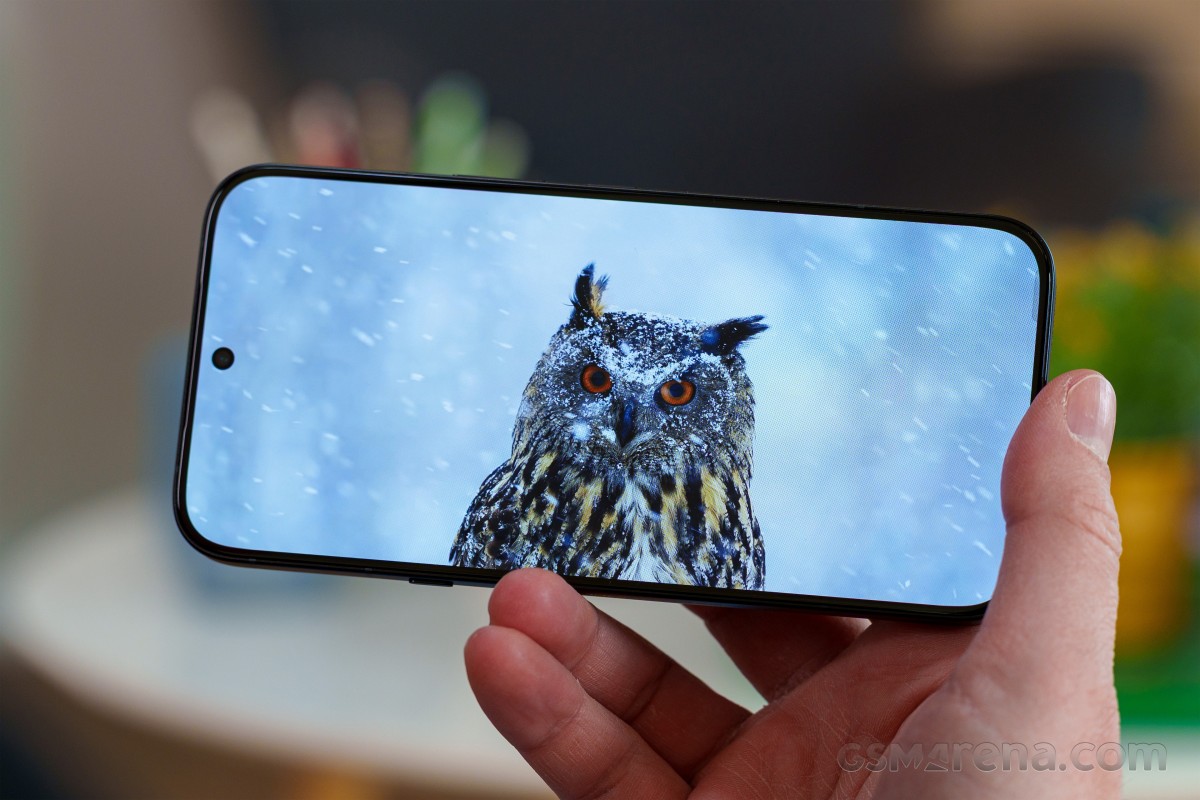
According to Infinix, the screen should be capable of 700 nits of typical, 1,600 of high brightness maximum, and up to 4,500 nits of peak brightness. We’ve put those claims to the test, of course.
We captured 723 nits of maximum manual brightness and 1,217 nits with the high brightness boost (from Display settings). Using Auto Brightness mode yielded the exact same results, which is quite rare these days.
With a smaller test pattern, we measured a peak brightness of 1,577 nits. The minimum brightness we saw was 2.2 nits.
Since the Infinix Note 60 Ultra supports the Ultra HDR standard, its gallery, among other apps, operates on a different brightness. We repeated our measurements in the gallery, and here we captured 1,741nits of maximum manual/automatic and 2,369 nits for peak brightness – a quite noticeable boost.
We never had issues with the screen under any conditions – be it super dim light or exceptionally bright one.
Refresh rate
The display supports up to 144Hz refresh rate, though as you will see – there are only a few occasions where you will be able to witness this maximum.
The display options offer three refresh rate modes – Auto Switch, Standard, High.
Auto and High offer identical behavior – the OS uses 120Hz for the entire UI, most popular system and social media apps. Then 90Hz is used for the rest of the apps and games. Finally, 60Hz is used on idle screen and 30Hz for the Always-on Display.
There is one difference – when in High mode – you can specify the maximum refresh rate of each app – for example you can force Netflix to use 120Hz instead of 90Hz. And in this mode, you can force 144Hz for the compatible apps, which in our case were Facebook, Instagram, Files, Settings, Phone, and Messages.
Finally, the Standard mode fixes the refresh rate at 60Hz, but you can still spot 30Hz on the AOD.
HDR
The screen is recognized as HDR10 capable by some apps such as YouTube, but not from Netflix. There is no official certification HDR10 either.
The phone supports Android Ultra HDR and the format is available across all compatible media and social apps.
The Infinix Note 60 Ultra is powered by a 7,000mAh Si/C battery and given the large capacity, we do have some expectations about its battery life.
The phone scored an Active Use Score of 17:32 hours – quite a solid one. The Note 60 Ultra did excellent on the on-screen tests – web, video streaming, and even gaming – but did only average when it comes to voice calls.
The Infinix Note 60 Ultra supports 100W wired and 50W wireless charging. If you want to utilize the maximum wireless charging speed, you need to use the MagSafe case bundled with the phone.
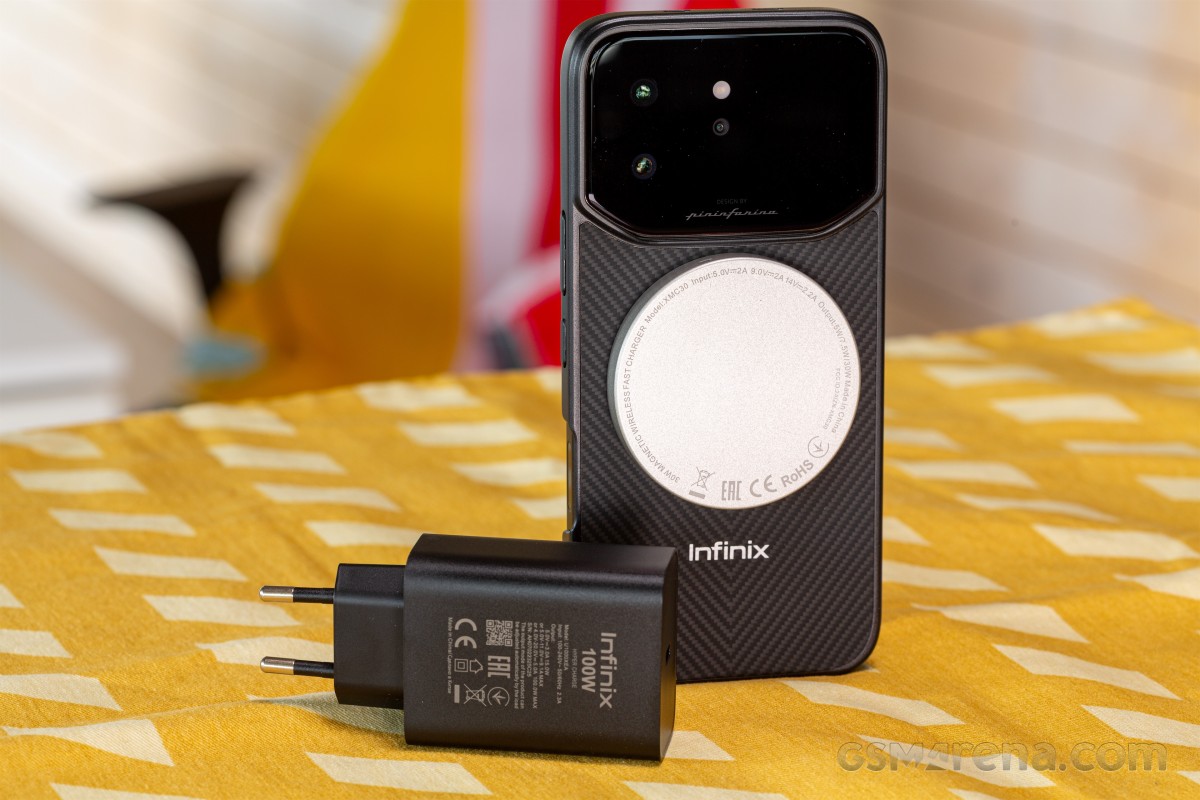
Luckily, the case was not the only thing that’s inside the retail box. You also get the 100W power adapter, the cable, and even the wireless charger. Nice!
We’ve completed our battery charging test with the original wall charger and cable.
The phone’s battery went from 1% to 34% in just 15 minutes, we got 60% of charge on the 30 min mark. Finally, a full charge required 57 minutes, which is reasonably fast considering the 7,000mAh battery capacity.
There are a few options for prolonging the lifespan of the battery. AI charge protection learns your habits and recharges the last 20% shortly before you need your phone (i.e., when your alarm is about to go off in the morning).
Custom charging protection allows you to set a charging limit between 80% and 100%.
Finally, Infinix claims to have created a battery self-healing technology that can recover 1% battery capacity per 200 charge cycles or in other words, delay the inevitable battery degradation.
The phone also supports reverse wired and reverse wireless charging. Bypass charging is also available.
The Infinix Note 60 Ultra has a dual speaker setup tuned by JBL. It is a hybrid one where the earpiece acts as a speaker and has two sound outlets – one front facing and one top facing.
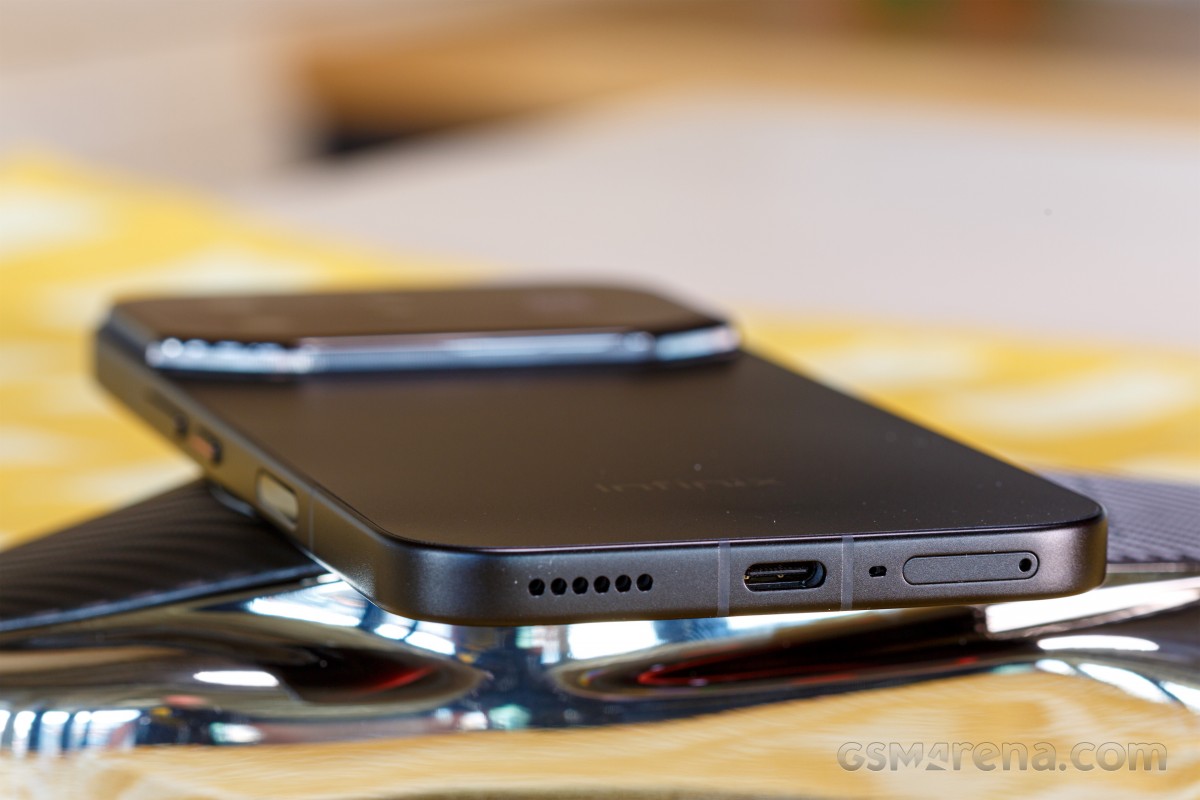
The earpiece is noticeably quieter and with more limited punch, while the bottom speaker is louder and has richer output. The whole setup sounds balanced enough.
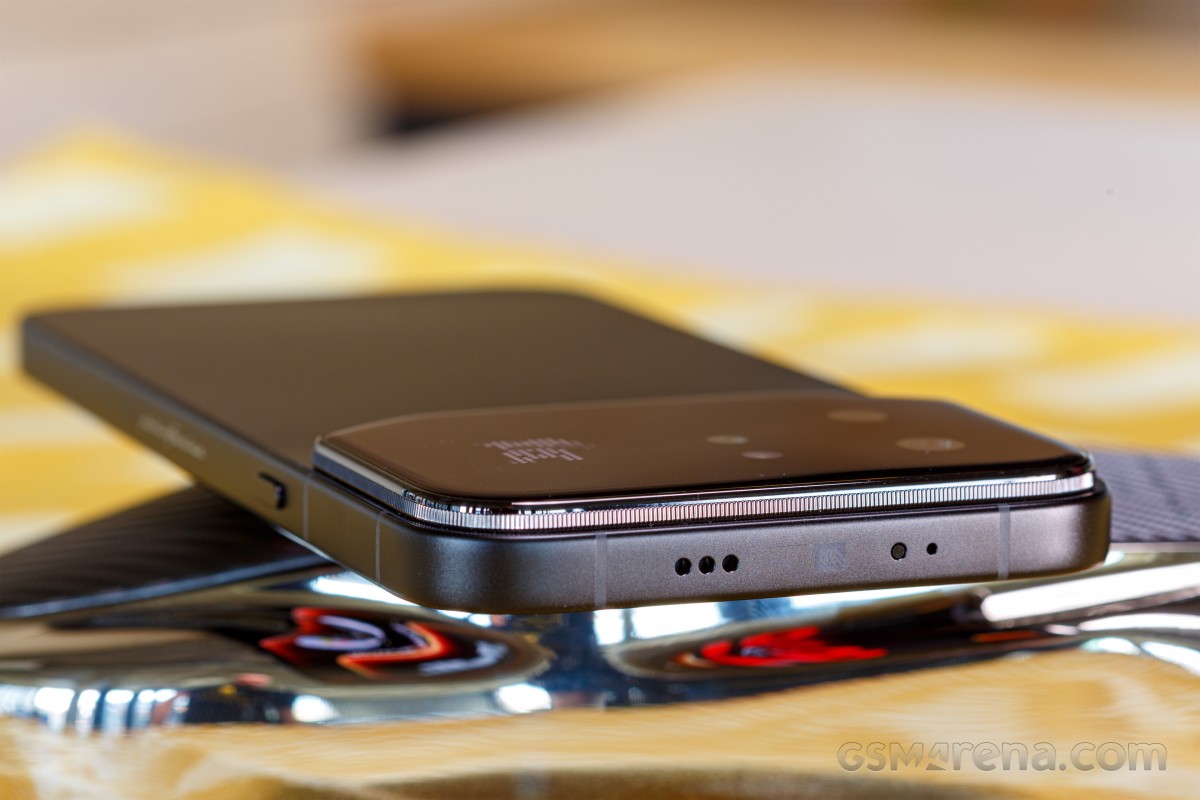
The speakers scored a Very Good mark on our loudness test. The audio quality is average, though with well-presented high frequencies, good vocals, but minimal presence of low frequencies. That’s why the sound is a bit shallow.
Use the Playback controls to listen to the phone sample recordings (best use headphones). We measure the average loudness of the speakers in LUFS. A lower absolute value means a louder sound. A look at the frequency response chart will tell you how far off the ideal “0db” flat line is the reproduction of the bass, treble, and mid frequencies. You can add more phones to compare how they differ. The scores and ratings are not comparable with our older loudspeaker test. Learn more about how we test here.