
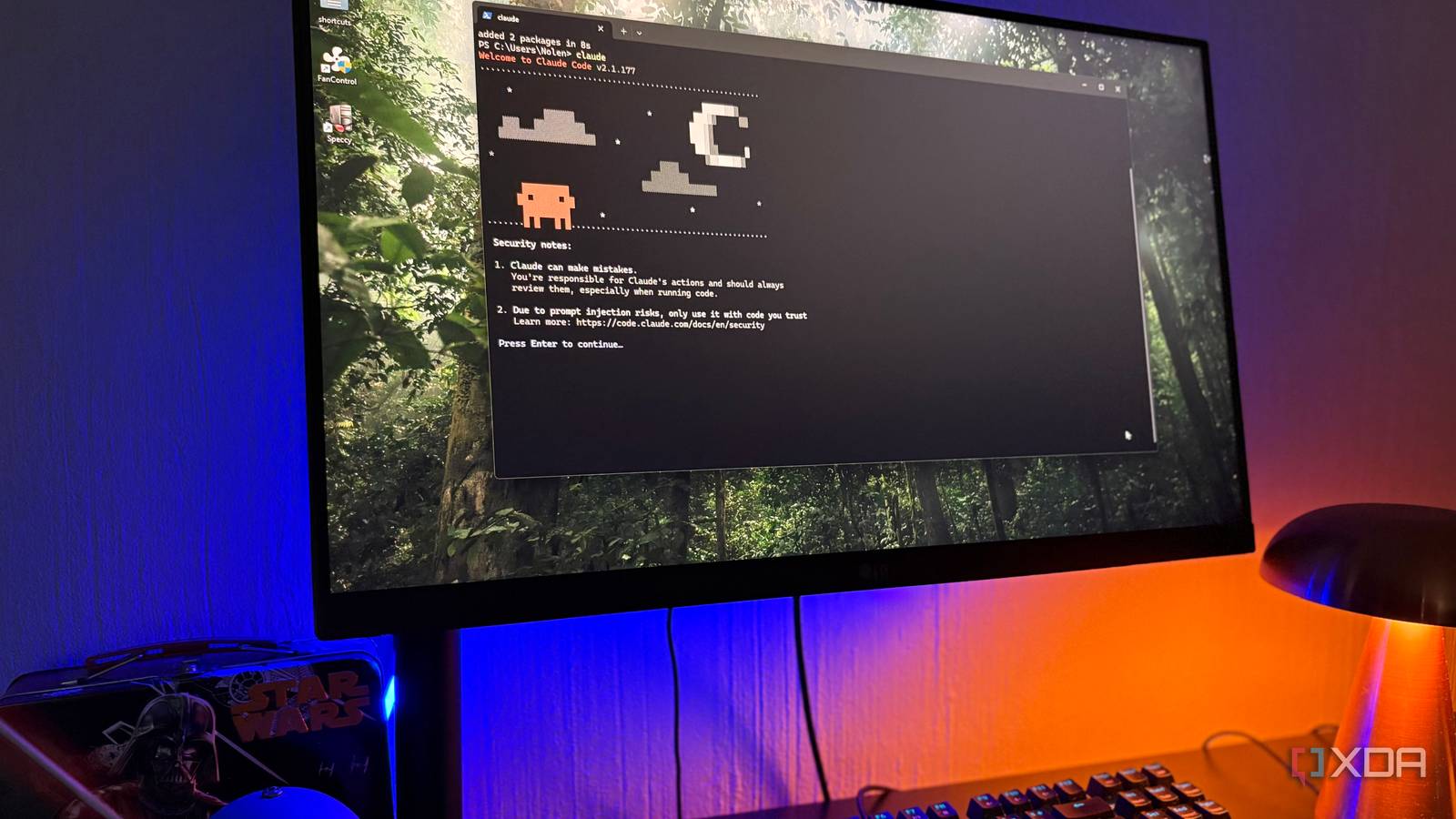
Remember the good old days when only free AI tiers existed, and you could ask as many questions as you wanted, whenever you wanted, and AI tools weren’t yet another subscription competing for space on your monthly bill? Yeah, me too. Unfortunately, that time lasted about as long as it took these companies to figure out how expensive running them actually is. What’s worse than having to pay for multiple AI subscriptions is how limited even the highest-tier plans seem to be. The very same plans that once promised unlimited access now come with five-hour windows, weekly caps, and the need to ration a tool you’re already paying a premium for!
I like to compare it to a Netflix that suddenly started counting how many episodes you watch and cut you off at the cliffhanger. Now, I can hate on usage limits all day, but the best we can realistically do is learn how to work around them. A few days ago, I came across a Reddit tip that lets you technically reset your Claude usage limits on your own schedule, and it’s sort of genius in the most ridiculous way imaginable.
Want to stay in the loop with the latest in AI? The XDA AI Insider newsletter drops weekly with deep dives, tool recommendations, and hands-on coverage you won’t find anywhere else on the site. Subscribe by modifying your newsletter preferences!
Let’s look at how usage limits actually work
Know the rules before you bend them
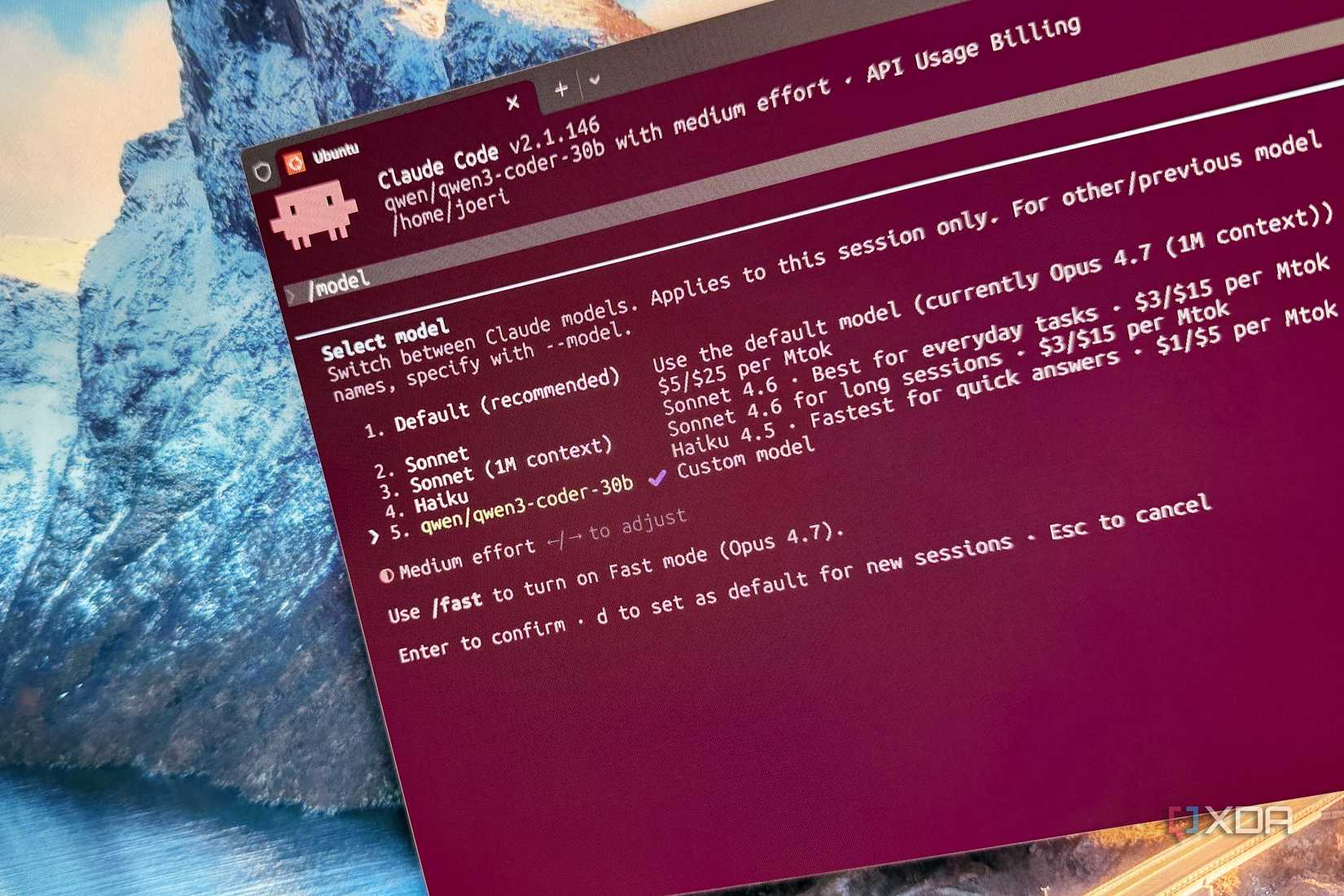
The entire “trick” revolves around how Claude’s five-hour window actually starts and resets. Claude, and most other AI tools, have two different limits working against you: a shorter rolling window that resets every five hours, and a longer weekly cap sitting on top of it. The shorter window does contribute toward the weekly cap, but it’s the five-hour one you bump into most often during a heavy work session.
Now, the key detail here is that the five-hour window doesn’t run on a fixed clock. For instance, the clock doesn’t reset the minute it strikes midnight, and then 5 AM, 10 AM, and so on. Instead, it starts the moment you send your very first prompt. If you send your first message to Claude at 9 AM, your 5-hour window will reset at 2 PM. If you send your first message to Claude at 2 PM, your 5-hour window will reset at 7 PM. If you end up consuming your entire usage anywhere within that window, you’re locked out until it resets. Now, keep this entire mechanism in mind, because it’s what the whole “trick” is built on.
The trick is to make the window open on your terms
Crack the window open early

So if the window opens on your first prompt, the workaround writes itself: send a throwaway first prompt before you actually need Claude, and you shift your reset earlier in the day. The cleanest way to automate this is with a Claude Code Routine, which is a scheduled task that fires a prompt at a set time without you lifting a finger. Point it at the cheapest model available (Haiku does the job), and have it send something trivial, like asking Claude to reply with a single word. That tiny message counts as your first prompt, which means it’s what starts the five-hour clock.
Here’s how that plays out in practice. Say your workday starts at 9 AM, but you tend to burn through your usage by lunch and spend the early afternoon locked out. Instead of letting your 9 AM prompt set a 2 PM reset, you schedule the routine to fire at, say, 7 AM. Now your window opens at 7 and resets at noon, ie right around when you’d otherwise hit the wall. You’ve effectively moved your fresh allowance to the part of the day you actually need it.

Related
I switched from Claude Code to Codex for a week, and the trade-offs surprised me
One week, two tools, a lot of opinions.
And you can repeat the idea wherever your usage clusters. If your heavy stretch is late evening, schedule the throwaway prompt a few hours ahead so your reset lands mid-session instead of leaving you stranded before bed. The point isn’t a single magic time. Instead, it’s lining the window up with your own rhythm.
There’s a slight catch
The only catch with this trick is that the throwaway prompt has to begin a fresh five-hour window. If a window is already open when the routine fires, it effectively does nothing at all. For instance, if you have a routine scheduled for 7 AM and were up working until 4 AM (or you’ve got another automation that fires earlier), the routine you’ve created specifically for this does nothing at all! While this isn’t really a way to get more usage out of your plan and your total allowance stays exactly the same, it’s a great way to decide when your allowance refreshes so it lines up with the hours you actually work!