
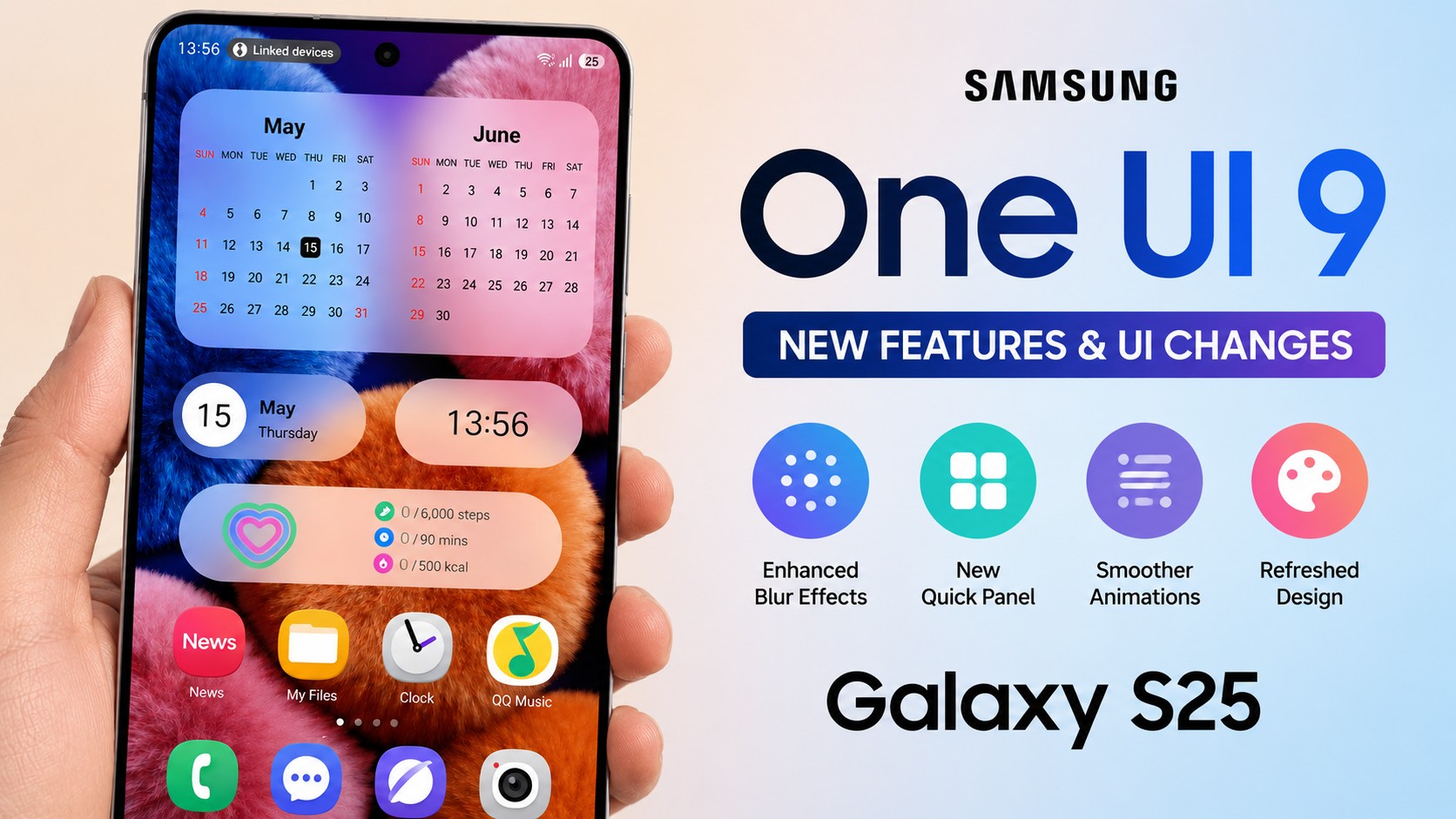
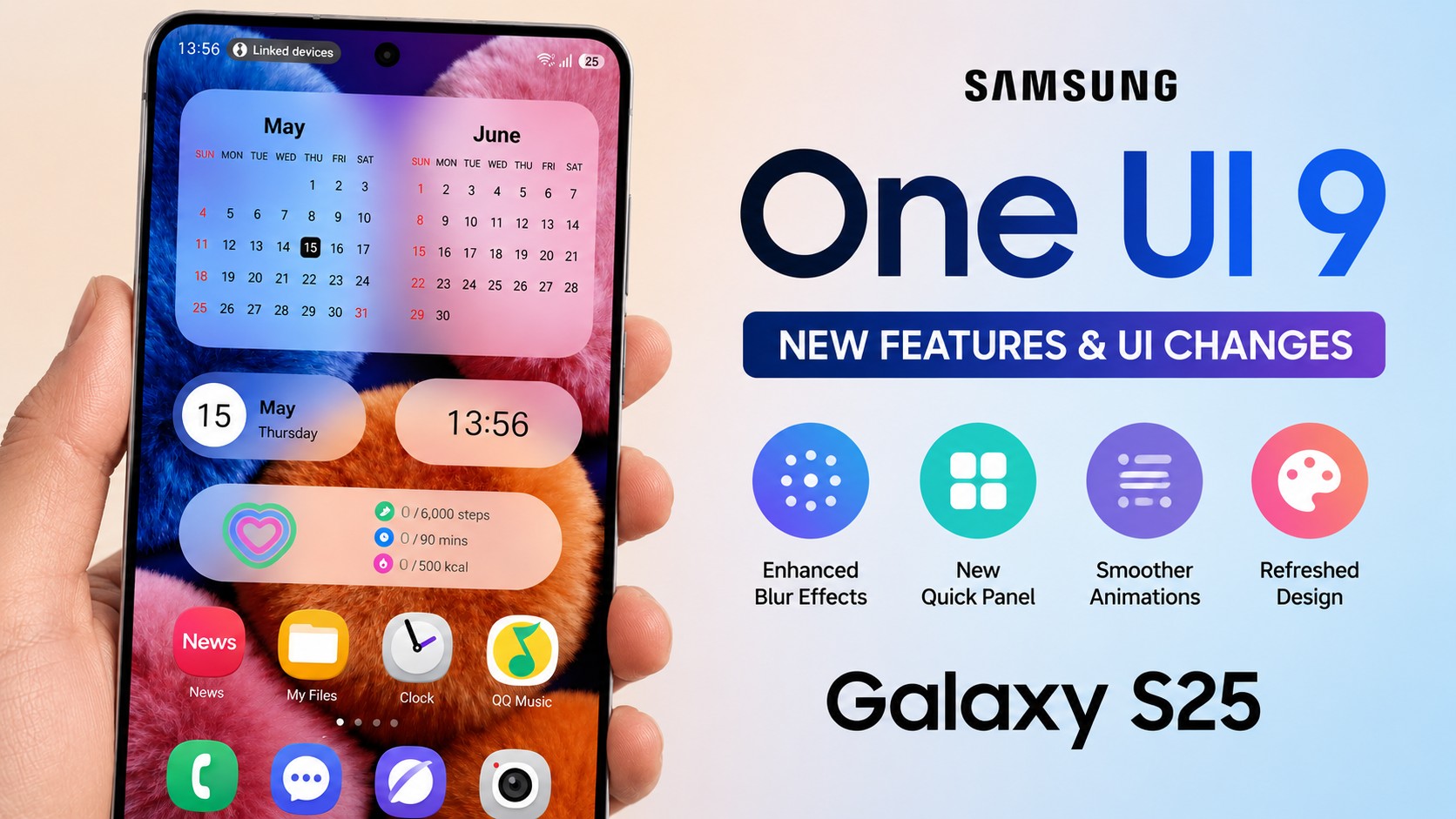
Samsung may be moving much faster with its next major software update than previously anticipated. According to a new claim posted by a well-known tipster the official stable release of One UI 9 (built on Google’s Android 17 architecture) will begin rolling out to Galaxy S26 series devices as early as next week.
If you own a Galaxy S26 series device, your wait is almost over. But Samsung isn’t keeping the love restricted to its latest flagship for long. The Korean tech giant has outlined an aggressive rollout map that brings the updated software, refined multitasking tools, and fresh Galaxy AI features to older flagships, foldables, mid-rangers, and tablets over the coming weeks.
For real-time build tracking and firmware availability across regions, keep an eye on NokiaPowerUser’s One UI 9 news hub.
The Master Rollout Schedule: When Does Your Device Update?
Samsung is deploying One UI 9 in organized waves to balance server load and ensure stability across different hardware generations. Flagships lead the line, followed quickly by recent foldables and previous-gen S-series models.
Here is the breakdown of the release roadmap:
Wave 1: Galaxy S26 Series
Next Week (Mid-September 2026)
The rollout begins exclusively for the Galaxy S26, S26+, and S26 Ultra. Beta participants will get a quick delta patch, while stable channel users receive the full over-the-air (OTA) package.
Wave 2: Galaxy S25 & 2025 Foldables
September 21, 2026
The update opens up for the Galaxy S25 lineup (including S25, S25+, S25 Ultra, and S25 FE), alongside Samsung’s latest foldables—the Galaxy Z Fold 7 and Galaxy Z Flip 7.
Wave 3: S24, S23 & Legacy Foldables
September 28, 2026 Onwards
Expansion reaches previous-generation flagships, including the Galaxy S24 series, Galaxy Z Fold 6, Galaxy Z Flip 6, Galaxy Z Fold 5, Galaxy Z Flip 5, and the entire Galaxy S23 lineup.
Wave 4: Mid-Range Devices & Tablets
October 2026 Onwards
Starting in October, Samsung begins rolling out One UI 9 to eligible smartphones in the Galaxy A, M, and F series, alongside the Galaxy Tab lineup.
Key Features Coming with One UI 9
Building on the foundation laid during testing—such as the recent Galaxy S25 One UI 9 beta 2 release—this stable build brings meaningful refinements to daily usability, system responsiveness, and visual consistency.
1. Refined One-Handed Ergonomic Layouts
Pill Action Controls: Heavy bottom menus are replaced with lightweight floating pill controls, making key actions easier to hit without stretching your thumb on larger screens.
Separated Quick Panel Controls: Volume and screen brightness now feature distinct tactile sliders, giving users faster independent adjustment without accidentally changing the wrong setting.
2. Upgraded Galaxy AI & Contextual Intelligence
Now Nudge Assistant: Analyzes what you are doing on screen to present proactive shortcuts—like offering to open a calendar invitation when a meeting date pops up in a chat.
Conversational Photo Editing: Fine-tune photos using simple verbal descriptions instead of hunting through manual adjustment sliders.
Smarter Generative Lock Screens: Generative AI dynamic wallpapers automatically adapt around your clock display and notifications, ensuring key elements never obstruct background subjects.
3. Under-the-Hood Performance & Security
Underneath the UI refresh lies Android 17’s updated security architecture. Expect improved battery standby optimization, tighter app permissions management for background contacts access, and enhanced real-time domain checking inside Samsung Internet to block malicious web scripts.
How to Prepare Your Phone Before Updating
To make sure your device transitions smoothly once the update hits your notification panel:
Back Up Important Files: Save your crucial photos and documents to Samsung Cloud, Google Drive, or a local PC via Smart Switch.
Clear Up Storage: Ensure you have at least 8 GB to 10 GB of free space available for the OTA download and unpacking process.
Update Galaxy Store Apps: Update all your stock Samsung apps before running the system upgrade to prevent post-update app crashes.
Check Manually: Once your schedule date arrives, head to Settings > Software update > Download and install.
Stay tuned for full region-by-region firmware tracking and deep-dive feature guides on NokiaPowerUser’s dedicated One UI 9 coverage.
 Add NPowerUser as a preferred source on Google News