
Joe Maring / Android Authority
I always see the start of every year as a blank piece of paper — a chance to start fresh. And that’s exactly what I’ll be doing this year when it comes to the apps and services I use.
I regularly use several of them, but it’s time to make changes for two reasons. The first is that some of these apps simply don’t serve me anymore, whether due to a lack of functionality or a price point that’s become too high. The second is that switching to a new app I’ll use regularly is actually a fun process for me. It gives me that boost of energy I need to kick off the year on the right note.
I’ll walk you through all the changes I’m making and why, just to give you a few ideas if you’re thinking of doing the same thing.
Do you switch apps often or stick to the same ones for years?
75 votes
I stick with what works.
31%
I only switch if I need to.
61%
I switch often for novelty alone.
8%
Task management: Goodbye Todoist, hello TickTick
Mitja Rutnik / Android Authority
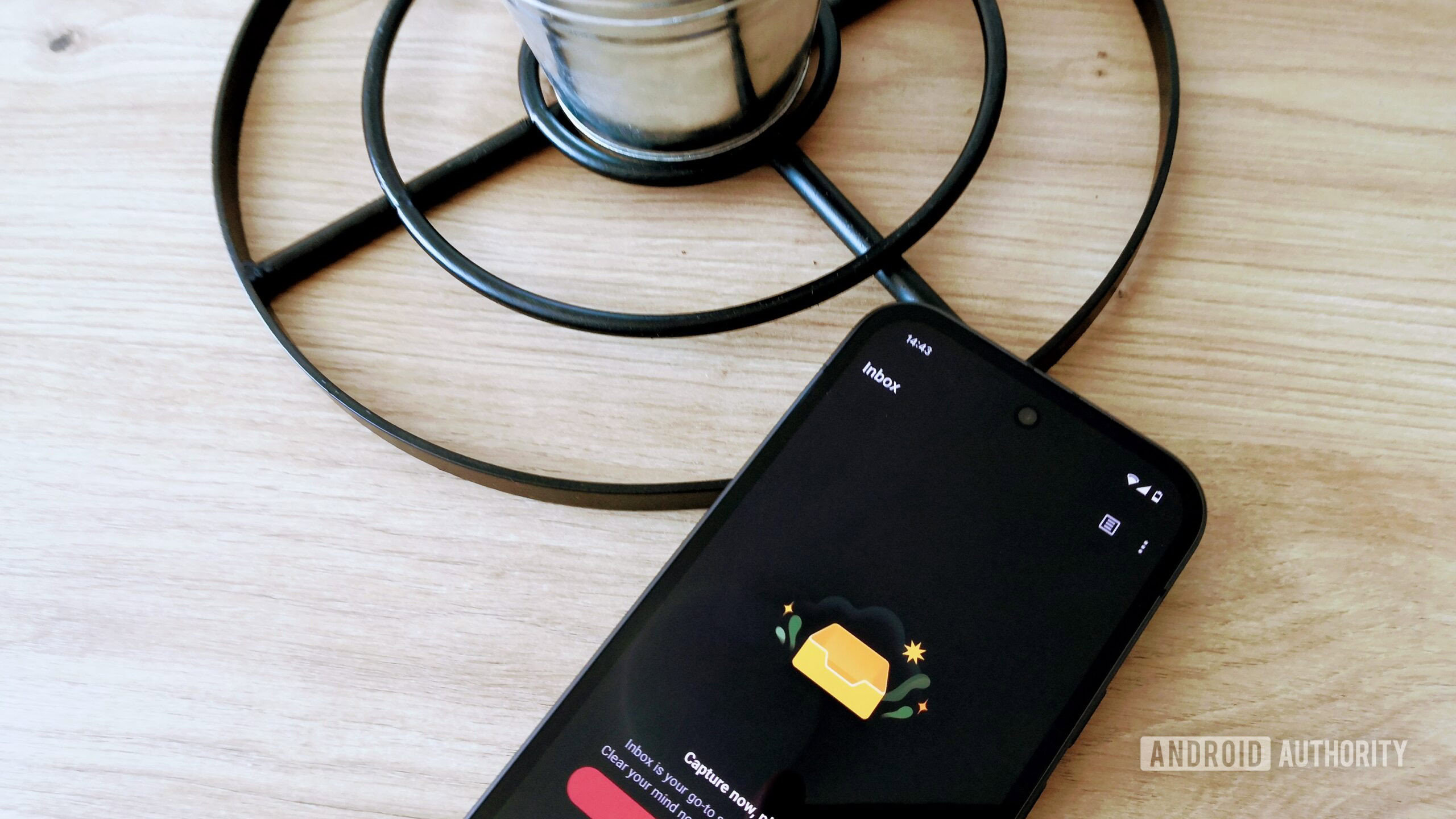
I lost count of how many years I’ve been using Todoist. It has helped me tremendously in staying on top of my projects, both professional and personal. It’s simple, flexible, and a joy to look at — I’m a sucker for a great UI.
However, there are a few issues preventing me from renewing my subscription this year. Pricing is the main one, as Todoist announced a significant hike late last year. Monthly pricing is going up from $5 to $7 — a 40% increase — while the yearly price hike is lower at 25%.
Don’t want to miss the best from Android Authority?
As a long-time user, I’m technically on an old legacy plan. This means my pricing remains the same, but there’s a catch: I lose out on every new feature added to the app from now on. To get access to them — which is something I want — I have to upgrade to the new, more expensive plan.
I’m not happy with the ultimatum, so I’m moving to TickTick. I’ve already tried it out and really like it. While setting up a to-do template in Notion was an option (and a free one at that), I can’t seem to replicate my workflow there; it just lacks the dedicated features found in a proper task manager. So, TickTick it is — unless I come across something better before my Todoist subscription expires.
Money management: Goodbye YNAB, hello Wallet
Edgar Cervantes / Android Authority
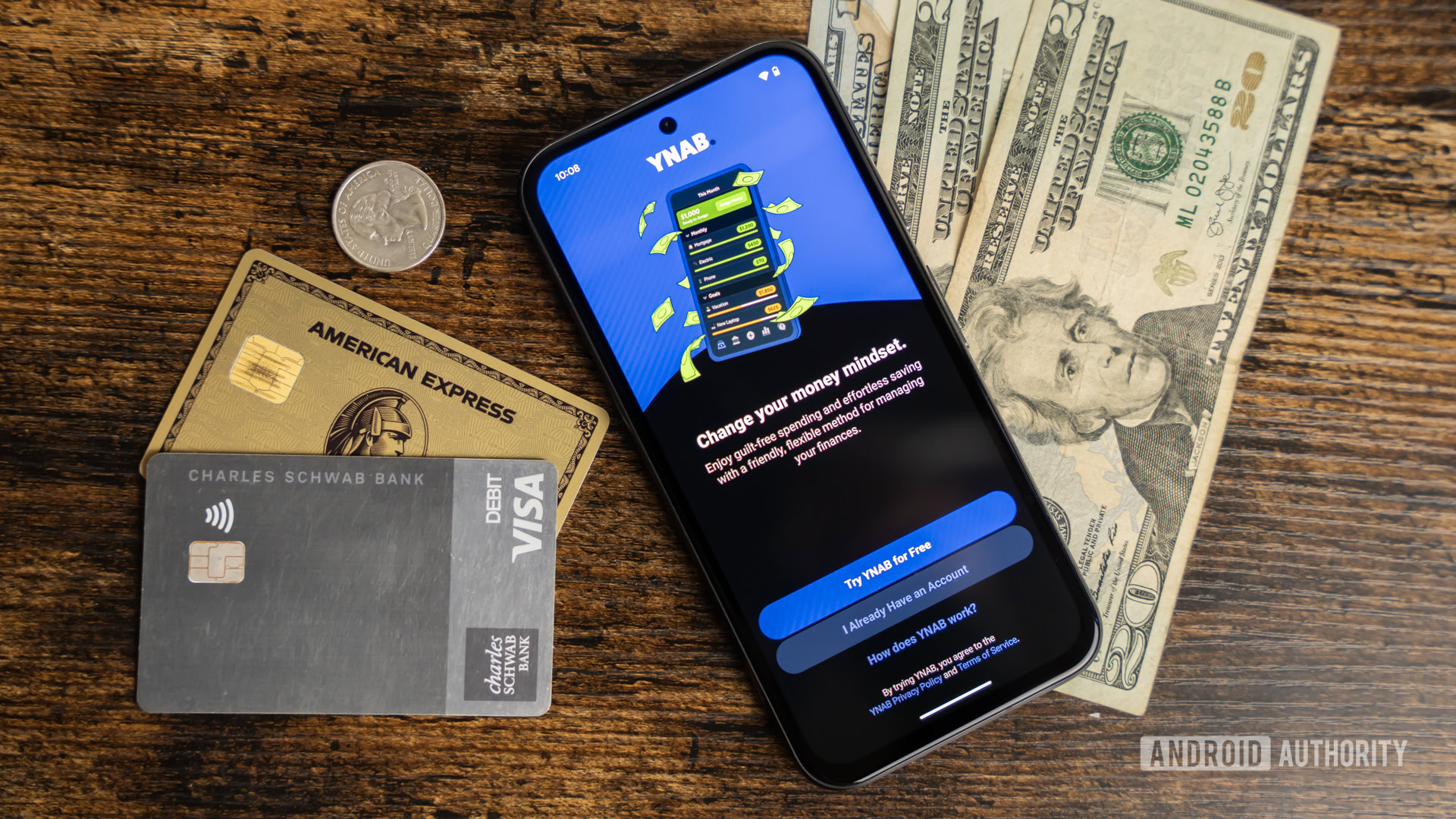
YNAB has provided me with so much value over the years, but it’s become quite expensive. It currently goes for $15 per month (or $109 annually), which is a lot of money for a budgeting app.
But pricing is just one of the issues I have. The bigger problem is connectivity. The service YNAB uses to connect financial institutions to user accounts simply doesn’t support the banks I use here in Europe. This forces me to manually enter every single transaction. It’s extremely time-consuming, and if I forget to do it for a week or two, I’m left with a mountain of work just to catch up. It turns money management into a chore, sucking all the fun out of it.
I still haven’t decided exactly which app I’m switching to since my YNAB subscription is good for a few more months, but I really like Wallet by BudgetBakers. It supports all the banks I have accounts with and is significantly cheaper. There’s currently an offer for a lifetime pass for around $20, which is an absolute steal compared to something like YNAB. Switching apps will require me to change the way I manage my finances — I can’t replicate my YNAB system exactly — but as I said, changes are exactly what I need right now.
Password management: Goodbye Bitwarden, hello Proton Pass
Calvin Wankhede / Android Authority
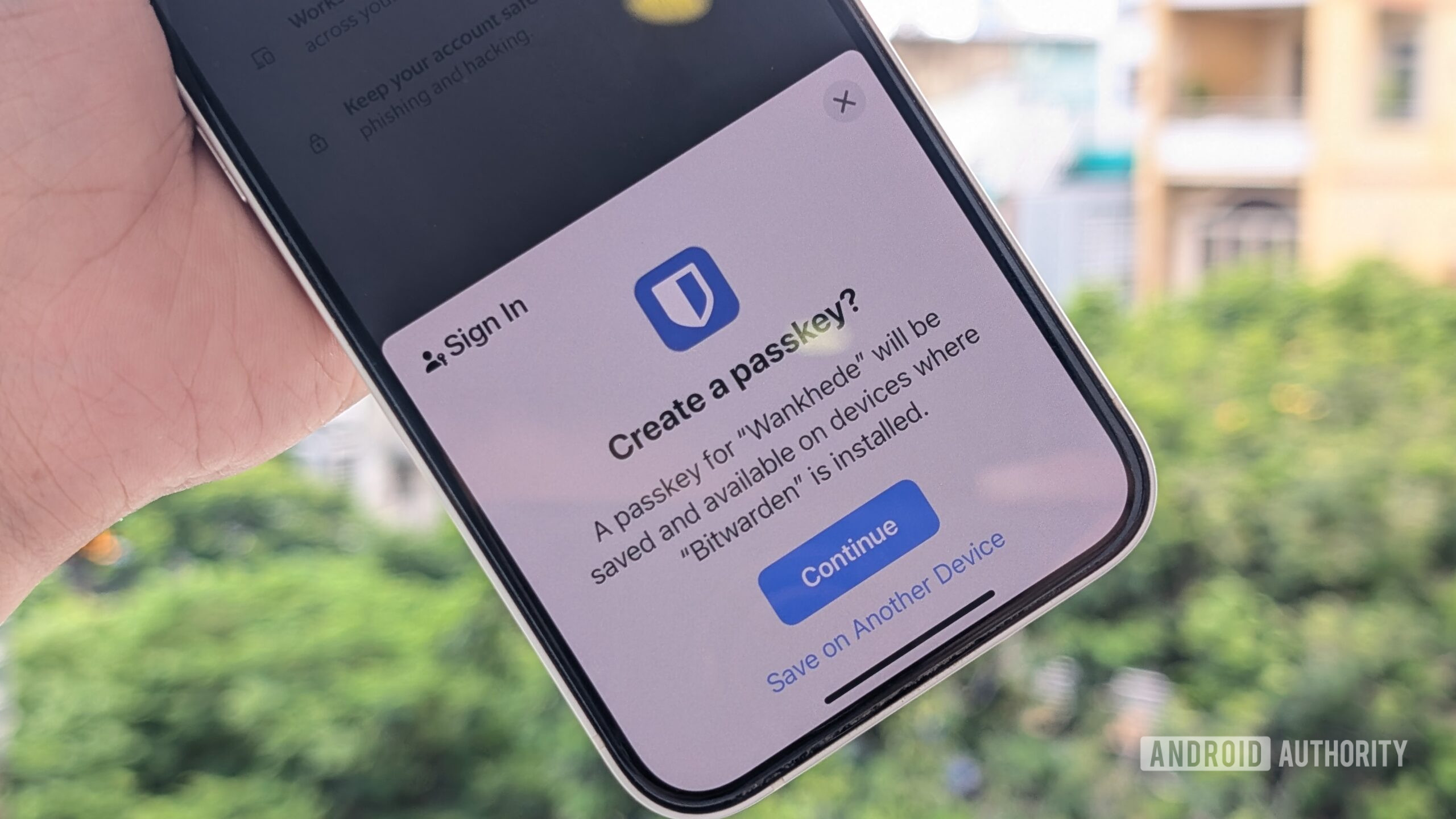
Bitwarden works great in most cases, but I do run into friction every now and then. The autofill feature doesn’t always trigger reliably on Android, forcing me to manually copy and paste my login details. Worse, the prompt to save a new password after creating an account doesn’t always pop up, which means I often have to go back and manually create the entry.
LastPass is out of the question for my personal use.
I’m moving over to a new service that will hopefully solve these issues. I didn’t experience this friction with the corporate LastPass account I used a while back, so I know not every password manager suffers from these quirks. However, LastPass is out of the question for my personal use. I need a free option that I can use on all my devices, and LastPass restricts free users to a single device type (either mobile or desktop) — unless you pay up.
So, my next best option is Proton Pass. I like Proton generally for its privacy-first ethos, and I’ve had great experiences with a few of its other apps in the past. While Proton Pass does have a premium plan with extra features (like an integrated 2FA generator), the free version offers unlimited devices, unlimited logins, and even 10 “hide-my-email” aliases, which will be more than enough for now.
Music streaming: Goodbye YouTube Music, hello Deezer
Dhruv Bhutani / Android Authority
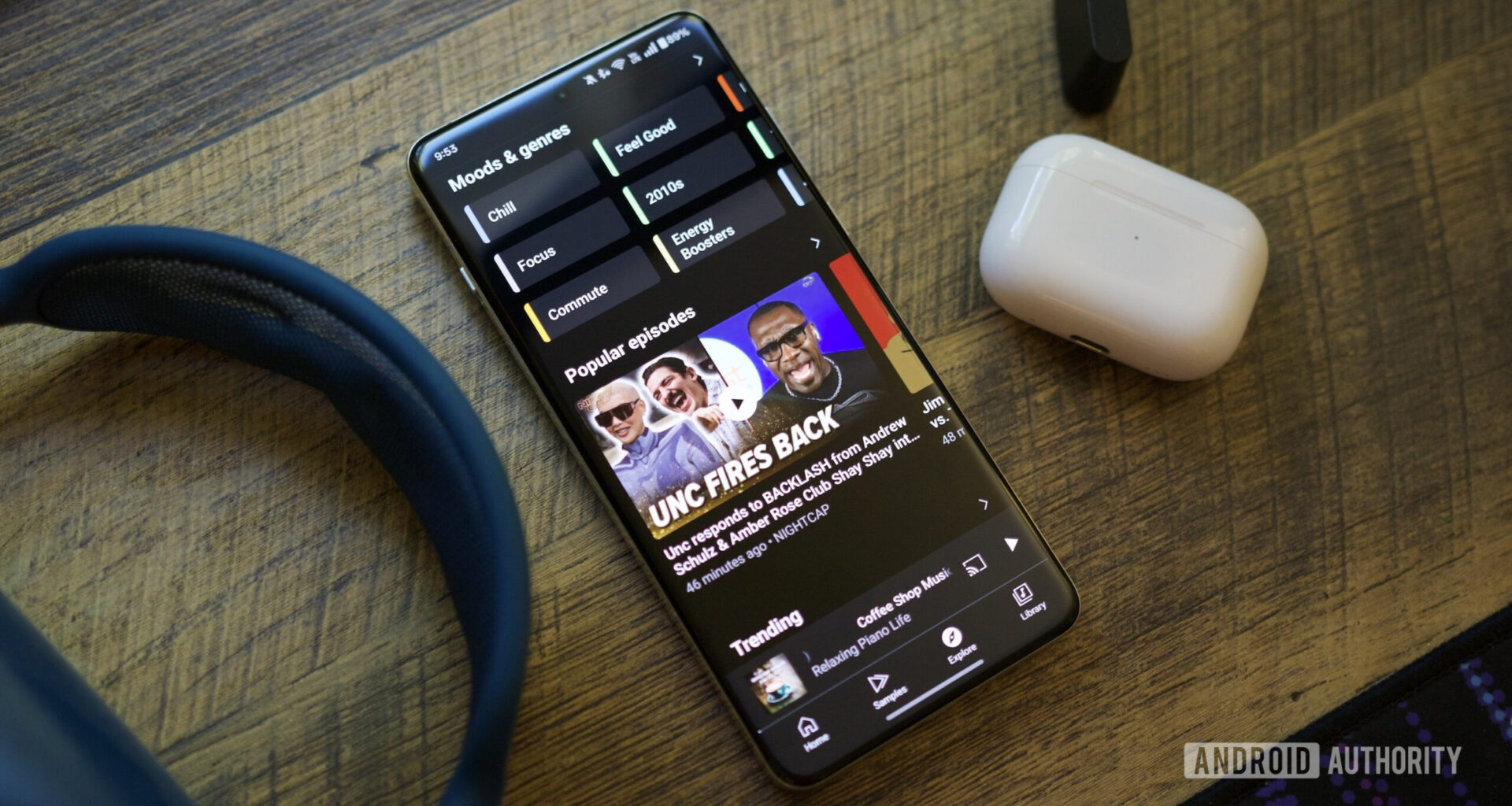
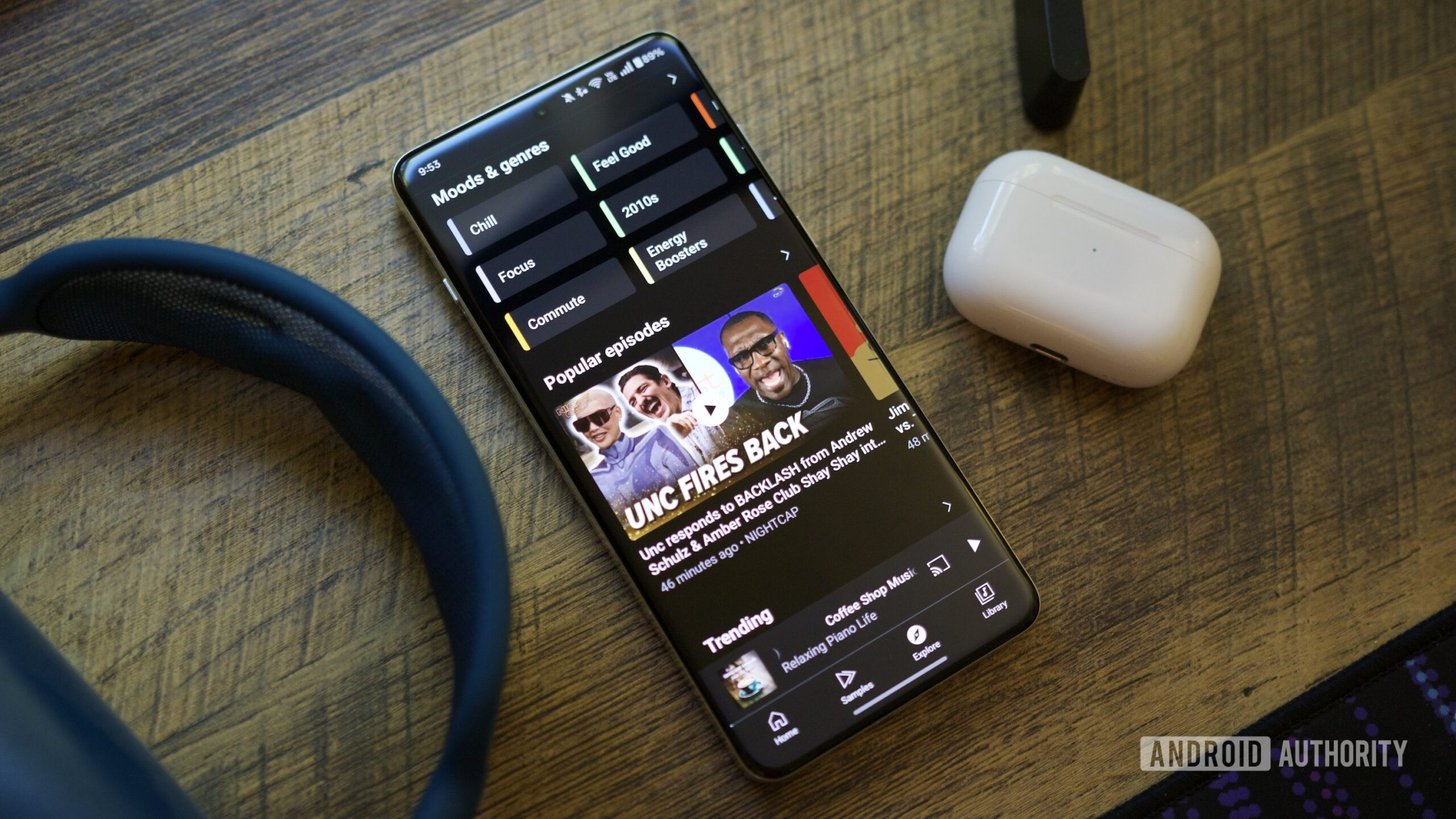
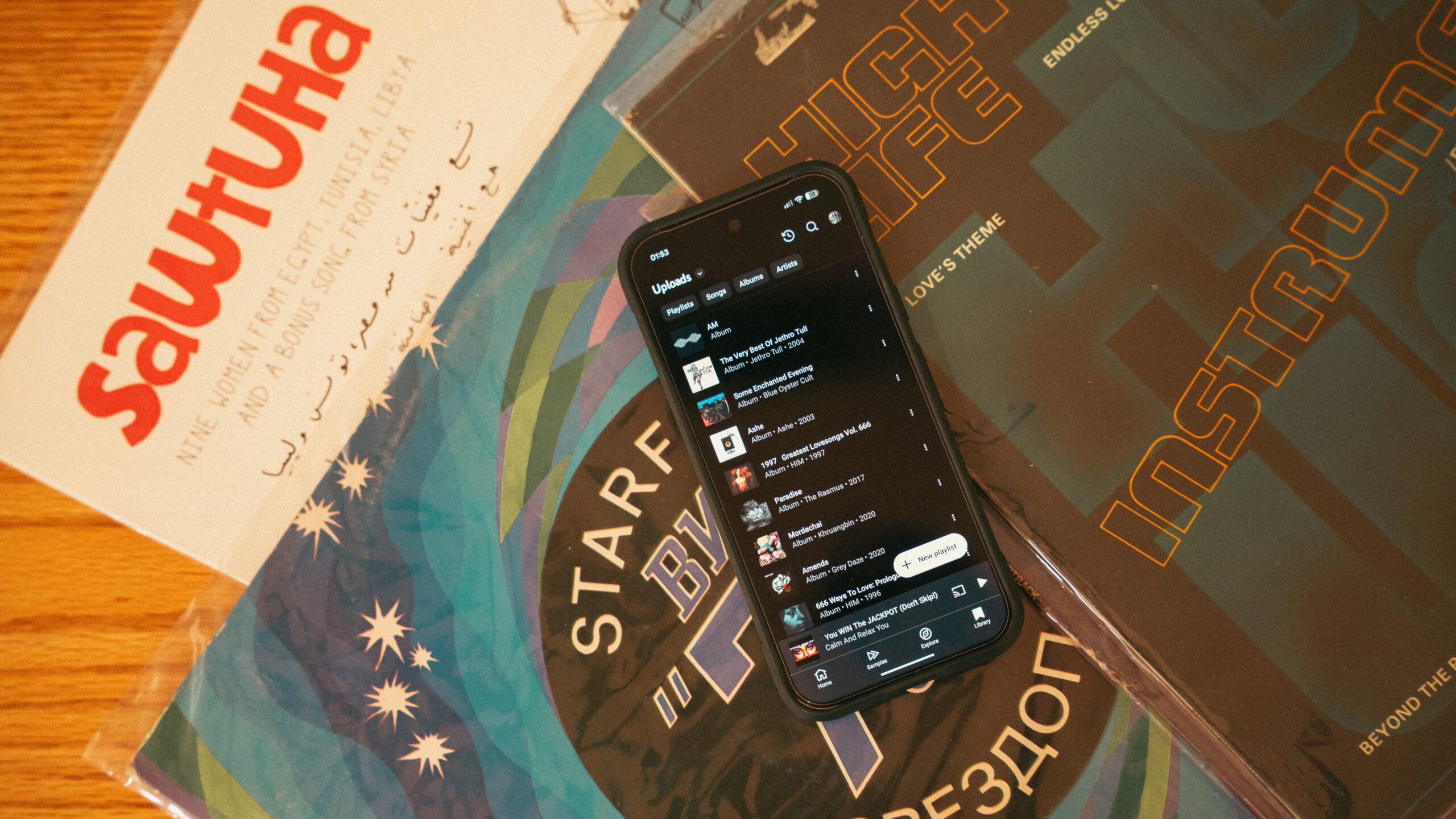
I used Deezer heavily years ago and even switched back temporarily last year, but I eventually drifted back to YouTube Music. This year, however, I’ve finally decided to wave goodbye to YouTube Music for good. It’s not a decision based on finances, but on functionality and novelty.
I much prefer Deezer’s UI; it is far less cluttered and feels more deliberate. It makes using the app genuinely enjoyable, as I don’t have to scroll through what feels like an endless list of algorithmic options I couldn’t care less about. I also prefer how lyrics are handled — synced perfectly and visually pleasing — and, most importantly, how the app handles music discovery.
Deezer has Flow, and in my experience, it works brilliantly. It offers a perfect mix of my favorite songs and new tracks that the app thinks I’ll like. I always seem to discover great songs when using it, whereas the discovery experience on YouTube Music has been a bit of a mixed bag for me lately.
The main reason I haven’t switched permanently in the past was the price — Deezer is generally more expensive than the YouTube bundle. However, the company runs deals every now and then that I hope to snag. And honestly, I’m willing to pay a premium for a better experience, both visually and functionally.
Photo management: Combining Google Photos and Proton Drive
Megan Ellis / Android Authority
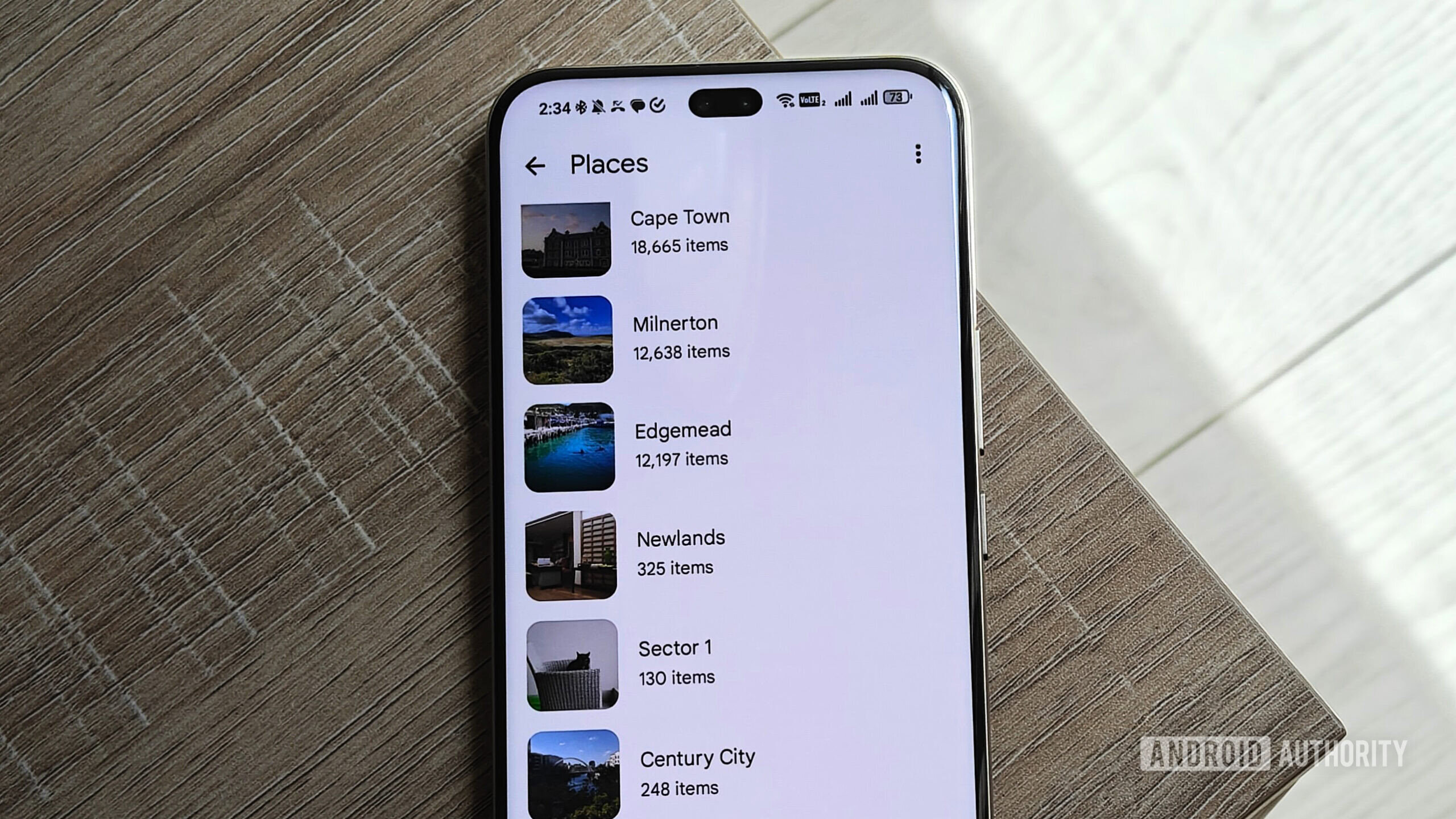
This one is a bit of an outlier since I’m not completely ditching Google Photos. I have a Google One AI Pro subscription since I use Gemini Advanced regularly, which gets me 2TB of storage that I use to back up my main library.
However, some of those photos and videos are a bit sensitive, meaning I don’t want anyone to accidentally see them when they are swiping through my latest holiday pics. These include a few unflattering selfies I don’t want to delete and several fitness progress photos I’m not ready to share with anyone yet.
I keep these tucked away in the Locked Folder within Google Photos, but the feature is so barebones it’s practically useless. There are no management features included, meaning I can’t create albums, and there isn’t even a search function available. You can read my detailed rant about the Locked Folder experience here.
I’m moving all my sensitive photos to Proton Drive.
So, the plan is to move all those sensitive photos to Proton Drive, where they will be safe from prying eyes. Thanks to Proton’s end-to-end encryption, not even the company can see them — a stark contrast to Google’s way of doing business.
A free Proton account gets me 5GB of storage, which should be enough for the images I want to keep private for now. If I ever go over, I’ll need the Proton Unlimited plan (~$10 per month). The beauty is that this subscription would also unlock the premium features for Proton Pass (which I mentioned earlier) alongside their VPN and other services. I’ll cross that bridge if I get to it, but for now, the free tier works perfectly.
Are there any apps you’re thinking of ditching this year, whether for financial reasons or just for the sake of novelty? Let me know in the comments below.
Thank you for being part of our community. Read our Comment Policy before posting.