
Adobe has rolled out new conversational AI features in Photoshop and Firefly that let users create and edit images through chat-style prompts and guided actions.
The updates include AI Assistant in Adobe Photoshop, now in public beta on the web and mobile versions of the app, and a refreshed Adobe Firefly Image Editor that brings generative editing tools into a single workspace.
Photoshop assistant
AI Assistant in Photoshop adds a chat-based interface that interprets natural-language requests and either applies changes automatically or walks users through them step by step. It supports common editing tasks such as background removal, lighting changes, colour adjustments, and removing unwanted elements.
On mobile, users can also request edits by voice. Adobe positions the feature as a way for a broad range of users, including students and marketing teams, to complete edits with less manual work and clearer in-app guidance.
Photoshop on the web also includes AI Markup, in public beta. AI Markup lets users draw directly on an image and pair the selection with a text prompt to control where changes are applied. For example, a user can mark a specific area and request flowers or mountains in that region.
Firefly editor
Firefly Image Editor has also been updated with a collection of tools accessed through text prompts rather than separate menus and panels. It supports both AI-generated images and user uploads.
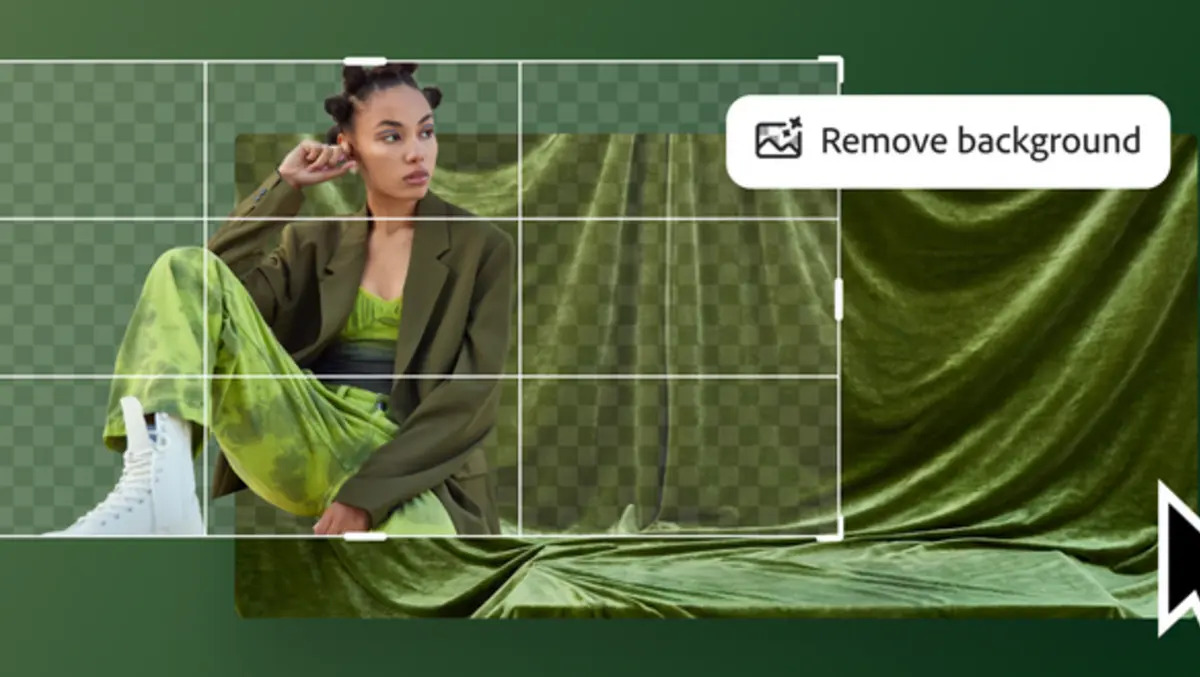
The toolset includes Generative Fill for adding or replacing elements, Generative Remove for deleting objects, Generative Expand for changing size and aspect ratio, Generative Upscale for increasing resolution and sharpening details, and Remove Background for isolating subjects.
Adobe says the updated Firefly Image Editor offers a more streamlined workspace for changing composition, style, and detail. It also describes the approach as a shift toward conversational, multi-step edits that would typically require multiple tools.
Model choices
Firefly also provides access to multiple AI image models. Adobe says users can work with more than 25 models, including Adobe models and partner models from Google, OpenAI, Runway, and Black Forest Labs.
This multi-model approach reflects a wider trend in creative software, where vendors offer a choice of underlying AI systems while maintaining a consistent editing layer. It also signals that Adobe is positioning Firefly as a hub for image generation and editing rather than a single-model system.
Usage limits
Adobe is also adjusting how many AI generations are available across products. Firefly customers get unlimited generations, the company says.
In Photoshop on the web and mobile, paid subscribers will receive unlimited generations when using AI Assistant for a limited period. Free users on the web and mobile versions start with 20 free generations.
The changes add conversational AI to Adobe’s existing assistants, including those in Acrobat and Adobe Express. Adobe also points to integrations with third-party chat platforms, including OpenAI’s ChatGPT and Microsoft 365 Copilot, as part of its broader conversational AI strategy.
Adobe is pitching the Photoshop and Firefly updates to creators at different experience levels, from newcomers who want guided steps to experienced users looking for faster access to specific edits. Examples include cleaning up holiday photos, adjusting portrait lighting and colour, and producing stylised images for social media or cover art.
“Today, we’re expanding the power of conversational AI with new capabilities to edit your photos just by describing what you want with Photoshop’s new AI Assistant. And we’re adding powerful new AI tools in Firefly Image Editor.”
AI Assistant in Photoshop is available in public beta on the web and mobile, while the new Firefly image editing features are available globally in Firefly Image Editor.