
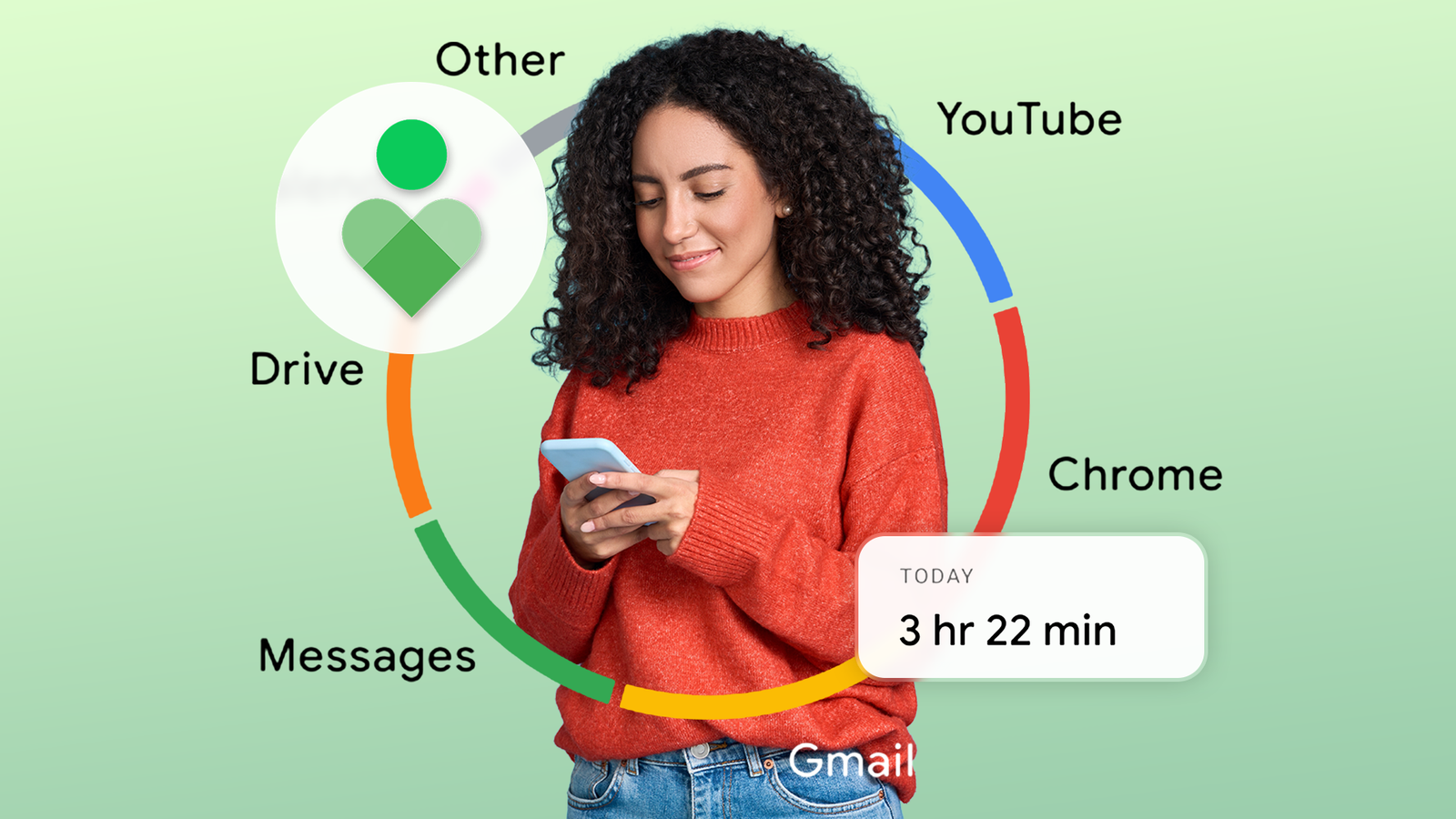
I spend most of my time on my desktop every day, though not because I love desktop computers. I spend the most time on it because of the work I do.
My Samsung Galaxy S21, which I still use as my daily driver, is a close second. That wouldn’t be the case without my love for smartphones.
If it weren’t for work, I would probably spend most of my time exploring the hidden corners of Android.
The usage comparison wouldn’t have happened if I hadn’t discovered what’s perhaps one of the most widely ignored settings on my Android phone.
It revealed pretty much everything about my usage.
I accidentally found it when setting up App timers to tackle my Instagram addiction. Since then, I check my phone usage every day, almost as if I can’t do without it.
It now feels more like an obsession than something that I need to know.
Related
I turned off all the distractions on my Pixel 9, and I don’t want to go back
I should have done this sooner
I finally know my app activity details
Digital Wellbeing isn’t a new feature on Android, and I’ve known about it since it first launched.
However, I never used it beyond checking my screen time sometimes until a few days ago.
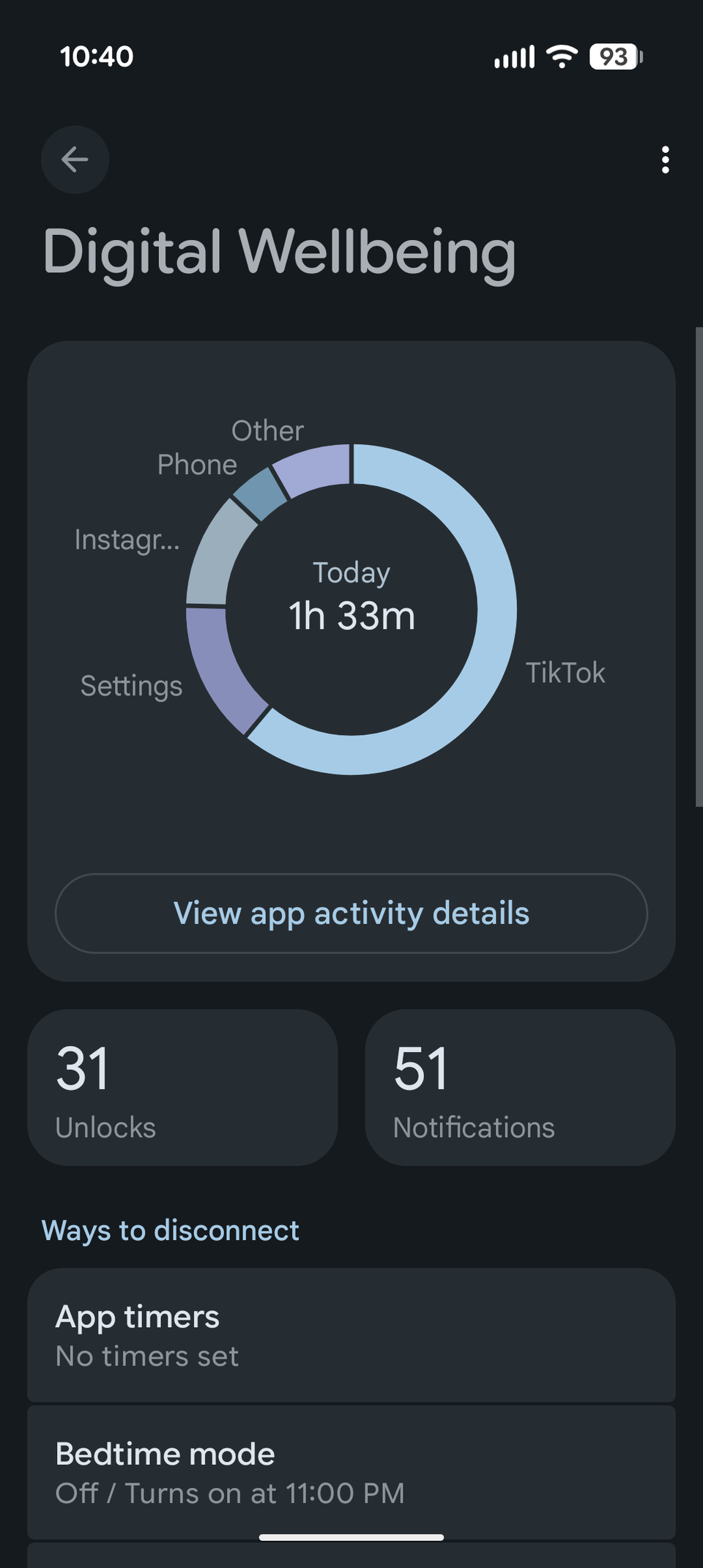
Digital Wellbeing is a powerful Android feature that not only tracks your screen time but also provides other important stats, giving you deeper insights into your phone usage.
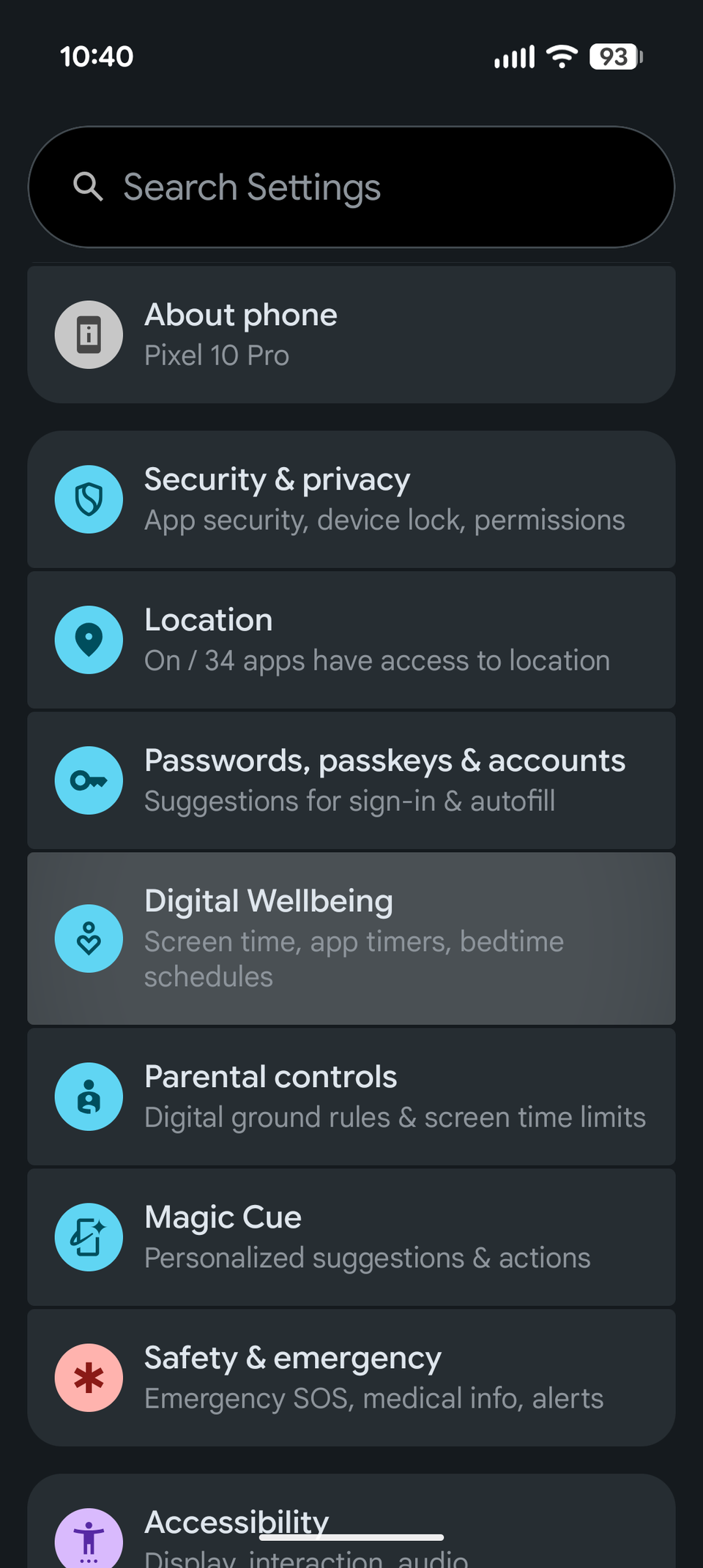
Digital Wellbeing is easily accessible through settings, but it could be a bit tricky to find all its tools and get insights about your daily usage, depending on what Android skin you use.
Different Android skins present the data differently, but they all show how much time you spend on every app you open each day.
I was happy seeing that my Instagram screen time went down significantly. It stays well within the 10-minute mark that I previously set.
This was on the expected lines. I found other small Digital Wellbeing tools that showed more fascinating minute details.
It shows a list of apps, with details like the number of notifications I received and the number of times I open an app.
It also shows how many times I unlocked my phone on a given day.
You can get the data on a daily or hourly basis.
For example, I can select WhatsApp from the list and check the number of notifications I received from the app, the number of times I opened it, and the time I spent both on a daily and hourly basis.
You can also check this data from a past date.
The numbers turned out to be a blessing
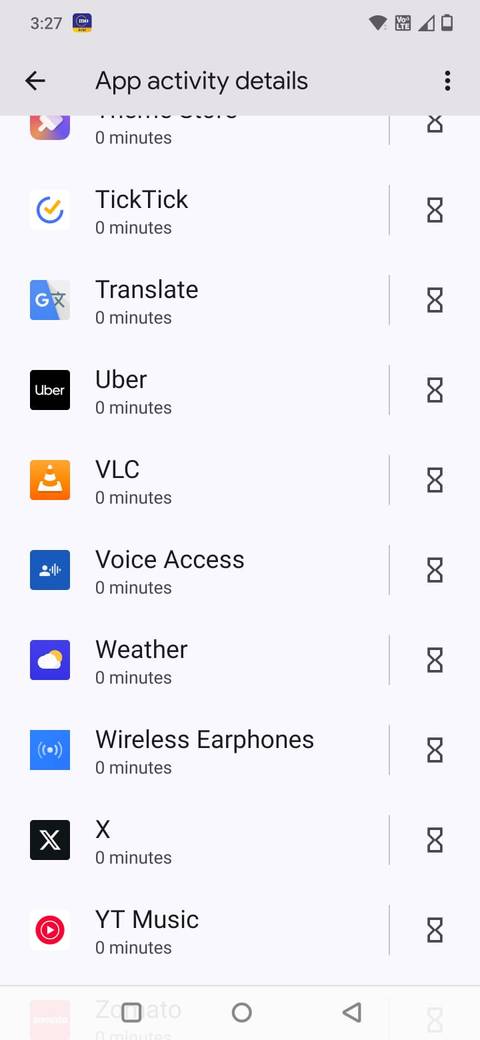
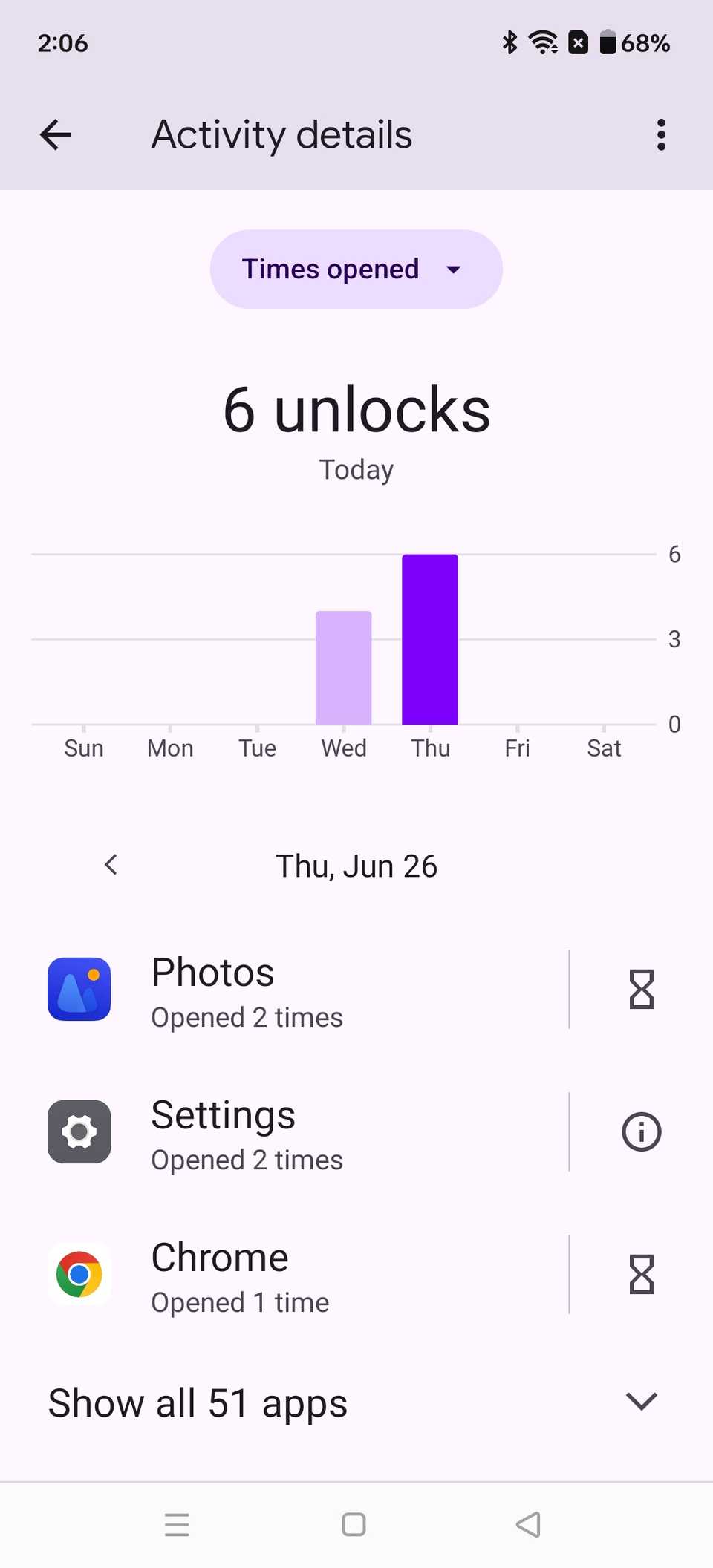
Numbers don’t mean much if you don’t know how to interpret them.
After the excitement had settled down a bit, I was more interested in finding out what to do with them.
The notification data was pretty handy, as I used it to identify which apps send the highest number of notifications.
That’s how I disabled all the app notifications that I could afford to miss.
Not only that, but it also helped me spot a few apps where I was spending way more time than I should.
In addition to Instagram, I added those to App timers and set a time limit. This helped me bring the screen time further down.
I fixed my Android usage habits, but I still can’t stop checking the data
Digital Wellbeing tools have fixed my Android usage habits, so I no longer need to check those stats. However, I still do it every day.
I don’t consider it a bad habit because it keeps preventing my phone usage from spiraling out of control without me noticing.
I wholeheartedly believe that checking daily activity on my phone is a healthy obsession to have.
I wish I had checked these stats sooner
Credit: Lucas Gouveia / Android Police | Pheelings media / Shutterstock
Digital Wellbeing isn’t buried in Android settings. All you have to do is open the Settings app, scroll down, and find the Digital Wellbeing and parental controls option.
On some Android handsets like the Samsung Galaxy, this is also available as an app, which is even easier to find.
However, having something is one thing; using it to the fullest is another.
I regret not taking the feature seriously enough earlier — it could have saved me a lot of time and kept the notification shade cleaner.
Digital Wellbeing data is too powerful to ignore
Smartphones have evolved from luxury items to a necessity. But it also poses a huge risk to your digital health.
It’s easy for Android users to develop bad habits because of the kind of flexibility and freedom the OS offers.
You can run apps from both the Google Play Store and install APKs from anywhere else, preferably from trusted sources.
For someone like me who loves Android and apps, checking the usage data is a must to maintain a healthy digital life.
Digital Wellbeing tools are too powerful and too important to ignore.