
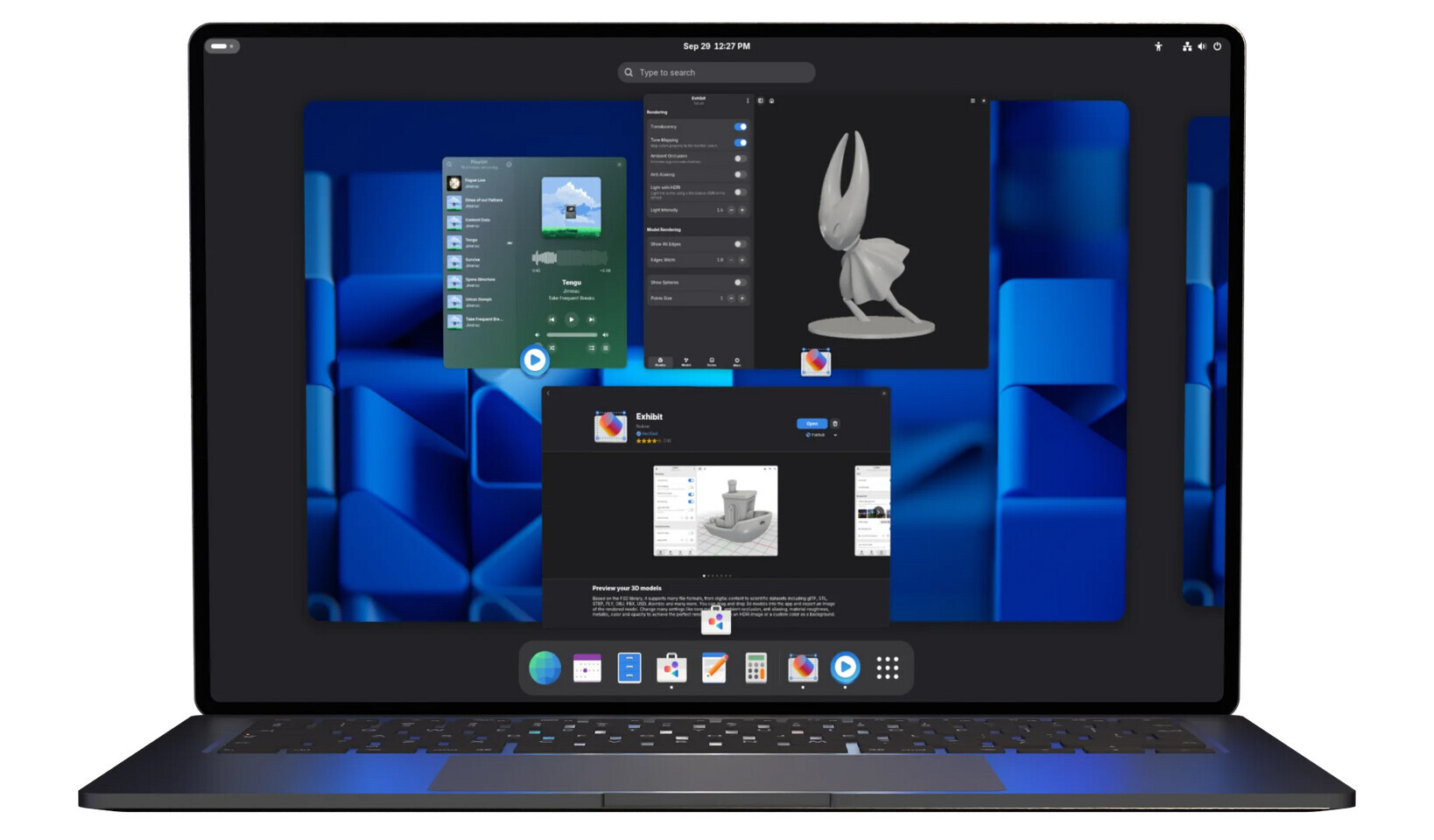
In the lead-up to the official launch, Gnome 50 has been previewed in beta via distributions like the Fedora 44 beta, but the updated version of the desktop environment, dubbed Tokyo, has officially launched in stable form, bringing with it a slew of long-expected changes—although some features did not make the cut for Gnome 50 and will be pushed back to Gnome 51. The biggest additions to Gnome 50 are the official launch of variable refresh rate and fractional scaling, both of which are enabled as long as the hardware supports it. Beyond implementing VRR and fractional scaling, Gnome 50 also features a low-latency cursor mode that allows the cursor to refresh independently from the window behind it when VRR is active. It also features workarounds for the NVIDIA driver for stuttering and frame timing issues, which should result in “noticeably smoother window animations and general desktop fluidity for users with NVIDIA GPUs.”
The desktop UI also now features a power profile indicator, which is a nice quality-of-life feature for laptop users; the settings app also now has a toggle for reduced motion for accessibility, as well as parental control with daily screen time limits, app restrictions, and schedules for child accounts. With Gnome 50, the developers have implemented bug fixes to the color management and display calibration options, making it more viable for creatives doing color-sensitive work, and the sound settings screen also more clearly denotes input and output audio devices and volumes. The remote desktop functionality in Gnome now features GPU acceleration, which is nice for high-performance applications or Unfortunately, while a great many changes were made in Gnome 50, mostly enabling better performance, enhancing security, or polishing the UI, session restore functionality did not make the cut for Gnome 50. Gnome 50 also removed the Mutter backend code for X11 support entirely, which has been a somewhat controversial choice, given that some workflows and features are still unable to be replicated on Wayland.

 Gnome’s app suite also saw a number of updates, specifically centering around improvements to the Nautilus file manager’s search filters, faster thumbnail loading, and improvements to the batch renaming features, and a bunch of Gnome apps also received expanded support for the Orca screen reader, which is also now more configurable. The built-in Document Viewer also received tools for annotations—namely a highlighter, pen, eraser, and text tools, replete with line thickness, font, and color adjustment options. For a full list of changes, check out the Gnome 50 release notes.