
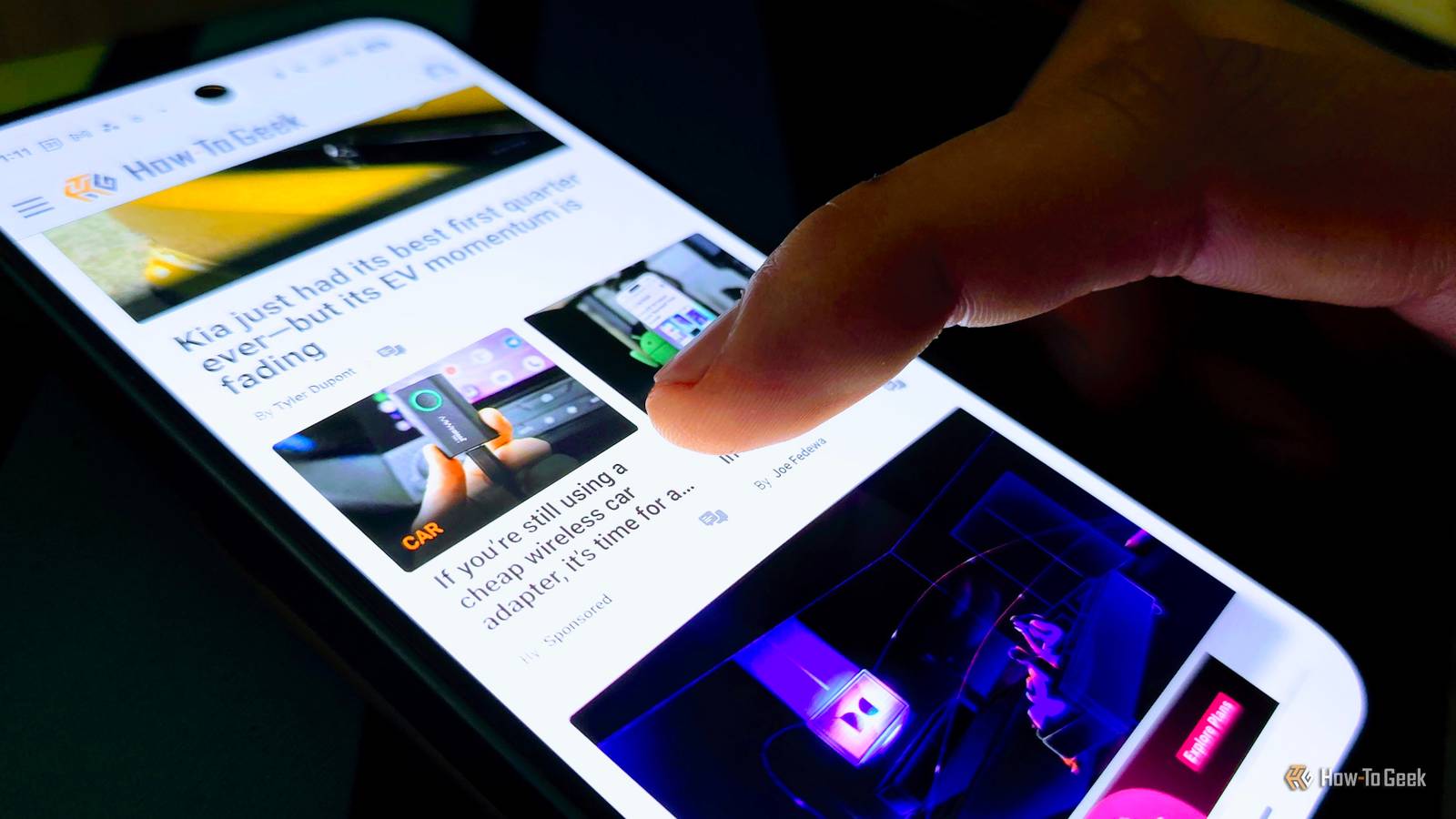
Your Android phone has a capacitive touchscreen that works by registering the electrical charge of your fingertips. In most situations, its default level of touch responsiveness is excellent, but if the phone has trouble registering input, you can increase its sensitivity in just a few taps.
Your Android phone’s touch responsiveness isn’t maxed out by default
Super high touch sensitivity can lead to issues
By default, your Android phone’s touch sensitivity usually isn’t set to the maximum. Phone makers keep it that way because overly high sensitivity can cause issues. The screen may register touches while the phone is in your pocket or bag, potentially waking up the display or even unlocking the device if you aren’t using a secure lock method, such as a fingerprint scanner, pattern, or PIN.
This can be a real issue during summer, when we wear thinner clothes. In some cases, the fabric can be thin enough for your skin’s electrical properties to interact with the screen and trigger unintended inputs.
However, increased sensitivity can sometimes help. For instance, some screen protectors make it harder to use your phone, requiring more pressure for touches to register. Another common issue is fingerprint sensors becoming less reliable after installing a screen protector, which can sometimes be improved by increasing touch sensitivity.
Higher touch sensitivity can also help during the winter months. Increasing it may allow you to use your phone while wearing gloves. This won’t work with thick winter or protective gloves, but thinner gloves may still register touches with higher sensitivity enabled.

Related
Using Your Nose Is the Greatest Cold Weather Smartphone Hack
Who needs opposable thumbs when you have a nose
How to boost touch sensitivity on Samsung Galaxy and Google Pixel phones
You can do it in just a few seconds
You can boost your phone’s touchscreen responsiveness in a jiffy. On Samsung Galaxy phones, open the Settings menu, navigate to Display, and enable the “Touch sensitivity” toggle. Now your phone’s screen will be extra sensitive. To prevent accidental touches, I strongly recommend enabling the “Accidental touch protection” option as well, located just below the sensitivity toggle.
Owners of Pixel phones can increase touchscreen sensitivity as well. The procedure is very similar to that on Samsung Galaxy phones. Just open Settings, navigate to the Display & touch menu, then open the Touch sensitivity menu. Now you can activate the “Increased sensitivity” toggle. I also recommend enabling Pixel’s accidental touch prevention feature, dubbed Adaptive touch, which is located just above the Increased sensitivity toggle.
You can use your phone with certain gloves, even without increased touch sensitivity
Some gloves are made to be used with smartphones
Credit: Joe Fedewa / How-To Geek
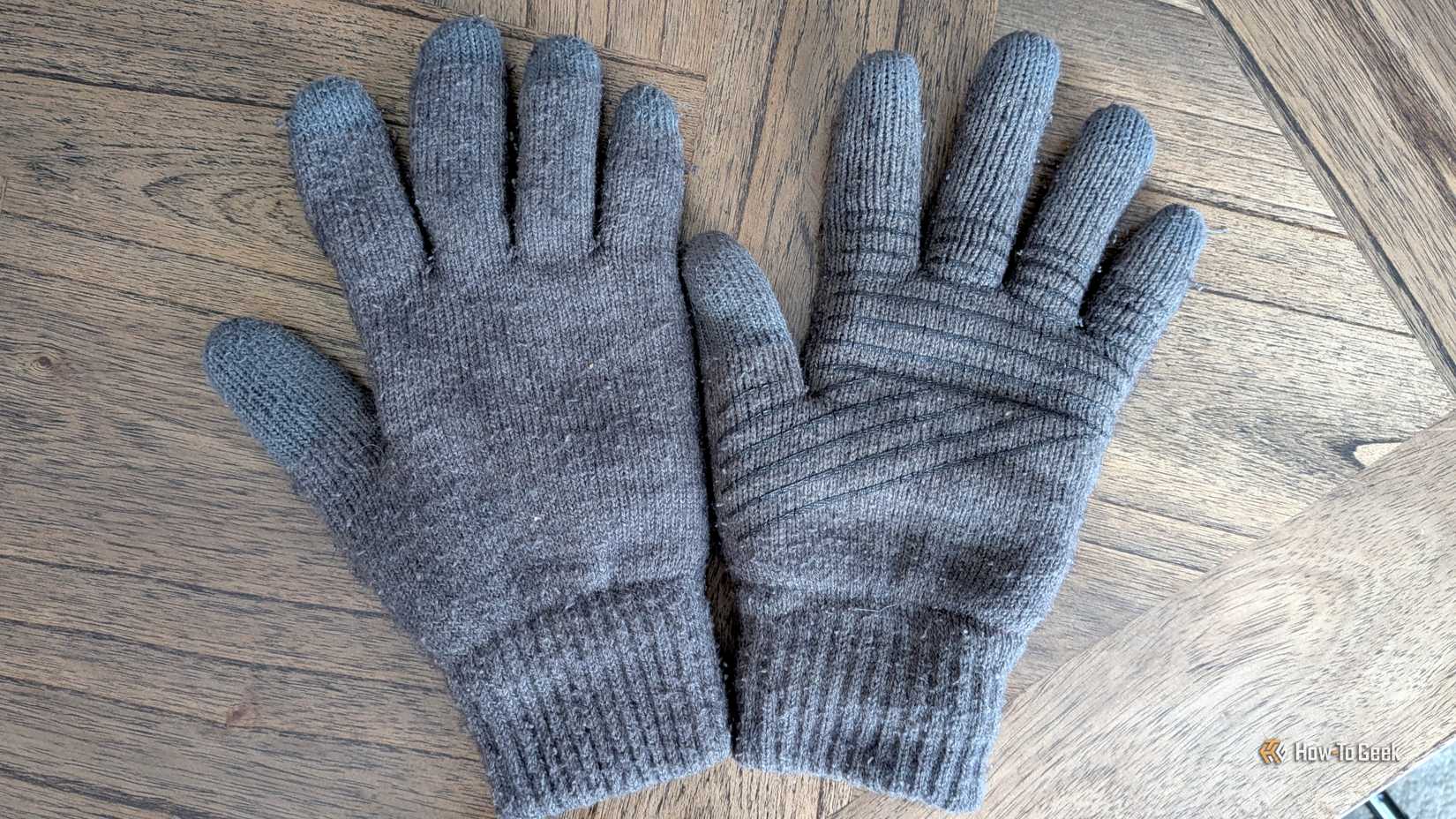
If you live in an area where winters are especially harsh and where wearing thick winter gloves is a must, or if you have to wear protective gloves at work, increasing touch sensitivity won’t do squat; your phone’s screen simply can’t register your fingertips when wearing thick gloves, no matter its touch sensitivity.
There is a solution to this problem in the form of so-called touchscreen gloves. There are many models available, some with thin patches of conductive material on the fingertips, while others have conductive fiber woven into the gloves.
The latter solution is usually better because it allows you to use your phone with all ten fingers, not just ones featuring conductive patches, and because such gloves simply work much better with touchscreens than gloves with conductive patches.
Maxed-out touch sensitivity can be a double-edged sword
As I’ve said, I strongly recommend enabling accidental touch protection after increasing your phone’s screen sensitivity. With sensitivity maxed out, the screen can detect the electrical charge from your skin while the phone is in a pocket or bag, leading to accidental inputs.
Years ago, when I used an HTC One M8 (one of the best phones ever, and one of the best phones I’ve ever used), I increased its touch sensitivity because I had issues using the phone with a screen protector. Soon after, I noticed the screen would constantly turn on while the phone was in my pocket. After I enabled HTC’s equivalent of accidental touch protection, I never experienced inadvertent screen activations again.
Even if your phone is locked with a fingerprint scanner, PIN, or pattern, the screen turning on can still interfere with lock screen widgets, dismiss notifications, or pause and skip tracks while you’re listening to music. This is the main reason phones don’t have maxed-out touch sensitivity by default—and it makes sense, since they usually work great without it.