
There was a time when serious storage meant buying serious hardware. More expensive drives, more expensive servers, and more expensive storage arrays all promised the same thing: reliability.
Google looked at that problem differently. Instead of trying to make every single hard drive precious, it built systems that assumed drives would fail, and that idea helped push the hard drive industry toward the data-center-first world we live in now.
Google didn’t need perfect hard drives
It needed thousands of cheap ones to fail safely
For a normal PC builder, hard drive failure is a major disaster. For Google, even in its early days, failure was just math, something to expect rather than dread. When you run storage across thousands of disks, some of them are always going to die, no matter how much money you spend on them.
But Google’s answer wasn’t to buy a handful of ultra-expensive storage systems and hope they never broke. It used clusters of commodity machines packed with inexpensive drives, then spread data across them so that no single disk, server, or rack became the only place where something important lived. If one drive failed, the system could still pull the data from somewhere else and rebuild what was missing. This kind of approach is why we should all follow the 3-2-1 backup rule, too.
These weren’t all premium enterprise drives, either. Google’s early storage approach leaned on inexpensive commodity hardware, much of it consumer-grade by traditional storage standards.
This is what made Google’s approach so different, though. Instead of treating every HDD like it had to be the end-all, be-all of storage, like it had to be truly special and basically the best, Google built around inexpensive commodity hardware and let the software carry the real responsibility. Replication, monitoring, and automatic recovery mattered more than pretending any one drive could be trusted forever.
This is the part that helped reshape the industry. Google didn’t prove that cheap drives were secretly better than enterprise options. It proved that at enough scale, the smartest storage system is one that expects ordinary drives to fail and keeps working anyway.
Failure became part of the design
The drive can die, but the system cannot
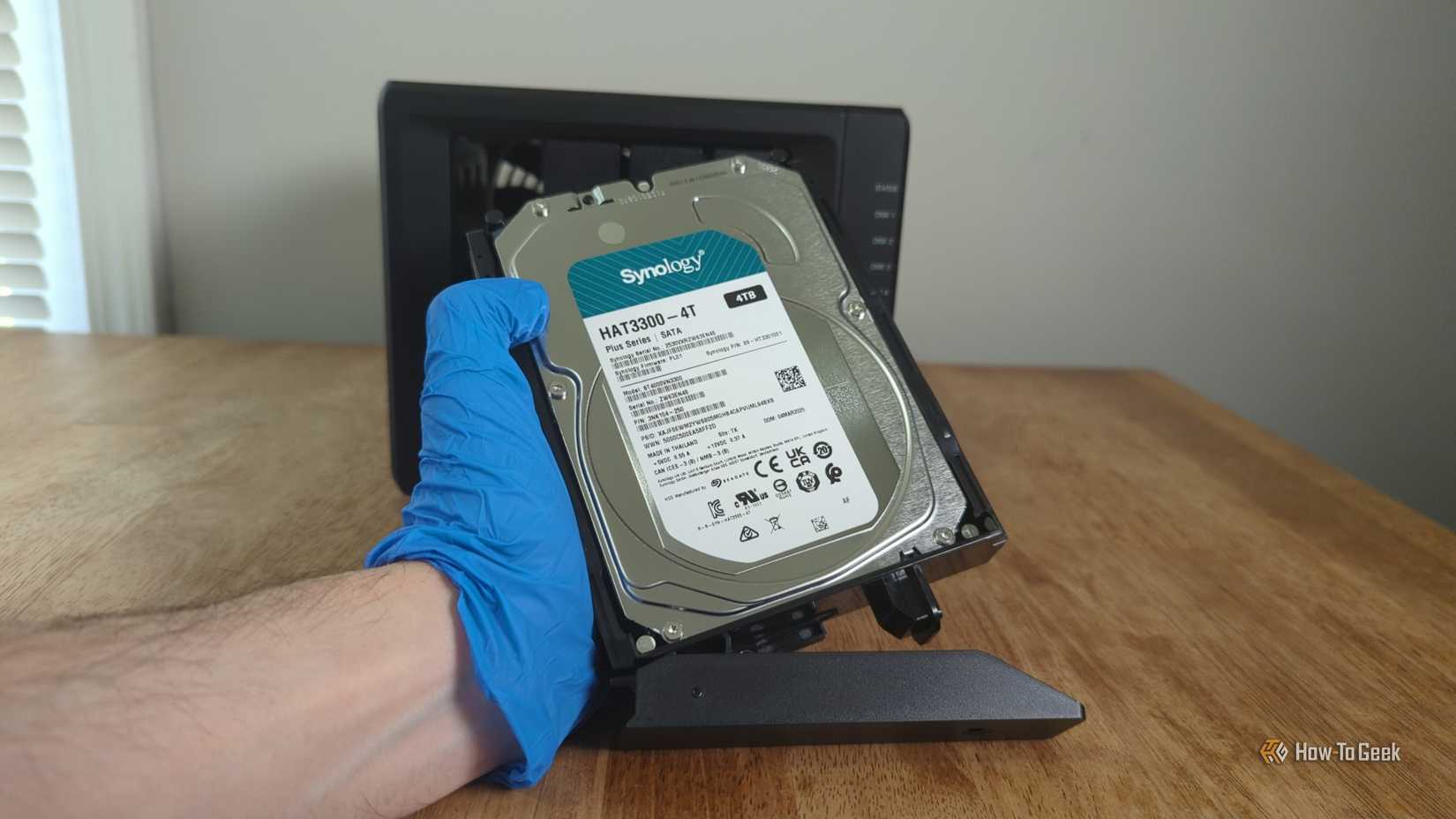
Credit: Jordan Gloor / How-To Geek
Once you accept that drives are going to fail (and it can happen even at 100% drive health), storage looks very different.
A dead disk stops being a surprise and becomes a maintenance sort of thing. Detect the problem, move the workload, rebuild the missing copies, and replace the hardware if and when needed. That sounds simple, but it was a huge shift from treating drive failure like something that should only happen once in a blue moon.
This is also where the industry had to start caring about hard drives in a different way. It was no longer enough for a drive to look good on a spec sheet or survive in one desktop PC; it had to behave predictably as part of a giant fleet, surrounded by other drives, monitored constantly, and expected to recover cleanly when something went wrong.
At that point, reliability no longer came down to how long a single drive could live, but rather how well thousands of them could fail without taking any data with them.
Related
The all-SSD PC is dead—here’s what actually makes sense in 2026
5 reasons an SSD-only PC still doesn’t make sense in 2026
Google helped create the “data center disk” problem
One drive stopped being the center of attention
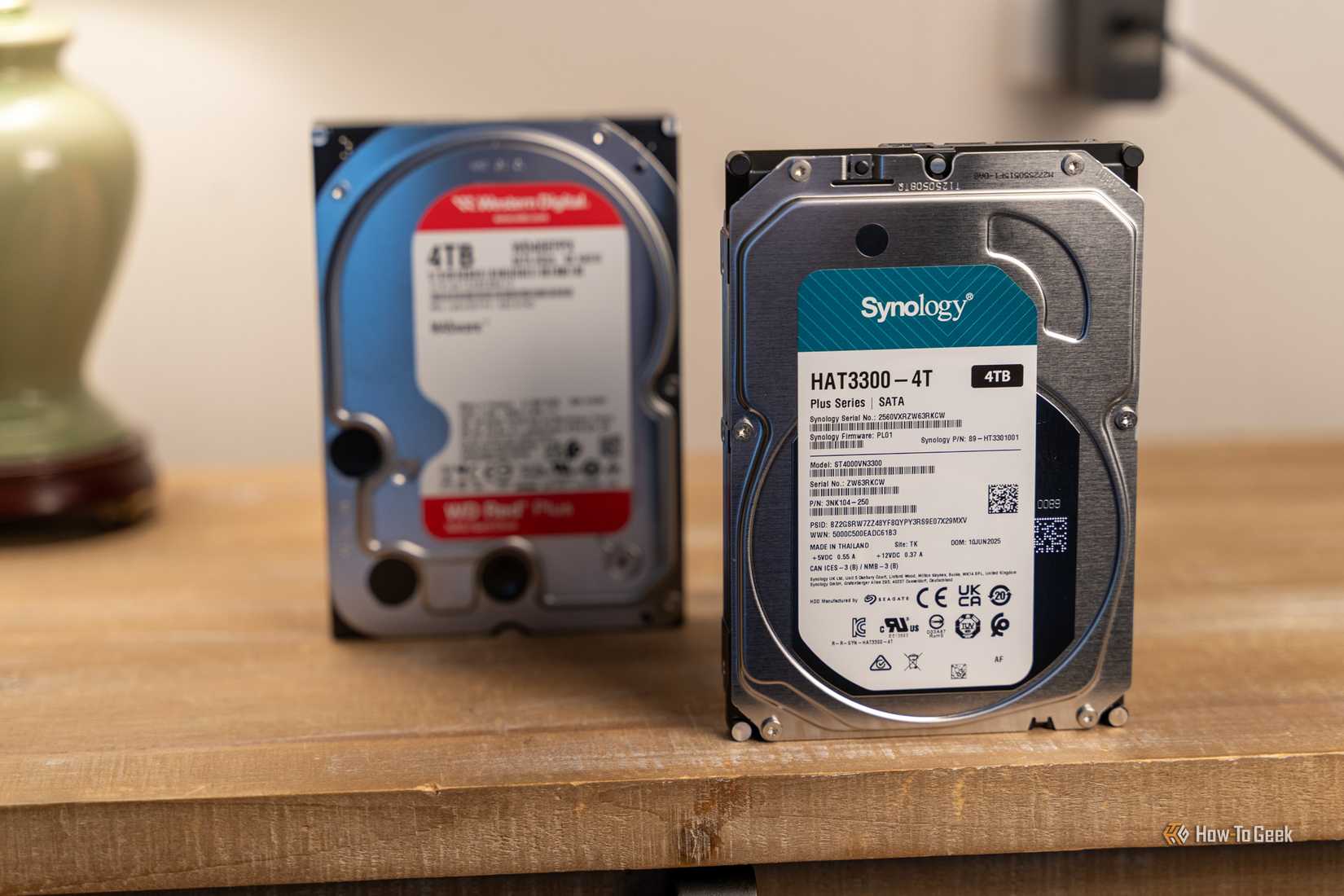
Credit: Patrick Campanale / How-To Geek
Years after Google proved that massive storage could run on commodity hardware, it started arguing for something even more specific: hard drives should be designed with data centers in mind from the start.
In a 2016 paper, Google researchers said that disks were increasingly being used in huge collections, not as lone drives sitting inside one machine, and that this changed what “good” drive design even meant. These days, that’s even closer to the truth, as many of us have tiny data centers in our very own homes.
That was a very Google way of looking at the problem. A drive still needed to be reliable, of course, but Google also cared about how thousands of drives behaved together. That means power use, capacity, predictable performance, recovery behavior, security, and how efficiently the whole fleet could be managed. At that scale, individual HDD performance was less important, and a single HDD was no longer the whole product. The storage system was.
The cloud finished what Google started
Your PC stopped being the center of the HDD universe
Credit: Gorodenkoff/Shutterstock.com
That shift only became more obvious as cloud storage took over.
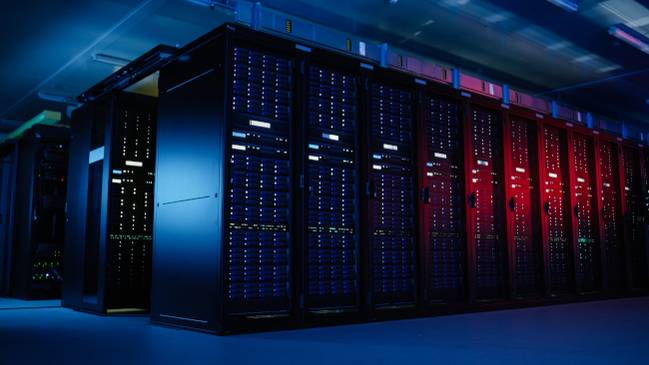
The hard drive stopped being the thing most people noticed inside their own PCs, and became one of the hidden parts of the internet itself. Every photo backup, synced folder, archived video, business database, and giant pool of training data has to live somewhere, and a lot of that “somewhere” is still made up of hard drives.
SSDs may have taken over boot drives, gaming PCs, and anything that needs to feel fast right now. Honestly, almost every single modern PC ships with some sort of SSD. But HDDs still make sense when the main goal is storing a huge amount of data for less money.
That’s why the cloud didn’t kill the hard drive. It pushed it even further into the role Google helped define: cheap, dense, and super replaceable storage that matters most when it works as part of something bigger, such as a backup strategy or a NAS.
The lesson isn’t just to buy cheap drives
The wrong takeaway here is that everyone should just buy the cheapest drive available. That’s not true.
Google could certainly get away with using inexpensive hardware because the drives were only part of a much larger system, and that’s the bit worth copying here. Don’t rely on a single cheap HDD to keep your files safe forever. Store them in multiple places to make sure you never lose them, and replace the missing drive if one goes to greener pastures.