
Get deep enough into a home theater build, and you’ll encounter gear with insane specifications. I doubt I’ll buy an 8K TV within this decade, but I purchased an AV receiver capable of processing 8K resolutions anyway. The reason wasn’t future proofing or longevity — it was Dolby Atmos support. Premium home theater features such as Dolby Atmos are often bundled with flashy specs like 8K resolutions. You probably don’t have an 8K TV yet, but you might have an AV receiver or home theater accessory with HDMI ports. You shouldn’t ignore them.
HDMI ports aren’t always labeled with their precise version numbers or supported features. In fact, it’s usually the opposite. You might see “ARC” or “eARC” next to an HDMI port, identifying which ports support the audio return channel (ARC). Beyond that label, you’re relying on the resolution to discern the ports that support the latest features — and 8K is the best sign.
Related
I finally learned which ports to use on my TV and AV receiver, and it fixed my setup
Your AV receiver has a ton of ports, and this is your guide to using each one.
8K and 4K labels reveal an HDMI port’s specs
Don’t ignore the differences, even if you have a 4K TV
HDMI ports and cables are labeled differently, and this can get confusing fast. Ports are differentiated by their version number, while cables are separated by their brand names. You could see HDMI 1.4, HDMI 2.0, or HDMI 2.1 ports and High Speed HDMI, Premium High Speed HDMI, and Ultra High Speed HDMI cables. They don’t match, so you’re looking for different labels on ports and cables. Worst of all, HDMI ports are rarely labeled with their exact version numbers, leaving users to guess the features a port supports.
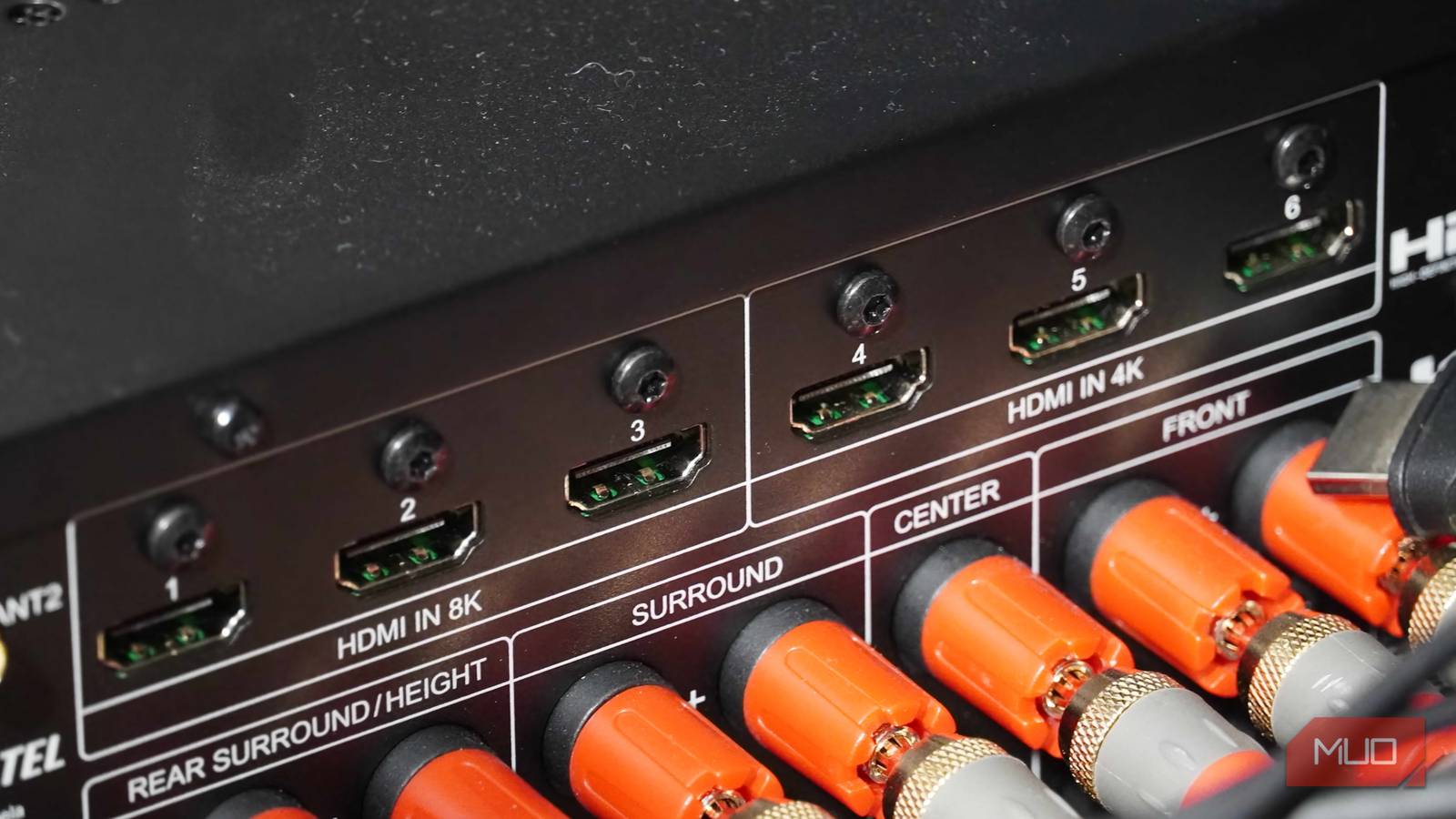
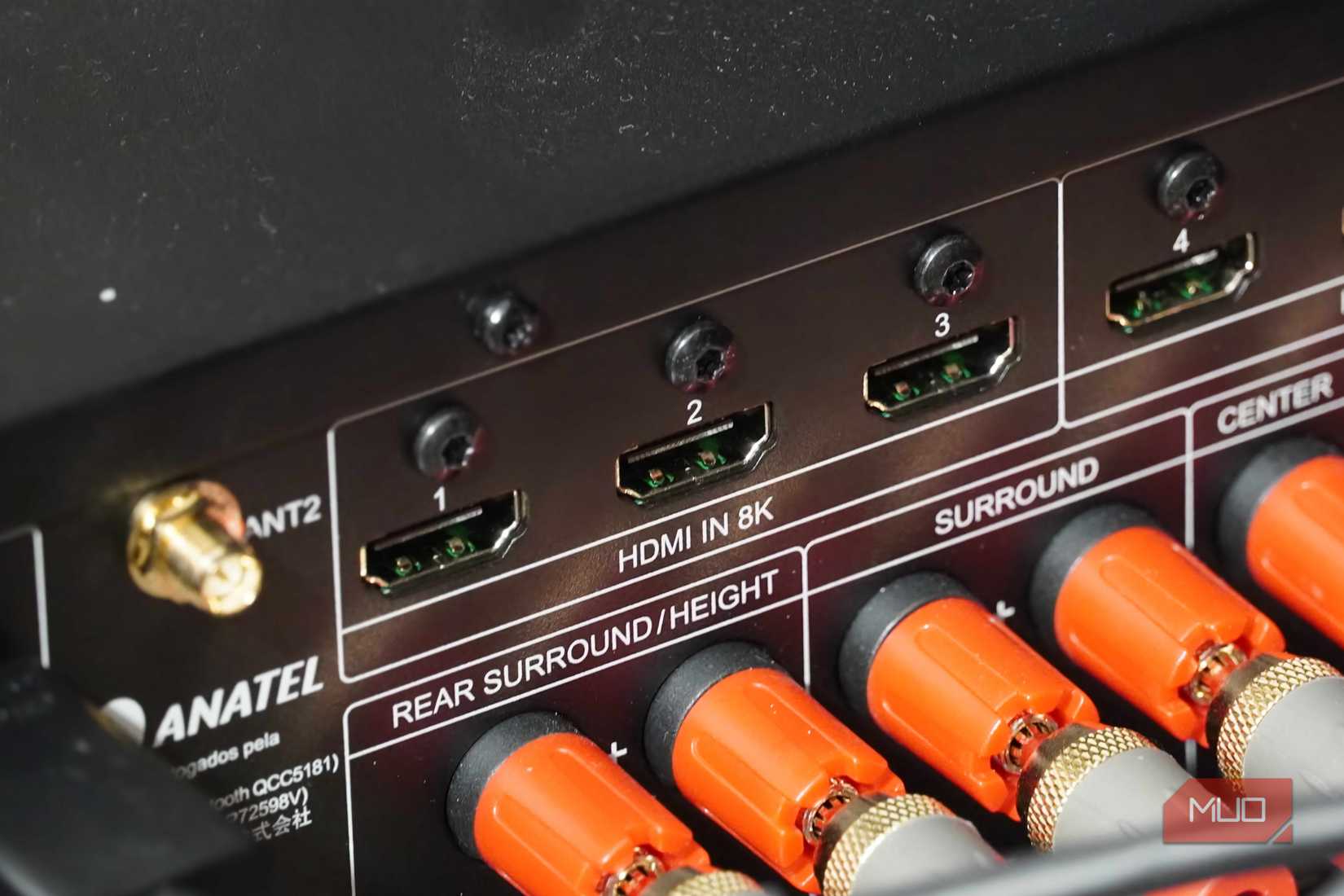
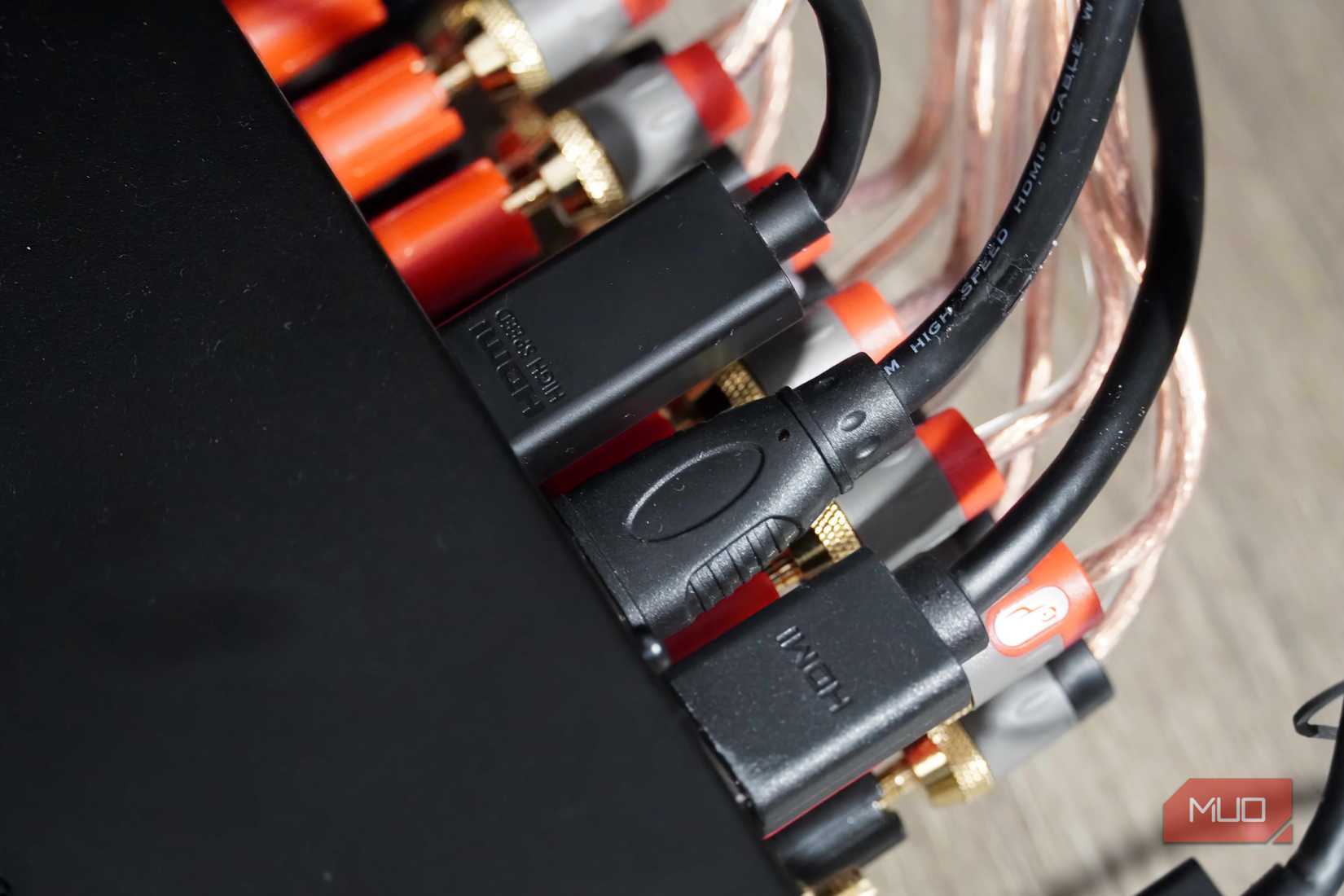
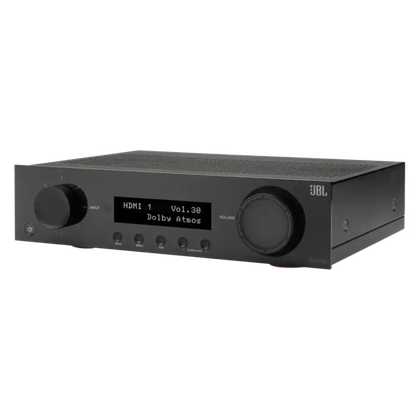
That’s where the resolution label comes in handy. My JBL MA710 AV receiver has six HDMI ports. Three are labeled as 8K, and the other three are labeled as 4K. This obviously hints at the resolution, but the picture quality an HDMI port supports can be a fantastic indicator of its version and feature support.
4K video support first debuted with HDMI 1.4. This means if your HDMI port merely advertises a 1080p resolution, you know that it is HDMI 1.3 or earlier. A 4K port has to be at least HDMI 1.4, but more commonly, these are HDMI 2.0 ports. That’s because HDMI 1.4 only supported 4K at up to 30Hz refresh rates, while HDMI 2.0 bumped that up to 60Hz — this is the baseline for typical content consumption. The first HDMI version to support 8K video resolutions is HDMI 2.1.
With this context in mind, that 8K label tells you a lot about an HDMI port. As soon as you see “8K” next to the port, you know that it supports HDMI 2.1, has a maximum 48Gbps bandwidth, and works with the enhanced Audio Return Channel (eARC). The label helps you figure out which HDMI sources to plug into which HDMI inputs. If a video source needs an HDMI 2.1 feature, plug it into the 8K port on your AV receiver.
Related
I didn’t realize my HDMI cable was blocking Dolby Atmos — the upgrade was free
Use the wrong cable or port, and you’ll miss out on Dolby Atmos.
The 8K ports have the best HDMI features
Not every HDMI feature is mandatory, and these ports have them
Credit: Brady Snyder / MakeUseOf
The “8K” badge on an HDMI port also hints at optional features supported by the HDMI 2.1 spec. These aren’t required, so some HDMI 2.1 ports will have them and others won’t. However, you may not get all of them with a standard 4K HDMI port. For example, my JBL MA710 receiver includes a handful of HDMI features only available when the 8K HDMI ports are in use.
The big one is eARC. Compared to the 1Mbps bandwidth of the standard Audio Return Channel, eARC supports a bandwidth of 37Mbps. The extra bandwidth allows the eARC to support 24-bit/192kHz audio, lossless audio codecs like Dolby TrueHD, and full-quality object-based masters such as Dolby Atmos. Since eARC is only available with HDMI 2.1, the 8K ports are a sign this feature is supported.
Some of the other extras my 8K HDMI ports support are Variable Refresh Rate (VRR), Auto Low Latency Mode (ALLM), Quick Frame Transport (QFT), and High Frame Rate (HFR). So, while my 4K HDMI 2.0 ports max out at 60Hz refresh rates, the 8K HDMI 2.1 ports can hit 120Hz with VRR support. It’s yet another reason that if you want the best features, you should be using the 8K ports on your AV receiver.
Related
HDMI 2.2 is already making HDMI 2.1 look old
The next generation of HDMI is coming, and it’s bringing better resolution and refresh rates to your displays.
Identify HDMI ports by more than the version number
Resolution can be a better indicator of an HDMI port’s capabilities
Credit: Brady Snyder / MakeUseOf
HDMI 2.1 ports might not always be labeled as supporting 8K resolutions. After all, 8K is out of reach for many consumers, including myself. You shouldn’t look at a 4K HDMI port and assume it doesn’t support HDMI 2.1. In fact, a 4K HDMI port using HDMI 2.1 will outperform a 4K HDMI port using HDMI 2.0.
Instead, the “8K” badge is a guarantee a port does support HDMI 2.1. This trick shouldn’t be used to rule out older ports, but rather, to find HDMI 2.1 ports when they’re not directly labeled as such. If you see an 8K HDMI port on one of your home theater accessories, always use it — even if you don’t have an HDMI, you’ll know you’re using the latest HDMI 2.1 version.
Type
7.2 Dolby Atmos, DTS:X
Bluetooth
Bluetooth 5.3, Low Energy
Wi-Fi
Wi-Fi 5
Amplifier
110W x 2ch @ 8ohms, 90W x 7ch @ 8ohms
Connectivity
3 x HDMI 2.1, 3 x HDMI 2.0, 1x LAN
JBL’s MA710 is an AV receiver designed for home theater use with support for Dolby Atmos, DTS:X, and a maximum 8K video resolution. It includes six HDMI inputs and one HDMI output, plus five audio-only inputs. Whether you’re looking to build a Dolby Atmos audiophile listening station or a 7.2 surround sound home theater setup, this receiver can handle it all.