
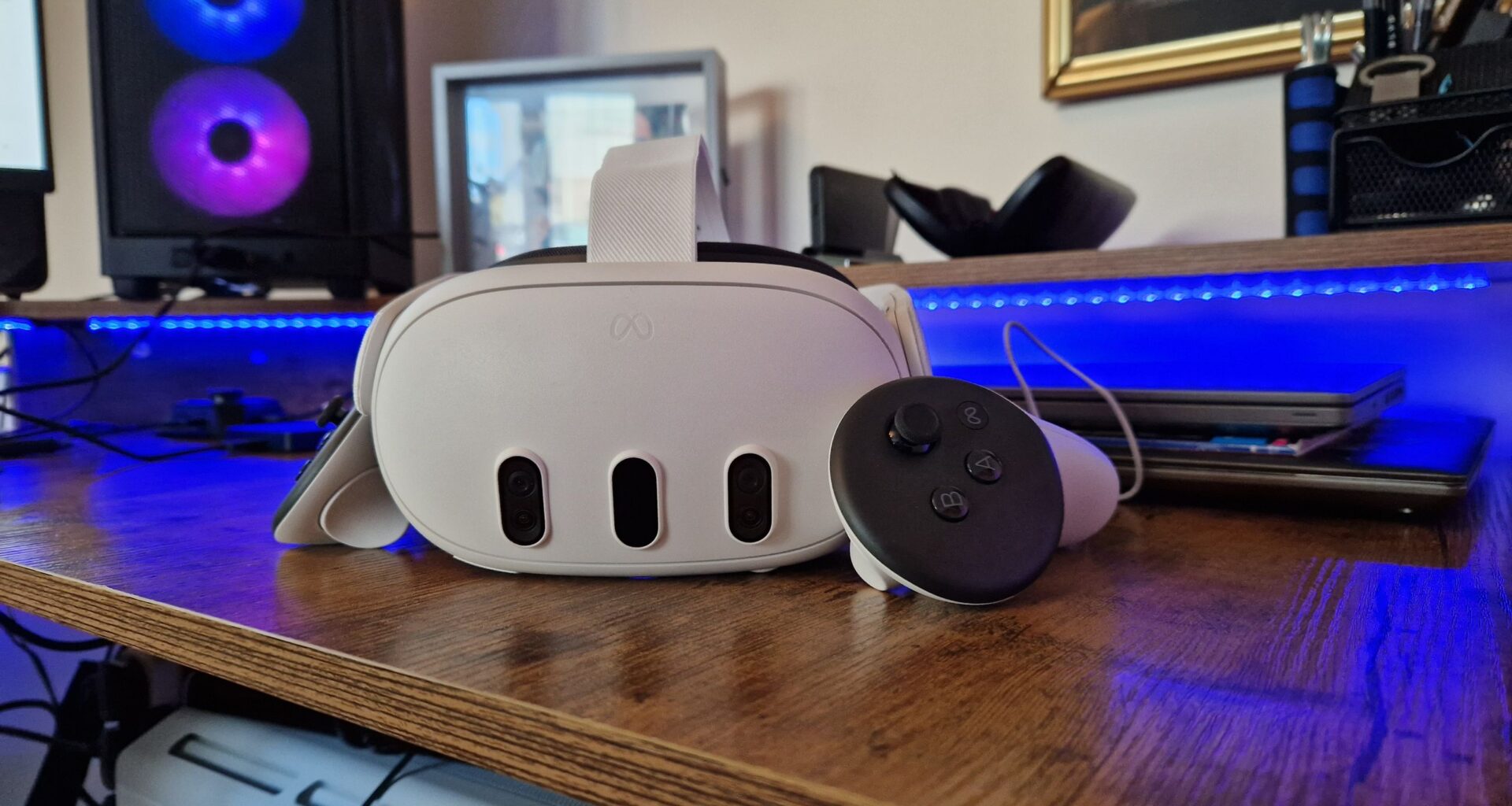
The best Meta Quest accessories could be one of the biggest reasons to opt for a Quest 3 or 3S over the upcoming Steam Frame. With so many strings to its bow, the Quest 3 ecosystem has so many ways for you to make it your own, whether that’s a more comfortable head strap, a charging dock, a battery pack, earbuds, or something else.
Not all of the best VR headsets have the wide array of add-ons that the Quest 3 and 3S have. Especially if you play on a PC headset, you’ll be limited as to what you can do to your device without voiding warranties or damaging it, but the Quest 3 and 3S are designed for you to customize them with third-party, Made for Meta accessories. The best part is they’re discounted often, and although they can seem a little pricey when you see them at full price, any given accessory is likely having a rest stop before the next big discount hits.
Best head strap
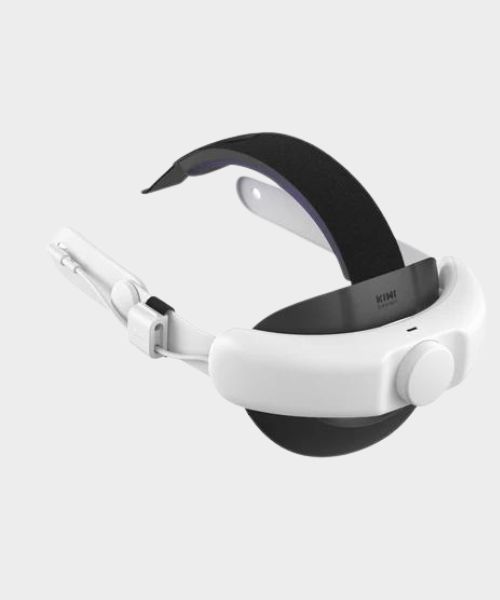
1. KIWI Design Comfort Battery Head Strap
With its plush cushioning and extra battery pack, KIWI’s reasonably priced head strap for Quest 3 is a great option for any VR gamer.
Best charging dock
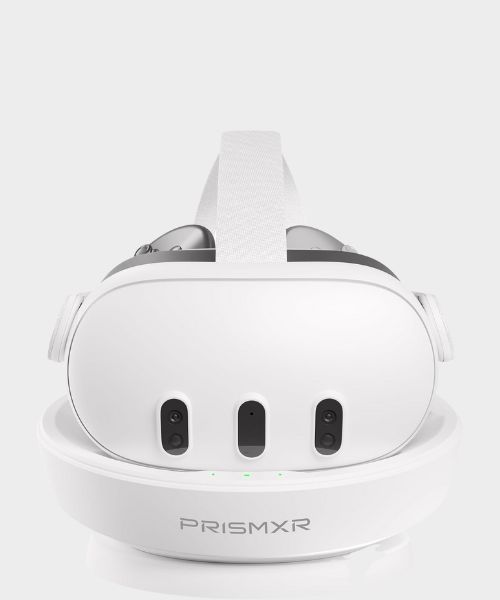
2. PrismXR Carina D1 charging stand
The PrismXR charging stand is a neat, tidy, and efficient way of keeping your headset and controllers charged between sessions.
Best display stand
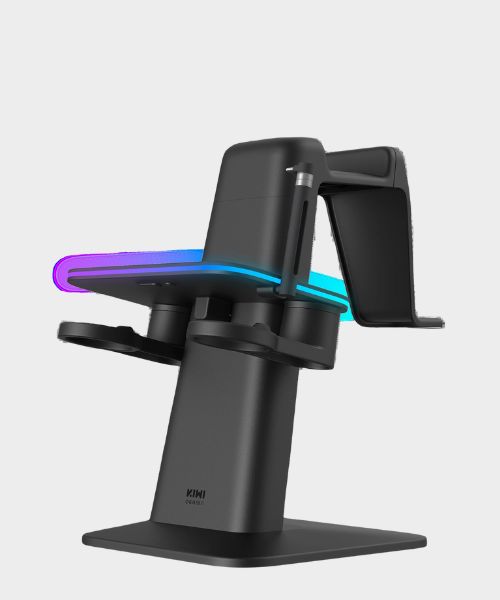
3. KIWI Design RGB Charging Dock
Whether it’s the Quest 2, Quest 3, or Quest Pro, this RGB charging station from KIWI will put your device on display and charge it at the same time.
Best battery pack
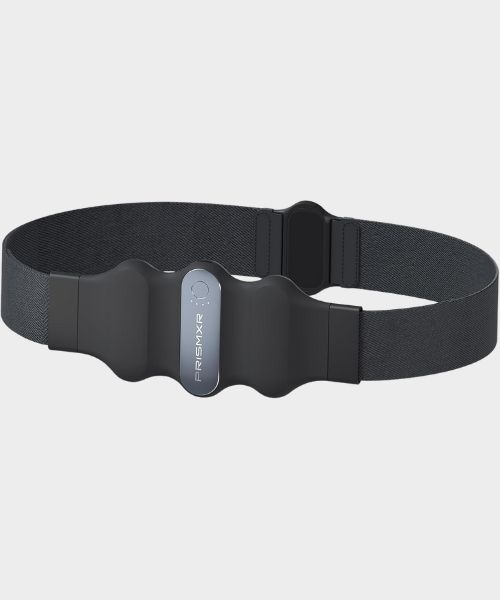
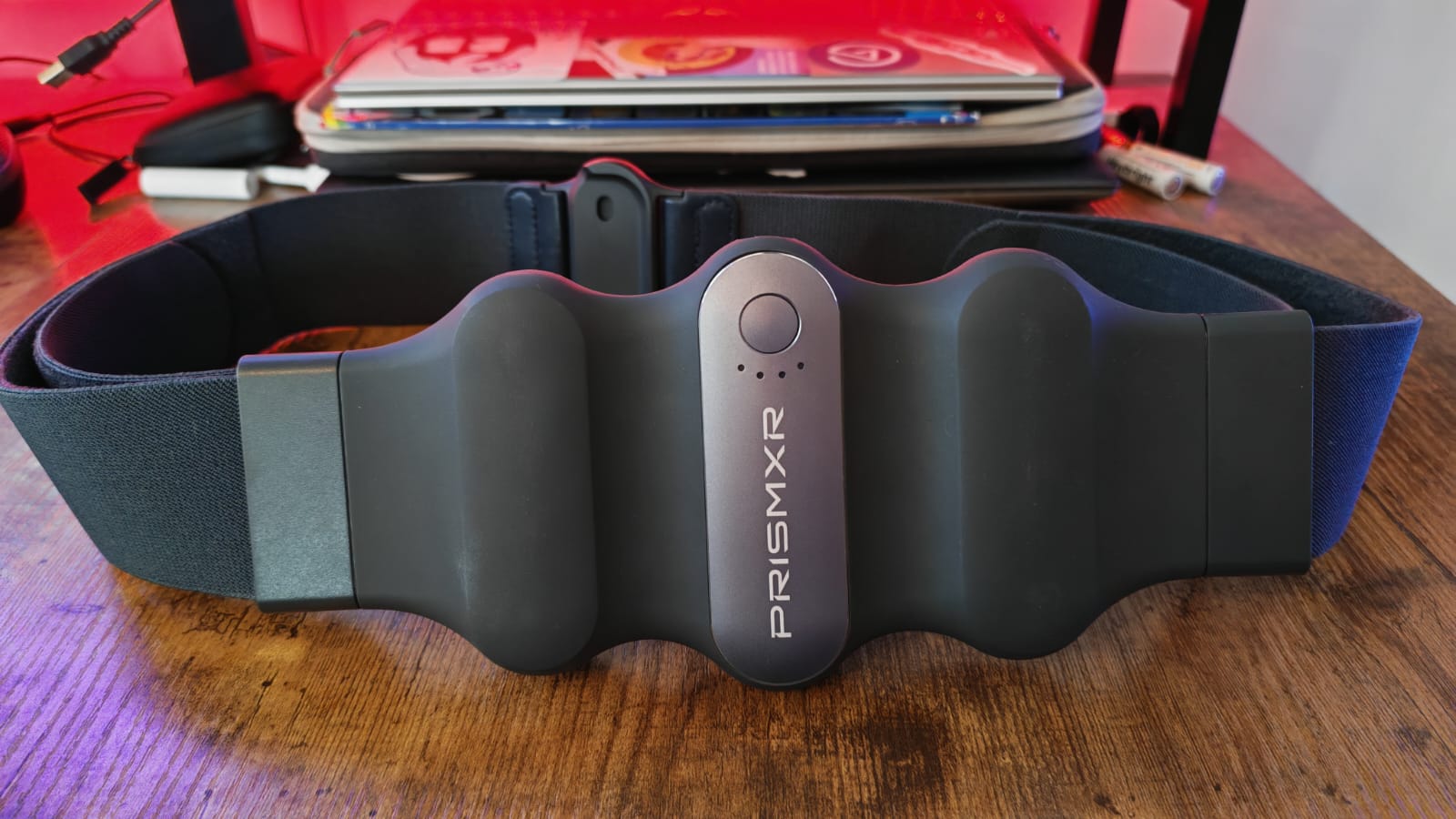
4. PrismXR Carina W1 Charging Belt
Want to extend the life of your Quest 3 or 3S without the added weight of a battery-powered head strap? PrismXR’s charging belt is my go-to solution.
Best earbuds
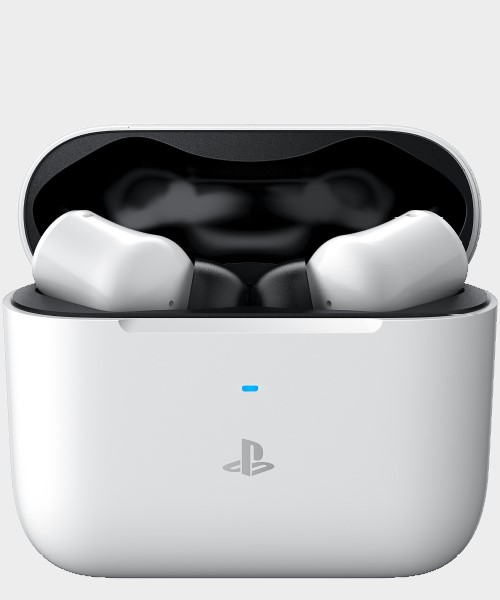
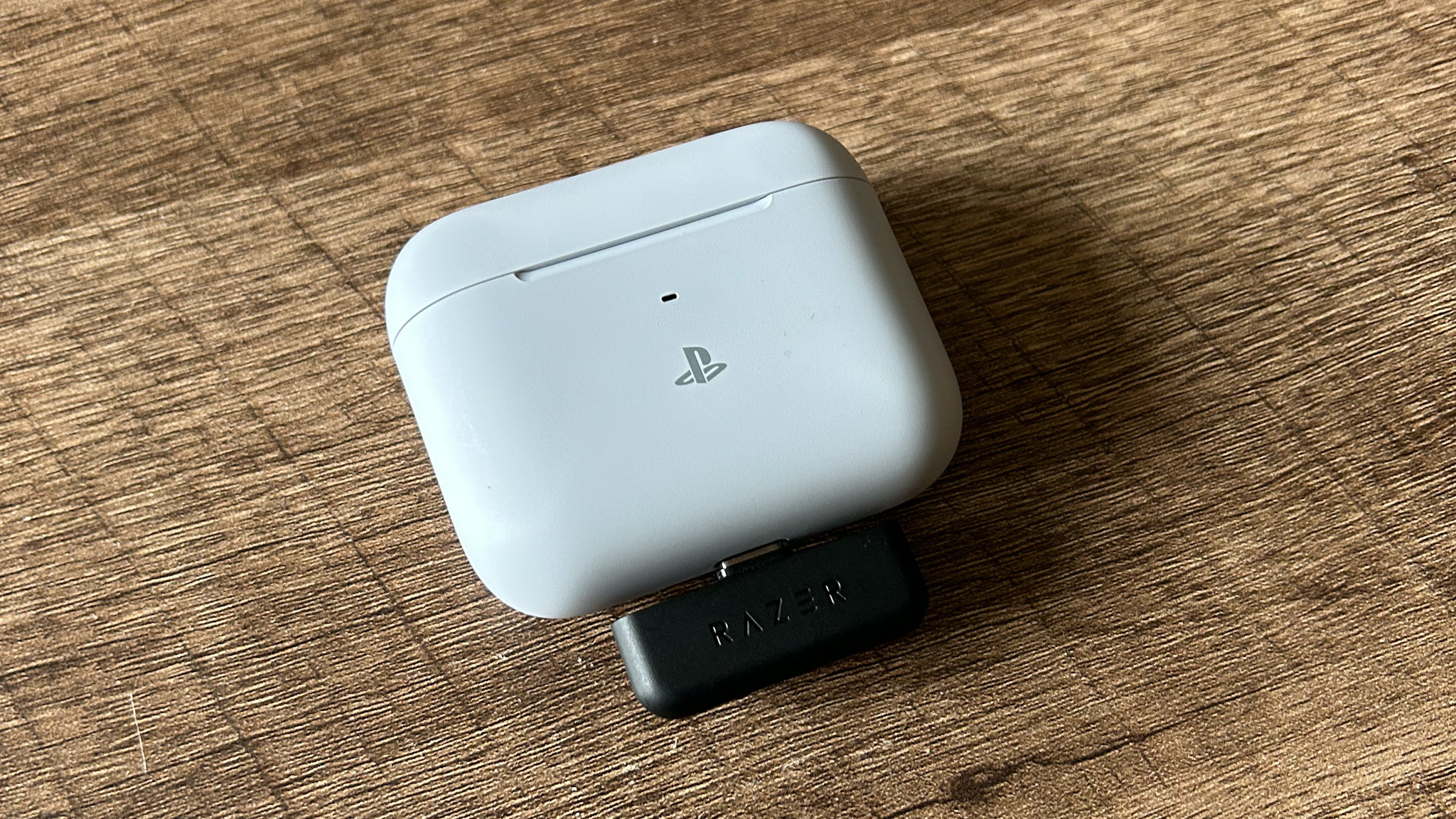
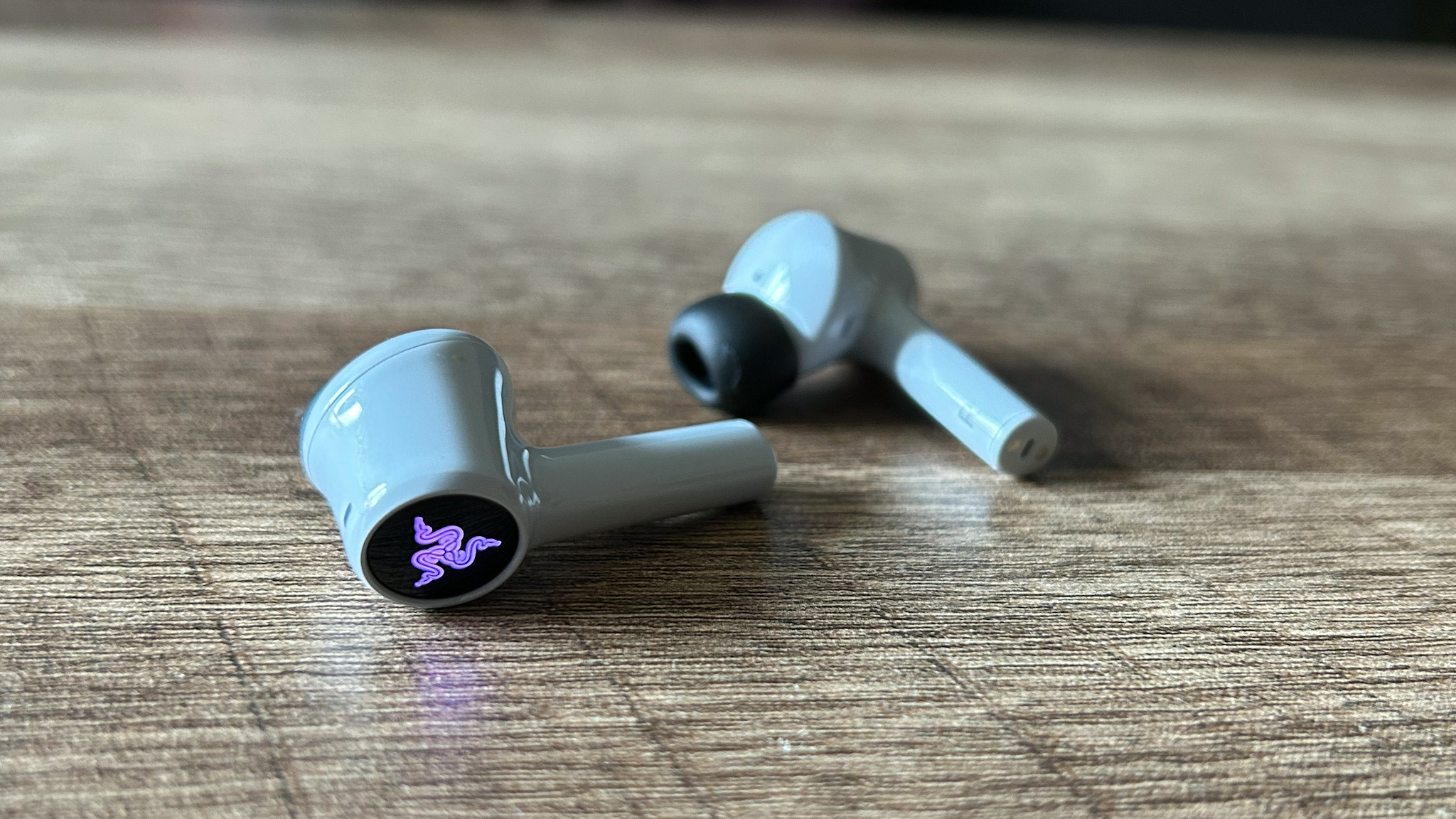
5. Razer Hammerhead Hyperspeed
The Hammerheads pack excellent audio, but you’re getting dual connections, that low latency connection, and noise-canceling as well.
Best facial interface
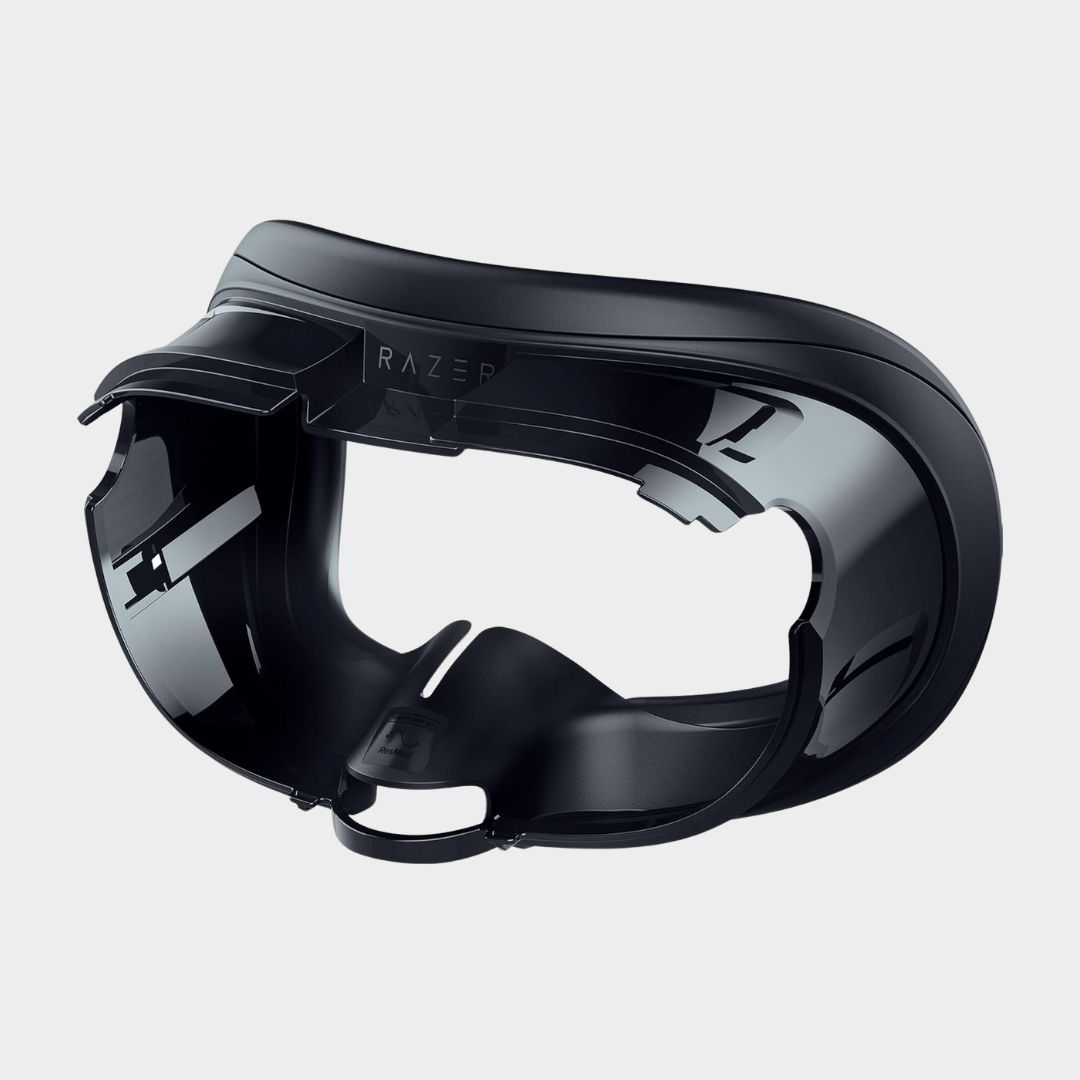
6. Razer Facial Interface
Did you know that you can take out the face cushioning of the Quest 3 and 3S, substituting it for something more comfortable, or that’ll keep you cooler?
Best link cable
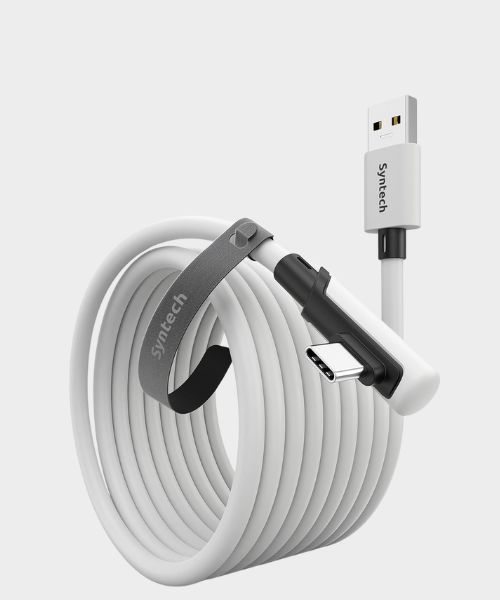
Syntech’s Link Cable can often be found on sale, and its right-angle USB-C end makes it a great fit for charging the Quest 3, or hooking it up to a gaming PC.
Curated by Curated by
Duncan Robertson
Hardware Editor
Not only am I a huge lover of VR gaming, but I watch the price of all sorts of Meta Quest accessories week to week. That means I can spot a good deal from a phony one, and having gone hands-on with a fair few, I have a good idea which to recommend to you.
The best head strap for Quest 3
Image 1 of 5
 (Image credit: Future / Duncan Robertson)
 (Image credit: Future / Duncan Robertson)
 (Image credit: Future / Duncan Robertson)
 (Image credit: Future / Duncan Robertson)
 (Image credit: Future / Duncan Robertson)
1. KIWI Design Comfort Battery Head Strap for Quest 3
The best head strap for Quest 3
Specifications
Extra battery life: 2-4 hours (6400mAh)
Color: White (black leather cushioning)
Charging type: USB-C
Size: 9 x10.2 x 5.1 inch
Quest 2 compatible?: Yes (although separate model)
Reasons to buy+
Added comfort thanks to plush cushioning
+
Extra battery life
+
Takes pressure off the front and back of your head
+
Reasonably priced
Reasons to avoid-
Top band will ruin your hair do
–
Makes the Quest 3 more bulky
–
Not good for seated play
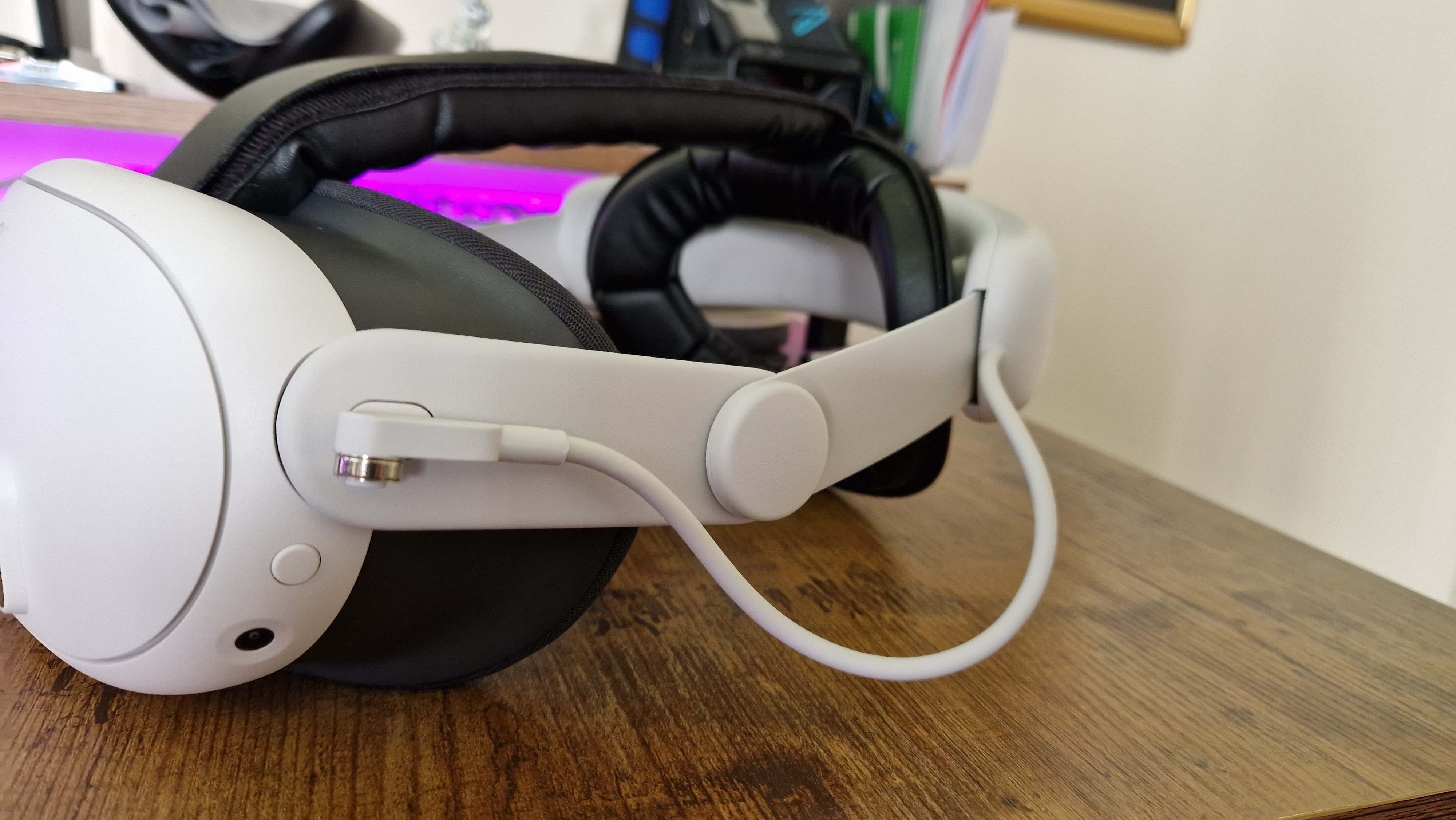
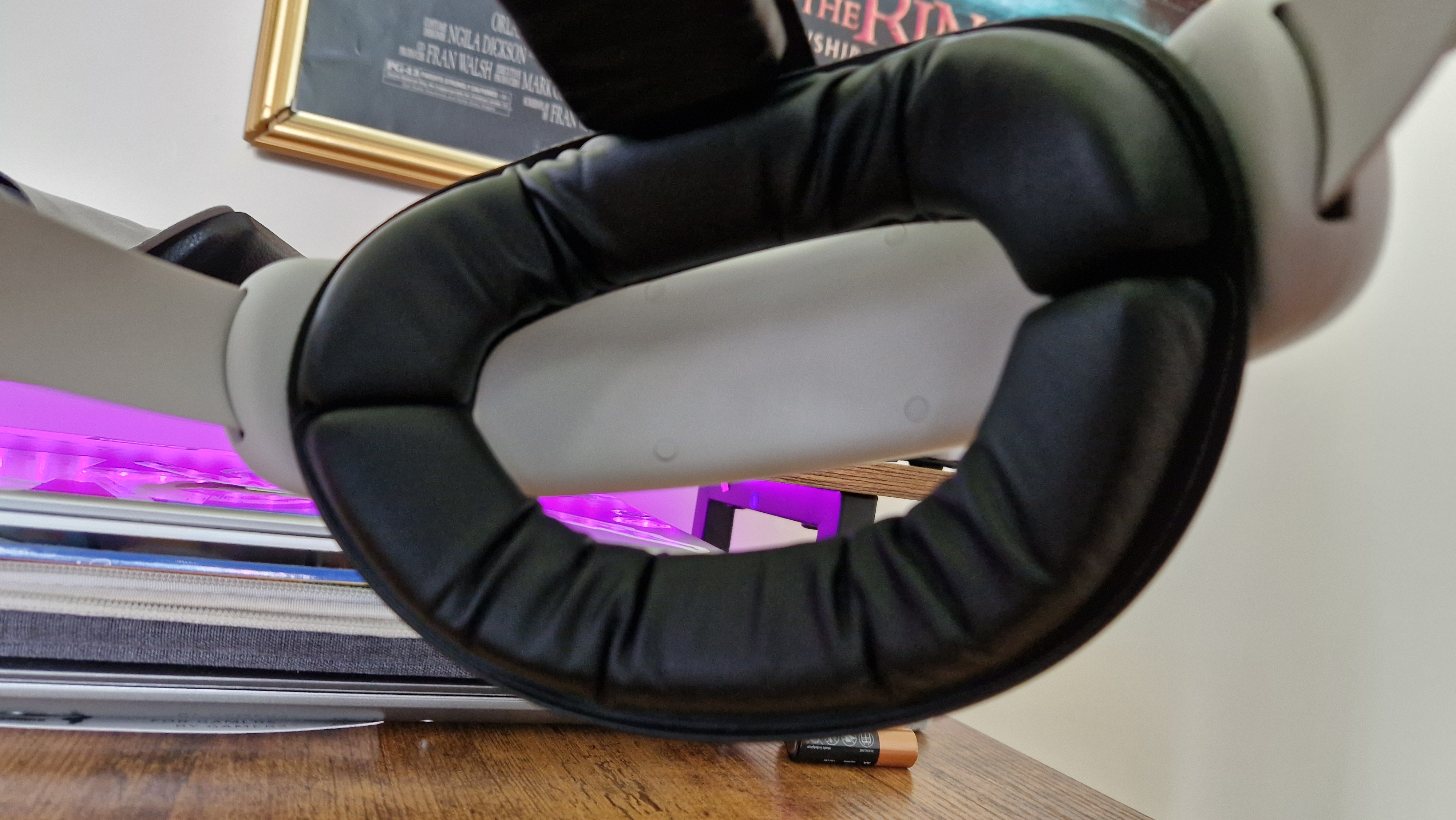
The stock Meta Quest 3 head strap isn’t bad by any means – its clever tightening loops make it easy to adjust your fit on the fly. However, it lacks cushioning to make it feel truly premium, and can put a lot of pressure on the front and back of your head. KIWI Design’s comfort head strap alleviates that pressure and adds comfort thanks to some plush cushioning.
This is just like the Quest 2 comfort head strap by Kiwi, but evolved for the new generation. It’s available with and without an extra battery pack, but it’s priced more reasonably than the official Meta versions.
This is perfect for anyone that likes longer play sessions, especially with the battery pack model we’ve tested. Admittedly, it might not be the best choice for those who use the Quest 3 for fitness apps, since it doesn’t feel quite as secure unless you really tighten it down. If you do, you run the risk of PSVR 2’s biggest comfort woes, as pressure can really mount on the forehead. Luckily, super soft leather materials on the back and top of this strap do a lot to make it wearable.
The other frustration is with that top head band, since it’s poised to mess up your hair style. Nonetheless, extra play time and added comfort are a must that few do better than KIWI at this price range.
The best charging dock for Quest 3
Image 1 of 6
 (Image credit: Future / Duncan Robertson)
 (Image credit: Future / Duncan Robertson)
 (Image credit: Future / Duncan Robertson)
 (Image credit: Future / Duncan Robertson)
 (Image credit: Future / Duncan Robertson)
 (Image credit: Future / Duncan Robertson)
The best charging dock for Quest 3
Specifications
RGB: No
Charging connection: Magnetic pin connectors
Quest 2 compatible?: No
Weight: 2.98lbs
Size: 11.8 x 9.8 x 5.3 inch
Reasons to buy+
Good looks
+
Compatible with Quest 2 and 3
+
Charging capability
+
Weighty base
Reasons to avoid-
Finicky USB-C connection
–
Plastics feel a bit cheap
–
Compatibility with all Quest models means none of them fit just right
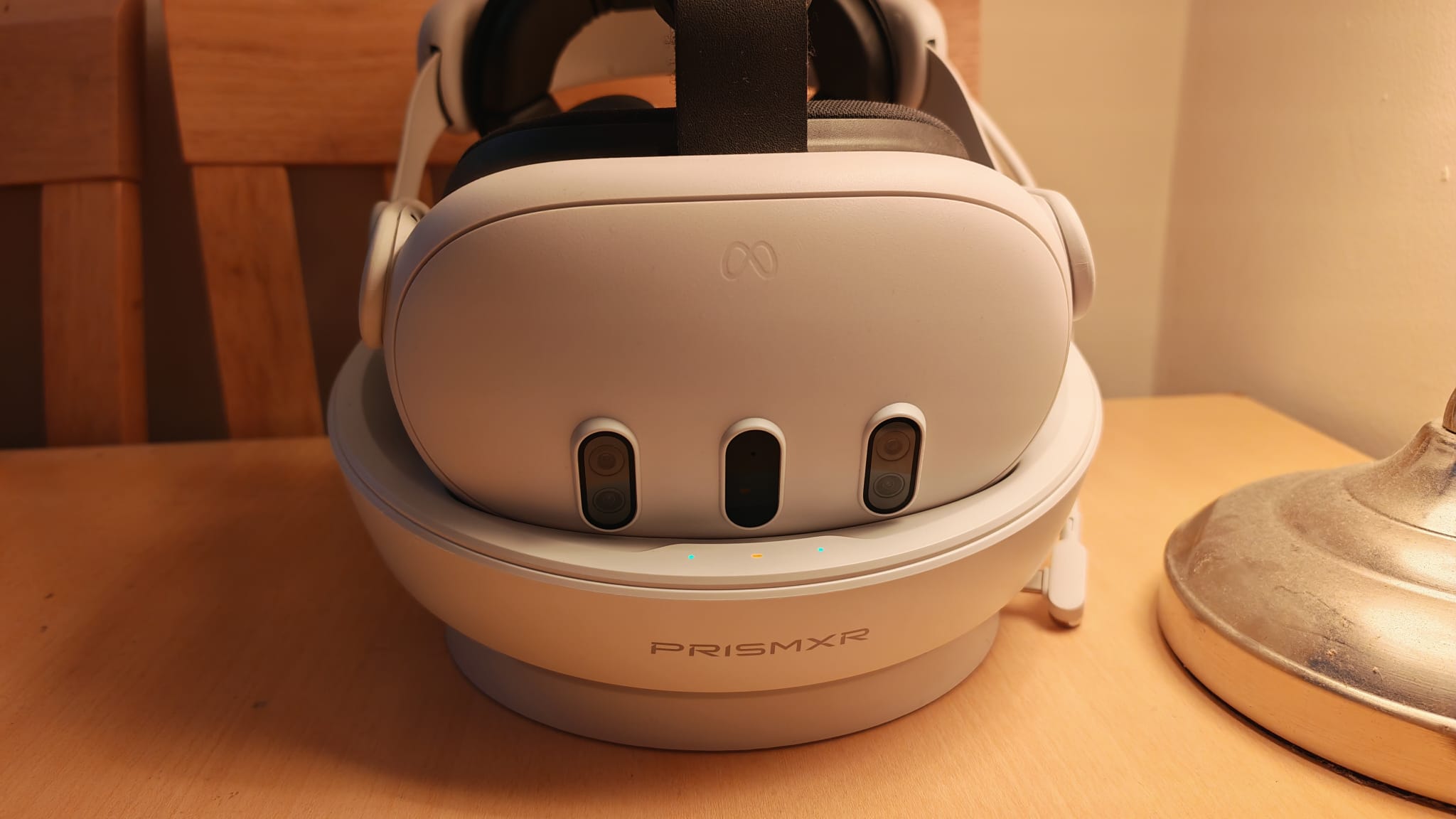
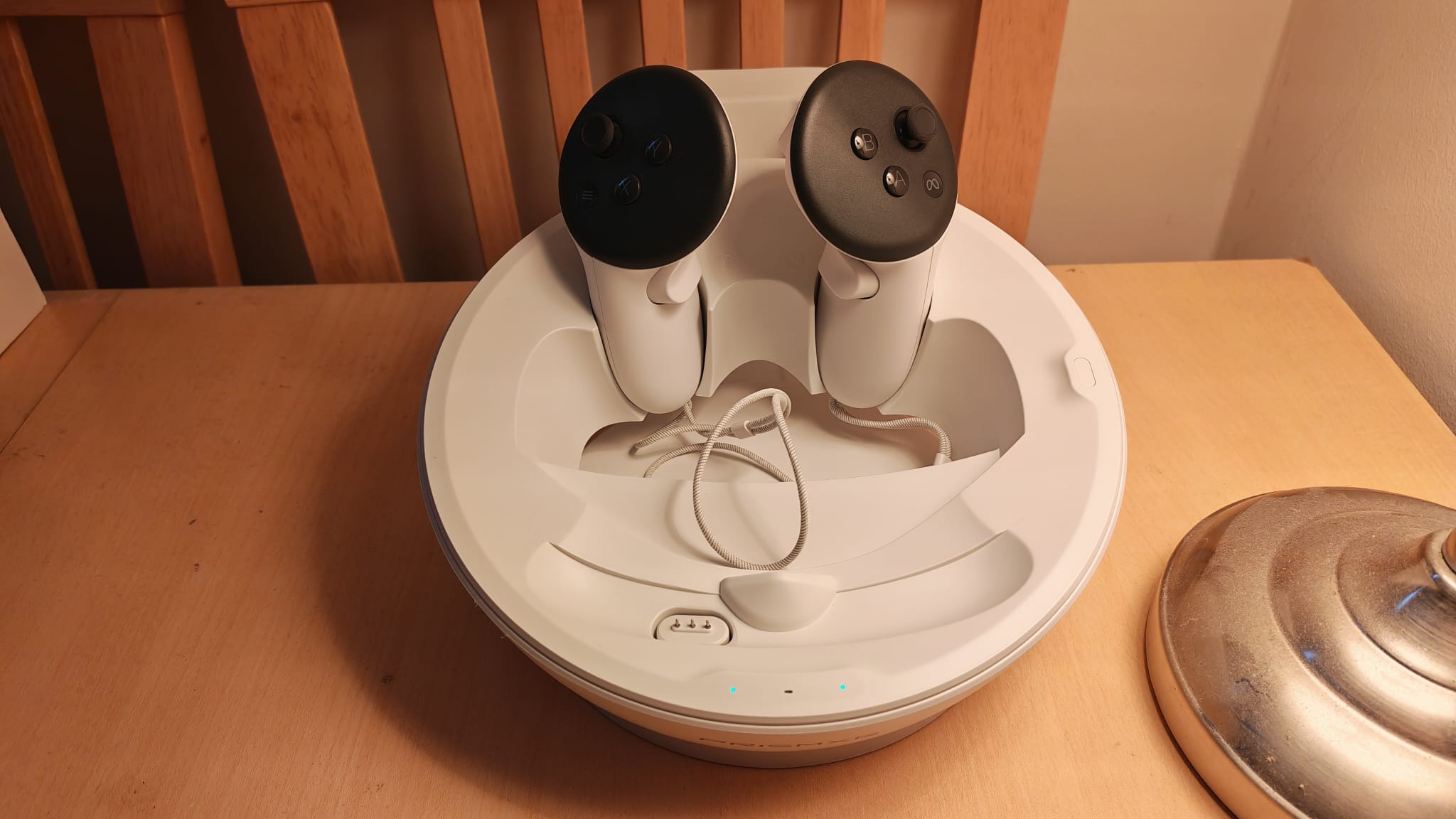
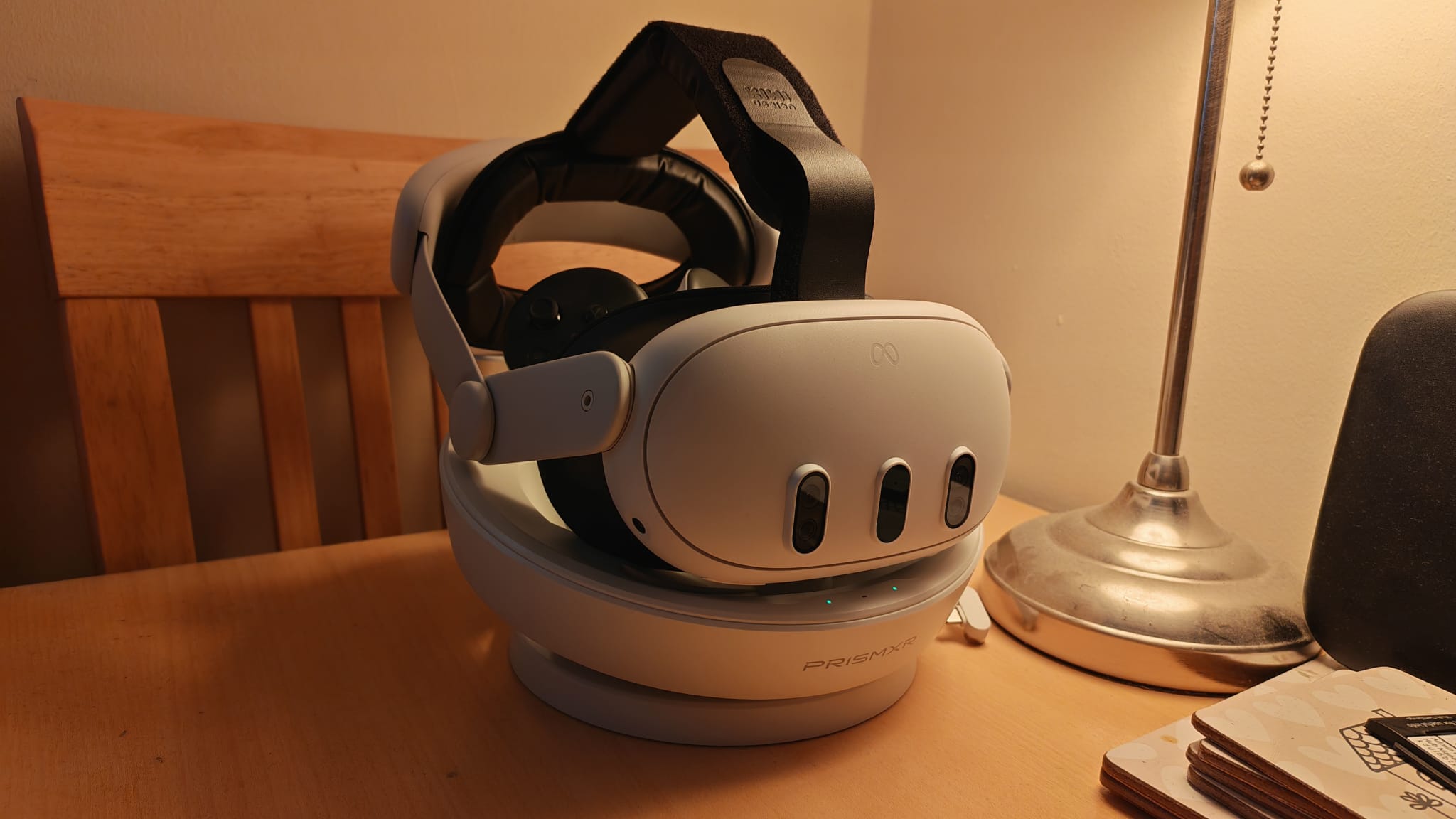
As my time testing Meta Quest accessories continues, I’ve learned to appreciate that charging stands shouldn’t just keep your headset juiced up for your next play session. The controllers for the Quest 3 and 3S both lose life very quickly, and seeing as a pack of AAs will set you back a small fortune these days, I don’t blame you for wanting to avoid that.
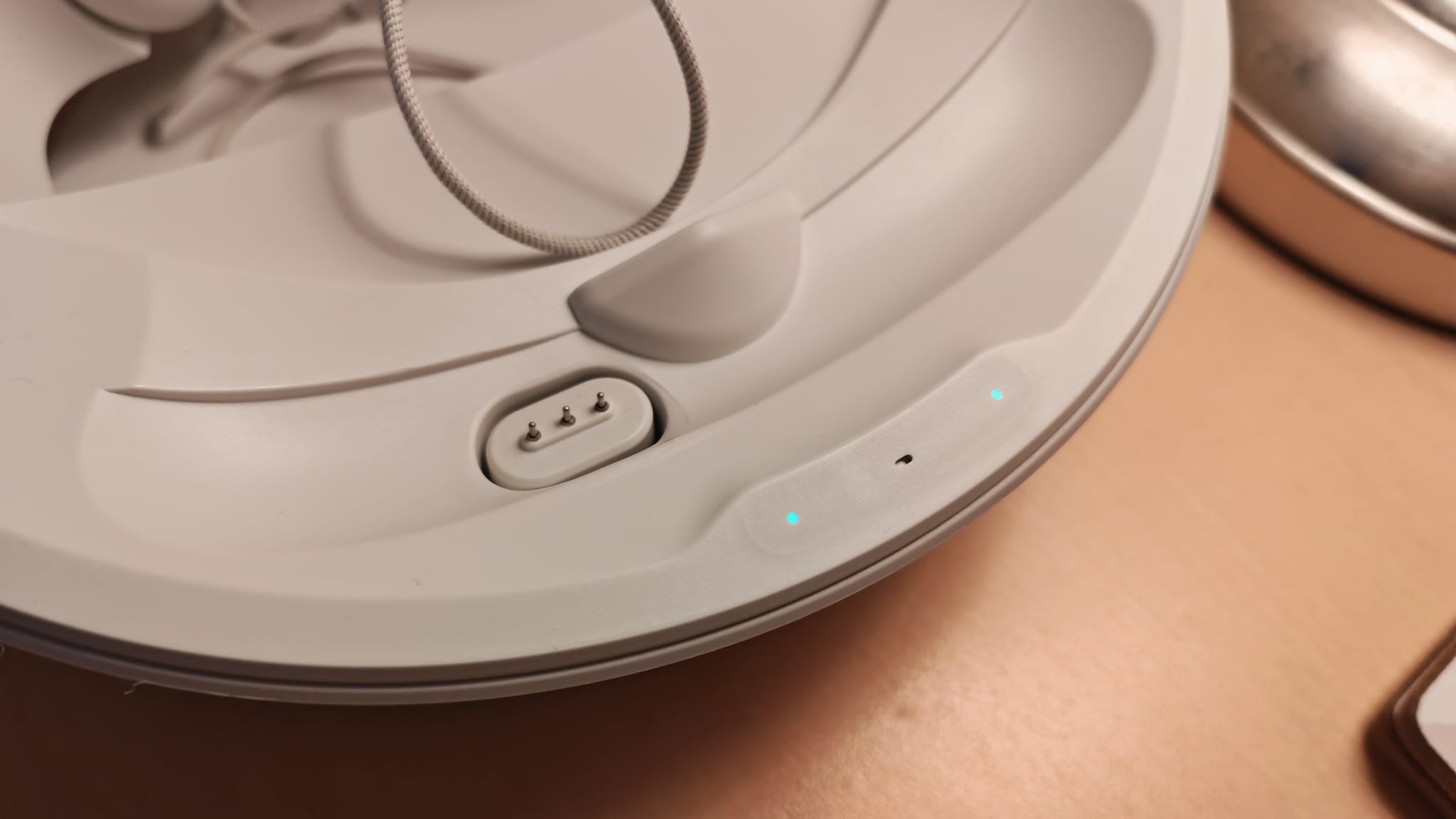
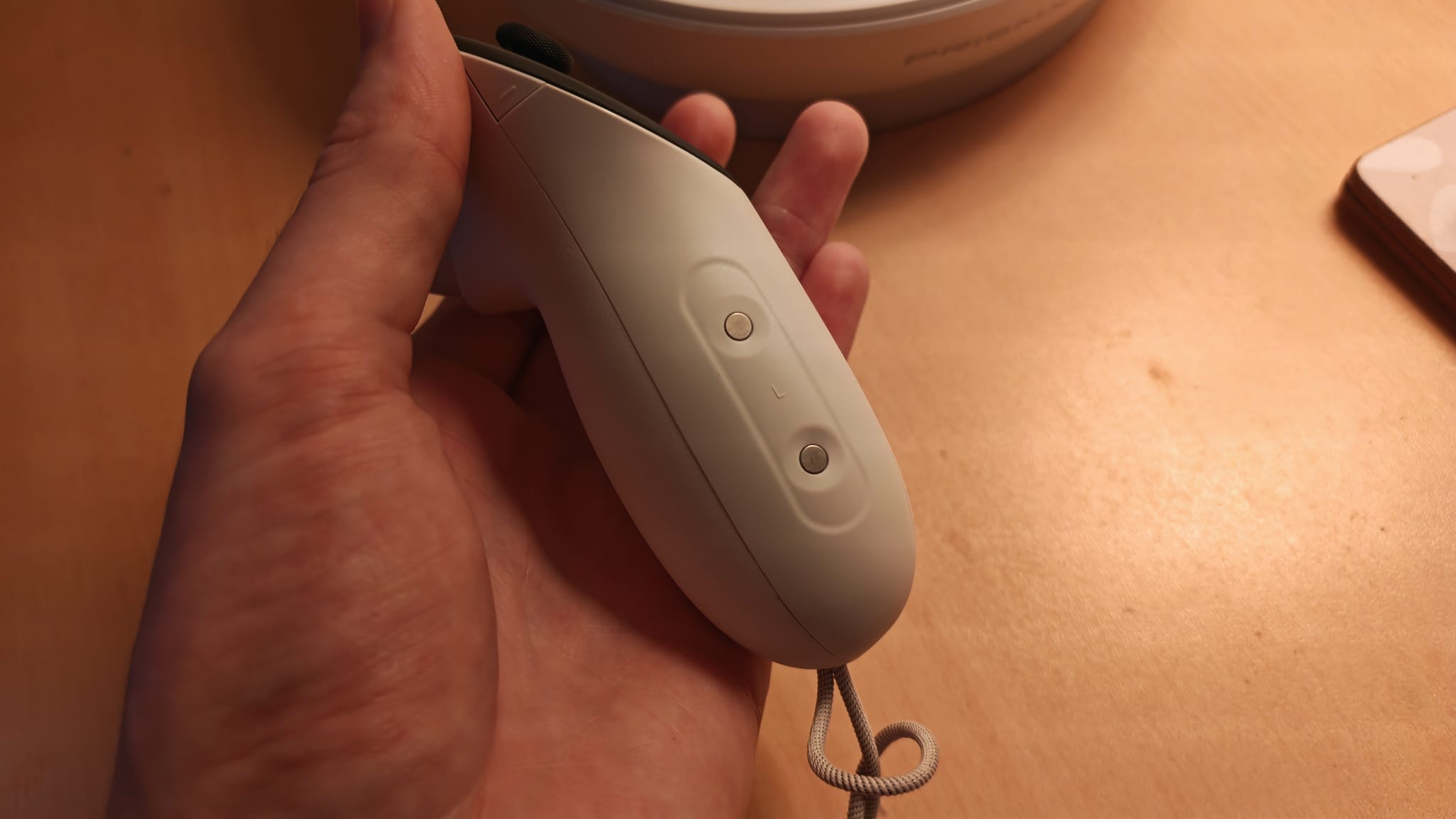
PrismXR’s charging dock is one I really like, because it keeps your VR loadout squared away neatly, while also ensuring your controllers and headset are both charged and ready for you when you next need them. You’ll need a separate stand if you use the Quest 3S, but both iterations share the same snug design. They use the magnetic charging pins on the bottom of the headset instead of a USB-C port. Just ensure your device is sitting on it securely or the dock will beep furiously at you.
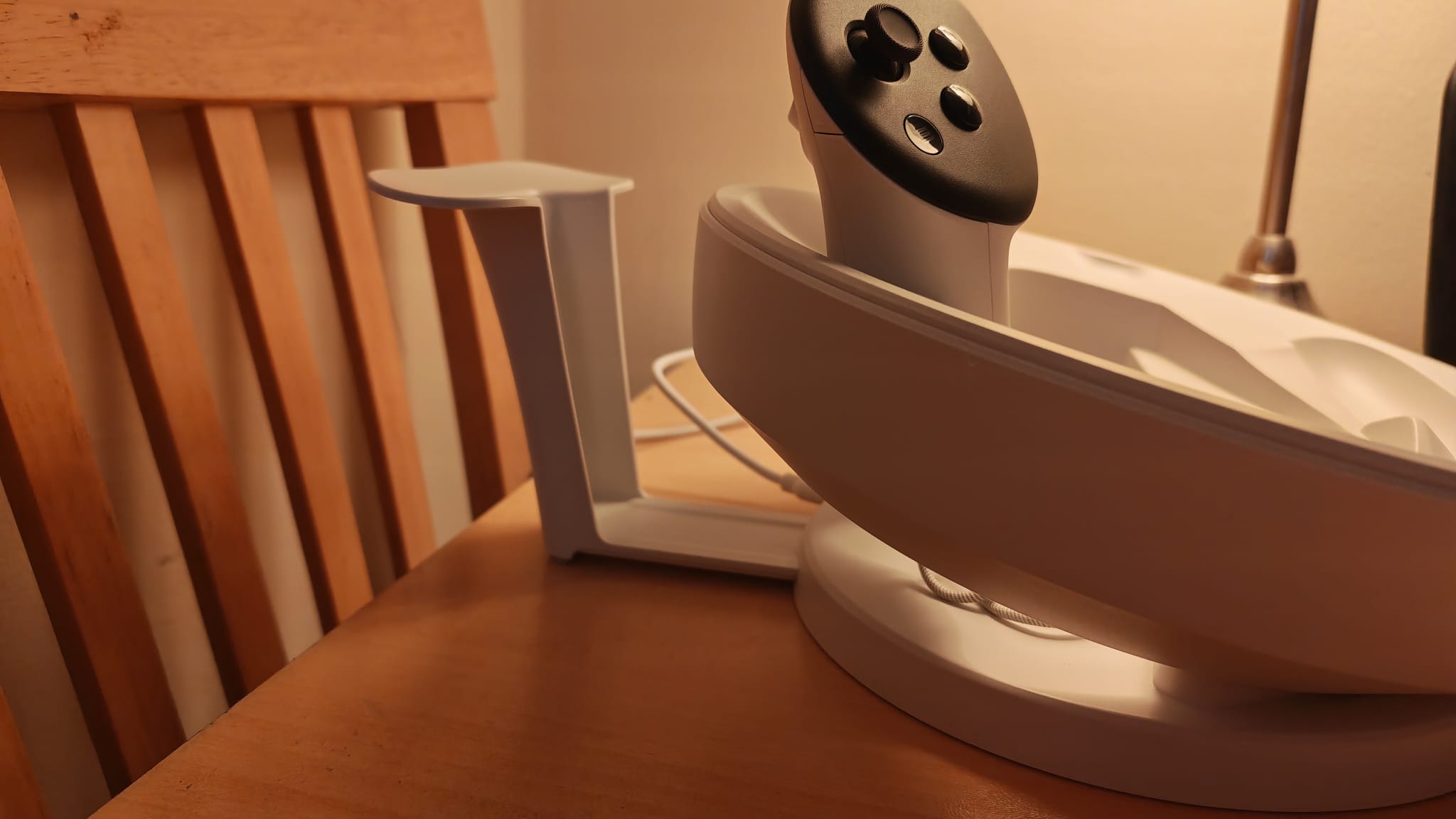
I also like this dock because it has a handy head strap mount at the back which gives it compatibility with other third-party head straps. It comes with different battery covers for your controllers and a set of rechargeable batteries, too, which means it includes everything you need to get the most out of it.
I do wish charging was a little quicker. While PrismXR does claim it has super-fast charging, my testing fell a tad short of its quoted timings. Either way, this is my top pick for a charging dock for either Quest 3 or Quest 3S.
The best display stand for Quest 3
Image 1 of 5
 (Image credit: Future / Duncan Robertson)
 (Image credit: Future / Duncan Robertson)
 (Image credit: Future / Duncan Robertson)
 (Image credit: Future / Duncan Robertson)
 (Image credit: Future / Duncan Robertson)
3. KIWI Design Charging Dock For Meta Quest 3/2
The best charging stand for Quest 2 and 3
Specifications
RGB: Yes
Charging connection: USB-C / Magnetic connector for KIWI head strap
Quest 2 compatible?: Yes
Weight: 1.7KG
Size: 12.05 x 8.66 x 4.29 inch
Reasons to buy+
Good looks
+
Compatible with Quest 2 and 3
+
Charging capability
+
Weighty base
Reasons to avoid-
Finnicky USB-C connection
–
Plastics feel a bit cheap
–
Compatiblity with all Quest models means none of them fit just right
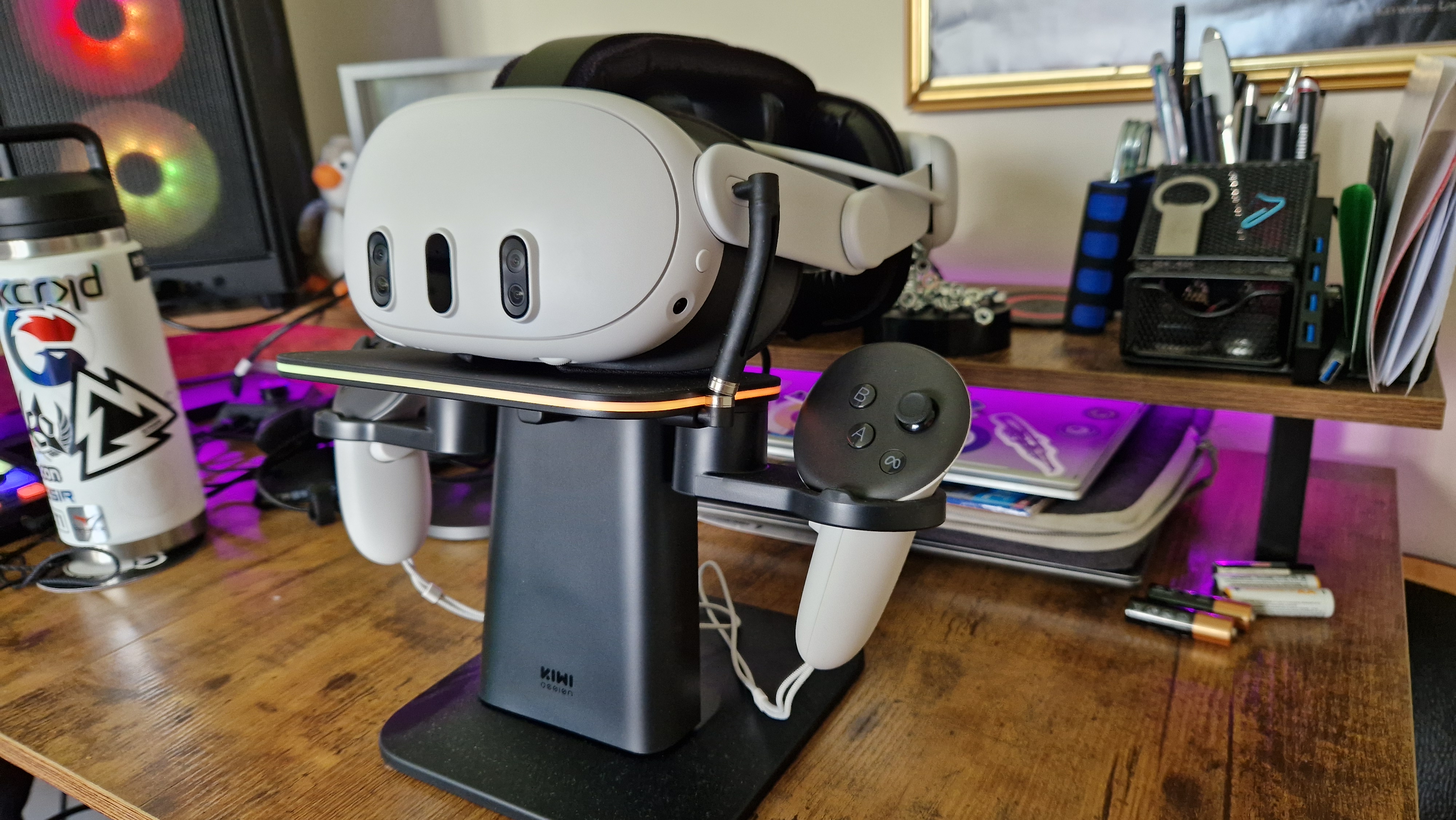
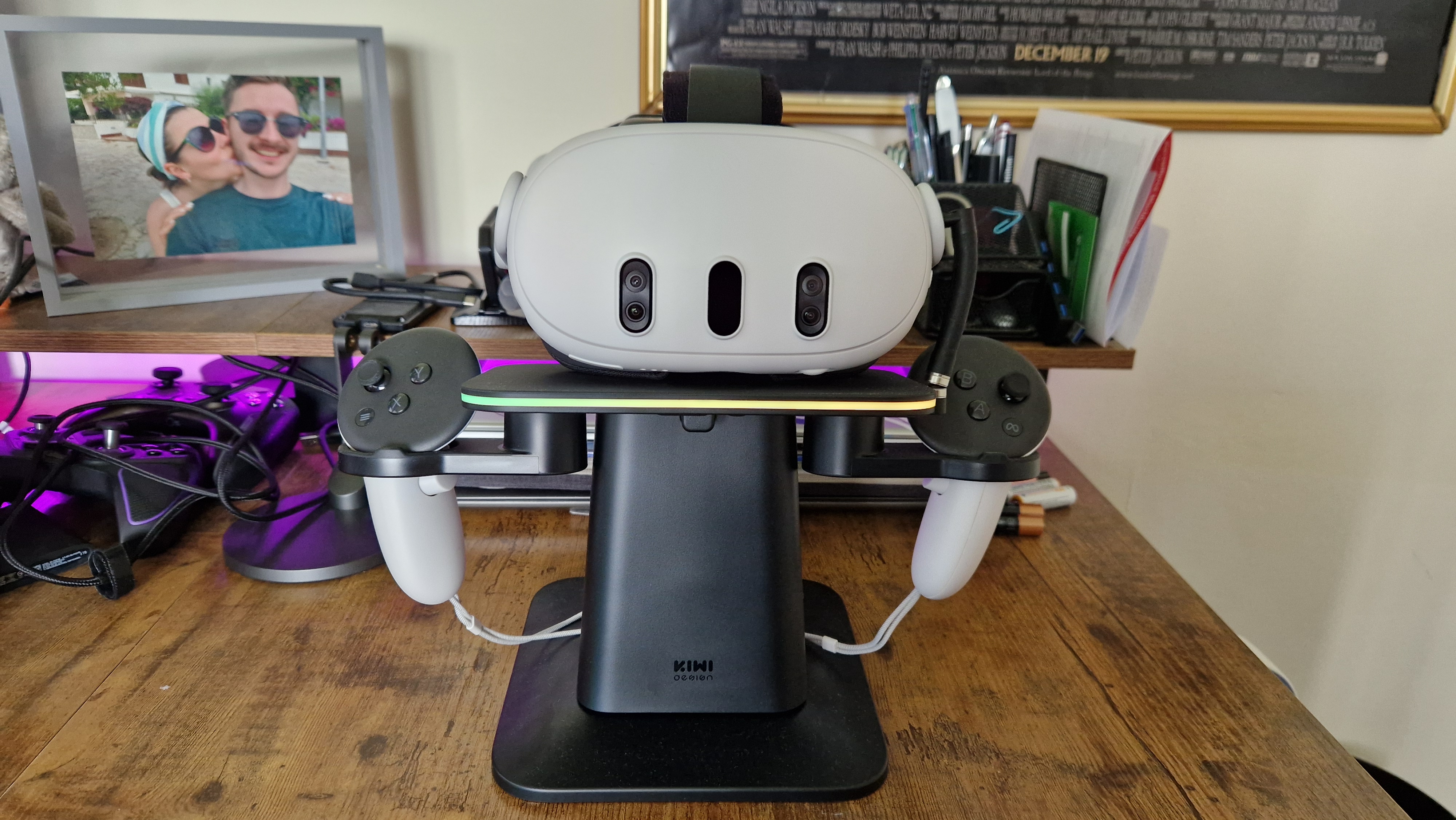
We hear you. You want to put your Quest 2 or Quest 3 on display between setups so it’s not only charged and ready to go, but it looks like a beautiful integration into your gaming setup. KIWI Design has you covered there, and although its stand isn’t perfect, it’s often found on sale at Amazon, and it does have a classy look while riding the RGB line.
It’s easy enough to put the stand together, so long as you face the parts around the right way. One of the biggest selling points here is that the dock works with the Quest 2, Quest 3, and Quest Pro. While any headset will fit on the stand and look great on display, none of them fit snug to this stand, which you likely would get if you opted for one dedicated to your specific headset. On the upside, that means it’s easy to pick up the headset and controllers when it’s time to play again.
Charging works, but it has a rather finicky connector that stretches from the stand’s base to the headset. More, if you opt for the KIWI comfort strap, you’ll need to use the magnetic connection rather than plugging it in with the USB-C end, like you see in the images above. I got it wrong, and the headset wasn’t actually charging, so don’t be like me. If this stand also juiced up the controllers, I’d be more inclined to recommend it as a charging stand, but this focuses more on displaying your headset than helping to charge it. Keep in mind that with its height, it may not be the best fit on your shelf.
Regardless, this stand’s weighty base will grip to whatever surface you put it on, and its black color and RGB strip make whichever device sits atop it look lovely.
The best battery pack for Quest 3
Image 1 of 5
 (Image credit: Future / Duncan Robertson)
 (Image credit: Future / Duncan Robertson)
 (Image credit: Future / Duncan Robertson)
 (Image credit: Future / Duncan Robertson)
 (Image credit: Future / Duncan Robertson)
The best battery pack
Specifications
RGB: No
Charging connection: USB-C
Quest 2 compatible?: Yes
Weight: 1.63 lbs
Size: 43.31 x 10.85 x 4.25 inch
Reasons to buy+
More than doubles the battery life of the Quest 3
+
Doesn’t add weight to the headset
+
Easy to use
+
Charges quickly
Reasons to avoid-
Needs an adapter to charge and it doesn’t come with one
–
Adds another setup step to playing VR
–
Adds a wire to your wireless headset
–
Pricey when it’s not discounted
If you’d like a way of keeping your VR headset running for longer, most people will opt for a head strap that has a battery pack lumped in. This can add extra weight to the headset though, which potentially hampers your comfort, could strain your neck, or mean that your headset is more prone to falling off in vigorous games.
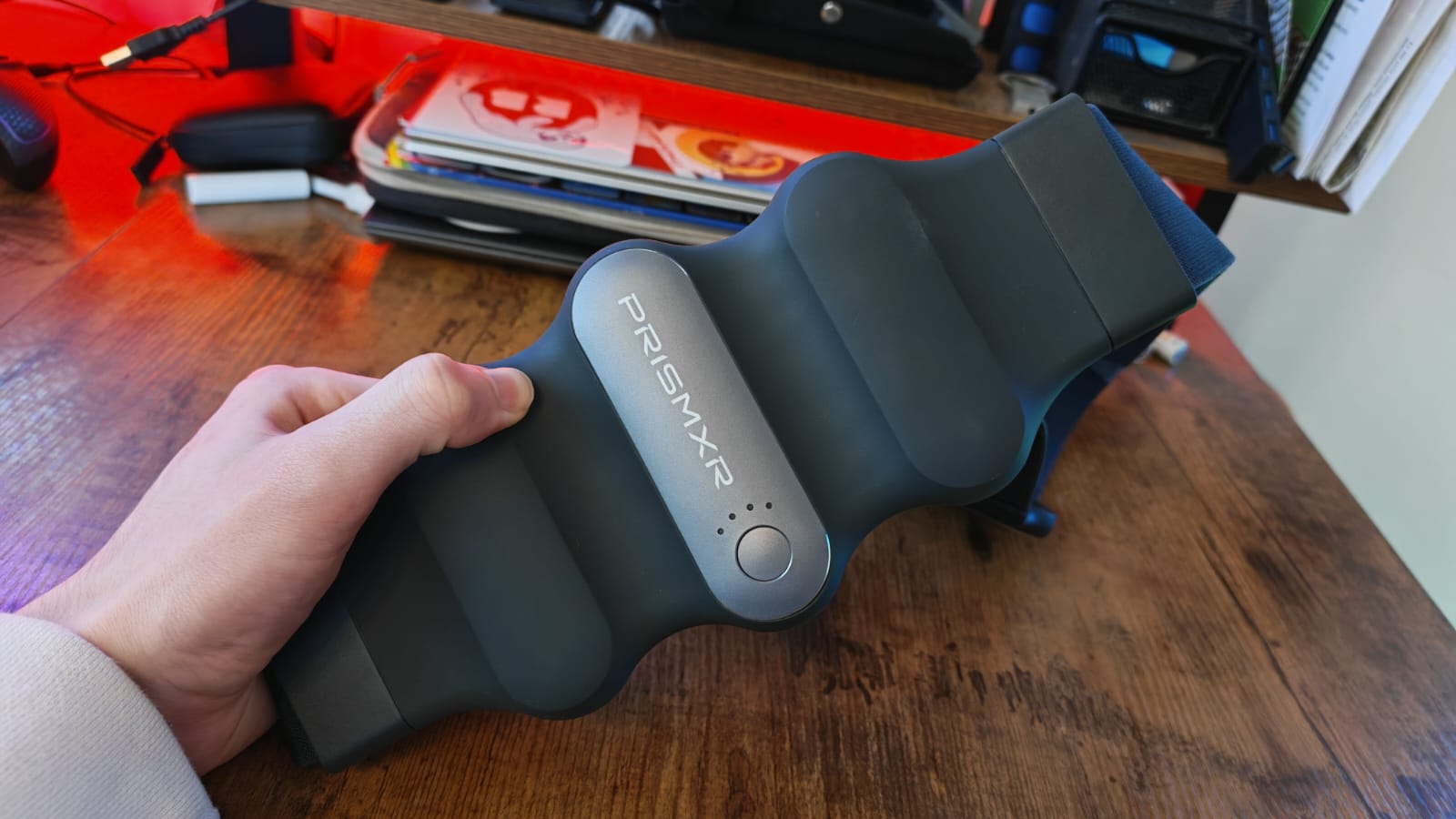
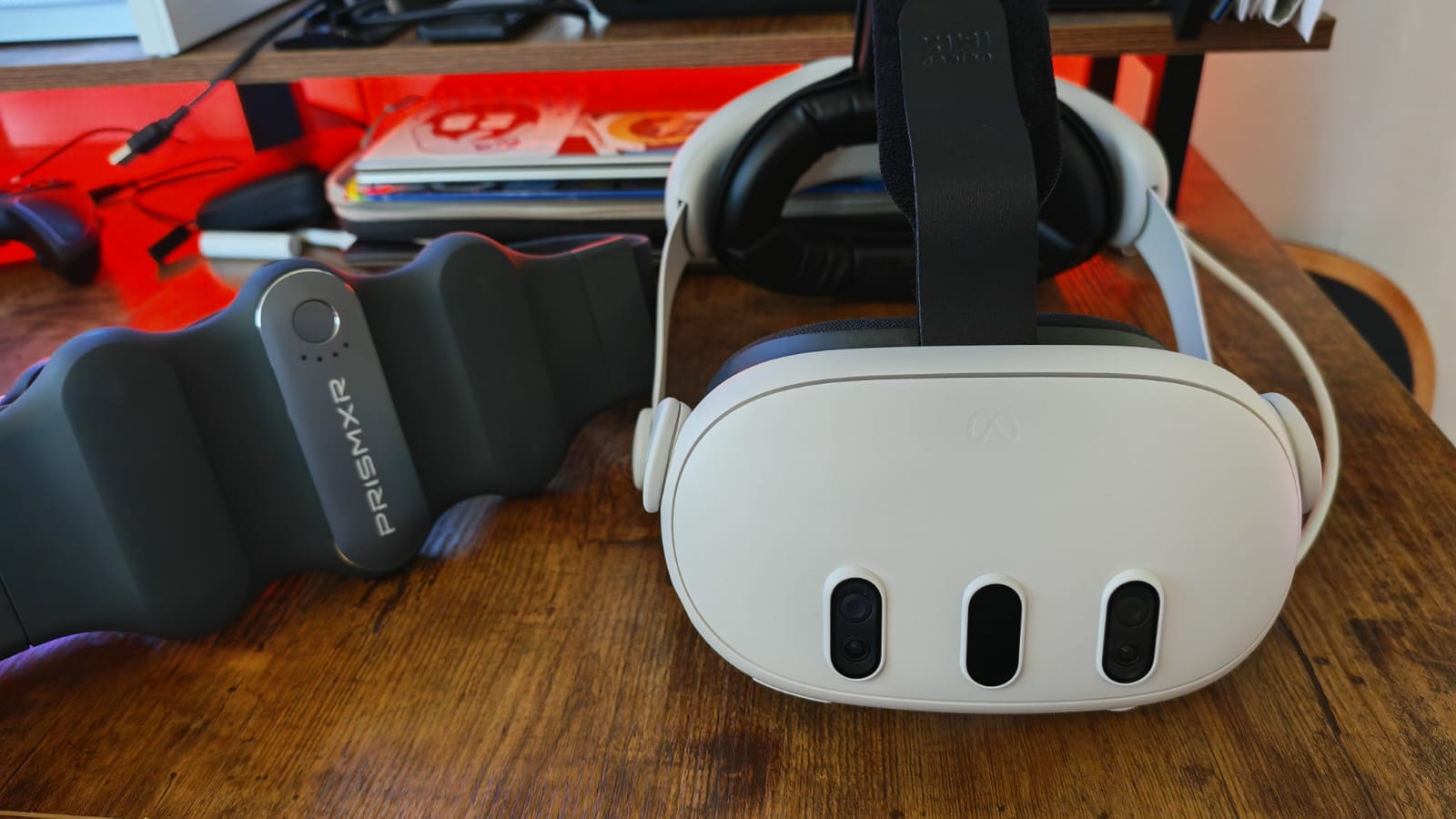
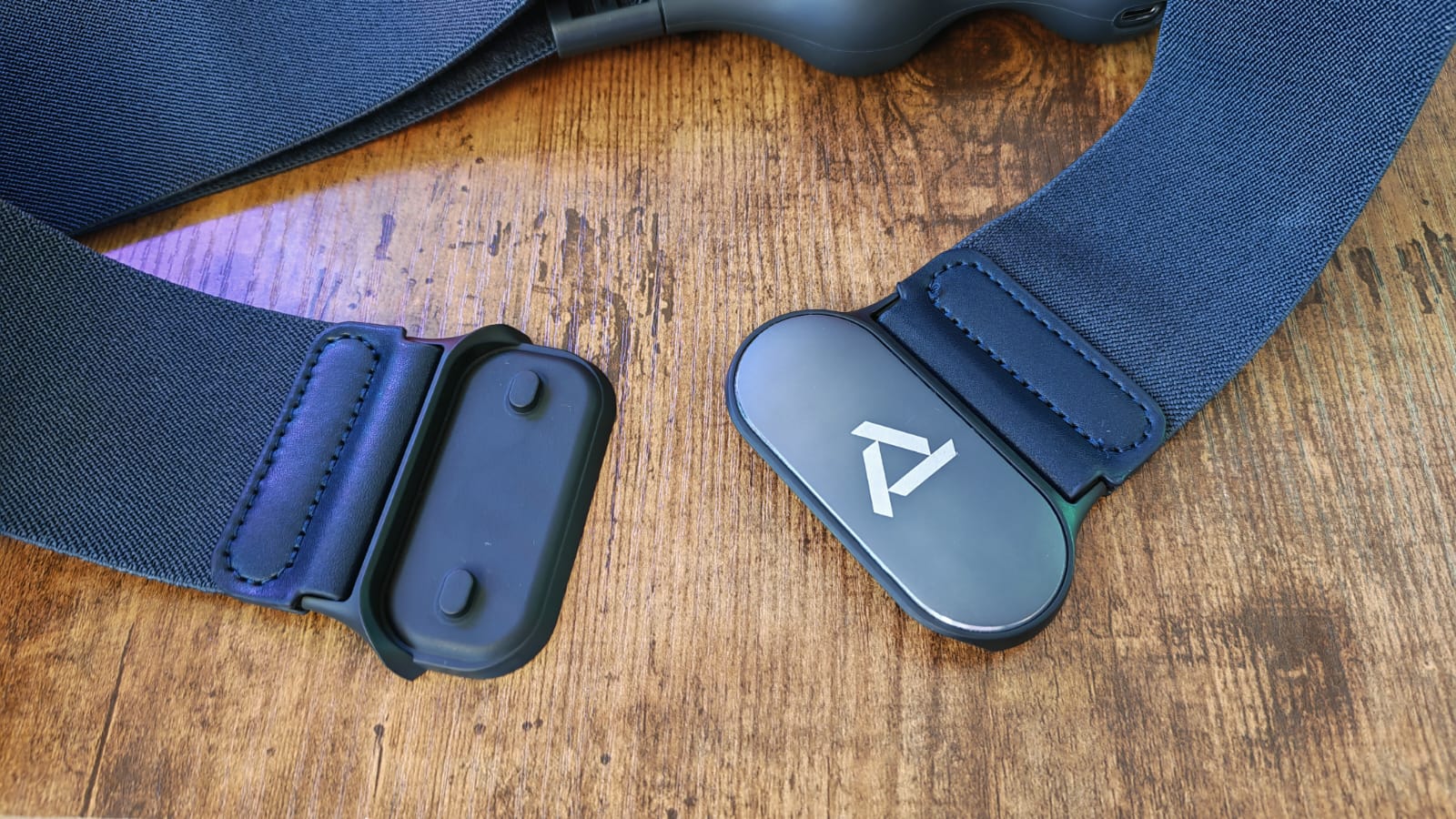
PrismXR’s battery belt is a really clever solution, in my opnion, because it’s a simple battery back that you can attach to your body, which your brain quicky drowns out when you’re immersed in a game. You can put it around your waist, or over your shoulders like a bandolier, but either way, it’ll pretty much double your Quest 3’s battery life.
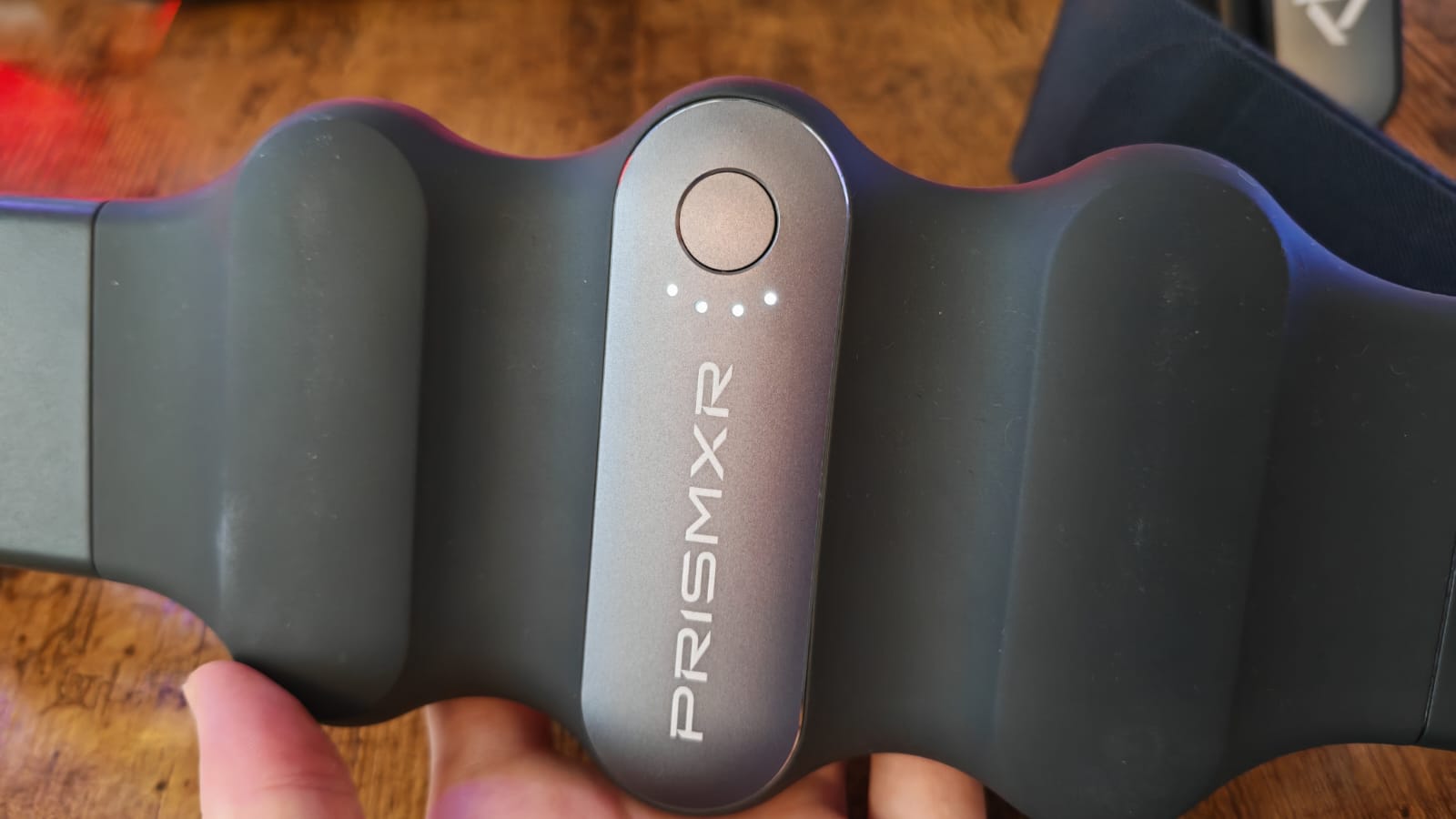
It has a highly adjustable and easy to fasten magnetic strap, and it comes in two sizes. It also has a 10,000mAh battery, a 301, max power-level and some clever LED indicators to help you determine how much life it has left.
It does introduce a short wire that goes over your shoulder, which could potentially be an annoyance or a distraction when you’re gaming, but this felt like a small price to pay in my opinion, especially when the belt kept my headset charged for a much longer length of time than if it were on its own.
The best earbuds for Quest 3
Image 1 of 4
 (Image credit: Future)
 (Image credit: Future)
 (Image credit: Future)
 (Image credit: Future)
The best gaming earbuds overall
Specifications
Battery life: RGB / ANC off: 6.5 hours + 26 hours in case
Connection: 2.4GHz / Bluetooth 5.2
Noise cancelling: Yes
Compatibility : PS5, PC, Nintendo Switch, mobile, (Xbox version available)
Mic: Omnidirectional
Reasons to buy+
Premium aesthetic and feel
+
Low latency Hyperspeed connection
+
Dual Bluetooth and 2.4GHz
+
Wide soundstage with excellent balance
+
Particularly strong dialogue performance
Reasons to avoid-
Tap gestures are too unreliable
–
Additional setup steps on PC
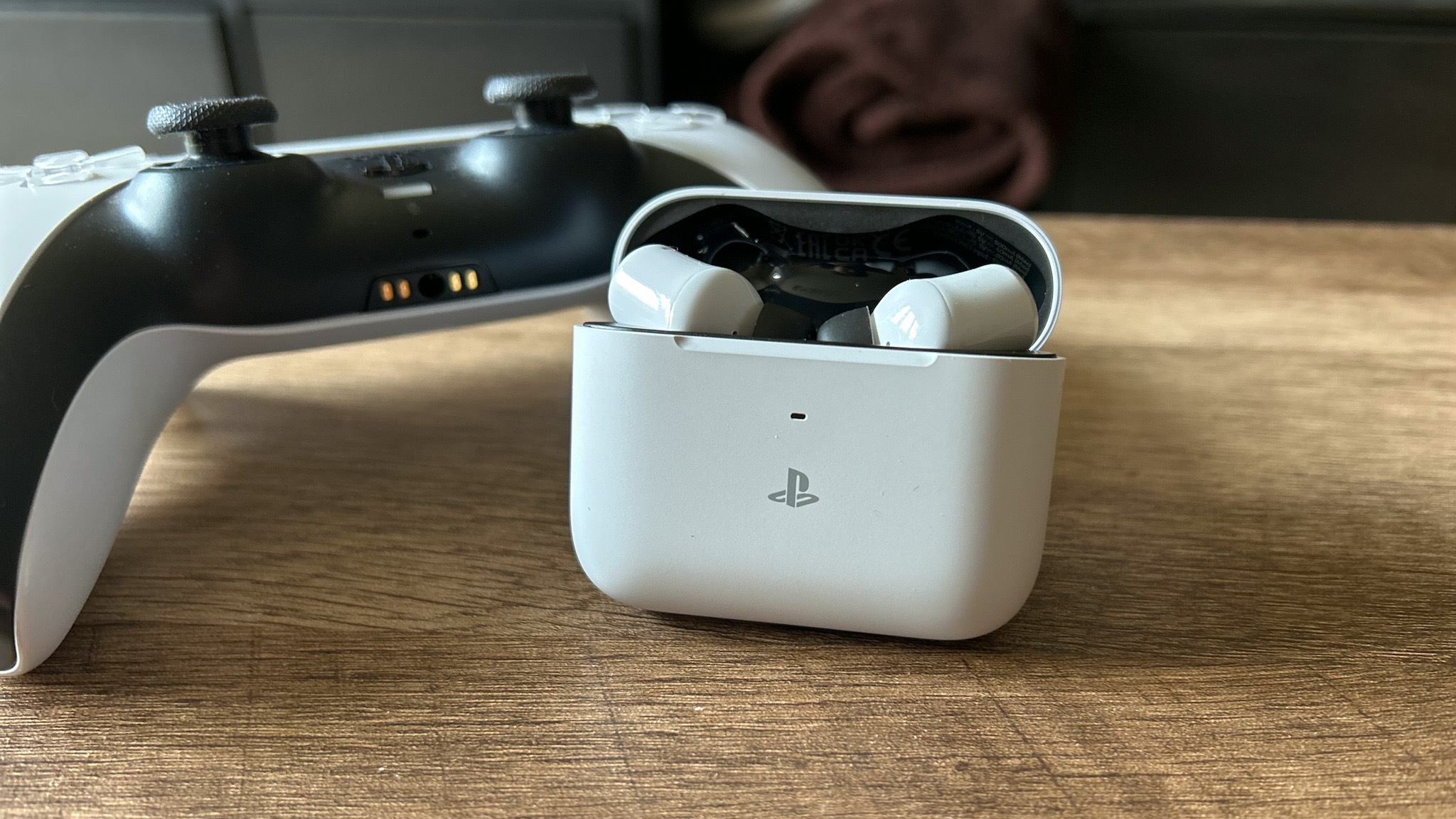
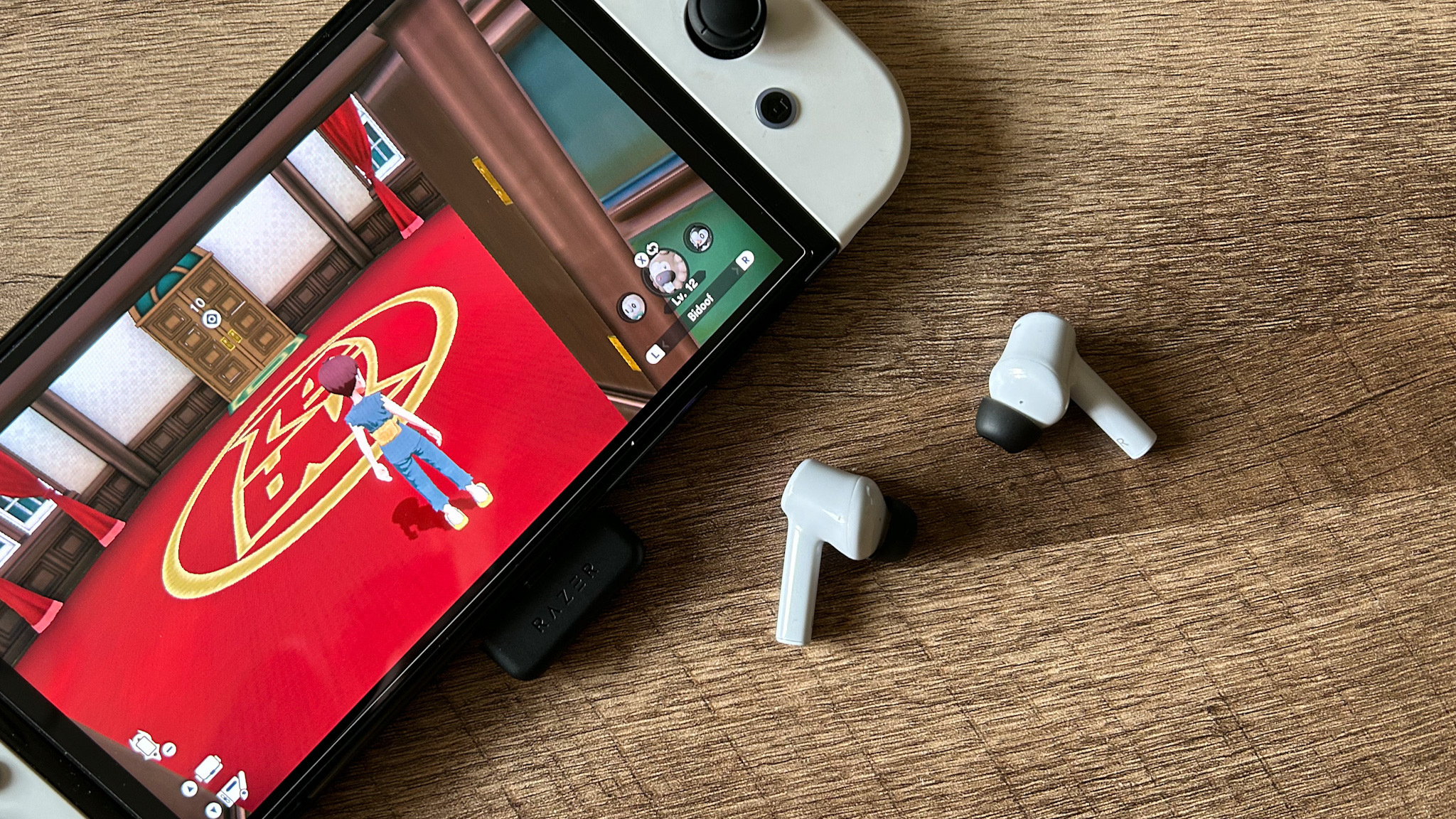
Our favorite earbuds for gaming at the moment, regardless of your platform, are the new Hyperspeed version of Razer‘s Hammerheads. They offer an excellent true wireless experience, noise cancellation, and a breadth of sound that previous models built a reputation for. For the money you pay, these versatile earbuds will be a useful tool on your VR utility belt.
Premium looks are backed by a solid feel to both the carry case and buds. On top of those original Hammerhead specs, 2023’s instalment adds a 2.4GHz ‘Hyperspeed’ connection option which ensures you that latency won’t be an issue.
When shopping, you’ll find an Xbox and PS5 variant. The Xbox model will be able to connect to all devices, but strangely reduces the battery level. Meanwhile, we got our hands on the PS5 version, which would match the Quest’s white aesthetic.
The choice between a Bluetooth and USB-C connection is a valuable one. On mobile, connecting via Bluetooth is as easy as hooking the Razer Hammerheads up in main settings and then in the Razer Audio app for further enhancements. The low latency connection is also particularly commendable.
Throw in up to 26 hours of battery life from the charging case that will more than outlast the VR headse you’re using here, and you’re getting plenty of value for money. Fair warning – tap gestures can be hit and miss, but the powerful sound quality is what will win you over here.
The best facial interface
Image 1 of 4
 (Image credit: Future / Alex Berry)
 (Image credit: Future / Alex Berry)
 (Image credit: Future / Alex Berry)
 (Image credit: Future / Alex Berry)
The best facial interface
Specifications
Connection type: Manual
Available sizes: NA
Compatible with Quest 3S?: Yes
Material: Hygienic silicone
Reasons to buy+
Good prices
+
Good length availability
+
Comes in black or white
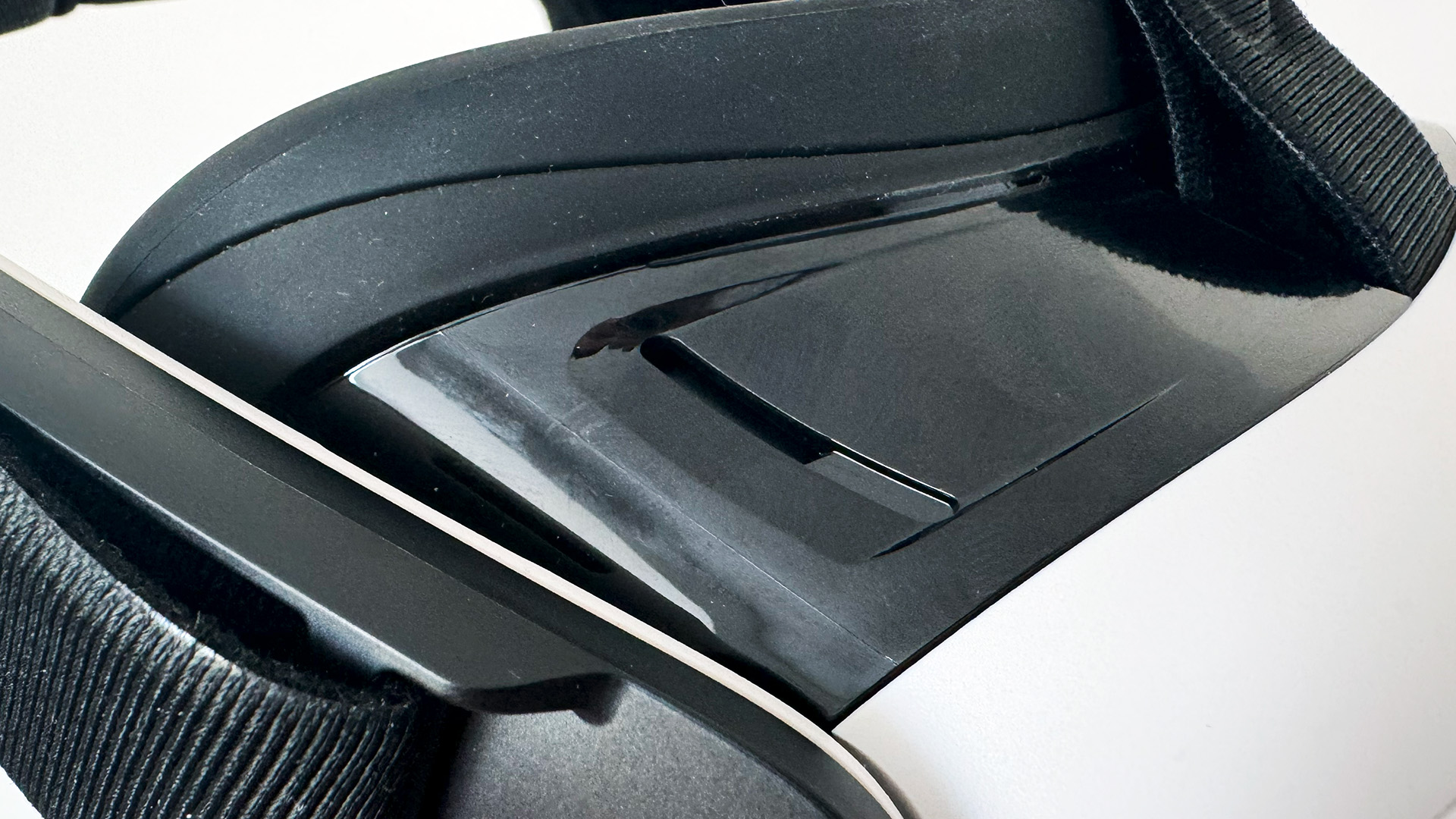
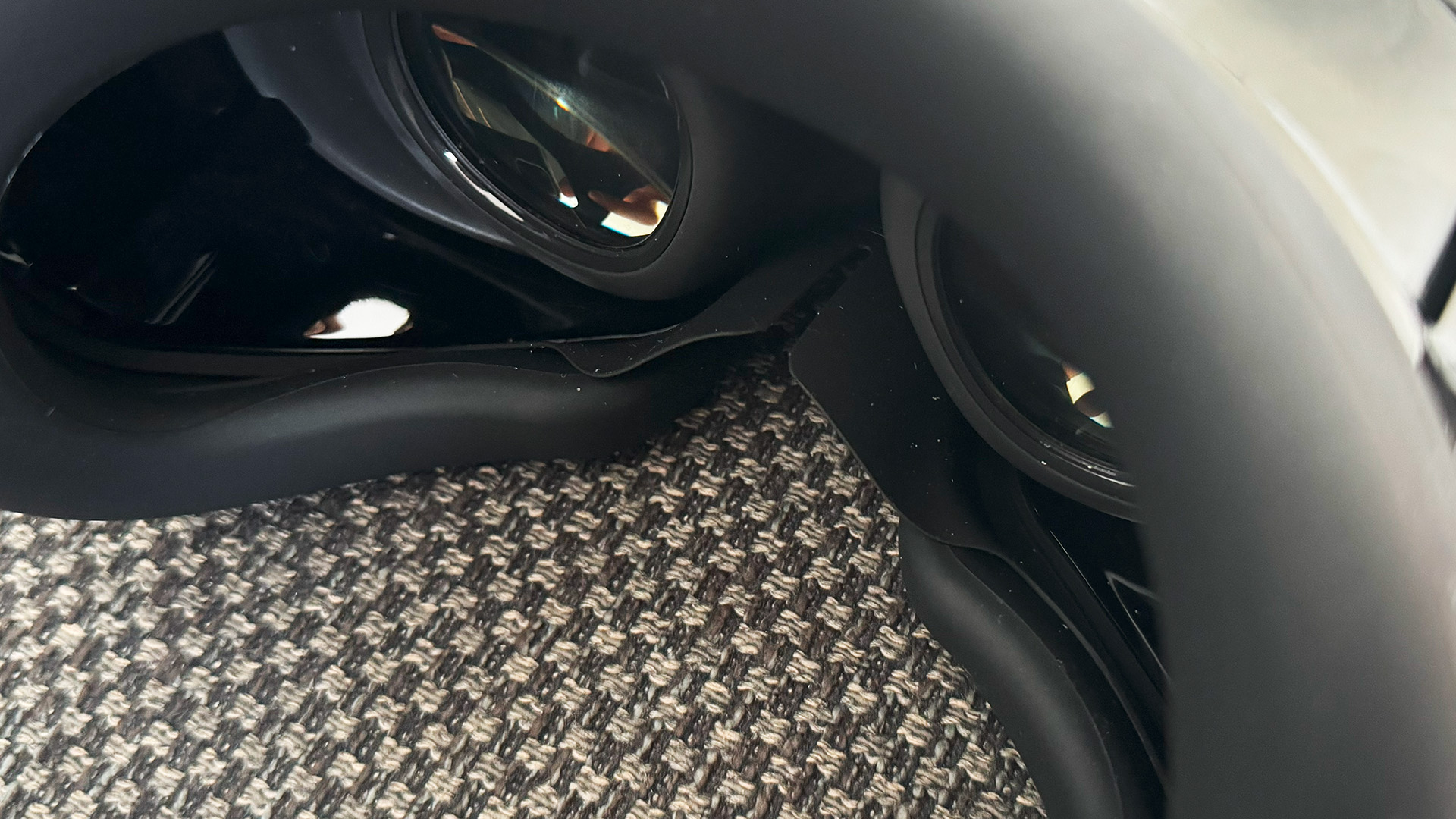
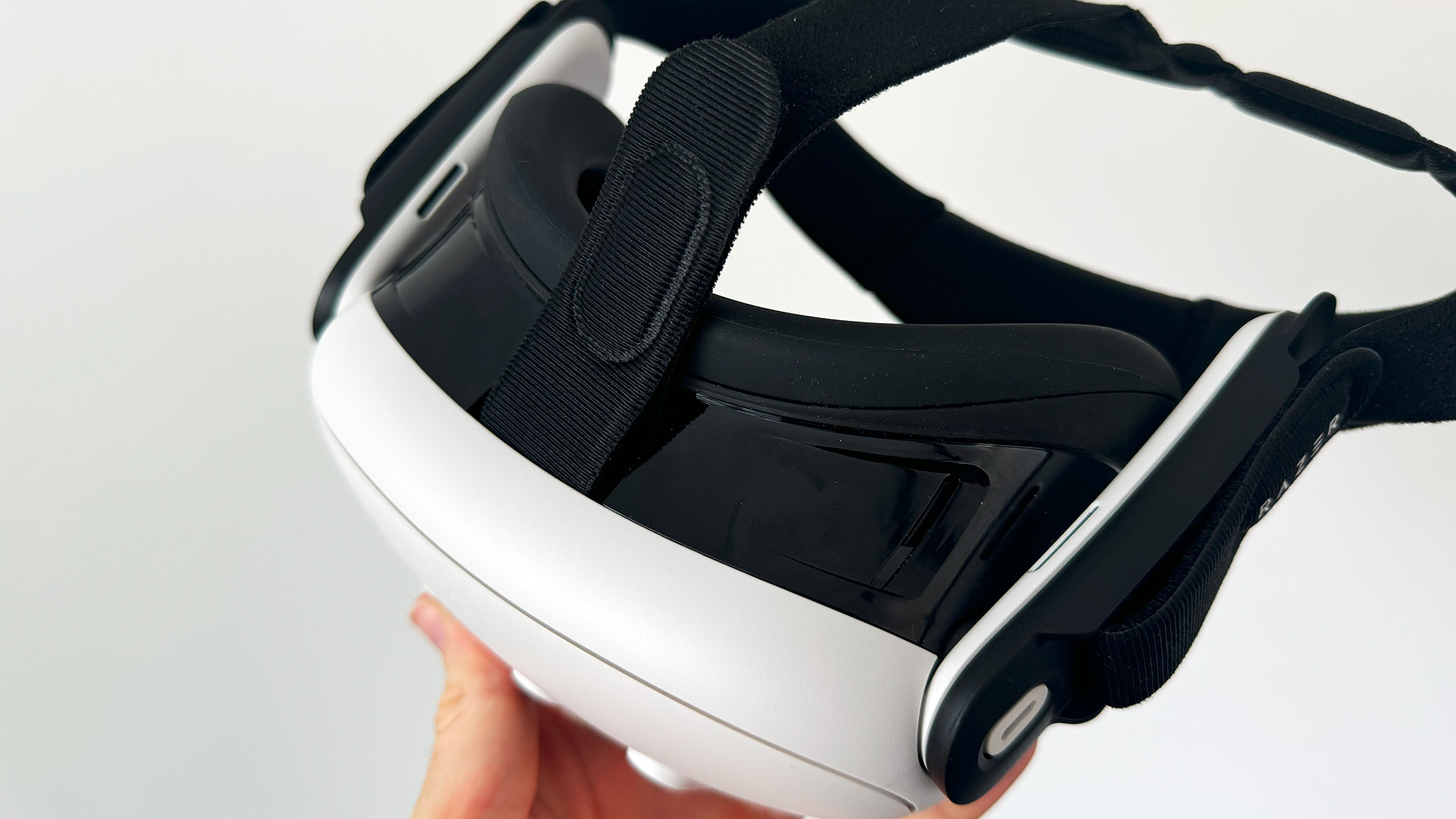
The cushioning of the Quest 3 and 3S works fine, but it doesn’t have that premium feel that you might want if you spend a lot of time with your face stuck to a headset. For starters, its fabric can make things warmer and can be harder to clean. If you’re one to pass your headset between friends or family, that’s a whole reason not to even touch your VR device. Razer’s Facial Interface for the Quest 3 also fits the Quest 3S, and although it’s a pretty pricey option, it does improve things.
The black silicone material makes for a much easier wipe-down but keeps your face much cooler to begin with. It also has a lovely plush feel to it so you’ll be less prone to nasty headaches from too tight a fit. The added bonus of this accessory is that you also get improved light blocking. This interface is a bit longer than the stock variant, and that allows it to curve around your cone of vision a bit better.
So what’s not so good? Well, the nose flaps are fixed in place, which isn’t ideal for molding to different head shapes and sizes. That, combined with the little-to-no adjustability in the rest of the interface means it isn’t the most versatile interface out there. You’d think a big-name brand like Razer would try to offer more for its VR accessories, but instead, it charges more and doesn’t really try to cater to everyone here. The price is admittedly expensive, but if you can afford it, this will be a comfier, cleaner facial cushioning system.
The best link cable
(Image credit: NA)
6. Syntech Link Cable
The best value link cable for Quest 2 and 3
Specifications
Connection type: USB-C
Available sizes: 10ft, 16ft, 20ft, 26ft, 33ft
Compatible with Quest 2?: Yes
Right angle?: Yes
Reasons to buy+
Good prices
+
Good length availability
+
Comes in black or white
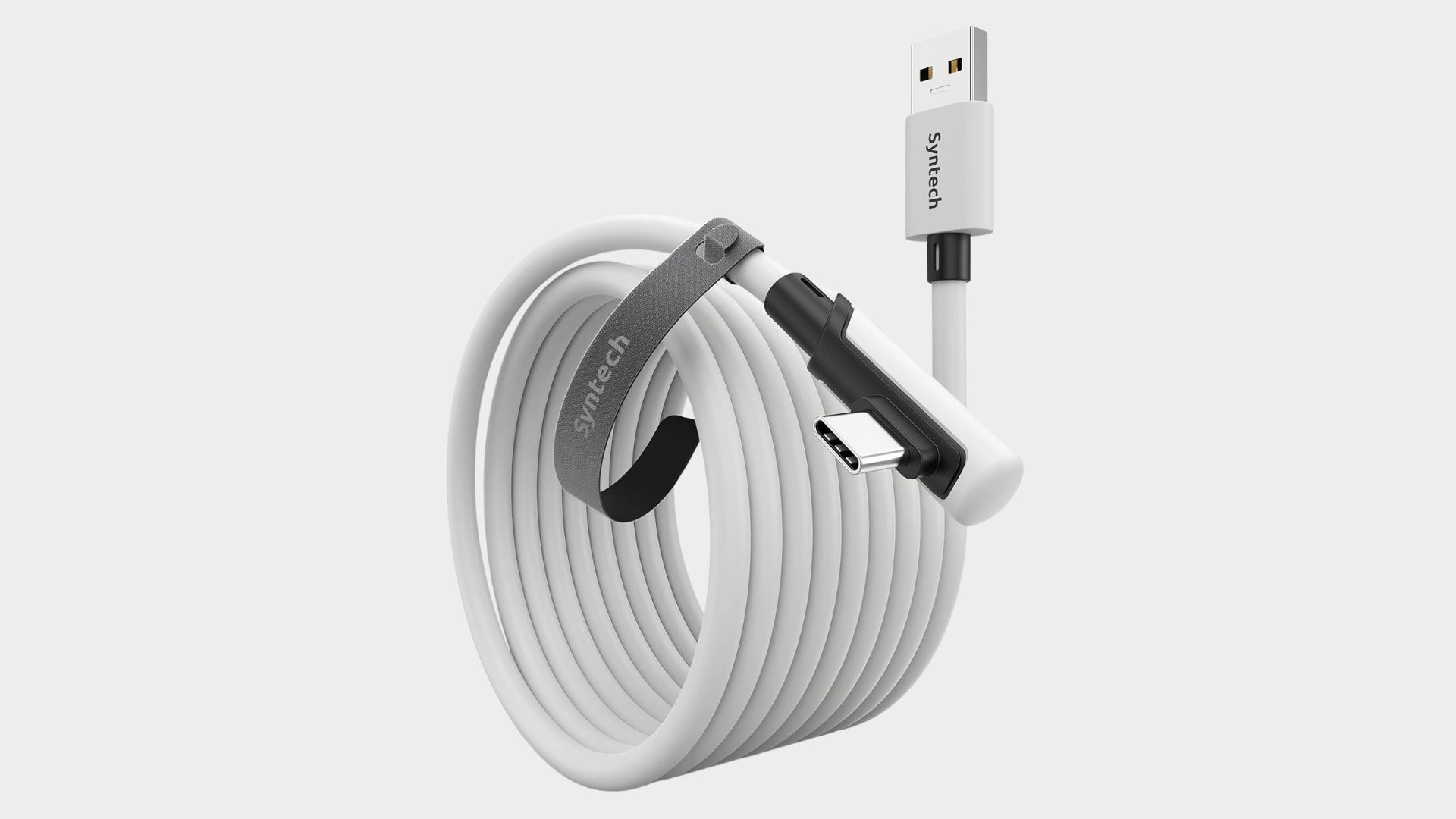
There are loads of Link cable options out there, and while we’re still working on sourcing one of these cables to test out, we can say from tracking the deals on Syntech’s cable that it’s probably the best value one out there. It comes in loads of sizes, although 16ft seems to be the sweet spot in terms of price. It also comes in Black and White colorways if that matters to you.
The only thing to consider is that this cable isn’t braided, so if you’re worried about durability, maybe look elsewhere. Still, the right angle USB-C end of this one means it’ll sit in the side of your headset without making your head feel weighed down at one end. The USB A side is USB 3.0, so you’ll get decent transfer speeds from this cable if you plan to pair it with another device like an external hard drive or other.
If you plan on using your Quest 3 with a gaming PC to access Steam VR, this seems to be a solid option that’s on sale frequently.
Best Meta Quest 2 accessories
(Image credit: Meta)
1. Meta Quest 2 Elite Strap with Battery
The best Meta Quest 2 head strap
Specifications
Brand: Meta
Colour: Grey
Type: Head Strap
Reasons to buy+
Can double the battery life of the headset
+
Extra comfort
+
Easily adjustable
Reasons to avoid-
Pricier than third party options
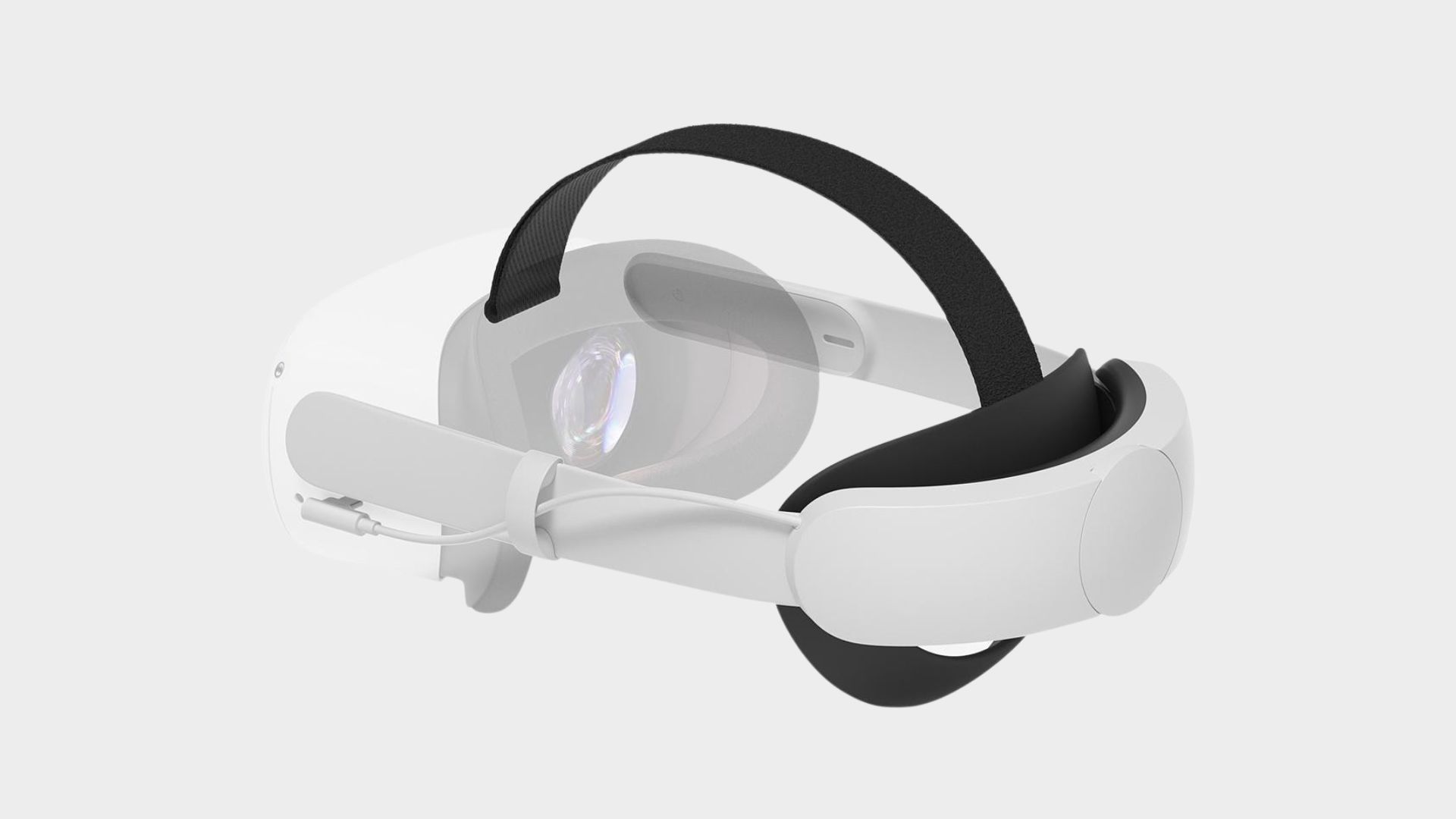
If you’re looking to increase the comfort of your Meta Quest 2 with a new and improved head strap, this is an easy recommendation. It’s an official product from Meta, for a start, so you know you can trust the compatibility. What makes this one of the best Meta Quest 2 accessories out there though, is that it has an additional battery on the adjustment bar at the back which will essentially double the battery life of the headset itself. In an additional bonus, you don’t need to remove the Elite Strap to charge the headset, and the extra battery will charge at the same time.
The Elite Strap is also easily adjustable and can provide a bit more comfort and support than the standard head strap that comes with the headset. It has a circular, flexible comfort brace that cradles the wearers head, and takes some of the weight of the headset away from their neck so you can play longer, which is fitting since the headset itself will have that elongated battery life.
If the extra battery is a bit too expensive for you and you’re only looking for additional comfort, there’s also the option to buy a version without the extra battery.
(Image credit: NexiGo)
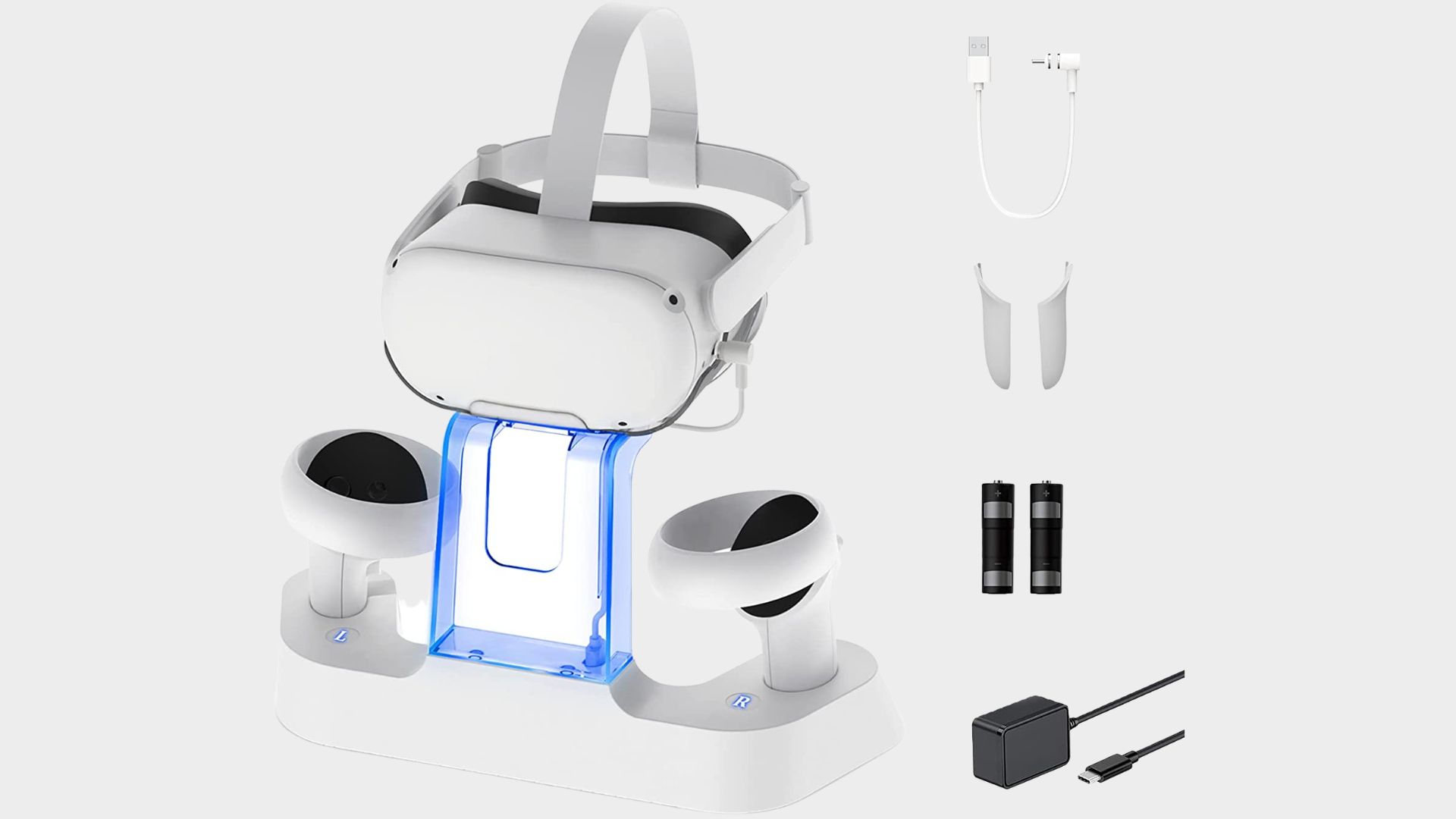
2. NexiGo Enhanced Charging Dock
The best charging station for displaying the Quest 2
Specifications
Brand: NexiGo
Type : Charging dock
Conectivity: USB-C
Reasons to buy+
Stylish design
+
LED indicators
+
Fits an Elite Strap too
+
Comes with rechargeable batteries
Reasons to avoid-
Controllers won’t fit with grip covers on
–
Not officially licensed
Your Quest 2 will give you plenty of amazing VR experiences, so it deserves to be on display in the classiest way possible. This charging dock and display stand is great value for money when you compare it to the officially licensed dock from Anker, and while there’s no accounting for taste, it arguably makes your headset and controllers more of a highlight, since it has nifty LED indicators that tell you the charging status of the headset and controllers. What’s also great, is that the charging dock has a bespoke head strap stand to cater to those with an Elite Strap so it doesn’t droop down and ruin the design.
The dock connects via USB-C and is quoted to fully charge the headset in three and a half hours. Bundled in is a set of rechargeable batteries for the controllers, which are quoted to fully charge in two and a half hours.
If you have the space to make the Quest 2 shine with this dock, it’s a solid third-party option that we’ve seen discounted frequently.
(Image credit: KIWI)
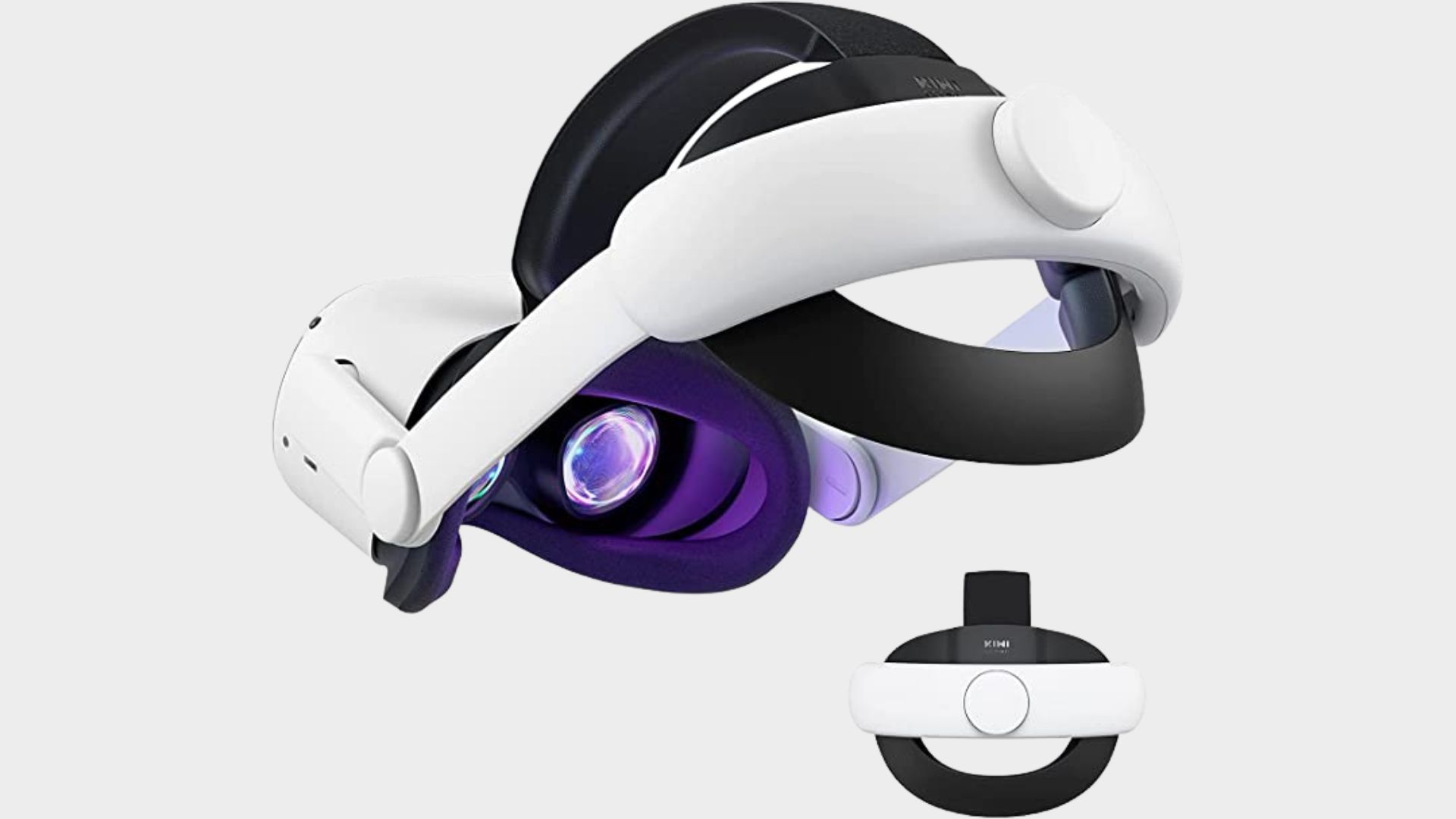
3. KIWI Design Head Strap
The best third party Meta Quest 2 head strap
Specifications
Brand: KIWI Design
Colour : White and Black
Weight: 360g
Type: Head Strap
Reasons to buy+
Cheaper alternative head strap
+
Increased comfort
+
Battery and earphone versions
If the thought of buying third party doesn’t bother you, this KIWI Design Head Strap essentially gives you all the benefits of the official Elite Head Strap, but at about half the cost. Even the colours and design used here are near identical to the official product, plus you get the additional comfort from improved face pads on the front of the strap. Of course, you also get the circular support brand that cradles the back of the head and goes over the top of your head to take some strain off your neck.
If you’re willing to spend a little more, there are two iterations of this head strap from KIWI Design that are worth looking at. Just like the Elite Head Strap, there’s a version that will provide a batter boost to the Quest 2 headset. In a more innovative turn, however, there’s also an option to shoot for a version with a set of headphones built in. These are attached to the hinge on the side of the strap, and you can adjust the angle to fit exactly where your ears are.
It might be a third party product, but this is surely one of the best Meta Quest 2 accessories on the market for sheer value of money alone.
(Image credit: Anker)
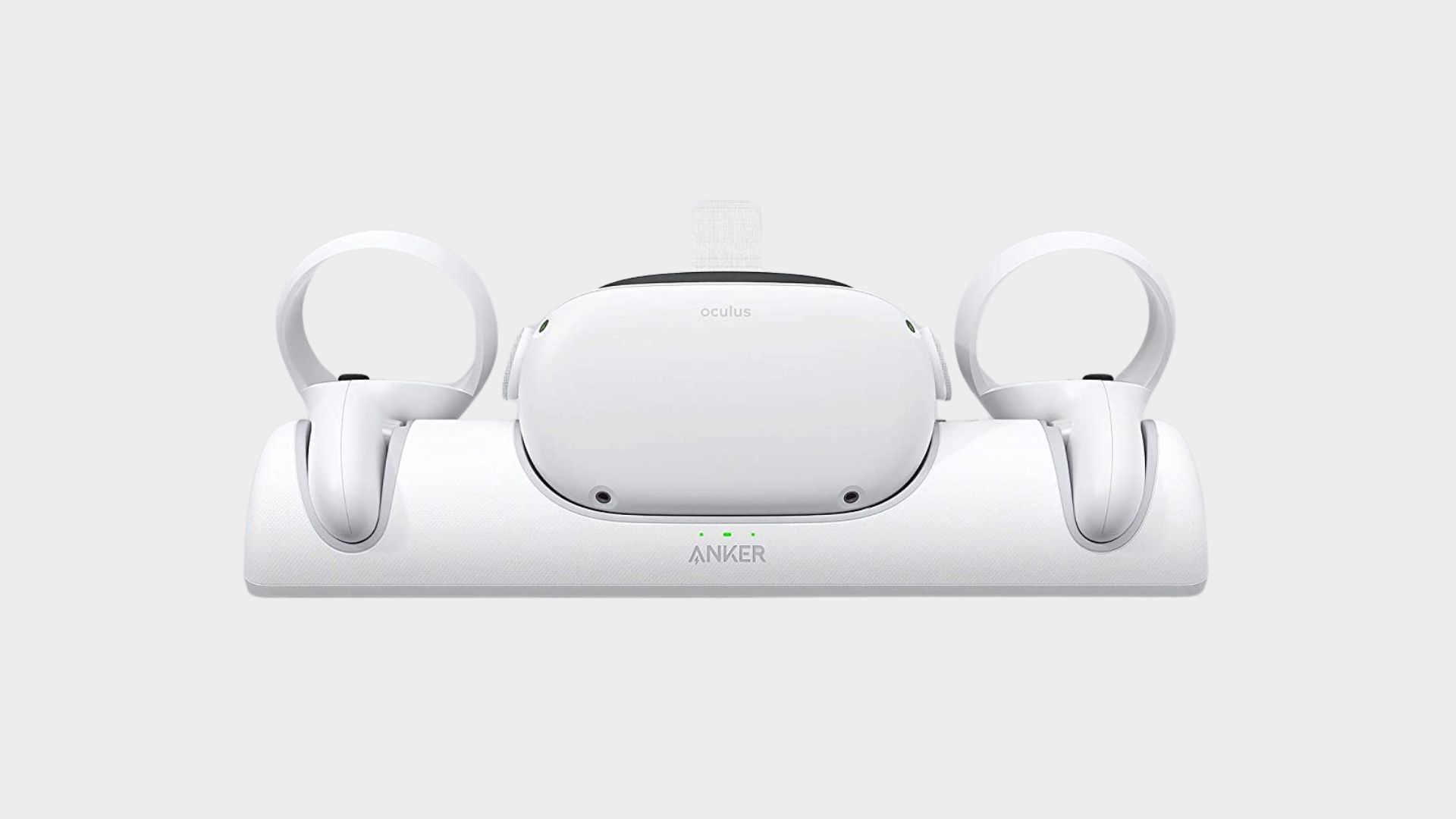
4. Anker Charging Station for Meta Quest 2
The best charging station for Meta Quest 2
Specifications
Brand: Anker
Connectivity: USB-C
Weight: 698g
Type:: Charging station
Reasons to buy+
Officially licensed
+
Comes with rechargeable batteries
+
High speed charging
+
Charges controllers too
Reasons to avoid-
A little pricier than non-licensed charging stations
–
Simplistic design for display purposes
If you’re looking for a place to put your Quest 2 on display and refuel it for your next play session, it doesn’t get much better than the Anker charging station that’s officially licensed by Meta for the Quest 2. There are indubitably cheaper charging stations out there, but Anker is a highly reputable brand that you know you’ll get a good product from. In terms of charging here, you’ll get USB-C connectivity and fast charging, too.
This dock is one of the best Oculus Quest 2 accessories because it provides a simplistic and clean display solution that will neatly store your headset and controllers without taking up too much real estate on your TV unit, shelf, or wherever you store VR console. It’s certainly a lot neater than charging via a plain old wire, although we have seen a few charging stations that have niftier designs if you really want to make your Quest 2 a centrepiece. In our opinion, though, this is the best charging station you can go for as it does everything well.
Best Meta Quest accessories: FAQIs the Meta Quest 3 good for gaming?
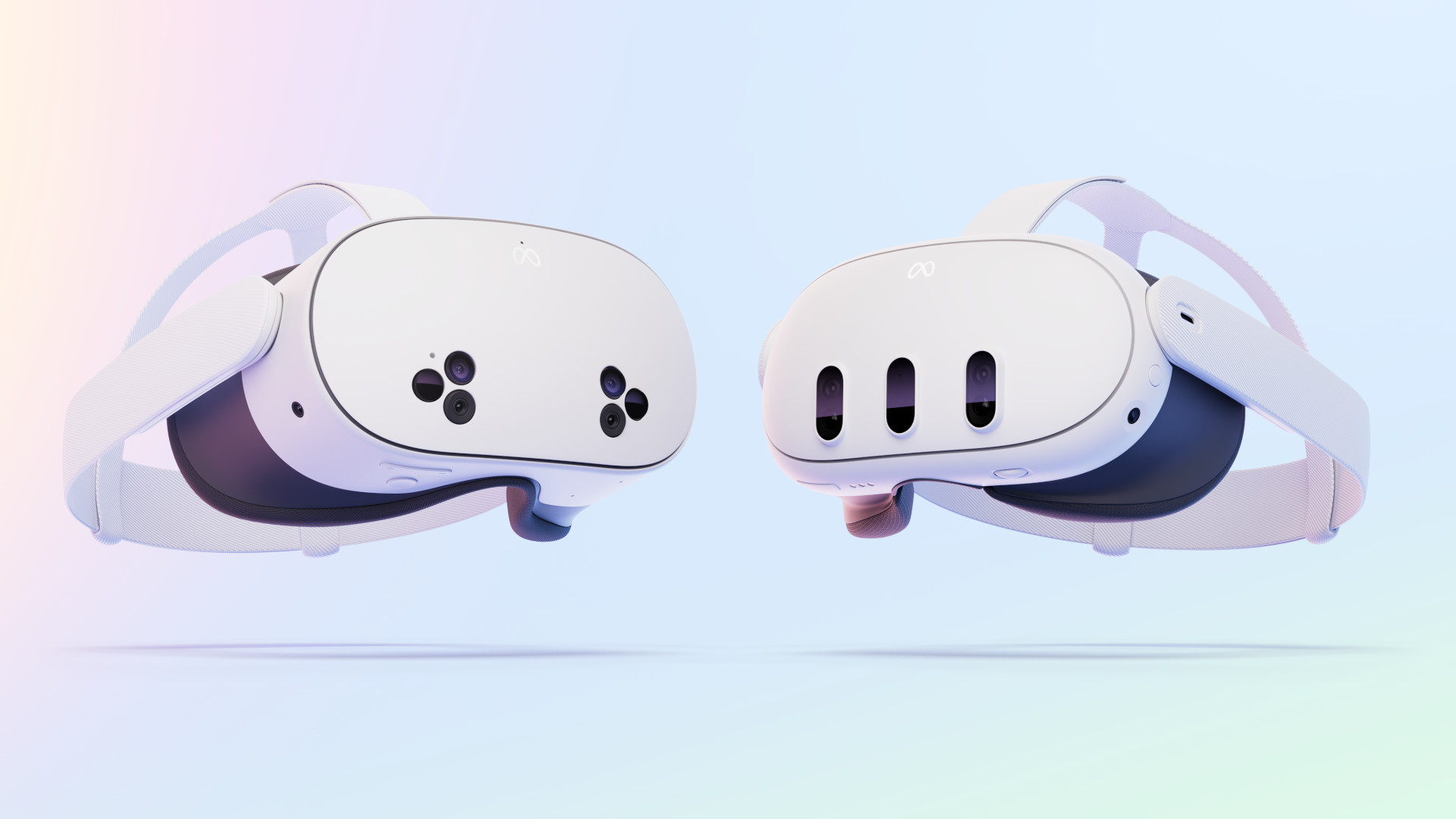
With all its mixed-reality features stealing the marketing limelight before its launch, you’re well within your rights to ask this. Luckily, thanks to its great backwards compatibility, the Meta Quest 3 is one of the best VR headsets for gaming currently on the market. It’s extremely versatile thanks to its PC compatibility as well as its standalone functionality, so with some accessories there’s no stopping it as a gaming device.
(Image credit: Meta)What accessories do you need for Meta Quest?
It doesn’t hurt to have a few accessories for the Quest headsets. If you like playing for longer sessions, a comfier headstrap can go a long way – especially ones with added battery packs. Some earbuds might be useful if you’re worried about trying to guague volume levels, and a charging stand can ensure your headset is ready each time you want to use it. Link cables can come in handy too if you want to charge while playing, or pair your headset with a PC.
(Image credit: Future / Duncan Robertson)Will Meta discontinue Quest?
Although there were initial worries about Zuck’s company buying out Oculus, it would seem the partnership is going well and is in fact one of the true feathers in Meta’s cap. With the success of the Quest 2, the current momentum of the Quest 3, and other VR rivals not living up to the popularity of Meta’s only hardware brand, we expect the partnership to live long into the future.
Want more accessories for your gaming platforms? We’ve also collated lists of the best PS5 accessories and the best Nintendo Switch accessories.
Round up of today’s best deals