
Joe Maring / Android Authority
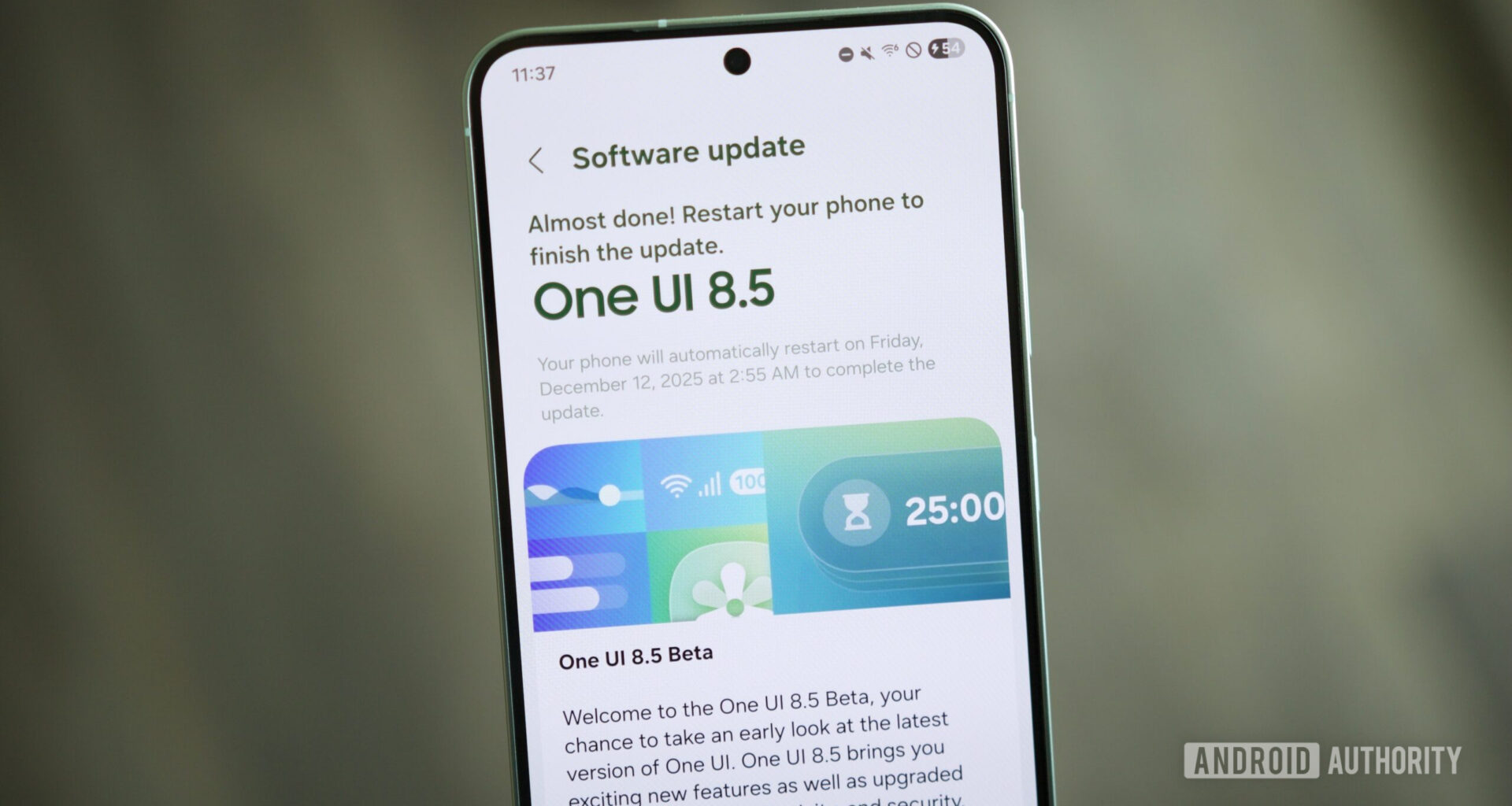
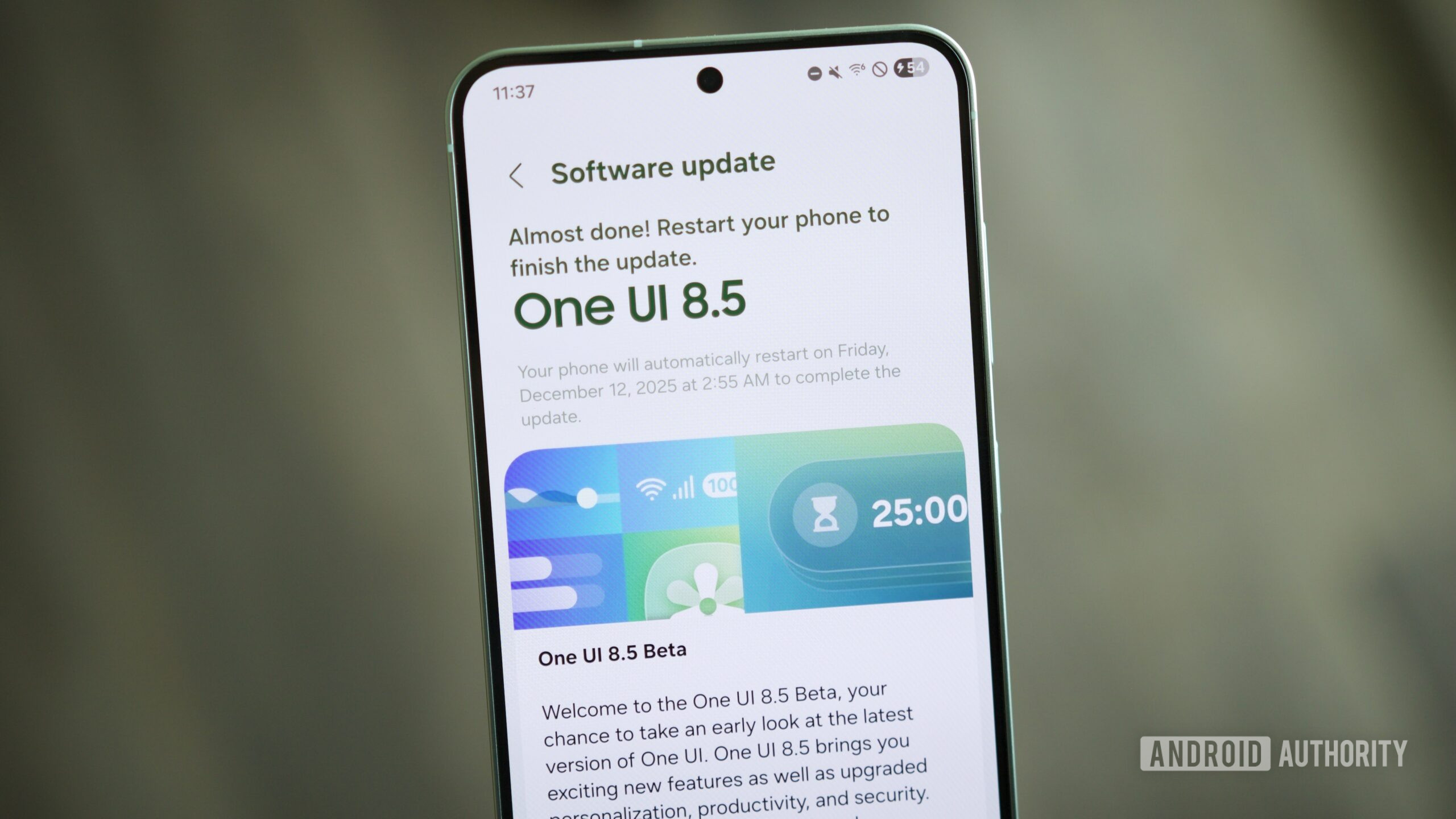
The good news is that you’ve come to the right place. If you have a Samsung phone and want to download the One UI 8.5 beta, here’s everything you need to know.
Are you going to download the One UI 8.5 beta?
80 votes
Yes! I already downloaded it.
19%
I haven’t yet, but I plan to.
41%
No, I’ll wait for the full release.
20%
No, I don’t have a supported phone.
20%
Samsung phones that can download the One UI 8.5 beta
C. Scott Brown / Android Authority
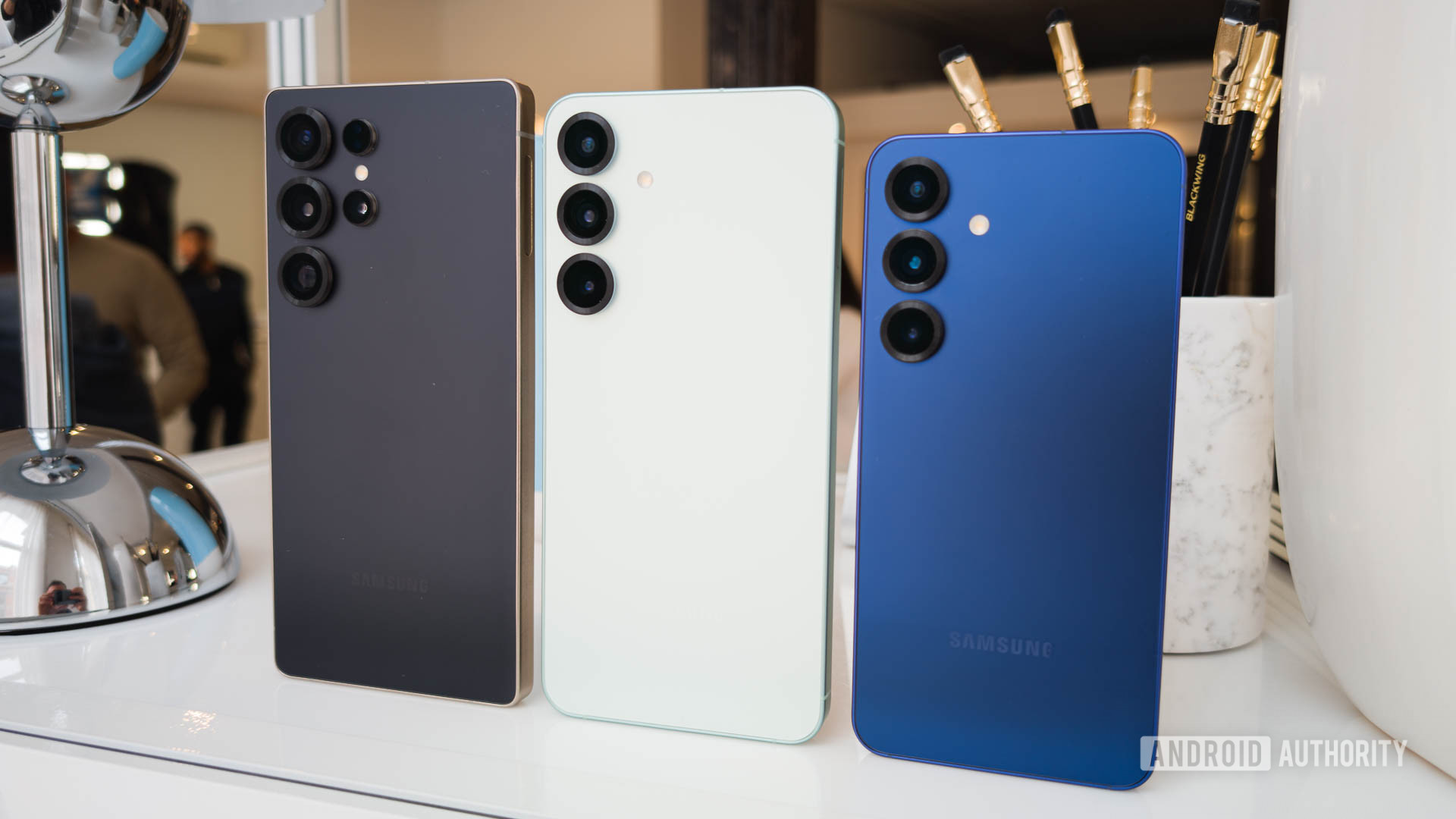
Before you get too excited, it’s worth noting that not every Samsung phone can download One UI 8.5 quite yet. While any Samsung device with One UI 8.0 will eventually get the update, the One UI 8.5 beta is currently limited to the Galaxy S25 series. As such, you’ll need one of the following phones:
Galaxy S25
Galaxy S25 Plus
Galaxy S25 Ultra
It’s important to note that the Galaxy S25 Edge and Galaxy S25 FE are not eligible for the One UI 8.5 beta at this time, even though they are technically part of the S25 series. In addition to having one of the above phones, you also need to be located in the United States, the United Kingdom, South Korea, India, Germany, or Poland.
How to download One UI 8.5
Joe Maring / Android Authority
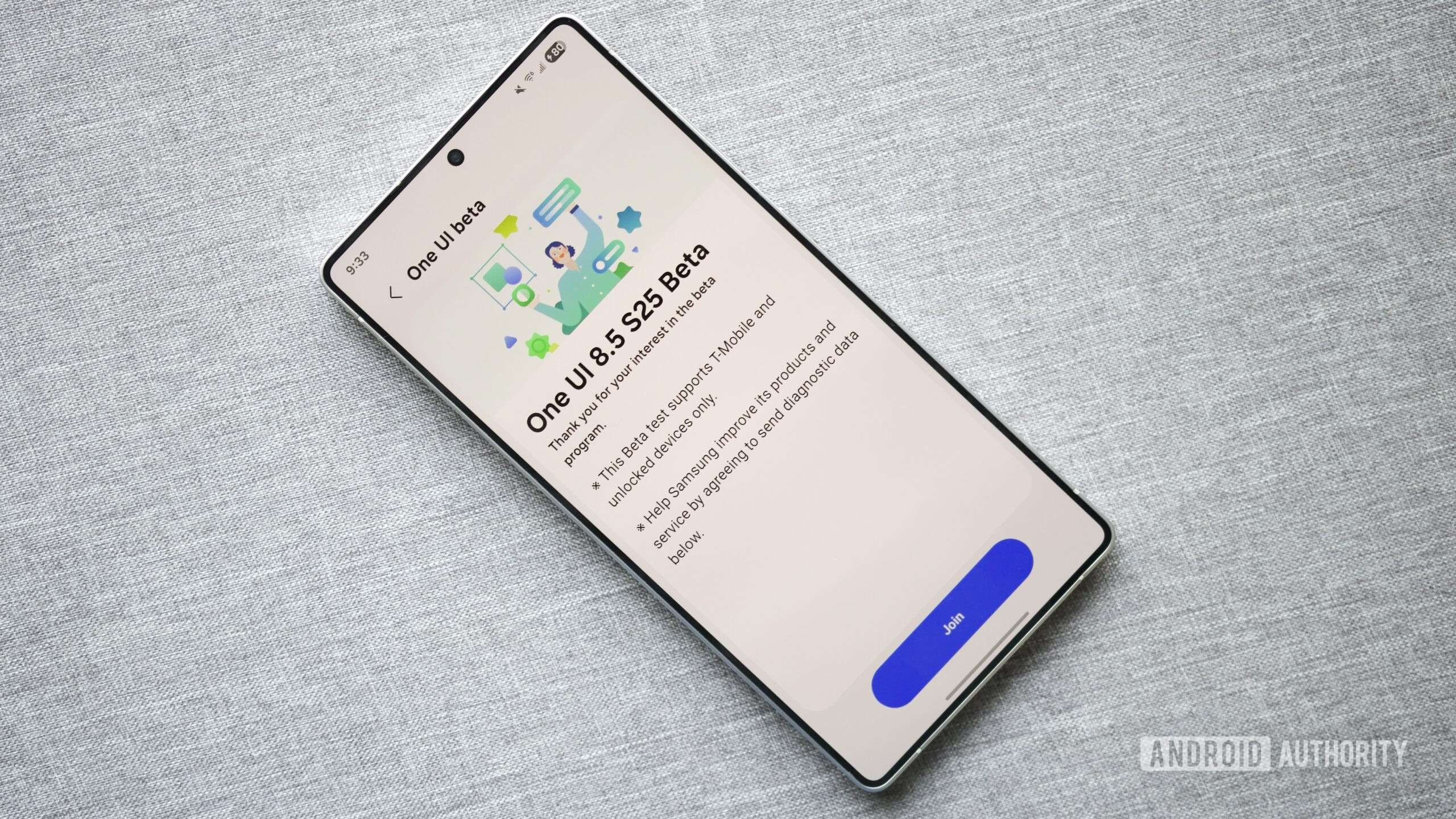
Assuming you have a supported Samsung phone and live in one of the countries listed above, it’s time to download the beta. First, you need to download the Samsung Members app if you don’t already have it. If you already have the app, or once you download it, follow these steps.
Open the Samsung Members app on your phone.
Tap the One UI beta program banner (either at the top of the app or near the bottom; it appears in both places).
Tap One UI 8.5 S25 Beta.
Tap Join.
Tap One UI 8.5 S25 Beta again (it should now say “Joined”).
Tap Check for software updates.
Wait for One UI 8.5 to download and install.
Tap Restart now once it’s finished.
And that’s it! The update may take a little while to download, but once it’s installed and you restart your phone, you’ve officially updated to One UI 8.5. That said, there are a couple of things to note.
First, if you aren’t seeing the One UI beta banner in the Samsung Members app, it’s worth confirming that your Samsung account is enrolled in the beta program. To do this:
Open the Samsung Members app.
Tap the three dots in the upper-right corner.
Tap Settings.
Tap Beta program settings.
Second, if you successfully join the beta program but aren’t seeing the One UI 8.5 update appear, try leaving the beta program and rejoining it. From the Beta Program page, tap the three dots in the upper-right corner, tap Beta program settings, and tap Withdraw from beta program.
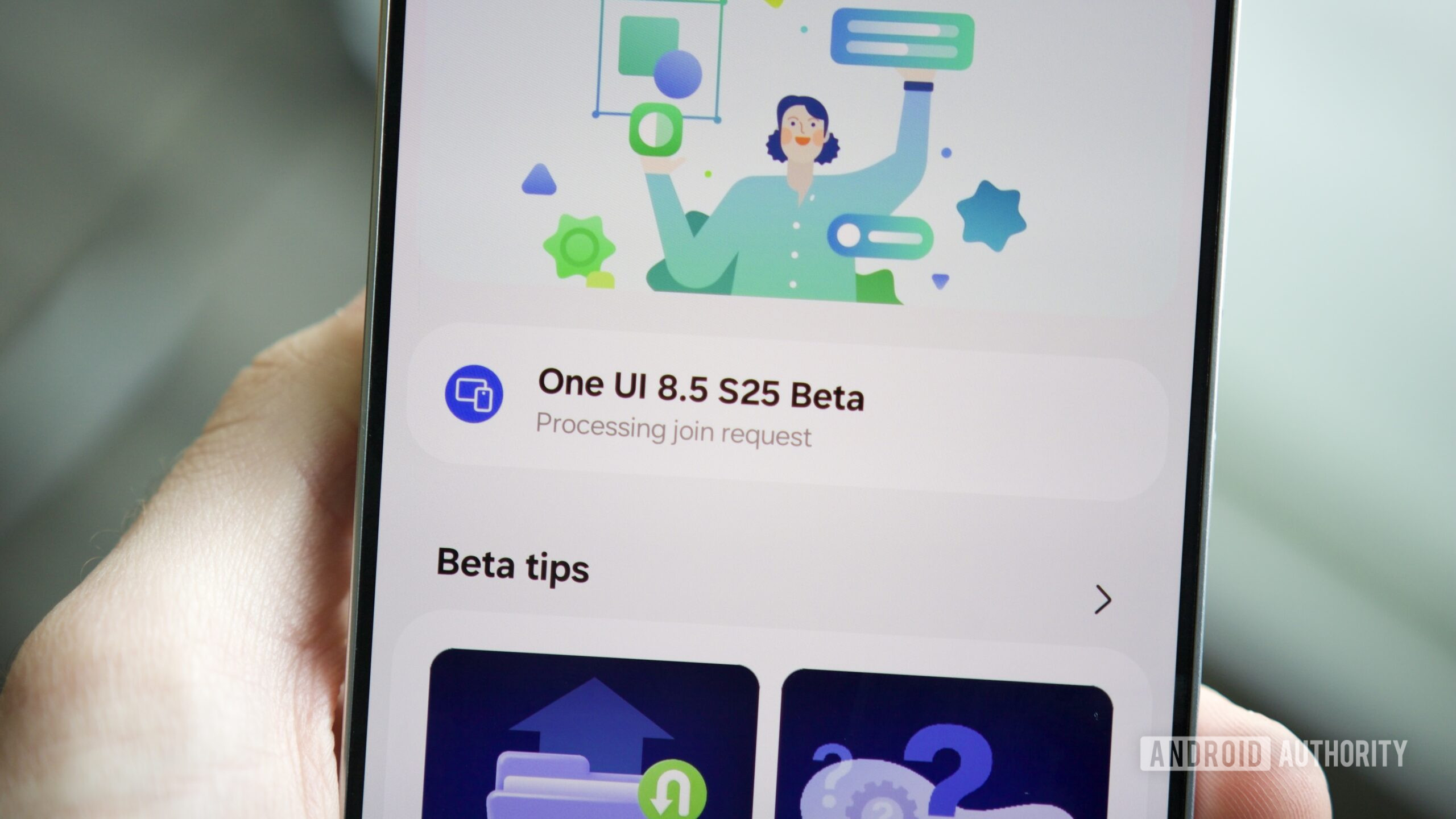
What to do if the Samsung Members app is stuck on ‘Processing join request’
Joe Maring / Android Authority
Although Samsung’s beta program is usually pretty straightforward, it doesn’t always work perfectly — and that seems especially true for the One UI 8.5 beta.
Many users on the r/OneUI subreddit have reported that they’re unable to download the beta. The One UI 8.5 banner appears in the Samsung Members app for them, but after tapping the Join button, they see a “Processing join request” message instead of “Joined.” Tapping the button only prompts a “Try again” pop-up, and refreshing the app or closing/reopening it doesn’t do anything either.
This is precisely what happened on my Galaxy S25 Ultra. The dreaded “Processing join request” message appeared, and even after hours of waiting, nothing changed. Unfortunately, there doesn’t appear to be any surefire way to force a fix if this happens to you.
So, what should you do if you find yourself in this situation? You really don’t have many options. If you happen to have another Galaxy S25 you can use, it’s worth checking for the One UI 8.5 beta on it. While my S25 Ultra got stuck with the “Processing join request” error, my regular Galaxy S25 downloaded One UI 8.5 without a problem. However, if you only have one S25 on hand, the best option is to sit and wait. Your phone should eventually change from “Processing join request” to “Joined,” but it’s impossible to say precisely how long it will take.
Don’t want to miss the best from Android Authority?


Thank you for being part of our community. Read our Comment Policy before posting.