
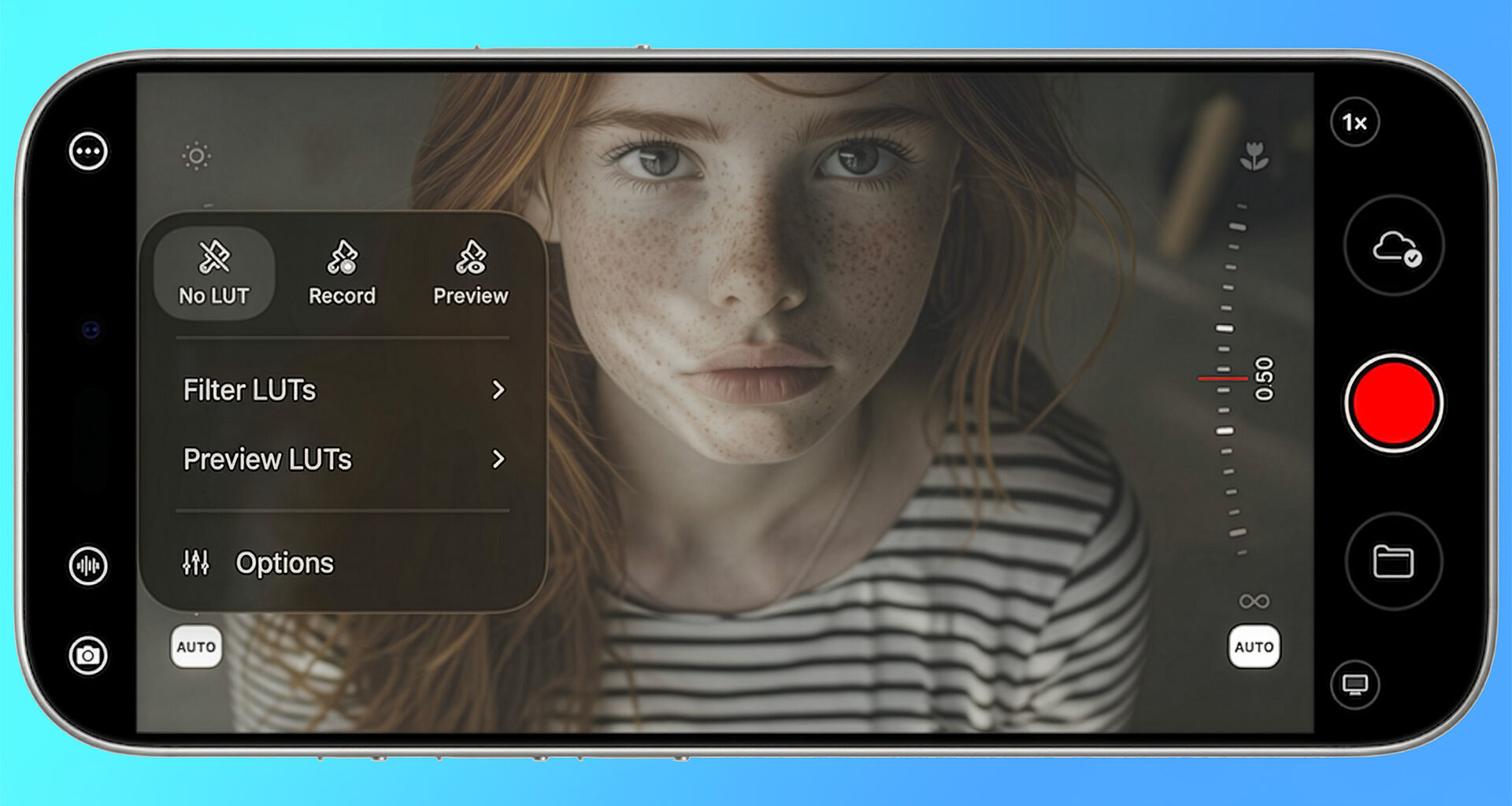
Mavis has released version 7.4 of its professional iOS camera app, headlined by Film Kit, a new optional add-on that brings custom LUT workflows and Open Gate capture to iPhone and iPad creators seeking a more cinematic approach to mobile filmmaking.
The Brighton-based company Mavis has been on a roll this year, steadily expanding the capabilities of its Mavis Camera app with each update. We first explored the app in depth at NAB 2025, where CEO Patrick Holroyd walked us through its Frame.io Camera-to-Cloud integration, direct streaming capabilities, and comprehensive monitoring tools. Since then, Mavis has added Atomos Ninja Phone support and NDI HX3 streaming, positioning the app as one of the most versatile professional camera tools available on iOS. Now, with Film Kit, the focus shifts squarely to color and creative flexibility.
LUT workflows come to mobile
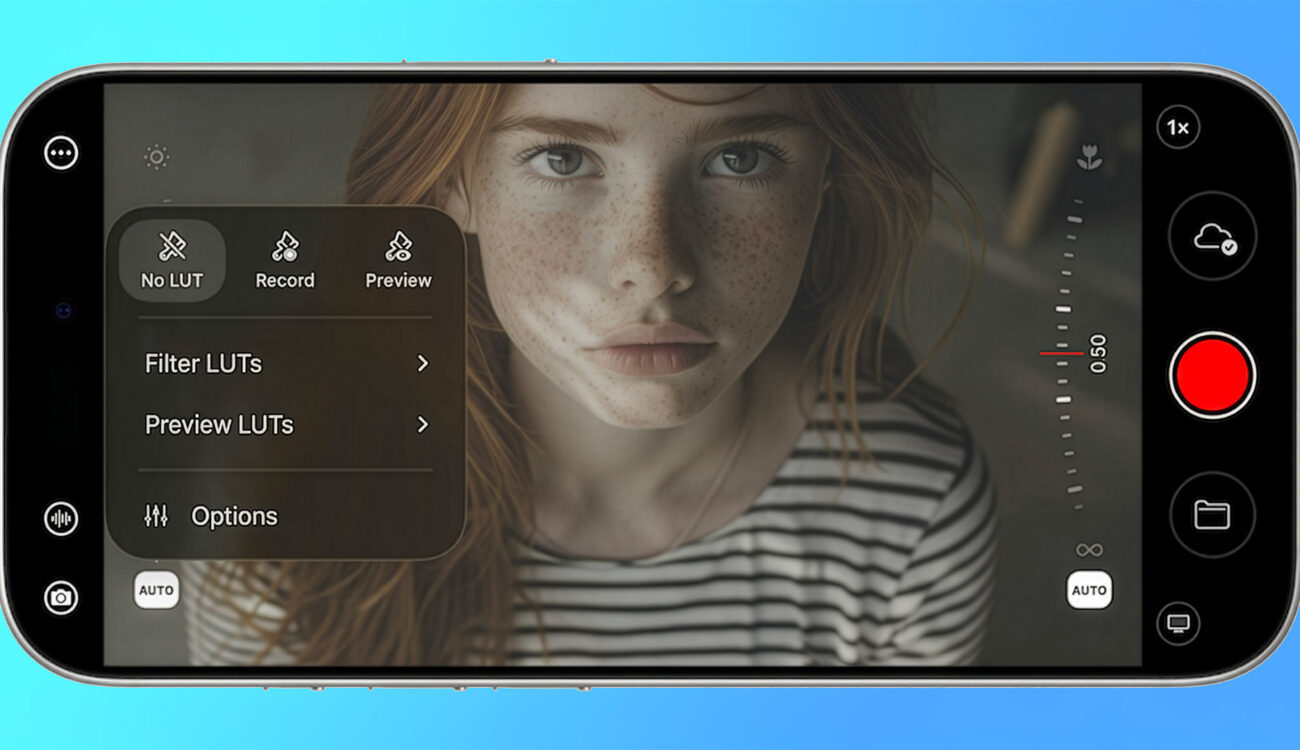
At the heart of Film Kit is a new color workflow that lets creators import custom .cube LUTs and decide how they want to use them. You can preview a look in the viewfinder without affecting the recording, which is useful for maintaining flexibility in post, or you can burn the LUT directly into the deliverable when speed matters more than grading latitude.
This same approach extends to HDMI inputs when using the Atomos Ninja Phone. Filmmakers can preview or capture LUT-applied footage from a DSLR or mirrorless camera connected via HDMI, not just from the iPhone’s internal camera. For productions that need to move quickly from capture to delivery, such as live streaming or NDI workflows, these looks can be recorded and carried through to downstream applications.
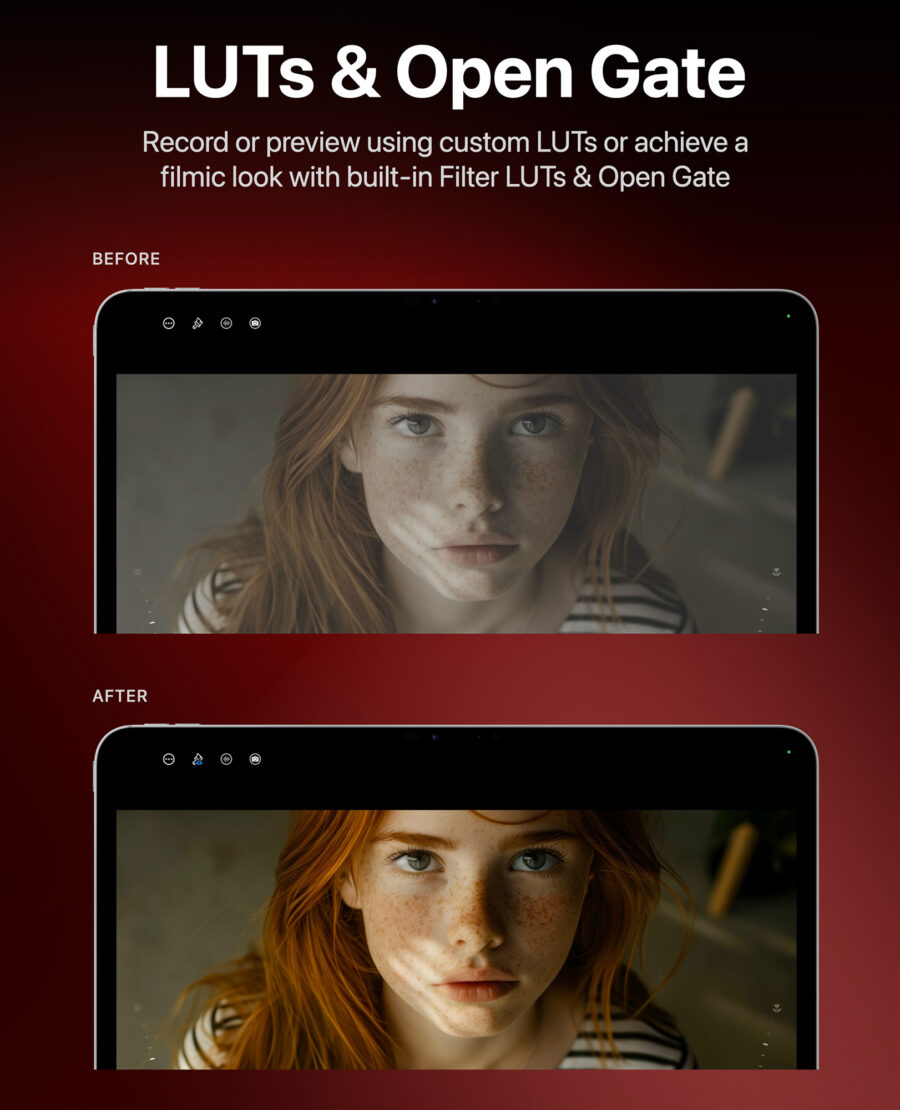 LUTs and Open Gate recording is now available in the Mavis app through an in-app purchase of their “Film Kit”. Image credit: Mavis
For creators who want quick starting points rather than importing their own LUTs, Film Kit includes a set of built-in filter LUTs: Bleach Bypass, Bunny, Cinematic, IR, Monochrome, and Vintage. These are designed to add filmic character with minimal setup time.
MLUTs: a new format for organizing looks
Mavis Camera v7.4 also introduces MLUTs, short for MavisLUTs, a new format that bundles multiple traditional LUTs and associated metadata into a single file. The idea is to help teams organize looks more easily, particularly when working across different color spaces. For productions juggling multiple cameras or delivery formats, MLUTs could simplify the process of keeping color consistent across the workflow.
Open Gate capture and Apple Log 2
Film Kit adds Open Gate capture, giving creators the freedom to reframe and deliver to different aspect ratios from a single take. Mavis Camera provides two Open Gate modes: one designed for Apple Log workflows, and one for Rec.709 that can capture above 4K resolution on supported devices.
The update also adds support for Apple Log 2, reflecting the direction of Apple’s own professional capture workflows. This should be welcome news for creators who want to stay current with Apple’s evolving approach to log recording on iPhone.
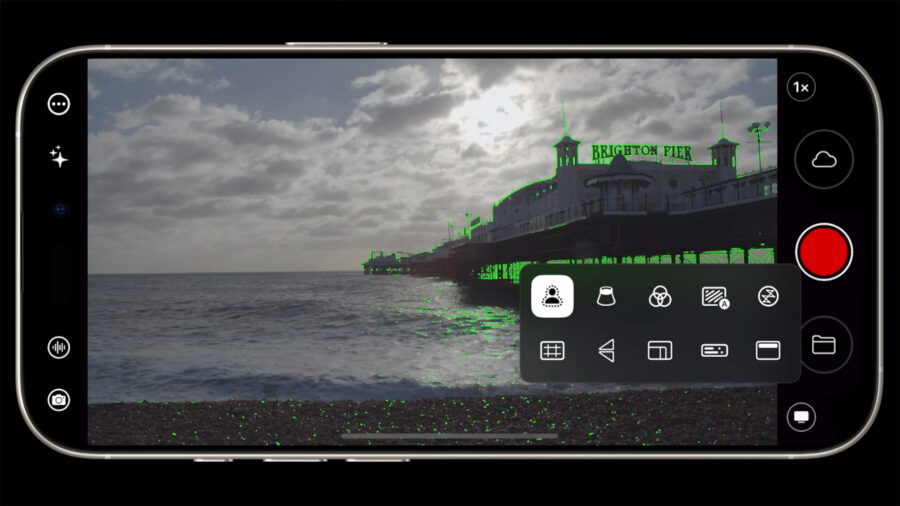 Mavis is a capable iOS camera app that rivals Blackmagic Camera in many aspects. Image credit: MavisATOMOSphere Camera to Cloud integration
Beyond capture and color, v7.4 strengthens cloud support with free ATOMOSphere Camera to Cloud integration. This provides progressive uploading to the Atomos ecosystem for review, sharing, and collaboration. Combined with the app’s existing Frame.io C2C support and the NDI capabilities added in September, Mavis Camera now offers multiple pathways for getting footage off the device and into collaborative workflows.
Quality of life improvements
A number of smaller refinements round out the release. New white balance presets allow for faster setup, while improved shutter-angle selection now snaps to common values, making it easier to land reliably on standards like 180 degrees. The app’s translations have been refreshed and now fully support French, Spanish, Chinese, German, and English. Bug fixes and performance improvements complete the update.
Pricing and availability
The Mavis Camera app remains a free download from the App Store, compatible with all iPhone and iPad models running iOS 18 or later. Film Kit functionality, including LUTs, MLUTs, and Open Gate capture, can be unlocked with a one-time in-app purchase of 9.99 USD, with local currency conversions applying in other regions.
Film Kit positions Mavis Camera as an increasingly serious option for mobile cinematographers who want creative control without leaving the iOS ecosystem. The LUT workflows and Open Gate capture address capabilities that have been notably absent from most mobile camera apps. Will you be adding Film Kit to your mobile filmmaking toolkit, or do you prefer to handle color work entirely in post? Don’t hesitate to let us know in the comments below!