
Lightroom Classic’s masking tools give you more control over light, color, and depth in your images. If you skip them or only use the basics, you end up fighting flat scenes and blown highlights that never quite match what you saw on location.
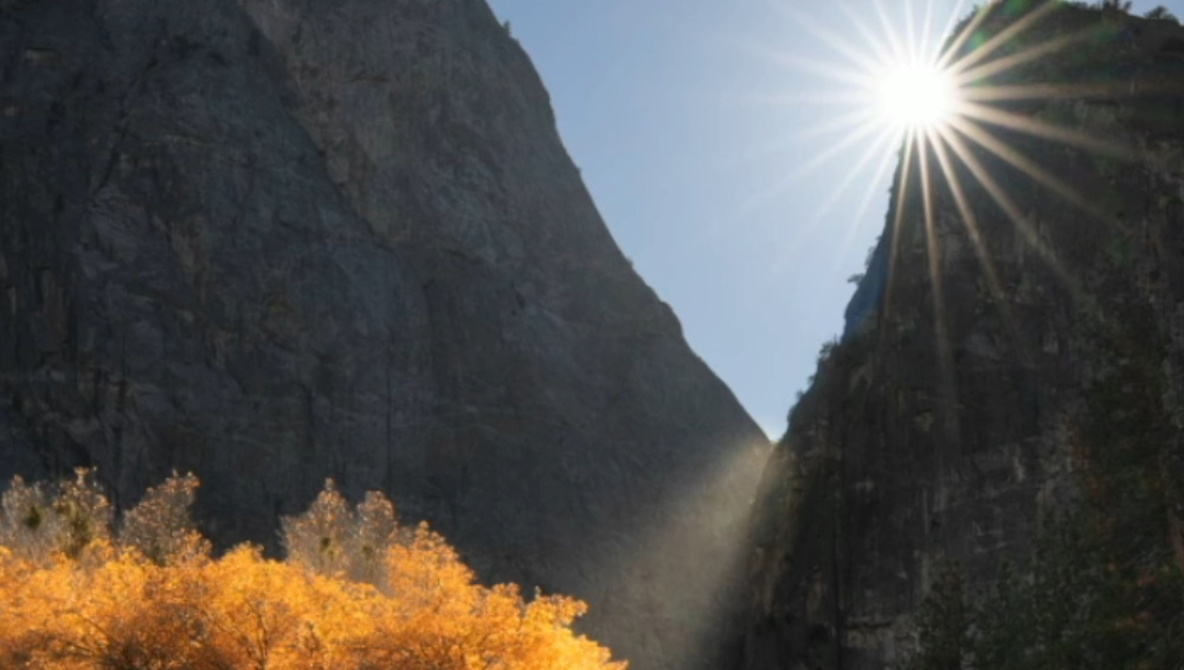
Coming to you from Terry Vander Heiden, this practical video walks through a full landscape edit that starts with a plain raw file and builds up a layered, glowing scene using nothing but Lightroom Classic. Vander Heiden begins with a starburst shot on Nikon at f/16, then shows how that small aperture not only gives you the sunburst but also makes every dust spot painfully obvious. You watch him use Visualize Spots in the Remove tool and lean on Lightroom’s AI cleanup so the sky stays smooth instead of patchy. He also adjusts exposure and shadows globally, toggling clipping warnings so only the sun itself blows out, not the clouds around it. By the time he finishes this setup work, the file is clean, balanced, and ready for more selective edits, instead of being a rescue job from the start.
The real hook is how Vander Heiden uses the Landscape masking preset to break a single frame into targeted regions without tedious manual selections. Lightroom Classic auto-detects the sky, mountains, vegetation, and natural ground, and he accepts all four masks so each part of the scene can be handled separately. Then he refines the vegetation mask, subtracting with a brush until it mostly wraps around one orange tree that needs to stand out against the darker forest. He brightens that tree, warms it up slightly with temperature, and experiments with shadows so it pops without turning into a cartoon cutout. You see how quickly you can go from a generic “lift the shadows” look to something that feels like light is actually striking one specific subject.
From there, the video shifts to more creative masking that still stays grounded in what the light is doing. Vander Heiden builds a “gold” brush mask by softening texture and clarity, then painting only the branches and edges that would naturally catch the sun, which gives the tree a soft glow instead of a harsh crunch of detail. A separate brush lifts the dark ridge-line trees in the background so they do not collapse into a black band, and a linear gradient shapes the foreground with subtle exposure and warmth, letting it support the frame instead of stealing attention. He repeatedly returns to each mask’s Amount slider to nudge intensity after the fact, showing that you can push things far and then dial them back once you see everything together. Check out the video above for the full rundown from Vander Heiden.
And if you really want to dive into landscape photography, check out our latest tutorial, “Photographing the World: Japan II – Discovering Hidden Gems with Elia Locardi!”