
Welcome to Ask Jerry, where we talk about any and all the questions you might have about the smart things in your life. I’m Jerry, and I have spent the better part of my life working with tech. I have a background in engineering and R&D and have been covering Android and Google for the past 15 years.
Ask Jerry

(Image credit: Future)
Ask Jerry is a column where we answer your burning Android/tech questions with the help of long-time Android Central editor Jerry Hildenbrand.
I’m also really good at researching data about everything — that’s a big part of our job here at Android Central — and I love to help people (another big part of our job!). If you have questions about your tech, I’d love to talk about them.
Email me at askjerryac@gmail.com, and I’ll try to get things sorted out. You can remain anonymous if you like, and we promise we’re not sharing anything we don’t cover here.
You may like
I look forward to hearing from you!
How to make a dirty girl clean
(Image credit: Android Central)
Anon asks:
This question may sound dumb, but I definitely do not want to ruin my phone.
I keep the screen clean every day using a cloth I got from Verizon, but what else can I do to clean things like the speaker holes and slit between the screen and the body? I’m positive there are things I shouldn’t do, so I’m asking you.
Thanks
Hiya Anon! And yes, at first this one was a pass for me, and I thought the question was a bit too simple. Then I got to thinking — I’m sure every one of us cleans their phone a different way, and I’ll bet a lot of us do it the wrong way!
So, all in all, thanks for asking. The simple questions are often the most important.
I’m going to explain how I clean phones and tablets, but most importantly, I’m going to talk about what not to do. If it gets things clean without any sort of damage or wear, then it’s the right way.
Every day I wipe the screen. I use one of these little gadgets (I love these things) for both the inside screen and front display of my Motorola Razr. I have no idea what the fluid inside them is, but it works and is supposed to be guaranteed not to harm anything.
Speaking of fluids, never, ever use window cleaner or ammonia to clean your phone’s screen. Both leave residue when they dry, and if even a single drop seeps inside your phone, it can be ruined. If you have a really bad spot (TMI: I once sneezed on my phone screen. Yuck!), use distilled water (not tap water or “drinking” water, distilled only!). Put a drop on your cleaning cloth and sort of scrub the mess away.
To be extra safe, when you’re done (or if you sneezed on it), use a second cloth and some 90%+ Isopropyl alcohol all over the front, back, and sides. This kills germs and dries mostly streak-free.
(Image credit: Derrek Lee / Android Central)
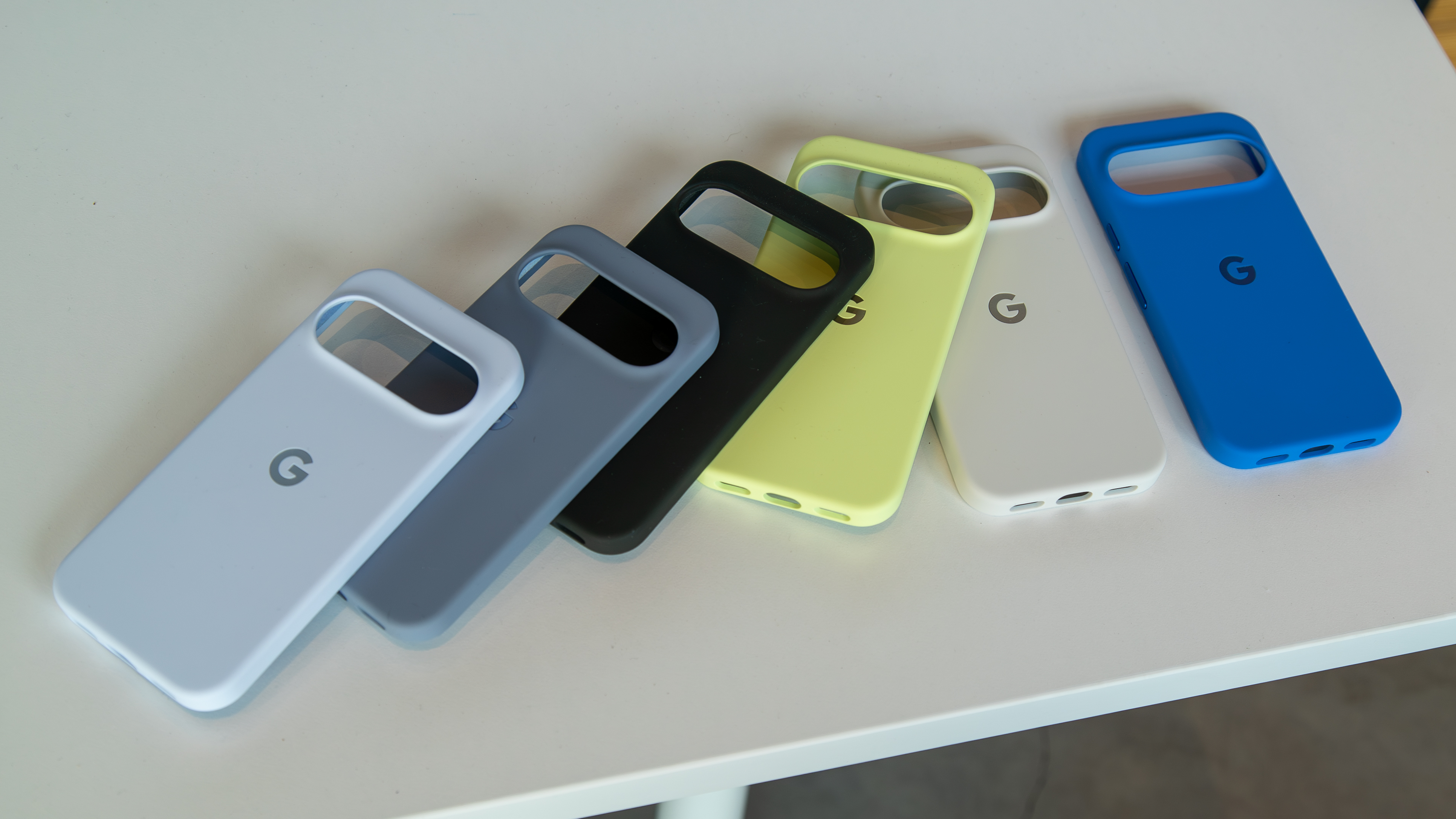
When it needs it (like every month or so), everything gets a proper cleaning. I shut the phone off and remove any case or doohickies that may be attached. The case goes into the bathroom sink, and I wash it with warm, soapy water, then give it an alcohol rub. Set it aside and let it dry.
Next, I give the screen(s) a good cleaning as I described above. While I’m at it, I pay special attention to the camera lenses to make sure they don’t have smudgy fingerprints or worse.
Then I want to clean the speaker and microphone holes, as well as the charging port. You can do this in several ways: use a soft-bristled dry toothbrush to go over them, use a wooden toothpick to flick out all the dirt and crusty stuff, or, what I think is best, use a chunk of BlueTak or Silly Putty. Just press it gently in place, count to five, then peel it — and the dirt — away.
Along the edge of the screen, I run a wooden toothpick along the tiny gap and weasel out any dirt that got in there next. When all this is done, I give the screen another wipe or two, then disinfect with some alcohol. Once the case is bone dry, I put it back on.
Done!
Notice I didn’t mention things like ultrasonic jewelry cleaners or gadgets like the ones PhoneSoap makes. I would never use an ultrasonic cleaner on a phone because that is a sure way to force liquid inside. Yeah, the liquid may be safe and dry without any residue, but I’d rather play it safe.
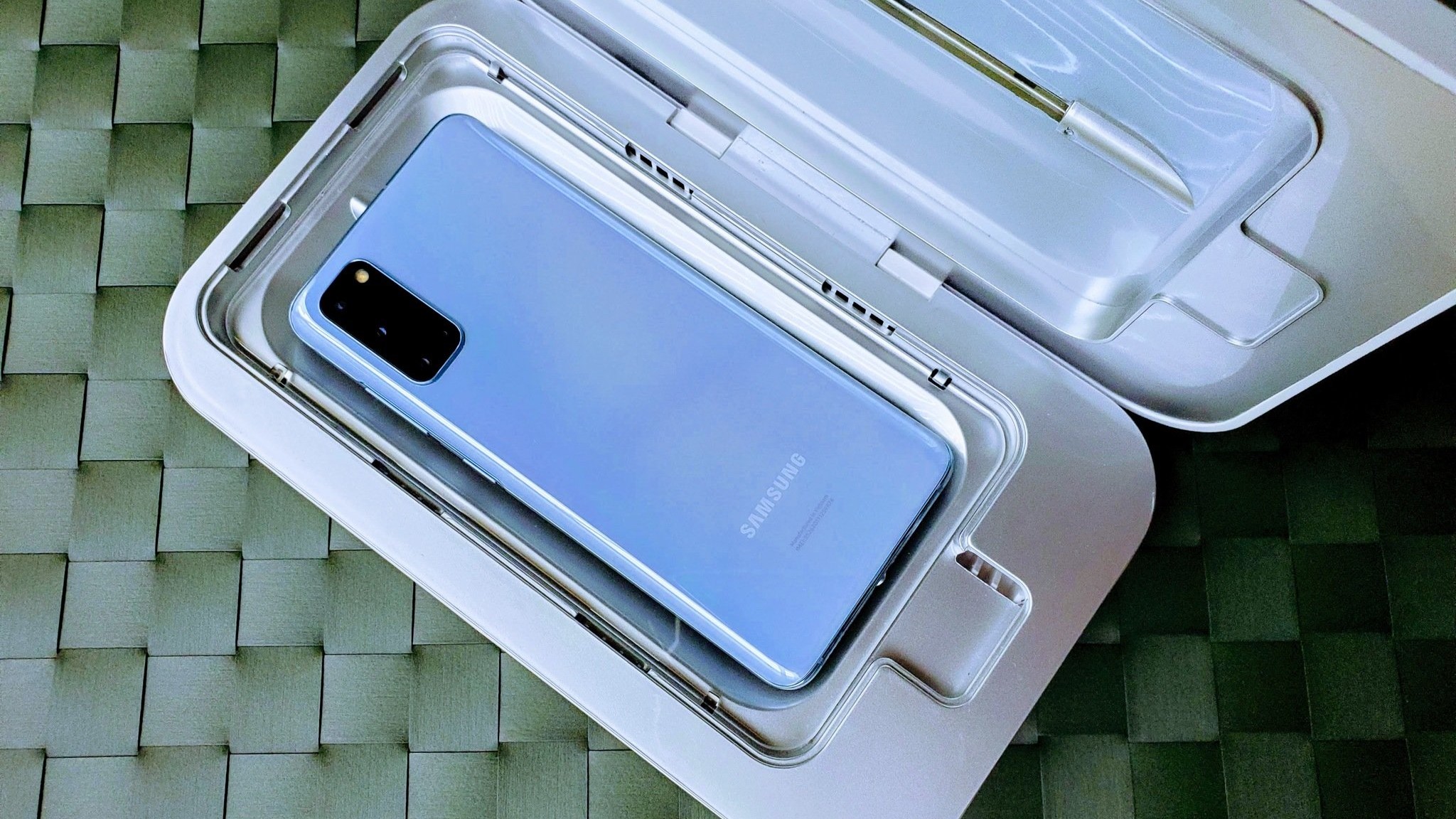
As for PhoneSoap and similar products, they should be safe to use for disinfection. I just like the cheap version of using alcohol. You need to wipe and clean your phone anyway, so it only takes a minute longer.

(Image credit: Lionsgate)
Finally, you can get things so dirty that you need to let someone who can open the phone take a look and clean it up. You probably shouldn’t take your phone with you when you’re doing something like mudbogging or riding in an airboat, but if you did and it got extra muddy or was dunked in muddy water, stop.
Turn your phone off right away, then take it to a repair shop. If you’re the type that tears things apart yourself, take everything apart and hose it down thoroughly with CRC Quick Dry electronic cleaner; circuit boards, ribbon connectors, all of it. Give it an hour to dry completely, then try to put it back together. Good luck.
Jerry’s big list of things to never doUse ammonia or window cleaner on your phone screen.Use bleach to clean or disinfect your phone.Use compressed air to try to blow out the tiny holes and crevices.Dunk your phone in any liquid, including water, to try to clean it.Stick it in the dishwasher.
Any or all of these is a quick way to needing a new phone. Just because someone says your phone is “waterproof” or “dustproof” (it’s not) doesn’t mean you can use any harsh liquids, high pressure, or heat.
Take a few minutes and be careful with the gadget you depend on and that you spent so much money on. It’s worth it.