
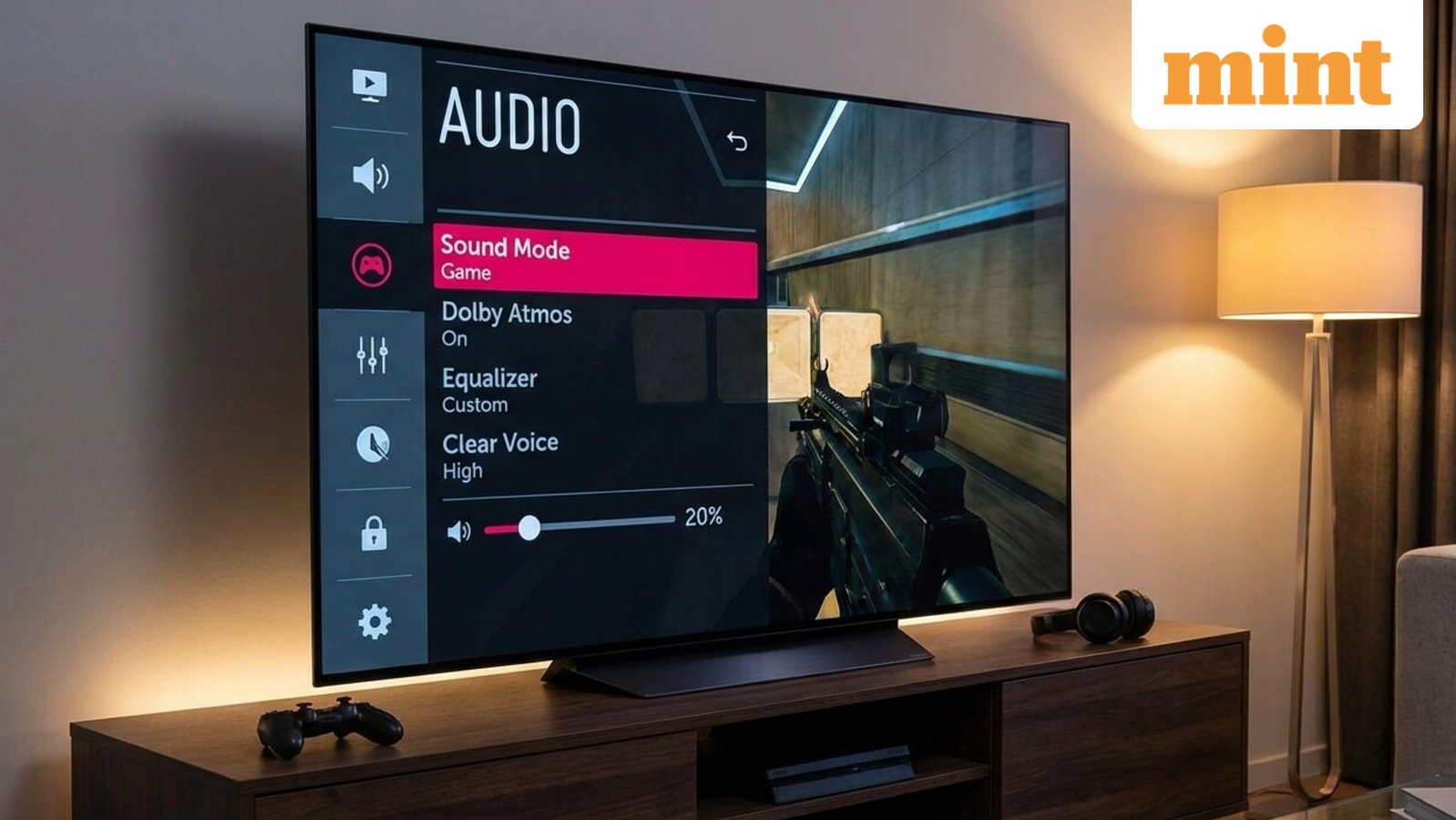
Modern TVs offer a sleek and ultra-thin design to make the overall package compact, which saves space and enhances aesthetics. But this slim profile leaves little room for speakers, resulting in tinny and underwhelming audio. If your Android TV also suffers from weak sound, then don’t worry; a few simple tweaks and tools can easily improve volume, clarity, and immersion of your Android TV’s audio.
Optimise TV settings
Some Android TVs come with advanced built-in audio options for quick audio enhancement. You can go to Settings > Sound > Audio Output, where you can change the audio preset to “Movie,” “Dialogue,” or “Clear Voice”. These presets may have different names in different TV models. If there is any bass boost feature which is turned on, you can disable it to increase the volume a bit. The dialogue enhancer feature increases the clarity of the speech by reducing bass in the audio. Many smart TVs also come with a 5 to 7-band equaliser to enhance the audio.
Sound Booster apps (use with caution)
Apps can add an external equaliser, plus gain control or a volume boost feature to give you a better and enhanced audio. SoundWave Equaliser for TV is a Google Play-listed app tailored for Android TV, featuring a 10-band graphic EQ, bass boost, and 3D effects for movies and games. You can also use any other volume booster app which you prefer from the Play Store.
But you need to be very careful using these apps because some of the apps do not come with a failsafe and let you overshoot the gain to higher levels. I advise you to gradually increase the gain to avoid damaging the speakers of your Android TV.
External audio solutions
At last, the best upgrade which can 100% improve the audio quality on your smart TV is to use an external audio gear like a soundbar or a home theatre system. These external speakers can be connected via HDMI, optical or Bluetooth to your Android TV. Not only that, the audio quality of all the connected devices, like consoles or Blu-ray players, will get a powerful audio to enhance immersion.