
In terms of releases, Samsung has had a good year. The company has launched the incredibly thin Galaxy S25 Edge, the Galaxy Z Flip 7 with a full 4.1-inch Cover Screen (similar to the Motorola Razr) and the remarkably thin Galaxy Fold 7, finally with a Cover Screen that has the aspect ratio of a regular smartphone. However, Samsung’s best release of the year isn’t coming to Canada.
I got the opportunity to try out Samsung’s Galaxy Z TriFold in a brief hands-on session, and I was wonderfully impressed. Truthfully, I went into the hands-on session pretty jaded, as it’s a phone not coming to Canada, and it seemed pretty gimmicky, but I was mistaken. The Z TriFold is literally bringing back the term ‘Phablet’ with a phone that can legitimately transform into a 10-inch full-size tablet.
Tri-folding this phone

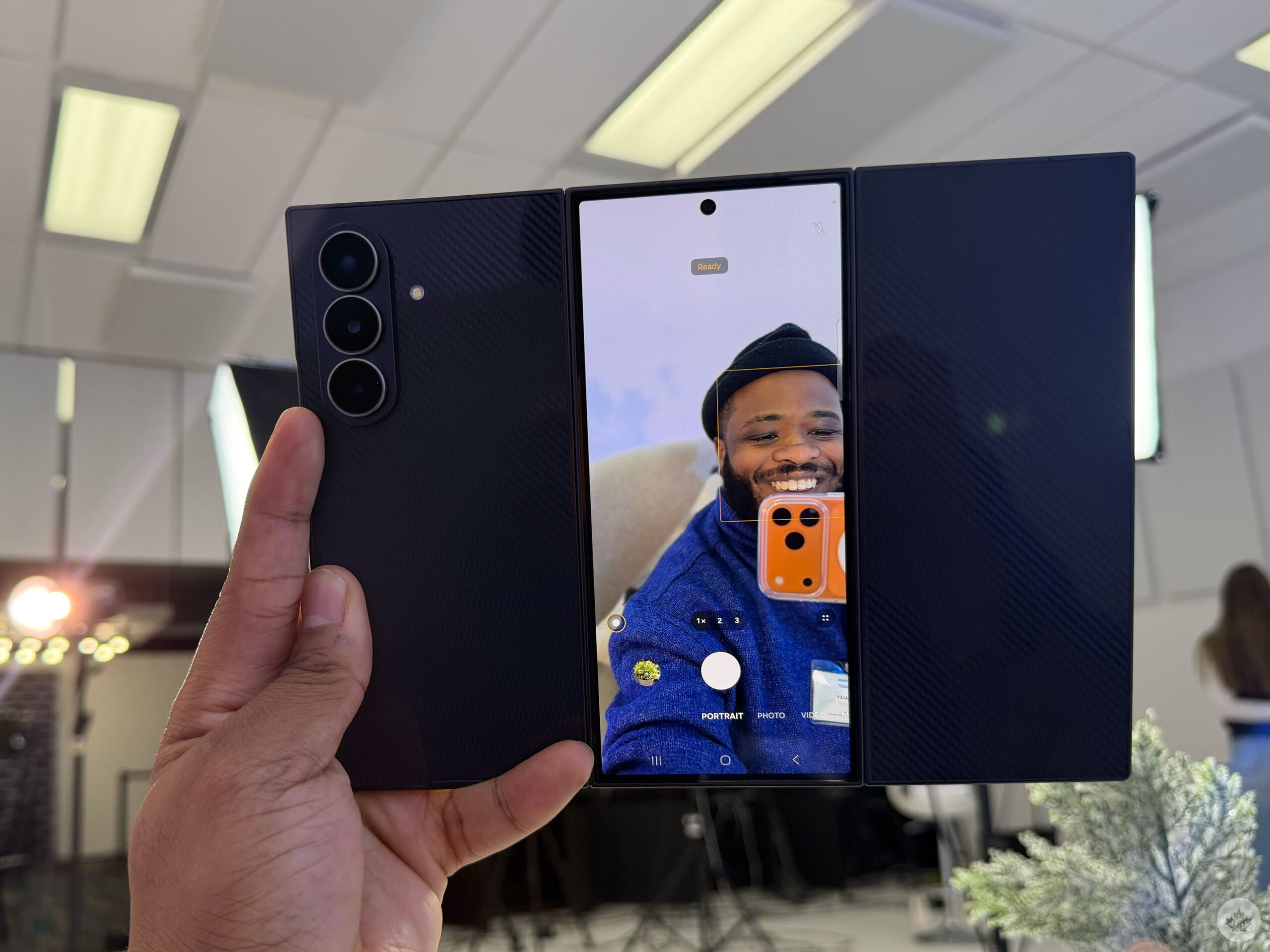
When folded, the Galaxy Z TriFold sports a 6.5-inch screen with a 1080 x 2520-pixel resolution and a 120Hz refresh rate. This is exactly the same screen as the Galaxy Z Fold 7, with an aspect ratio similar to a regular phone. It’s definitely a lot thicker than other phones on the market, with a 12.9mm width, but if you’re upgrading from anything like the Z Fold 5 or any foldable before then, this shouldn’t be a problem.
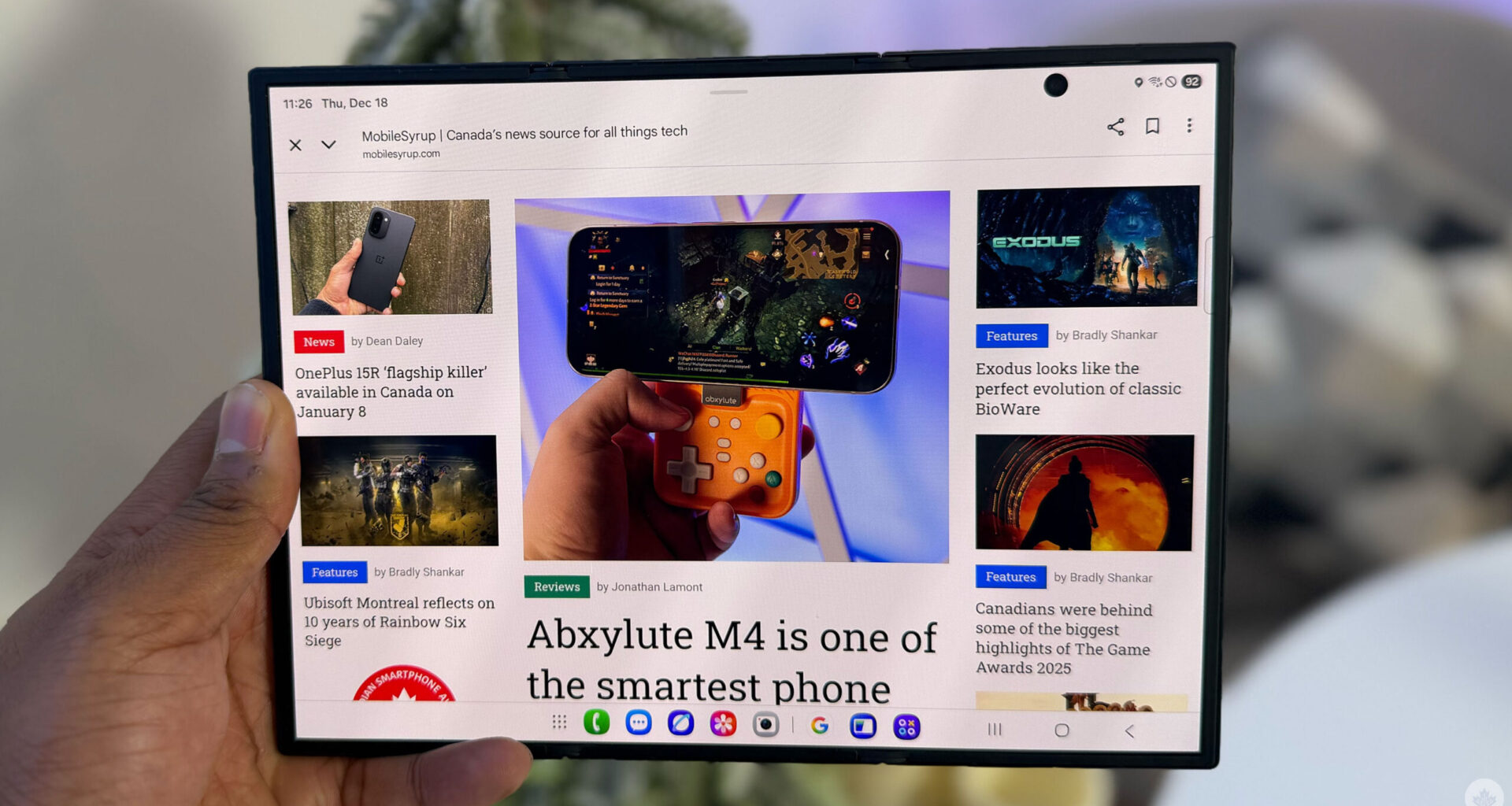
Then, when you unfold the device, the tri-foldable display sports a 120Hz 10-inch screen with a 1584 x 2160-pixel resolution. When it’s unfolded, the TriFold has varying widths, with the left-most part of the screen measuring around 3.9mm, and the right side measuring 4.2mm. I didn’t really notice this when holding the phone, like one part of the screen didn’t feel thicker than the other. I assume it’s because 0.3mm is pretty negligible.
The Galaxy TriFold folds similarly to a pamphlet, or kind of like a book. And it will leave the Cover Screen facing outwards towards the back. Samsung isn’t worried about users damaging this screen because this is similar to the experience when you unfold the Z Fold 7. Even though the Cover Screen is on the outside, I like how this phone folds a lot better than the Huawei Mate XT, the only other tri-folding smartphone on the market, which folds like an accordion. For the TriFold, you need to fold in the left side of the screen first and then the right side. If you do it wrong, the phone won’t break, but instead, there will be a notification letting you know that you’re folding incorrectly.
The handset seems well-built with a strong titanium hinge housing and a ceramic-glass fibre-reinforced polymer back, as well as an aluminum frame, Gorilla Glass Victus Ceramic 2 screen and a plastic screen similar to the Fold 7. When Samsung first introduced the original Galaxy Fold, people had a lot of issues with durability, and how it’s incredibly easy to break the screen; however, the company has learnt a lot from its mistakes. Seriously, the TriFold felt just as durable as the Z Fold 7 despite having an extra section. And I love the way the fibre-reinforced polymer looks and feels.
Wireless DeX
The TriFold form factor makes a lot of sense, even more than a regular foldable, because you’re essentially fitting a regular 10-inch tablet into your pocket with convenience. Additionally, the South Korean tech giant made a smart move by allowing Samsung DeX to work when the phablet is unfolded. Samsung DeX is a feature on Samsung Galaxy products that usually lets these devices connect to a monitor for a desktop-like interface, which allows multitasking with apps in windows using a keyboard and a mouse, and lets you run mobile apps like they were Android-themed Windows apps. Essentially, turning your Galaxy device into a portable workstation.
Now, when using the TriFold, whenever you open any app, you can easily drag down from the top, and the tablet will go into DeX Mode and open a PC-like version of your device. Imagine, travelling and instead of having to bring your laptop, smartphone, tablet, you only have to bring your phone, and a Bluetooth keyboard and mouse (or just a Bluetooth keyboard with a touch pad). Perfect for minimalists and light packers. When you want to use a phone, use the TriFold; when you want to use a tablet, unfold the TriFold; and when you want a laptop, take out a Bluetooth keyboard and switch to DeX Mode. While a ‘regular’ foldable can easily become an 8-inch tablet, the TriFold is pretty much a three-in-one device.
Some worries
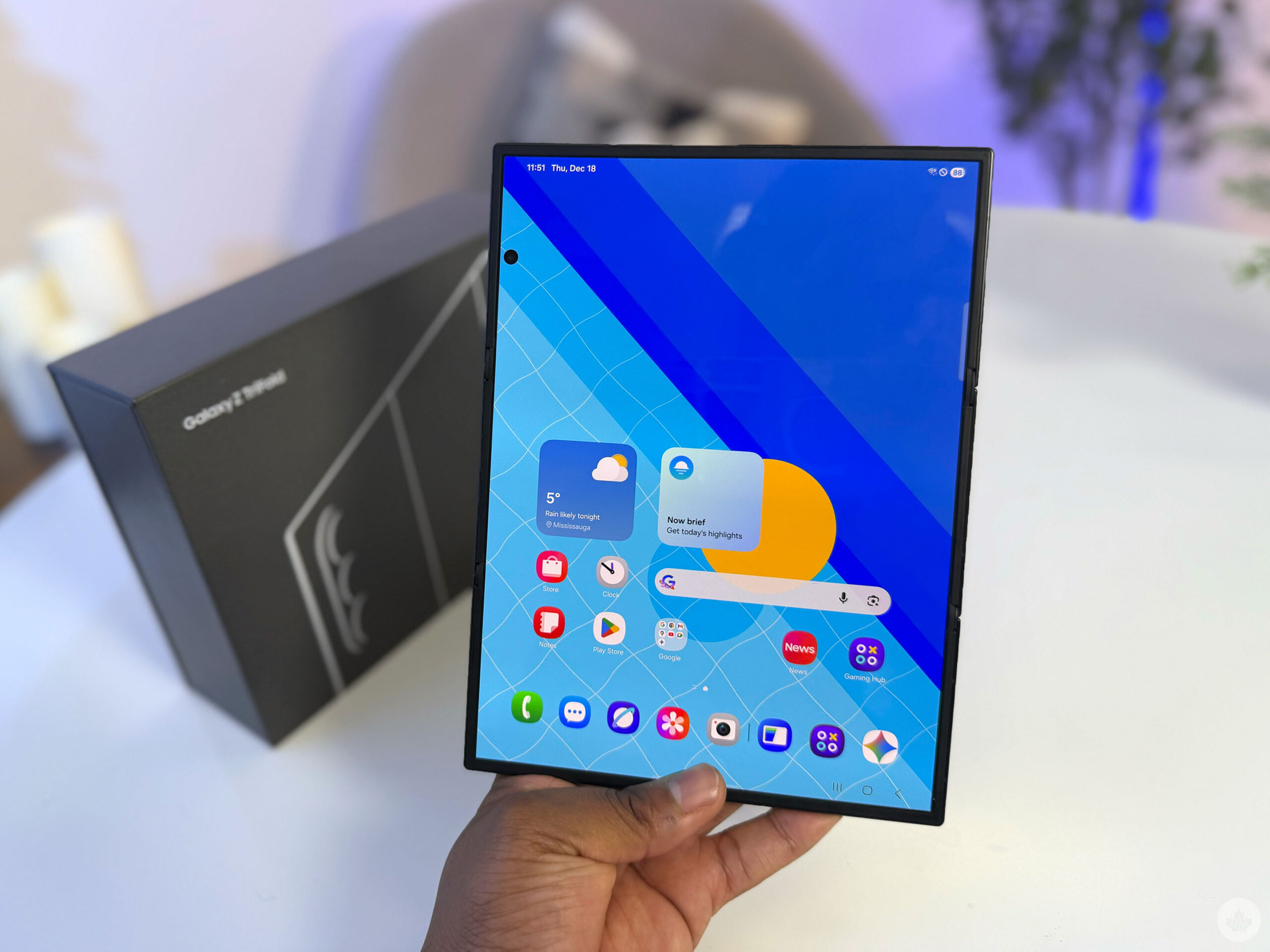
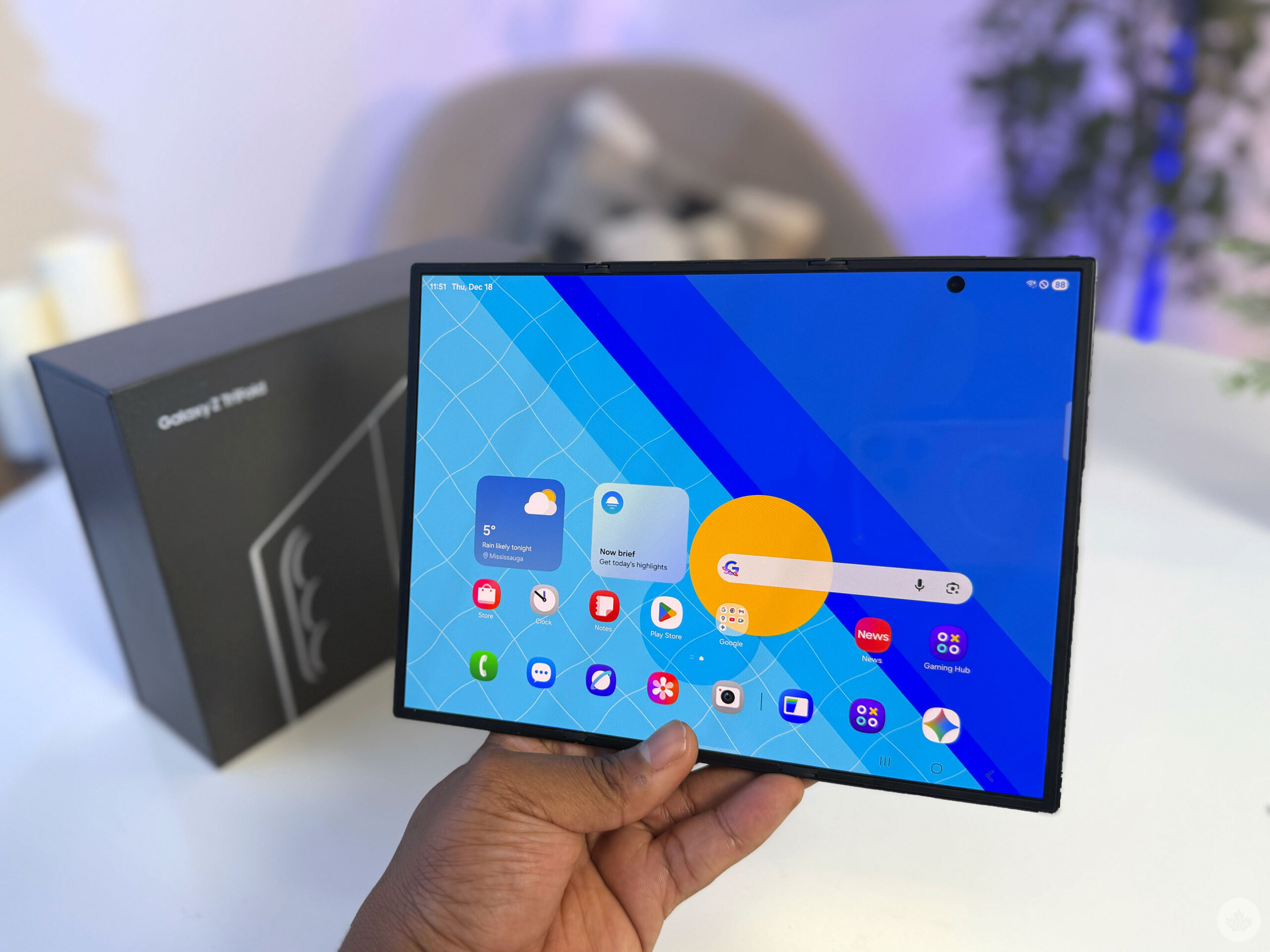
And even though it’s a three-in-one handset, you’re making fewer sacrifices than you’d expect. The TriFold still features 16GB of RAM, 512GB to 1TB of storage, a Snapdragon 8 Elite and the 200-megapixel primary camera available in the Z Fold 7. It might not be the best version of a phone or a laptop, although definitely a solid choice for a tablet, but I can see that for those who commute a lot or travel a lot, having a three-in-one might be worth sacrificing for not the best laptop or smartphone cameras.
There are some things I’d be worried about, though. Firstly, the Galaxy TriFold only has a 5,600mAh battery, which might be the biggest cell ever in a Samsung smartphone. This battery might be a little small for a phone with two screens, one of which boasts a 10-inch display. You’ll probably need to bring a charger with you, especially if you’re using the larger screen for multimedia or gaming.
Secondly, the Galaxy TriFold will be very expensive. The phone costs KRW 3,590,400, which is about C$3,402, which would be quite an expensive device, more than any other smartphone in Canada. If you’re truly using this to replace a phone, tablet, and laptop, maybe you’ll find worth in it. However, you’re still limited to Samsung DeX, so if you need the Adobe Suite of apps, you’ll still need a laptop, unfortunately.
The Samsung Galaxy TriFold isn’t coming to Canada, but if Samsung releases one next year, and it comes to Canada, I’ll be very excited to try it out for longer than a brief hands-on session.
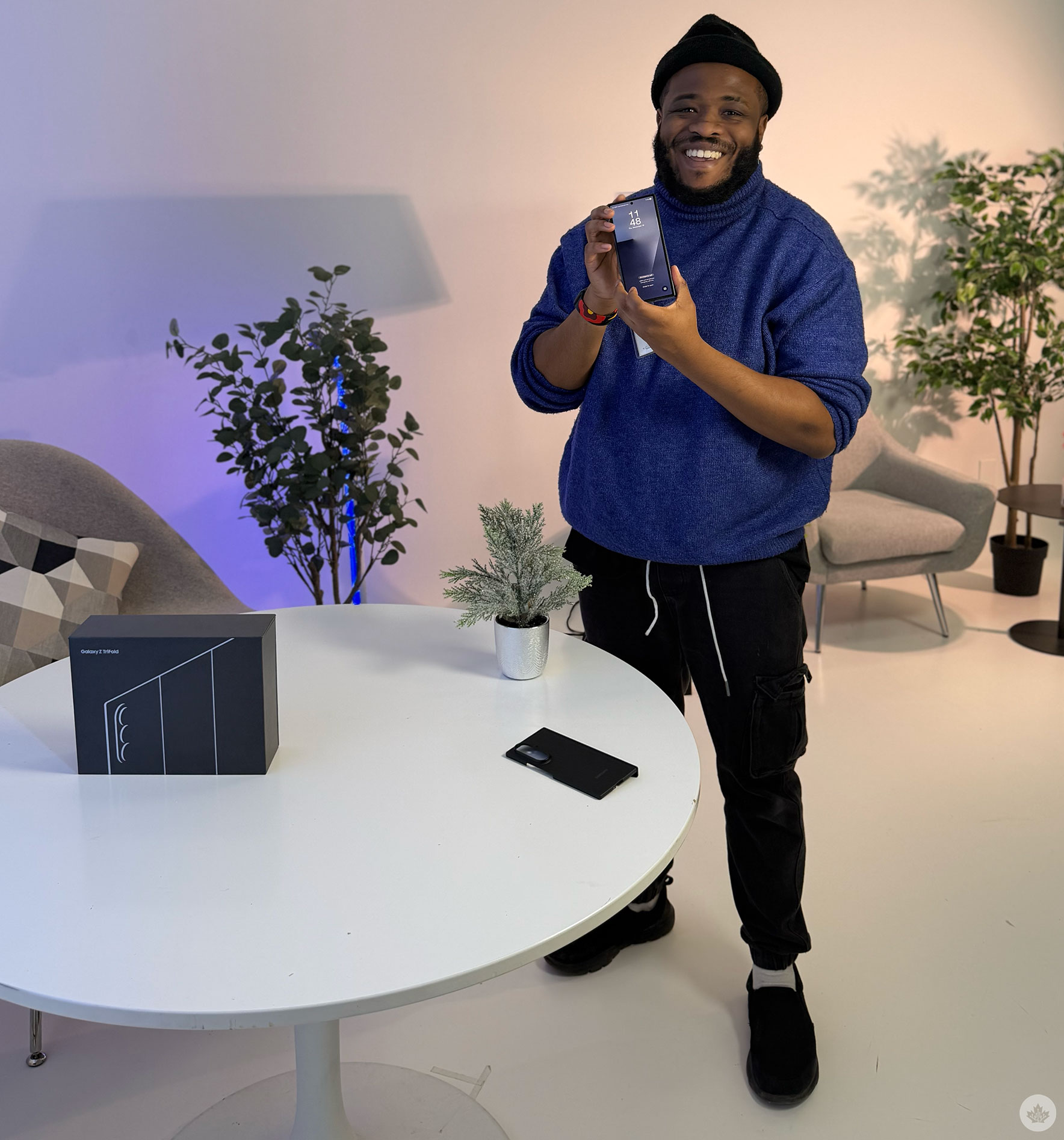
I definitely want to live in a world where I travel to a tech conference with only my Galaxy TriFold and a Bluetooth keyboard and mouse, a Stadia controller and use the TriFold to write articles, take pictures, scroll social media, play Marvel Snap and actual console titles with Game Pass Cloud, and watch Stranger Things.
MobileSyrup may earn a commission from purchases made via our links, which helps fund the journalism we provide free on our website. These links do not influence our editorial content. Support us here.