
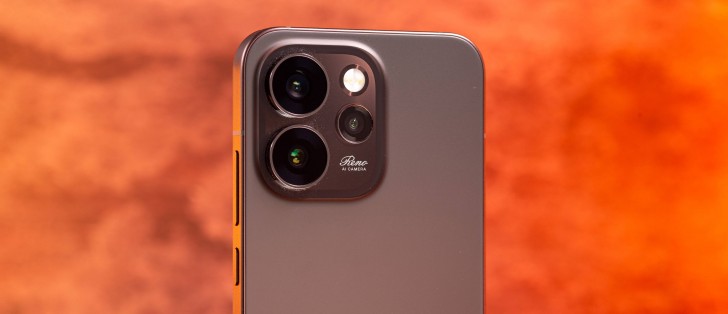
Android 16 with ColorOS 16 on top
The Oppo Reno15 Pro (mini) comes with ColorOS 16 on board, the company’s overlay running on top of an Android 16 core.
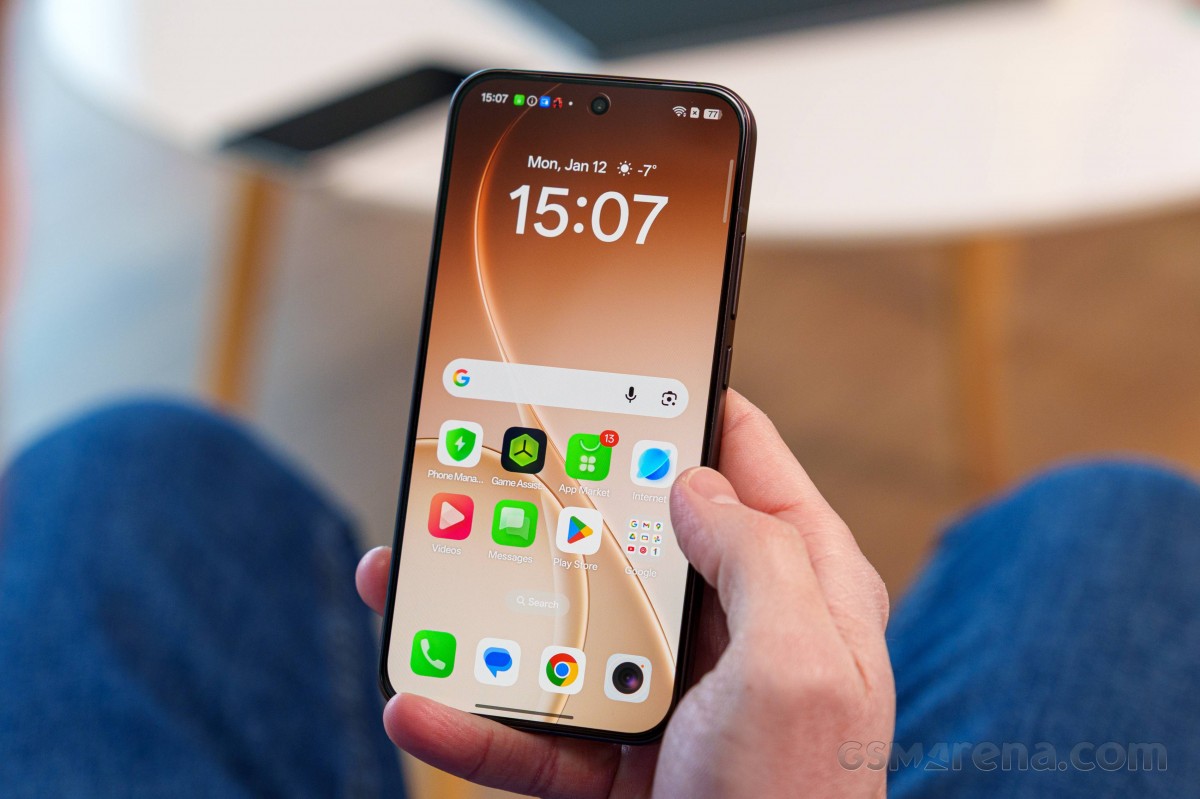
The latest ColorOS isn’t much different than the previous version, but there are a handful of additions, some subtle touches here and there, and a bunch of AI-based functionality. The basics remain largely unchanged though, save for a minor redesign of an icon or two.
ColorOS on the Oppo Reno15 Pro (mini)
Among the new additions this year is a wide selection of lockscreen clock styles with a now-ubiquitous 3D-like depth effect where the clock hides behind an element of the image, just like on Apple’s iOS. Animations aplenty, too.
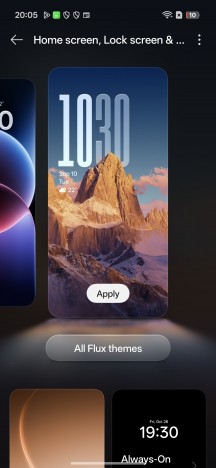
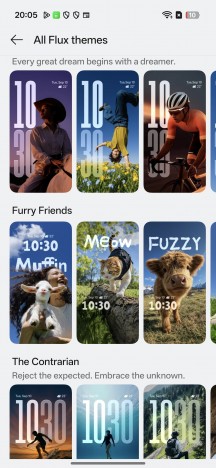
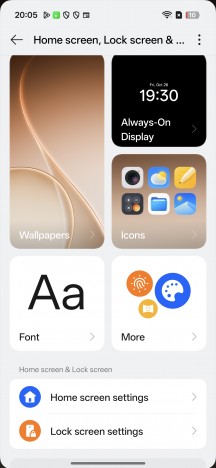
Personalization options on the Reno15 Pro (mini)
You also get a new style of category grouping in the app drawer, not unlike a certain other manufacturer’s implementation. Different types of large folders are also supported (1×3, 3×1, and 3×3 grids). The Smart sidebar is here to stay, too.
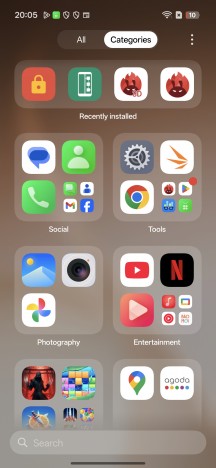
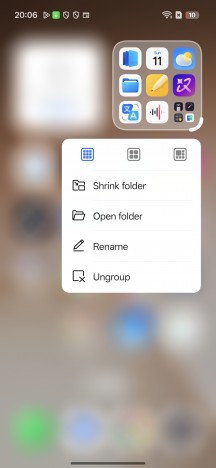
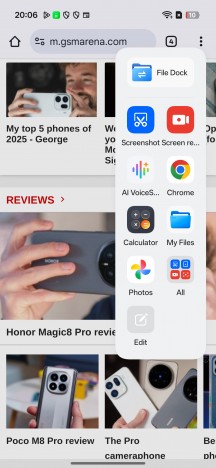
App categories • Large folders • Smart sidebar
A bunch of Google-supplied AI bits are on board, including the Gemini assistant, Gemini Live, Circle to Search, on-screen translation, and whatnot. A Gemini integration with the Oppo Mind Space app is also a highlight.
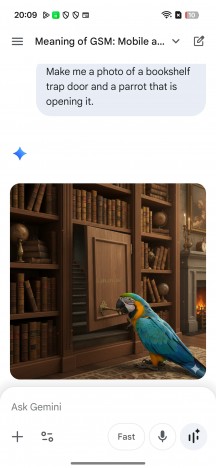


Gemini
There’s a wide selection of Oppo’s own AI-powered features, of course. AI Speak will read a text out loud, and AI Writer offers to write texts for you. AI Search can sift through supported apps on your phone, AI Translate does what it says, and there’s also AI VoiceScribe for summarizing text or images.
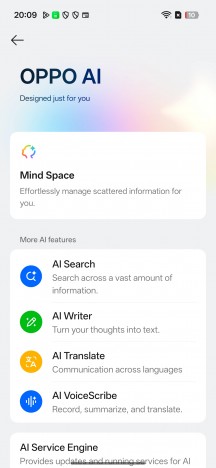
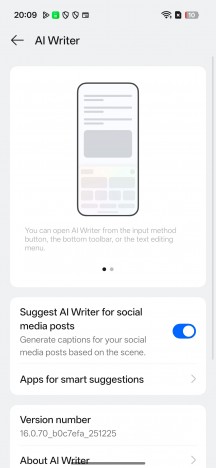
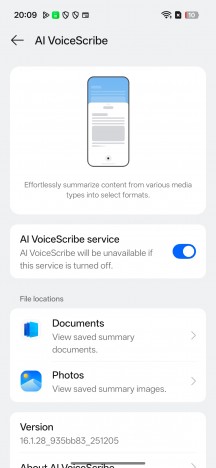
AI stuff
An AI Studio app is also present. It uses cloud-based generative AI to render photorealistic images or animations in different styles based on a photo of yourself. It’s not unlimited, but you get a bunch of credits when you first sign up and you can replenish them by being a regular on the app.
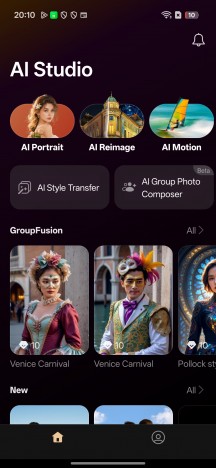
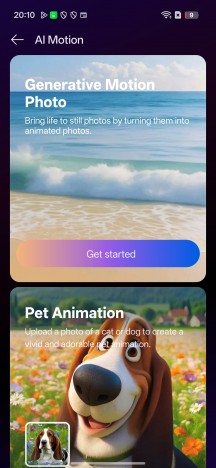
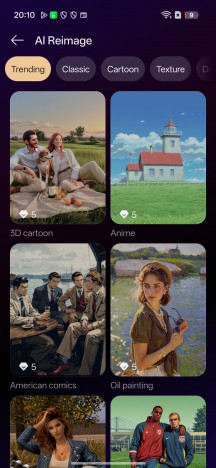
AI Studio
AI-based photo editing tools in the gallery are on board as well. AI Eraser, AI Ultra Clarity, AI Unblur – these are more or less self-explanatory. AI Recompose, AI Relight (for tweaking exposures in portraits), and AI Perfect Shot (for fixing closed eyes) are apparently new additions.
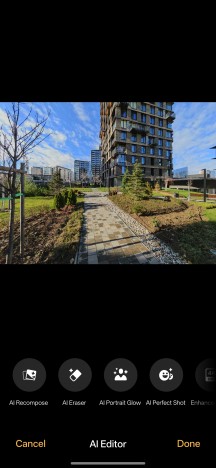
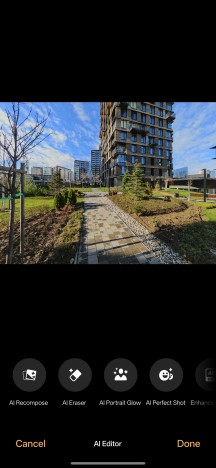
AI Editor
Performance and benchmarks
The Oppo Reno15 Pro (mini) is powered by the MediaTek Dimensity 8450 (4nm). It is a minor update over the Dimensity 8400 focused on optimizations in gaming (StarSpeed Engine), cameras (improved ISP), and more power-saving model (Ultra Save 3.0+). The CPU and GPU remain the same.
The chip has an octa-core processor with 1×3.25 GHz Cortex-A725 & 3×3.0 GHz Cortex-A725 & 4×2.1 GHz Cortex-A725. The GPU is Mali-G720 MC7.
The Reno15 Pro (mini) is available in two memory configurations of UFS 3.1 storage and LPDDR5X RAM – 12GB/256GB (ours) and 12GB/512GB.
And now, let’s run some benchmarks.
The Dimensity 8450 shows great potential in this price bracket, and it offers near flagship-grade performance. While its CPU and GPU may not be the most powerful around, they are still at the top of the charts.
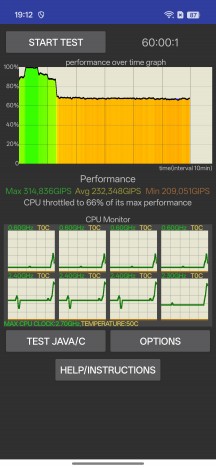
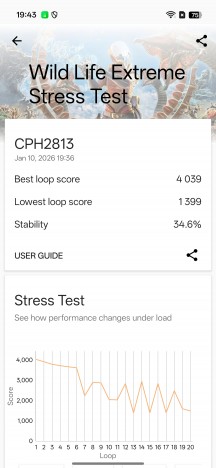
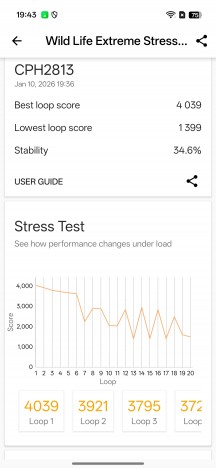
The sustained performance is rather mediocre on the Reno15 Pro (mini), though. Whether it’s the compact body or just poor heat dissipation, we cannot know for sure, but it’s a typical behavior for the compact phones we’ve reviewed. The Reno15 Pro (mini) sustained 66% of its maximum CPU performance and only 35% of its maximum GPU power.
CPU test • GPU test
The Reno15 Pro (mini) becomes warm when put through prolonged stress tests, but never hot.
We appreciate the powerful chipset inside the Reno15 Pro (mini) – it offers high-end performance. We never saw the phone hiccup during our time with it – neither in gaming, nor in other apps. But given the heavy graphics throttling, some might experience bottlenecks in gaming sessions.