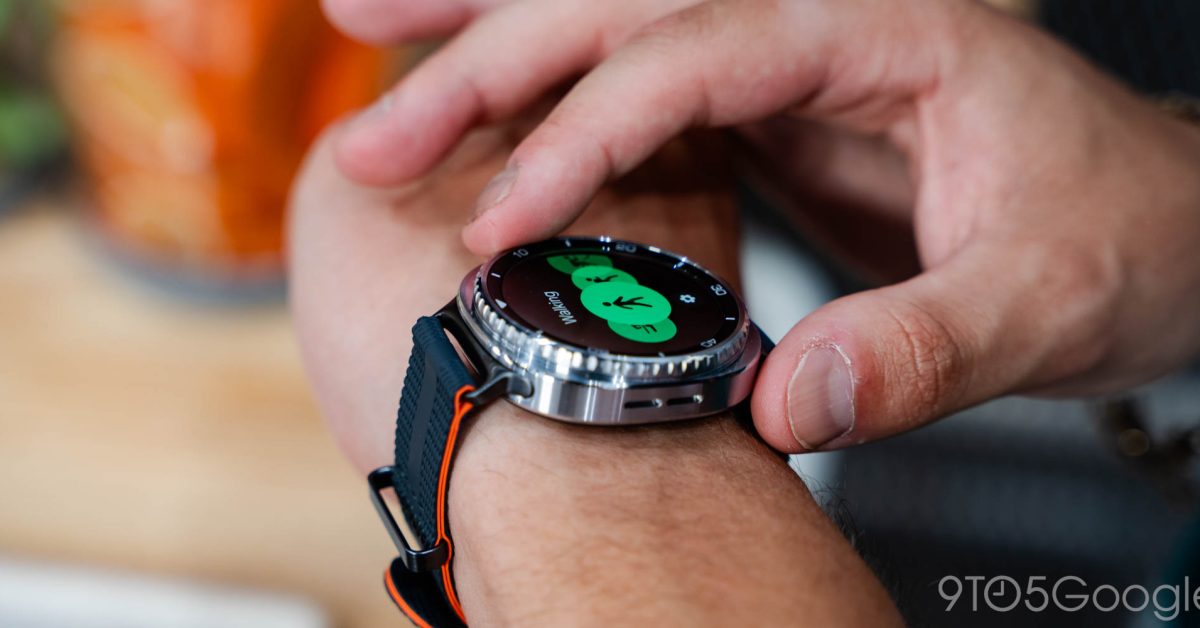
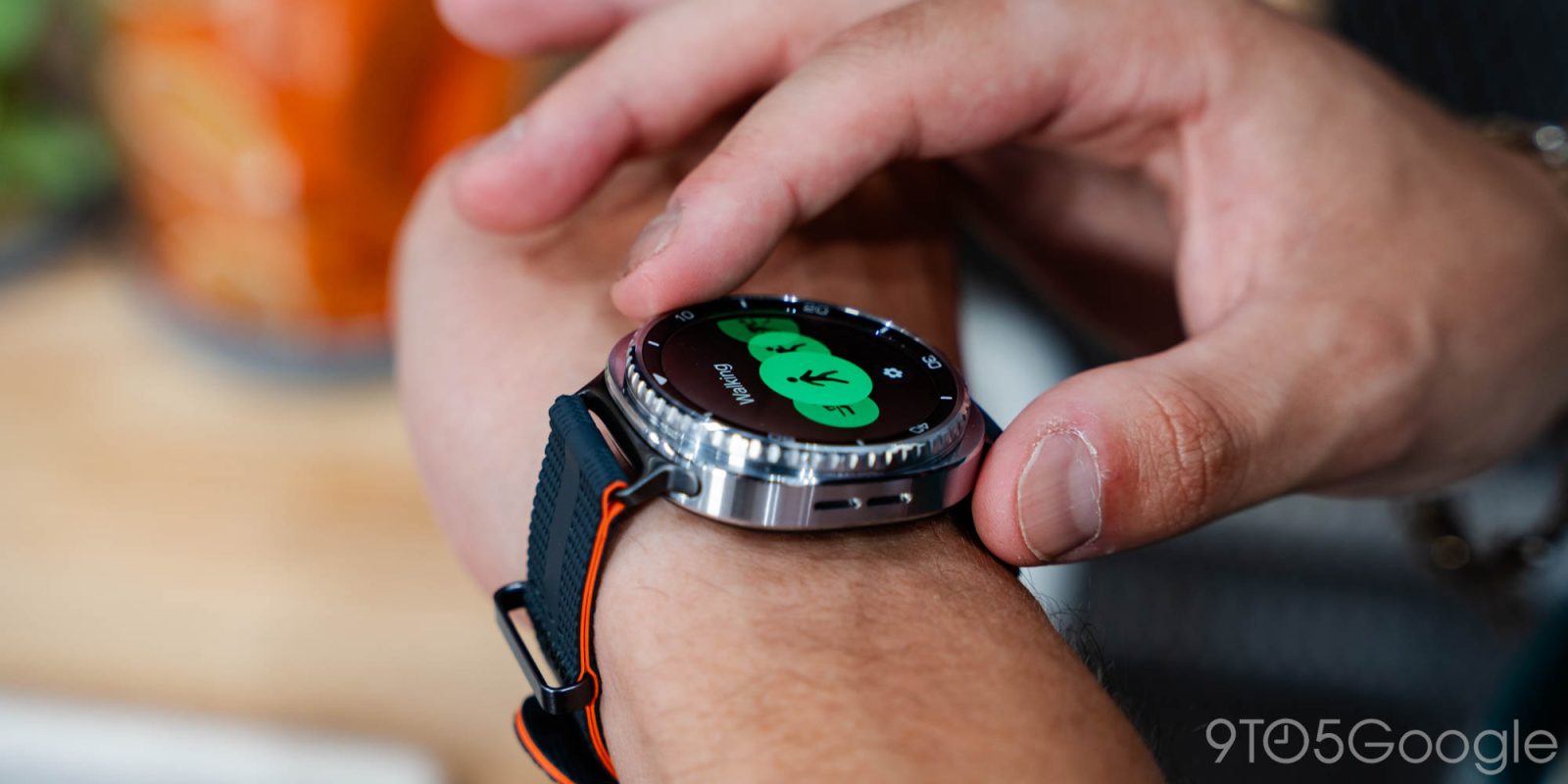
Practically every modern wearable wants you to keep it on 24/7, in order to continue collecting data while you sleep. That makes Do Not Disturb modes vital, and unfortunately for Galaxy Watch users, a bug in One UI 8 is currently causing havoc with your go-to shortcut for pausing notifications.
As reported by SammyGuru, Galaxy Watch users that have paired their wearables with a Samsung device have noticed Do Not Disturb issues after updating their phone to One UI 8. Essentially, enabling DND from the watch’s built-in shortcut is only capable of staying enabled for a few seconds before turning itself off. According to Samsung’s official confirmation of this bug, it affects every Wear OS-based Galaxy Watch device, from the Galaxy Watch 4 up through last year’s Galaxy Watch 8 series.
Here’s the good news: Not only is Samsung working on a fix, but Do Not Disturb still activates on both your watch and your phone as long as you activate it from your phone specifically. That’s only a minor incontinence as you wait for a proper fix to roll out to your wearable, and it’s not even the only workaround. You can still properly enable DND on the watch itself — you’ll just need to head directly into settings rather than tapping a shortcut. As SamMobile points out, you’ll find this under the Notifications section within your watch’s preferences.
While there’s no specific timeframe for when this update might roll out, an acknowledgement from Samsung certainly points to an expedited process. In the meantime, it might just take you a few extra seconds longer than usual to trigger DND as you’re headed to bed.
More on Samsung:


FTC: We use income earning auto affiliate links. More.