
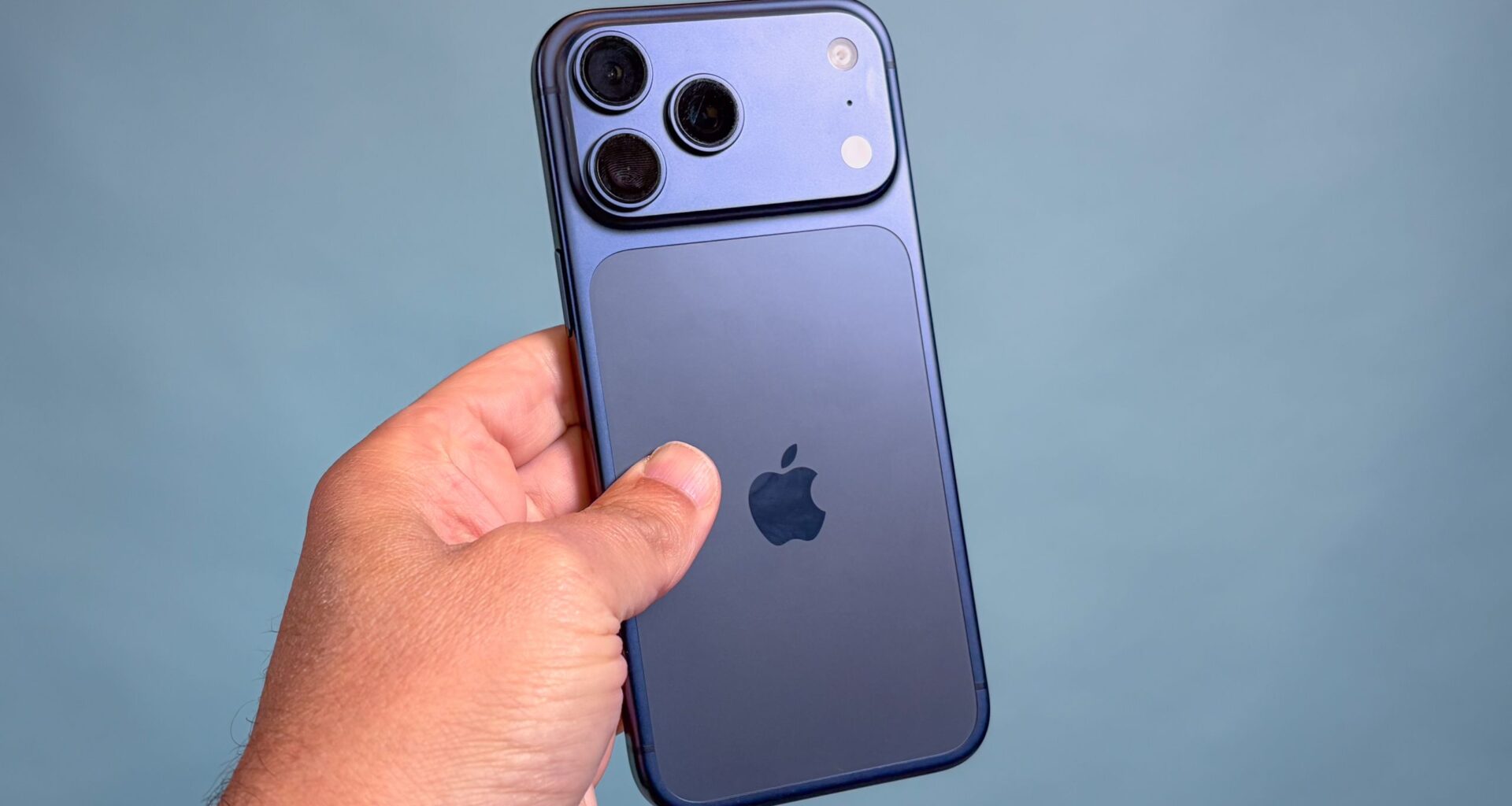
If you’re the owner of an iPhone 17 Pro Max, then congrats on owning the current best iPhone, and one of the best phones on the market overall. But whether you are an experienced iPhone user or a first-timer, there are likely some settings you don’t know about.
I have a 17 Pro Max myself, and have been using iPhones for about seven years. And in that time, I’ve gathered up a number of tips and tricks that every user deserves to know. Some tips apply to other iPhones too, so share them around if you have other iPhone users in your life. Assuming you’ve got your iPhone 17 Pro Max set-up and ready to go, here’s my top seven tips.
1. Make the Action button do what you want

(Image credit: Tom’s Guide)
Unless you’ve switched from an iPhone 15 Pro or newer, the iPhone 17 Pro Max may be your first experience of the Action button — Apple’s replacement for the alert slider that graced the left side of every iPhone until recently.
You may like
By default, the Action button has the same mute control as the slider, except you press and hold to activate it rather than sliding it. However, the benefit of the Action button is that you can make it do all kinds of other things instead.
To check out your options, go to Settings > Action Button and scroll through the available options. Your choices include activating Focus modes, opening the camera, activating Visual Intelligence, the flashlight or a voice notes, plus the option to bind a Control Center control, accessibility setting or Shortcut of your choice.
2. Disable Siri wakewords

(Image credit: Tom’s Guide)
Being able to summon Siri with voice commands always looks good in the ads, but I find it annoying more often than not. Especially when your phone mishears you and activates the assistant without you wanting it.
That’s why I set Siri to activate with a long press of the power button only, so I only ever activate it intentionally. To do this yourself, navigate to Apple Intelligence & Siri > Talk & Type to Siri, then select Off from the top menu.
3. Set your Camera defaults

(Image credit: Tom’s Guide)
Before you take advantage of the iPhone 17 Pro Max’s new Center Stage camera or 4x telephoto lens, look at the options under the Camera menu so you know everything’s as you want it to be every time you open the app.
For instance, you can decide to turn off the Camera Control key on the iPhone’s right side, or adjust how it functions. You can also set a default Photographic Style if you know you like your images to have a certain color characteristic, pick default formats and resolutions for video and images, and turn on grid and level lines to help you frame images properly.
Perhaps the most important is the Preserve Settings section. Here you can pick which options reset upon leaving the Camera app, and which stay as you left them. It can let you start from scratch each time you want to take a photo or give you the right aspect ratio, filter and more every time.
You may like
4. Put the battery percentage in your status bar

(Image credit: Tom’s Guide)
I don’t know why Apple decides that, by default, you shouldn’t know your iPhone’s exact battery percentage unless you open Control Center. But fortunately it does let you change this, so you get just as much detail as our friends on Android do.
Open Battery, and then toggle the Battery Percentage to on. The relevant number will the pop up in the top right corner.
5. Optimized charging and Adaptive power

(Image credit: Tom’s Guide)
While we’re in the battery menu, there are another two settings worth looking at. One lets you limit the battery’s capacity so the cell doesn’t age as quickly, while the other lets the iPhone manage your charge more intelligently when you’re using your phone more than usual.
To get there, go to Settings > Battery > Charging and then pick your charging limit (between 80% and 100%) and enable Optimized Battery Charging
Then, under Battery > Power Mode and enable Adaptive Power and Adaptive Power Notifications to allow the iPhone to make changes under the hood to extend your battery life (and tell you when it does).
6. Adjust your always-on display

(Image credit: Tom’s Guide)
I appreciate the always-on display (AOD) on the iPhone 17 Pro Max since it keeps the clock and any incoming notifications in view. But perhaps you prefer a less distracting view of your home screen, or for your iPhone display to turn off fully when you aren’t using it.
Whatever your preference, you can adjust it to your liking by navigating to Display & Brightness > Always On Display. Here, you can select if the AOD is on or off, and if it is on, choose whether you have your wallpaper visible, and whether it’s blurred.
7. Make Haptic Touch more responsive

(Image credit: Tom’s Guide)
This is perhaps the setting I get the most use out of, since it impacts a basic element of interacting with iOS. Haptic Touch, a.k.a. long taps on the screen, can feel a bit sluggish, making opening up home screen actions or notifications less convenient. But you can speed this up.
By taking a trip to Accessibility > Touch (under Physical and Motor) > Haptic Touch, where you can then select Fast from the three options. Test this feature using the demo on the same page to make sure you’re happy with things before you exit.

Follow Tom’s Guide on Google News and add us as a preferred source to get our up-to-date news, analysis, and reviews in your feeds.
More from Tom’s Guide