
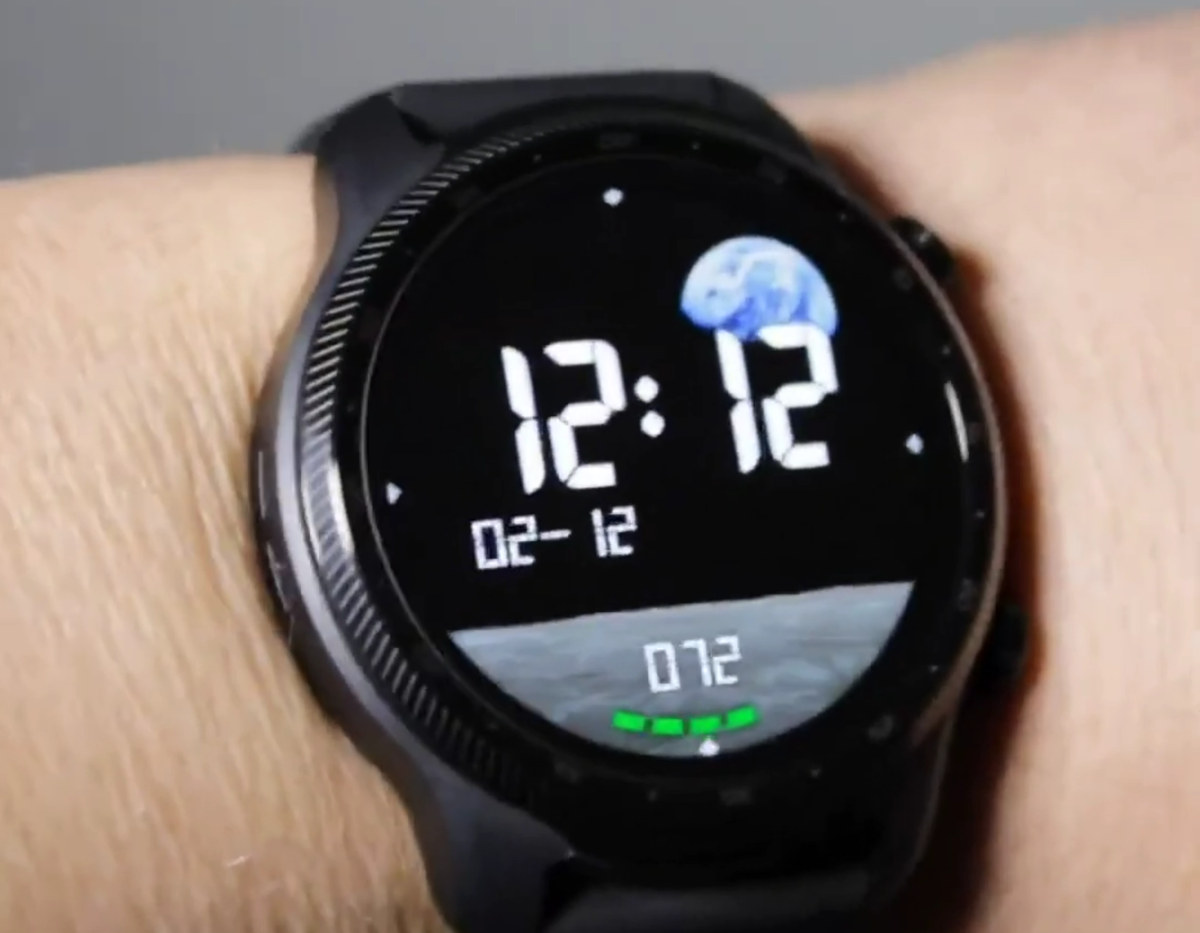
AsteroidOS 2.0 Linux-based, open-source smartwatch operating system has just been released with features such as always-on display support, Tilt-to-Wake, a customizable QuickPanel, multiple launcher styles, Nightstand mode, performance improvements, and support for about 30 devices.
It’s been a long journey. We first noted the open-source project in 2016 when Florent Revest showcased a basic user experience on the LG G Watch, just before giving a talk at FOSDEM 2016 introducing AsteroidOS. This was followed by the launch of the Connect Watch (crowdfunded) AsteroidOS smartwatch in 2017 by a French company (which didn’t get funded), and AsteroidOS 1.0 was released in 2018. So it’s been ten years since it all started, and the developers have now released AsteroidOS 2.0.

AsteroidOS 2.0 highlights:
New features
Always-on Display, Tilt-to-wake, Palm-to-sleep
Heart rate monitor app
Initial step counting support
Music volume control
Compass support
Support for Bluetooth HID and Audio
Design, Usability, and App Improvements
New QuickPanel with more settings toggles, app shortcuts
Seven new app launchers
Enhanced Wallpaper and Watchface gallery, along with new wallpapers
Nightstand mode to use your watch as a bedside clock or simply show charging much more clearly.
New background animation for more organic feeling of “breathing”.
Diamonds – A 2048-like game
Weather app design overhaul with different fonts (e.g. Noto Sans system font), improved legibility, and presentation of very long place names.
Timer app redesign – Round watches optimization, background execution support.
Flashlight app
Animated Bootsplash logo
Round screens with a flat tyre shape are now supported.
Calculator app with new layout
Improved button layout for easier operation and better legibility, especially on round displays.
More translations – 49 languages in total, and 20 languages added since the last release.
Etc…
Performance and System Enhancements
Optimized rendering resulting in smoother animations and transitions.
Battery Life Improvements to extend battery life during daily use.
Stability Fixes
 Heart rate monitor app, new QuickPanel, Weather app, and round screen with flat tyre shape support
AsteroidOS works with several synchronization clients, notably the AsteroidOS Sync Android app, the Gadgetbridge project (Android), a popular solution that works with a range of commercial smartwatches as well, the Amazfish client for SailfishOS and Linux Desktop, and Telescope for UBports Ubuntu Touch.
 Telescope client for AsteroidOS
AsteroidOS 1.0 supported the following devices:
LG G Watch, LG G Watch Urbane, LG G Watch R
Asus Zenwatch 1, Asus Zenwatch 2, Asus Zenwatch 3
Sony Smartwatch 3
Software emulator for testing and development
AsteroidOS 2.0 adds more:
Fossil Gen 4, 5, 6 watches
Huawei Watch and Watch 2
LG Watch W7
Moto 360 2015
MTK6580 (harmony/inharmony) – I assume a range of devices based on MT6580
OPPO Watch
Polar M600
Ticwatch C2+ & C2, Ticwatch E & S, Ticwatch E2 & S2, TicwatchPro, Pro 2020 and LTE, and Ticwatch Pro 3
Experimental/partial support was also added for Casio WSD-F10/F20 (note: some users have bricked their watch), LG Watch Urbane 2, Moto 360 1st gen, Samsung Gear 2, and Samsung Gear Live. Many of the watches are older models, but that’s fitting for the project since environmental responsibility leading to reduced electronic waste is one of the goals of the project, along with privacy and education.
You can check out some of the user-facing changes and UI performance in AsteroidOS 2.0 in the 7-minute video below, featuring various Ticwatch, OPPO, Casio, Fossil, LG, and Huawei smartwatches.
You’ll find more details on the project’s GitHub account, the announcement, and the official website. Timo Könnecke (moWerk), AsteroidOS team contributor and maintainer, contacted us about the release and also mentioned that they are always looking for hardware porters for new watches or bug fixes on existing ones (C programming), app & watchface developers familiar with QML/Qt and JavaScript, as well as translators, testers, designers, and documentation writers.

Jean-Luc started CNX Software in 2010 as a part-time endeavor, before quitting his job as a software engineering manager, and starting to write daily news, and reviews full time later in 2011.
Support CNX Software! Donate via cryptocurrencies, become a Patron on Patreon, or purchase goods on Amazon or Aliexpress. We also use affiliate links in articles to earn commissions if you make a purchase after clicking on those links.