
Summary
Ghostty finally adds a scrollbar after years of requests, fixing a long-standing UX gap.
Scrollbar requested since pre-release 2023, tracked as bug #111 with 171 thumbs-up.
Scrollbars in nightly builds now; stable 1.3.0 due mid-March will include them.
Sometimes, developers get so engrossed with making the best app possible that some of the basics get left behind. I understand it; if you’re doing something amazing and you’re going full steam ahead, all the small quality-of-life features seem like minor tweaks compared to all the glorious new tools and features you want to add to your app.
However, users do enjoy things that make their lives easier, and if you skimp on them, they will let you know. Such was the case for users of the Ghostty terminal, which lacked a scroll bar and forced people to either use the scroll wheel or keyboard keys to move around. Well, the developers have finally caved and added a scroll bar to the app, which was one of the most requested features since its pre-release build in 2023.
Related
Ghostty is a beautiful new terminal emulator for macOS and Linux that you should try
Ghostty is a new terminal emulator that’s beautiful, feature-rich, and uses a native UI.
A small but precious victory
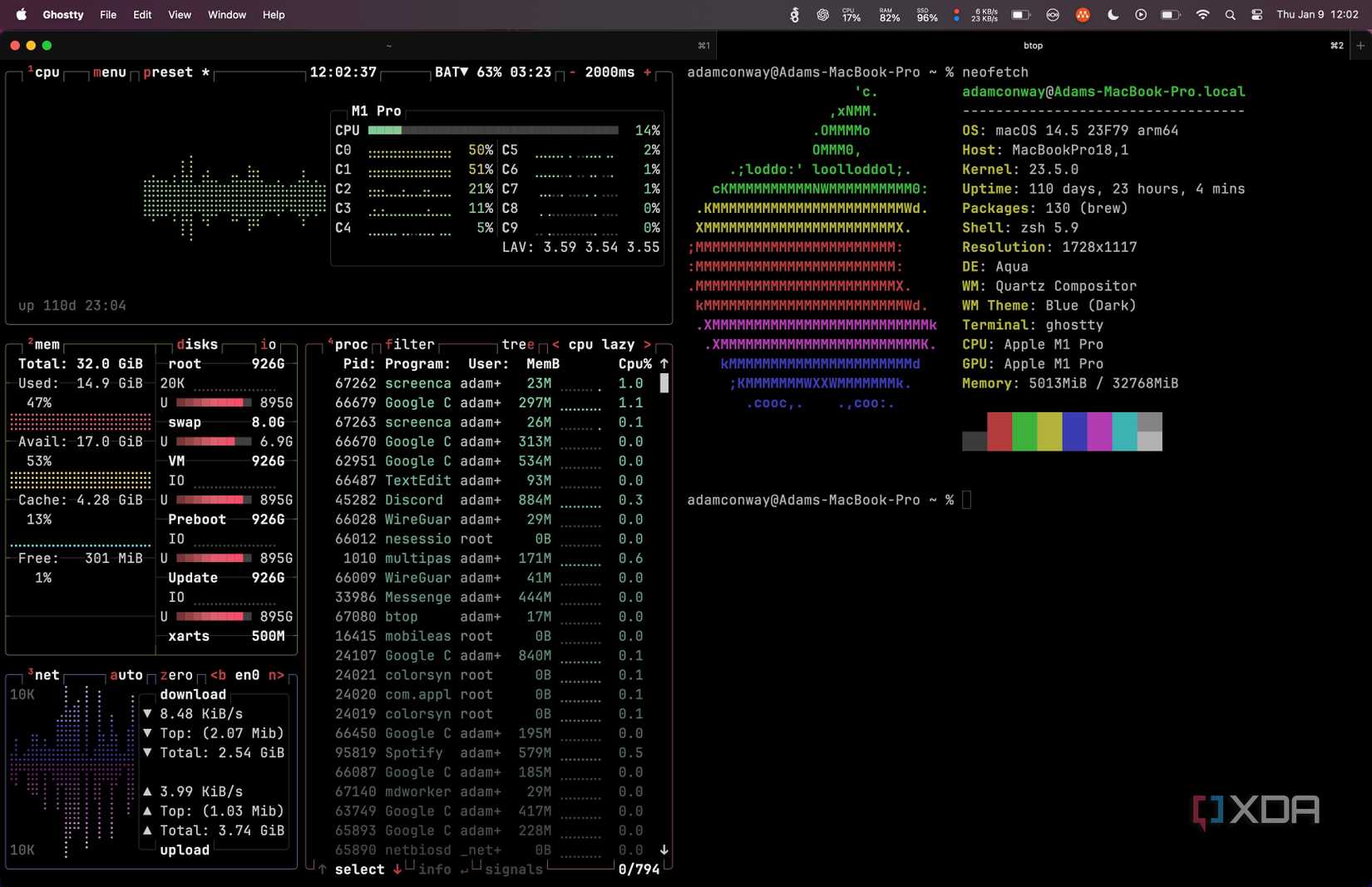
As spotted by OMG Ubuntu, the story begins back before Ghostty wasn’t even fully released. Someone made a simple request, opening a ticket as bug #111:
GTK: scrollbar for terminal window
helps to quickly get to the top when the output buffer is really long
The bug report got 171 thumbs-ups, which goes to show just how much people really wanted scroll bars. Unfortunately, it would be another few years before the developers cracked their knuckles and got to work on adding one. Fast-forward to October 2025, and we finally get an update:
Fixes #111
This builds on the prior work and adds scrollbars to the GTK application. After this PR, both the macOS and GTK applications support scrollbars and #111 can be closed.
This then added the feature to the nightly builds, but not to the stable version. Fortunately, the feature has just been tidied up and confirmed for release with Ghostty stable version 1.3.0, which should be released sometime in mid-March. So, if you’ve been lamenting the lack of a scroll bar and you don’t want to grab the nightly build, you’ll soon be in luck.