
SammyGuru has affiliate and sponsored partnerships, we may earn a commission.
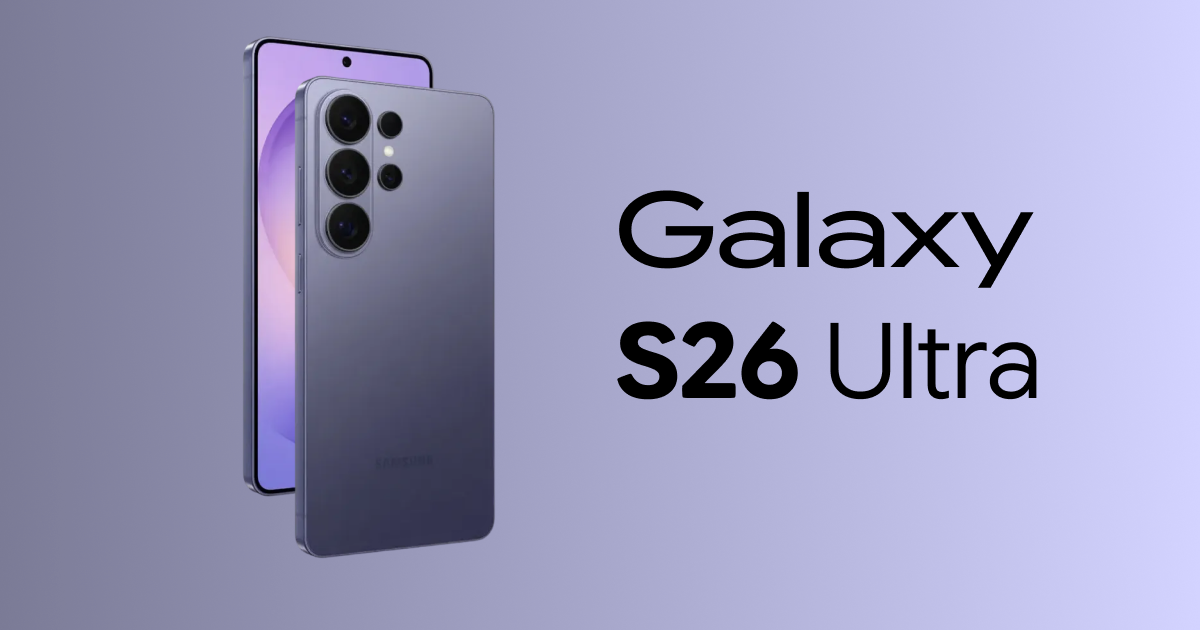
If you’re planning to pre-order the Galaxy S26 Ultra the moment it goes live, there’s one small strategy that could make a big difference. Every Samsung launch follows a similar pattern. The announcement goes live. Links start appearing across Samsung.com. Emails hit inboxes. Social posts go up. And then… some of the individual product pages lag.
We’ve seen this happen repeatedly during Galaxy S and Galaxy Z launches. Certain links temporarily error. Some product pages take a few extra minutes to populate. Meanwhile, specific colors and storage options begin disappearing faster than expected. If you want the best chance of securing your preferred Galaxy S26 configuration, especially exclusive colors or higher storage tiers, here’s what to watch on launch morning.
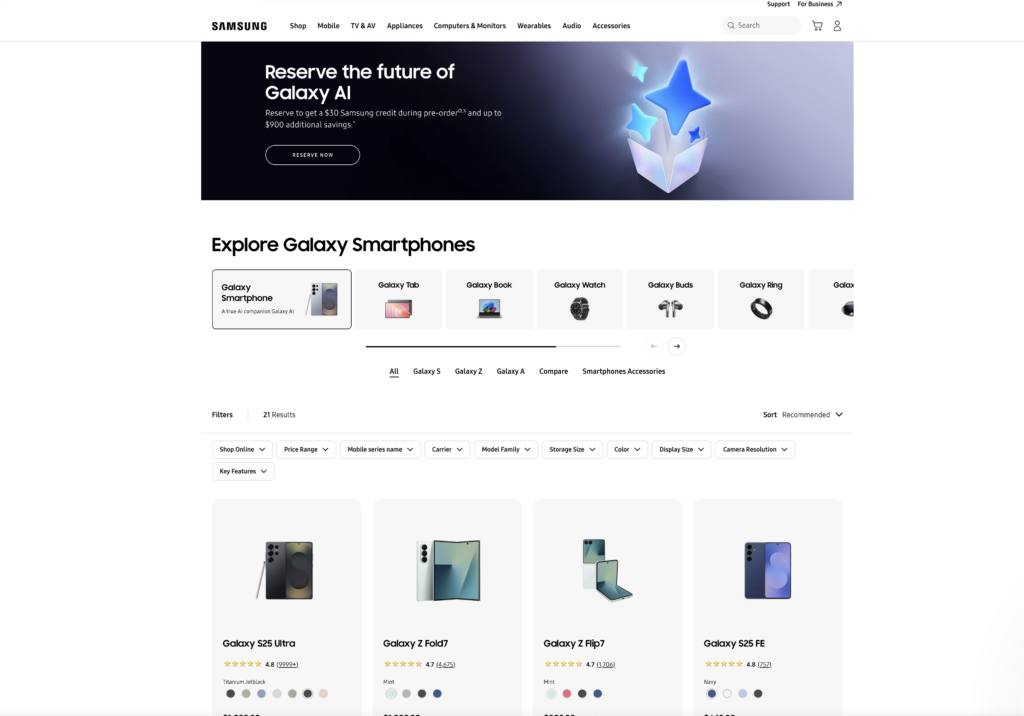
This page usually goes live first, and Samsung will likely do the same for the Galaxy S26 pre-order
Instead of waiting for the individual Galaxy S26 product page to load, check Samsung’s “All Mobile” page. In past launches, new devices have appeared there before the direct product URLs were fully functional.
What this means for you:
You may see the Galaxy S26 listed there first.
You can click straight into configuration options.
You can start selecting your color, storage, and carrier before some promotional links stabilize.
It is not guaranteed, since Samsung can change its backend rollout, but historically the All Mobile grid updates quickly. When certain variants sell fast, even a few minutes can matter. The good news is that we also send out SMS alerts with the product page links as soon as they’re live.
Watch this Samsung page on launch day as the Galaxy S26 Ultra may pop up early for pre-order before Unpacked starts. This link also qualifies for our mystery box program so if you click this link and order on launch day you will be entitled to a free mystery box from SammyGuru (US only). All you need to do after ordering is submit our verification form (will be live on launch day at 10 AM PST).
You’ll want to act quick on launch day
Launch day inventory tends to move in predictable ways. Samsung.com exclusive colors can shift to backorder quickly, and the highest storage tiers, especially 1TB variants, often see early demand. The earliest checkout times usually secure the fastest delivery windows.
If you already know which model, color, and storage option you want, getting into checkout as soon as possible improves your odds of locking in launch day shipping, avoiding extended backorder windows, and securing limited color availability. Preparation makes a difference.
How to Order the Galaxy S26 Ultra Faster (Step-by-Step)
Here’s a simple launch-day checklist.
Step 1 – Use Our Direct Samsung Link
We’ll have our Samsung affiliate link posted clearly at the top of this article and across our social channels on launch morning.
Using this link ensures:
You receive all standard Samsung promotions.
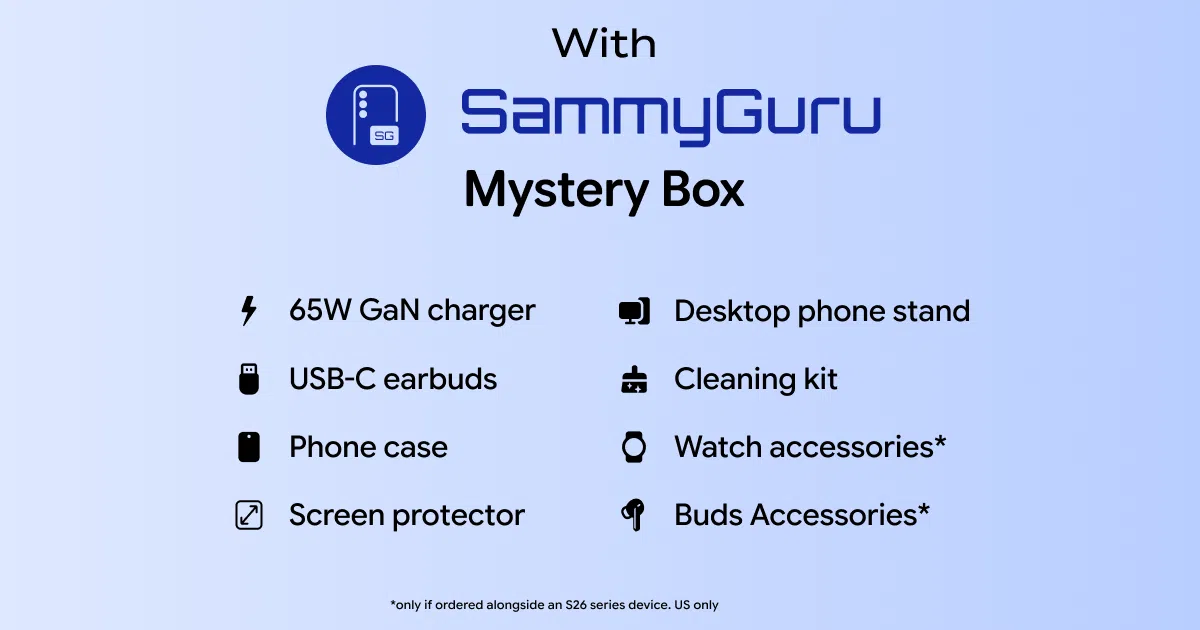
Your purchase qualifies for our SammyGuru Mystery Box bonus with a free case, cleaning kit, 65W GaN charger, tempered glass screen protector, USB C earbuds, and more!
You support independent Samsung coverage from the entire team here at SammyGuru.
Step 2 – Navigate to “All Mobile” if Needed
If the Galaxy S26 product page doesn’t immediately load:
In many previous launches, devices have appeared here before the dedicated landing pages were fully functional.
Step 3 – Configure and Checkout Quickly
Once you’re in:
Select your preferred color.
Choose your storage option.
Add trade-in (if applicable).
Complete checkout as efficiently as possible.
If you’ve already decided on your configuration beforehand, you’ll move through this much faster.
Step 4 – Claim Your Free SammyGuru Mystery Box
After your order is confirmed:
Locate your Samsung order confirmation email.
Visit our Mystery Box verification page.
Submit the required details.
Once verified, we ship your Mystery Box.
You get the same Samsung promos — plus a massive bonus (see below for mystery box contents) from us.
Galaxy S26 Ultra Preorder Frequently Asked Questions (FAQs)
1. Does this work for every launch?
In our experience covering multiple Galaxy S and Z series releases, the All Mobile page has consistently updated very quickly — often before individual marketing pages fully loaded. However, Samsung can always modify its launch rollout.
2. Do I lose Samsung’s Galaxy S26 Ultra discounts by using your link?
No. You receive the same Samsung.com promotions, trade-in offers, and pre-order bonuses. Our Mystery Box is an additional bonus for purchasing through our link and completing verification.
3. What if the homepage banner or product pages work fine?
Sometimes it does. Sometimes it doesn’t. The All Mobile page has historically been a reliable backup path that populates quickly and you can bookmark that link right now to be prepared!
Pro Tip: Be Ready Before Launch Time
If you’re serious about securing a specific Galaxy S26 Ultra configuration:
The buyers who know exactly what they want tend to move through checkout much faster than those deciding in the moment.
We’ll be live on launch morning
We’ll be actively monitoring launch day here on SammyGuru and we’re hosting a live watch party over on YouTube!. As soon as the Galaxy S26 goes live, we’ll update this article and share direct links across our social channels and newsletter. You can also sign up for SMS alerts and get product page links as soon as they go live so you can claim your mystery box. If you plan to order, subscribe so you do not miss it.
And as always, if you are buying anyway, you might as well get a Mystery Box out of it. Stay tuned. Launch day moves fast.