
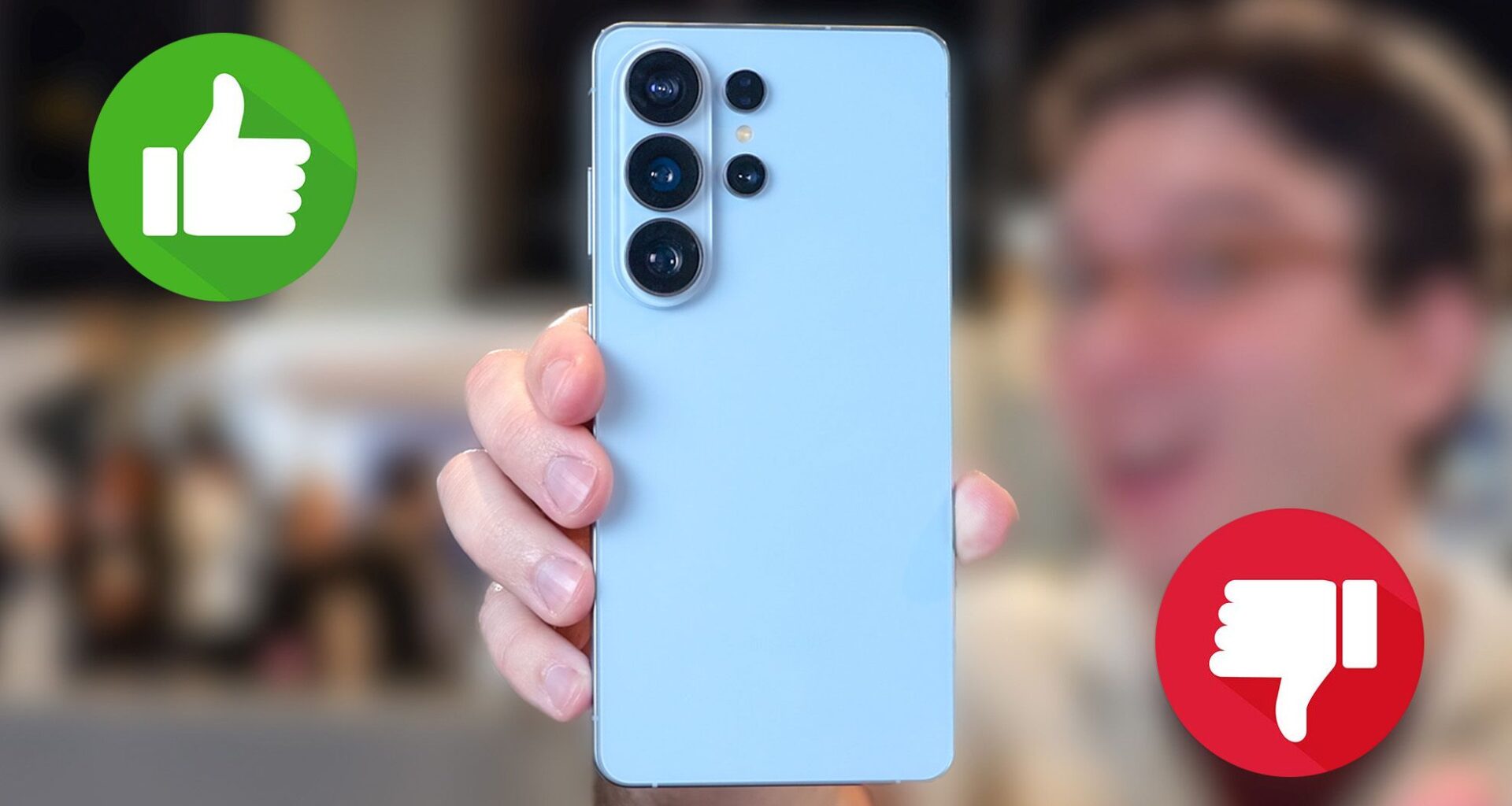
The Galaxy S26 Ultra has all the makings of the best Android phone yet. It packs a new Privacy Display that can keep prying eyes off your sensitive data. The cameras promise way better low-light images and video. And, of course, there’s a dizzying array of new AI features that will (hopefully) make your life easier, including a smarter Gemini that can now help order Ubers and tonight’s dinner for you.
Then again, the Galaxy S26 Ultra’s starting price of $1,299 is pretty frickin’ steep — even though it hasn’t changed versus the S25 Ultra. And there’s some drawbacks you need to know about this device. We’re in the process of doing our full Galaxy S26 Ultra review, but if you’re thinking of pre-ordering now, here’s some pros and cons I think you need to know.
Today’s best Samsung Galaxy S26 Ultra deals
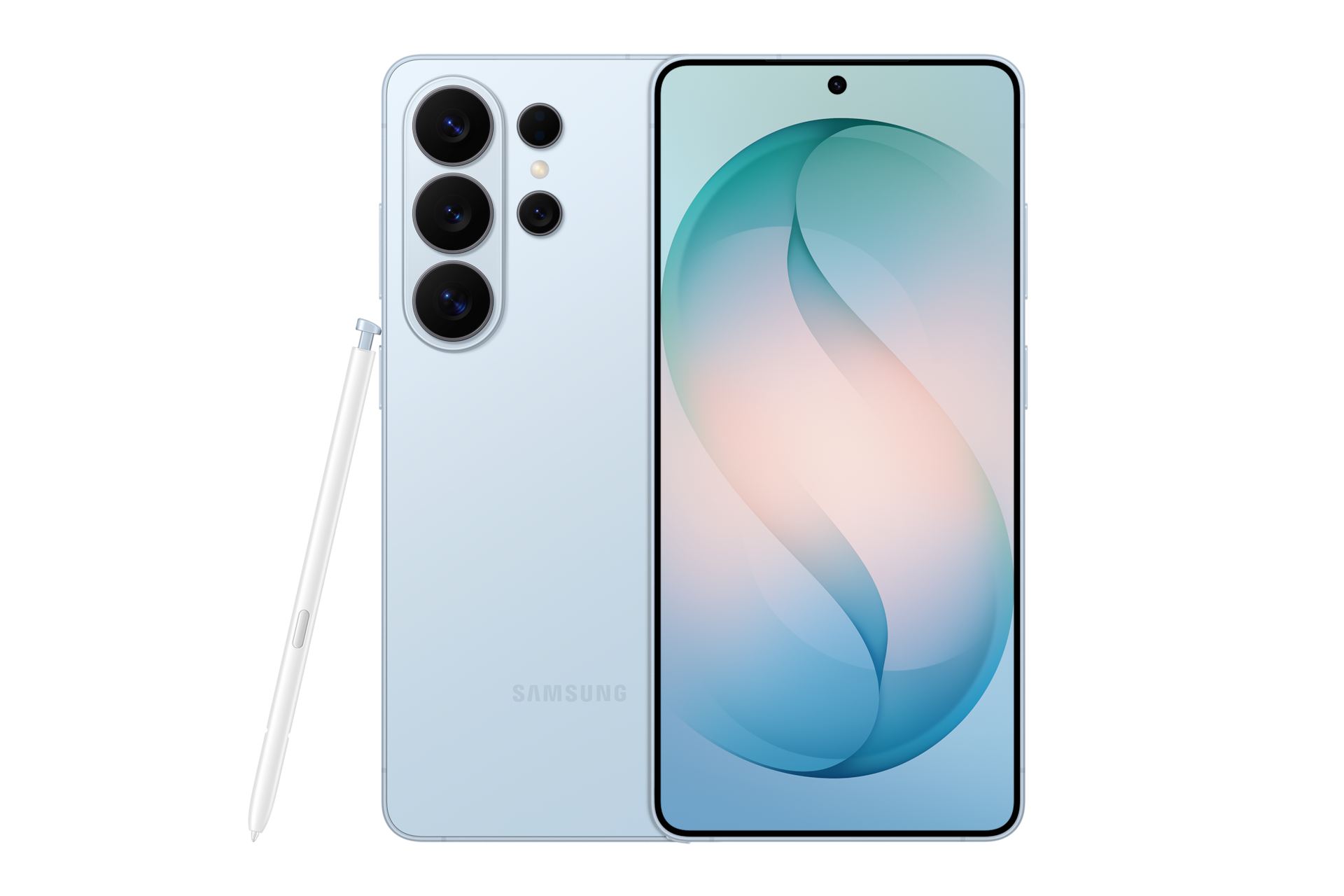
 Reasons to buy Galaxy S26 Ultra

(Image credit: Tom’s Guide)
Privacy Display
RIP third-party privacy screens. The Galaxy S26 Ultra is the world’s first smartphone with a built-in Privacy Display. This is no fancy cover. The feature works at the pixel level to purposely obscure information you don’t want to see using narrow pixels. You can turn Privacy Display on and off right from Quick Settings — or a double press of the power button — so no one can see what’s on our phone.
You may like
But Privacy Display goes deeper than that. You can have the feature automatically activate based on certain apps or even have it black out particular parts of the screen, such as incoming notifications. I have some concerns about display brightness and viewing angles when you’re in regular mode but overall this is truly innovative. Take that shoulder surfers!
AI Features you’ll actually want to use
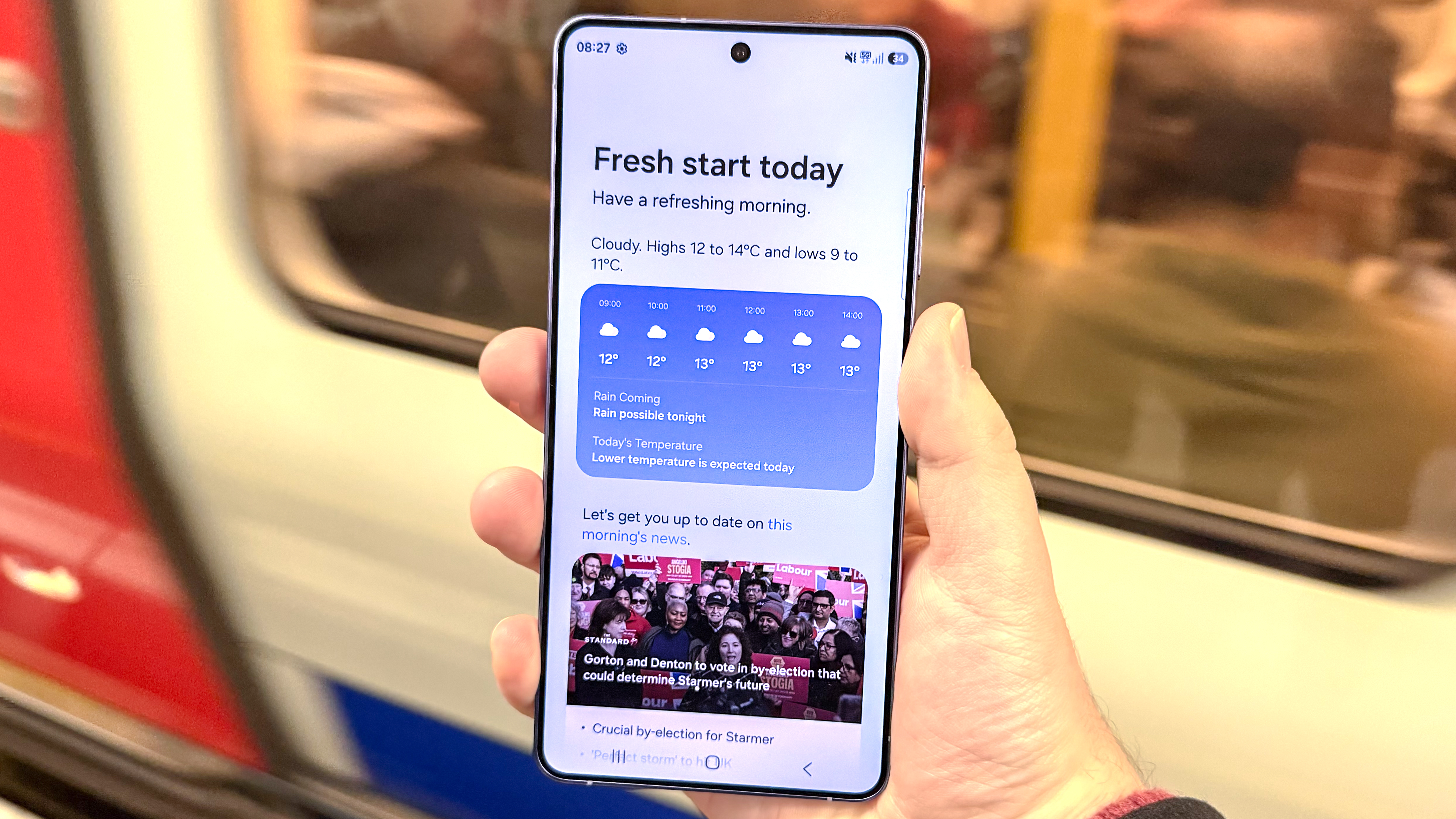
The Galaxy S26 Ultra is jam-packed with new AI features, but there’s a few that stand out for me. Now Nudge is quite clever, as it surfaces suggestions automatically based on the context of your conversations. For example, if you’re messaging someone about making plans you’ll get a suggestion to pull up your calendar right in the Messages app.
(Image credit: Tom’s Guide)
Circle to Search also sees a major upgrade with the S26 Ultra, as it can now recognize multiple objects at once. So if you see a look that you really like, you can look up the shirt, pants and shoes all at once. The upgraded Photo Assist lets you change your photos on the fly with just a prompt.
But the most intriguing AI feature is automated app actions. You can leverage Gemini to help book an Uber or get a food delivery using just your voice. We’ll have to see how well this worsens, though.
Better low-light camera performance
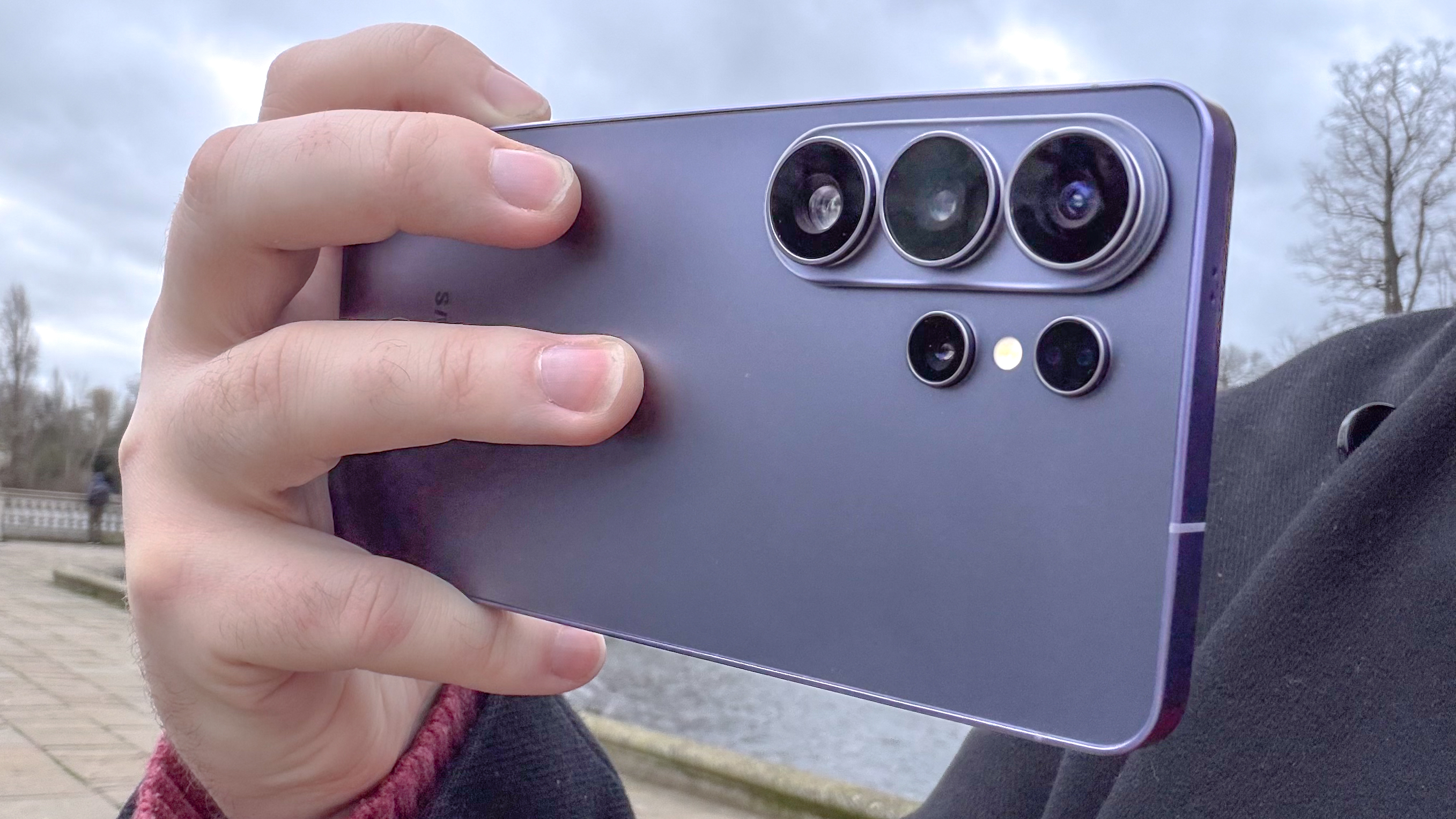
Samsung fell short of Apple in our S25 Ultra vs iPhone 17 Pro Max photo shoot-out mostly because its low-light performance wasn’t as strong. But Samsung hopes to change that with the S26 Ultra, which now offers a wider aperture on both the main 200MP camera and 50MP 5x optical zoom lenses. Add in better image processing, and the end result should be images that are 47% and 37% brighter, respectively.
(Image credit: Tom’s Guide)
In addition, the S26 Ultra promises better low-light video. So you should see brighter footage as well as noise overall.
Horizontal lock for video
Who needs a gimbal? The Galaxy S26 Ultra boasts a new horizontal lock option as part of its Super Steady video recording. This allows you to get stable and smooth video even while you’re in motion or going over bumpy terrain. We’ve seen it in action and it’s pretty impressive.
You may like
Faster 60W charging
The Galaxy S26 Ultra makes the jump from 45W charging on the S25 Ultra to 60W. So you should be able to juice up even quicker. The phone should reach a 75% charge in 30 minutes. The wireless charging also sees an upgrade from 15W wireless charging to 25W, which is a nice boost.
Reasons to skip Galaxy S26 Ultra

(Image credit: Future)
Same size battery — again!
While Chinese phone makers are pushing the envelope with silicon carbon batteries in their flagships, Samsung is playing it safe with the S26 Ultra by offering the same 5,000 mAh Li-ion battery.
Samsung has told us they are “investigating” the technology, but there’s nothing more to share right now. Meanwhile, the OnePlus 15 exceeded 25 hours of battery life in our testing, which is about 8 hours longer than the S25 Ultra. I suspect the S26 Ultra will be in the same ballpark. But it is worth noting that there are concerns around silicon carbon in terms of how those batteries can expand and lose capacity more quickly over time.
No more titanium, ho-hum colors
The Galaxy S26 Ultra switches from titanium to aluminum and this was done to achieve a thinner and lighter design than the S25 Ultra. It’s not a huge deal, but for some this may seem like a downgrade because titanium is more durable.
(Image credit: Future)
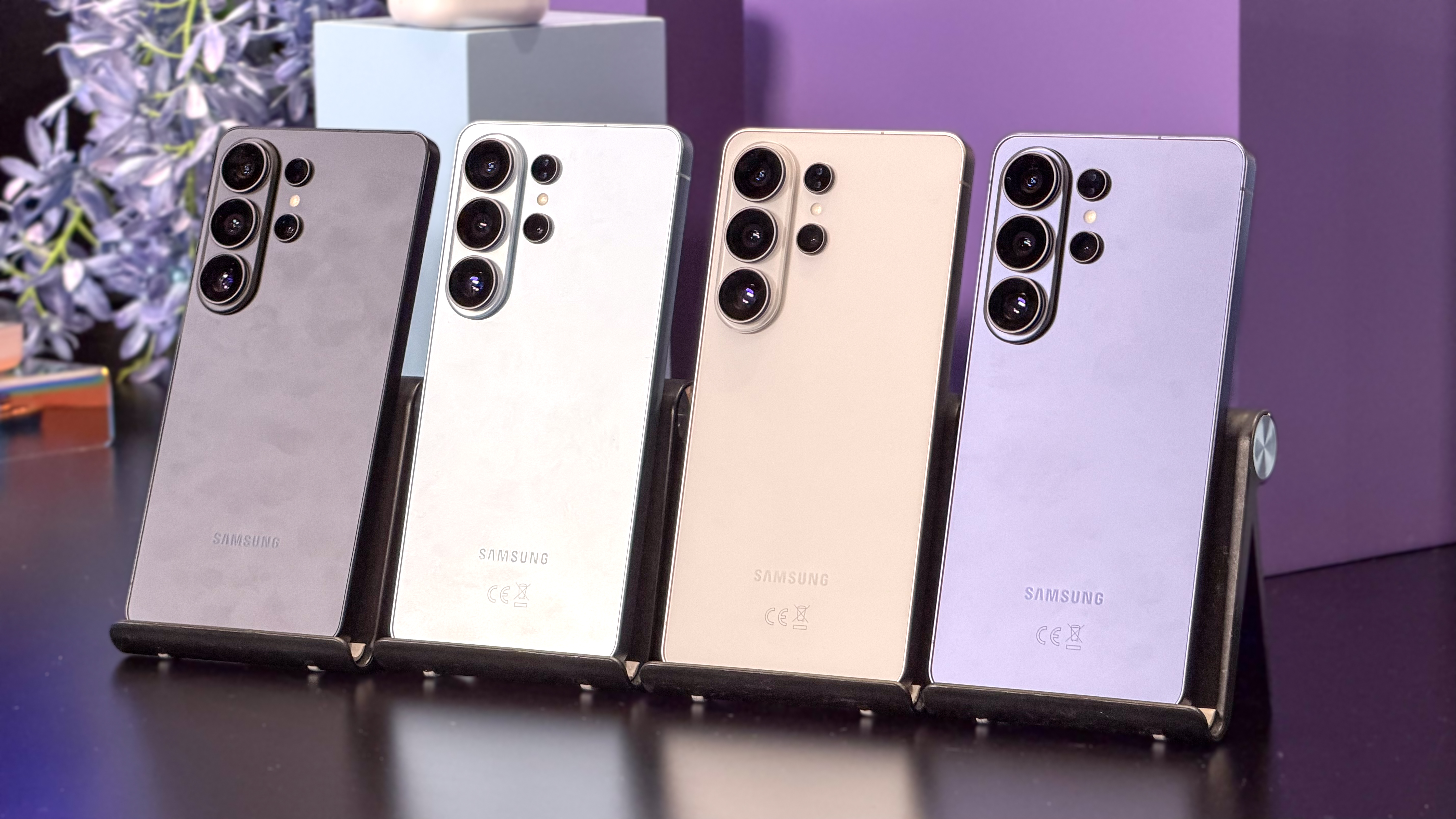
My bigger complaint around the S26 Ultra’s design is that the color selection is a bit too subdued. You can take your pick from Cobalt Violet, White, Black and Sky Blue. Even the Samsung.com exclusive colors in Pink Gold and Silver Shadow are a bit meh.
No magnets for Qi charging (case required)
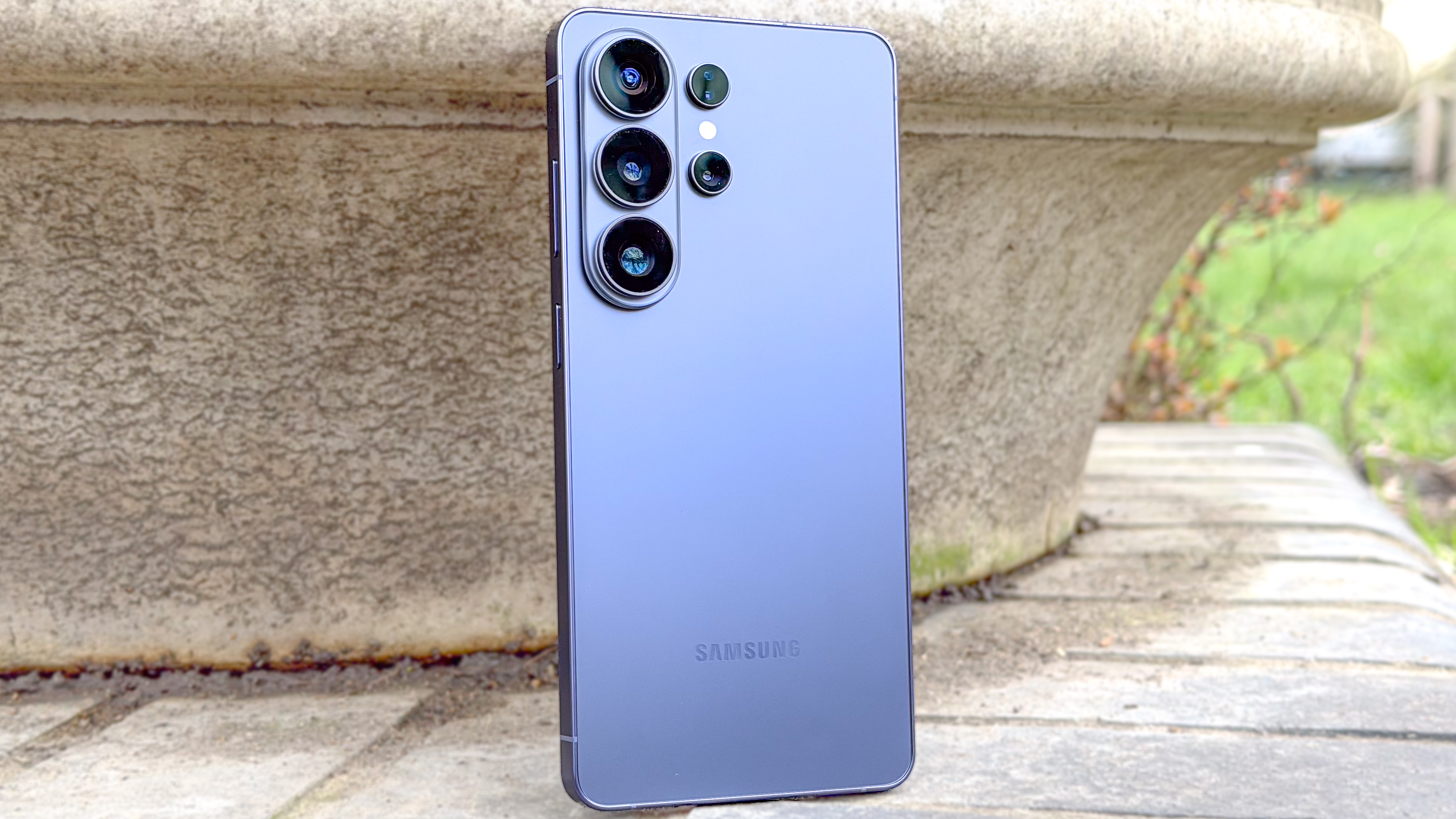
If you want a MagSafe-like experience on your Galaxy S26 Ultra you’re going to have to get a case with a magnet, because once again Samsung has decided not to build those magnets into the phone itself.
(Image credit: Tom’s Guide)
Samsung says that 98% of customers use a phone case anyway, but I’d still like to have the option of using a Qi2 magnetic charger without having to use a case.
Bottom line
We’re still in the process of testing the Galaxy S26 Ultra, but for now I’d say it’s a very impressive flagship phone. The Privacy Display is truly innovative, and I can actually see myself using several of the AI features on a daily basis, especially Now Nudge — provided it works well.
Based on our early testing it looks like the Privacy Display does compromise the brightness and viewing angles on the screen, even when the feature is turned off. So that worries me a bit. But overall the S26 Ultra could be well worth the upgrade if you’re looking for a big-screen beast and are willing to pay the premium.