
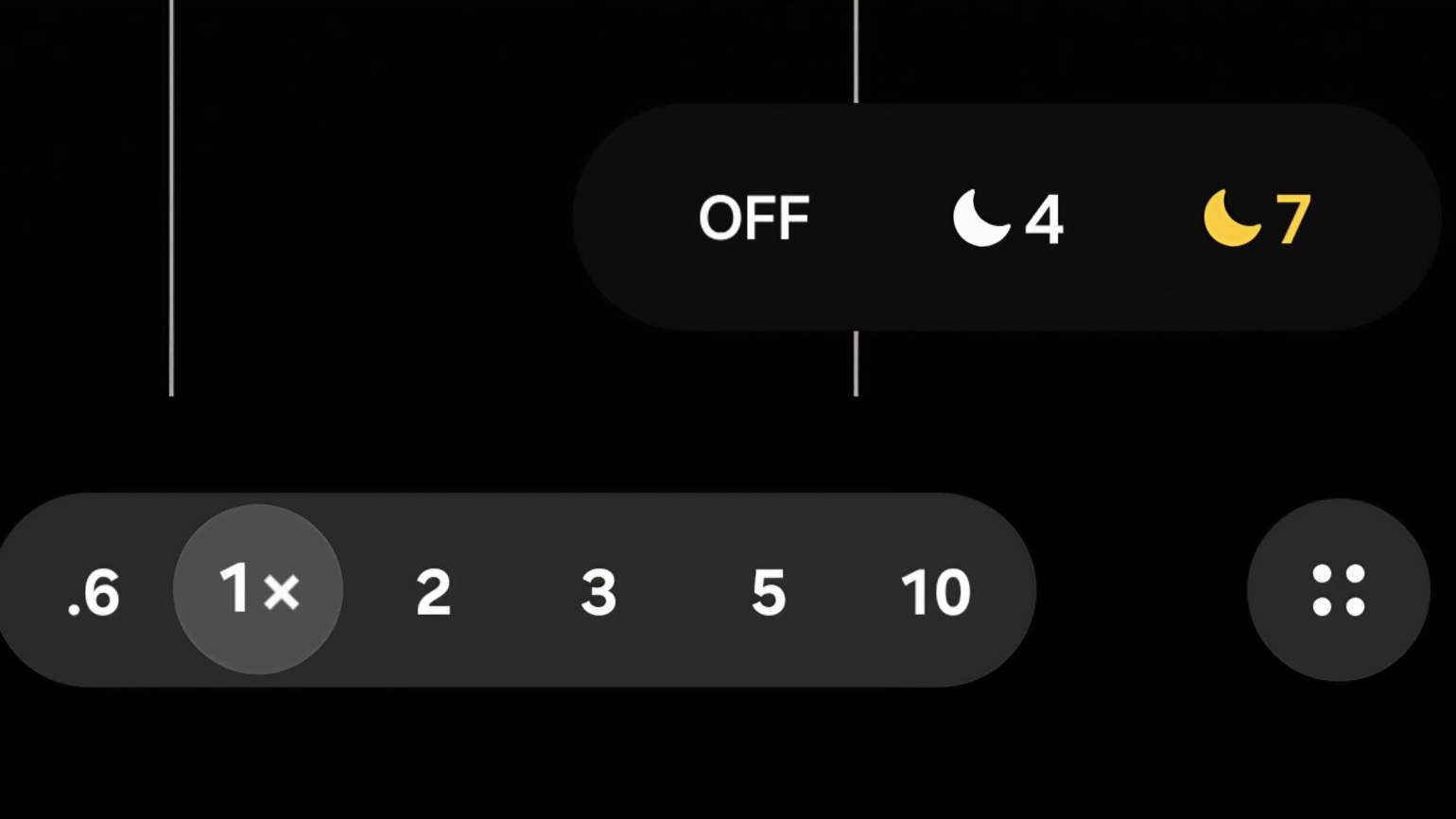
For a while, Samsung’s Night Mode existed as a separate shooting mode. If the scene was dark enough, you had to manually switch to Night Mode to capture longer exposures and benefit from multi-frame stacking. With the Galaxy S26 Ultra, Samsung is quietly changing that philosophy by introducing a new night control directly inside Auto mode.
At first glance, it looks simple. A small 🌙A icon appears when the camera detects a low-light environment, and most users will probably ignore it. But once you tap it, the real story begins.
If you’re buying the Galaxy S26 series in the US, you must check out our mystery box program. We’ll send you a bunch of freebies with every Galaxy S26 phone. Every box comes packed with 65W GaN charger, desktop phone stand, USB C earbuds, cleaning kit, tempered glass screen protectors, and more.
Meet the Night Control inside Auto Mode on Galaxy S26 Ultra
When the camera detects a dark scene, the 🌙A (Automatic Night) icon appears in white. This means the camera can apply night processing if needed, but the system still decides whether the scene requires it.
Note: In many situations the icon remains white because the camera believes there is enough light. But sometimes the system underestimates the scene, and that’s where the new control becomes useful.

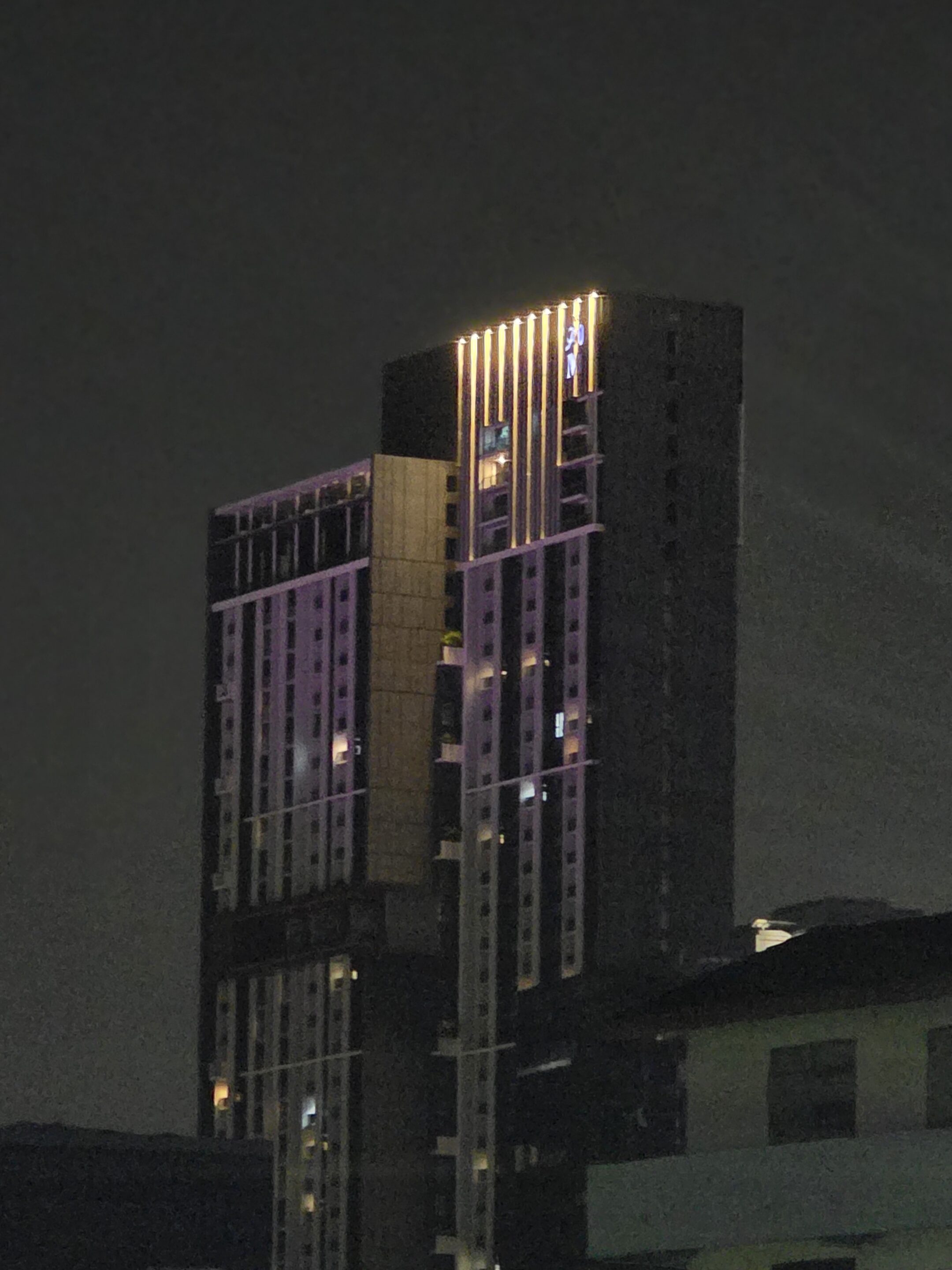
S25 Ultra 10x 🌙 not activated because the system thought there was enough light.
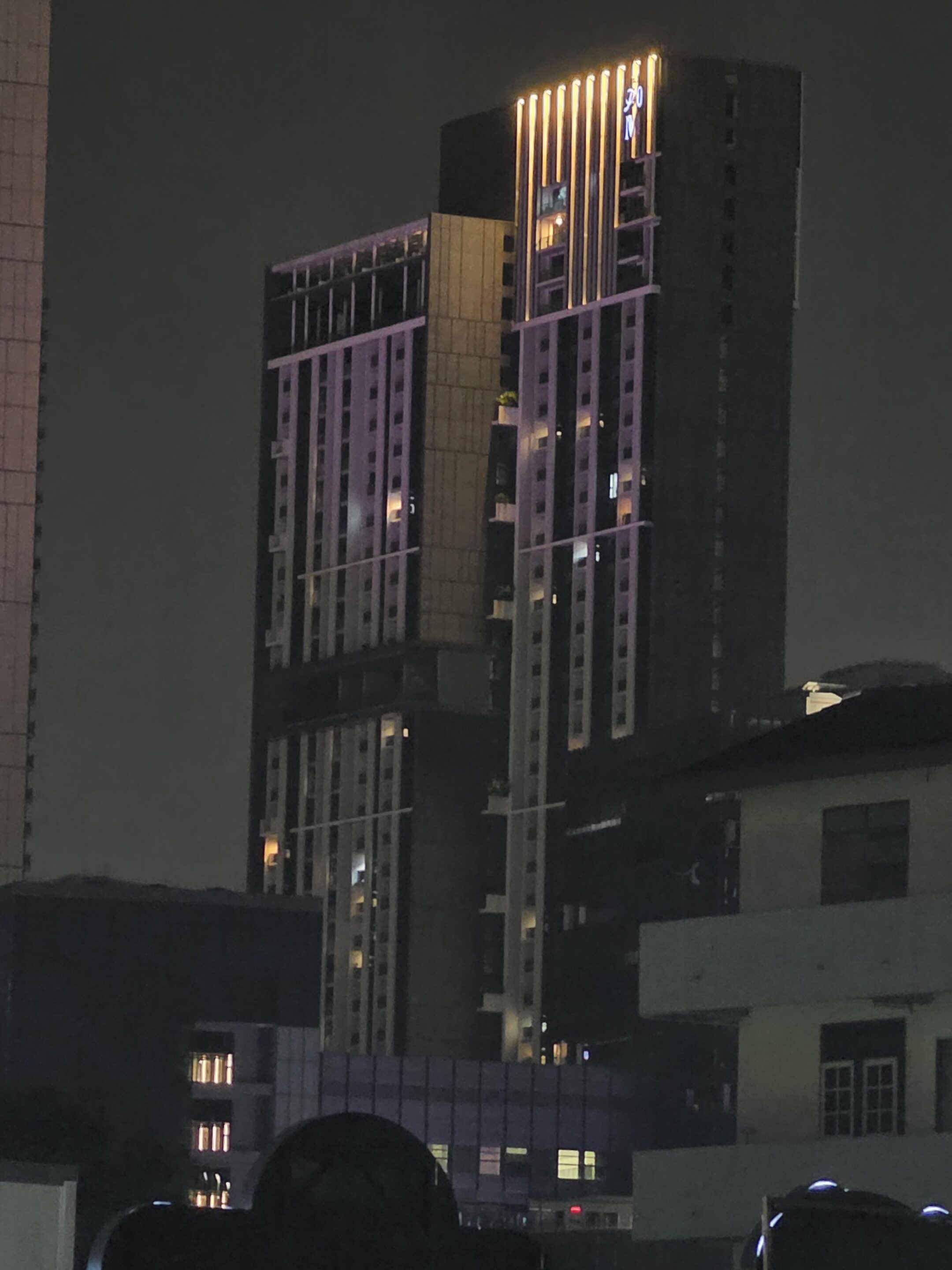
S26 Ultra 10x 🌙 A white dot is not active. The system thinks there’s enough light, but it’s not off completely like the S25 Ultra.
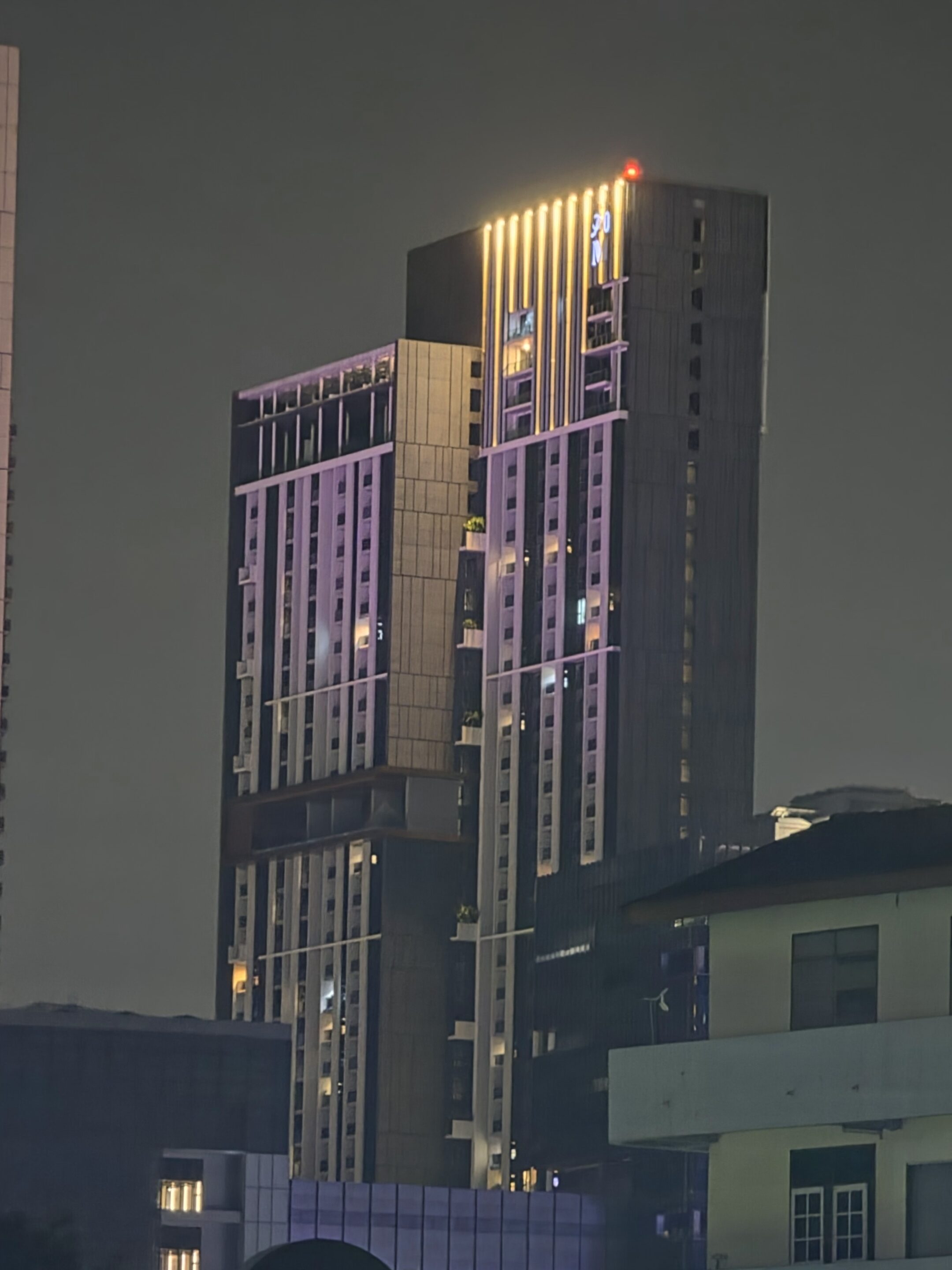
S26 Ultra 10x 🌙2 The new option to force night option in auto mode.
Once you tap the icon, Samsung allows you to force night capture behavior directly inside Auto mode. Instead of switching to a separate Night Mode, you can manually trigger longer exposures such as 🌙2, 🌙4, or 🌙7. The available values adjust automatically depending on the scene and lighting conditions.
If you prefer a faster capture with no stacking, there is also an Off option that disables night processing completely.
Here’s how this is different from traditional Night Mode
Classic Night Mode on Galaxy devices is helpful, but it also has limitations. On most Samsung phones, Night Mode works only up to about 10× zoom.
The new Auto Night control changes that. Because it operates inside Auto mode, the camera no longer treats night photography as a separate pipeline. This means the feature can work across the entire camera range of the S26 Ultra.
That means the feature can operate across the entire camera range of the S26 Ultra:
0.6× ultra-wide camera
Standard 1x lens
3x and 5x telephoto cameras
all the way up to 100x Space Zoom
This makes it one of the most flexible night shooting implementations Samsung has introduced so far.
Night Mode doesn’t support HEIC support yet
Another important advantage is the file format. Traditional Night Mode on Samsung devices often outputs JPEG only, because of how multi-frame stacking is processed and exported.
When night exposure is triggered within Auto mode, the camera can keep the HEIC pipeline active. That means smaller file sizes, higher compression efficiency, HDR pipeline preservation, and support for 10-bit photos.
For photographers who prefer HEIC for its efficiency and HDR compatibility, this is a meaningful improvement.
A shift toward context-aware photography
From a technical perspective, this change suggests Samsung has further unified its computational photography pipeline. Instead of separating night photography into a dedicated mode, the camera can now extend exposure stacking dynamically inside Auto mode.
The result is a more flexible system:
The camera stays fast in normal conditions.
But when you need more light, you can manually allow deeper stacking — and without changing modes, lenses, or file formats.
For everyday users, the change simplifies low-light photography. You no longer have to constantly switch between Photo mode and Night Mode. Instead, you can stay in Auto mode and simply decide:
Do I want the camera to stay fast?
Or do I want it to gather more light?
And when you choose the latter, you can force the exposure stack without sacrificing your preferred lens, zoom level, or file format.
One important tip
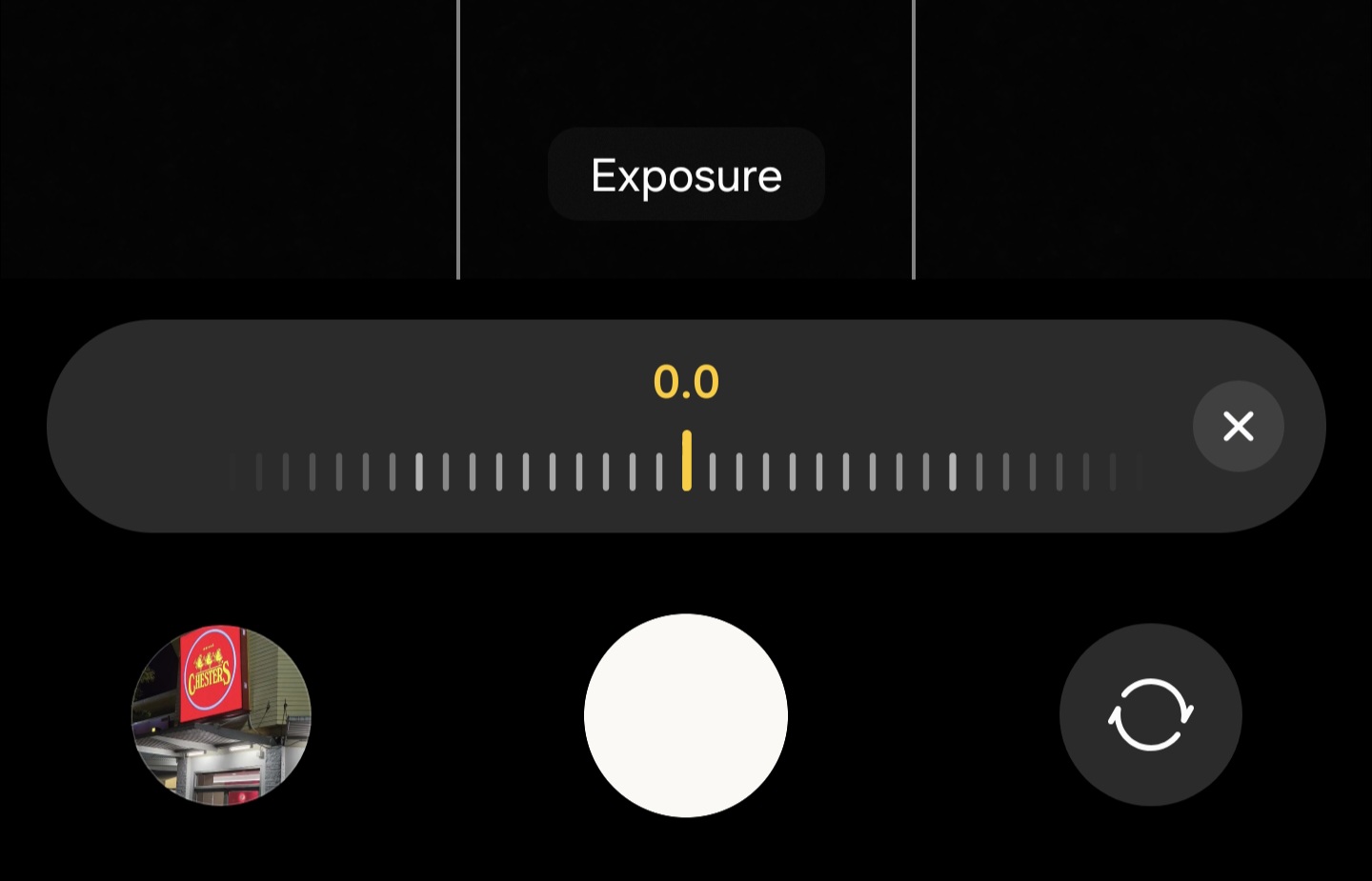
There is one detail many users will miss. When forcing longer exposures, you may also need to adjust EV manually to avoid overexposure in point-and-shoot situations.
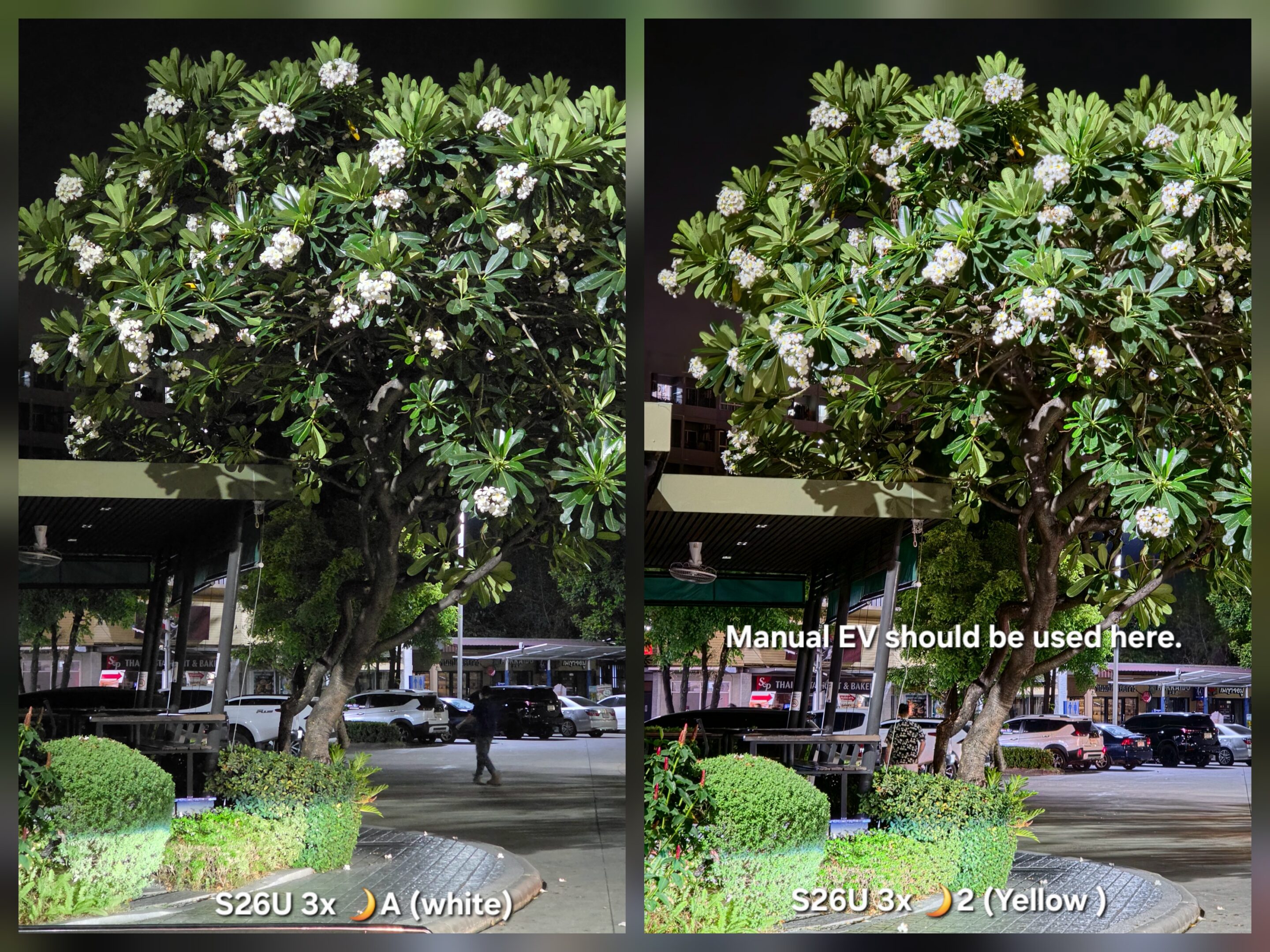
Samsung allows EV control directly inside Auto mode, which helps balance brightness when stacking multiple frames. In low light, that small adjustment can make the difference between a clean night photo and a blown-out one.
The Galaxy S26 Ultra has indeed upgraded where night photography happens. Instead of isolating low-light capture inside a dedicated mode, Samsung embedded that capability directly into the default shooting experience.
A small moon icon might not look like a major upgrade. But for anyone who understands how smartphone cameras work, it’s meaningful shift toward a more flexible computational photography system.
Author’s Note: This article is part of my Galaxy S26 Ultra camera deep-dive series, a technical exploration of Samsung’s latest imaging system from a photography perspective.
If you’re buying the Galaxy S26 series in the US, you must check out our mystery box program. We’ll send you a bunch of freebies with every Galaxy S26 phone. Every box comes packed with 65W GaN charger, desktop phone stand, USB C earbuds, cleaning kit, tempered glass screen protectors, and more.