
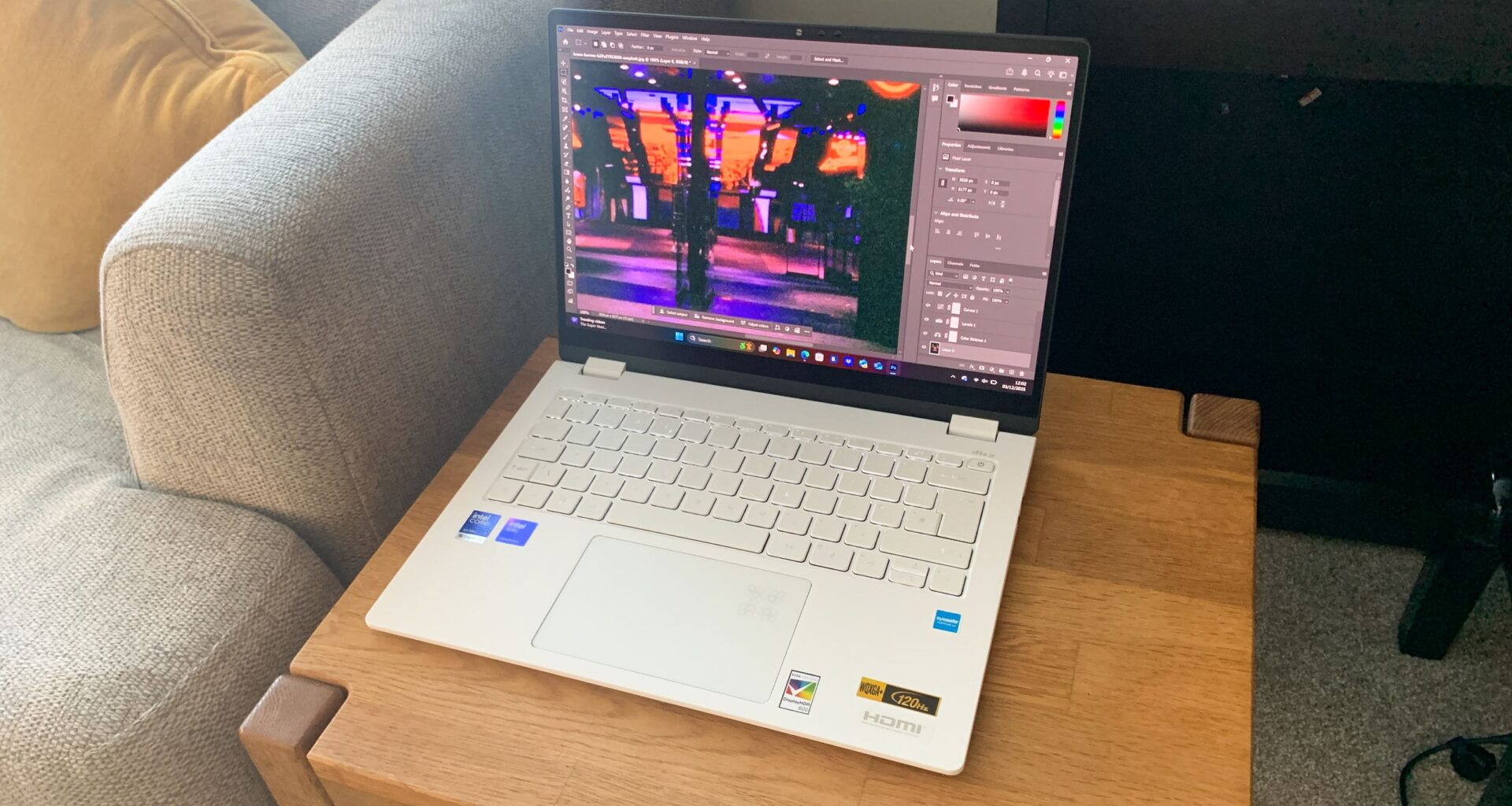
The best AI laptops are all built to harness machine learning, directly at the hardware level. That means that as well as the usual CPU and GPU, they include a neural processing unit (NPU), allowing them to run generative AI tasks locally without relying on the cloud.
How does that help you, exactly? Well, ultimately it means measurably better performance in creative software. And as more tools for image editing, video production and design adopt NPU-accelerated features, from AI masking to content generation and upscaling, choosing the right AI laptop is increasingly important for staying ahead.
The best AI laptops in full
Why you can trust Creative Bloq
Our expert reviewers spend hours testing and comparing products and services so you can choose the best for you. Find out more about how we test.
The best AI laptop overall
(Image credit: Future)
A portable AI laptop with a great OLED screen
Specifications
CPU: Intel Core Ultra i9-185H
GPU: Intel Arc Graphics
NPU: Intel AI Boost NPU
Display: 14-inch, 3K (2880 x 1800) OLED 16:10, 100% DCI-P3, touchscreen
RAM: 32GB
Storage: 1TB
Reasons to buy+
Stunning 3K OLED touchscreen
+
AI Boost NPU offloads generative tasks
+
Undercuts MacBook Air on price
Reasons to avoid-
Graphics performance could be better
–
Limited port selection
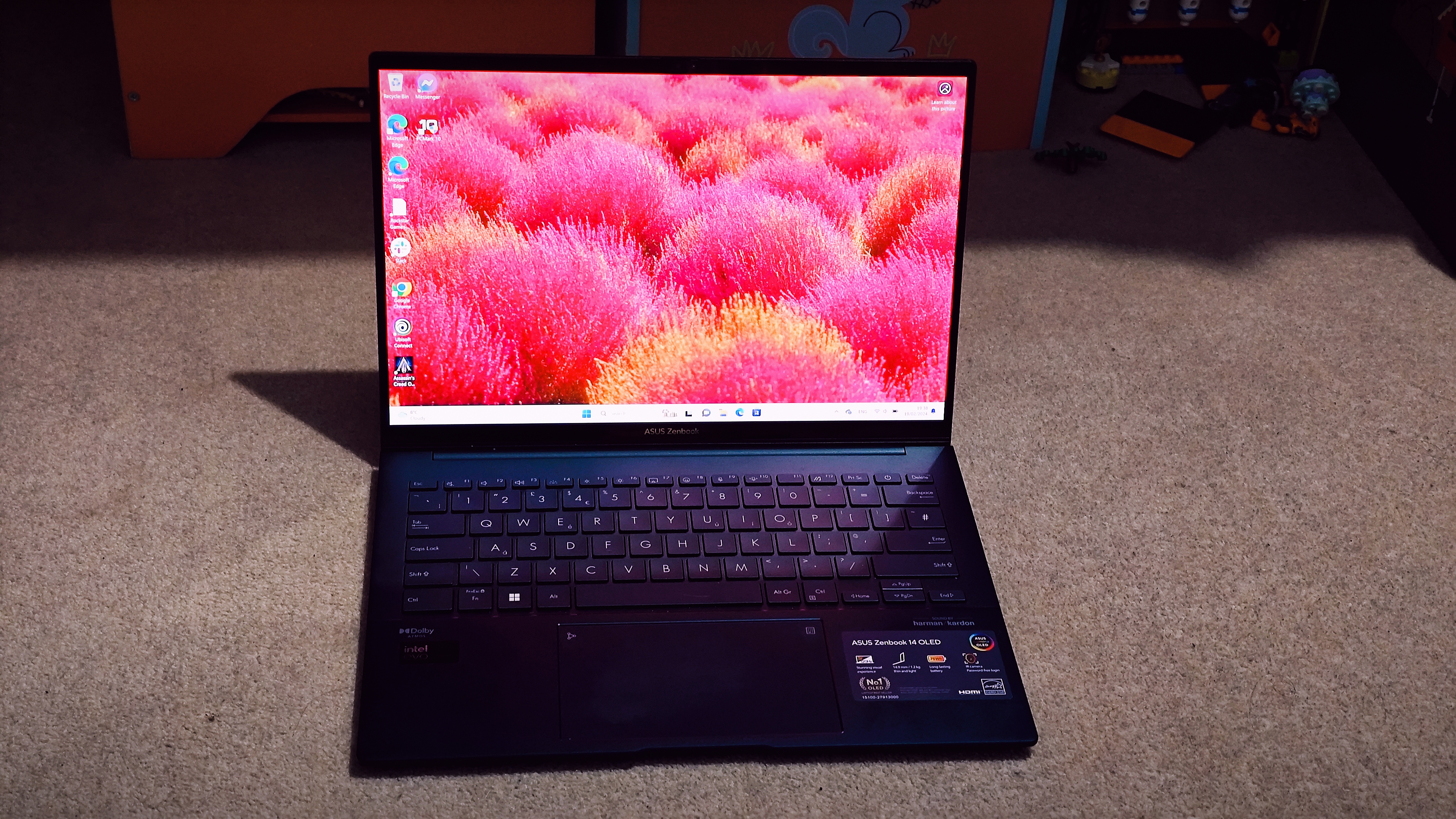
The Asus Zenbook 14 OLED (UX3405) is the AI laptop we’d recommend to most creatives in 2026. It strikes the best balance of performance, display quality and value of anything we’ve tested, and it does so in a genuinely portable and well-built chassis that you’ll be happy to carry every day.
At the heart of its AI credentials is Intel‘s 14th-generation Core Ultra processor, codenamed Meteor Lake, which integrates an AI Boost NPU designed to offload AI-related tasks (think image generation, background removal and AI-assisted masking) from the CPU. This keeps the processor free for everything else you’re throwing at it, and in practice we found it delivered impressive sustained performance across creative applications including Photoshop and After Effects.
The 14-inch 3K OLED panel is bright, sharp, and covers 100% DCI-P3, making it genuinely suitable for colour-critical work. Paired with its 16:10 aspect ratio, it provides a generous workspace for design and editing tasks. The touchscreen adds further versatility, and the overall package (keyboard, trackpad and build quality) feels appropriately premium.
We tested the top-of-the-line i9 configuration with 32GB of RAM, and it outperformed several discrete GPU-equipped laptops in CPU benchmarks. Those doing heavy 3D rendering or professional video work at high resolutions may still want a dedicated GPU, but for most designers, photographers and illustrators, the Zenbook 14 OLED will be hard to beat. And at a price that undercuts comparable MacBook configurations, it represents outstanding value.
The best 2-in-1 AI laptop
(Image credit: Future / Paul Hatton)
The best AI laptop for working on the move
Specifications
CPU: Up to Intel Core Ultra 9 288V
GPU: Intel Arc Graphics 140V (integrated)
NPU: Intel AI Boost, up to 48 TOPS
Display: 14-inch, 2.8K (2880 x 1800) OLED touchscreen, 120Hz, 100% DCI-P3
RAM: Up to 32GB LPDDR5X
Storage: Up to 1TB PCIe Gen 4 NVMe SSD
Reasons to buy+
Lighter than a MacBook Air
+
Matte anti-glare OLED display
+
Battery life of nearly 14 hours
Reasons to avoid-
Integrated GPU limits creative work
–
Premium price
If you spend your working life moving between locations, the Acer Swift Edge 14 AI is in a category of its own. At just under 1kg, it’s lighter than the MacBook Air. You’ll genuinely forget it’s in your bag which, for a laptop with a 14-inch 3K OLED screen, is a remarkable achievement.
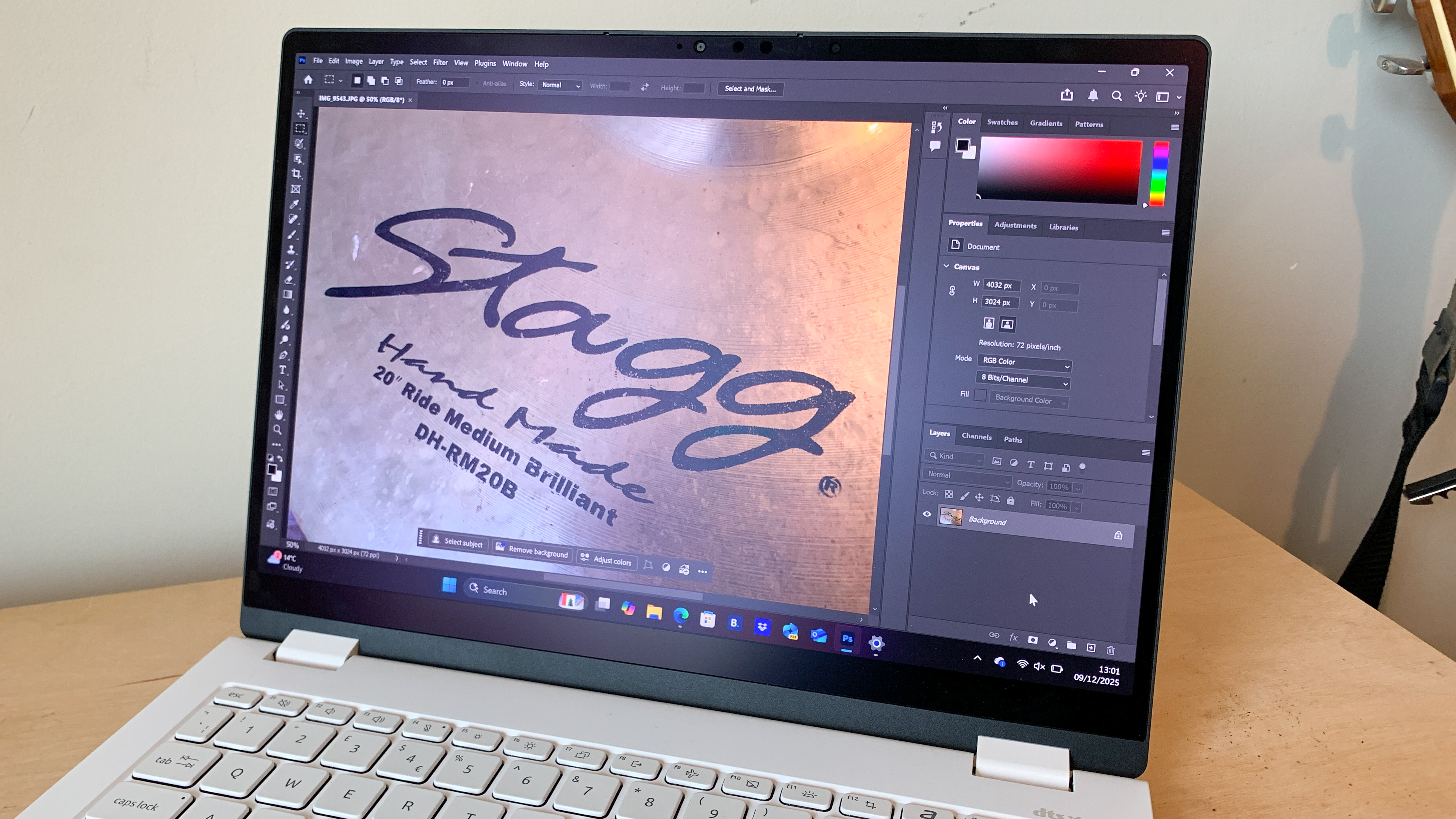
That display is worth dwelling on too. Acer has used the world’s first Corning Gorilla Matte Pro surface treatment on a laptop panel, which dramatically reduces glare and reflections compared to the glossy screens on most competitors. In brightly lit cafés, co-working spaces or on public transport, this makes a real difference to usability and eye strain. The 2.8K resolution, 120Hz refresh rate and 100% DCI-P3 coverage mean it also holds up for colour-accurate creative work.
The Intel Core Ultra 9 288V processor with its integrated Arc 140V GPU handles graphic design, photo editing and light video work comfortably. Our benchmarks showed it matching or beating comparable ultrabooks in CPU-heavy tasks, and its AI performance for Copilot+ features including Live Captions and AI masking in Lightroom was smooth. Where it shows its limits is in GPU-intensive workflows: sustained 4K video editing and 3D rendering push it noticeably, and professionals who live in those applications will need a discrete GPU.
For the hybrid worker, digital nomad or creative generalist who needs a reliable, beautiful, day-long machine that genuinely disappears into their bag, however, the Swift Edge 14 AI is exceptional. Battery life of nearly 14 hours in our testing means one charge gets you through a full working day and beyond.
Best AI laptop for creative studios
(Image credit: Future/Ian Evenden)
The best AI laptop for creative studios
Specifications
CPU: AMD Ryzen AI 9 HX 370
GPU: Nvidia GeForce RTX 4070
NPU: AMD XDNA, 50TOPS
Display: 13in 2880 x 1800 OLED touchscreen
RAM: Up to 32GB
Storage: Up to 2TB
Reasons to buy+
RTX 4070 GPU
+
NPU reaches 50 TOPS
+
Covers 96% Adobe RGB and 97% P3
Reasons to avoid-
Only 60Hz refresh rate
–
Expensive for a 13-inch laptop
For creative studios who need their laptops to keep up — not just for the occasional Lightroom export, but for sustained, demanding video editing, 3D rendering and AI-accelerated production work — this is the one to get.
It packs a discrete Nvidia GeForce RTX 4070 GPU alongside AMD’s Ryzen AI 9 HX 370 processor, giving it a level of raw creative power that integrated-GPU machines can’t match. In our testing, the RTX 4070 made light work of 4K video workflows in Premiere Pro, and the Ryzen AI 9 chip posted benchmark scores that beat Intel’s best competing silicon. The AMD XDNA NPU, rated at 50 TOPS, is also the most powerful NPU of any laptop in this roundup, positioning it well for the coming wave of NPU-accelerated creative software.
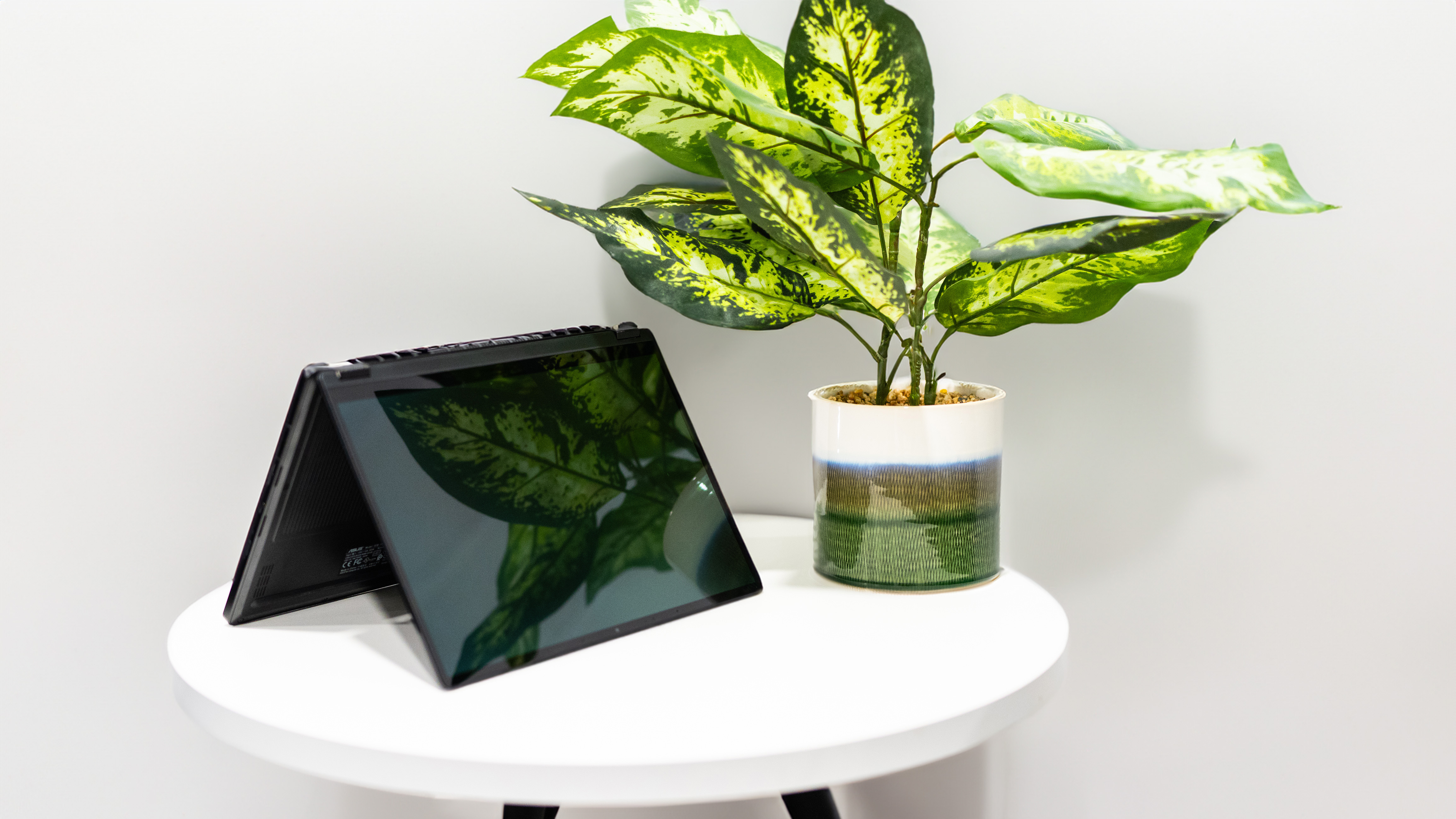
The display matches the ProArt reputation: a 13-inch OLED touchscreen covering 96% Adobe RGB and 97% P3, calibrated for colour-accurate output from the box. One caveat is the 60Hz refresh rate, which means motion designers working on animation or effects-heavy timelines may prefer an external display. On the plus side, the 2-in-1 format adds versatility, and the Asus dial built into the trackpad is genuinely useful in compatible Adobe applications.
At around £2,000, this is an expensive machine, but for studios who need portable workstation-level performance, it’s worth every penny.
Round up of today’s best deals