
Not all smartwatches are built equally. As someone who was an early adopter of the Pebble during its initial Kickstarter run and an avid Apple Watch fan, there is a vast difference in the capabilities of every type of watch out there. Some are far smarter than others, allowing users to send and receive texts, play games, and make phone calls. Other smartwatches are little more than glorified watches with a few extra bells and whistles. Most of them have great features you may not be taking full advantage of. Everybody has a different use-case scenario, so you may not always need to drop hundreds on a watch.
As someone who loves to dive into budget tech and find out if there is something magical about them, there’s one particular thing that every “cheaper” smartwatch is missing. Something that could save me, and many others, a ton of money on their next purchase. Why can’t cheap watches use tap-to-pay?
Most budget smartwatches don’t have tap-to-pay features
Secure hardware costs, strict requirements, and licensing fees could drive the price up
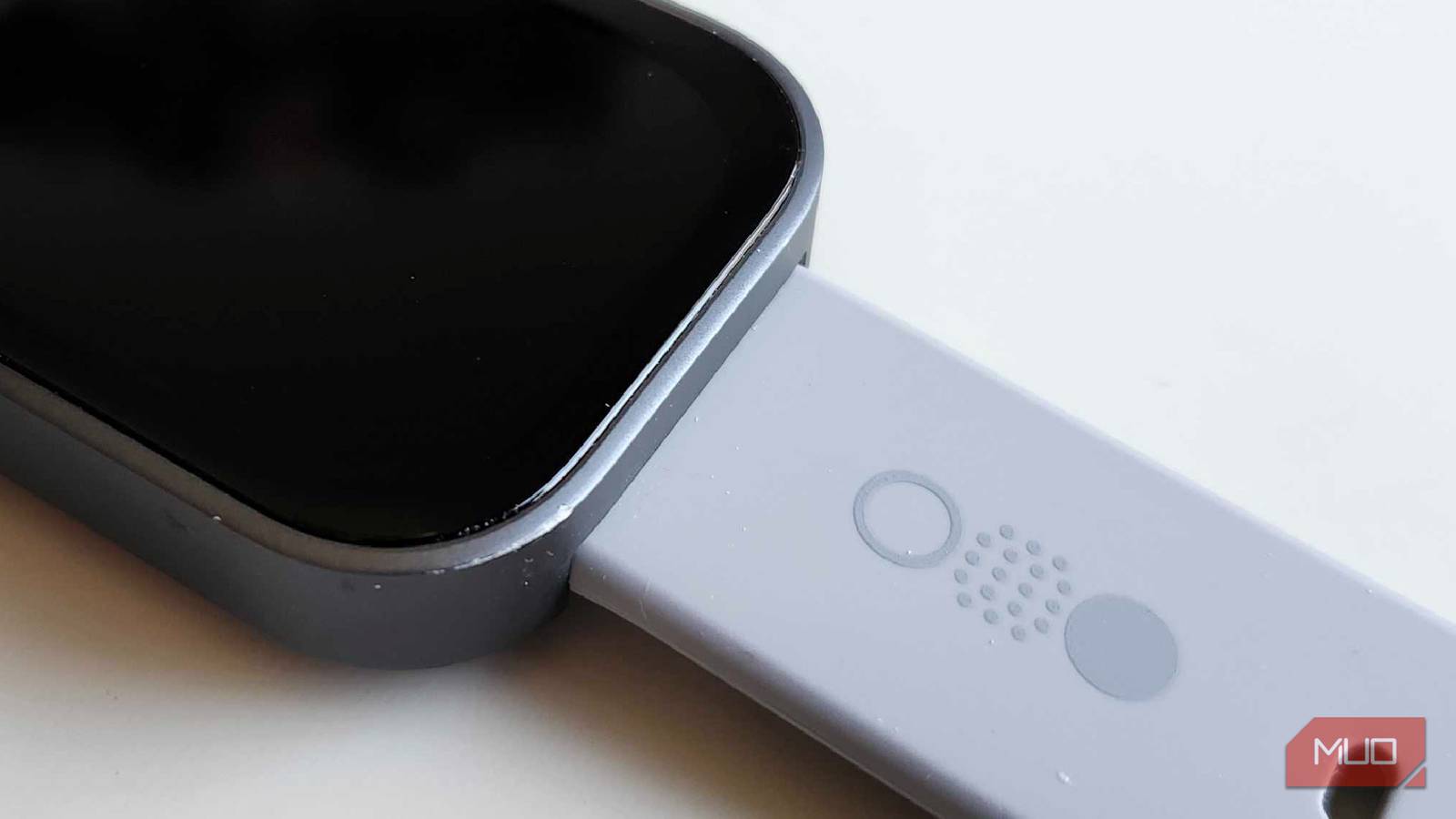
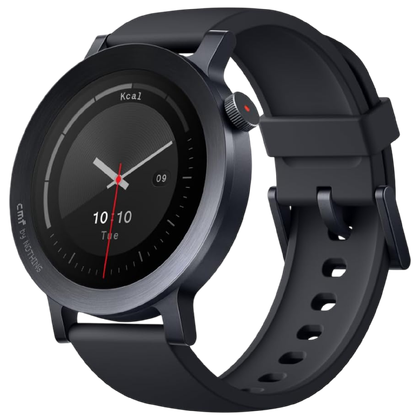
Even though they’re a few years old at this point, my wife and I still swear by our sub-$100 CMF by Nothing smartwatches. They’ve got all the features we need and more: heart rate detection, text and call capabilities, a beautiful screen, and a stylish look. Much like their phones and headphones, nothing fits an awful lot of tech into something that costs far less than the competition. But unlike the competition, this watch, and many in a similar price range, can’t take advantage of things like NFC, Wallet, or tap-to-pay. Why is that?
Well, it could be for many things. NFC itself is incredibly cheap. You can typically get an NFC tag for pennies on the dollar. But what ends up costing more money in the end are things like Secure Elements, a tamper-resistant chip that stores your payment methods as a secure token. Google Wallet has surprisingly strict requirements and a need to run on Wear OS. Many cheaper smartwatches just don’t have the power to run it properly. Plus, banking and licensing fees could send the price skyrocketing, too.
Brand
Nothing
Color Screen
Yes
Notification Support
Yes
Connectivity
Bluetooth
PCI DSS security compliances complicate things, too
Budget watches do get software updates, but this could be a costly bit of follow-up
Credit: Shaun Cichacki/MUO
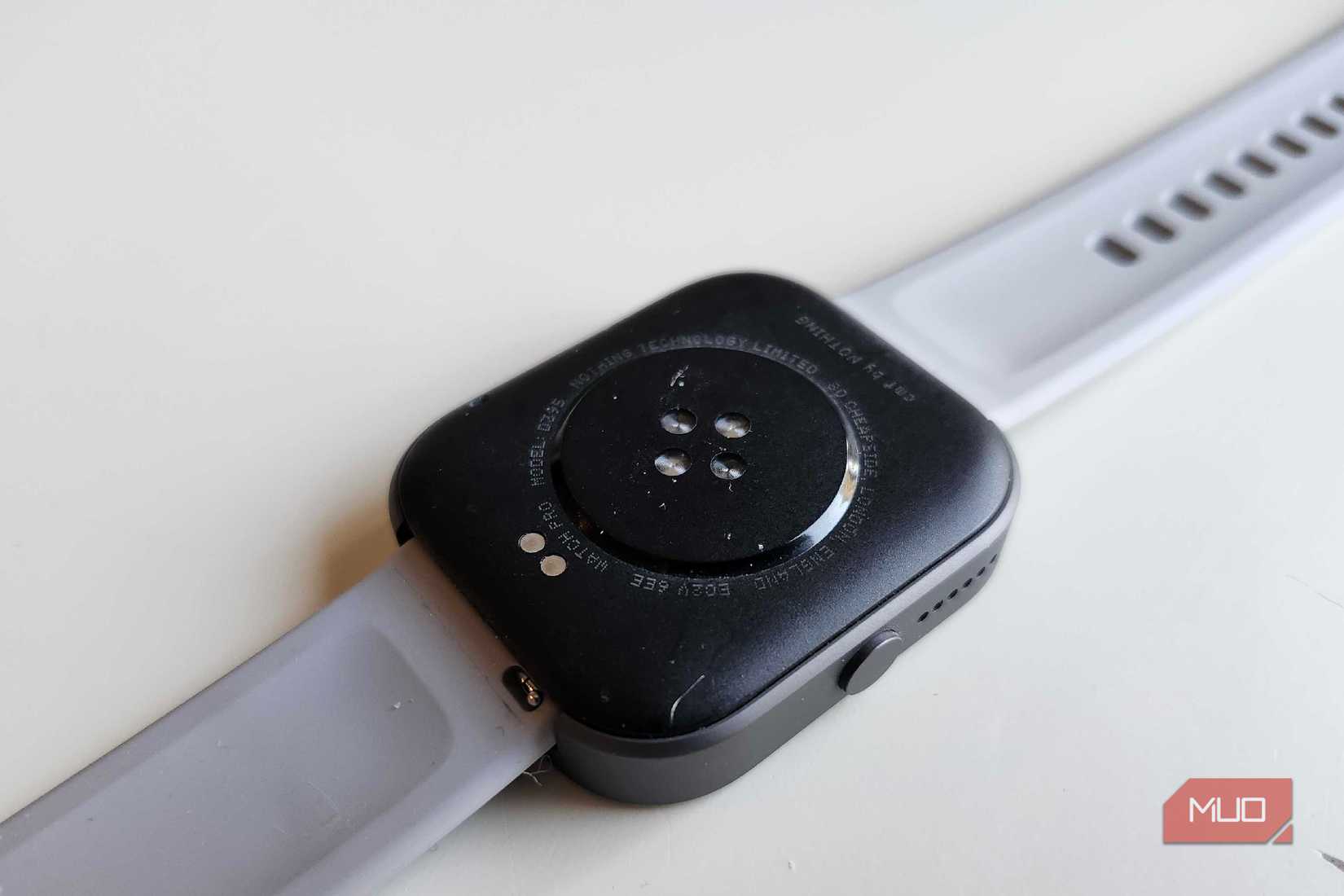
Security is one of the major reasons why budget smartwatches may not be able to properly utilize tap-to-pay features, and Payment Card Industry Data Security Standards, or PCI DSS, play a major role in this. Most budget watches feature their own operating systems, seeing as they may not have the internal strength to run something like WearOS or older Samsung watches running TizenOS. WearOS, paired with the Secure Elements make tampering and stealing payment information nigh impossible.
PCI DSS also requires a lot of updates and patches, something that many of these budget smartwatch companies just aren’t capable of keeping up with. There’s also a high cost for certification, with prices ranging into hundreds of thousands of dollars. While Nothing and other brands are very popular with folks like myself and others on the MUO writing staff, I can’t see them dropping $100,000 just to include tap-to-pay features on their already incredibly affordable watches.
Some cheaper watches use proprietary wallets instead
But most of these wallets just don’t work in America or other countries
Credit: Shaun Cichacki/MUO
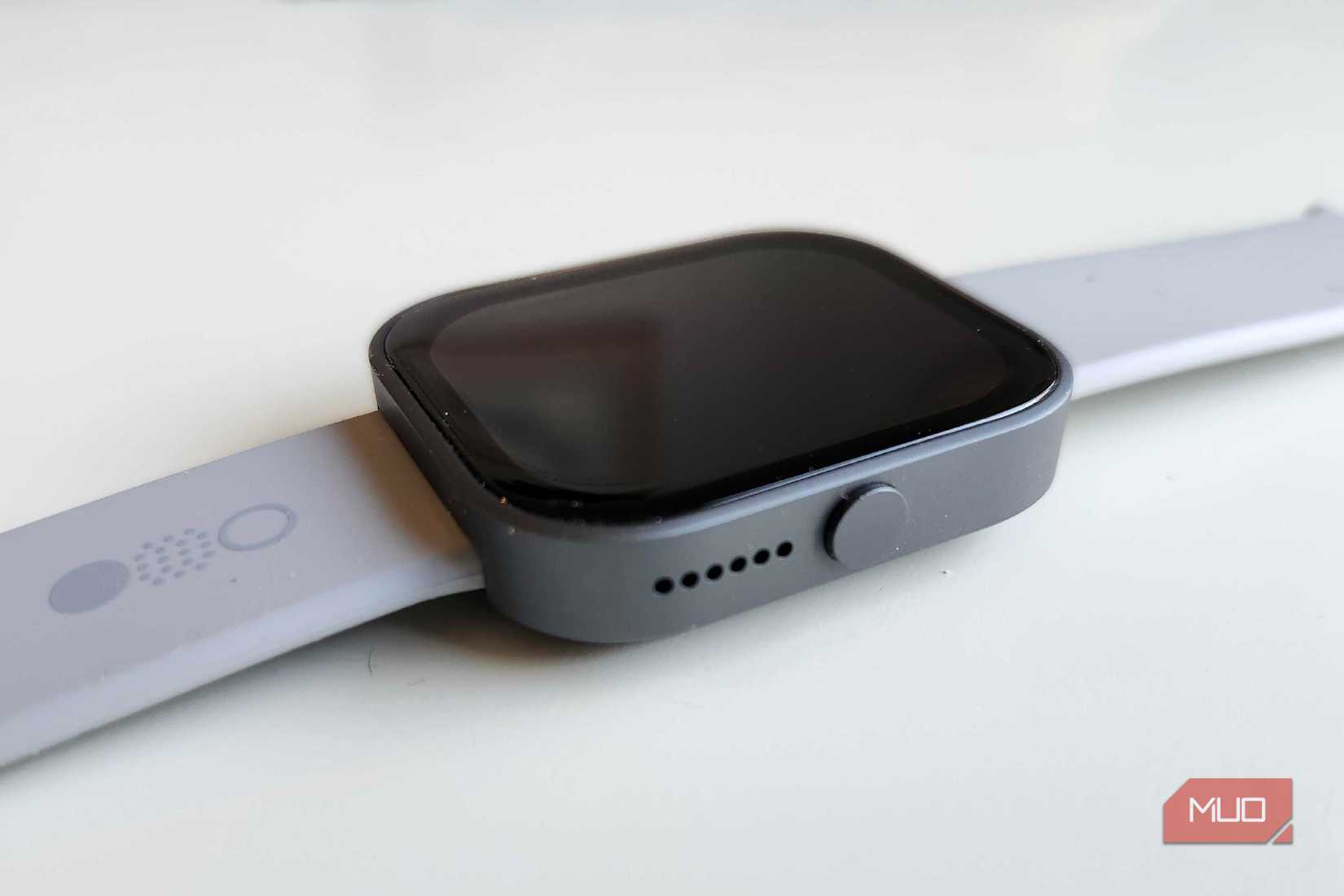
If you’ve been in the market for a budget smartwatch, there’s a good chance you’ve heard of brands like Amazfit or even Xiaomi. Browsing through sites like Amazon or Best Buy, you’ll typically find these types of smart watches for under $100, with specs that seem to teeter on the border of flagship. In countries like Europe or Asia, Amazfit offers a tap-to-pay option through their own wallet called Zepp Pay. However, you’ll find that Amazfit watches in the States typically have NFC disabled, seeing as Zepp Pay is not as widely known or used here.
Especially here in rural Wisconsin, Google Pay and Apple Pay have taken their sweet time to become normalized. I can only imagine what would happen if something like Zepp Pay, which uses its own tokenization and partnerships to work in other countries, comes here? It’s going to be years before that technology is widely adopted by many retailers.
Buying a previous generation “flagship” may be best
Want all the features at a fraction of the cost? Maybe getting a older gen smartwatch is best
For those hoping to hop on the budget bandwagon like me, there’s no way that you can win them all. But you know what you can win? A battle of patience. Many electronics, especially smartwatches, will plummet in price after just a few new generations have been released. Samsung is currently on the 8th iteration of its smartwatch lineup, and you can get a previous generation refurbished or used for roughly the same price as a new budget smartwatch. The biggest thing that you’re going to need to worry about with something like this, however, is the condition and the longevity.
I’ve purchased a fair number of refurbished electronics in the past, and I’ve generally had good luck with them arriving in good shape and lasting a long time. But it can be a little bit of a gamble to purchase something like this, especially if it’s a device that is already a few years old. But if you’re looking for more features than your typical smartwatch, this may be the silver lining that you’re searching for.
Related
5 Features Wear OS Smartwatches Need to Steal From Apple Watch
Please, Google, Please.
My love for cheap electronics has a higher price
I guess it’s really not as bad as I thought having to use my phone for Google Wallet
A budget smartwatch does plenty of things right. Being able to check my heart rate, my oxygen levels, or my texts and calls is still a very valuable thing to have on my wrist. But at this point, I’m going to need to break out of my cheaper habits and pony up that extra cash if I really want those tap-to-pay features on my favorite little devices. At least I know of a few things I can do with my collection of “cheap” watches.
I initially thought that there might be a way for a phone and a smartwatch to collaborate with one another if the “host” device was capable of using Google Pay. But, as I’ve learned, there’s much more that goes into it than initially anticipated. Maybe someday, we’ll start seeing budget smartwatches that can do this, but until then? I’ll just need to keep on grabbing my phone for this feature instead.