

Summary
PowerToys v0.98.1 massively stabilizes the Command Palette with key fixes.
Fixes address crashes and UI glitches: context menus, scrolling, dock popups, and visual blinking.
All Command Palette fixes in this release were contributed by GitHub user @jiripolasek.
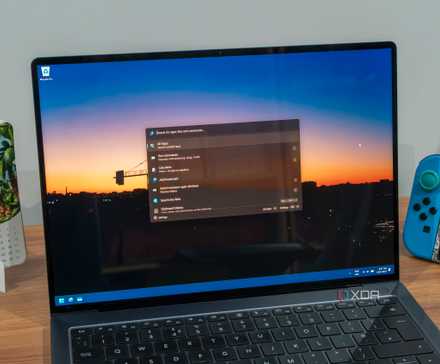
PowerToys is full of really handy tools, but some of them usually see more use than others. One popular workhorse is the Command Palette, which gives you easy access to other PowerToys tools, your apps, and even commands with a quick hotkey press. Honestly, I wouldn’t blame people for downloading PowerToys just for the Command Palette.
Unfortunately, as good as the Command Palette is, it’s not perfect. The app still has a few problems and crashes that can really ruin your workflow. Fortunately, one man has stepped up and squashed a ton of bugs in the tool, and you can download it right now.
Related
The newest PowerToys update makes the Command Palette a lot more useful
Activating tools just got really quick.
PowerToys v0.98.1 makes the Command Palette a lot more stable
Plus other nice features
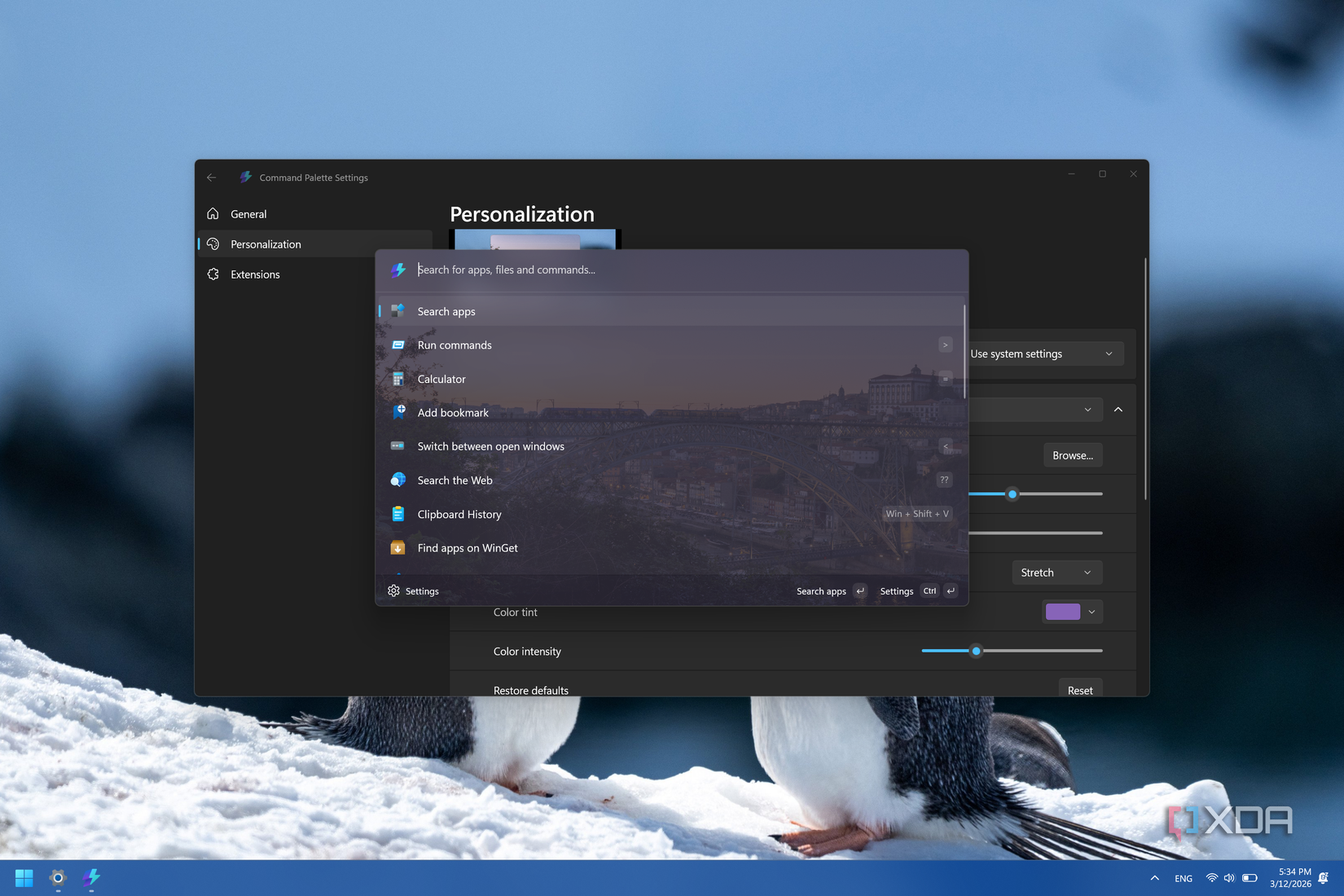
Over on the PowerToys GitHub page, the team has released version 0.98.1. The patch notes describe a few fixes for different apps, but the real highlight is the huge amount of work done on the Command Palette to make it more stable. What’s even more interesting is that each and every bug fix for the Command Palette in this patch was done by one GitHub contributor who goes by the name of jiripolasek.
Here are all the issues with the Command Palette that got fixed with version 0.98.1:
Command Palette
Fixed context menu actions not appearing for app search results on the main page in #46293 by @jiripolasek
Fixed missing primary context command for items where the extension provides the command after initial load in #46131 by @jiripolasek
Fixed a crash caused by a negative array size when calculating callback counts with disabled providers in #46215 by @jiripolasek
Restored scrolling in the scroll container and updated the scroll-down button to use the correct caret glyph in #46447 by @jiripolasek
Fixed DockWindow resource cleanup to properly dispose its ViewModel and unregister from the messenger when destroyed in #46303 by @jiripolasek
Fixed dock popup crashes caused by accessing unparented popups before XamlRoot is set in #46305 by @jiripolasek
Reduced visual “blinking” artifacts in the dock when Command Palette settings change by avoiding unnecessary backdrop recreation in #46309 by @jiripolasek
As such, if you’re a huge fan of this tool, maybe give jiripolasek some kudos; it sounds like he’s been hard at work making this stellar PowerToys feature the best it can be.
Related
8 reasons you should be using PowerToys on your Windows PC
Take your productivity to the next level