
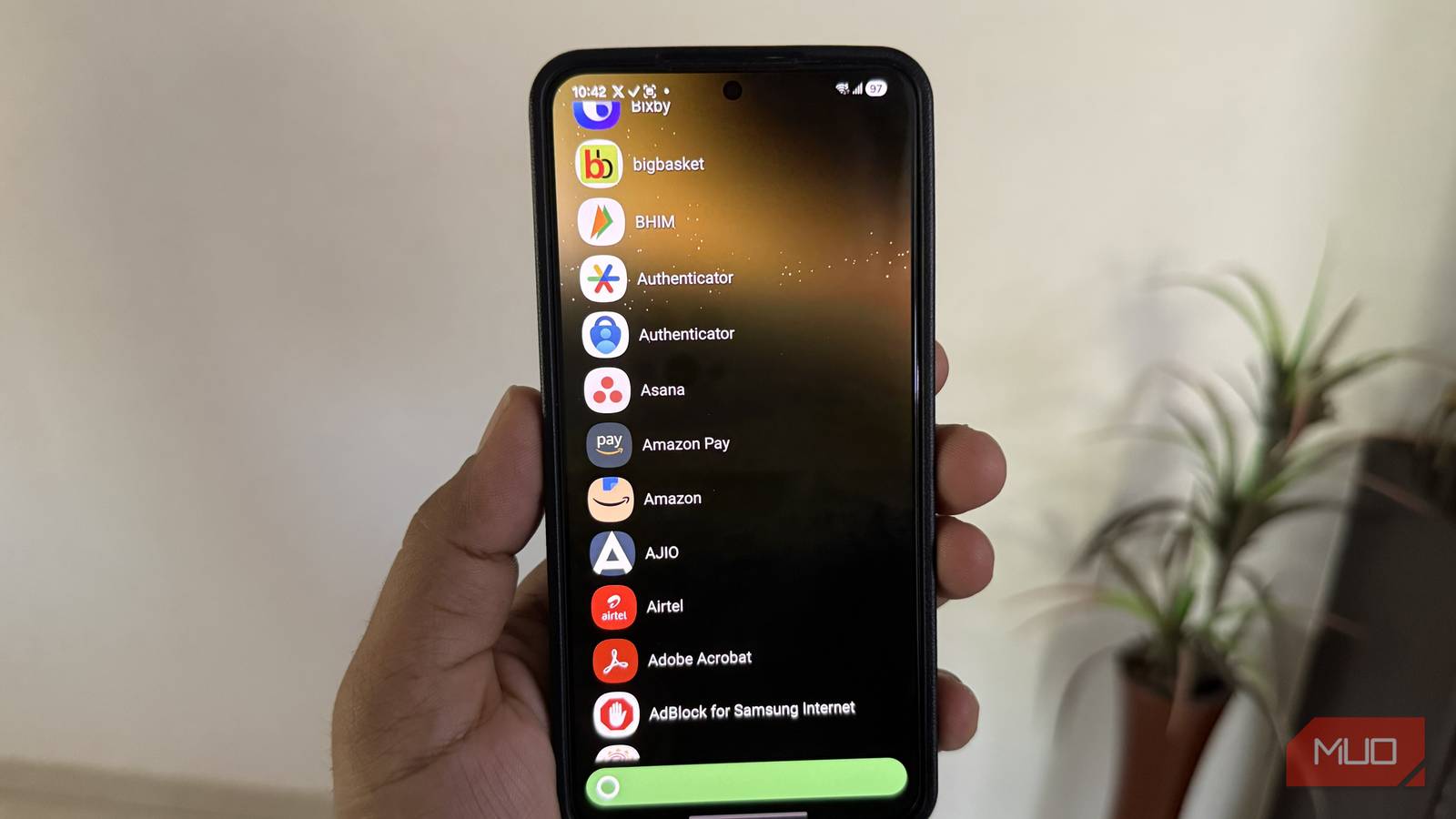
Sometimes, all your old Android phone needs to run smoothly is less. Less clutter, fewer distractions, and fewer things running in the background. You can clear device storage, turn off animations, and tweak other settings, but the biggest difference will come from replacing that default, bloated launcher app on your phone.
KISS Launcher is exactly that. It’s an open-source, minimalist launcher that sped up my Android phone by removing everything I didn’t actually need while also adding a smarter, faster way to get things done.

OS
Android
Price model
Free
KISS Launcher is incredibly lightweight
Just 250KB, and that’s all it needs
 Screenshot by Pankil Shah — No attribution required
 Screenshot by Pankil Shah — No attribution required
 Screenshot by Pankil Shah — No attribution required
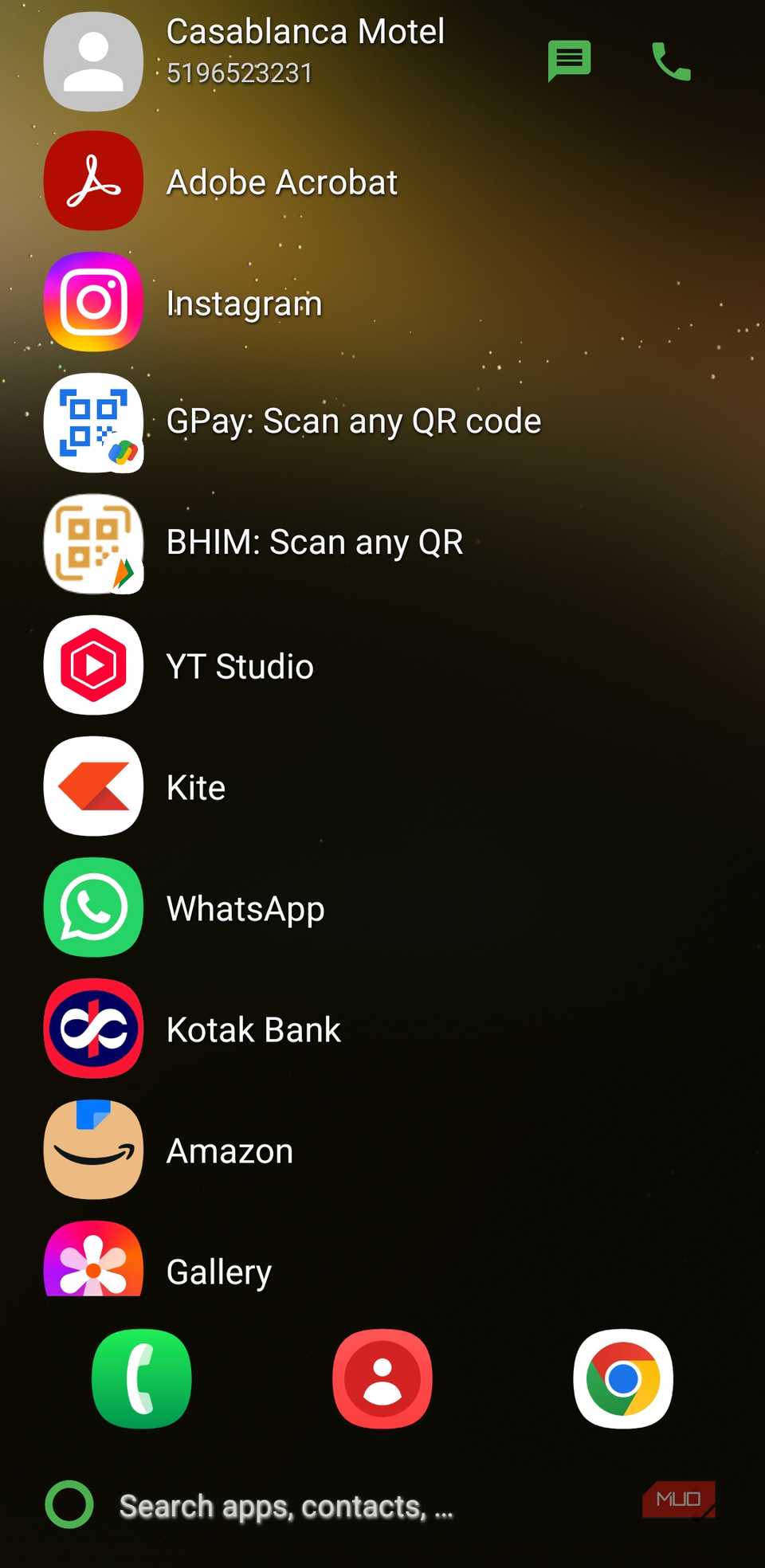
The first thing you’d notice when downloading KISS Launcher is how little storage it needs. It’s only 250KB in size, which is nothing compared to other popular Android launchers.
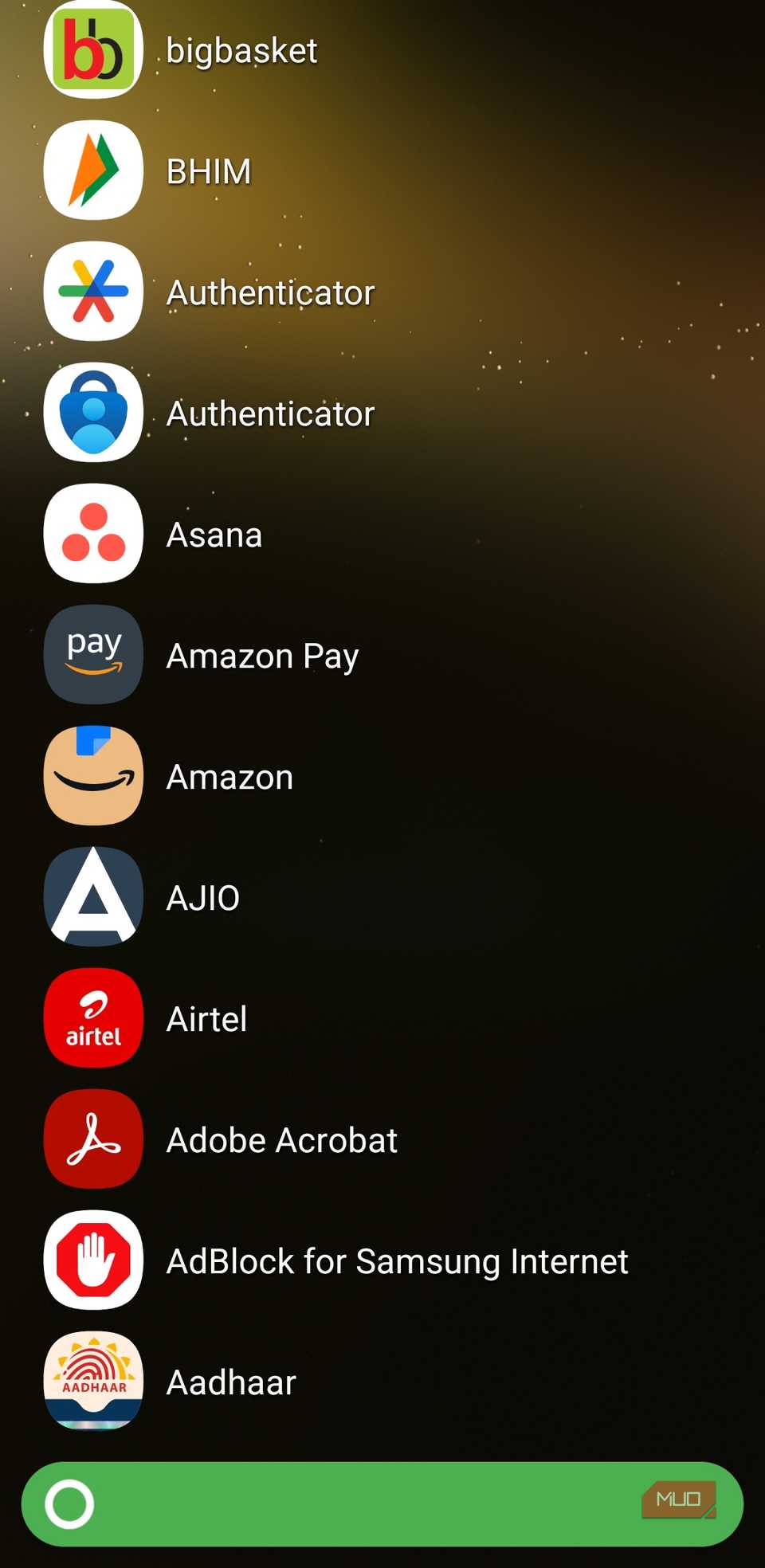
That’s because KISS Launcher is not about making your phone look flashy. Instead, it strips your device down to essentials. We’re talking about the bare minimum here. Once you set it up, you’ll see just two screens. The home screen shows your app shortcuts and a search bar. The second is the app drawer, which appears when you tap the KISS icon in the bottom left corner. All your apps appear in a simple list so you can scroll to find what you need.
You don’t see the Google Discover page when you swipe right. There are no widgets filling up the home screen or eating up memory, and no multiple home screen pages either. This kind of simplicity is exactly what you need on an older phone because it means less processing power, more speed, and better battery life.
KISS Launcher lets you get to your apps without any distractions. And as you search for apps and contacts, it adds them to your history, which appears on the home screen. This lets you get to your recently used apps quickly.
One search bar for all your needs
Type what you need
 Screenshot by Pankil Shah — No attribution required
 Screenshot by Pankil Shah — No attribution required
 Screenshot by Pankil Shah — No attribution required
By default, most Android phones already have a search bar on the home screen. The problem is, it rarely does more than open apps or run a quick Google search. It’s useful, but not in a way that changes how you use your phone.
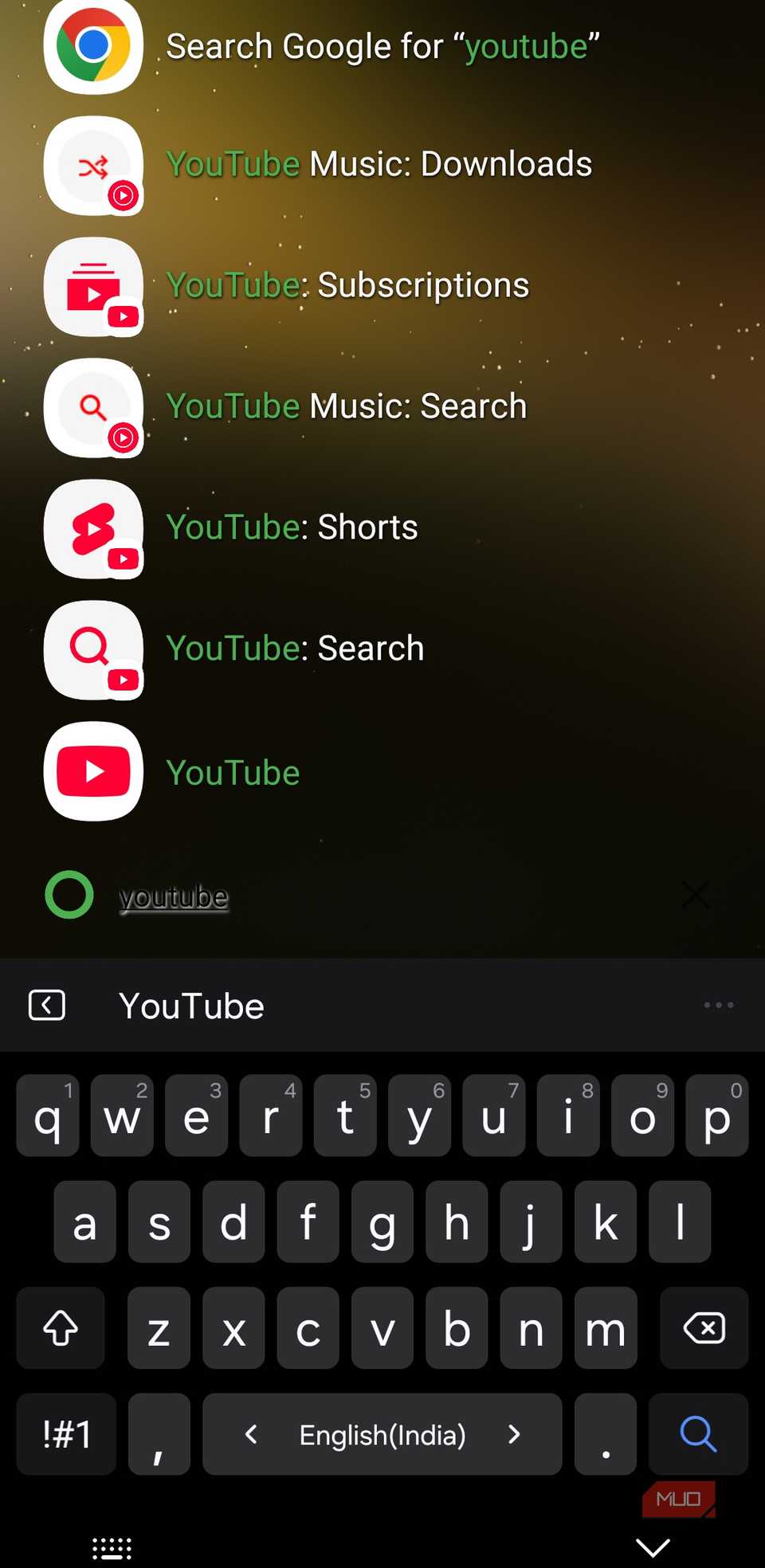
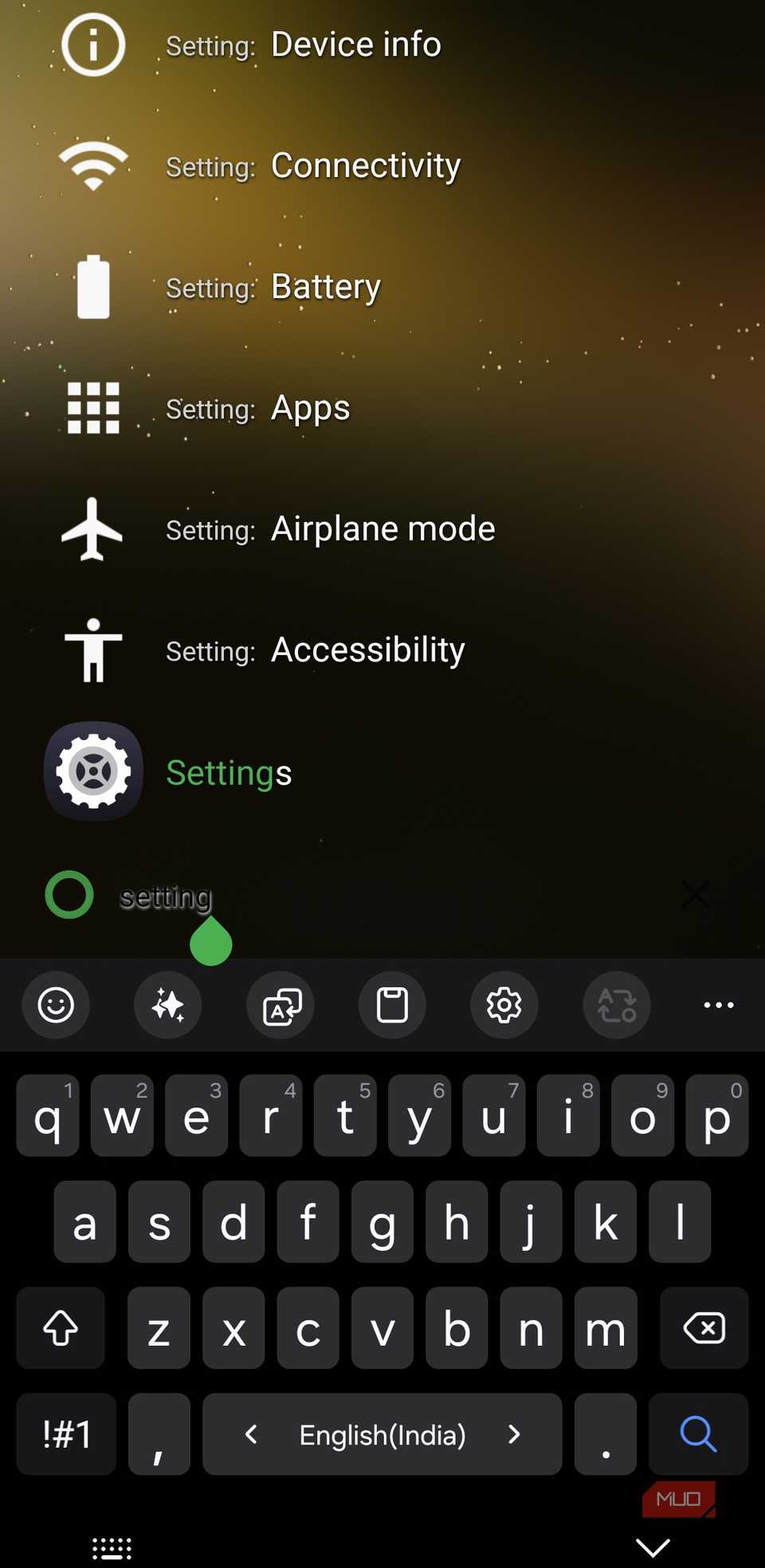
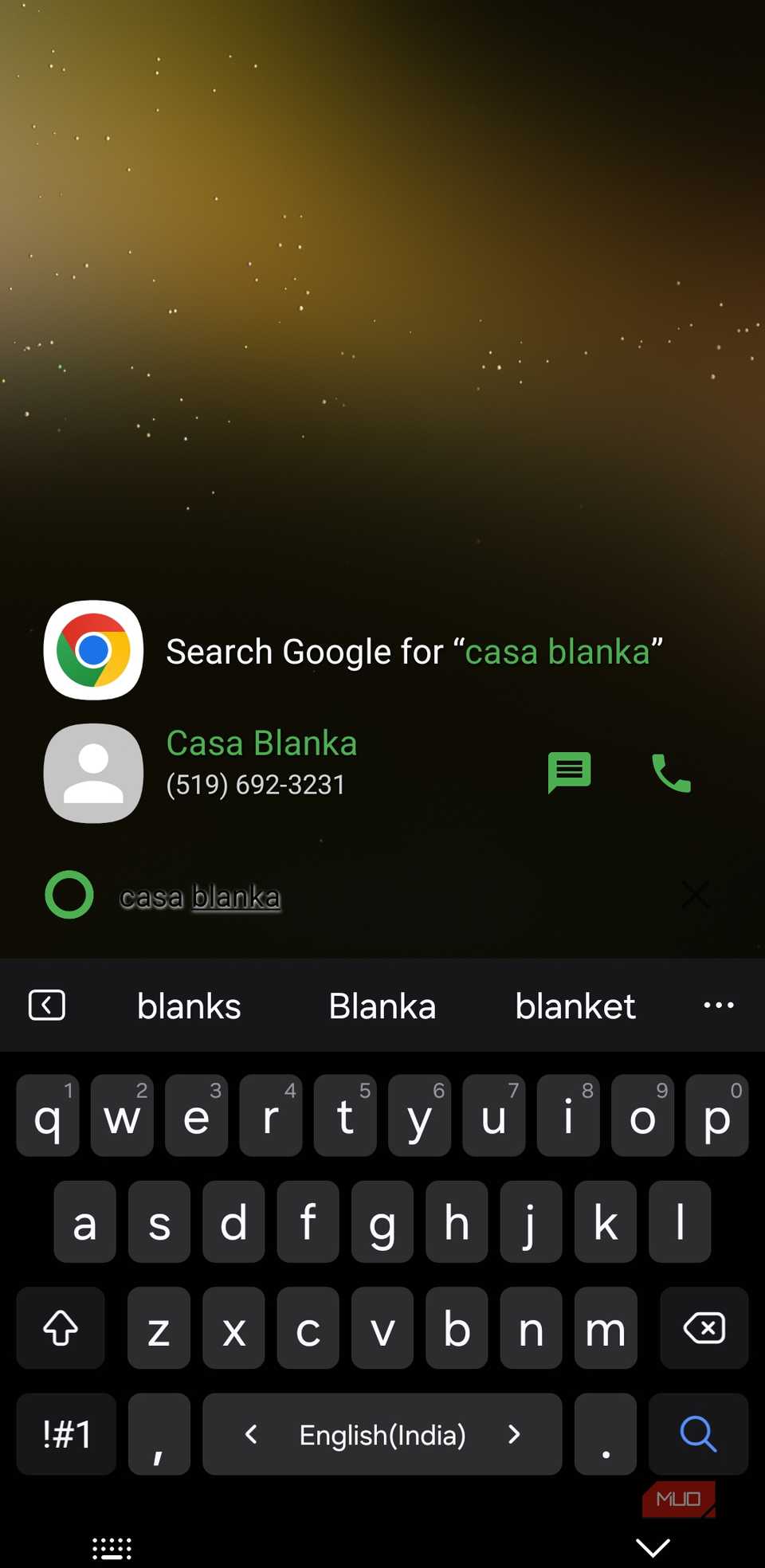
KISS Launcher’s search bar is different. Besides apps, you can use it to look for contacts, jump into specific settings, and even open websites. In a way, you just type what you need and choose the relevant suggestion. This makes a huge difference to how you get things done. You can call someone without opening the Phone app first, or message someone on WhatsApp or Slack by simply typing their name. Even diving into specific settings is just as quick.
The search function is also customizable, so you can control what shows up. For instance, if you don’t want contacts, device settings or links to websites appearing, you can turn them off. And while KISS Launcher uses Google Search as the default provider, you can switch to DuckDuckGo, Brave, Bing, or even YouTube.
This kind of convenience is something you only get on select Samsung Galaxy phones and Pixel devices. But with KISS Launcher, you can use almost all those cool search bar tricks on any old Android phone.
Related
This free Android app is now the first thing I install on every phone
I can navigate my Android phone twice as fast thanks to this one app.
Simplicity doesn’t mean no control
It’s not boring at all
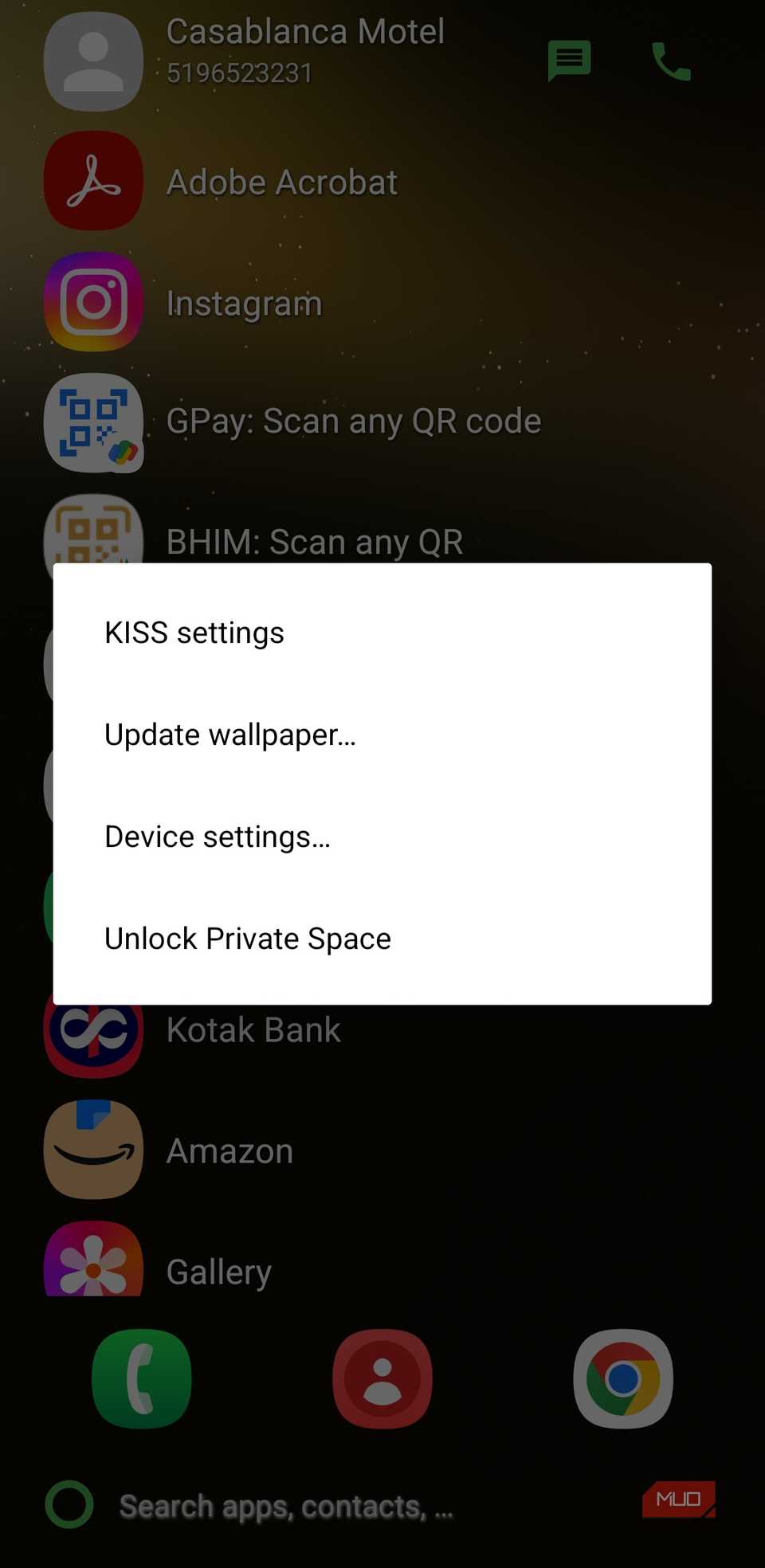
If you thought a 250KB launcher with just two simple screens would be boring, KISS Launcher quickly proves otherwise. Like most launcher apps, it has a dedicated settings menu. To open it, tap the three-dot icon on the far right of the search bar and choose KISS settings.
This is where you can really shape the launcher to fit your preferences. For instance, if you don’t want recent search history appearing on the home screen, you can turn it off. There’s even an option to exclude certain apps or contacts from appearing in the history.
The User interface menu is where you can change the launcher theme, apply a custom icon pack, and tweak the accent color. And that’s not all. You can change the icon background, increase search bar size, and change text color. There’s even an option to automatically show the keyboard as soon as you land on the launcher so you can start searching without an extra tap.
And like most launchers, KISS also supports a bunch of gestures you can customize. With a simple swipe on the home screen, you can bring or hide the keyboard, access quick settings, or launch your favorite app.
My favorite option, though, has to be Minimalist UI. Enabling it hides the search history by default, and you can view it any time by tapping anywhere on the home screen. This also enables you to add widgets if that’s something you prefer. And if you want to go all in, you can also hide the navigation bar and status bar for a truly clean look.
KISS Launcher may not be the best-looking launcher out there, but it definitely is what an old Android phone needs. It removes distractions, cuts down unnecessary background processes, and focuses on speed, which makes a bigger difference than you would expect.