
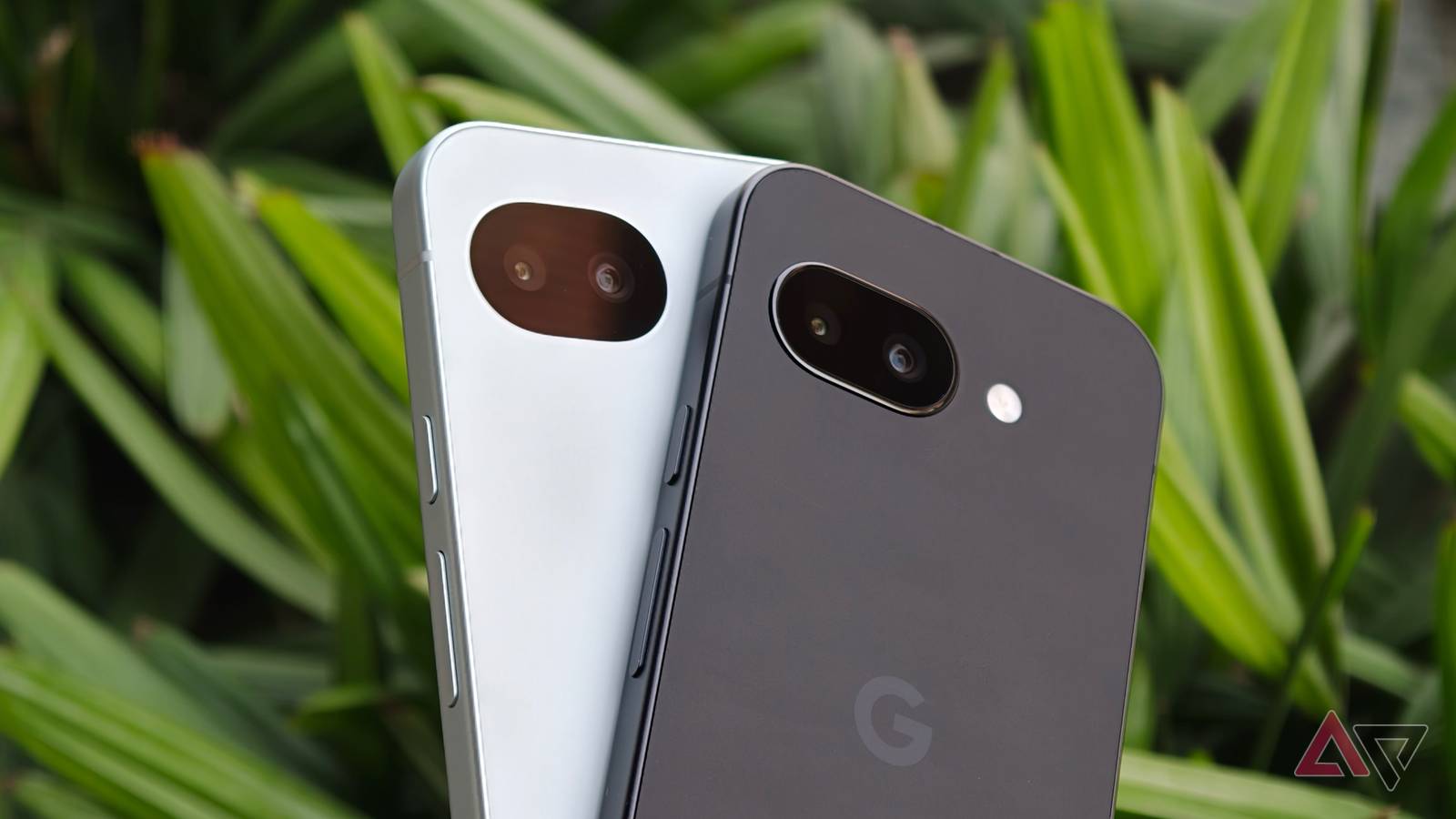
Google Pixel phones are always on the cutting edge where new Android features are concerned, and they’re often the vanguard that gets to test the newest functions before they come to other phones.
That tends to apply to high and low-profile functions alike, and “low-profile” is a term that matches this new addition perfectly. While it may not be a setting you use daily, the Pixel’s new Bluetooth diagnostics tool could be a clincher for you in the future.
Diagnose your Bluetooth problems directly through Android
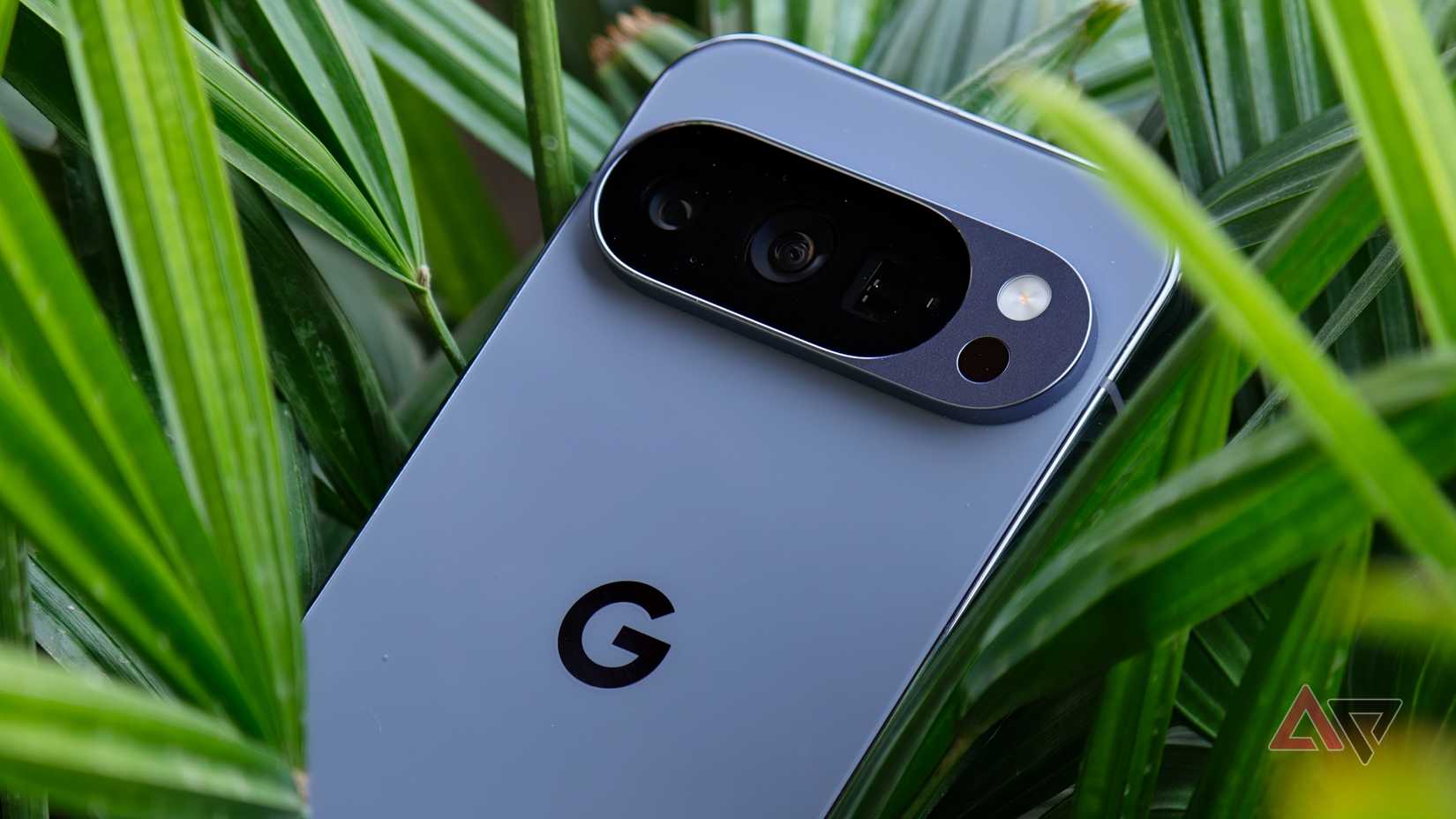
A new diagnostic tool has arrived in version 1.0.885948717 of the Pixel Troubleshooting app, and it allows users to fix any Bluetooth problems directly from their Pixel phones. It’s arrived with very little fanfare, and can be found in Settings > Connected devices > Bluetooth diagnostics.
It works by using a phone call to test whether there are any issues with the Bluetooth connection to a certain device, and will then suggest solutions to fix any that are detected. The solutions will range from clearing the accessory’s cache, to forgetting it and re-pairing the connection.
It used to be that more thorough analysis like this would need a third-party app to perform. However, Samsung phones have had this function built-in for a while, though it’s possible Samsung will let Google’s version take over in the future should the diagnostic tool roll out to other Android phones.
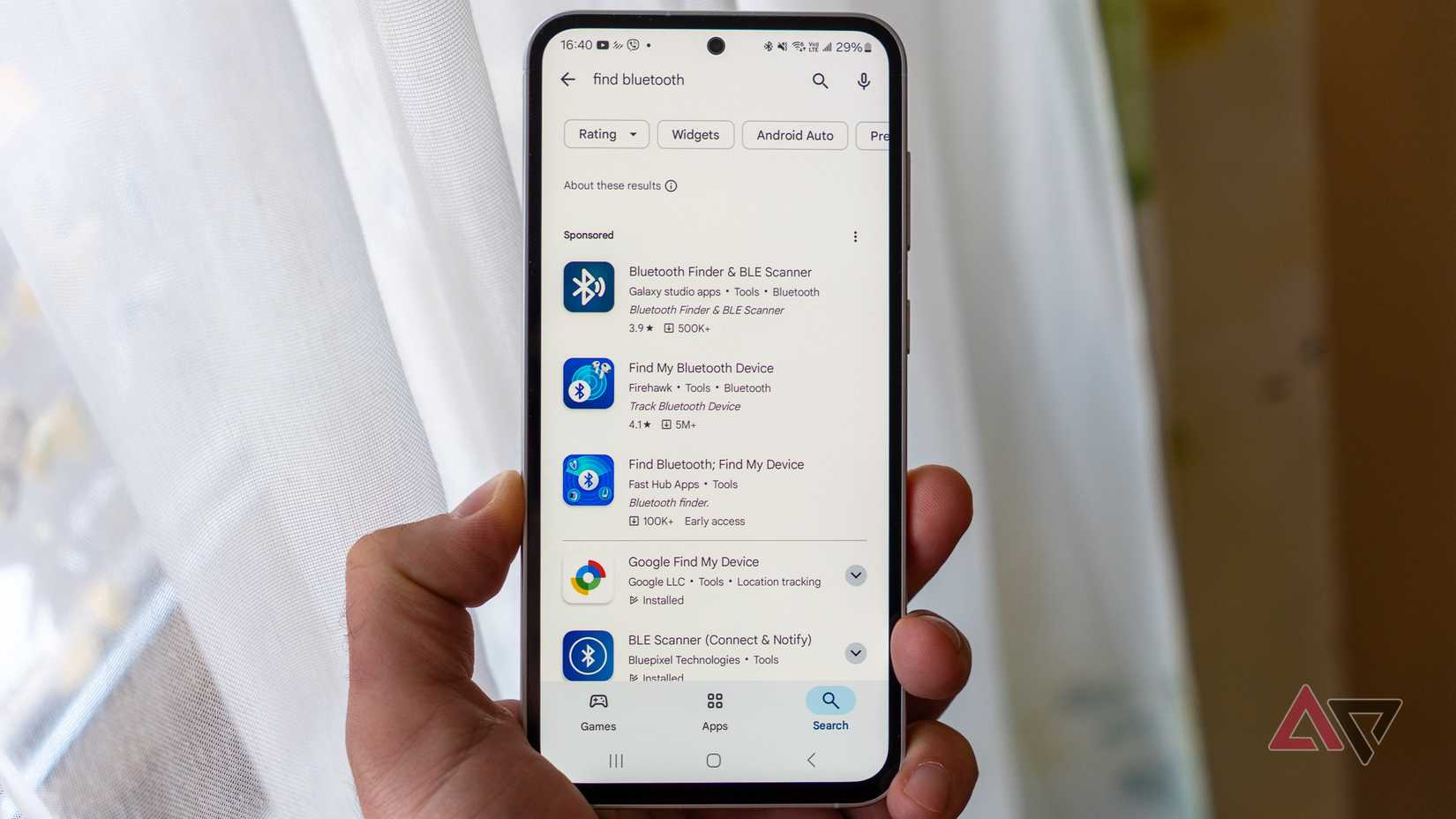
Bluetooth is a fantastic technology, and it’s allowed us to switch from wired to wireless versions of everything from cars to earphones. It’s become a vital and central part of our lives, and most of the time, it works automatically. Just turn on your car, keyboard, or earphones, and they’ll automatically seek out and connect to your phone.
It’s useful and convenient, but that also means it can be a real pain when it stops working. Usually, even the most serious issues can be fixed by rebooting various devices, or forgetting a Bluetooth connection and starting again, but sometimes, more serious troubleshooting is needed.
Now, that work can be done directly in Android itself, thanks to this addition for Pixel phones.