
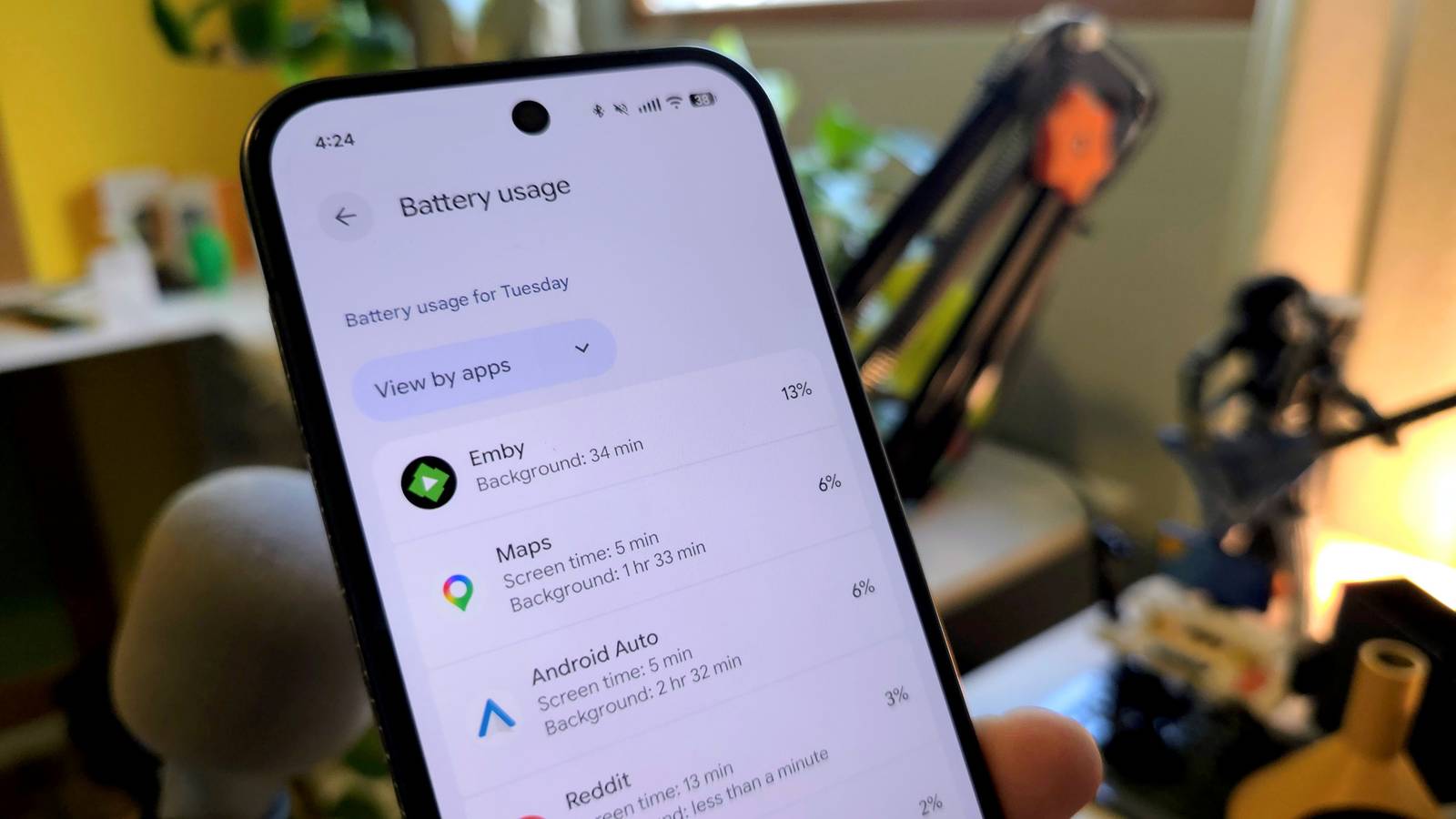
Every day is the same story: your phone’s battery starts at 100%—hopefully—and by the afternoon, apps and services have chipped it down by half. That’s the simple part, but deciphering what’s actually using the battery is not as straightforward as you would think.
The problem is that whether you use an Android phone or an iPhone, battery usage stats are a bit nebulous. We think about battery life in percentages, and that’s what you’ll find in the Settings app. However, those numbers are not exactly what they seem.
Battery usage: by the numbers…kinda
13% of what?
The specific section of the Settings that I’m talking about may vary depending on the device. On a Google Pixel, it’s found at Settings > Battery > Battery usage. For Samsung Galaxy devices, go to Settings > Battery > Battery activity. The iPhone has similar information at Settings > Battery.
Now, when you visit this page on your device, you’ll see a list of apps in order of their usage since the last full charge. It would be natural to assume that the percentages shown here reveal how much of the battery’s 100% each app is responsible for using. However, if you add up these percentages, you’ll quickly realize they don’t make sense. In fact, they’ll be nowhere near 100.
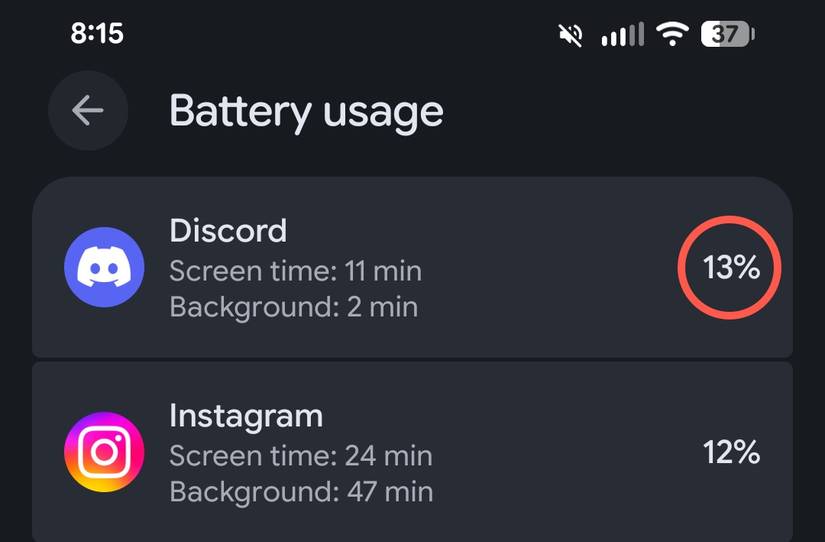
First and foremost, that’s the wrong way to think about battery usage. Let’s say Discord shows 13% on the Battery Usage page. One app using over 1/10th of the battery would be very, very bad. In this particular example, my phone’s battery is sitting at 37%. In other words, 63% of it has been depleted—Discord used 13% of that.
It gets more complicated
The more you think about it, the more complex it becomes
That’s a simple explanation of how the battery usage stats work, but here’s a dirty secret: the percentages might not add up to how much battery has been used, either. Power consumption is a complex matter.
Let’s go back to my example above. When I add up all the percentages (ignoring those less than 1%), I get 92%—but my battery is at 37%. How could I have used that much juice and still be over a quarter full? There are a couple of things at play here.
I didn’t charge my phone overnight, so I started the day with less than 20%. After I got out of bed, I charged it up to around 60%. But what I’m seeing is the battery usage “since last full charge”—that’s important. Here’s a little word problem for you.
Joe starts the morning with a phone fully charged at 100%. By 4:00 PM, after several hours of watching videos and music streaming, the battery level has dropped to 40%. Before heading out for the evening, Joe plugs the phone into a car charger, bringing the battery back up to 80%. By the time Joe goes to bed, the phone’s battery has gone down to 30%.
Throughout the entire day, what is the total percentage of battery power that Joe’s phone consumed?
The answer is, of course, 110%. This is why the battery usage numbers can be hard to understand, even if you know the correct way to think about them. We’re not always playing on the simple field of 100%.
The correct way to monitor battery usage
All of this is a lot of words to say that battery usage percentages relate to how much has been consumed, and that can sometimes be more than 100%. So what should you do with this information?
Ironically, I would suggest ignoring the percentages completely—they’re not very helpful. The more important thing to care about is the ratio of screen time to background usage. On Google Pixel phones and iPhones, this information is listed along with each app on the battery usage page. Samsung Galaxy users will need to select an app to see more information.
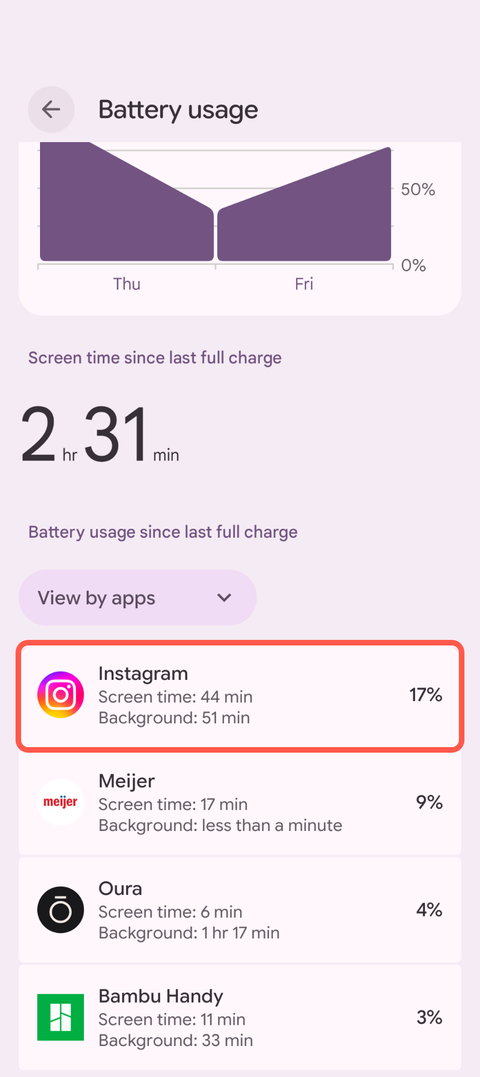
The thing to look out for is a discrepancy for apps that you don’t need to be running in the background. For example, I recently found that Instagram was sometimes sipping on my battery for up to four times as long in the background as it was on screen.
Now, an app doesn’t use as much battery when it’s in the background as it does on screen, but when it’s an app that I really don’t need to be doing anything in the background, that’s just unnecessary usage. Find these apps, limit their background usage, and don’t worry about vague percentages.
Related
Here’s how I found Android apps that were secretly draining battery in the background
Recently, I’ve noticed the battery life on my Android phone is not as good as it used to be. So, I went digging around the battery settings to see what I could find. What I discovered was a few apps that have been sucking up battery despite rarely being opened.