
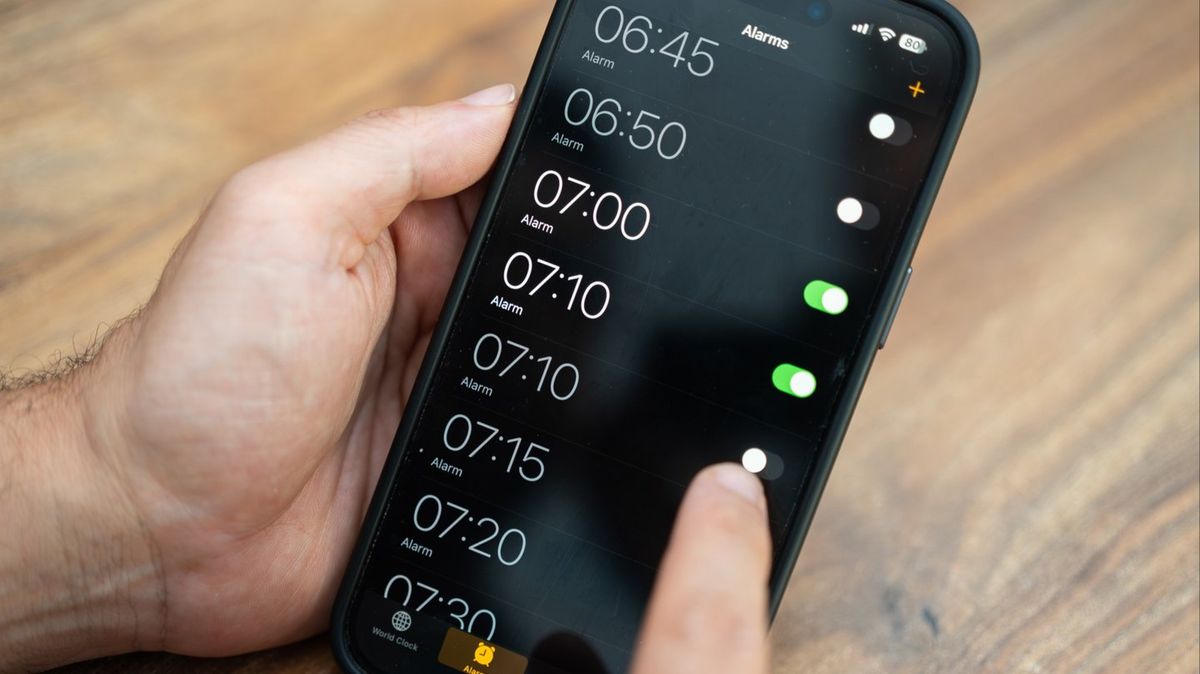
The new iOS 26.4 update might help you from oversleeping if you like to wear the Apple Watch to bed.
People often keep the device on overnight to track their sleep and to monitor their health data from the built-in sensors.
When paired with iOS Sleep Schedule, the smart watch can wake you up with wrist vibrations instead of a loud noise from the alarm.
Not only does it feel less abrupt than a sound alarm, arguably the worst noise in the world, it’s unlikely to wake up your partner, or baby.
One of the major trade-offs – besides lower battery life in the morning – is it not being loud enough to get you up.
In the new iOS 26.4 update, however, iPhone users who wear an Apple Watch to bed will be able to play the alarm from both devices at the same time.
This includes the usual vibration on your wrist, paired with an audible alarm from your phone.
Problem – the feature will be turned off if you don’t activate it in settings.
 The new iOS 26.4 could stop help Apple Watch users from sleeping in (Getty Stock Images)How to turn on new alarm feature
To update your iOS, go to Settings > General > Software Update.
Then, go to the Sleep Schedule settings:
Option 1
Health appBrowse → SleepFull Schedule & OptionsEdit your scheduleToggle Always Play on iPhone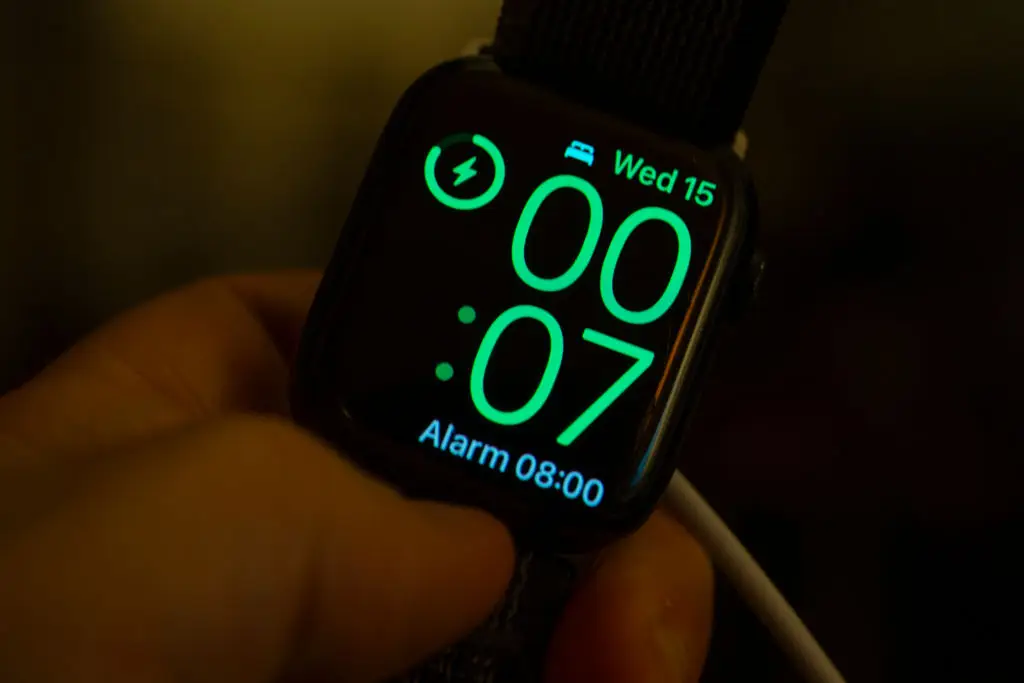 You have to turn on the feature manually (Jaap Arriens/NurPhoto via Getty Images)
Option 2
Clock appAlarm tabEdit your Sleep Schedule alarmTurn on the toggle
You’ll only see the toggle if:
You have a Sleep Schedule set upYou have a paired Apple Watch
Before relying on it, check your Focus mode isn’t on, the mute switch isn’t off and that Bluetooth audio isn’t routed to another device. These options might affect whether the iPhone actually plays the alarm sound.
 The update may help with that fear of oversleeping from work (Getty Stock Images)
Ryan Christoffel, from 9to5Mac, said: “Alarms are one of my favorite Apple Watch features, and the thing that got me sleeping with a Watch before sleep tracking and sleep scores were a thing.
“When you wear an Apple Watch to bed, alarms set on your iPhone will by default only trigger on your Watch.
“My Apple Watch is almost always in silent mode, so alarms set off a series of haptic vibrations. This is fantastic when sleeping next to a partner, or if there are kids asleep nearby that I don’t want to wake.
“But if you need a more forceful wake-up, the Apple Watch taking over alarms may not be a good thing.
“Thankfully though, Apple now finally offers a solution. If you sleep with Apple Watch and need a loud iPhone alarm to get woken up, this one’s for you.”