
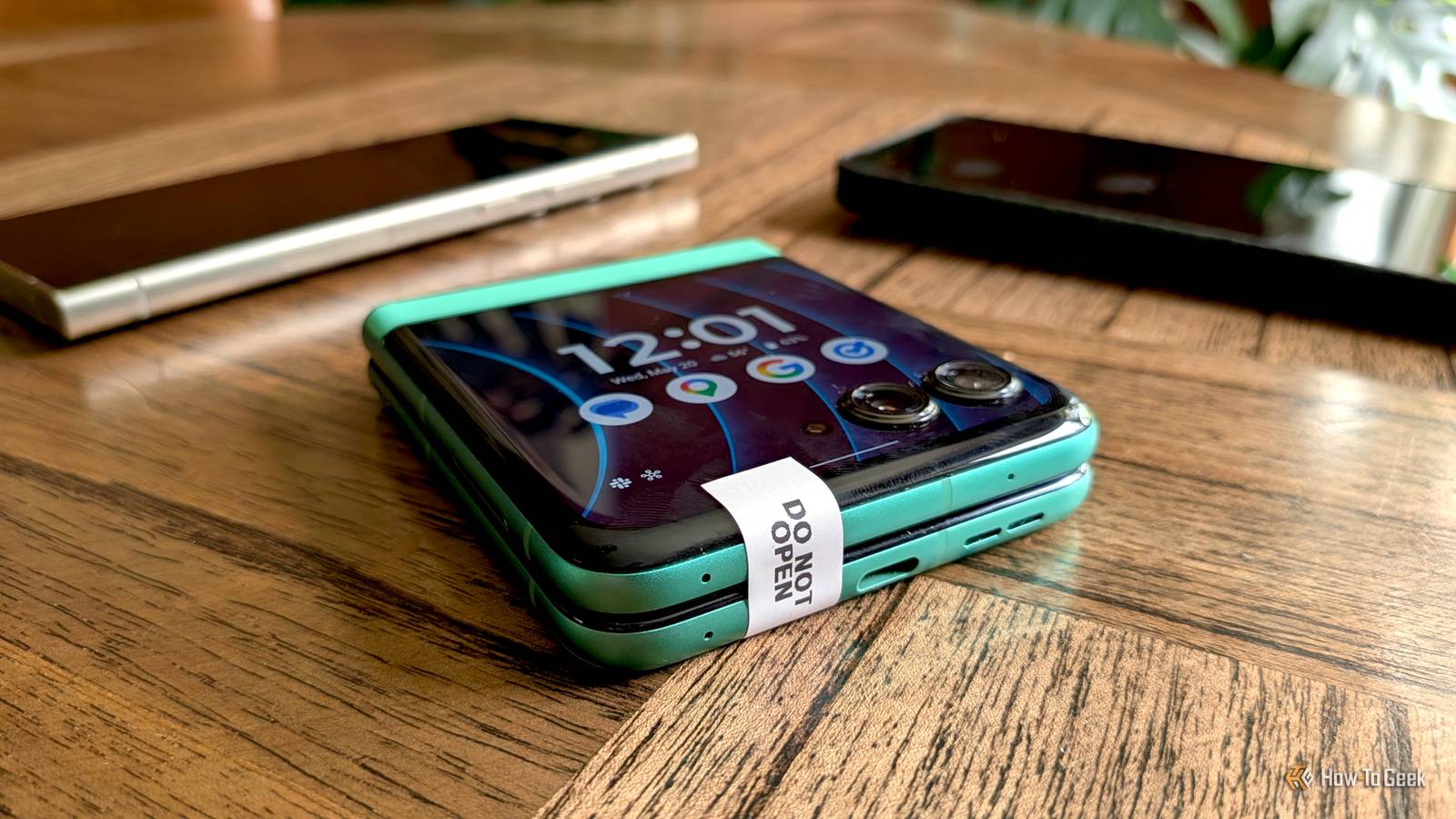
The rebirth of “flip” phones with foldable displays started with tiny, barely usable external screens. Now, they have beautiful, edge-to-edge screens that can essentially be used as minimalist phones. I decided to put the cover screen on a Moto Razr to the ultimate test.
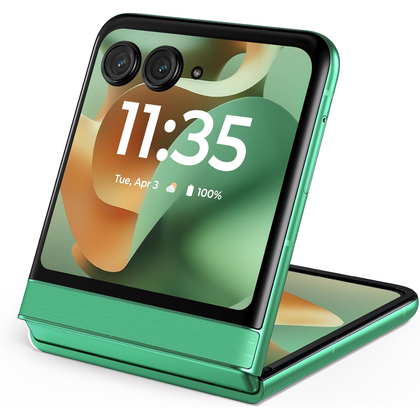
Recently, though, if I’m honest, this is a never-ending venture—I’ve been looking for ways to limit my phone usage. Switching to Niagara Launcher made a decent improvement, but I was interested in pushing it even further. So, as an experiment, I limited myself to the 3.6-inch external display on the Razr 2025 for a full weekend.

7/10
SoC
MediaTek Dimensity 7400X
RAM
8GB
Big screen = big screen time
Is this the real reason phones are huge now?
Credit: Joe Fedewa / How-To Geek
I’ll start with the most obvious lesson that I learned, which was already an assumption that led to this experiment in the first place. You probably could have guessed it before opening this article, too. Using a smaller screen does indeed make you use a phone less.
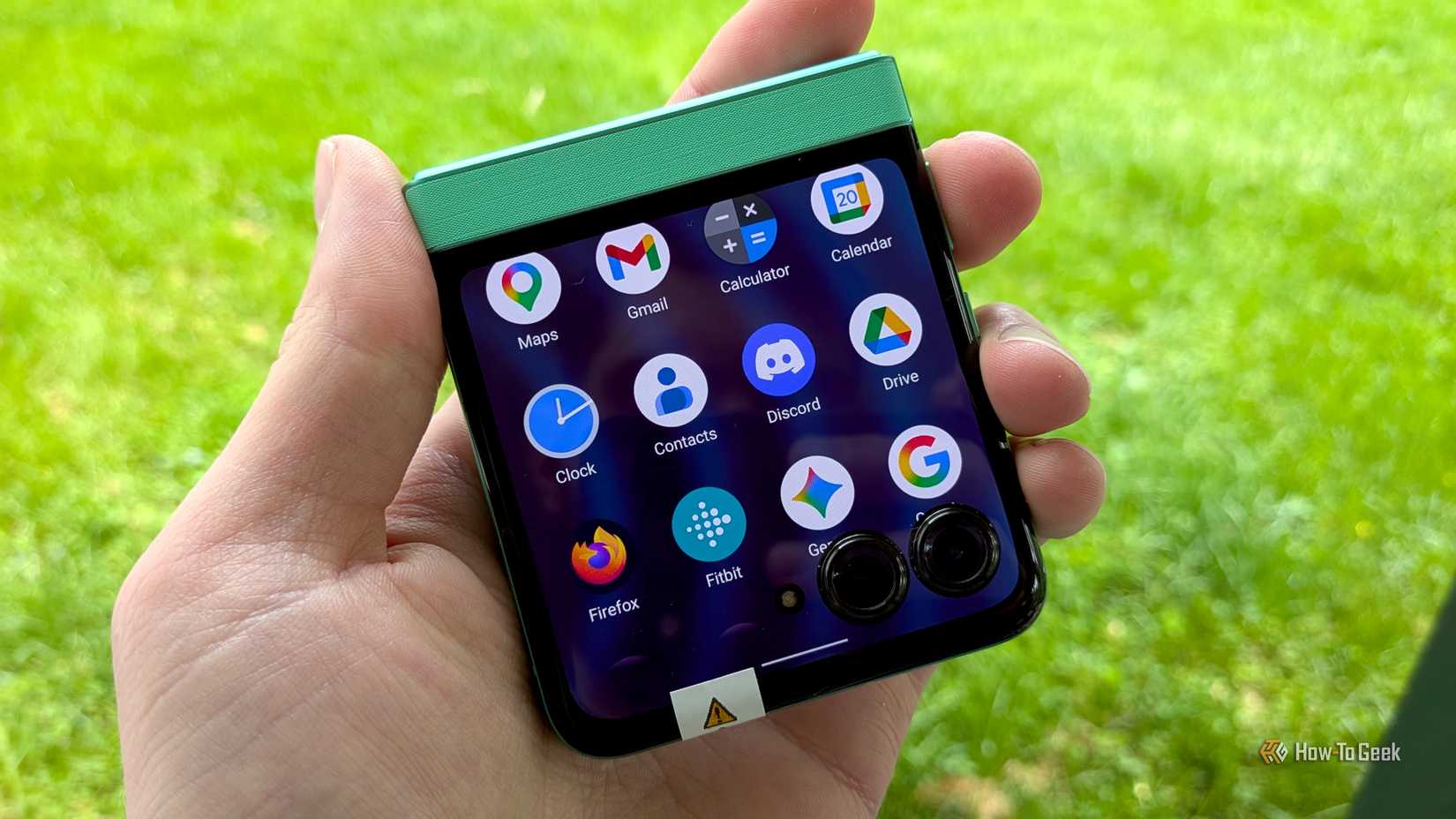
It takes more effort to use apps on a smaller display. UI elements like bottom toolbars take up more of the screen, and you simply have less real estate to work with, which forces you to scroll more. However, this doesn’t make apps unusable. Pretty much all of my normal everyday apps worked fine on the Razr’s external display. Apps such as Google Messages, Gmail, Firefox, Discord, Google Maps, Paprika, Pocket Casts, and more.
Of course, if small screens take more effort to use, then large screens must be easier to use. But what does “easier” actually mean in this context? Do big screens make it easier to get in and out of our phones quickly? Or do big screens make it easier for us to get lost in apps that suck away time?
Has the market shifted toward giant screens because that’s what people want, or is the increased screen time on those devices what tech companies are more interested in? That’s the question I’ve been pondering during this experiment.
Widgets are better than apps
Now, I just got done talking about how it takes more effort to use apps on a small screen. That doesn’t tell the whole story, though. I noticed that I was using my Razr more like a tool than an infinite distraction machine.
As strange as it might sound, small screens are perfect for widgets. That’s how we use smartwatches, and those are essentially just small phones, after all. Motorola allows for adding pretty much any widget to the external display, in addition to some handy built-in widgets. Samsung’s Cover Screen also supports widgets.
I found myself relying on widgets much more on the external display than I ever did on the full-size display. It was the same old widgets I always have on my home screen, too. Google Calendar, Google Home, weather, the usual. But seeing one “full screen” widget at a time makes for a more intentional experience—like putting on blinders. On my phone, there’s too much noise around the widgets.
One-handed usability is underrated
Better battery life ain’t bad, either
Credit: Joe Fedewa / How-To Geek
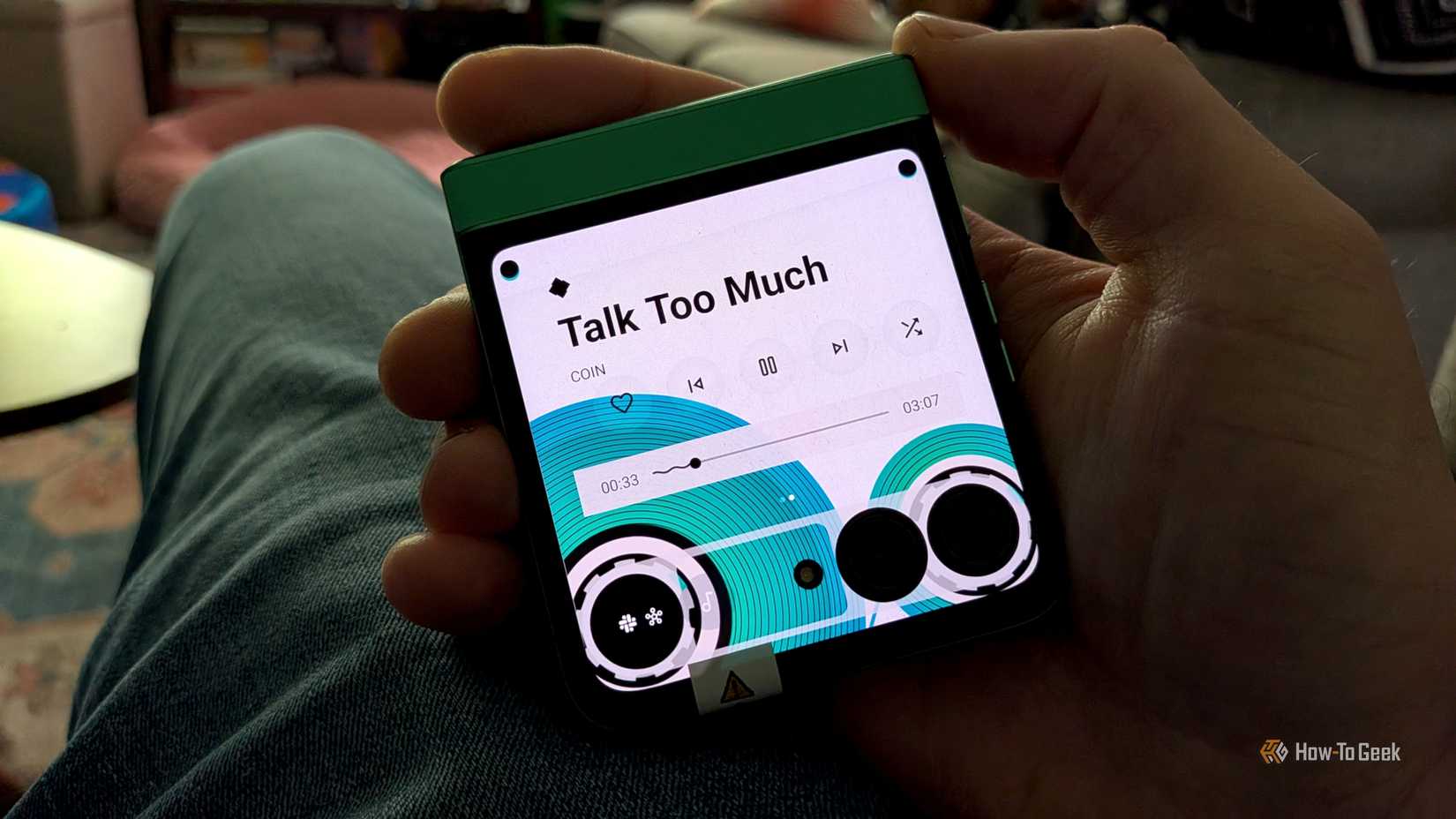
Smaller physical size has benefits beyond digital well-being. It goes without saying that a 3.6-inch display is easy to use with one hand. Yet, it was so much nicer than I expected. My pocket didn’t feel so bulky, pulling the phone out was easier, and my “smartphone pinky” appreciated the break, too.
One side effect that I wasn’t expecting was improved battery life. It turns out that essentially cutting the number of pixels on the screen in half requires a lot less power. Who knew! Both nights, I went to bed with over 60% battery remaining. It would not have been difficult to push it to two days on a single charge.
First steps down the rabbit hole
All in all, I was very happy with my findings from this little experiment. The only annoyances were with the limitations of how the external display works, not the size of the screen. For example, Motorola doesn’t let you access the phone settings from the external display. A few other things required opening the phone, too.
So, my next mission is to find a phone with a small screen and only a small screen. I’m not talking about a Galaxy S26 or Pixel 10. I’ve got my eyes on the Unihertz Titan 2 Elite and Ikko Mind One. These phones have cover screen-sized displays with the phone’s full functionality. I’m excited to go even further down the rabbit hole.
Related
An LTE Smartwatch Might Be the Perfect Minimalist Phone
The perfect accessory for “disconnecting.”