
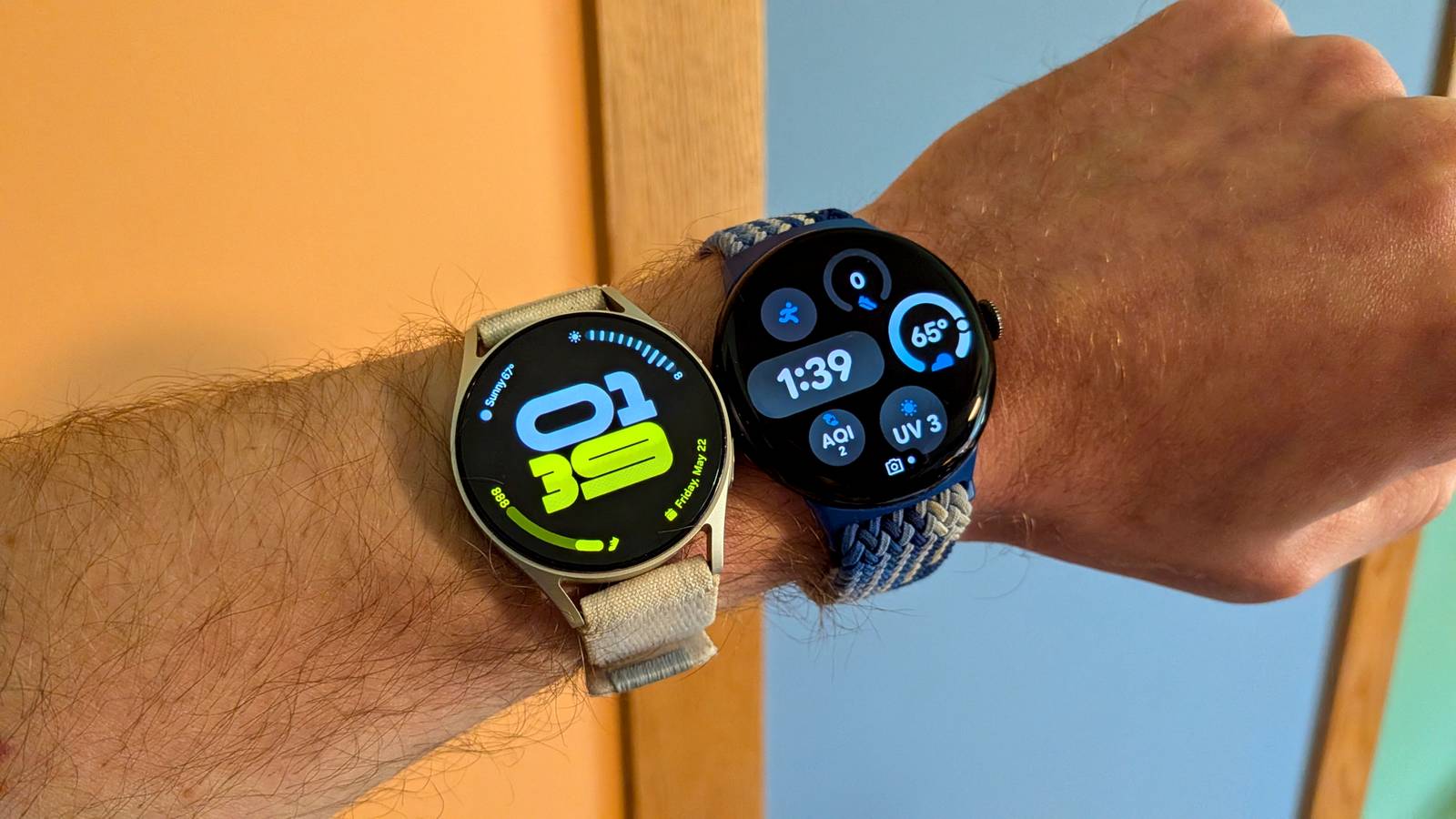
Android owners have two main smartwatch brands to choose from: Samsung Galaxy Watch or Google Pixel Watch. I’ve spent extensive time with both, but I just recently switched back to a Galaxy Watch after wearing a Pixel Watch for the last couple of years. I’ll explain why.
Here’s my credentials. I’ve used every Galaxy Watch since the first Watch Active, except the most recent Galaxy Watch 8 (not a fan of the squircle). I’ve also been lucky enough to use every Pixel Watch model. Before the Pixel Watch 3, I was firmly in the Galaxy Watch camp, but it was finally good enough to earn some extended time on my wrist. I’ve been wearing the Pixel Watch 3 and Pixel Watch 4 ever since. Now, I’m back to the Galaxy Watch 7, and it feels good.
Samsung’s kitchen sink approach is best on a smartwatch
Credit: Joe Fedewa / How-To Geek
One part of my backstory that I didn’t mention is that my opinion on phones is nearly the exact opposite of my opinion on smartwatches. While I much preferred the Galaxy Watch over the Pixel Watch for several years, I prefer pretty much any phone over a Samsung Galaxy.
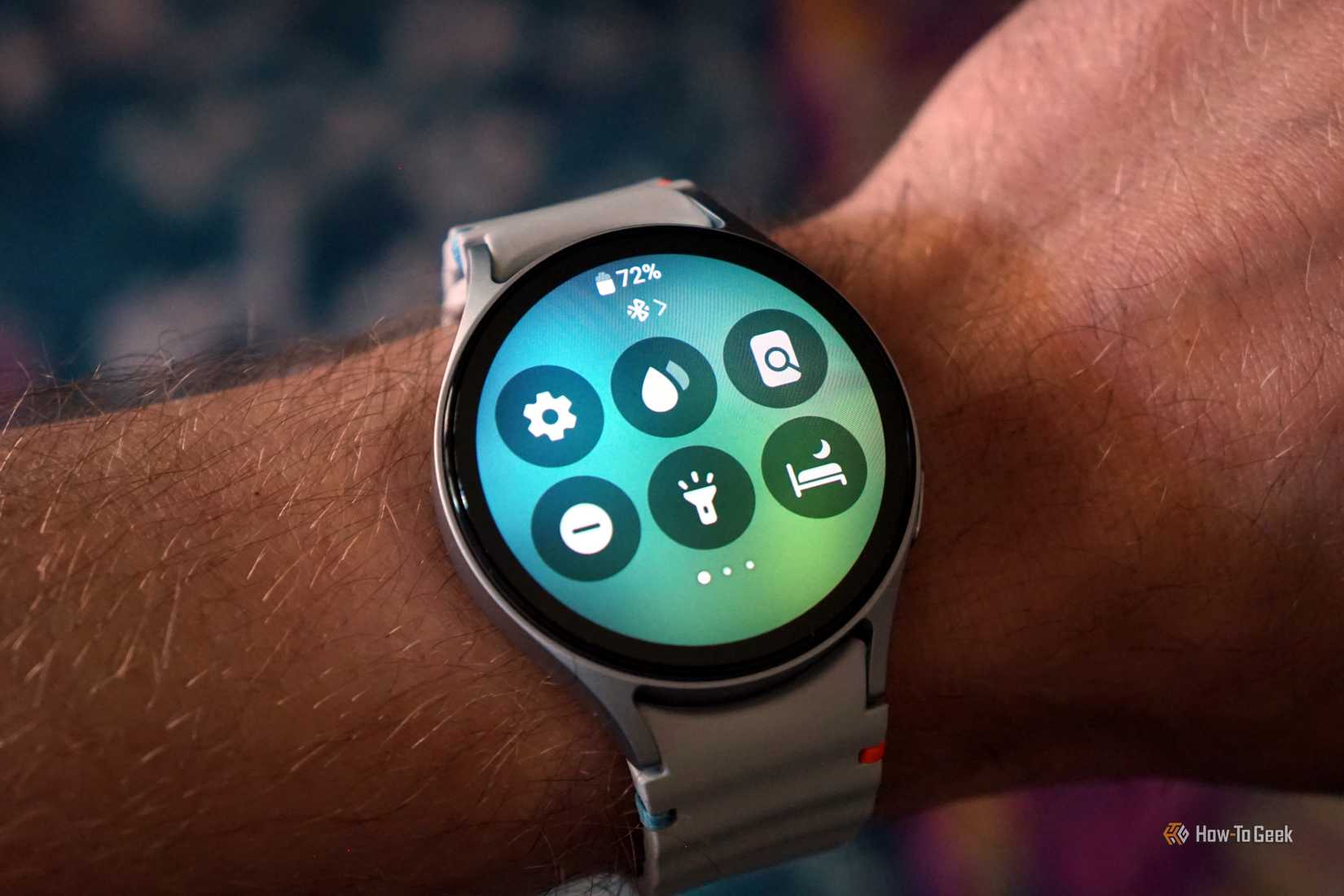
The main reason for that is One UI, and it has too many features. I appreciate the flexibility and customization, but I’ve always found it to be a bit overwhelming. No phone takes longer for me to set up and get to my liking than a Samsung Galaxy. Ironically, I really like all the changes Samsung has brought to Wear OS with One UI on a watch.
Samsung allows you to put multiple tiles on a single page. So, rather than eating up three pages with various health and fitness tiles, they can all be neatly organized in a vertical stack on one page. Samsung also offers much more powerful and useful gestures than Google. I love being able to double-tap my fingers together when I get a text message to send a voice reply.
It’s not only about the watch, either. Samsung’s Galaxy Wearable app lets me do literally everything I can do on the watch from my phone. That includes reorganizing the Quick Settings toggles and the app drawer. Using a small watch screen for certain tasks is annoying, which makes this super handy to me. All in all, Samsung’s watch software makes Google’s feel unfinished.
Related
I Can’t Believe How Good Gestures Are on My Galaxy Watch
Seriously, I’ve been missing out.
Samsung Health is better than Fitbit (Google Health)
The gap is closing, but there’s still a gap
Credit: Bertel King / How-To Geek
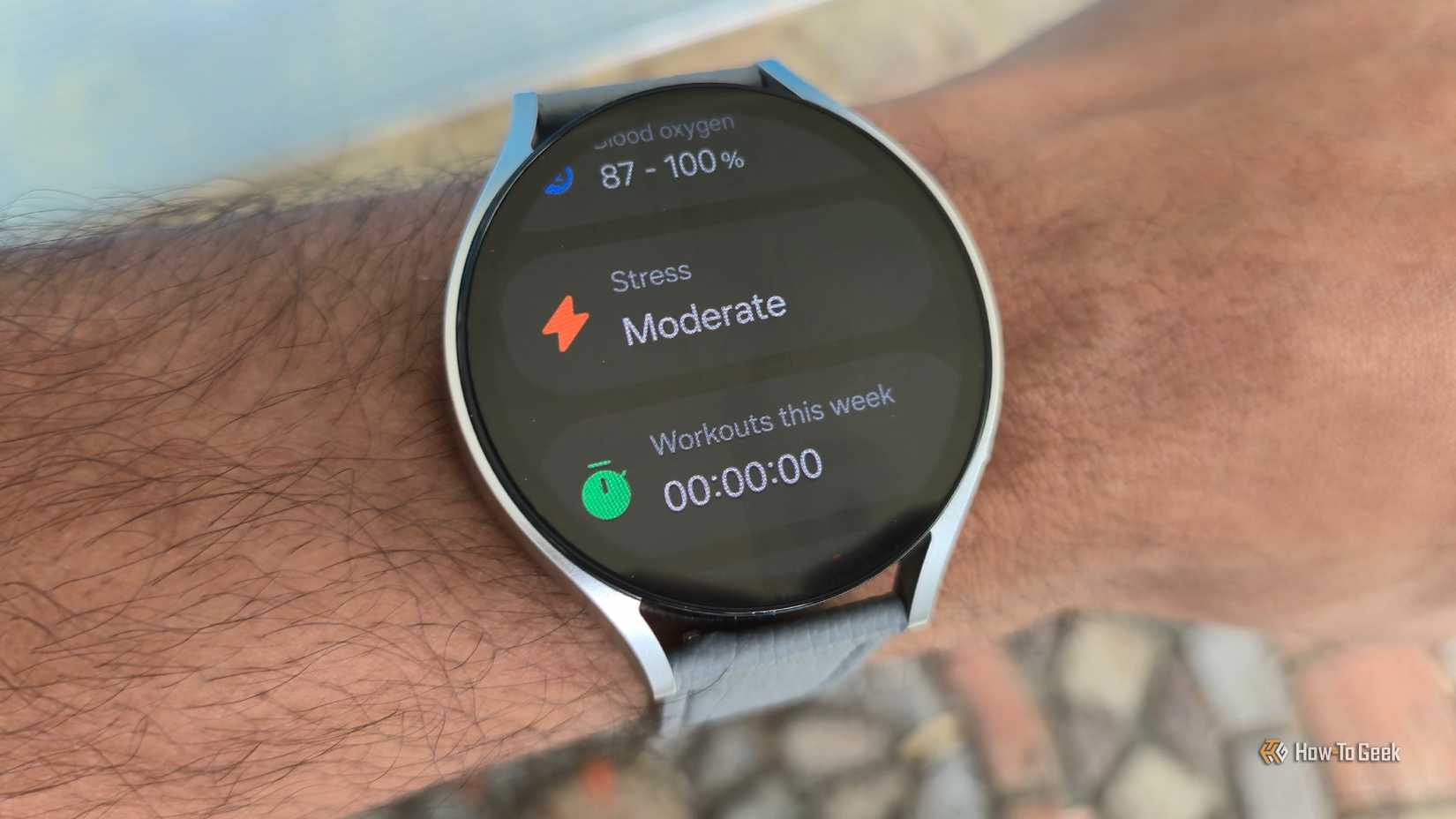
Google is trying hard to be a serious health and fitness company, as we’ve seen with the recent rebrand of Fitbit to “Google Health.” Samsung, on the other hand, doesn’t boast much about its health offerings. Yet, Samsung Health is stealthily the most feature-rich and powerful health platform I’ve used.
The most amazing part? While Google puts some advanced features behind a paywall, Samsung Health is completely free. When I was a serious runner, I noticed that Samsung Health gave me quite a bit more information than Fitbit. My knees have forced me to retire from running, but I’ve noticed the same with other activities as well. You don’t even need a Samsung phone to use it—I’ve mainly paired Galaxy Watches to Pixel phones.
Fitbit/Google Health is certainly good enough, and I really like its design, but Samsung Health is just flat-out better when it comes to data. Maybe there will be a day when Google gets there, but it won’t be free.
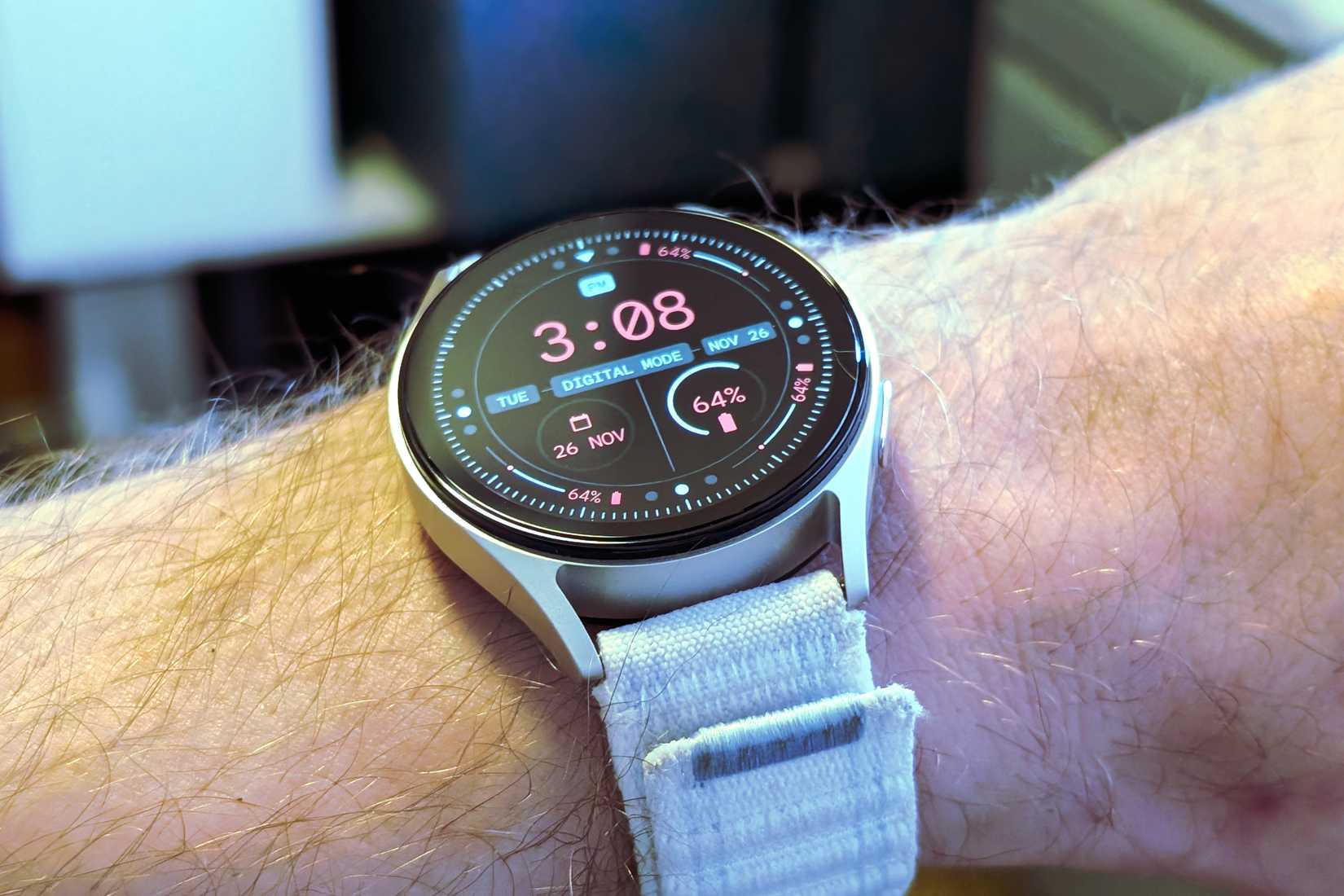
Easier to use the watch bands I already own
But Samsung messed this up, too
Credit: Joe Fedewa / How-To Geek
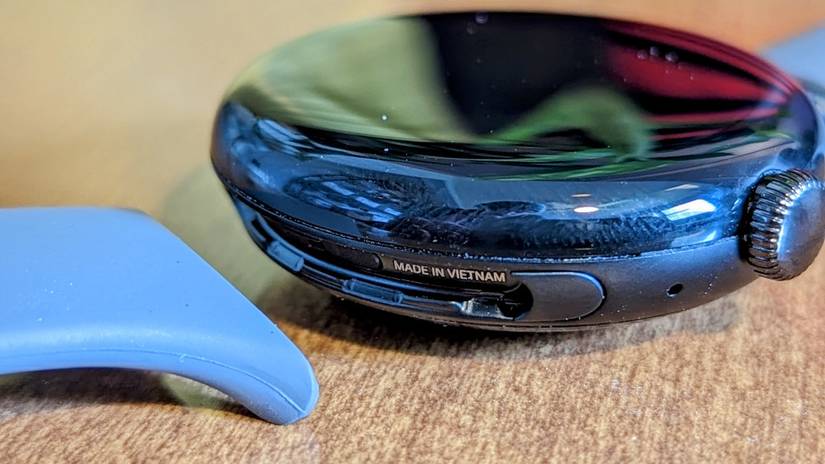
I was extremely critical of the original Pixel Watch for a variety of reasons when I reviewed it in 2022. One of the smaller, but most personal annoyances was Google’s proprietary watch bands. Rather than using the universal lug connectors that watches have had for decades, it created its own system specific for the Pixel Watch.
Meanwhile, Samsung embraced the standardized watch band sizes for numerous generations of Galaxy Watches. Since there are so many bands in these sizes, I accumulated a healthy pile that I loved to rotate through. When I started using a Pixel Watch, I had to give up my collection of watch bands.
Credit: Joe Fedewa / How-To Geek
Now, there are technically a couple of ways to use standard watch bands with a Pixel Watch. However, I personally think almost all of the adapters are ugly, which is why I sacrificed Google’s Two-Tone Leather Band for its lugs—it cost me $50.
Therein lies the problem with proprietary bands. The selection is smaller, and the prices are higher. Unfortunately, Samsung has gone down this path, too. I praised the company for creating a better quick-release mechanism with standard bands on the Galaxy Watch 7 series, but then it abandoned the idea and went fully proprietary for the Galaxy Watch 8. Lame.
Samsung is lowering its standards
As I said, it’s been a couple of years since I used a Galaxy Watch. Naturally, things have changed over time. I realized the gap between the Pixel Watch and Galaxy Watch isn’t as big as it used to be, but I’m not sure I like the reason why.
It feels like Samsung has lowered itself to Google’s level. For the first few generations of Pixel Watch, the Galaxy Watch was the obviously better option. Universal watch bands, free health and fitness services, better software features, and, the kicker, considerably more affordable. Now, the watch band advantage is gone, and Samsung has increased prices to match Google. How much longer will Samsung Health be free?
Despite all that, I still really enjoy the Galaxy Watch experience. Even after four generations, Google’s simplified approach feels amateurish compared to Samsung’s. That’s not to say I don’t still like the Pixel Watch, too, but it’s clear that Samsung is still king.
Heart Rate Monitor
Yes
Operating System
One UI 6 Watch, Wear OS 5
Onboard GPS
Yes
Display Size
1.3/1.5 inches
Case Material
Aluminum
Display
Super AMOLED, Sapphire crystal
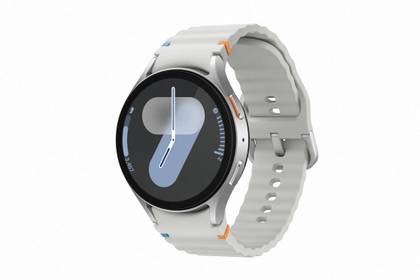
The Samsung Galaxy Watch 7 is Samsung’s entry-level smartwatch for 2024. It resembles the Galaxy Watch 6 but features an enhanced Exynos W1000 chipset, promising significantly improved battery life and performance.
Heart Rate Monitor
Yes
Color Screen
Yes
Notification Support
Yes
Battery Life
Up to 40 hours with always-on display
Operating System
Wear OS 6
Onboard GPS
Dual Frequency GPS: GPS, Galileo, Glonass
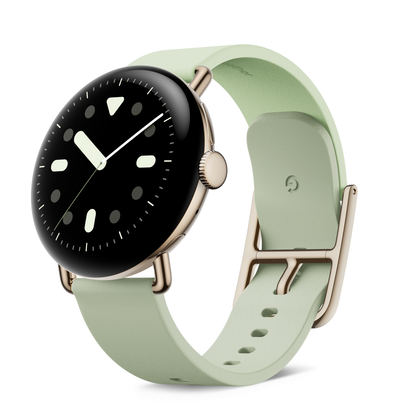
The Pixel Watch 4 is made to work seamlessly with your Pixel (or other Android) device. The domed display offers a fantastic view of anything you need on your smartwatch, from the time to in-depth fitness insights.