
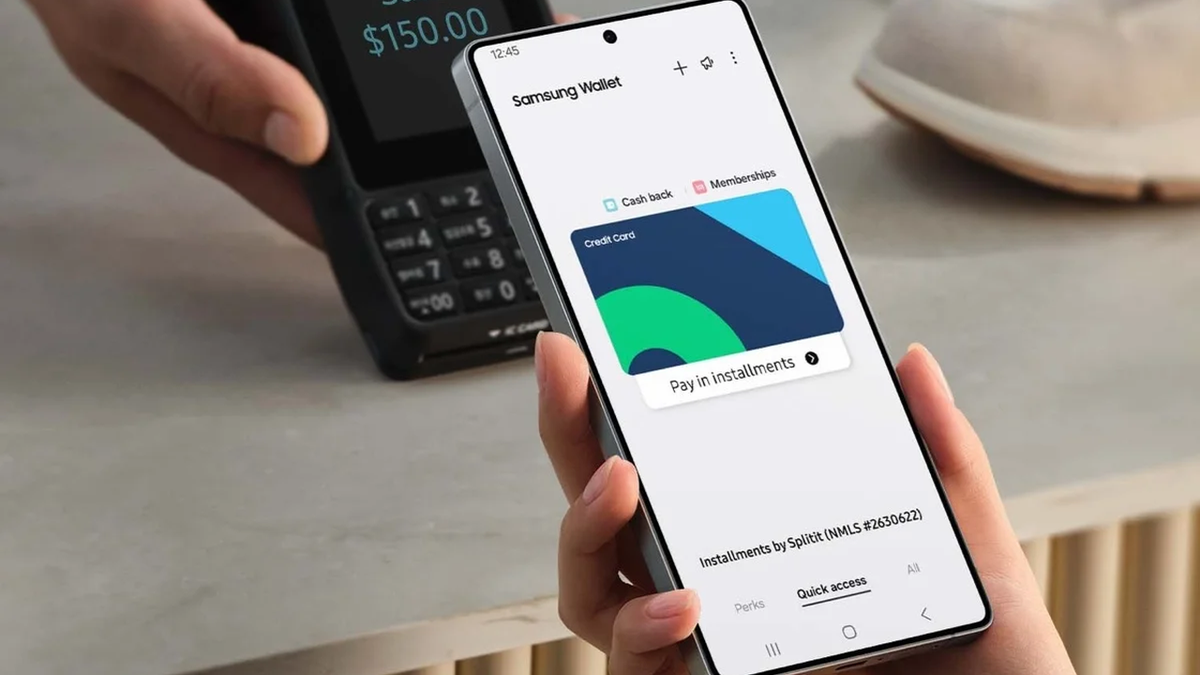
Paying with your phone is already quite convenient, but having your passport and other IDs inside your Wallet app is next level.
Google Wallet and Apple Wallet have been offering this feature in the US for quite some time, but the option was missing on Samsung phones. Well, not anymore.
Samsung ID with CLEAR
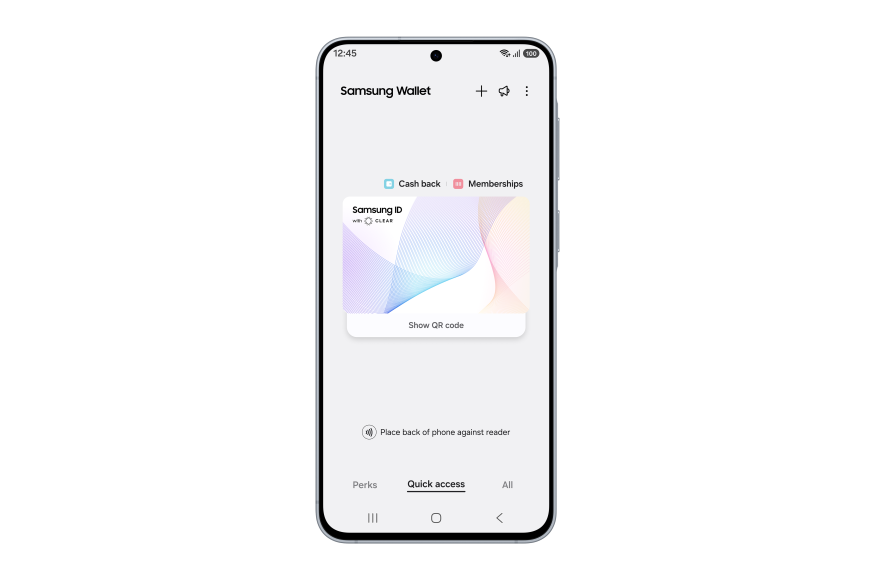
Your ID inside Samsung Wallet | Image by Samsung
Today the Korean tech giant officially announced its partnership with a company called CLEAR and a new feature in Samsung Wallet — Samsung ID with CLEAR.”Samsung ID with CLEAR is a digital ID backed by information in your US passport and verified by CLEAR. This enables travelers to verify their identity at more than 250 Transportation Security Administration (TSA) checkpoints using just their phones with ID in Samsung Wallet,” reads part of the official press release.
The new Samsung ID with CLEAR feature works only in the US
For the moment, this new feature is limited to domestic use inside the US. You will be able to identify yourself not only at the aforementioned 250 TSA points but also at sporting arenas, such as the BMO Stadium in LA.
It’s not clear whether this option will expand outside the US, but given the fact that CLEAR operates nationwide, for the time being such expansion seems unlikely.
In terms of security, a fingerprint or PIN is required for access, and these are backed up by Samsung Knox and encrypted on your Galaxy phone.
You still need to carry your physical passport
It’s also worth noting that you still need to bring your physical passport with you. Not only during international travel but also domestically. The feature is meant to make your life easier and let you keep your papers in the bag while passing security checkpoints, but you still need to have them with you.This is not stated explicitly in the press release, but Samsung did write that users will be able to “leave their physical IDs in their bag and rely on secure digital identity instead,” implying that you can’t just leave your physical passport at home while you travel.How to set up your Samsung ID with CLEAR?
Setting up the feature is very simple. Here are the steps:Open the ‘Quick Access’ tab in Samsung Wallet.Click ‘+.’Select ‘Digital IDs.’Then, select ‘Samsung ID with CLEAR.’Click the ‘Get Card’ button and follow the prompts.
And that’s it. Once your ID is in there, you will be able to bring it up with a tap or a QR scan and leave your physical documents safely stored in your bag.
Dell Laptops flash sale! Limited time offer!
Save $30 on Dell laptops from Back Market. Discount automatically applied at checkout. Offer ends 31 May 2026 at 23:59.
Get at Back Market
Read the latest from Mariyan Slavov